Creating a group (static or dynamic)
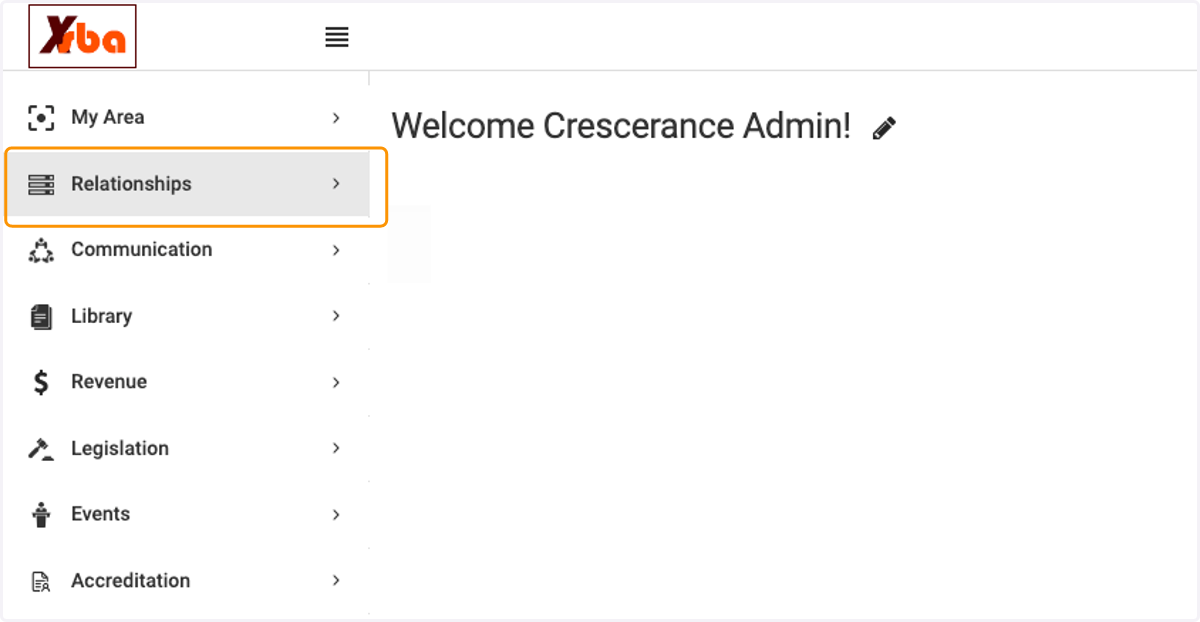
1. Click on Relationships
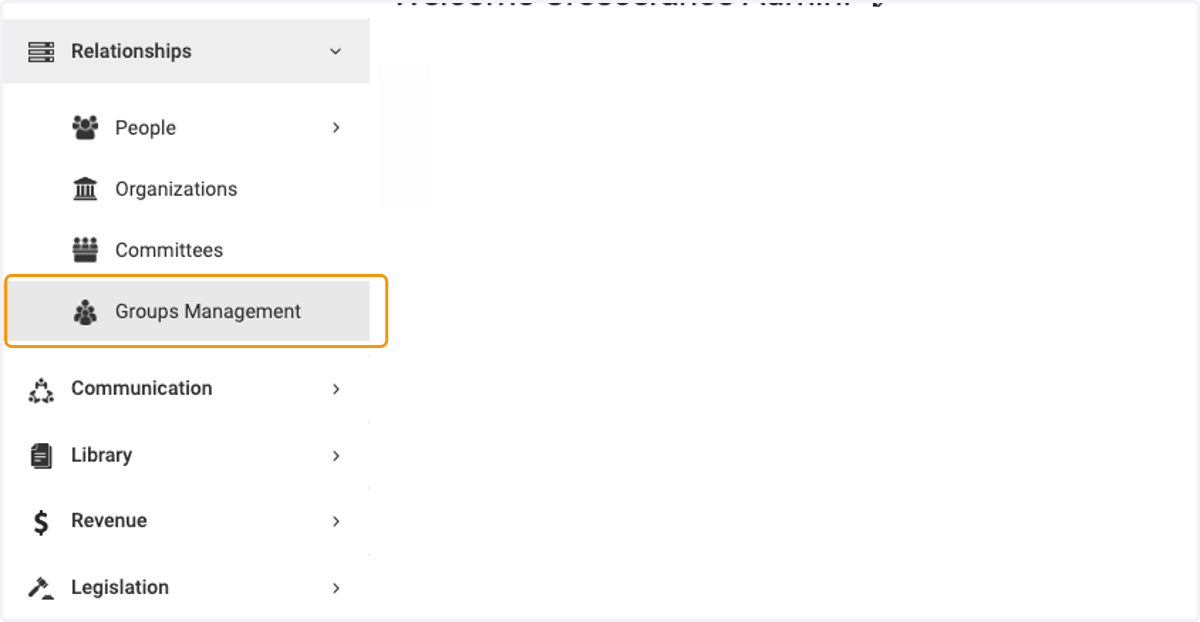
2. Click on Groups Management
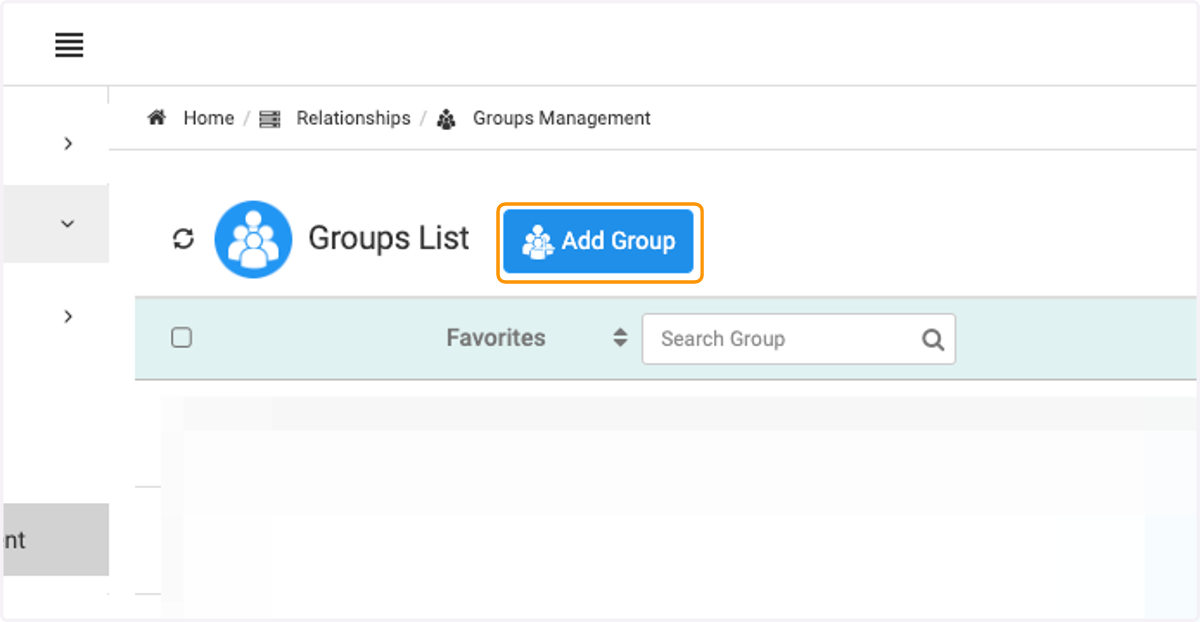
3. Click on Add Group
4. Type a name for the new group
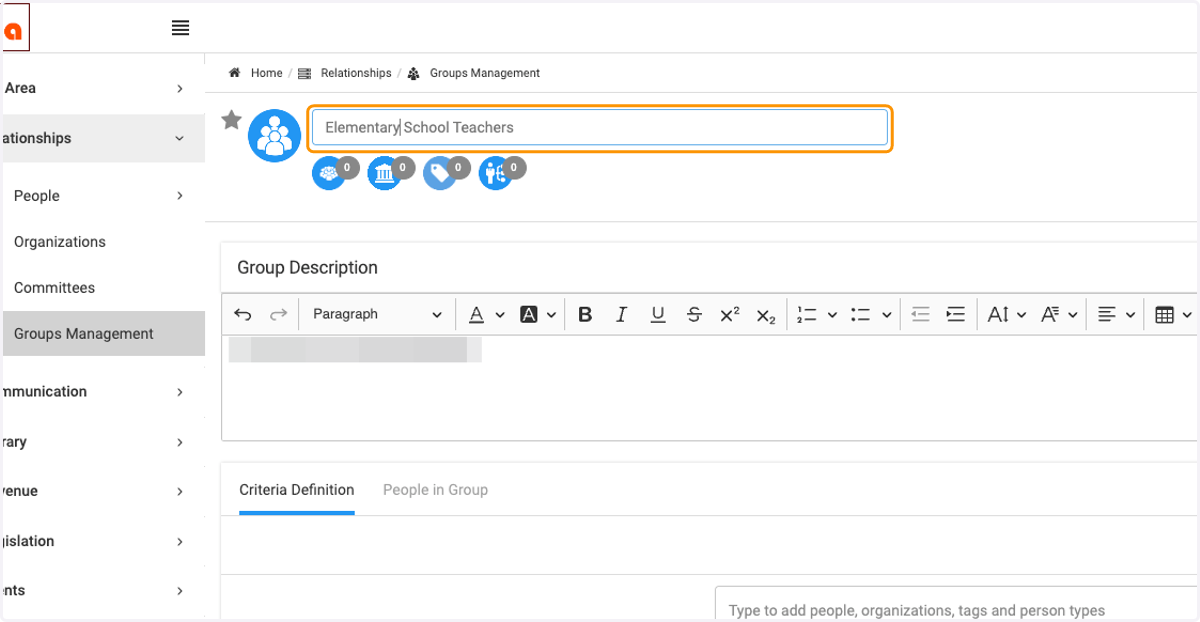
5. Give a description of the group (if needed)
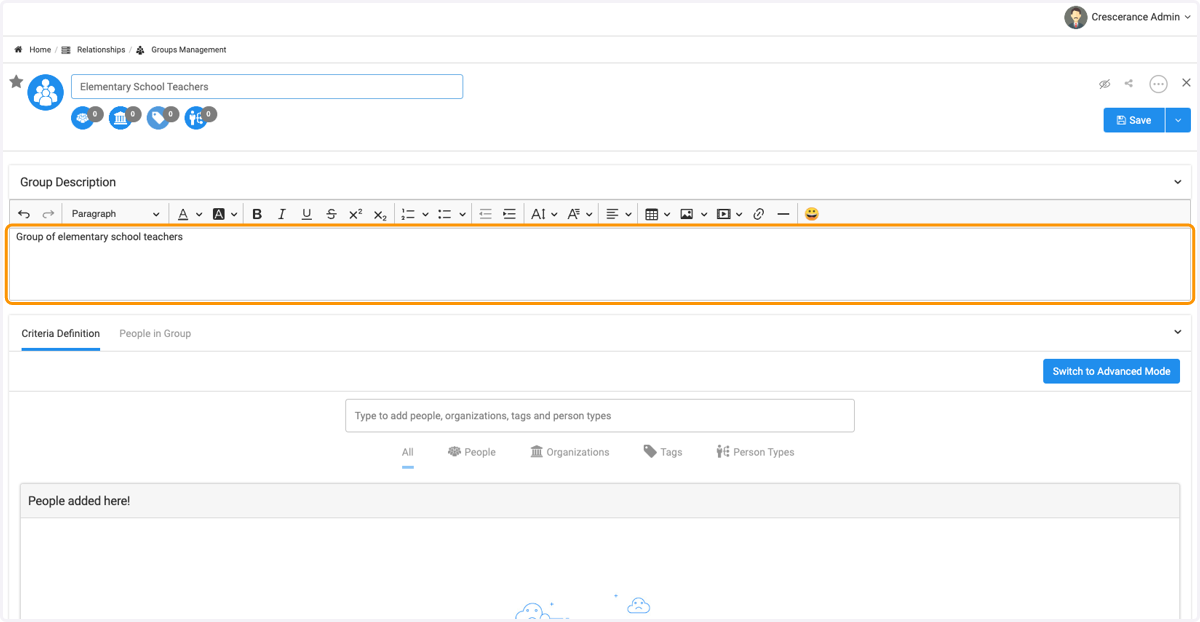
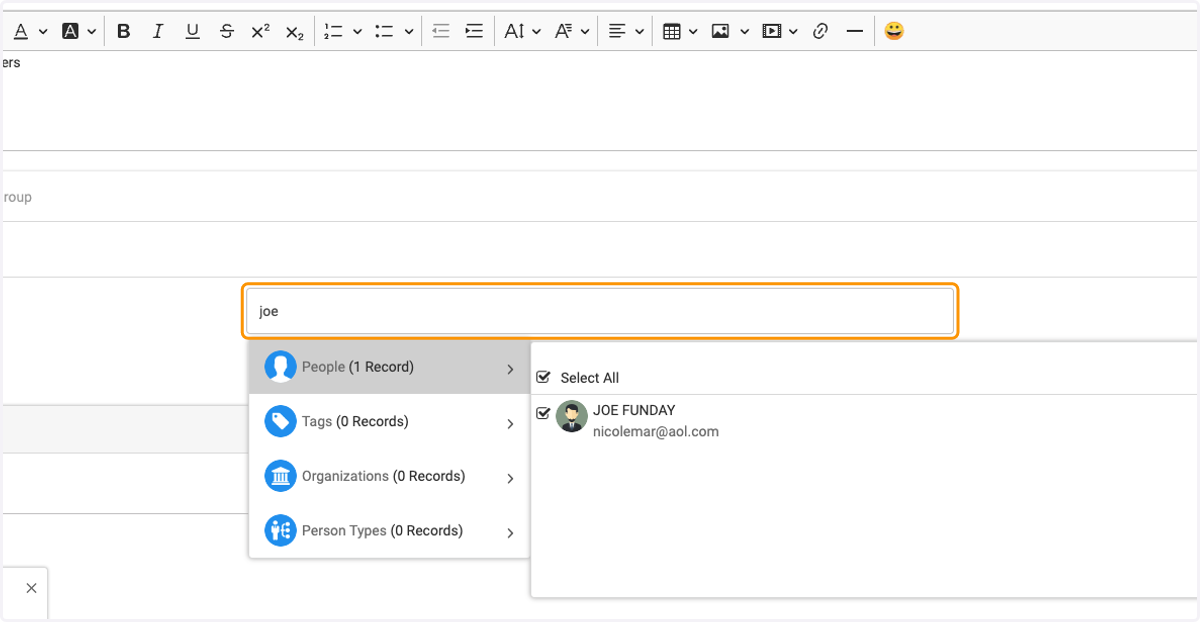
6. To create a static group you manage, type the person name or organization that you want to add.
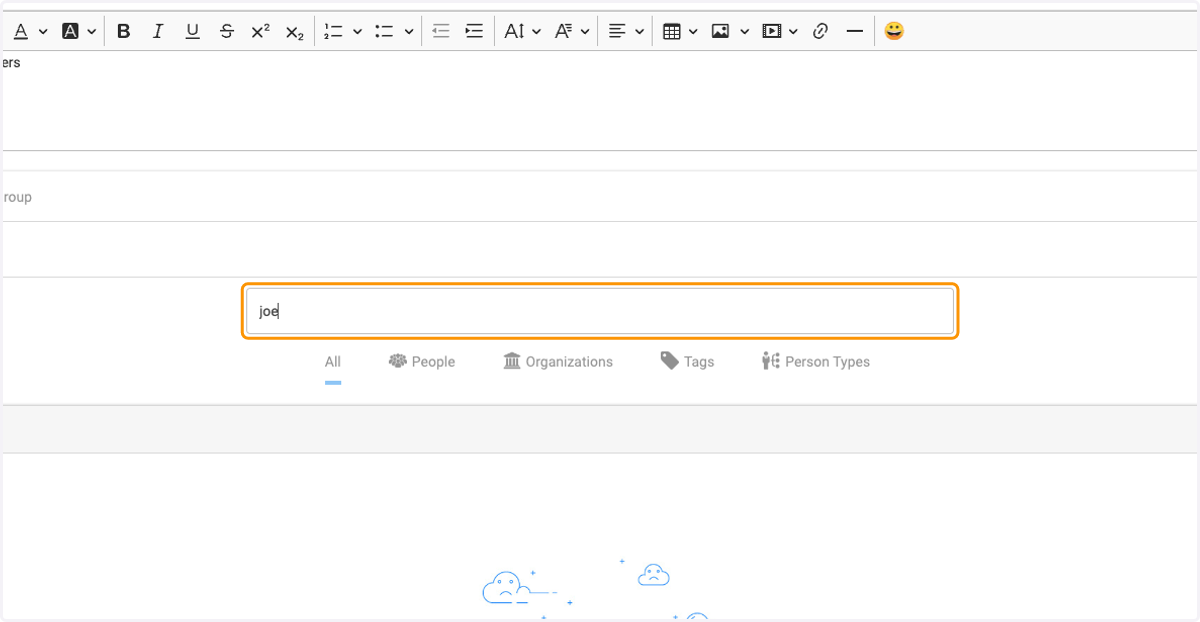
7. Click on Type to add people, organizations, tags and person types
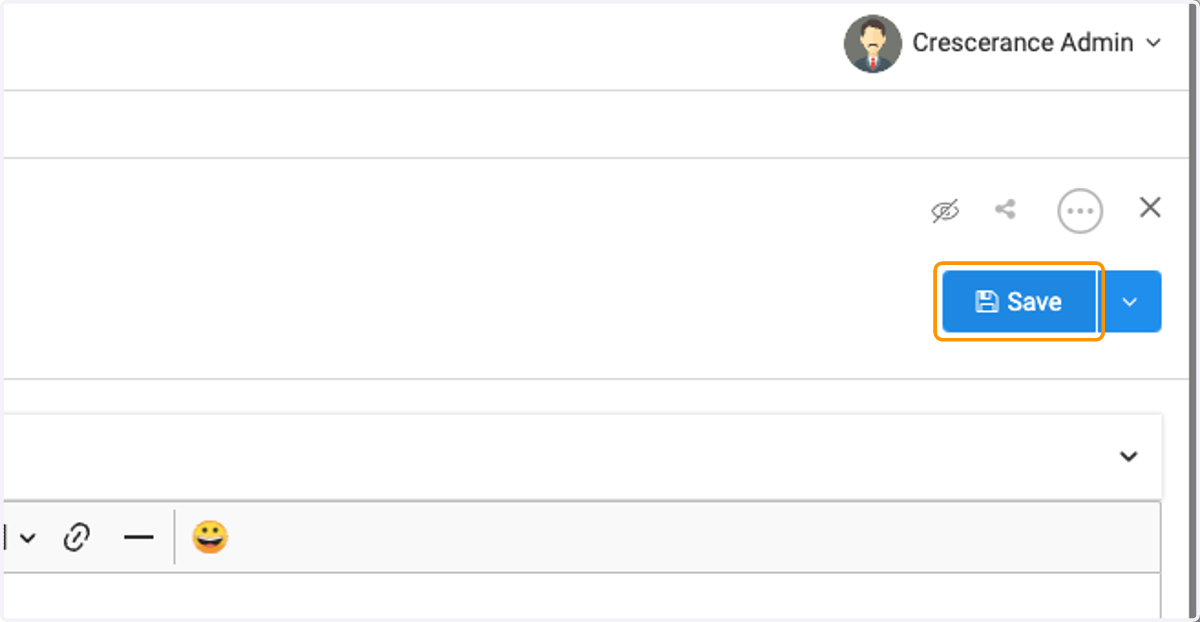
8. Click on Save
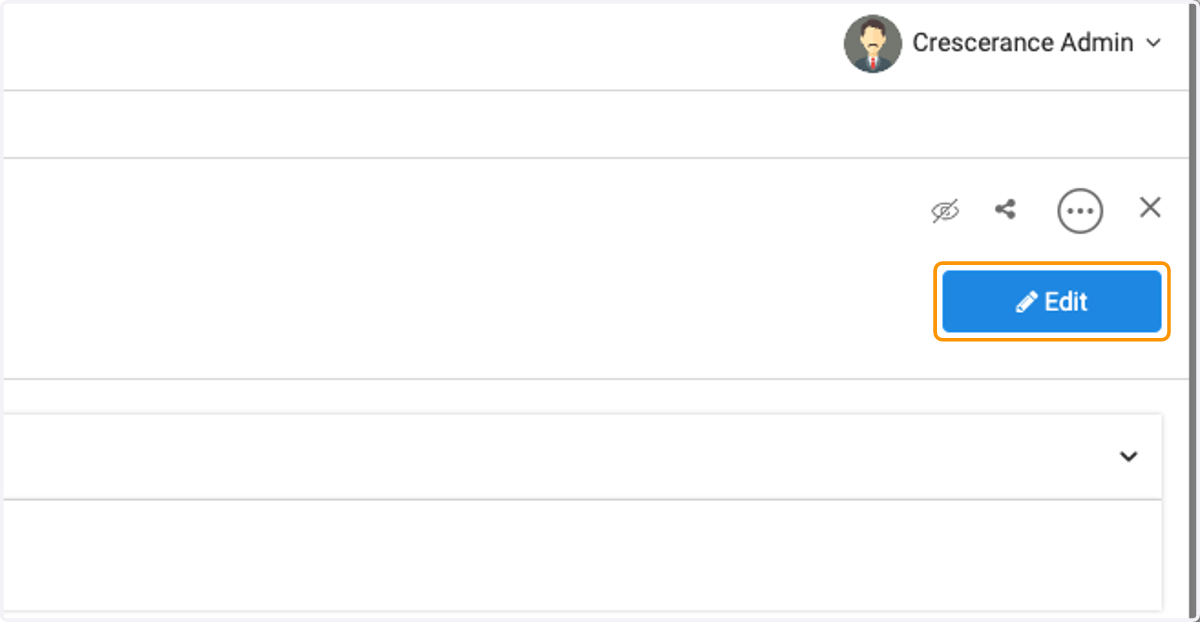
9. To create a dynamic group, click on Edit
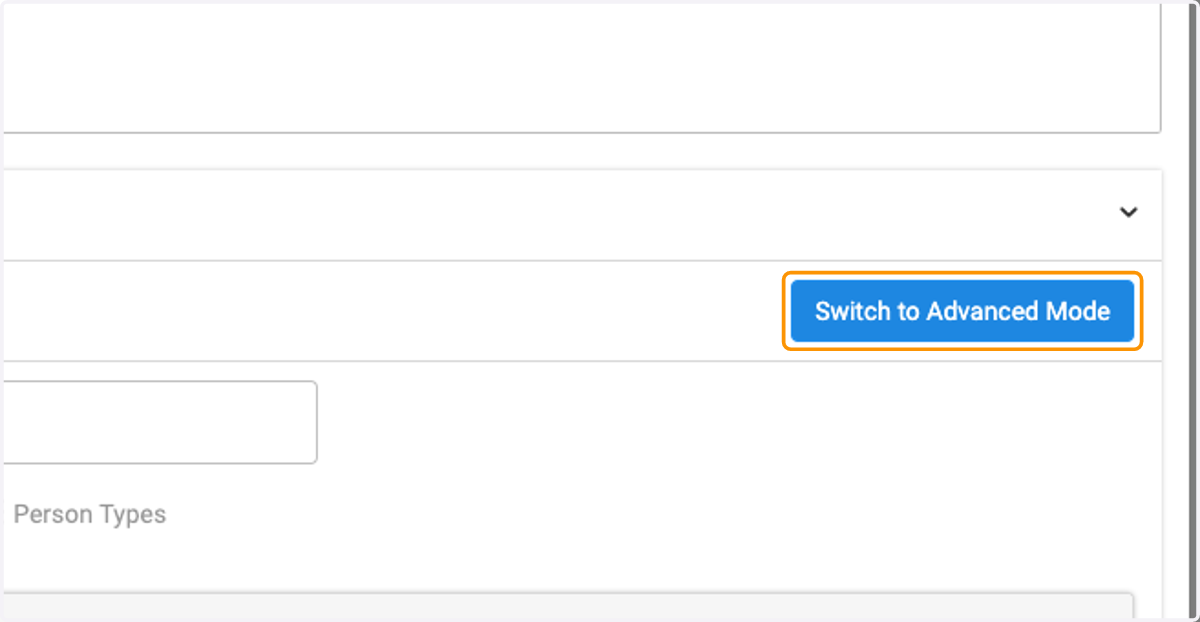
10. Click on Switch to Advanced Mode
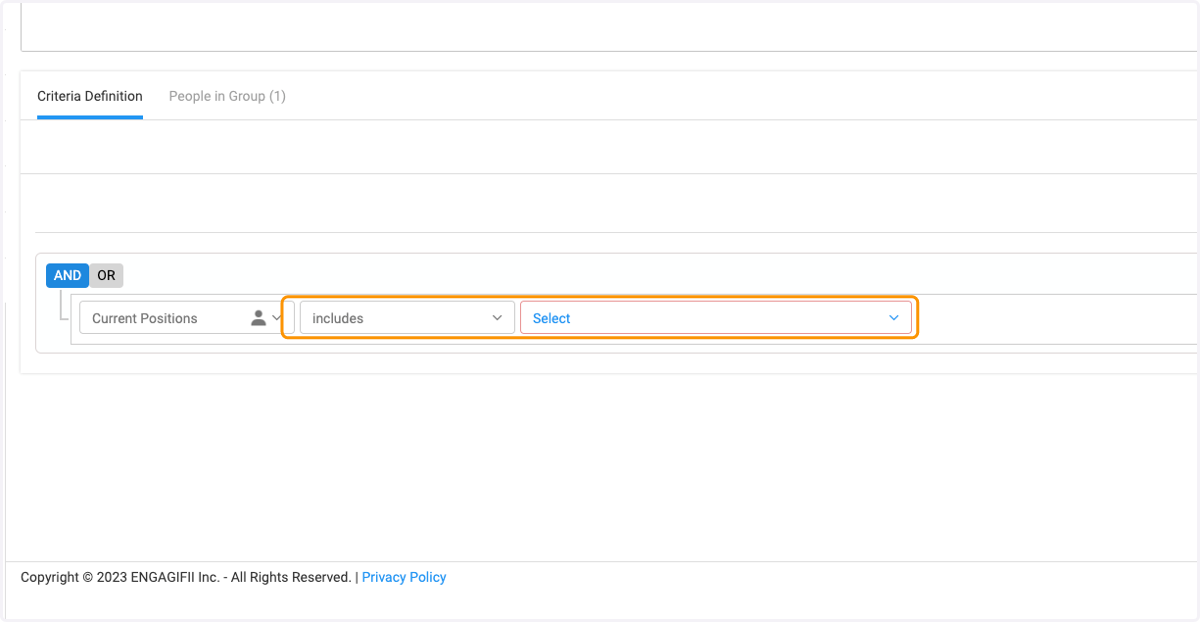
11. Create group rules by selecting And / Or and then selecting the group criteria
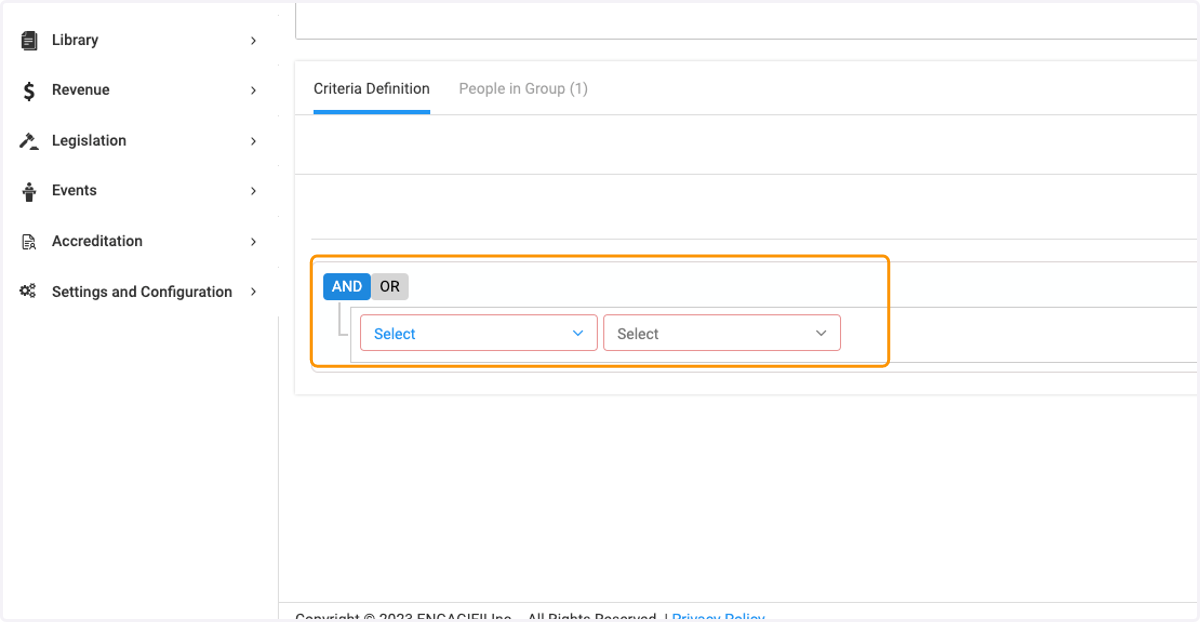
12. Click on Person Type Field to chose criteria from drop down list for Person or Organization
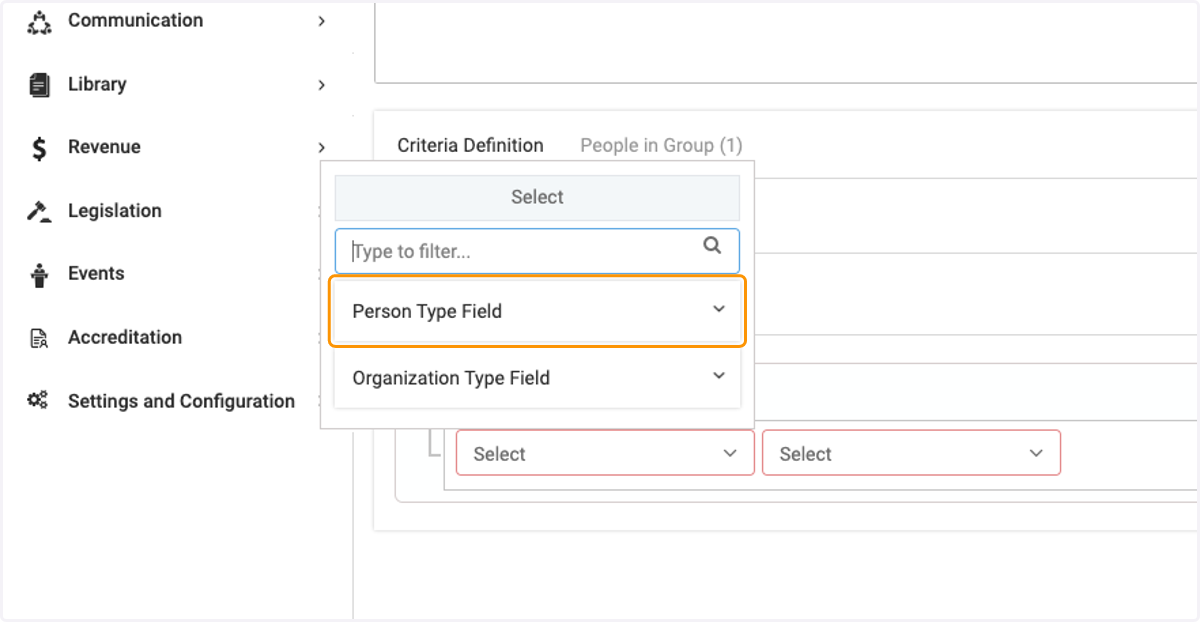
13. Click on Select to complete criteria selections
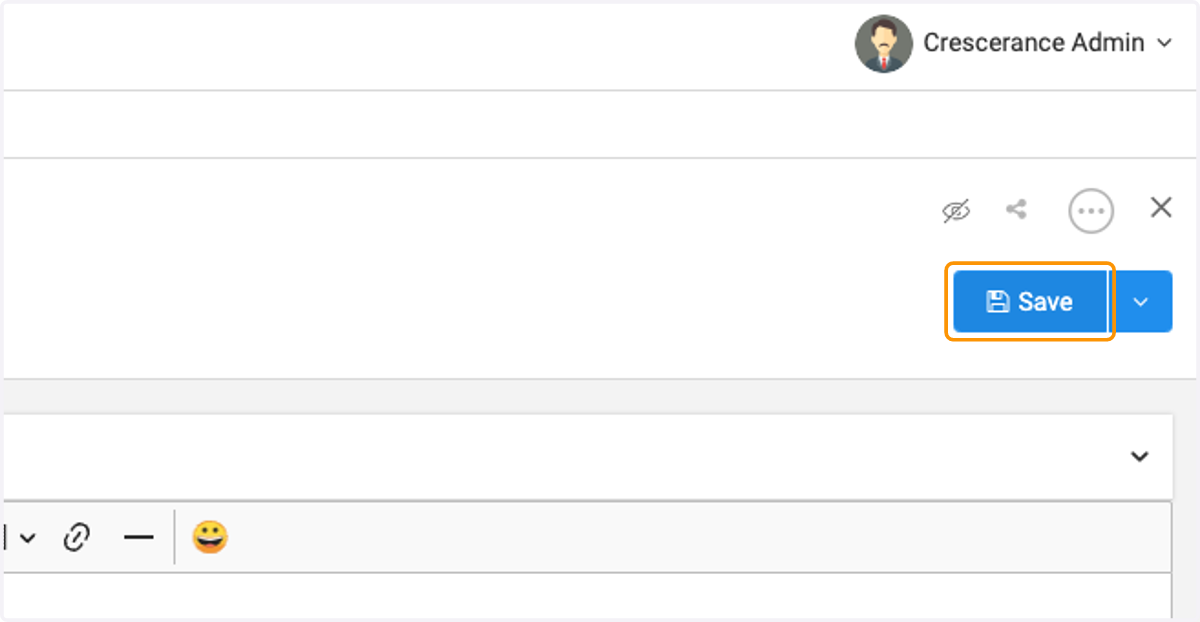
14. Click on Save
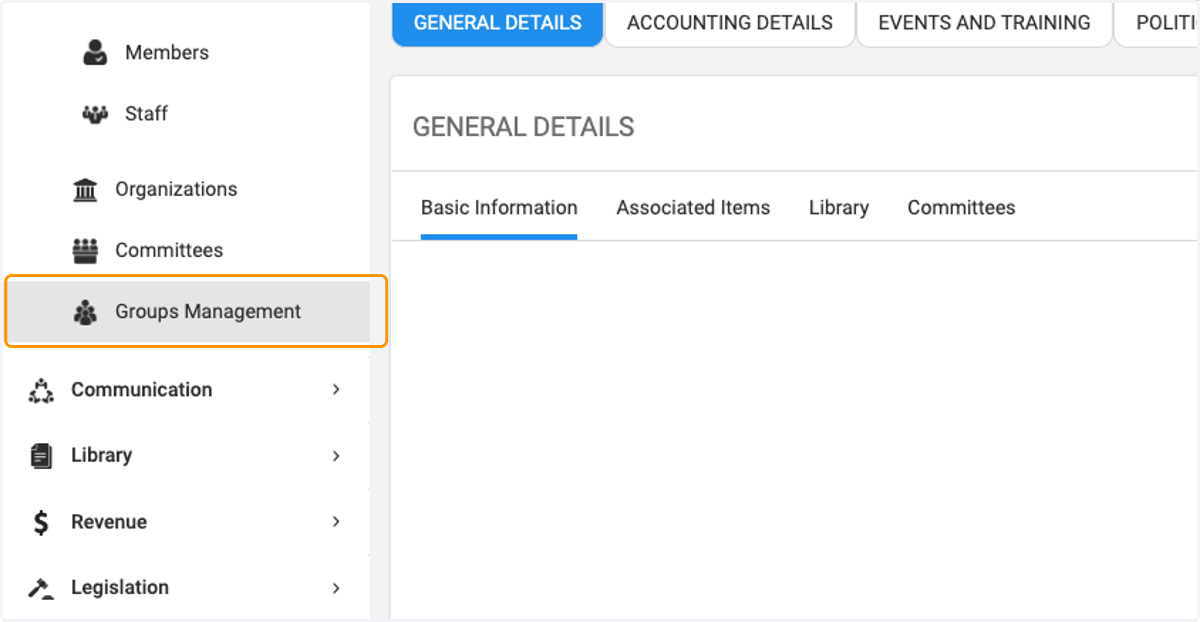
15. Click on Groups Management to view members in Dynamic Group
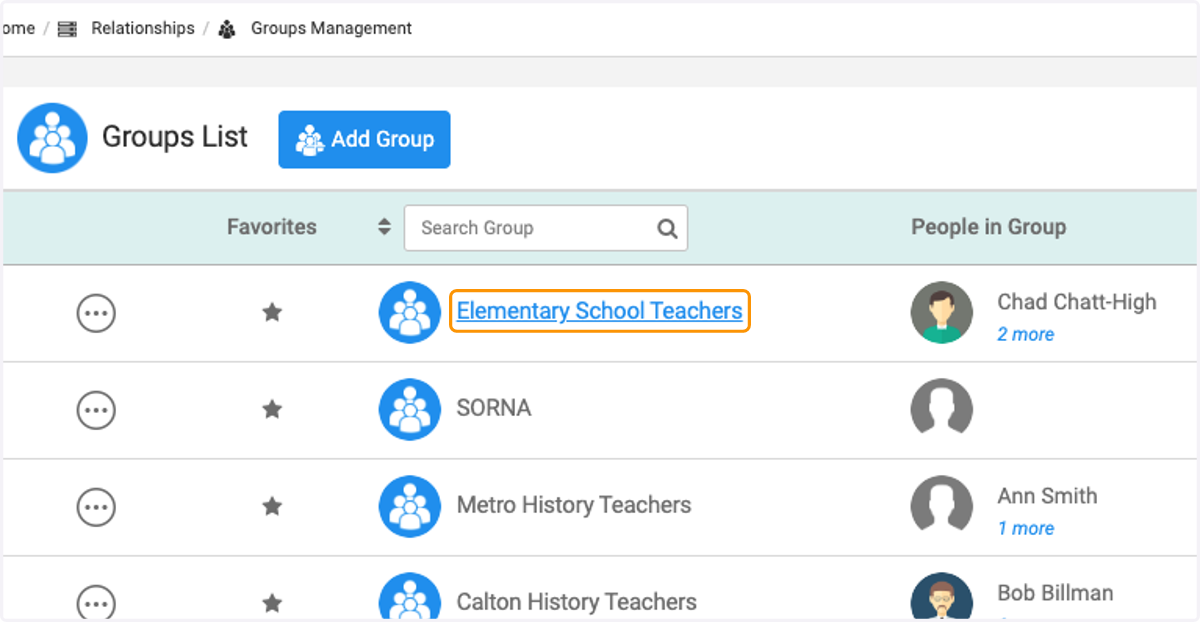
16. Click on Elementary School Teachers
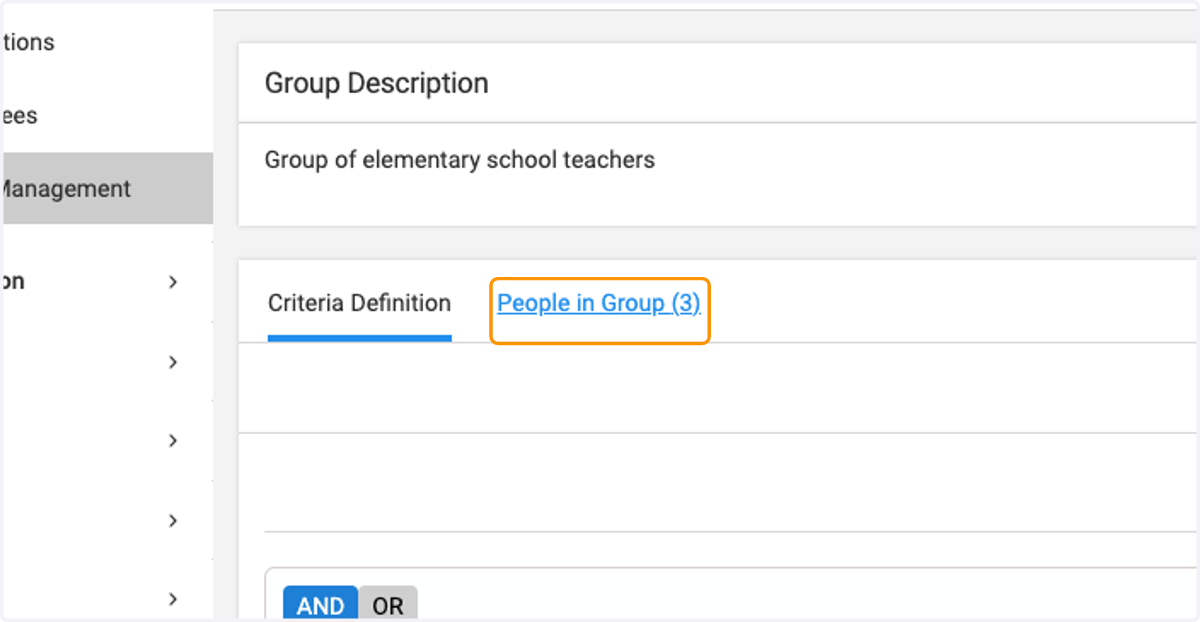
17. Click on People in Group (3)