How to add new user to the platform
Ocerli
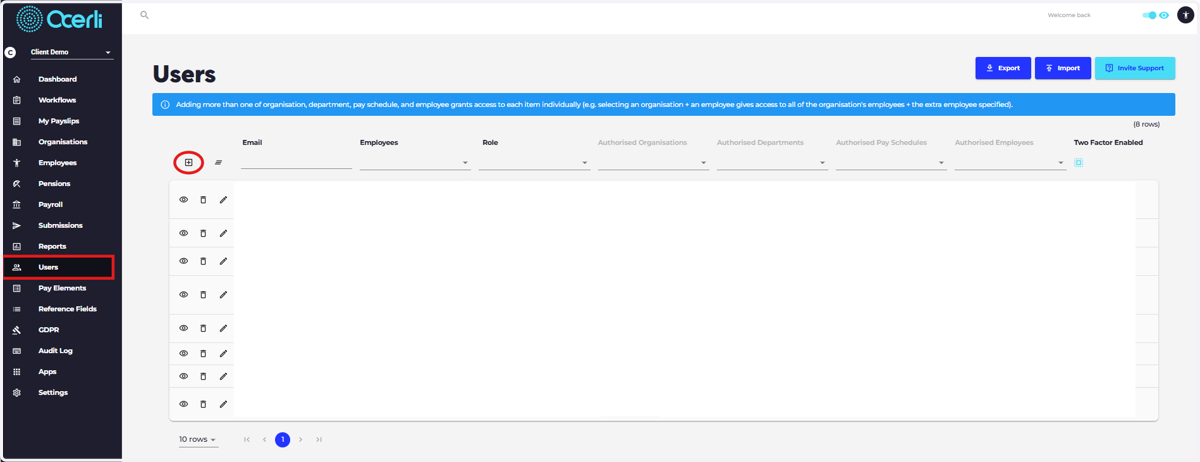
1. Navigate to the Users screen on the main menu on the left and select the 'Add New Record' icon
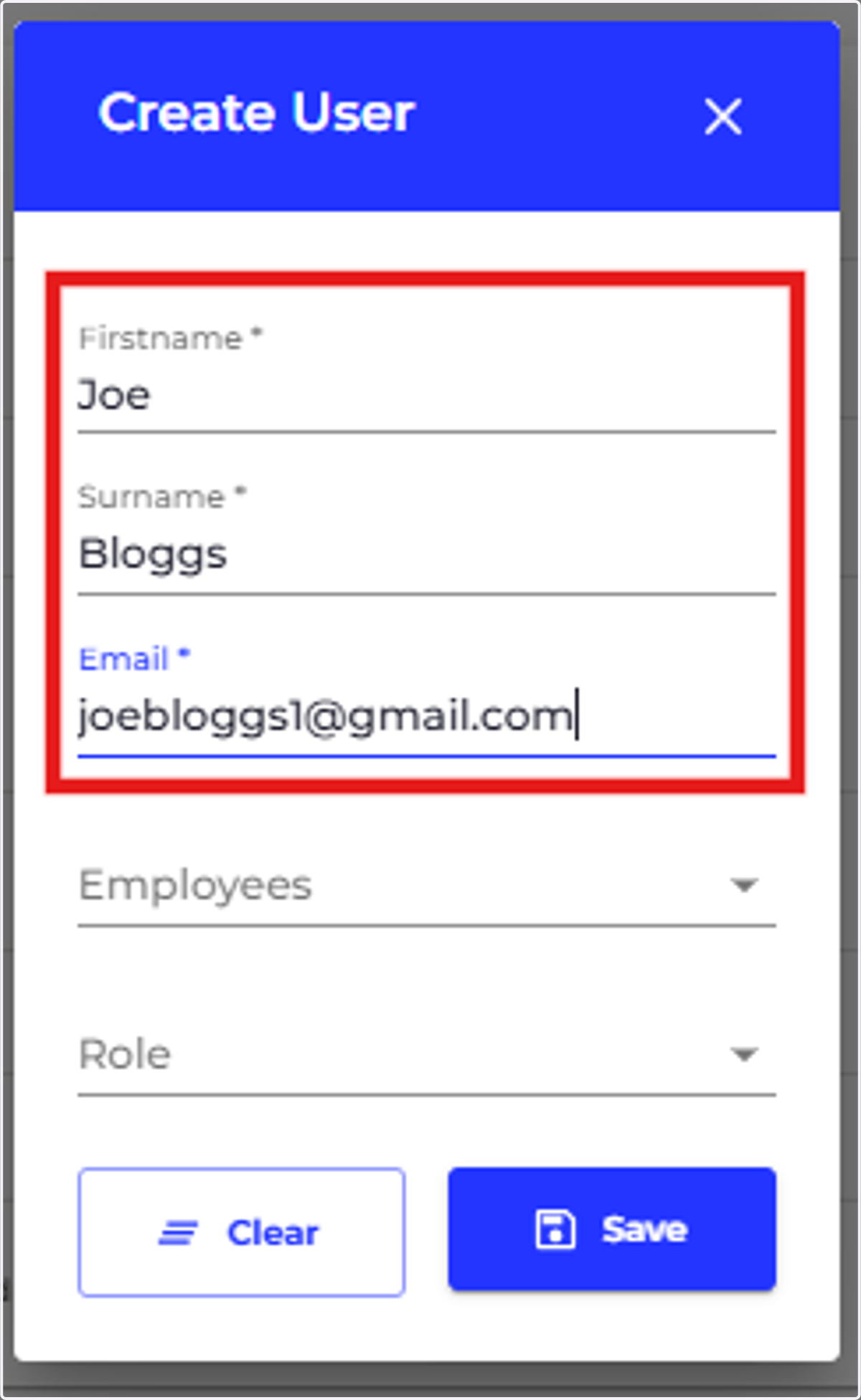
2. Type First Name, Surname and Email Address
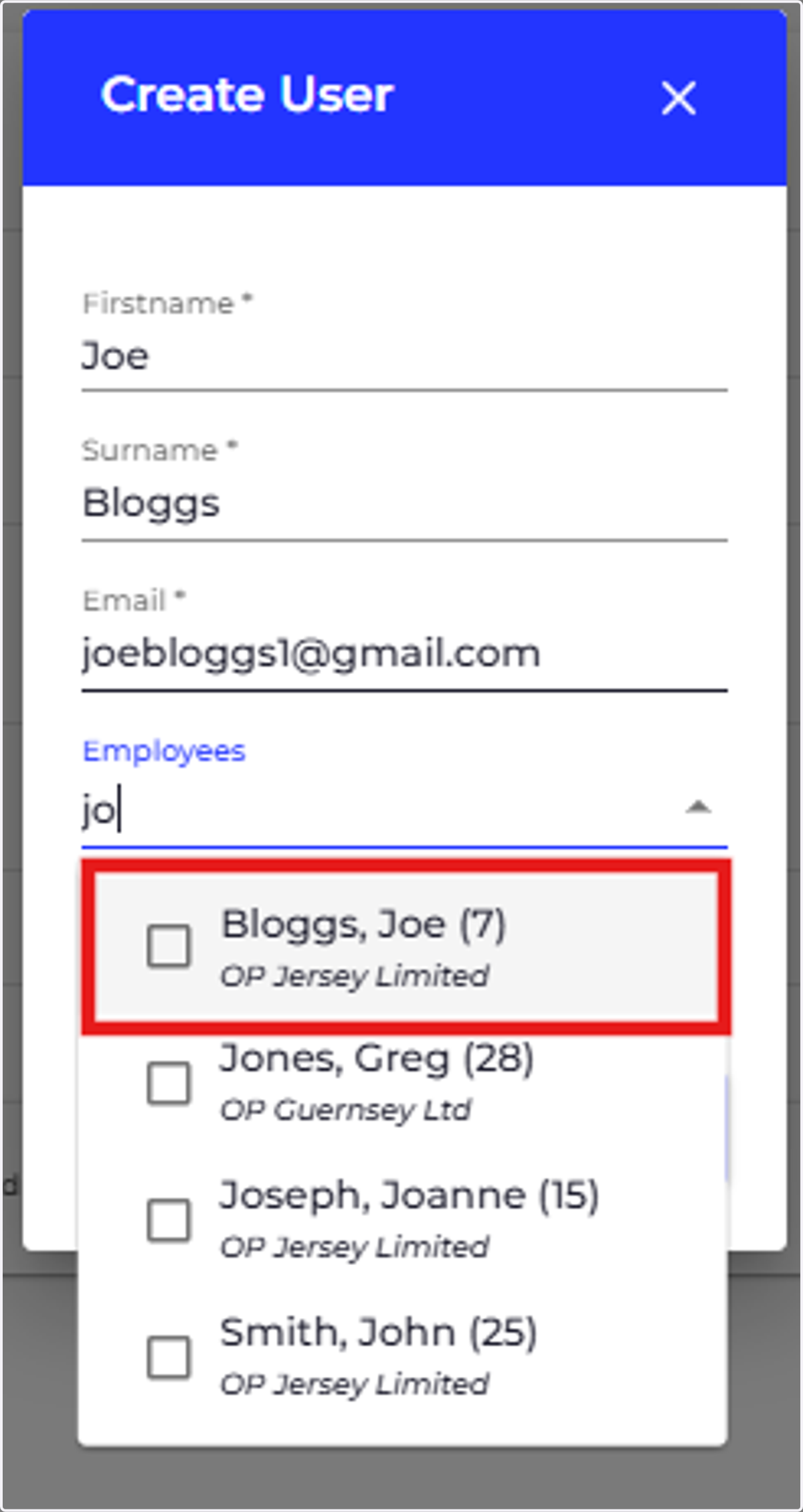
3. Search for the employee and select their record.
Please note that before adding a user you should create a new employee record first. Please refer to the guide "Adding a New Employee"
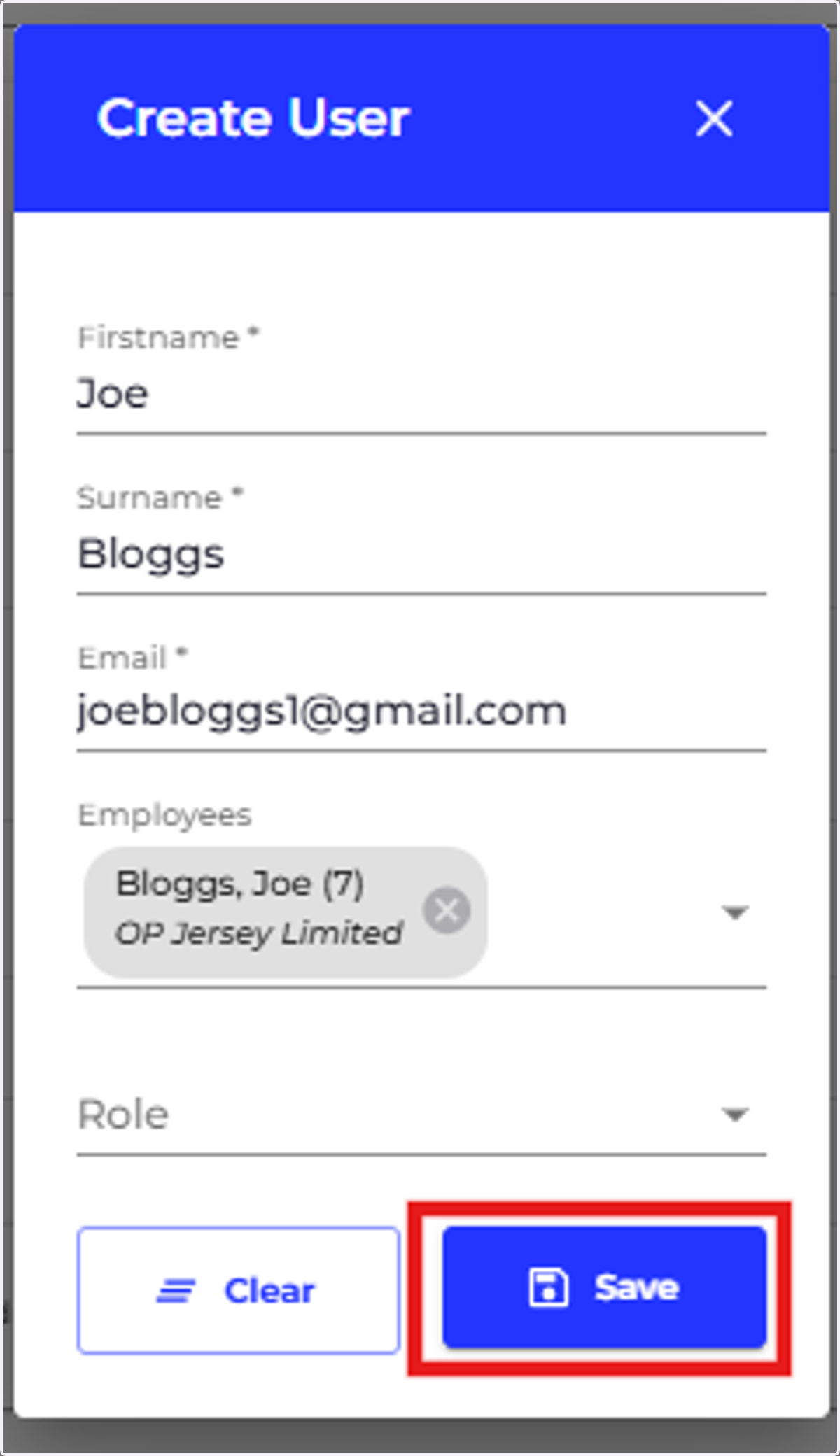
4. Click on SAVE