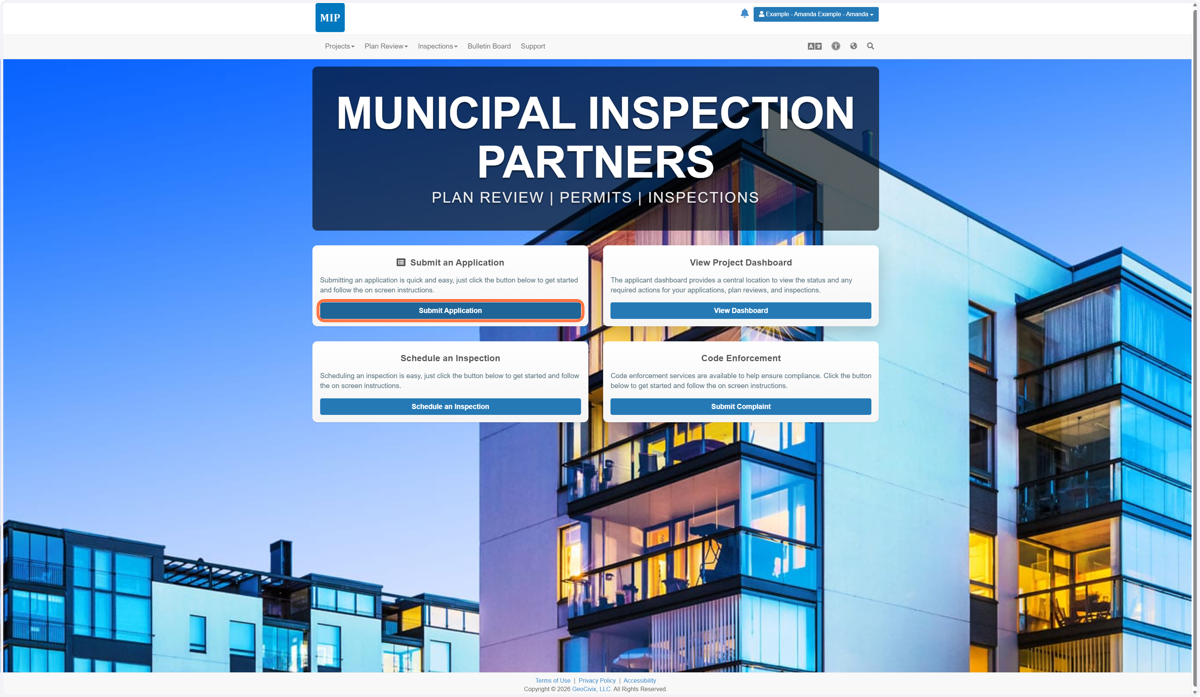
Registering in GeoCivix
mip.geocivix.com/secure/
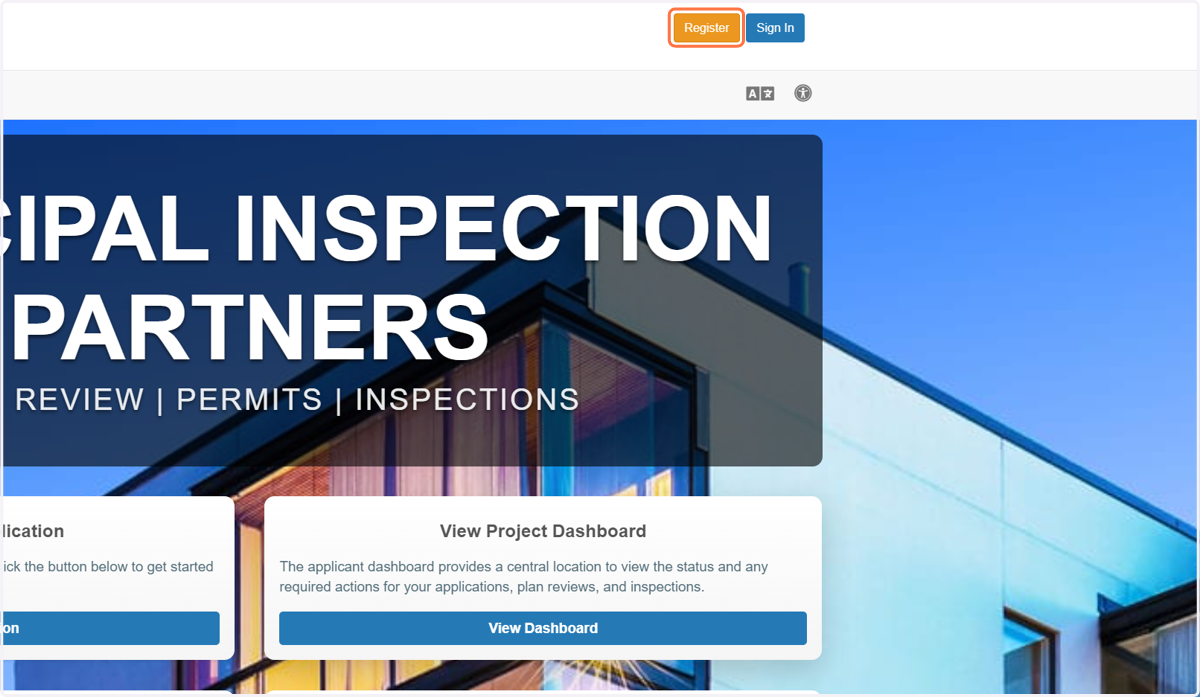
1. Click on Register
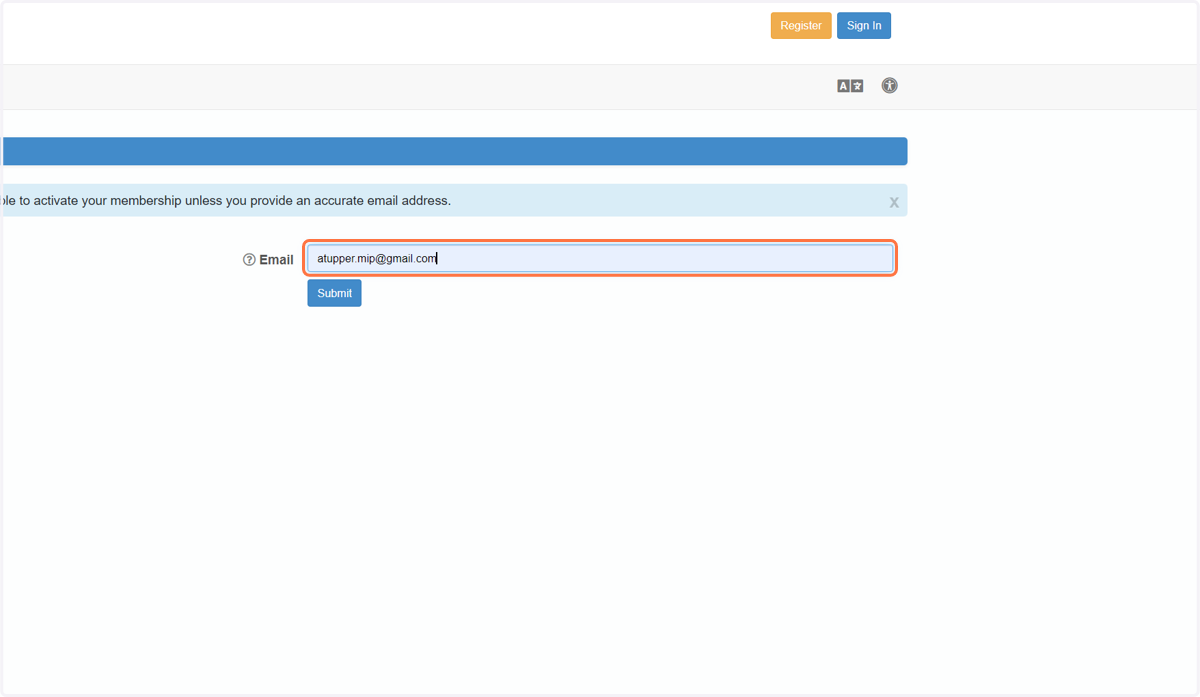
2. Type in your emai
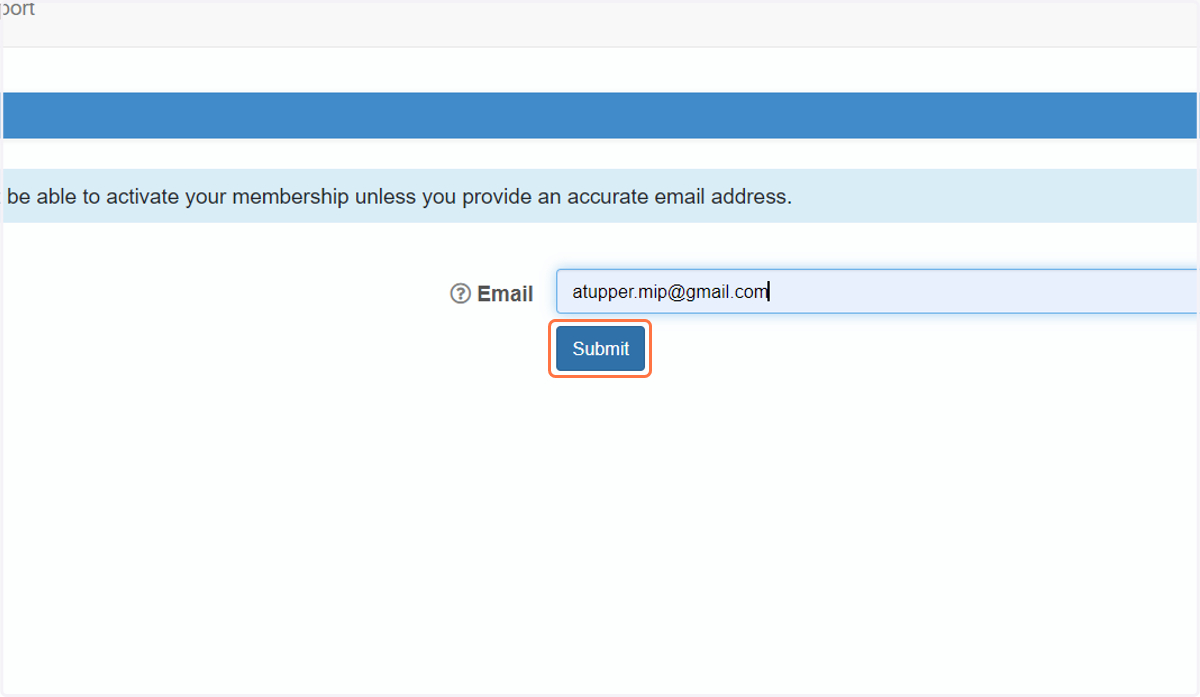
3. Click on Submit & Check your inbox to verify your email address
4. Click the link in your email to finish registering
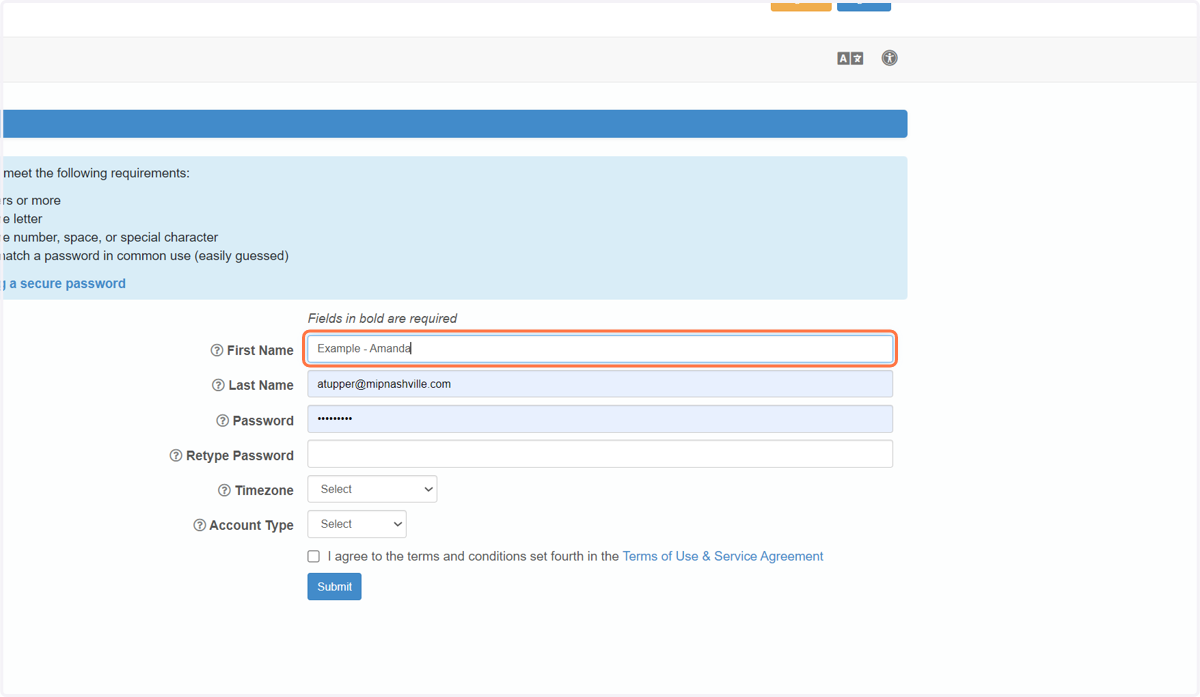
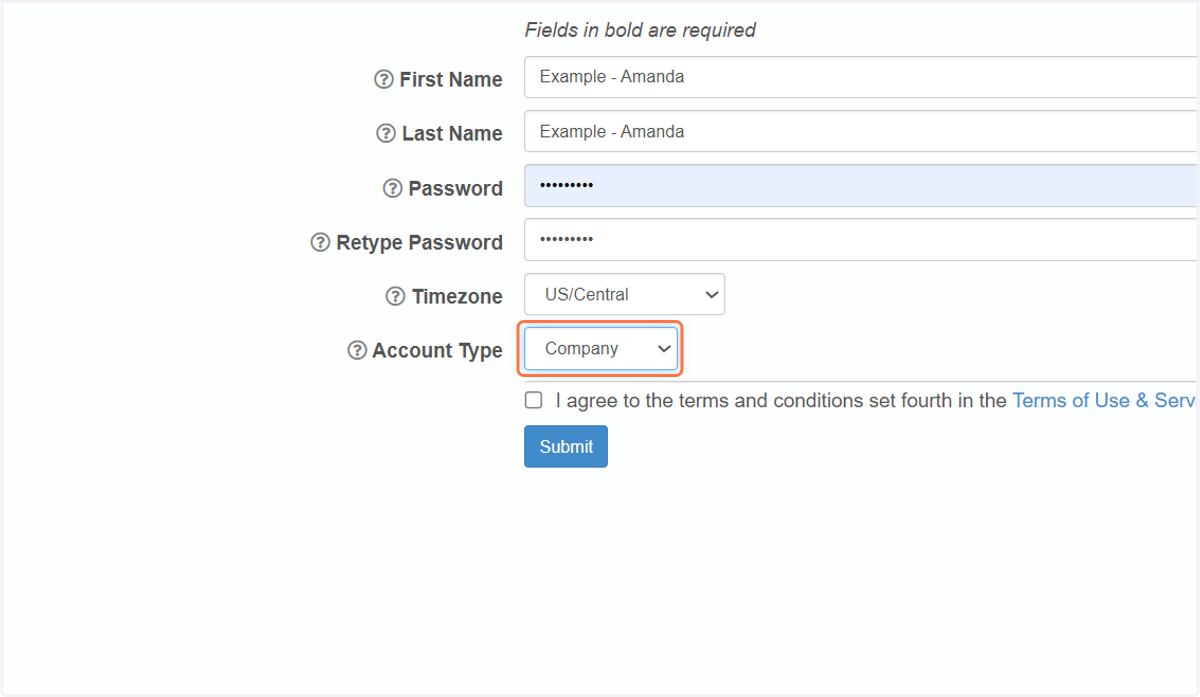
5. Select your Account Type
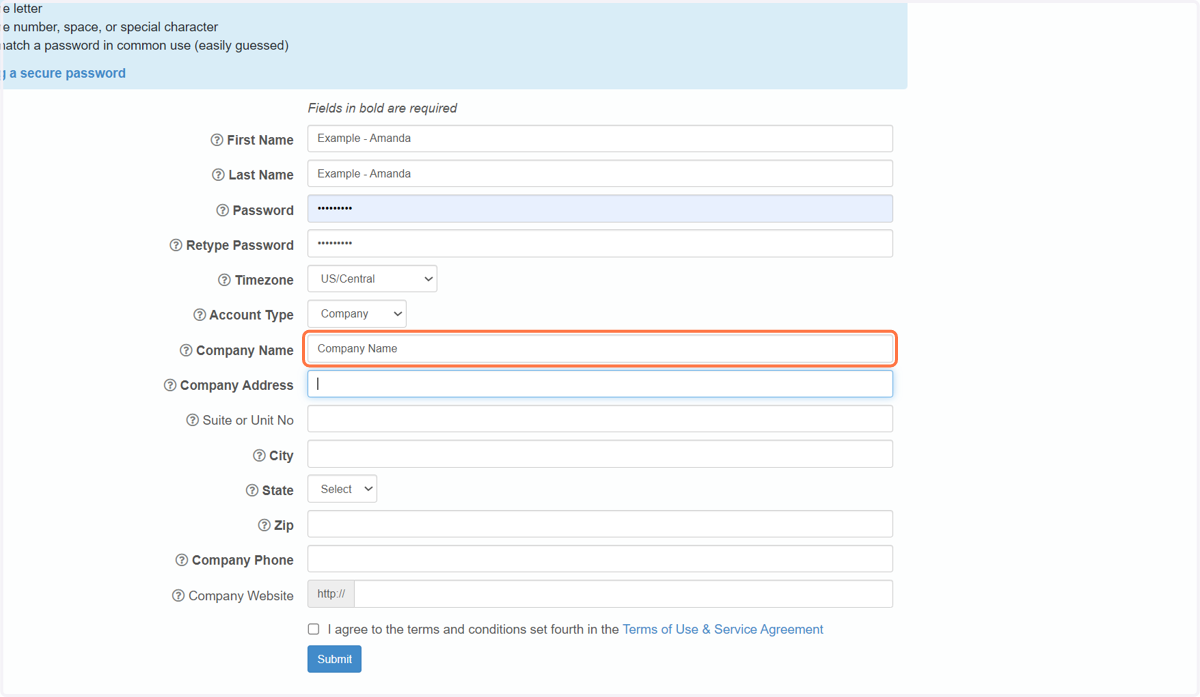
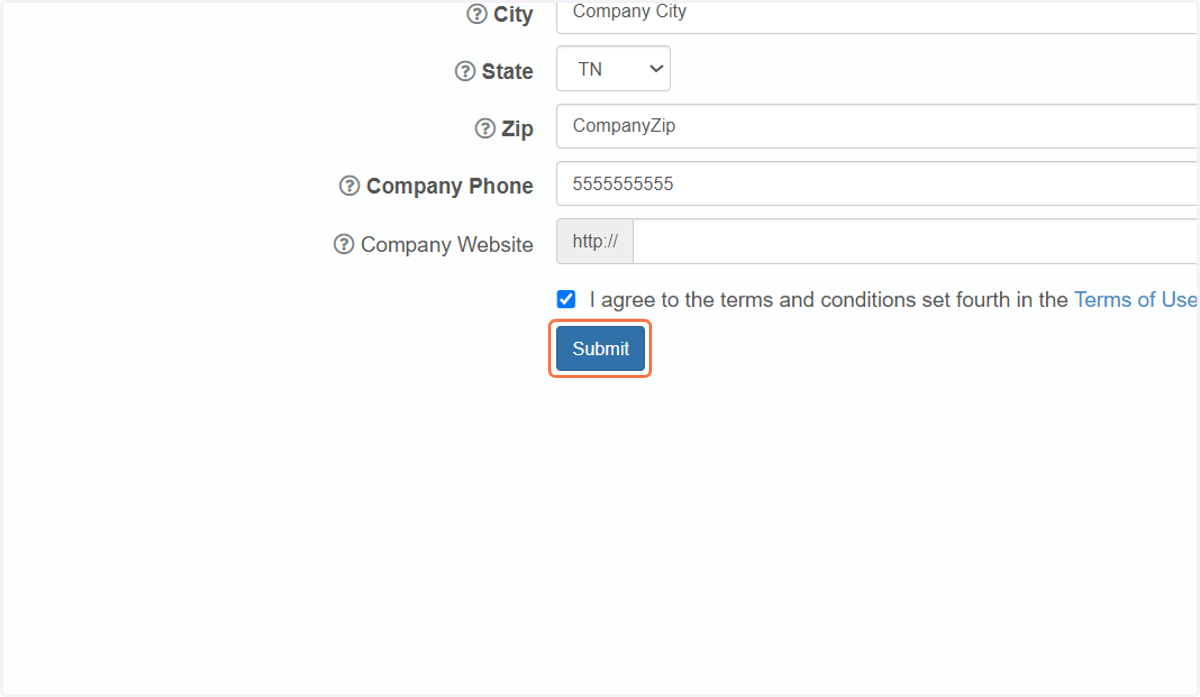
6. If you operate in a Company, complete the rest of the "Company Information"
7. Click on I agree to the terms and conditions set fourth in the Terms of Use & Service Agreement
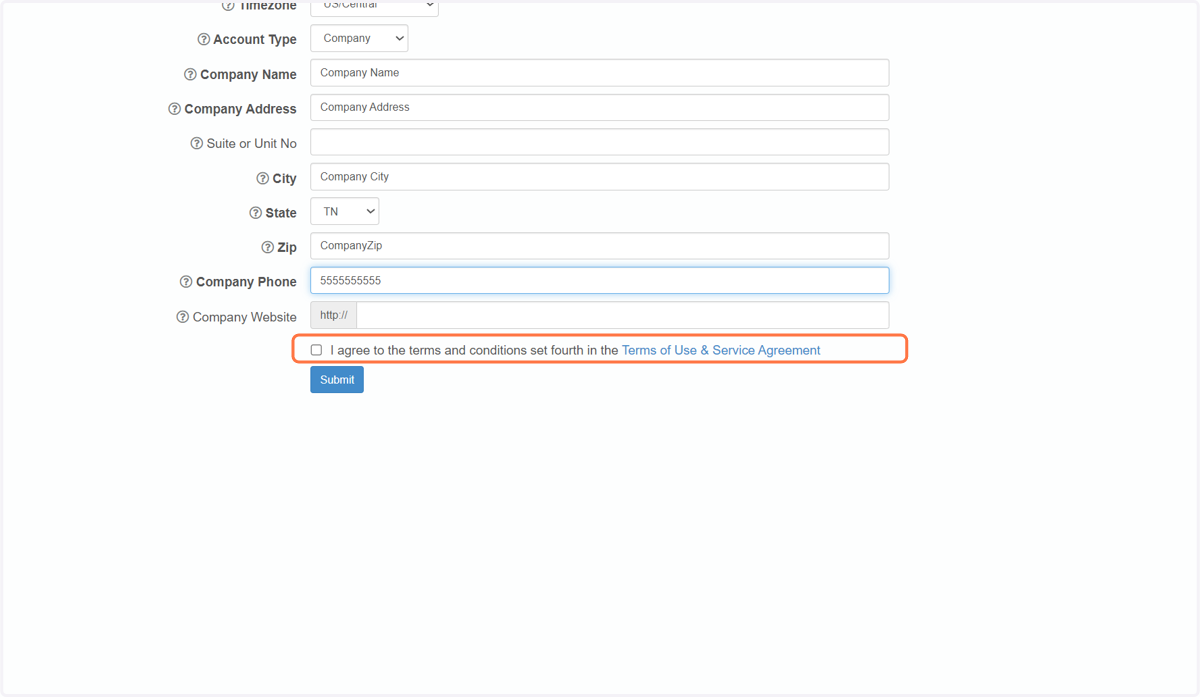
8. Click on Submit
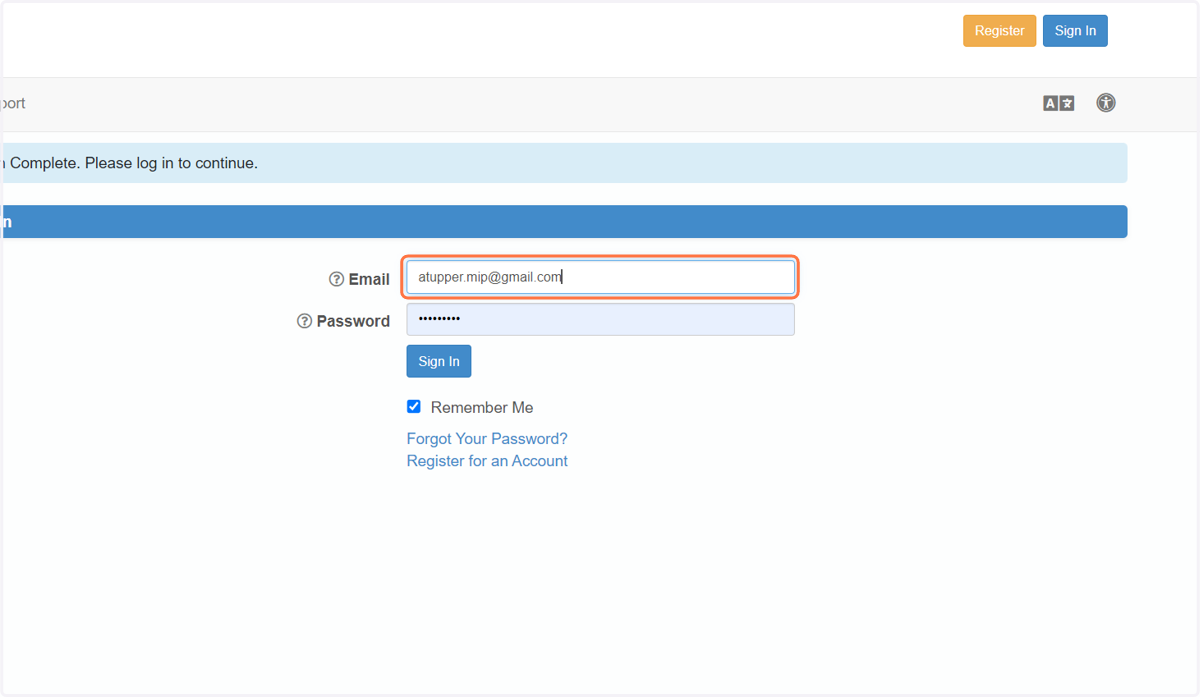
9. Login to Continue!
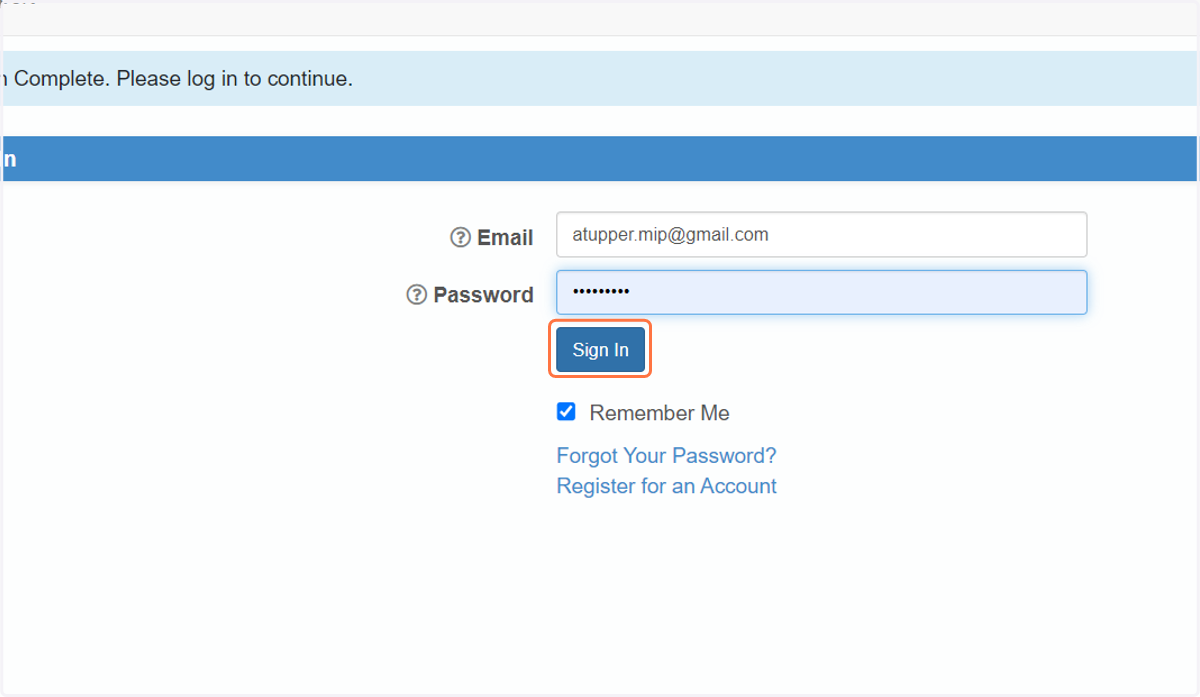
10. Click on Sign In
11. Welcome!