A Quick Tour of Your Review Packet
The steps below will show you how to open your review packet in Interfolio and explore the main sections.
Your packet is your dossier, or portfolio. Interfolio calls these "packets."
Your case in Interfolio is your packet, plus documents and forms that other people (your department chair, external evaluators, etc.) add at subsequent steps of the process.
Interfolio
1. Log in
Go to this link and log into Interfolio using your Lehigh credentials.
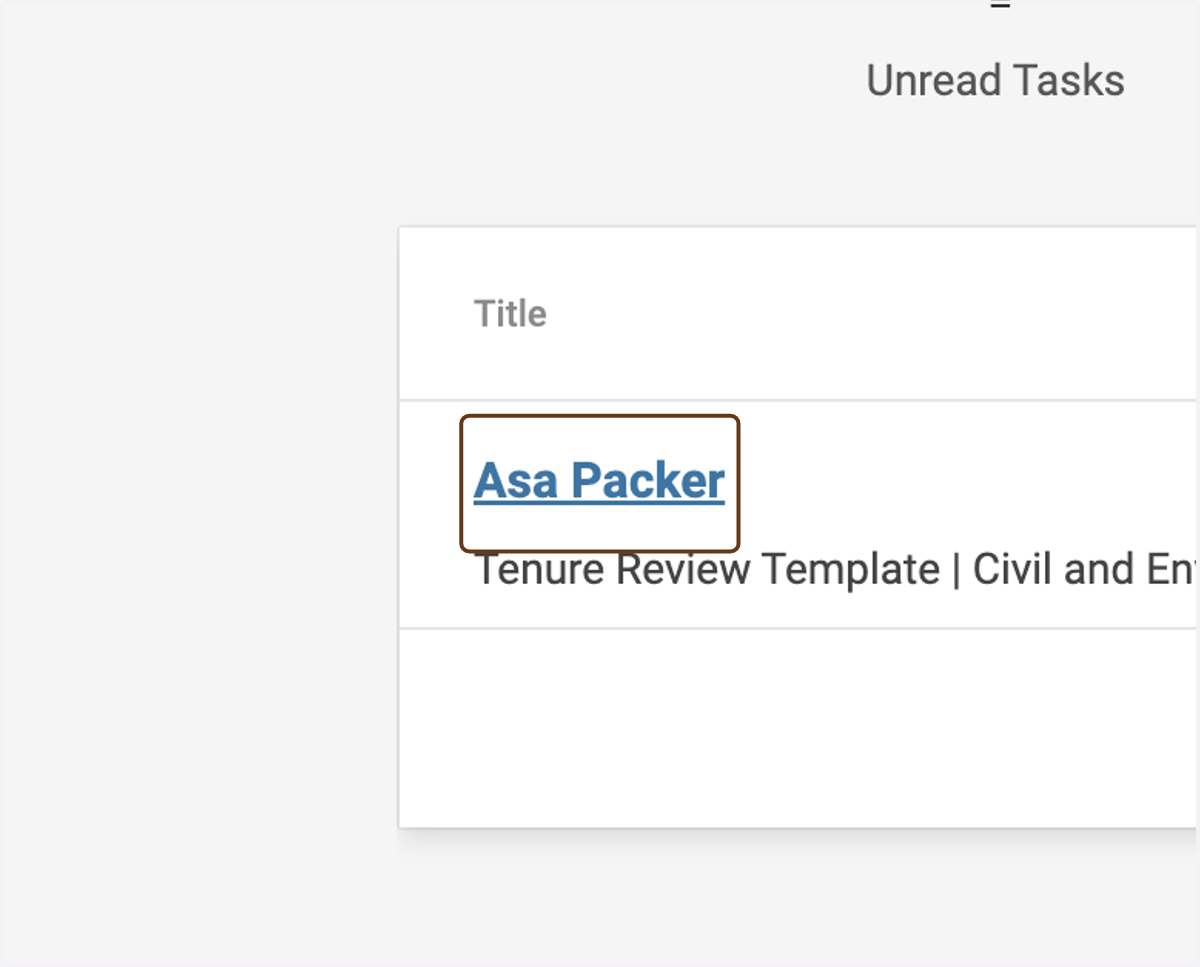
2. Click on your name
On the Home page, click your name.
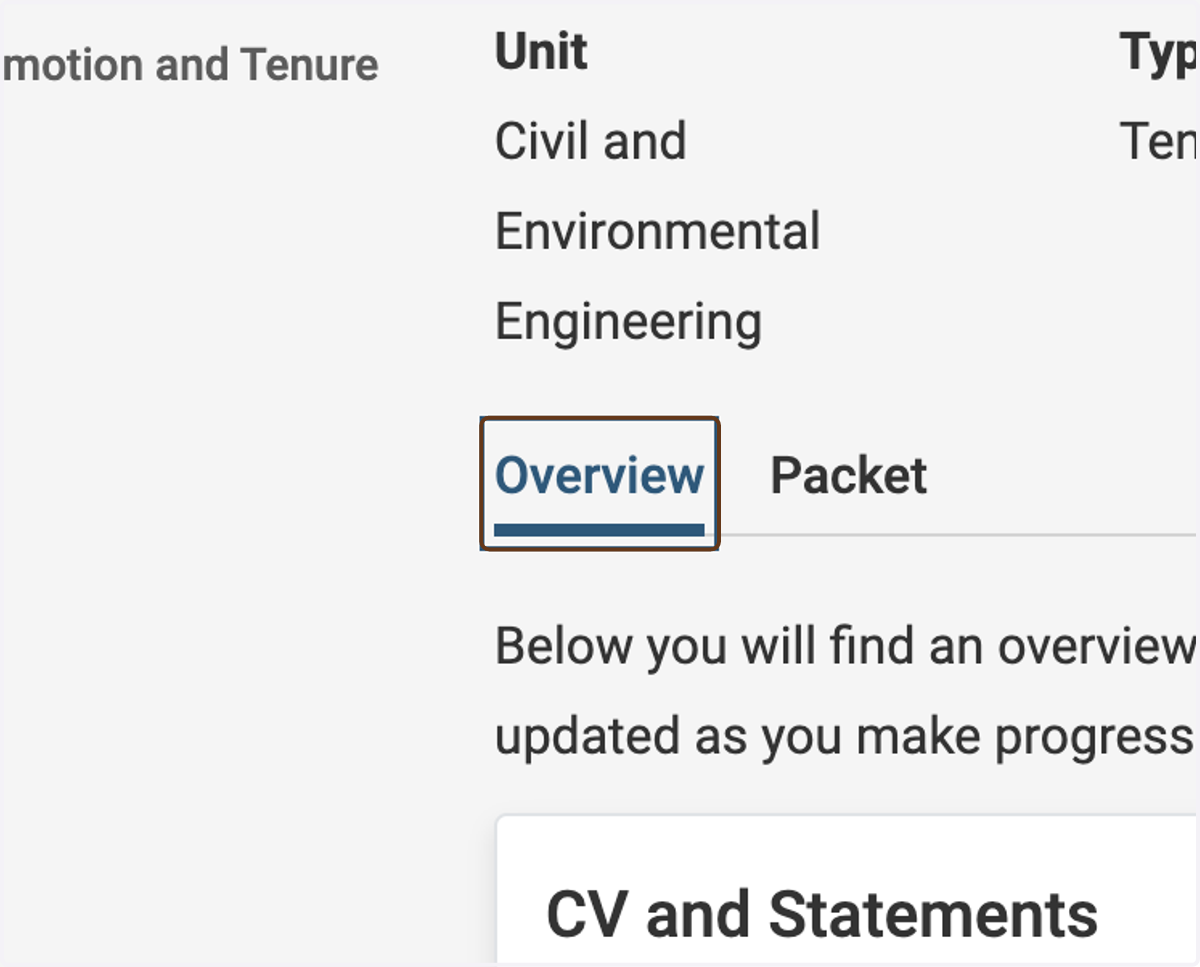
3. Click the Overview tab
The Overview page provides a high-level overview of the different sections, the requirements for each section, and the progress in fulfilling each of the requirements.
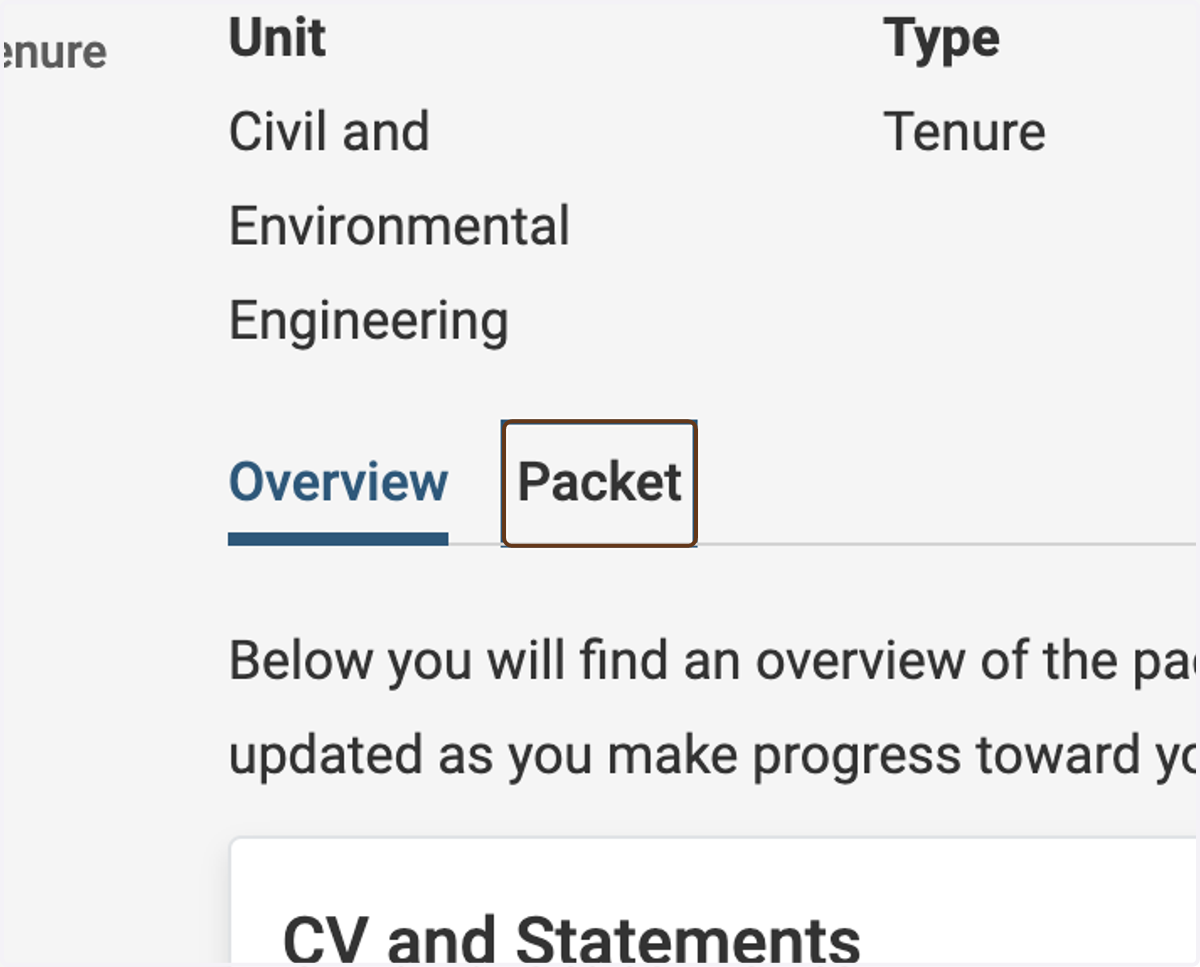
4. Click the Packet tab
The Packet tab is where you will upload your materials.