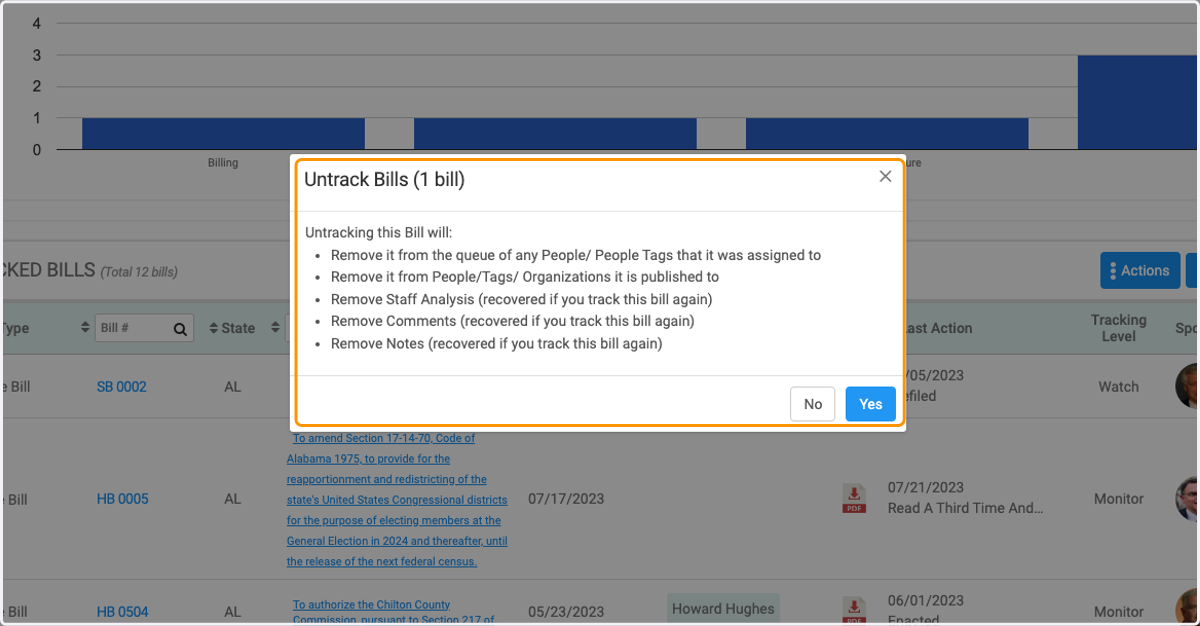
How to Untrack Bills
1. Click on Legislation
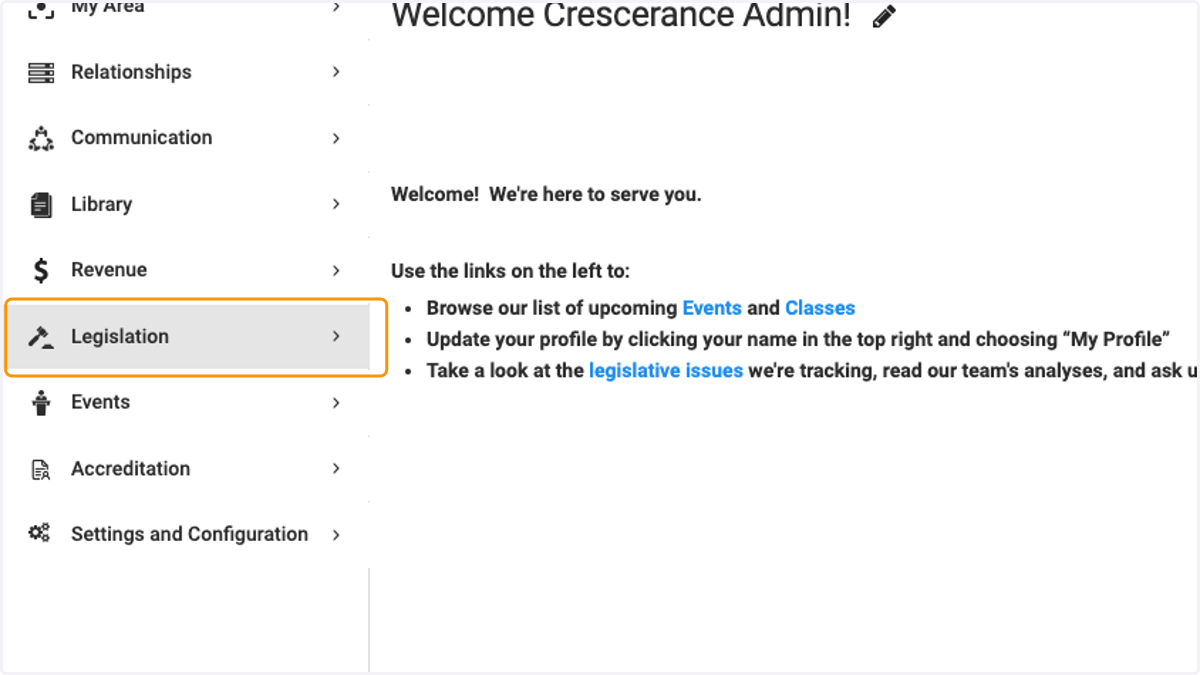
Legislation - Help Center
2. Click on All State Bills
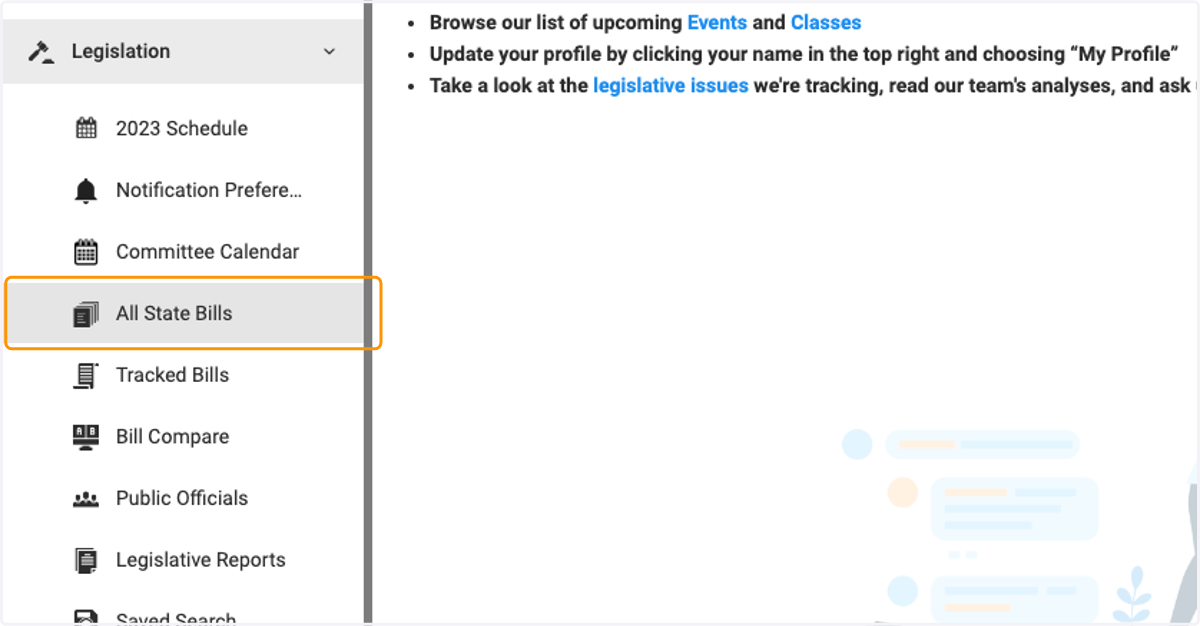
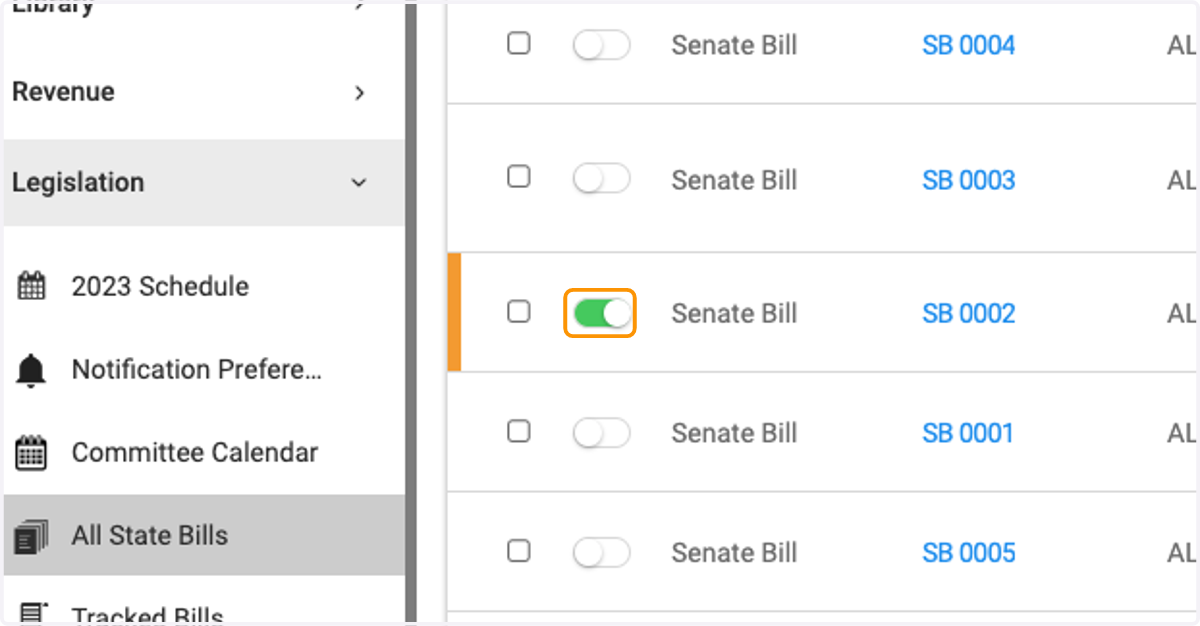
3. Click on toggle to Untrack the bill
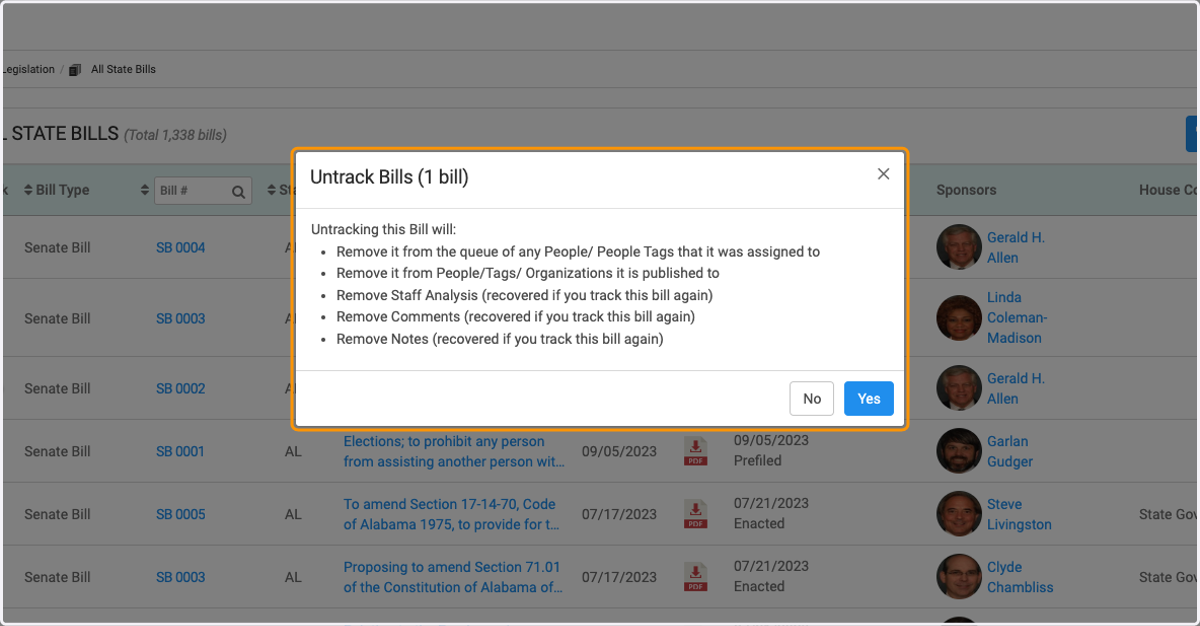
4. Review the pop-up menu to see implications of removing untracking the bill and click Yes
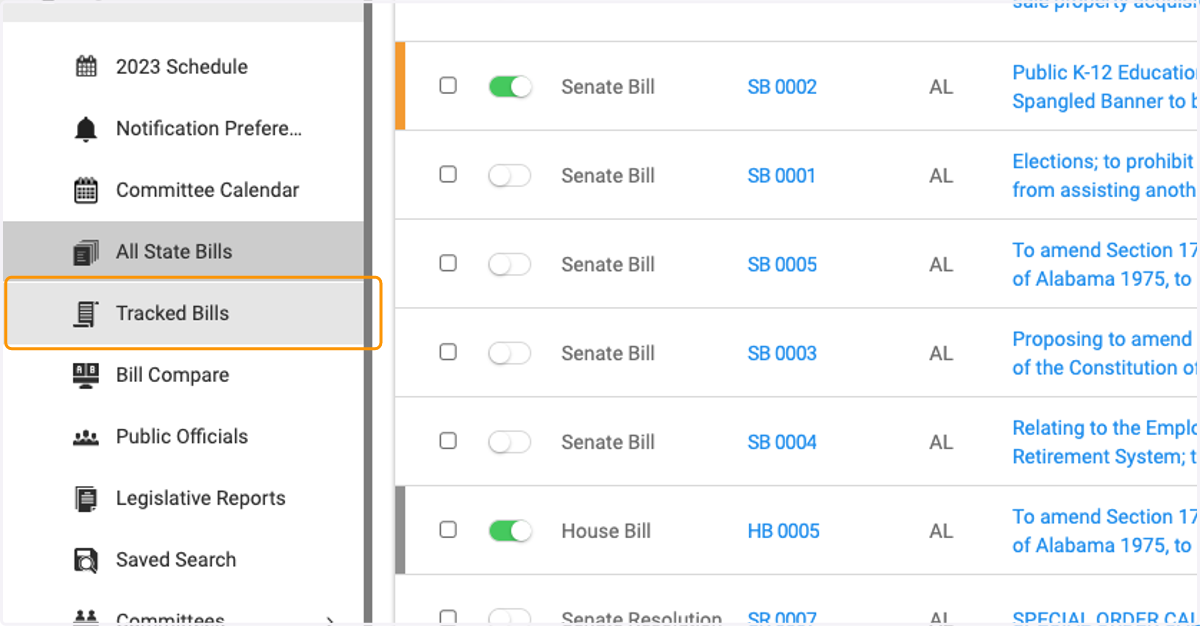
5. You can also untrack bills by clicking on Tracked Bills
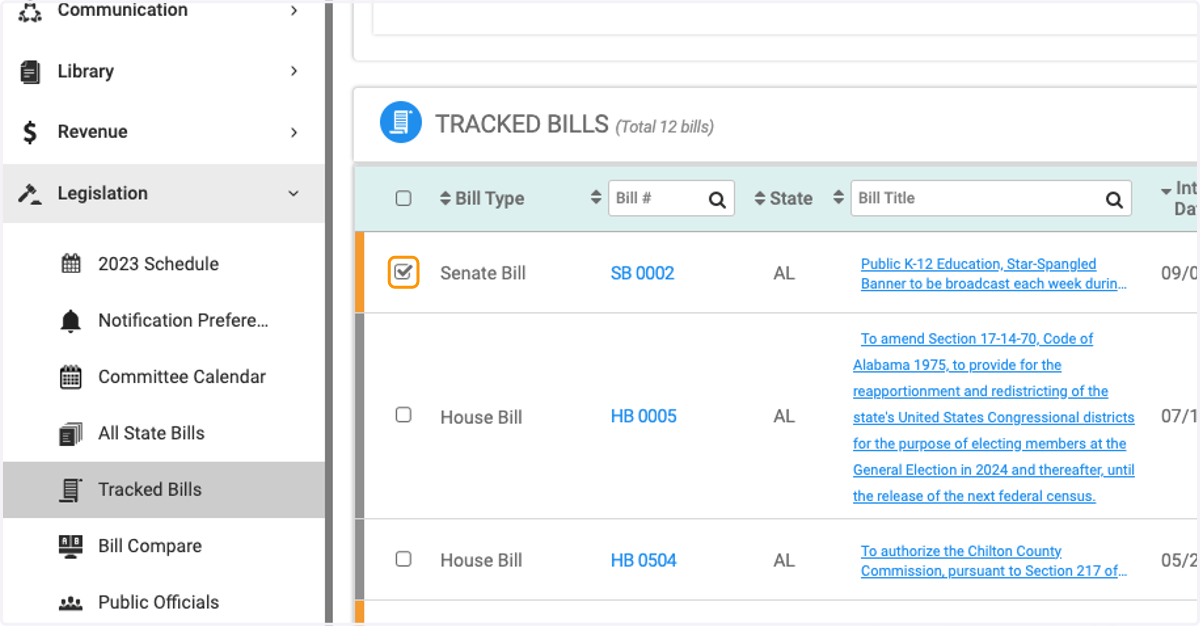
6. Scroll down and check the box of the bill you wish to Untrack
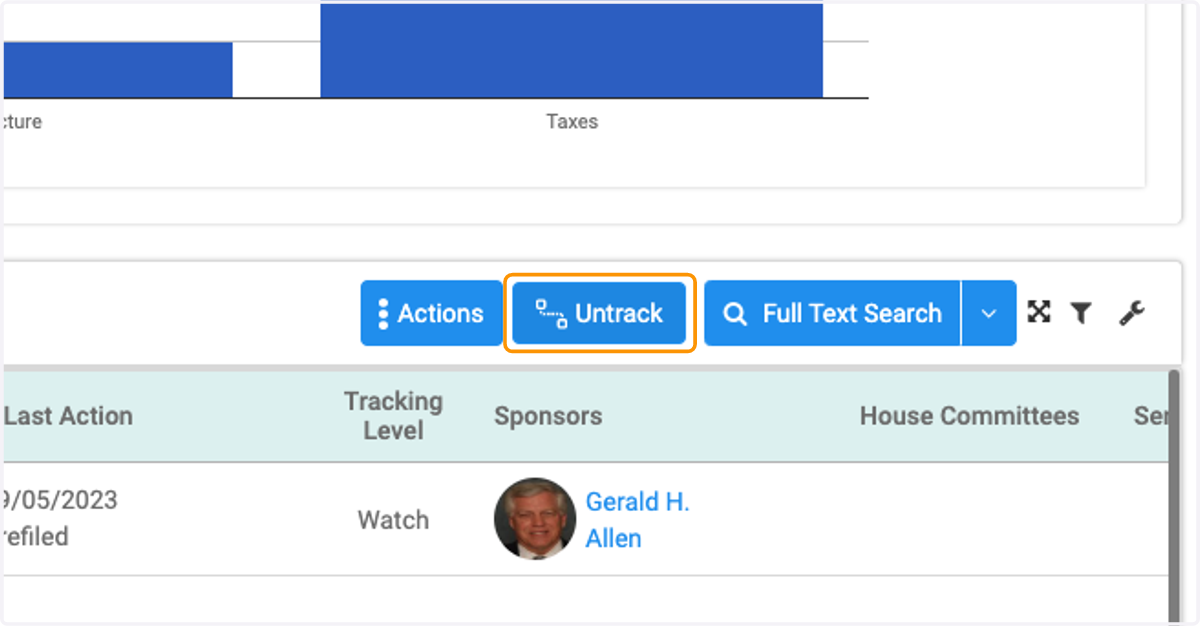
7. Click on Untrack
8. View the pop-up menu and select Yes if you wish to untrack that bill