How to set your Default Printer
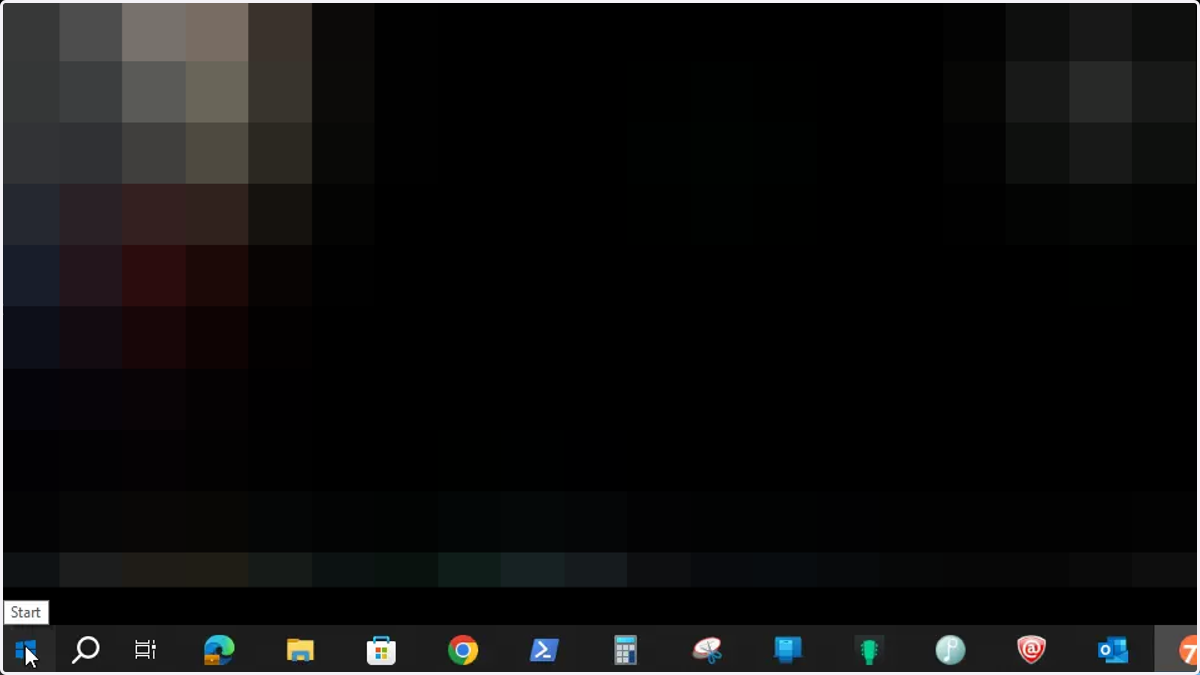
1. Click on Start at the bottom left of your screen
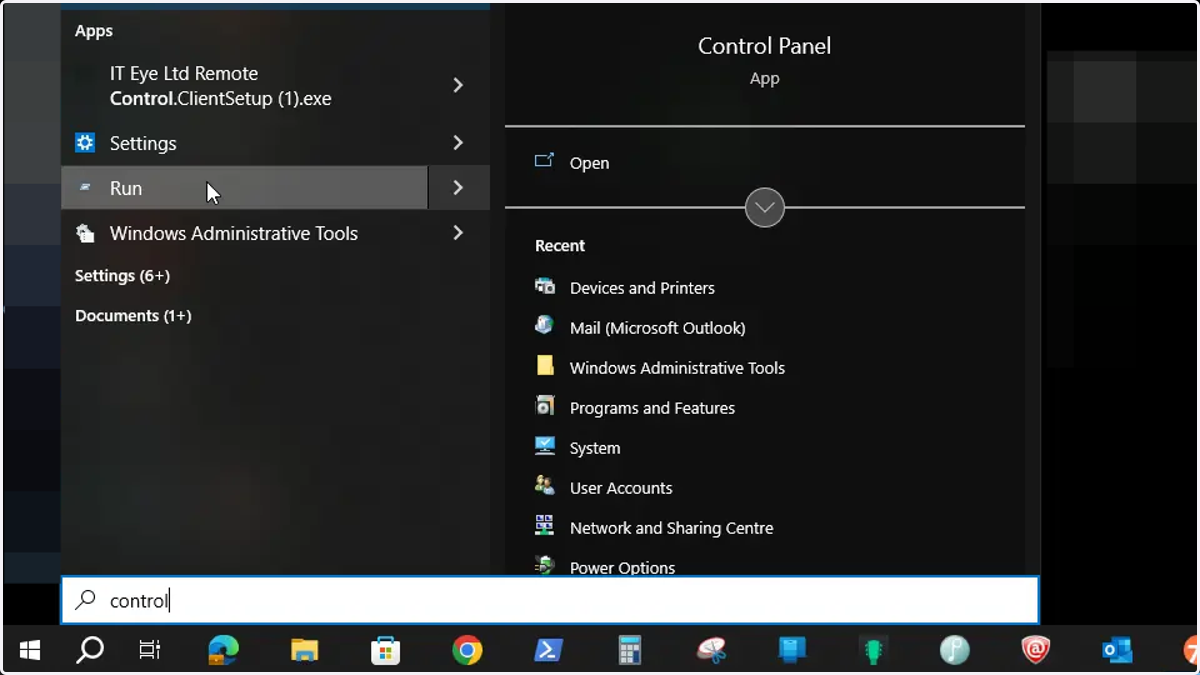
2. Type Control Panel
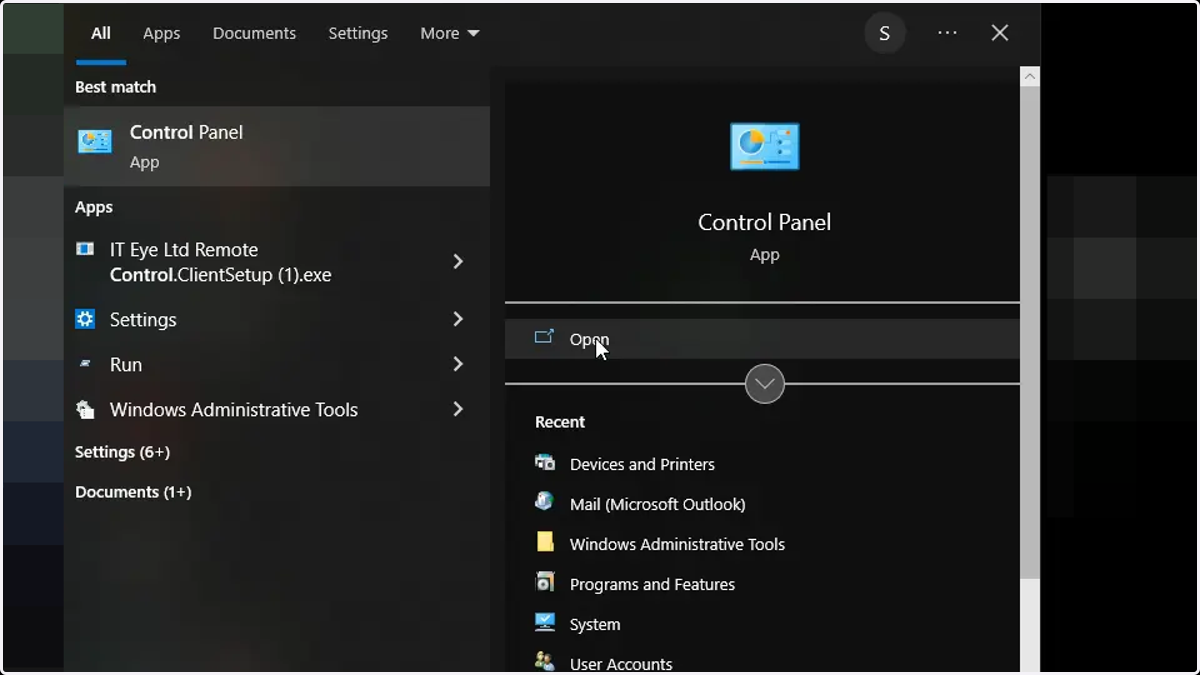
3. Click here to open the Control Panel
4. If you only have a few icons, click here
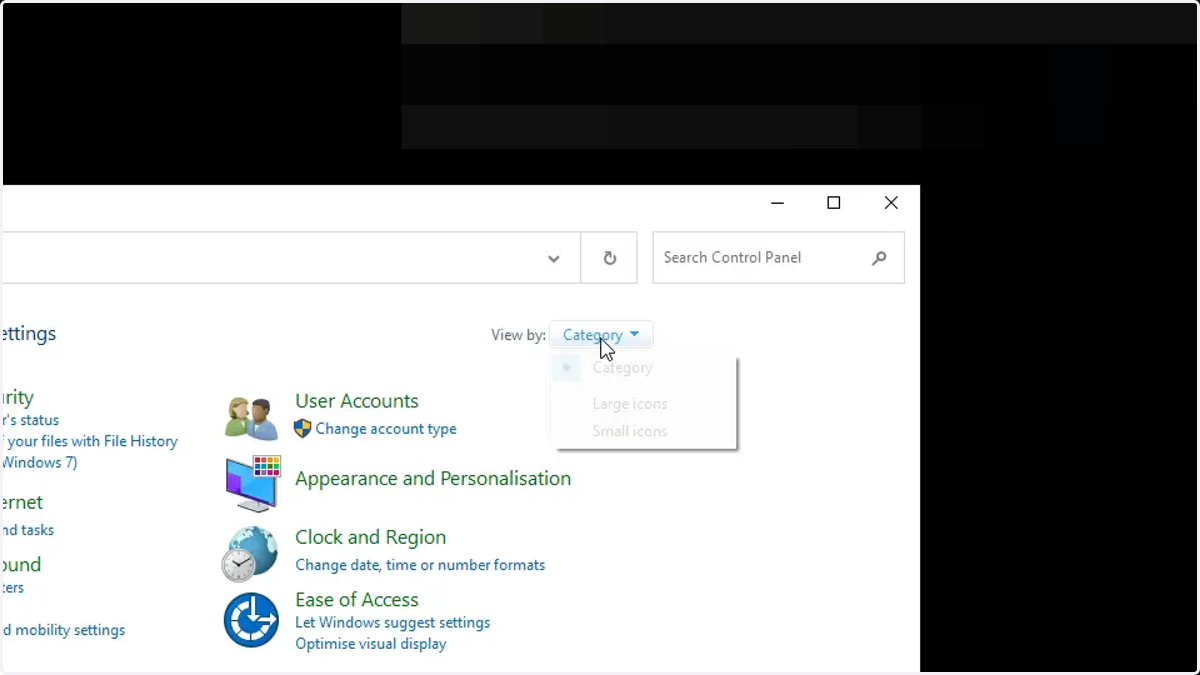
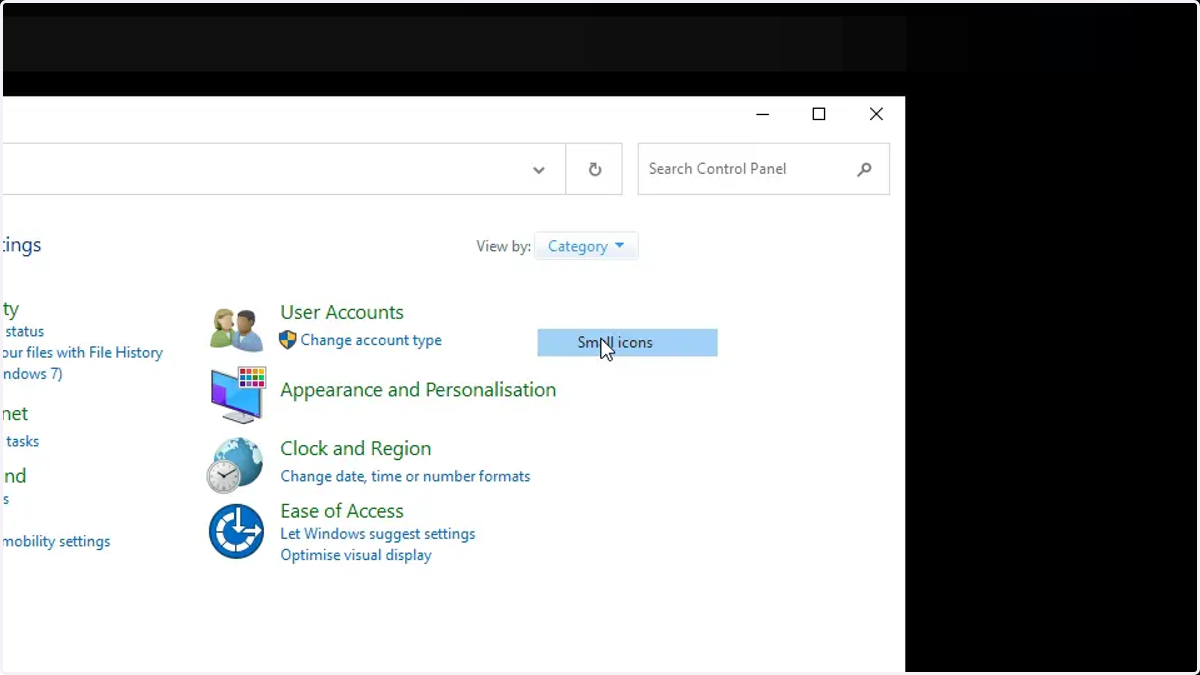
5. Select Small Icons
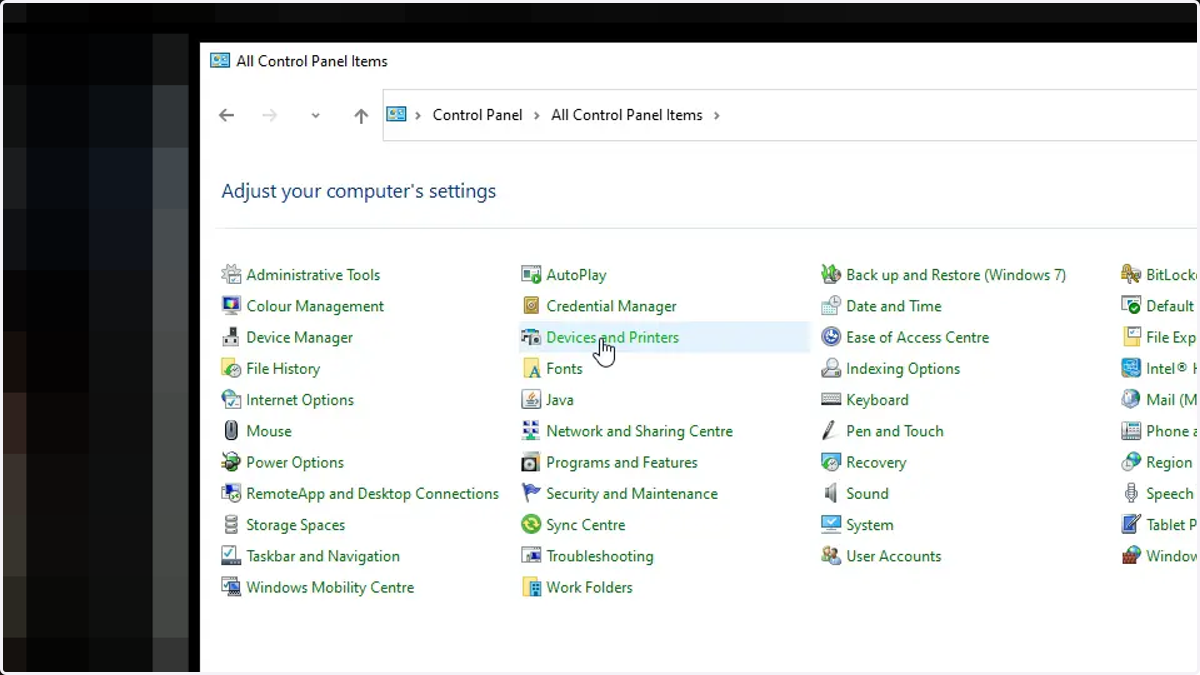
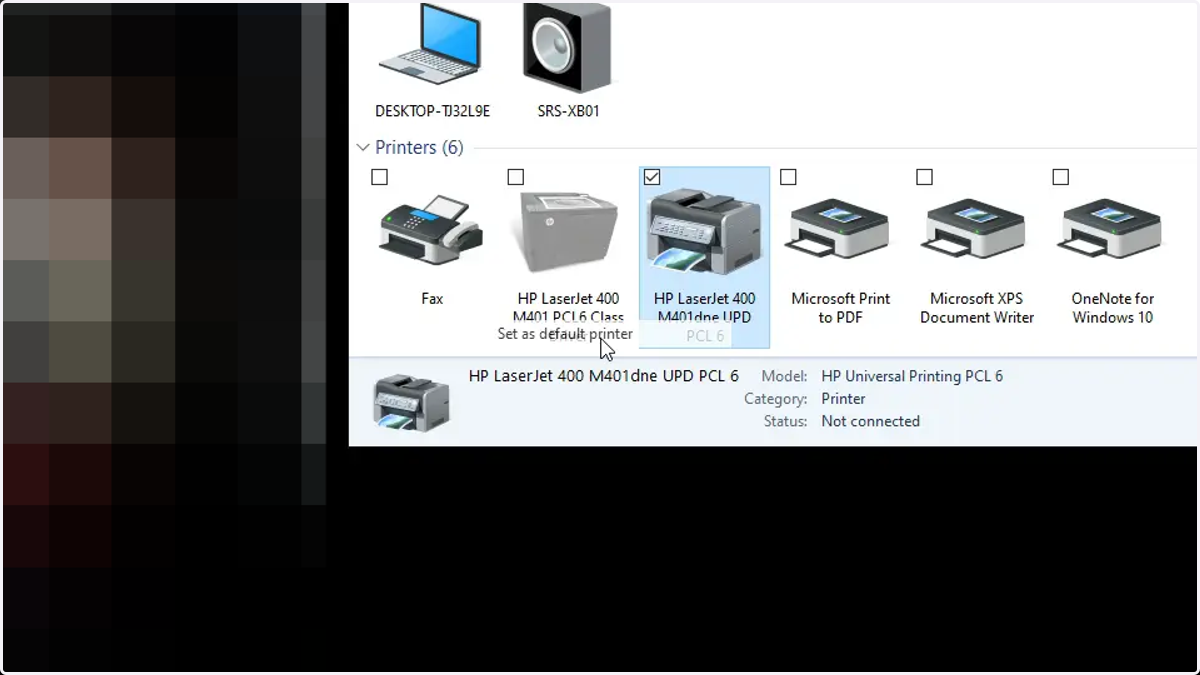
6. Click Devices & Printers - similar in Windows 11
7. Right click on the printer
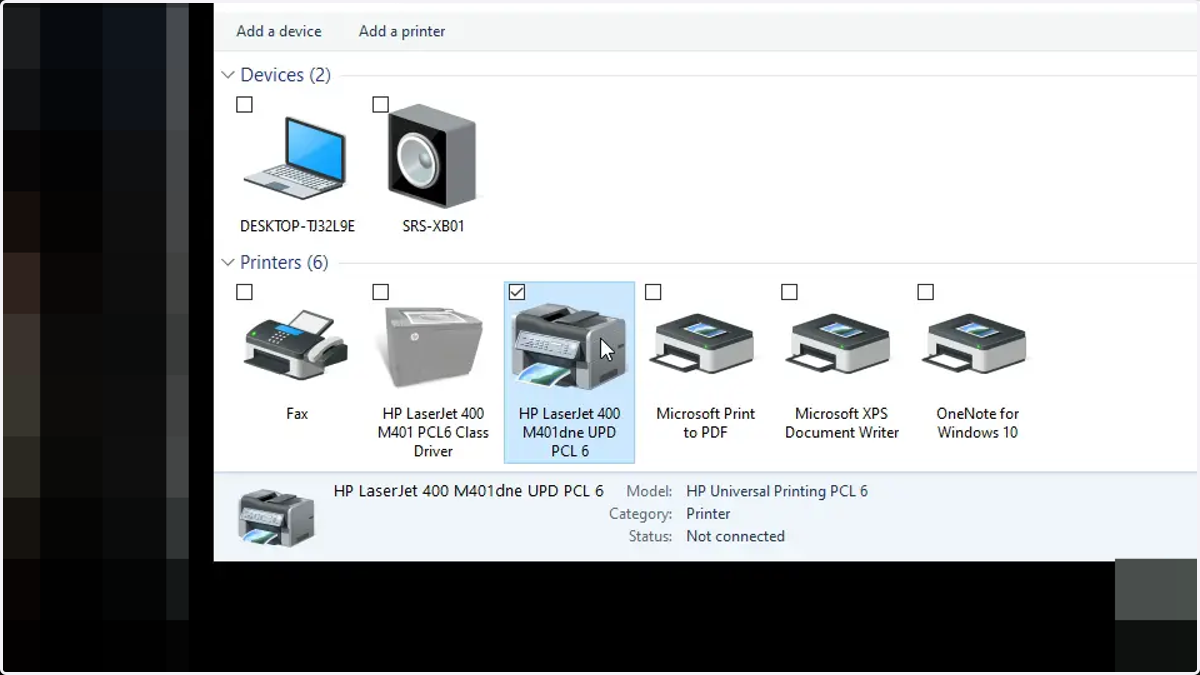
8. Select Set as Default
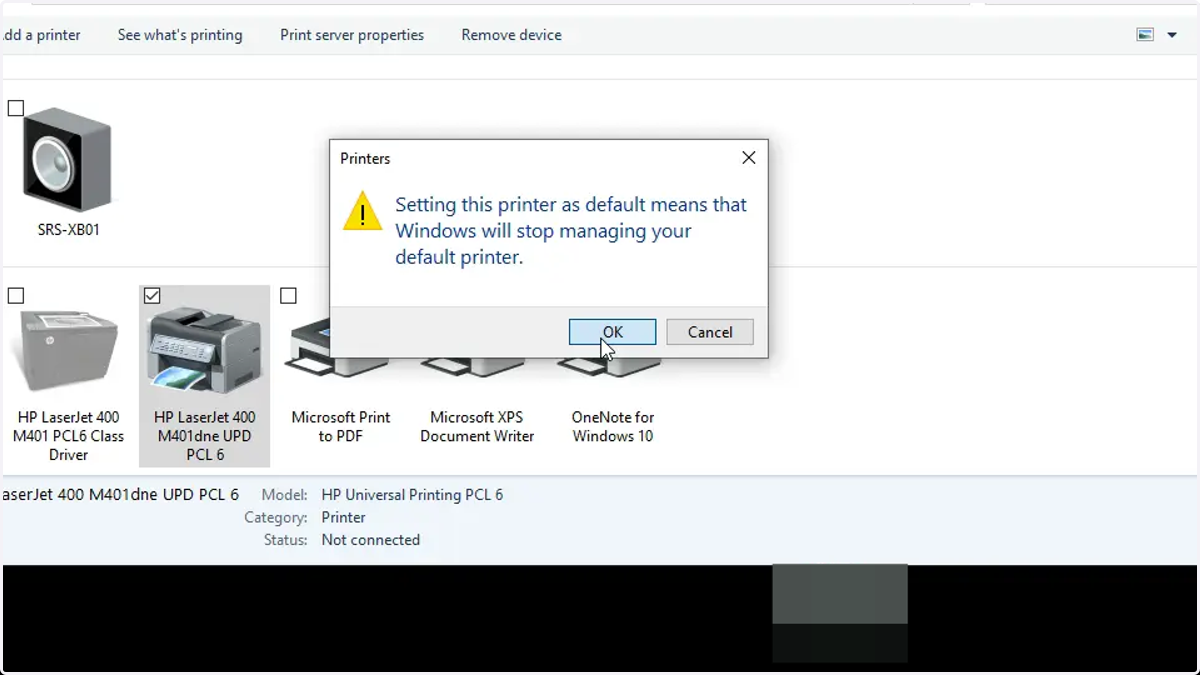
9. Click OK
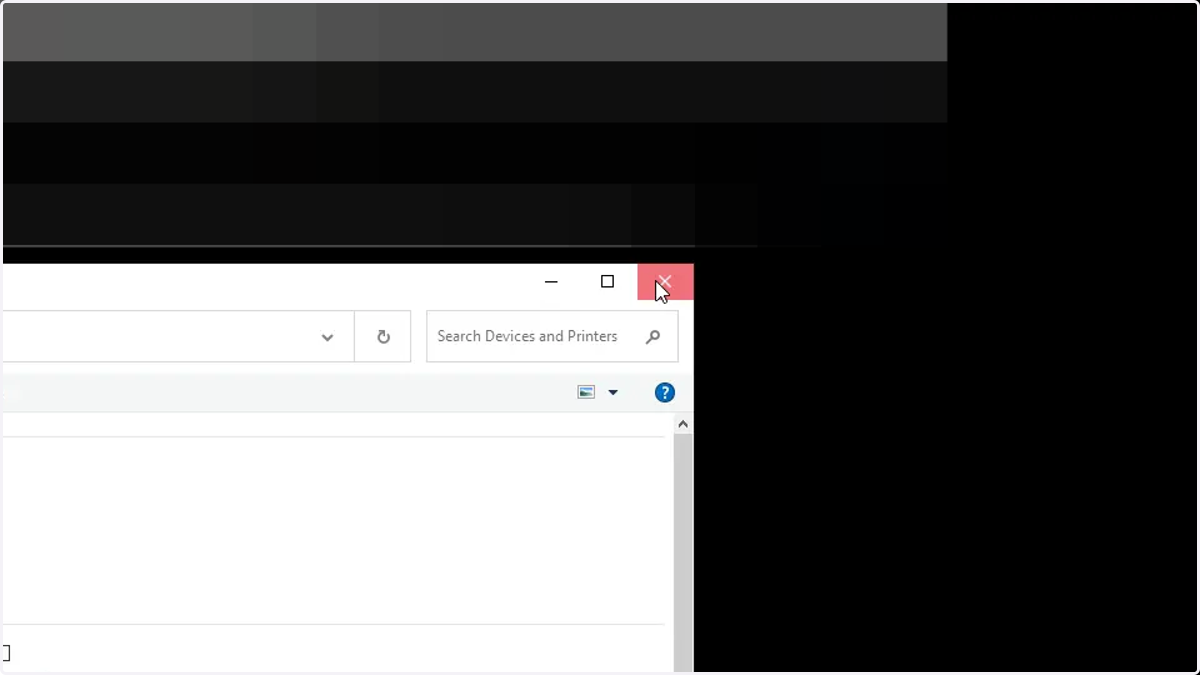
10. Close the Windows down