Individual Event Registration
1. Click on LOG IN
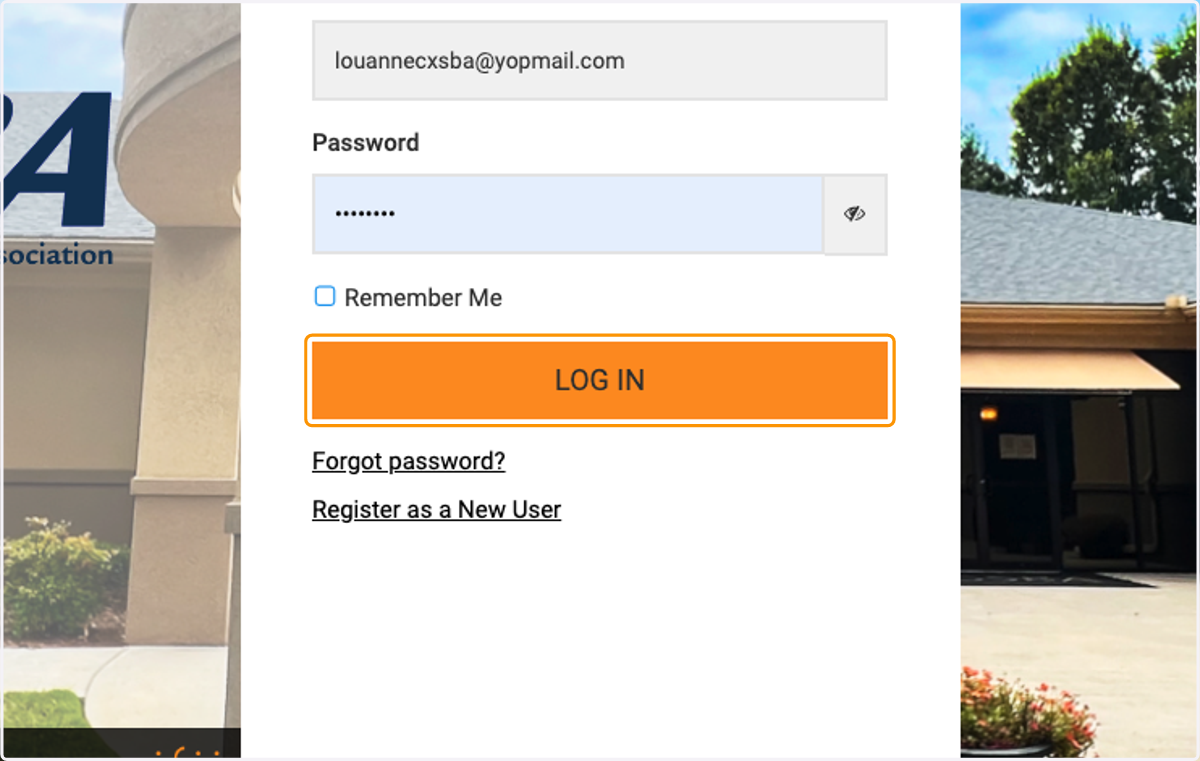
2. Click on Events
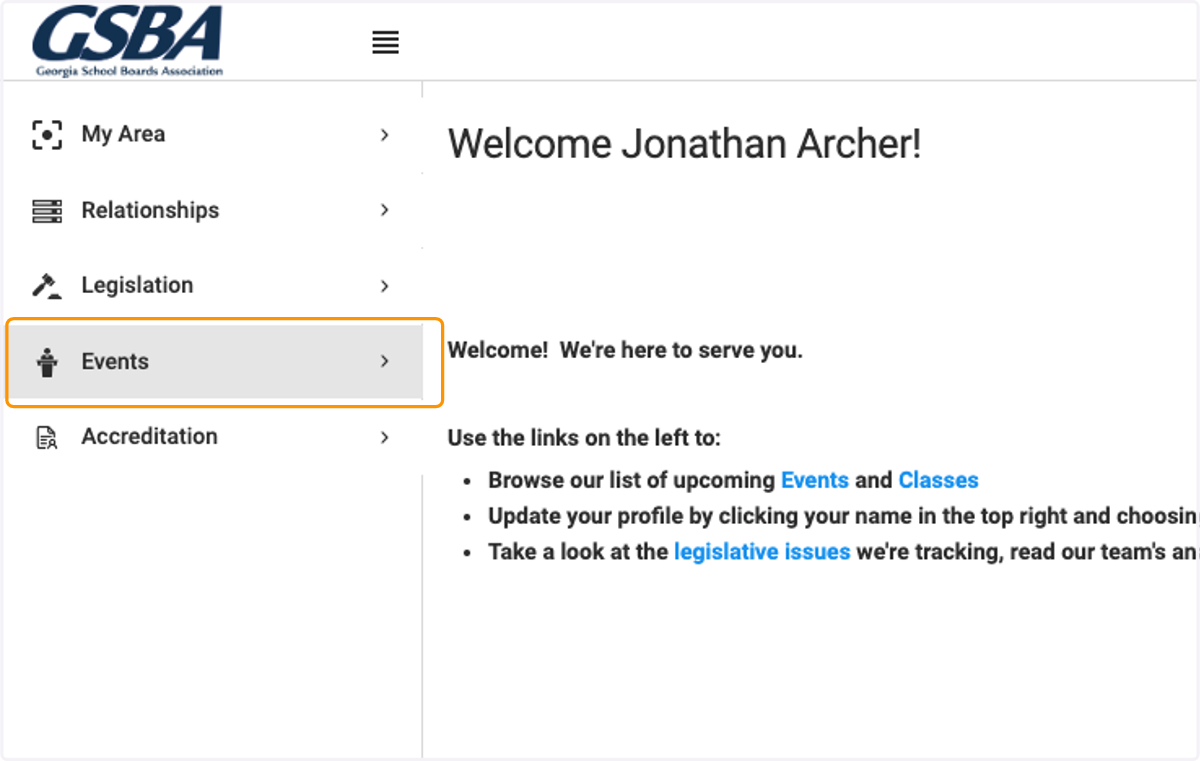
3. Click on All Events
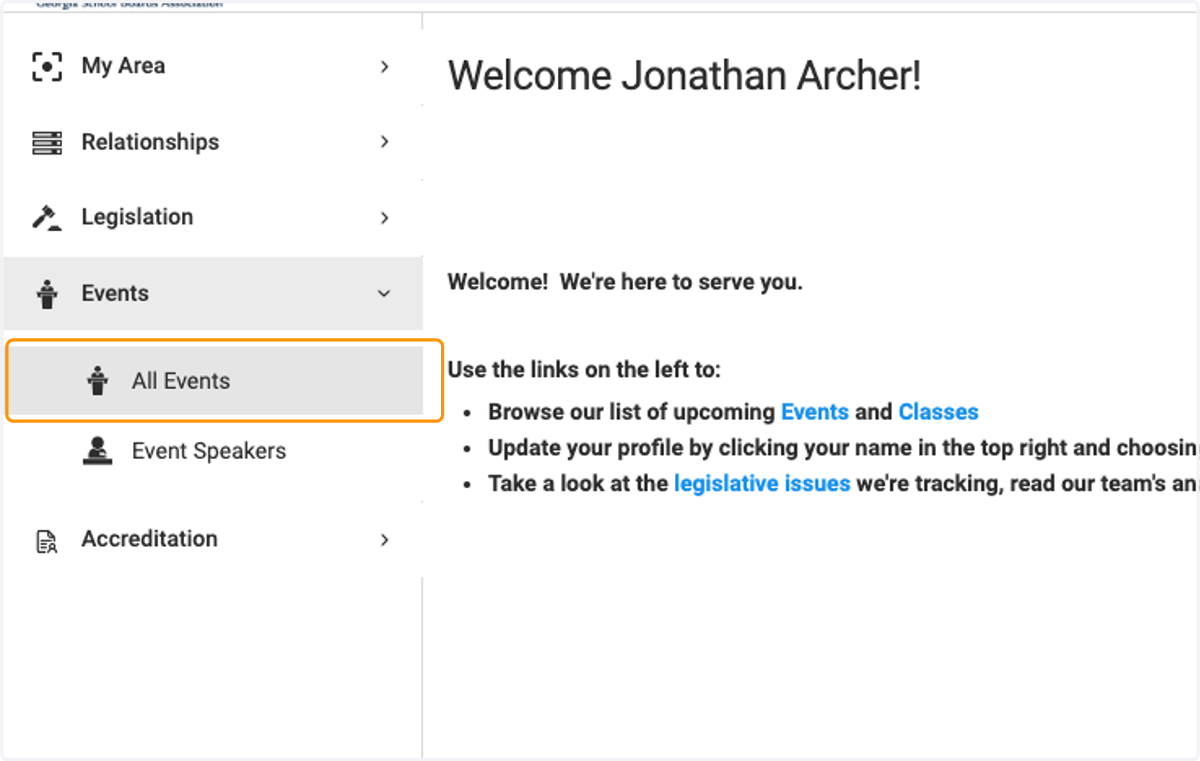
4. Select on the event and click on Register
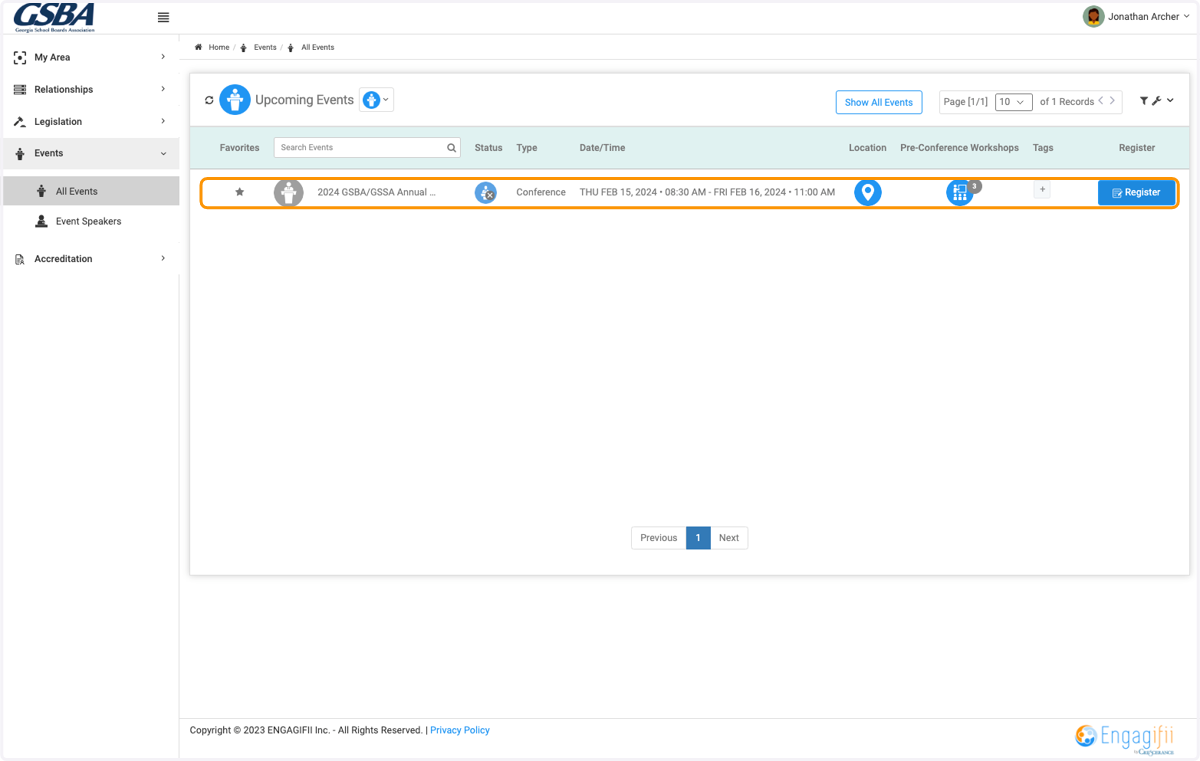
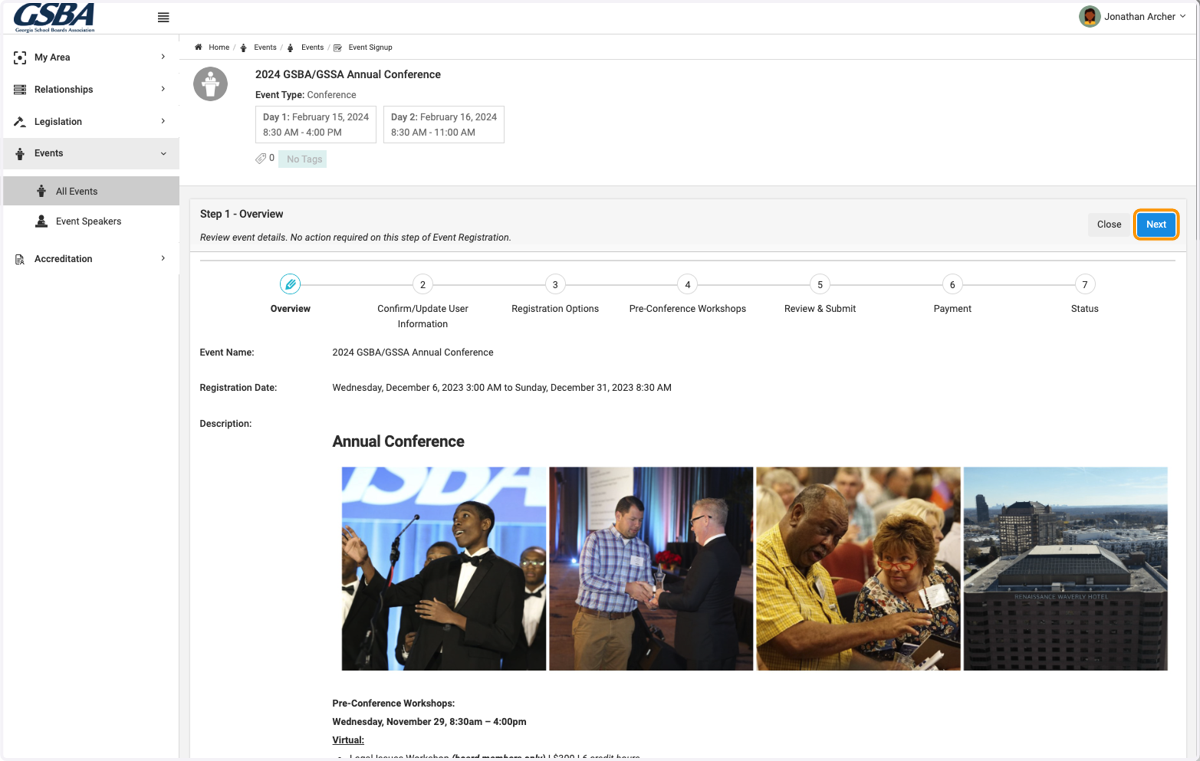
5. Review Event Details and click on Next
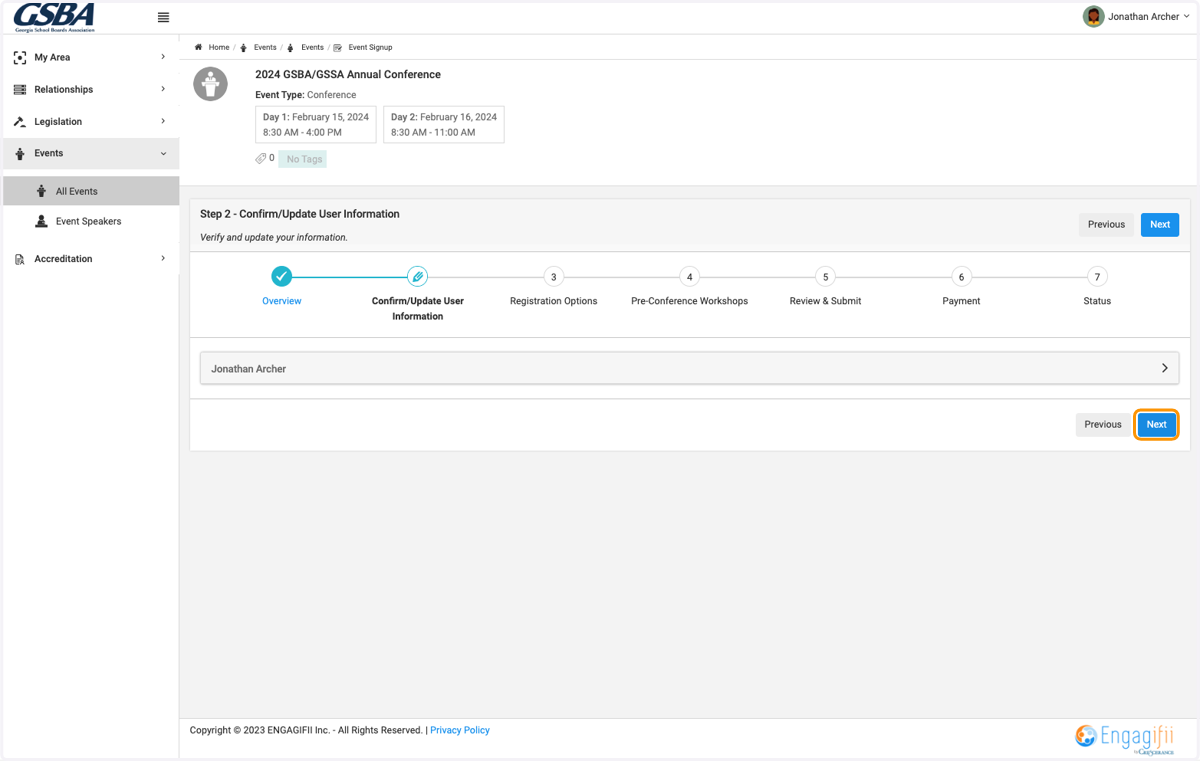
6. Review your profile details and click on Next
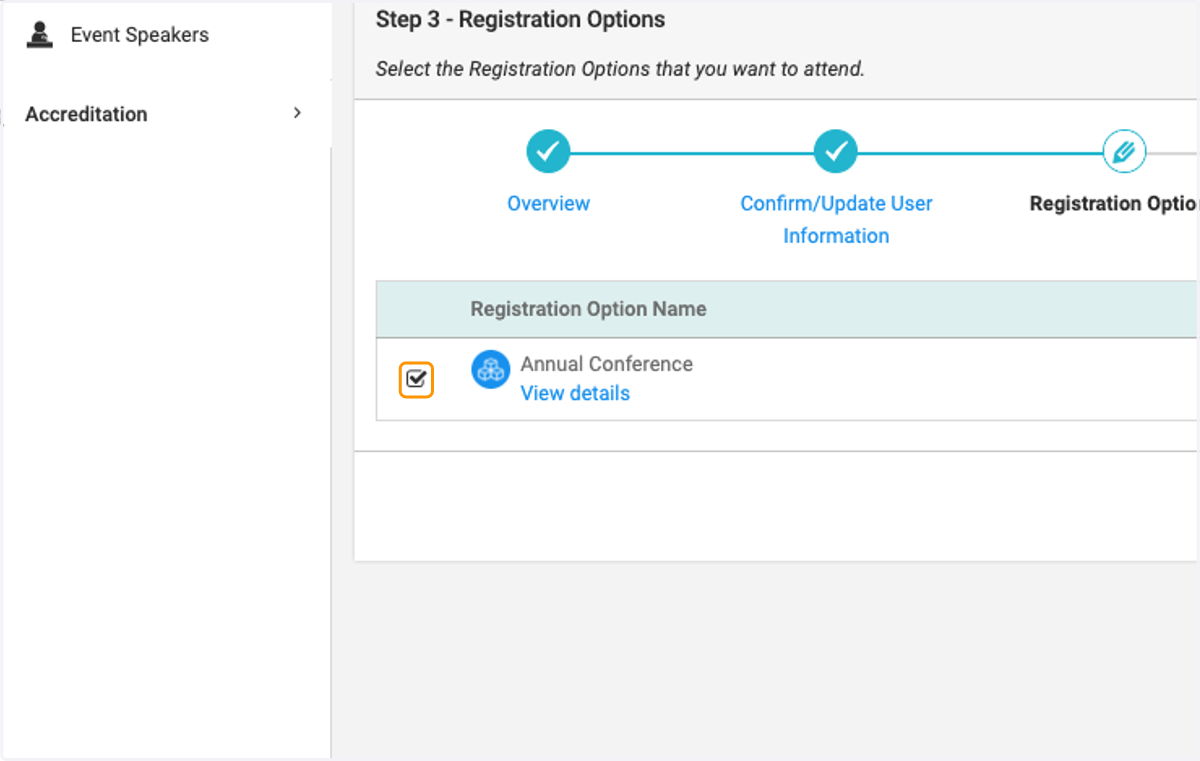
7. Select the event you wish to register for
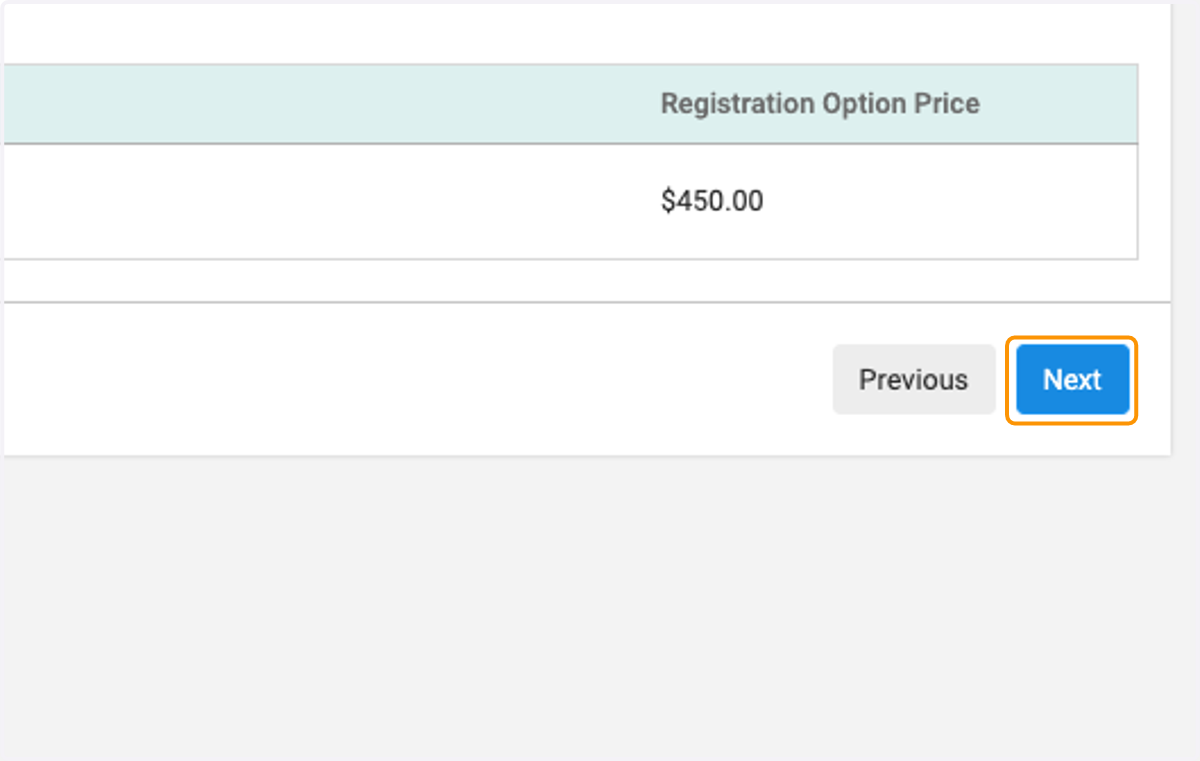
8. Click on Next
9. Check on the workshops/sessions you wish to register for
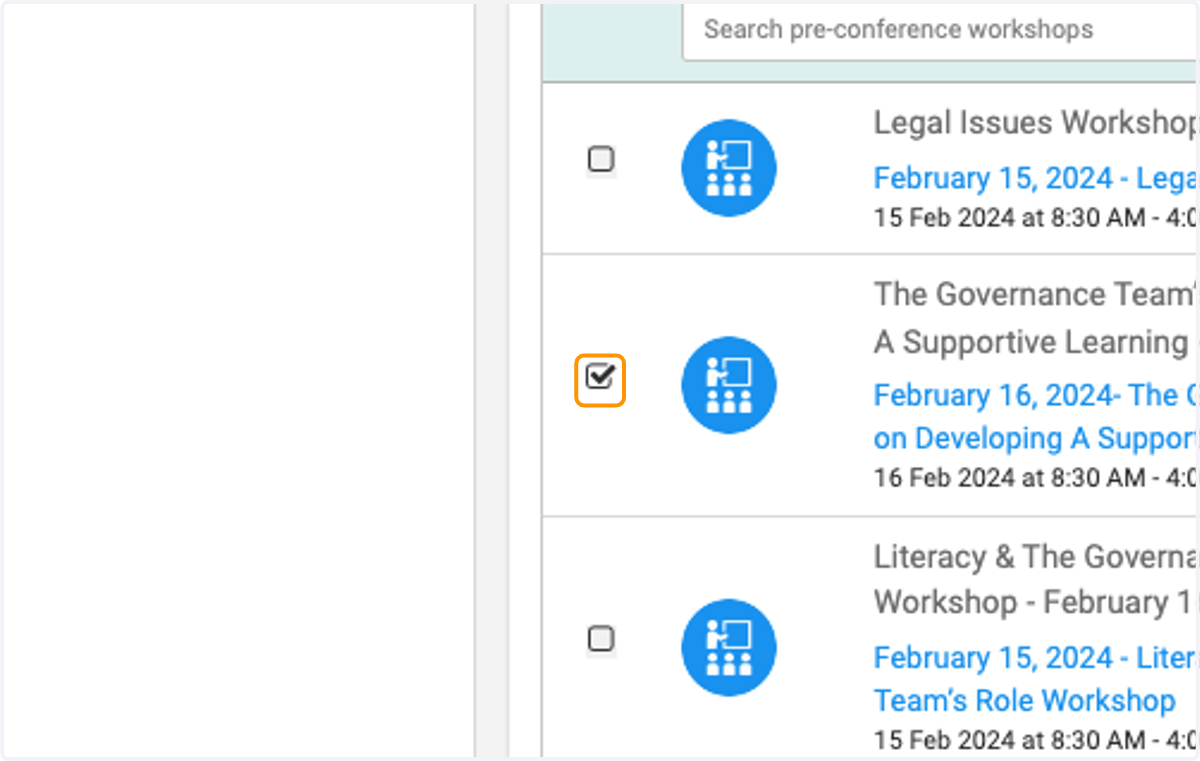
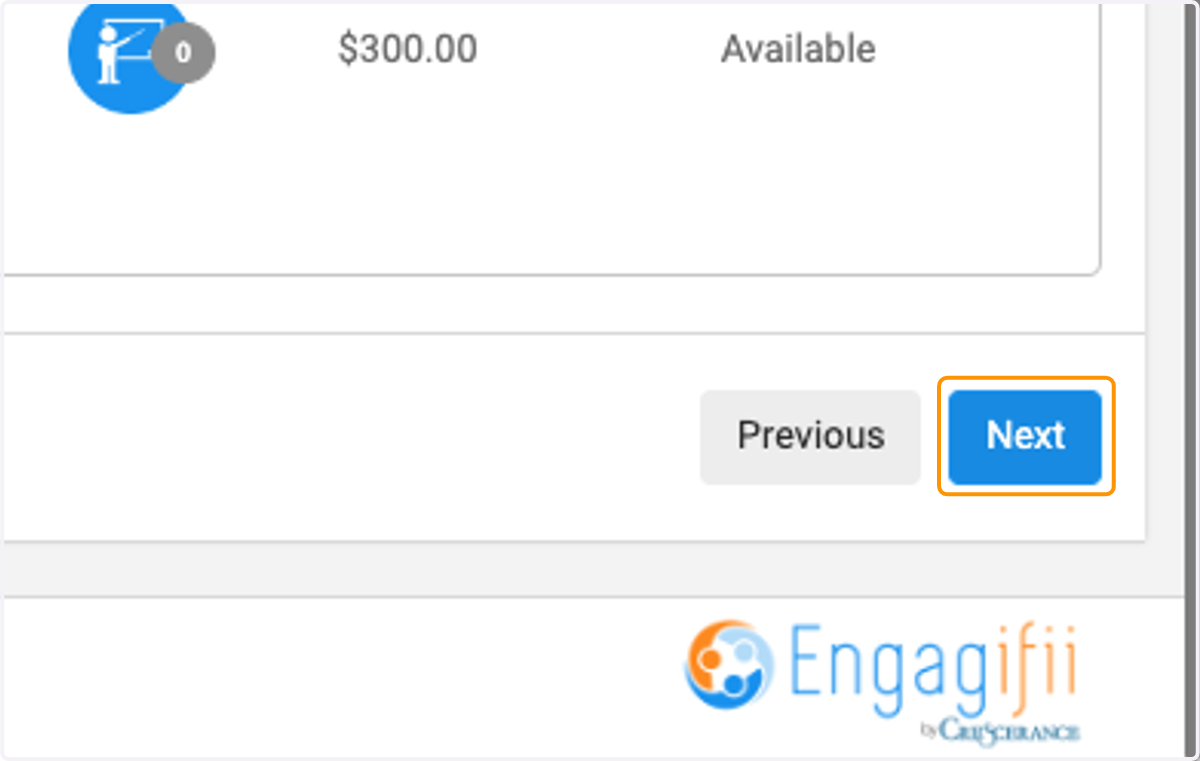
10. Click on Next when finished
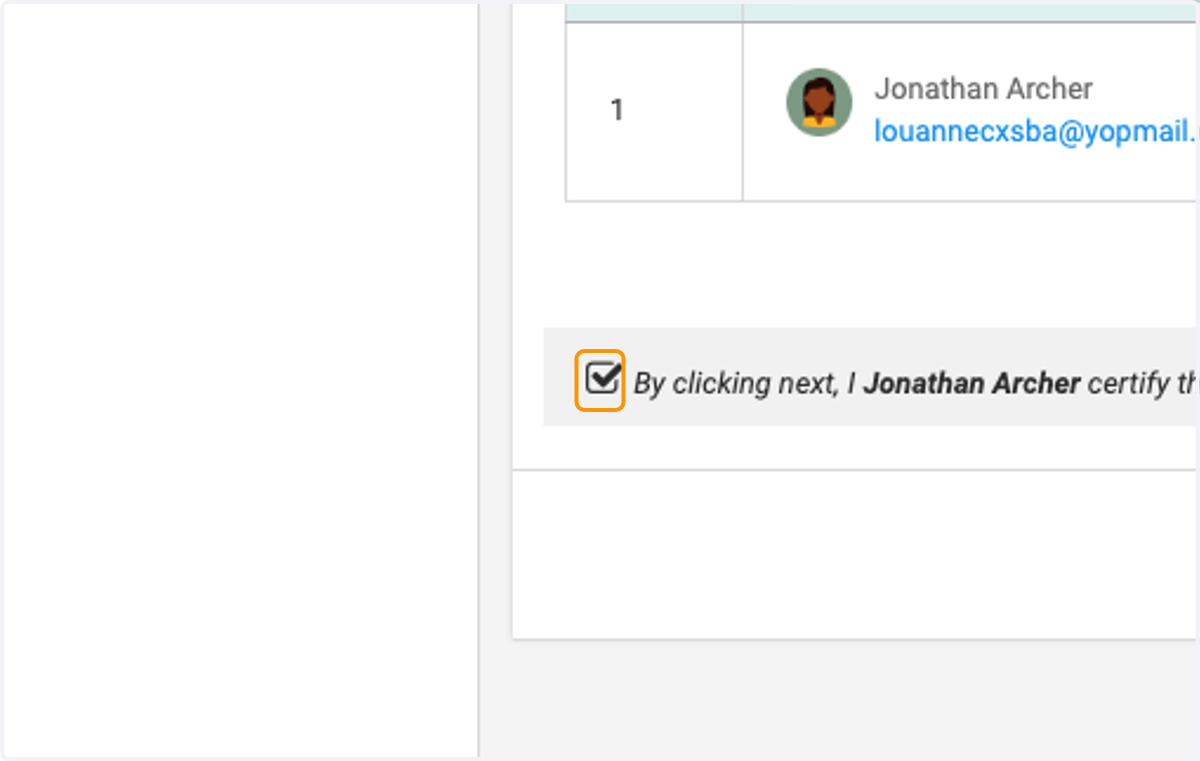
11. Review and check on acknowledgement
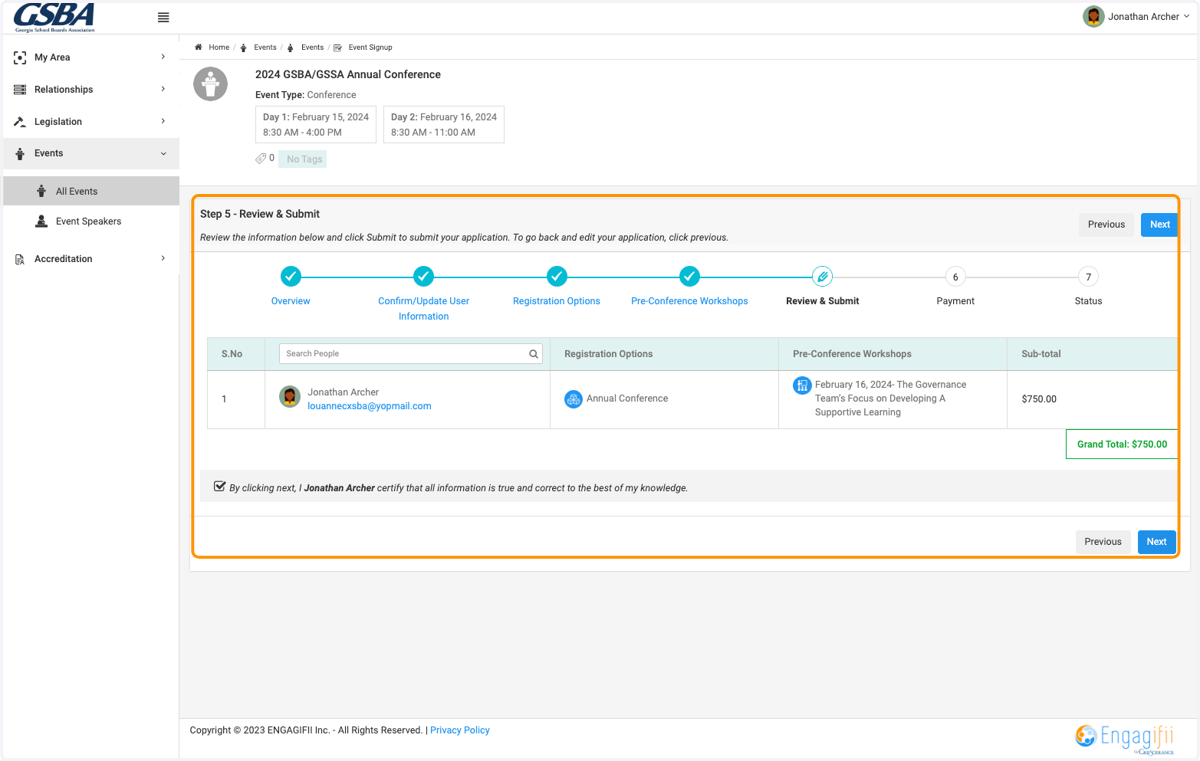
12. Review registration details and click on Next
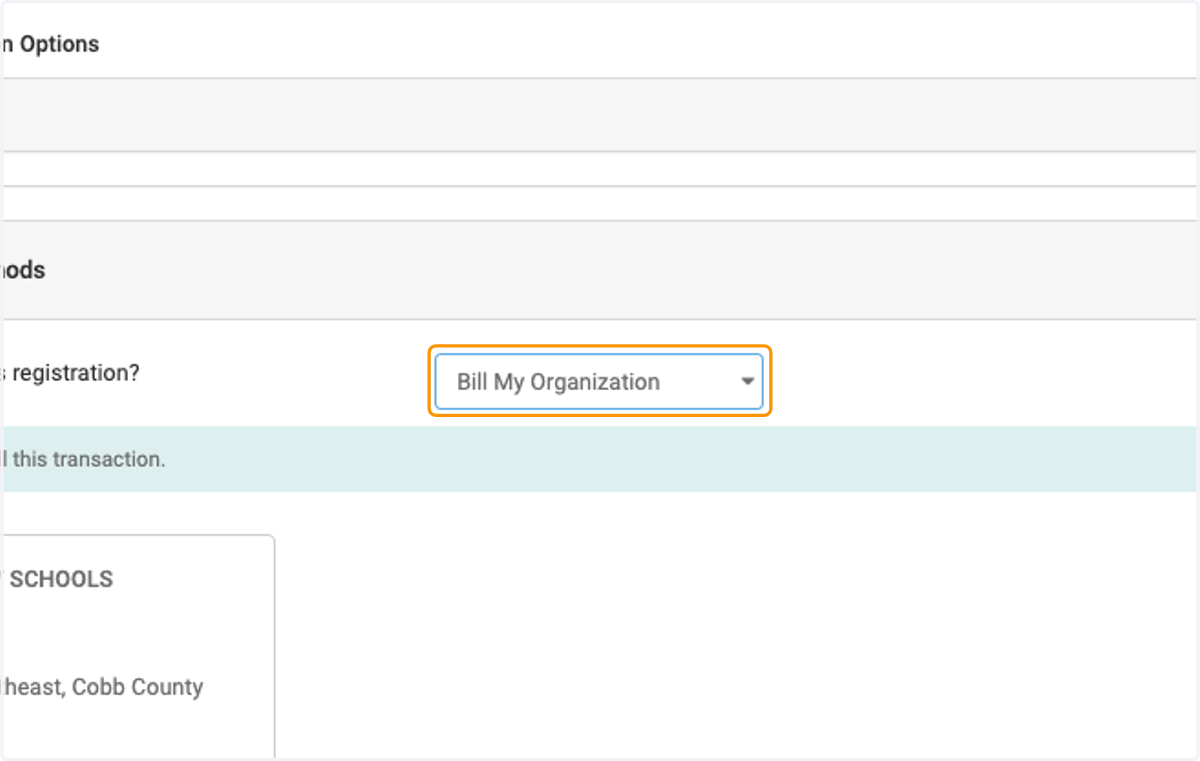
13. Select Bill My Organization
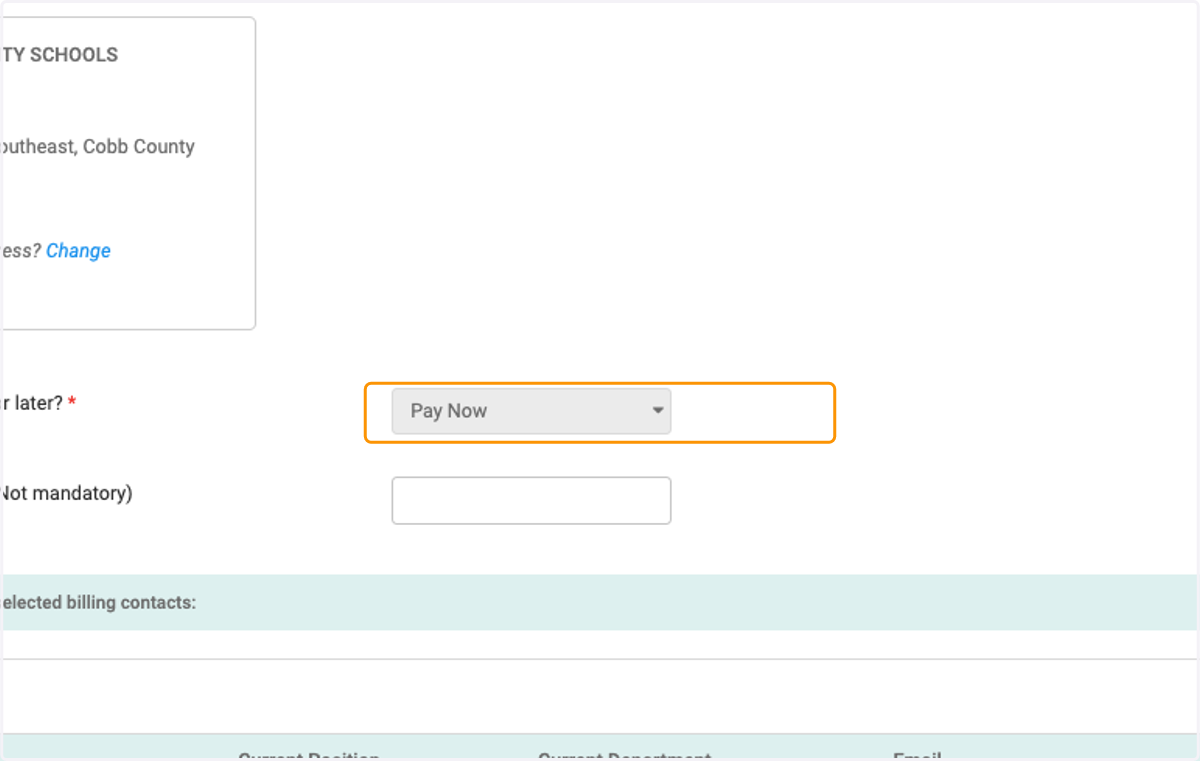
14. Click on Pay Now to pay by credit card
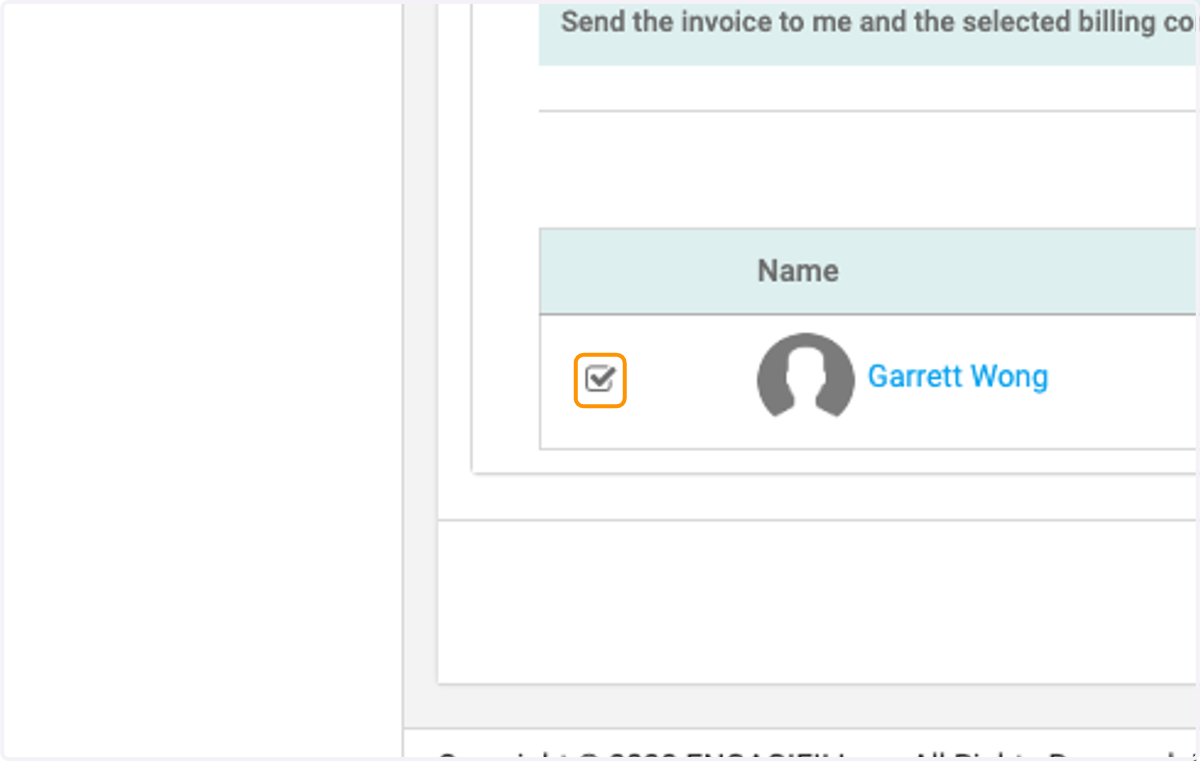
15. Check on Billing Contact
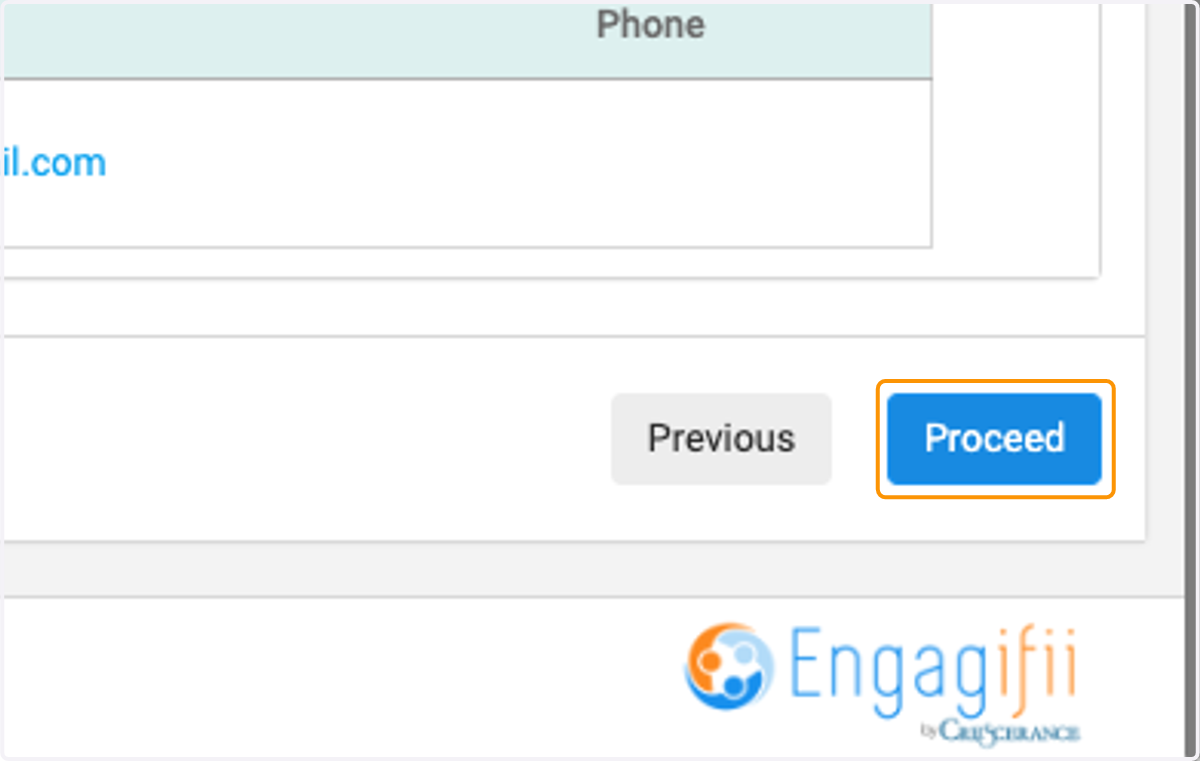
16. Click on Proceed
17. Enter Credit Card details and click on green pay button
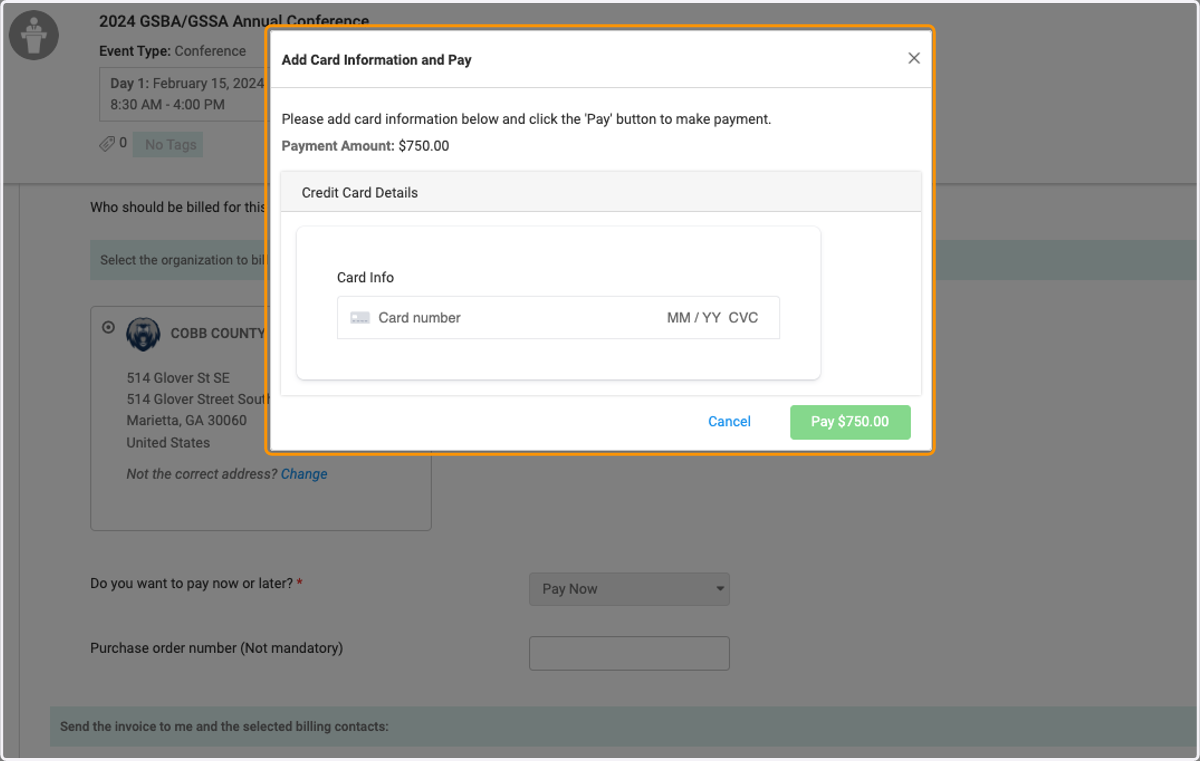
18. You will receive a confirmation email when your payment is processed successfully.