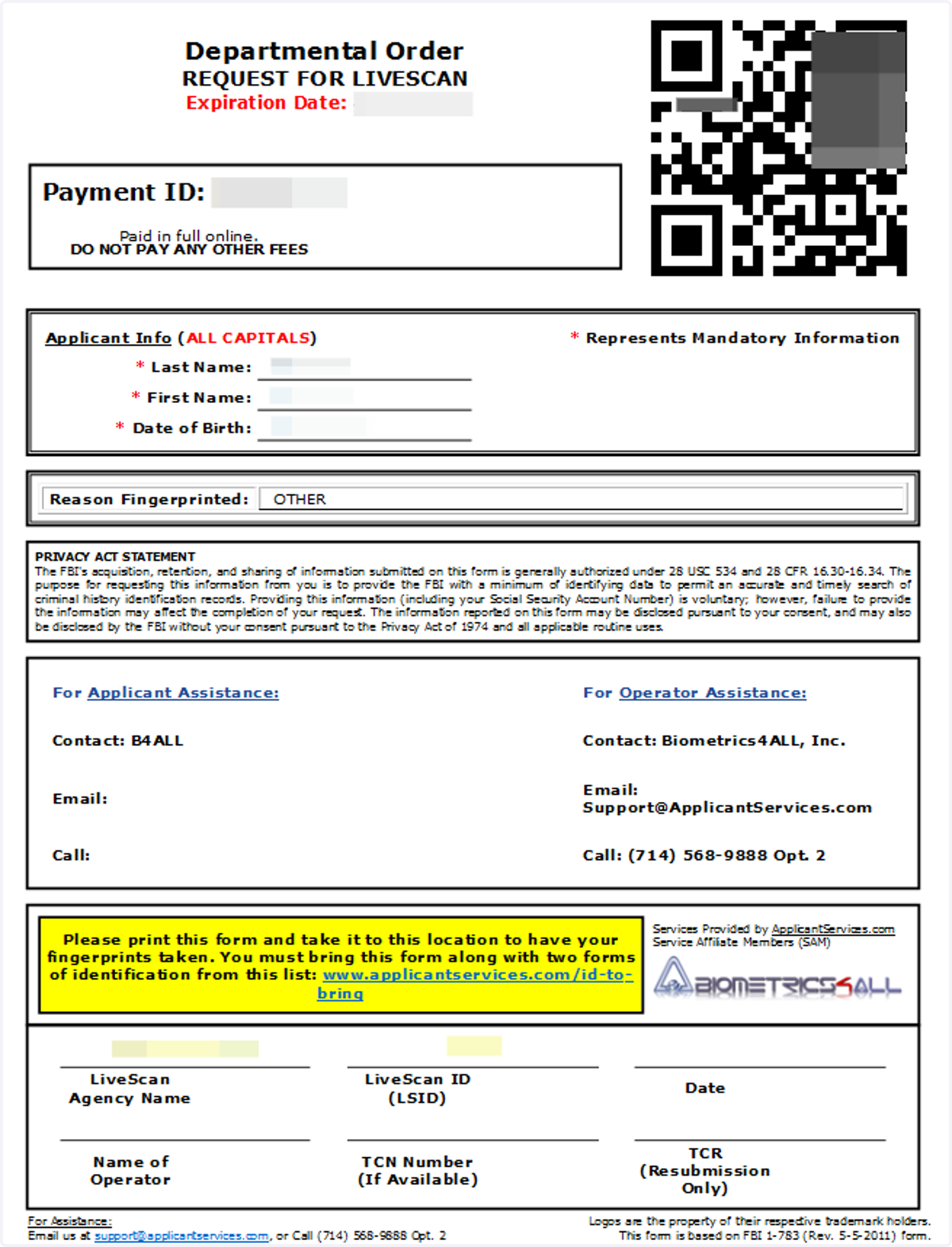
Guide to Get Started: FBI Electronic Departmental Order
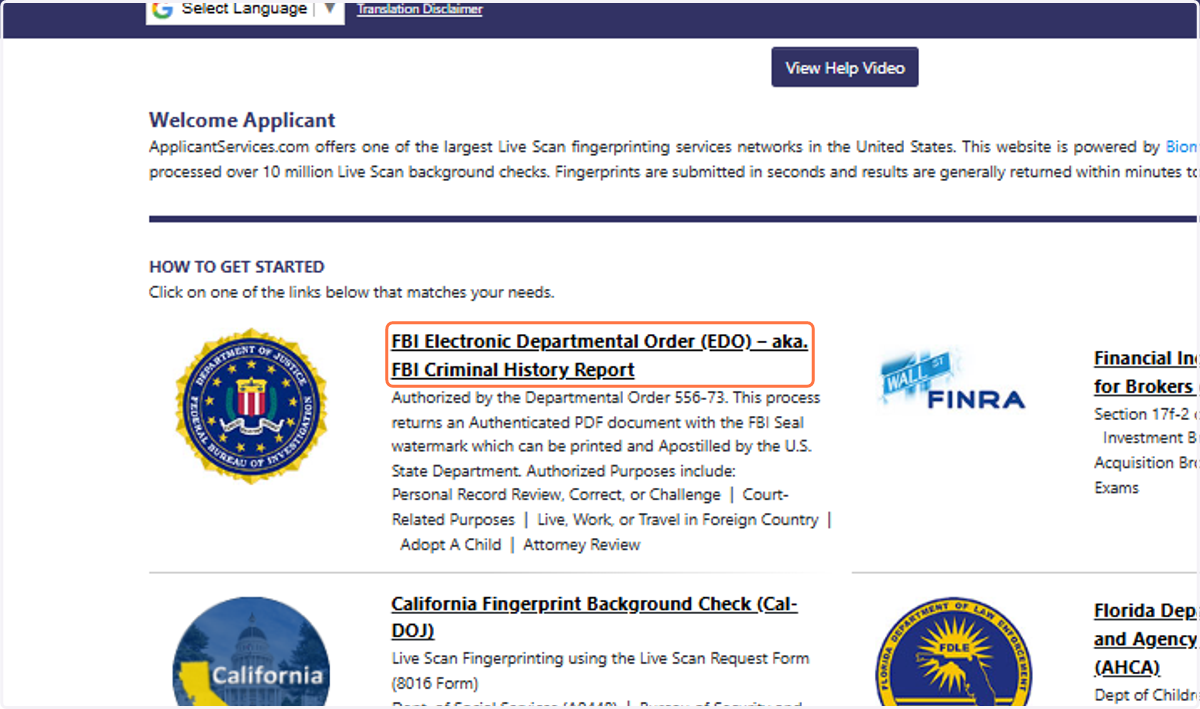
1. Click on FBI Electronic Departmental Order (EDO) – aka. FBI Criminal History Report
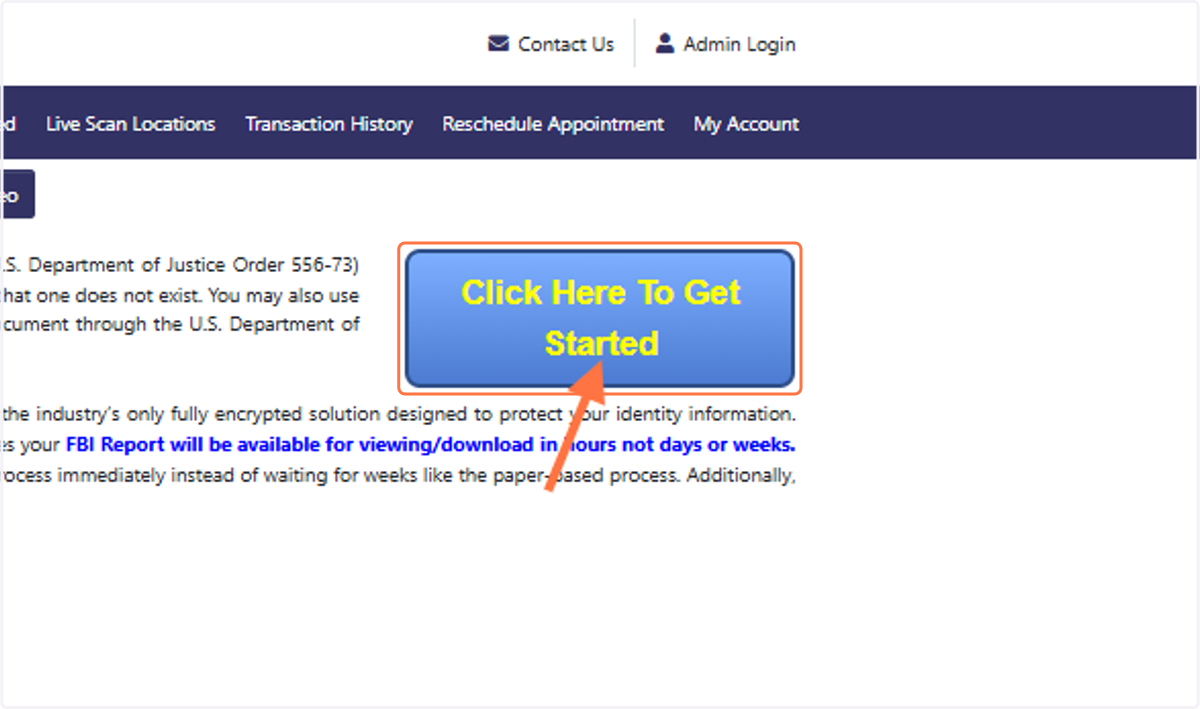
2. Click on Click Here To Get Started
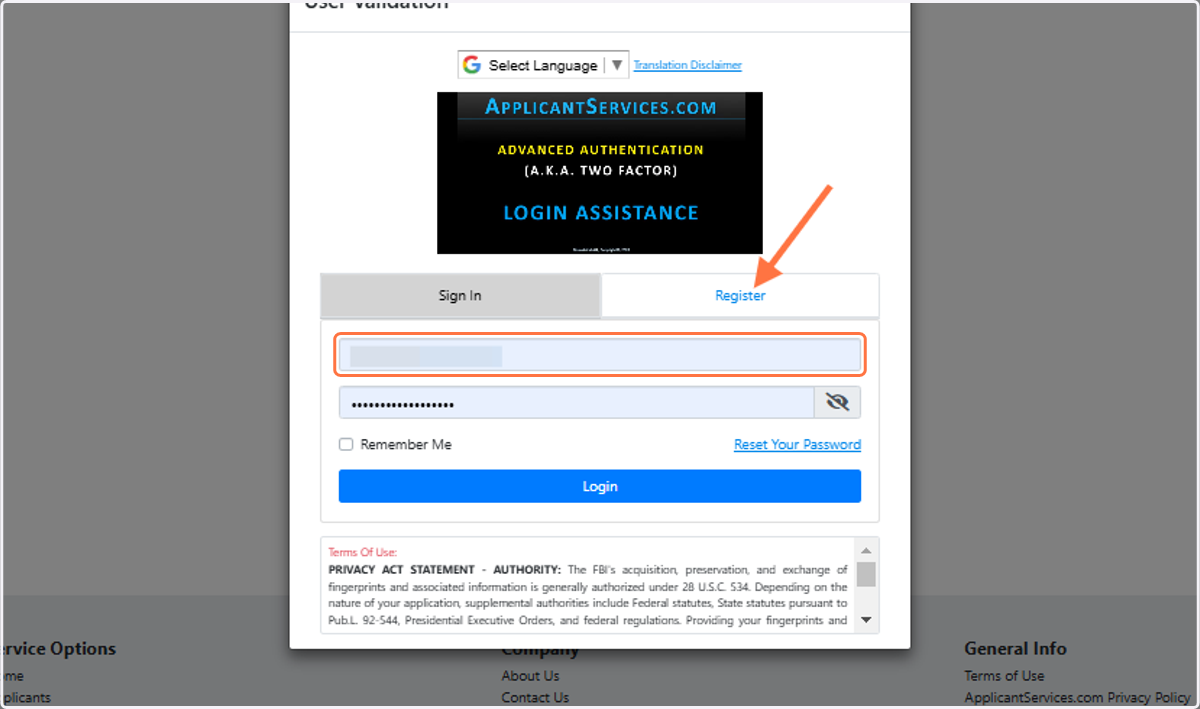
3. Enter your email address and password for returning users.
For new users, click on the Register Option
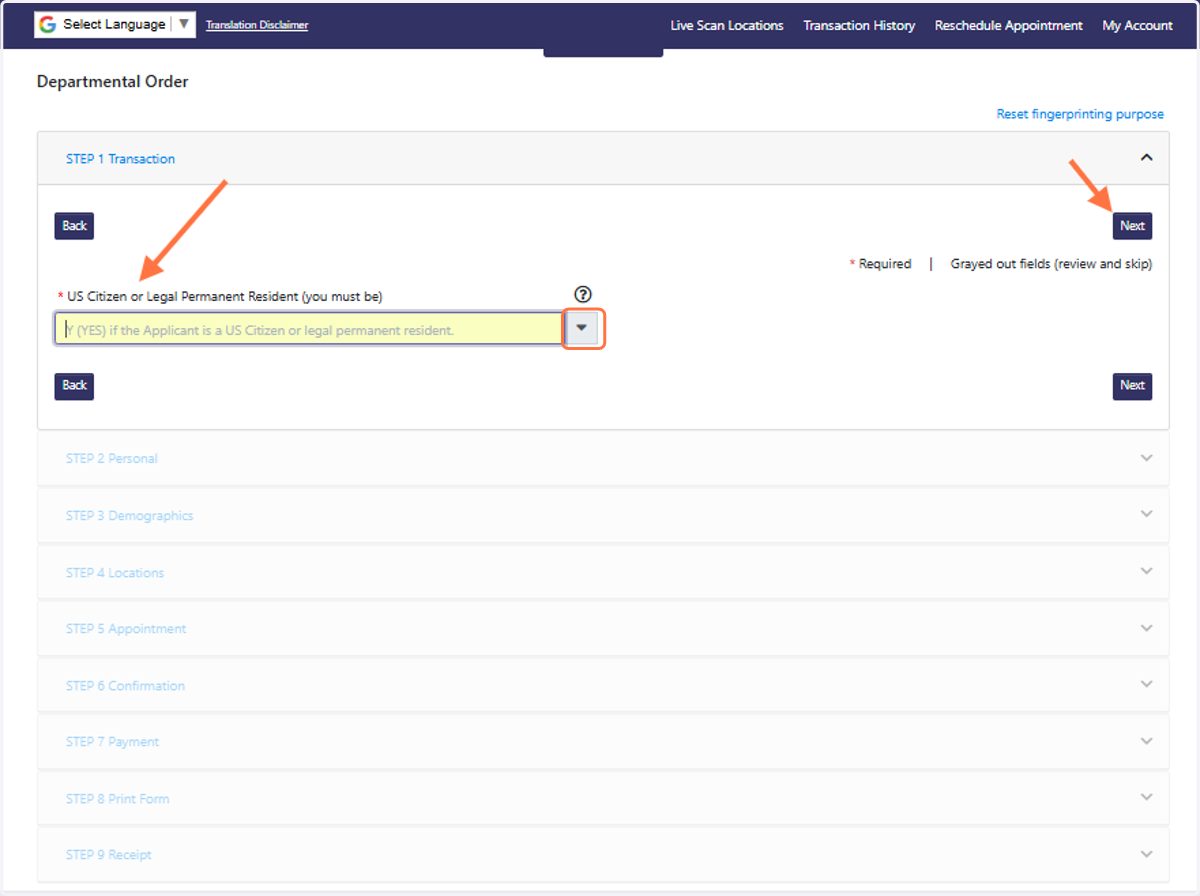
4. Complete each step of the online application and hit the NEXT button to move on to each subsequent step.
5. After you complete all of the steps for your order, take the QR Code form to your selected service center for the Live Scan Appointment!