Setting The General Lead Time
Go to the startpage
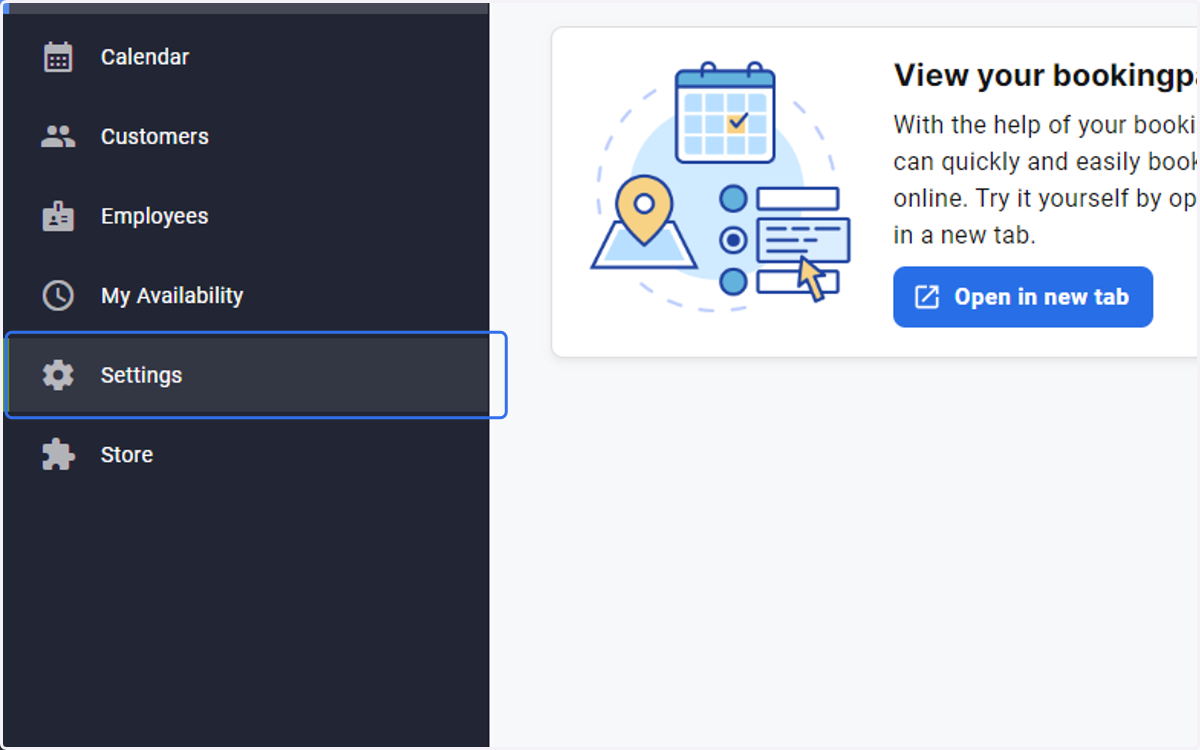
1. Click on Settings
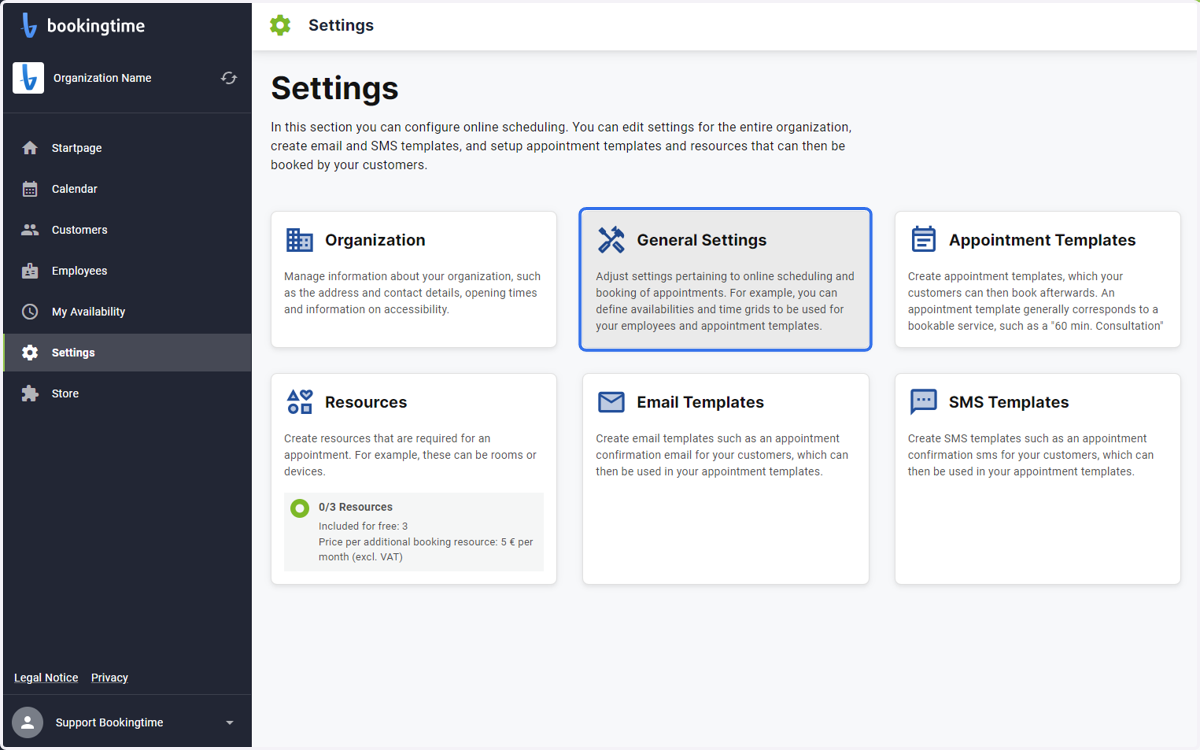
2. Select General Settings
3. Enter the amount days in advance a booking can be made
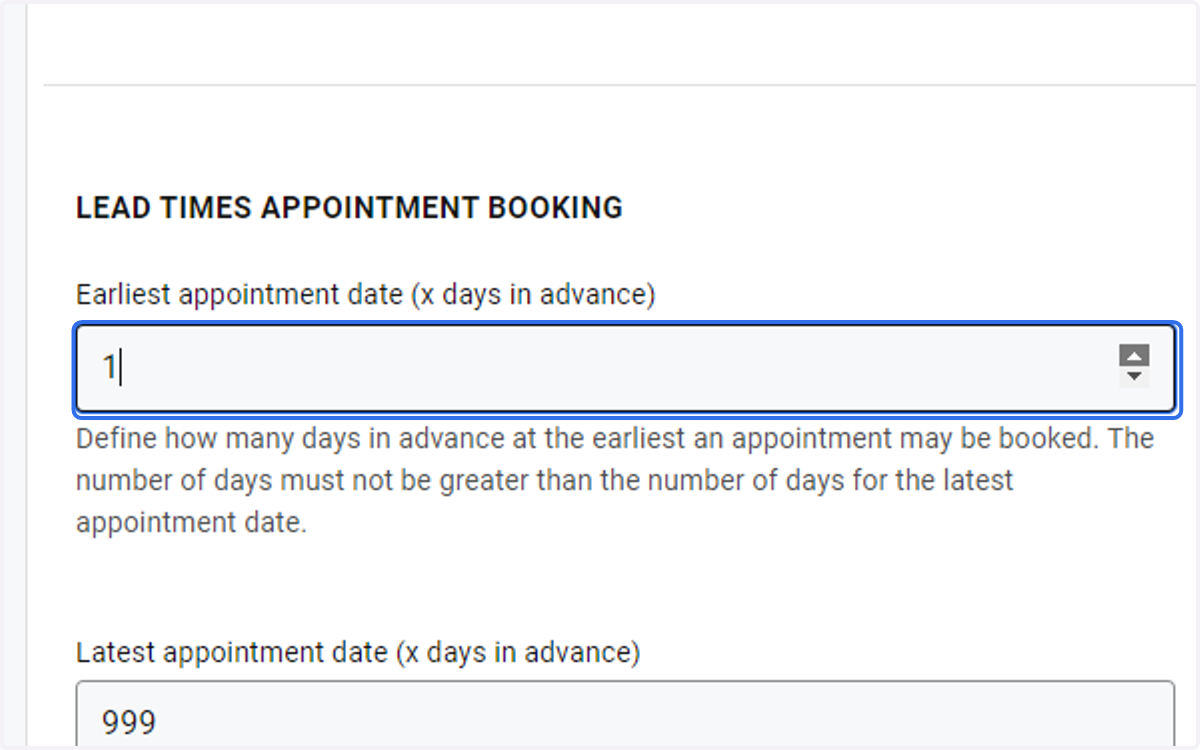
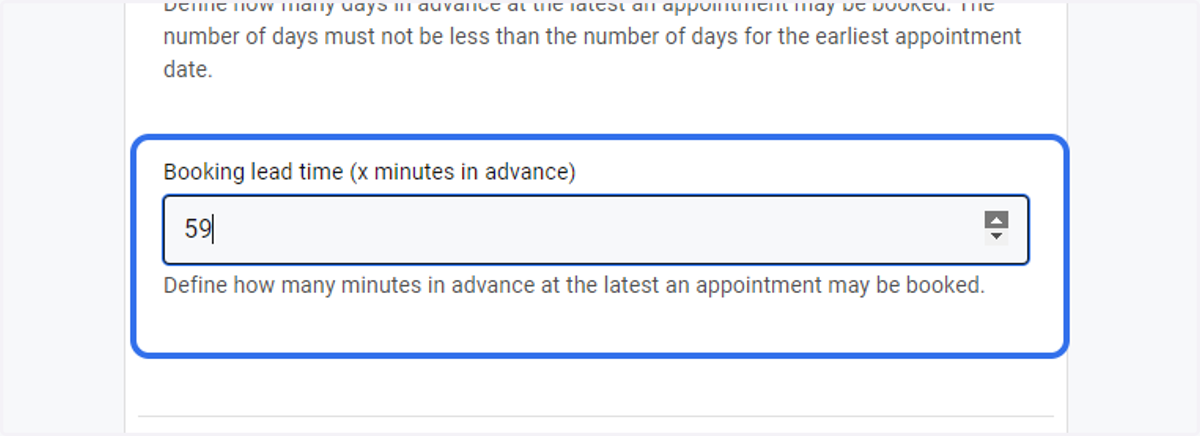
4. You can even set the time in hours for short-notice bookings on the same day
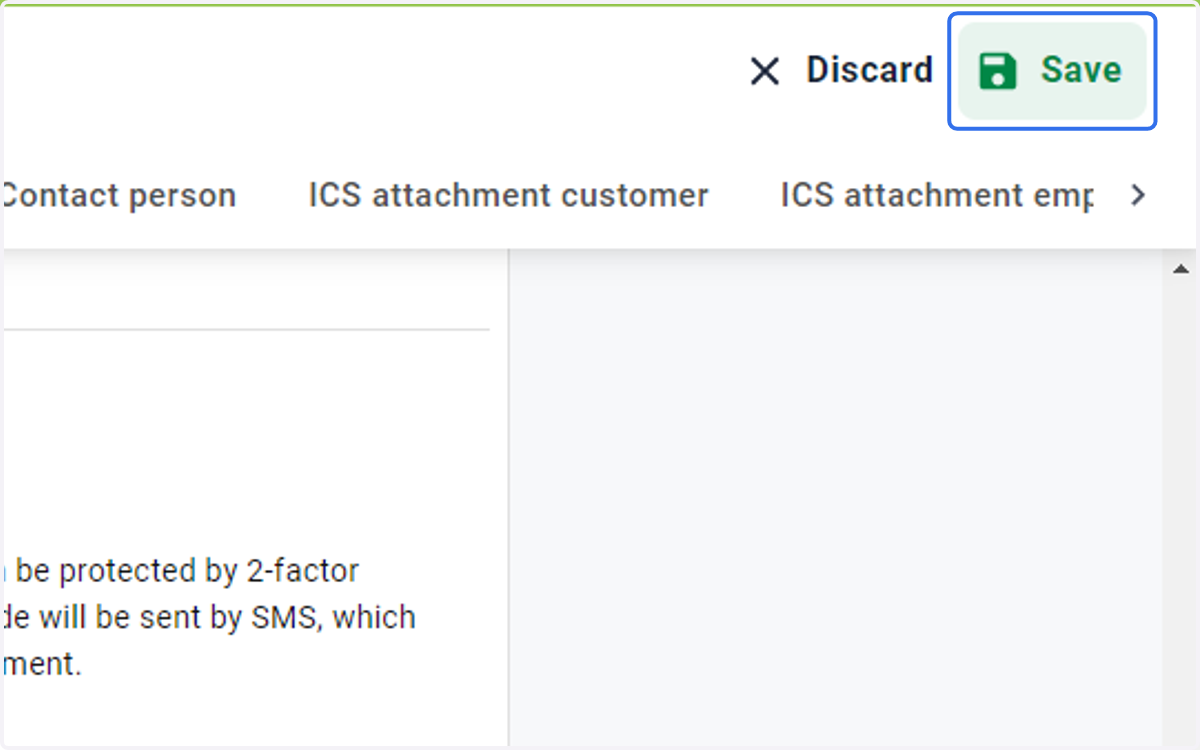
5. Click on the Save button