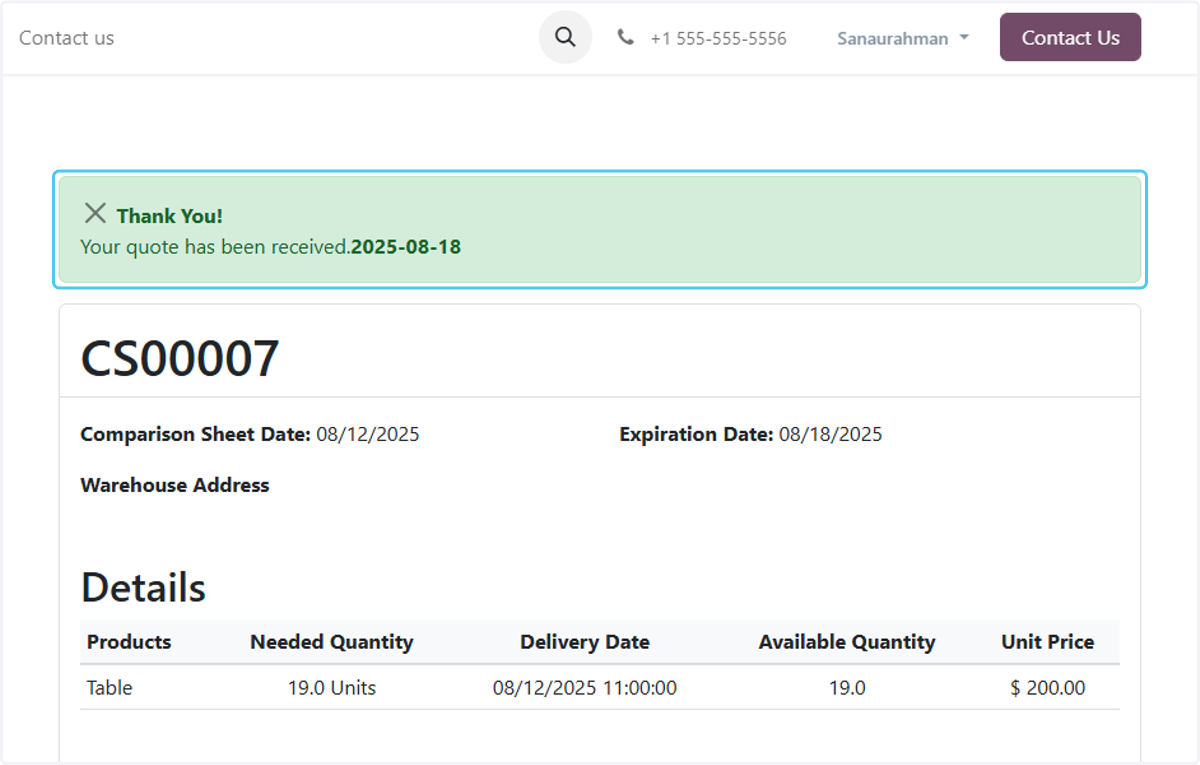
How to Process the Comparison Sheet through the Vendor Portal in Odoo – iLines iProcurement
Odoo
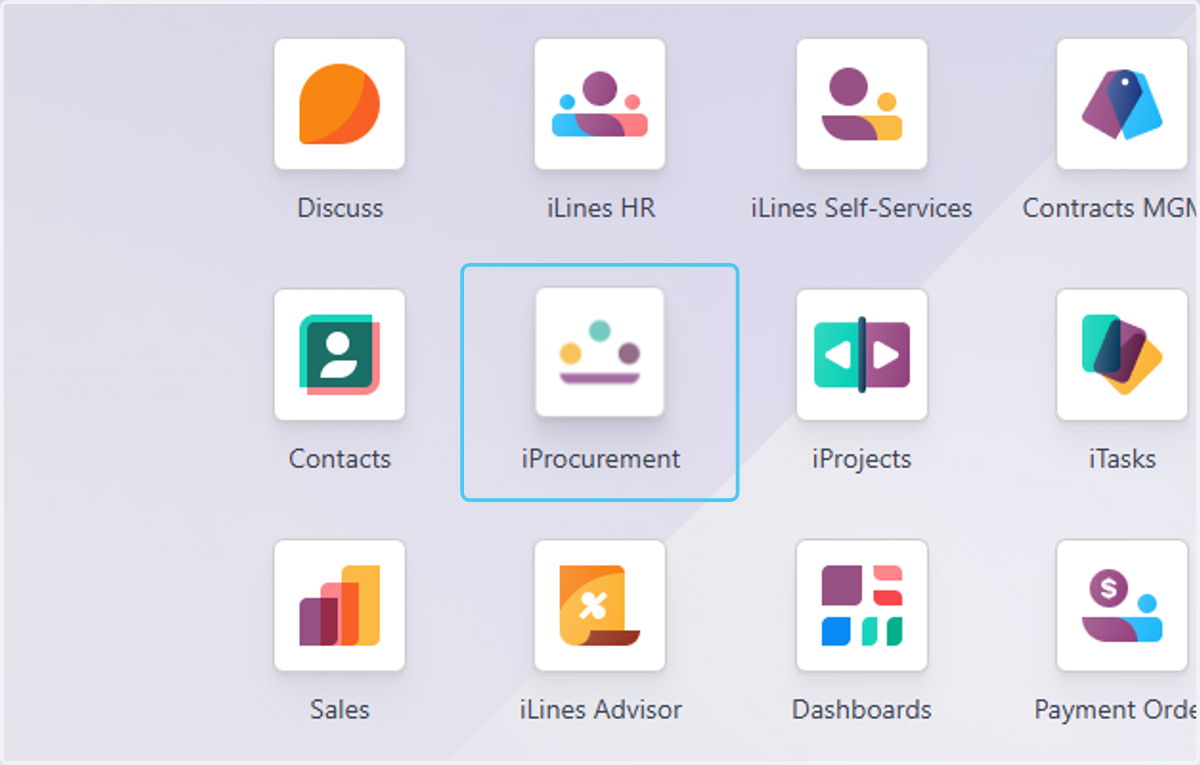
1. Click on iProcurement
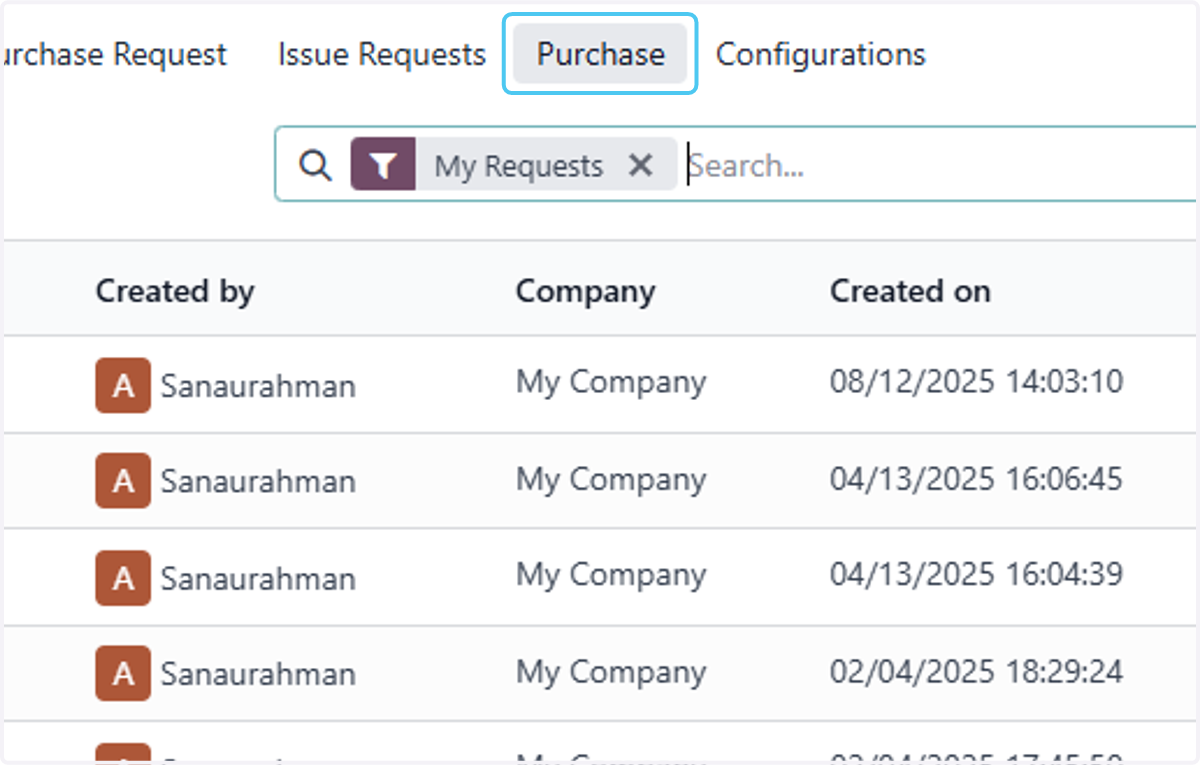
2. Click on Purchase
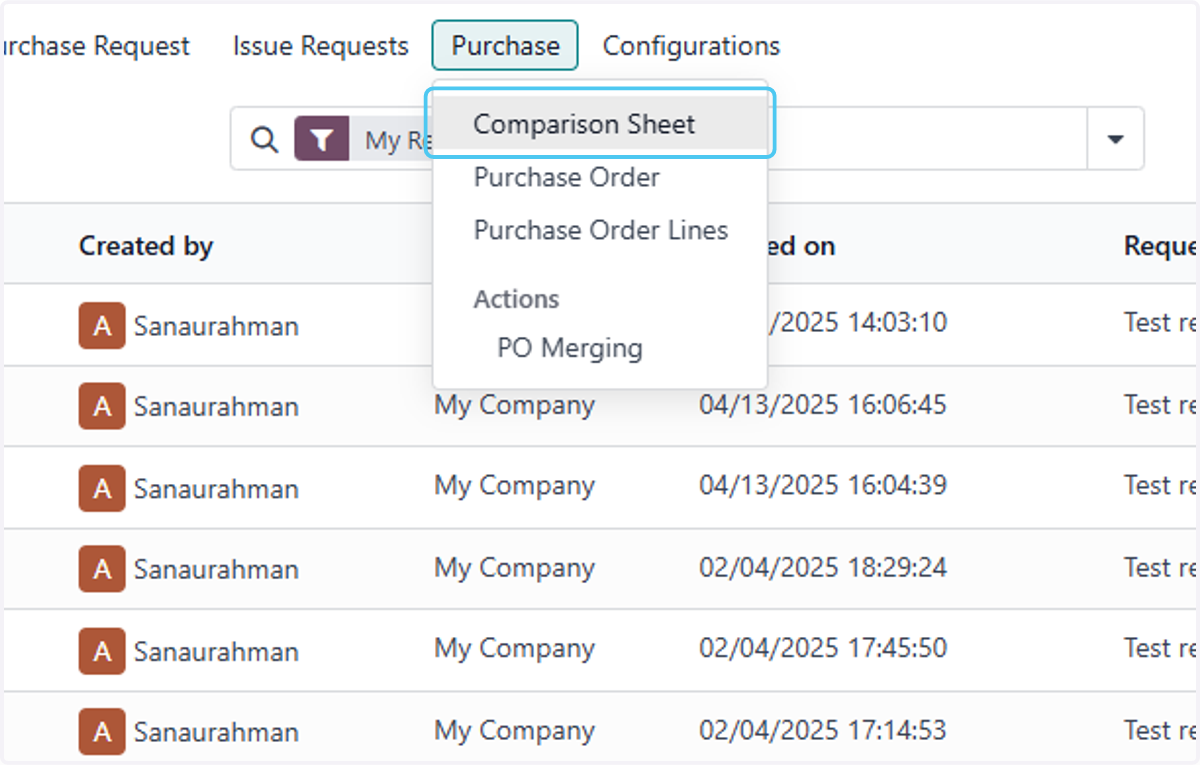
3. Click on Comparison Sheet
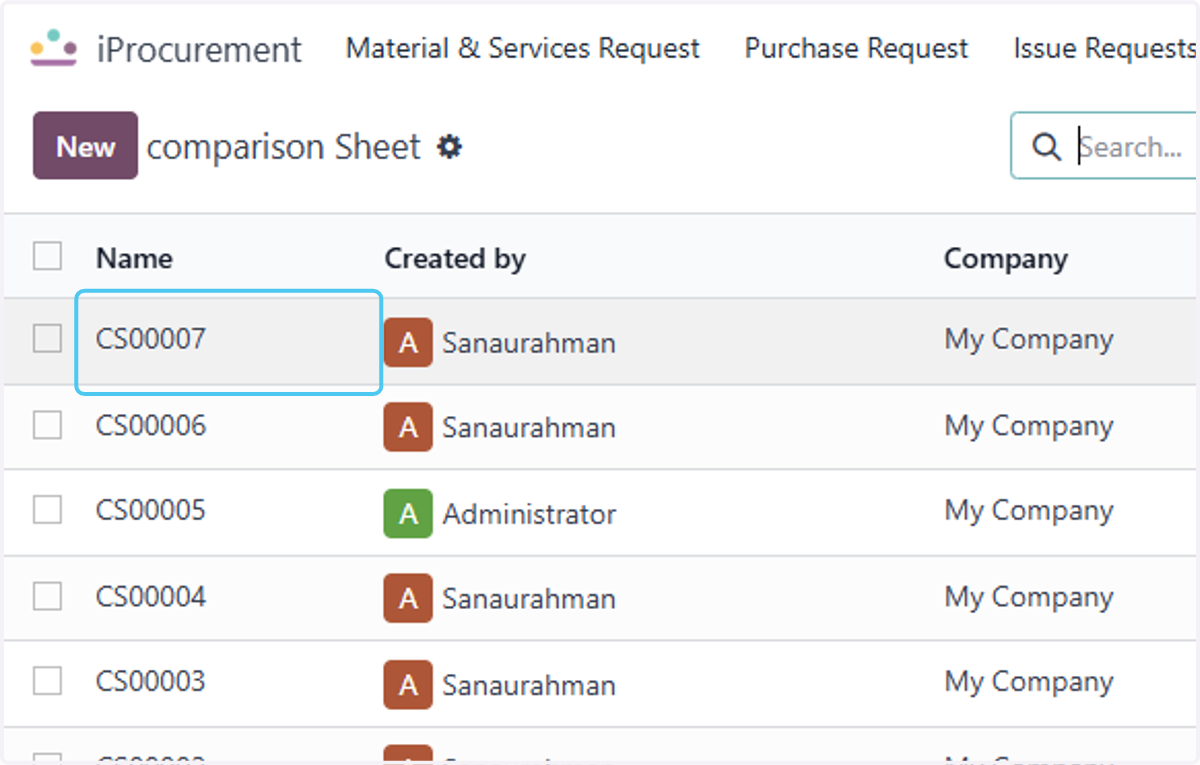
4. Click on CS00007
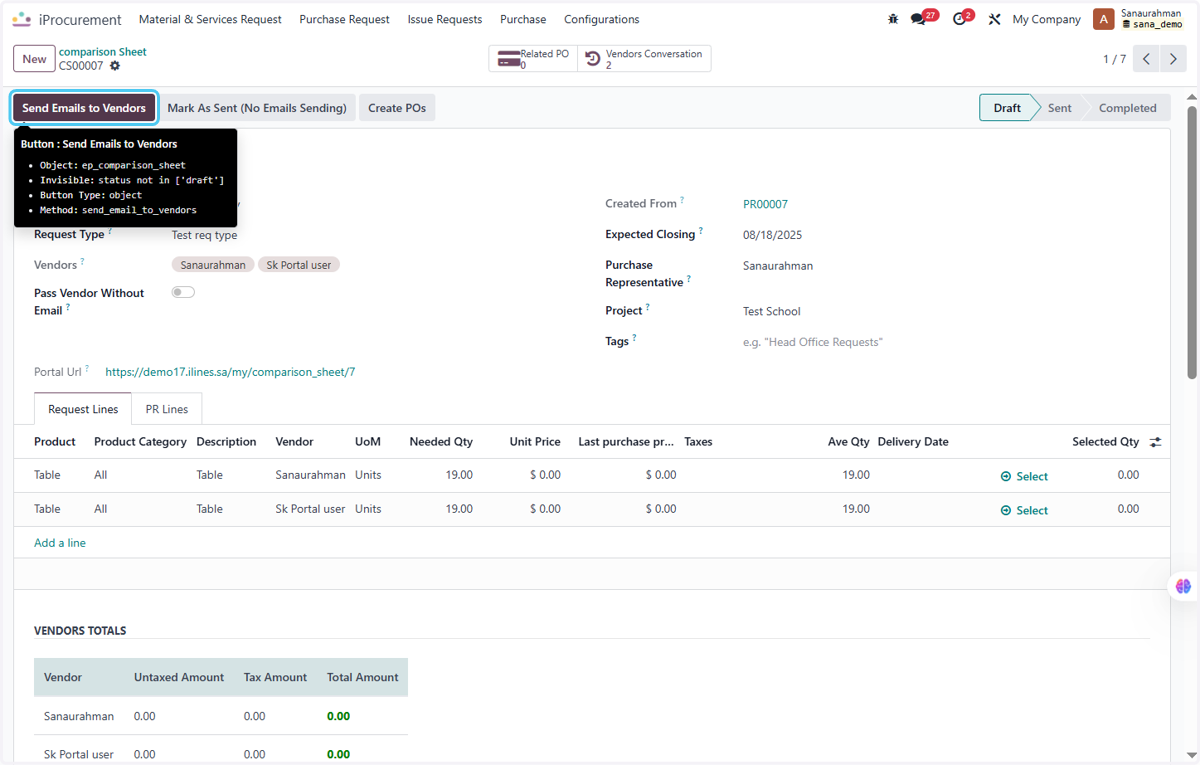
5. Click on Send Emails to Vendors
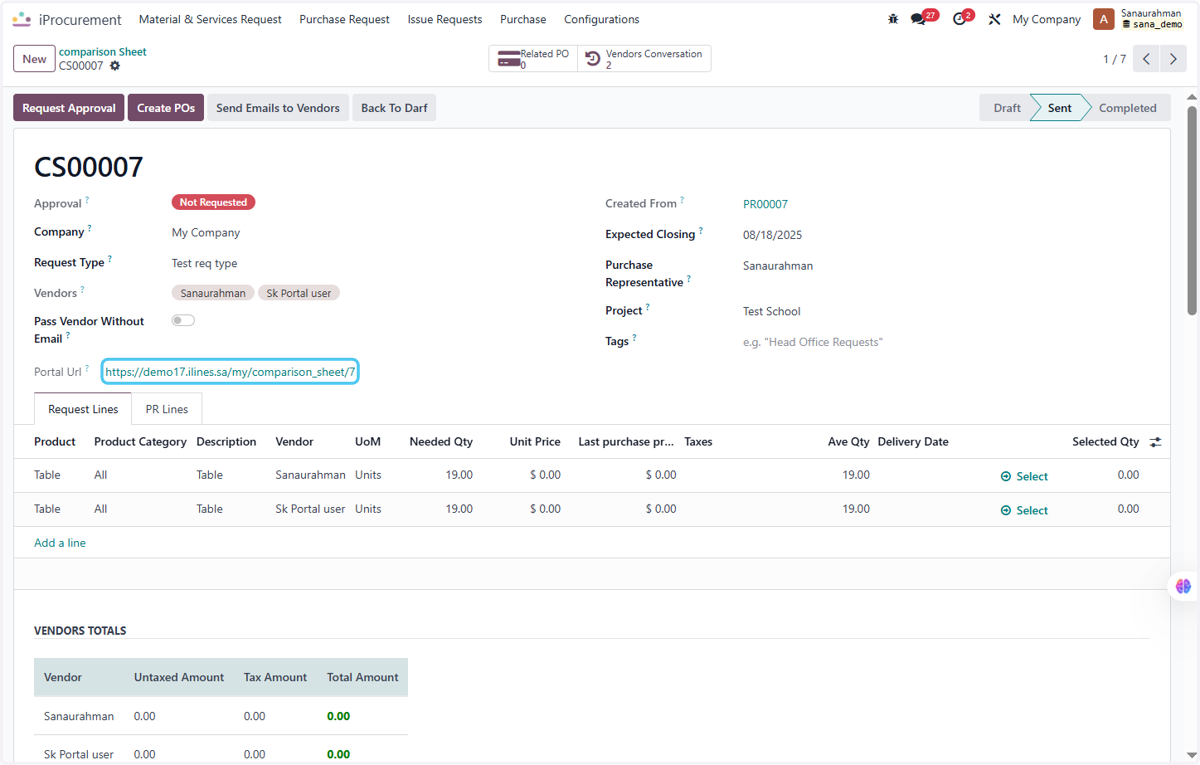
6. Drag highlighted link
7. Select the Relevant CS and Click on Fill Quantites
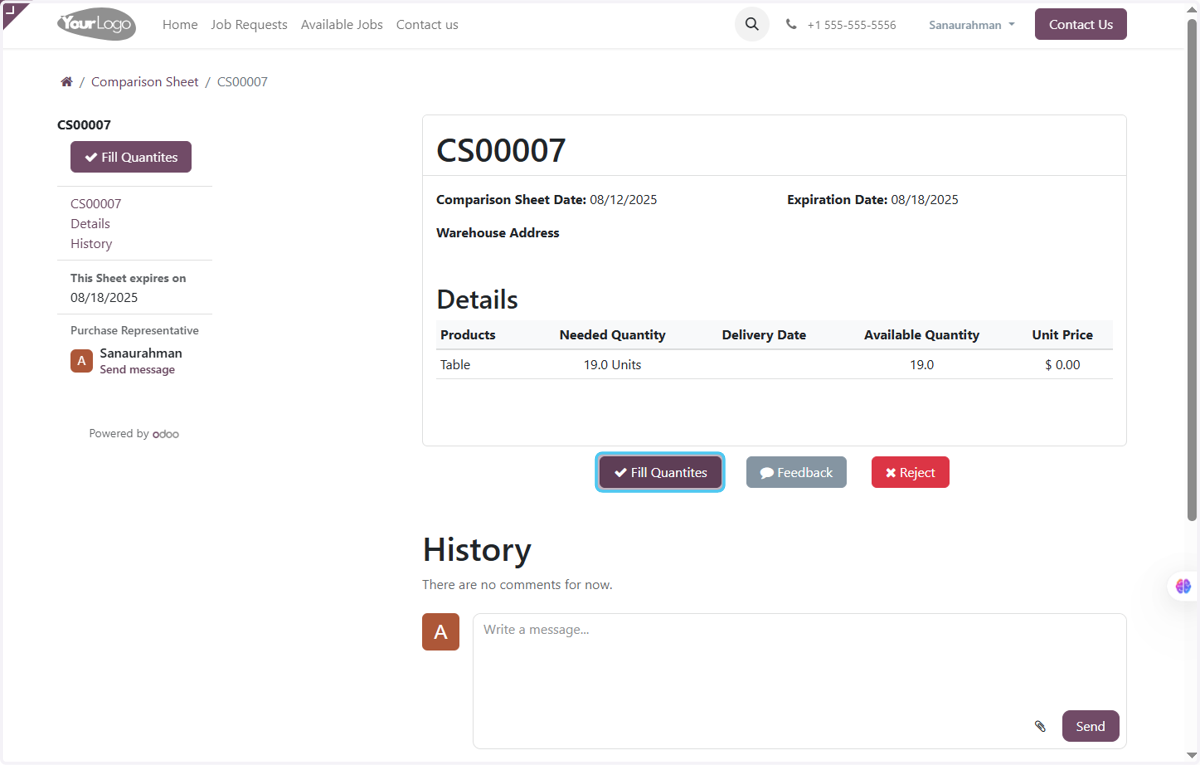
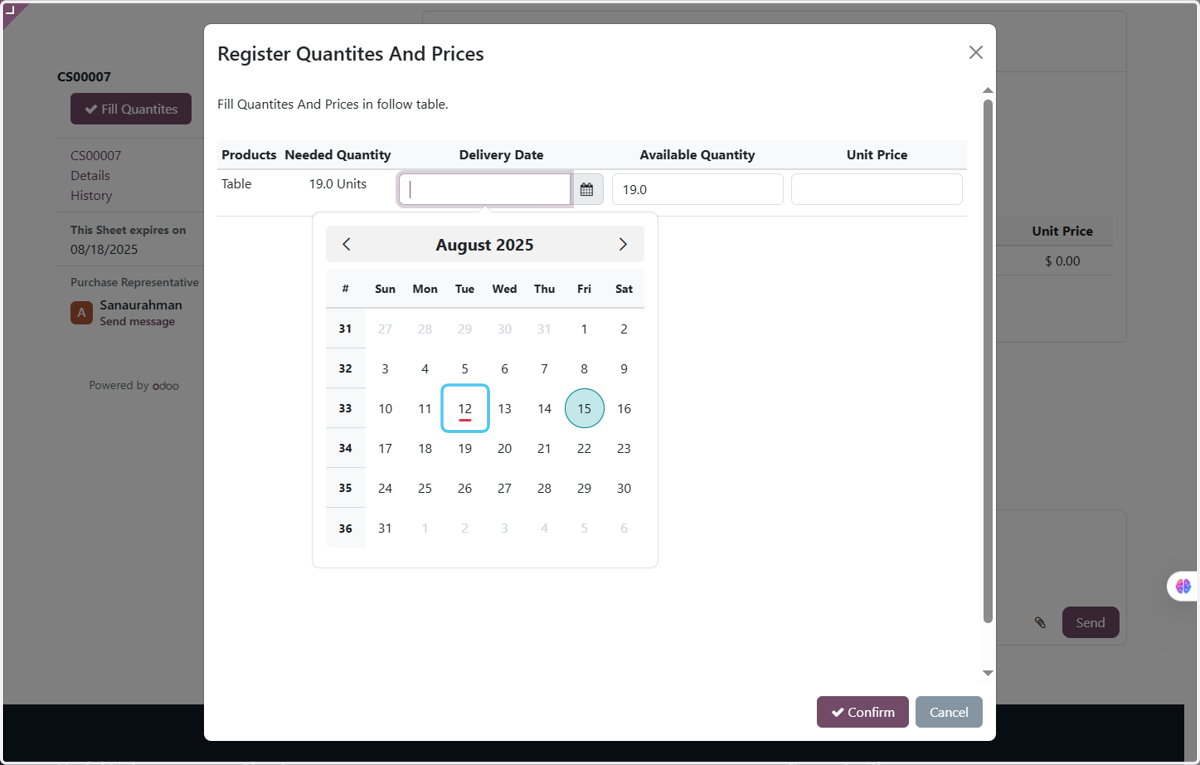
8. Click on Delivery Date and Enter the date
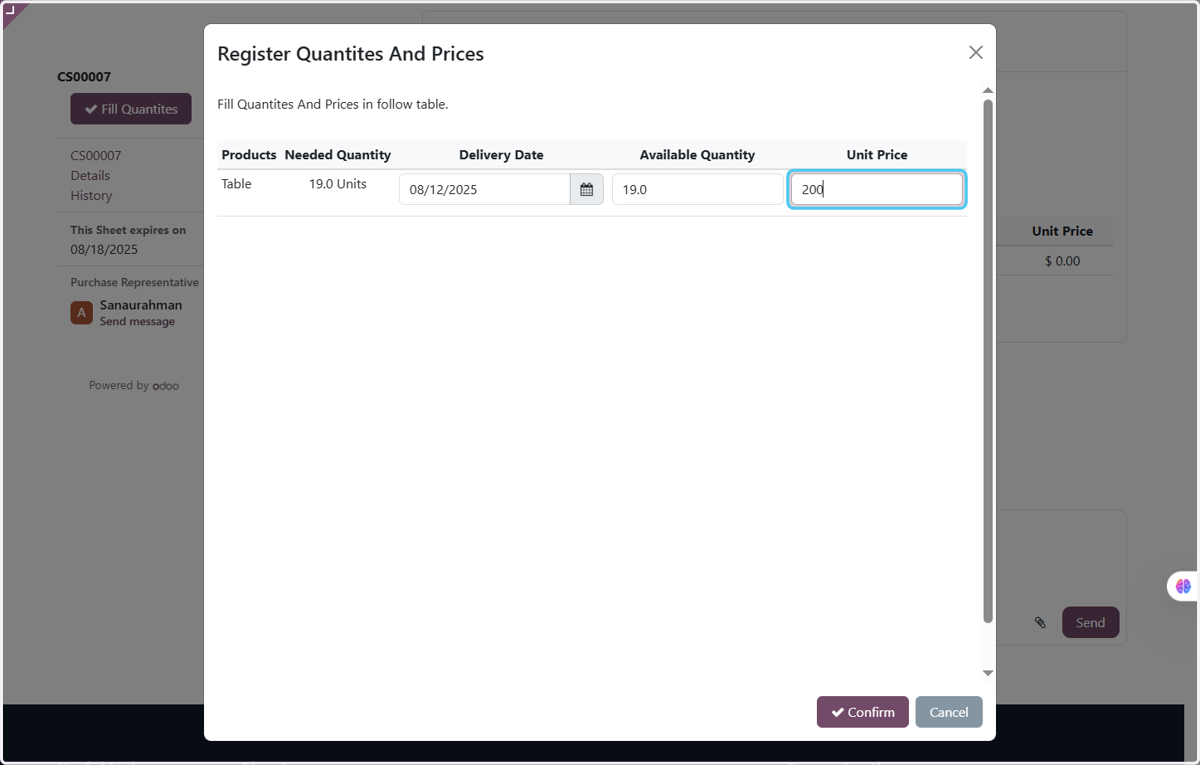
9. Enter the unit Price in the Unit Price
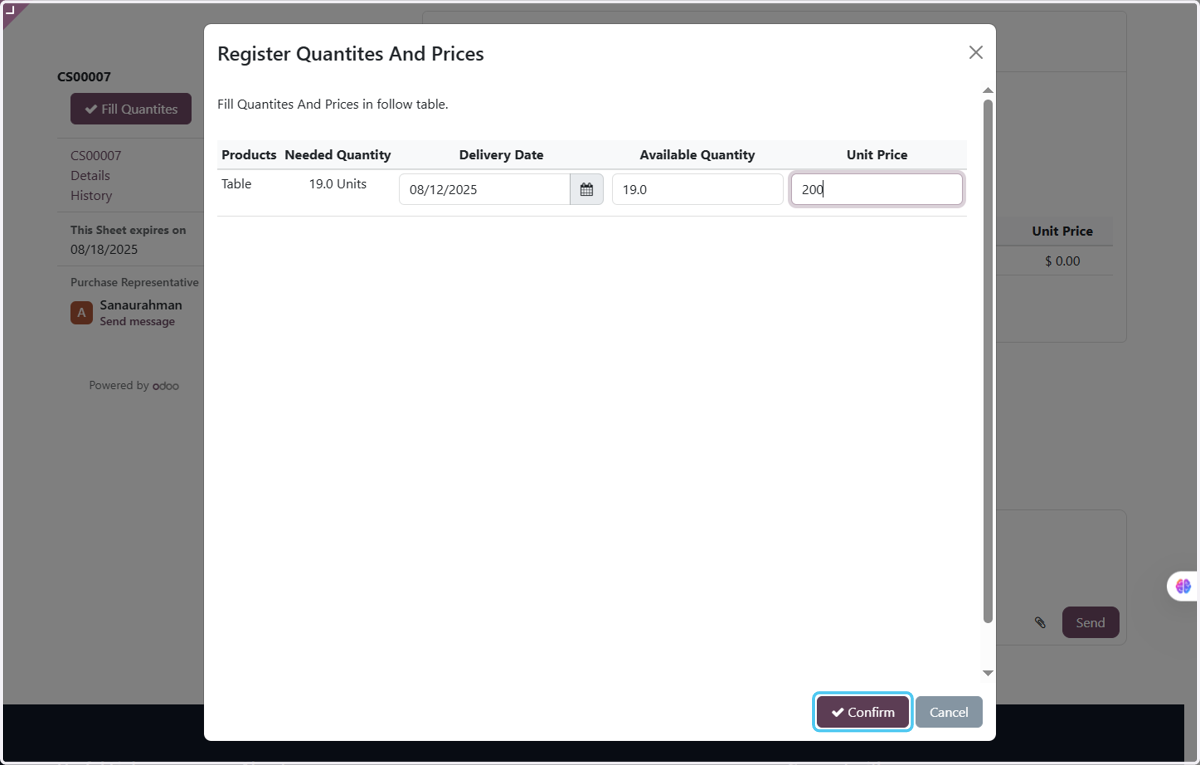
10. Click on Confirm
11. Finaly the CS in Odoo is updated and all data from the vendor is automatically fetched in odoo