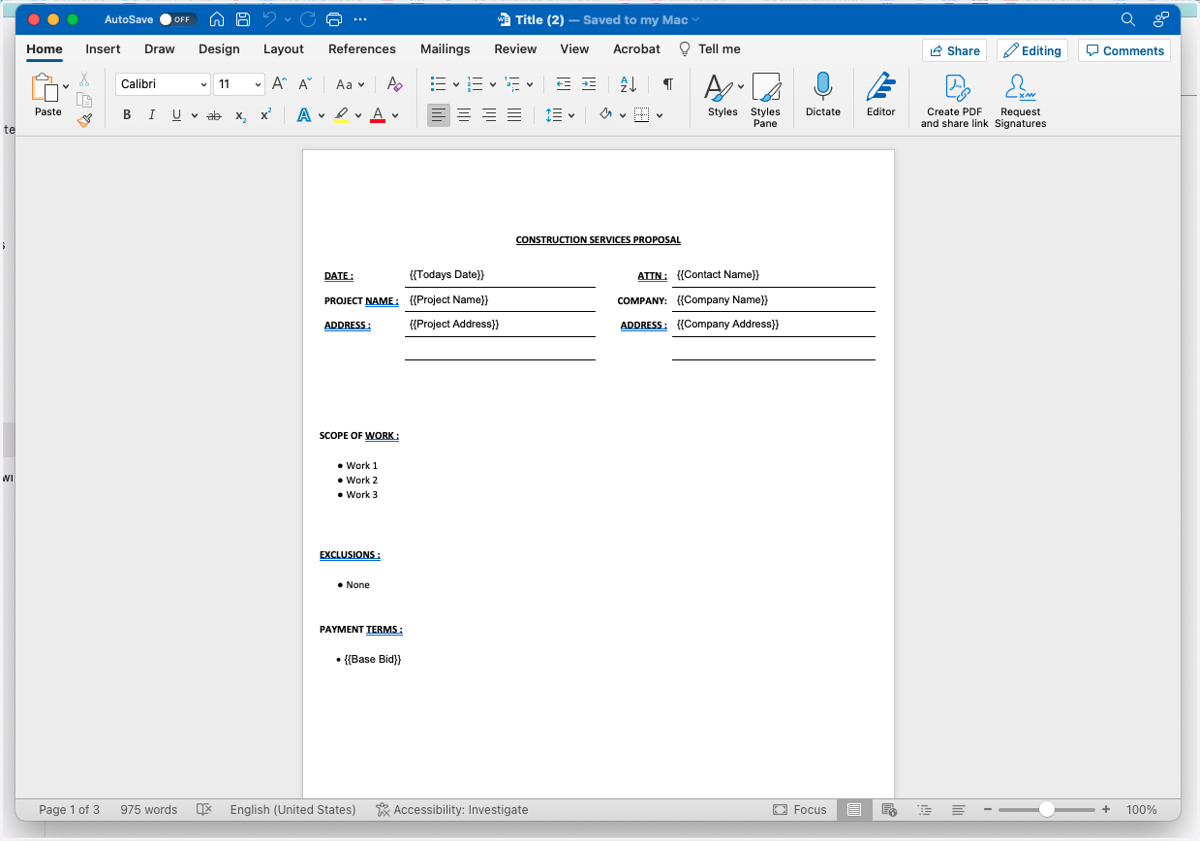
How to Save a Proposal as a Word Doc or a PDF
FollowUpCRM
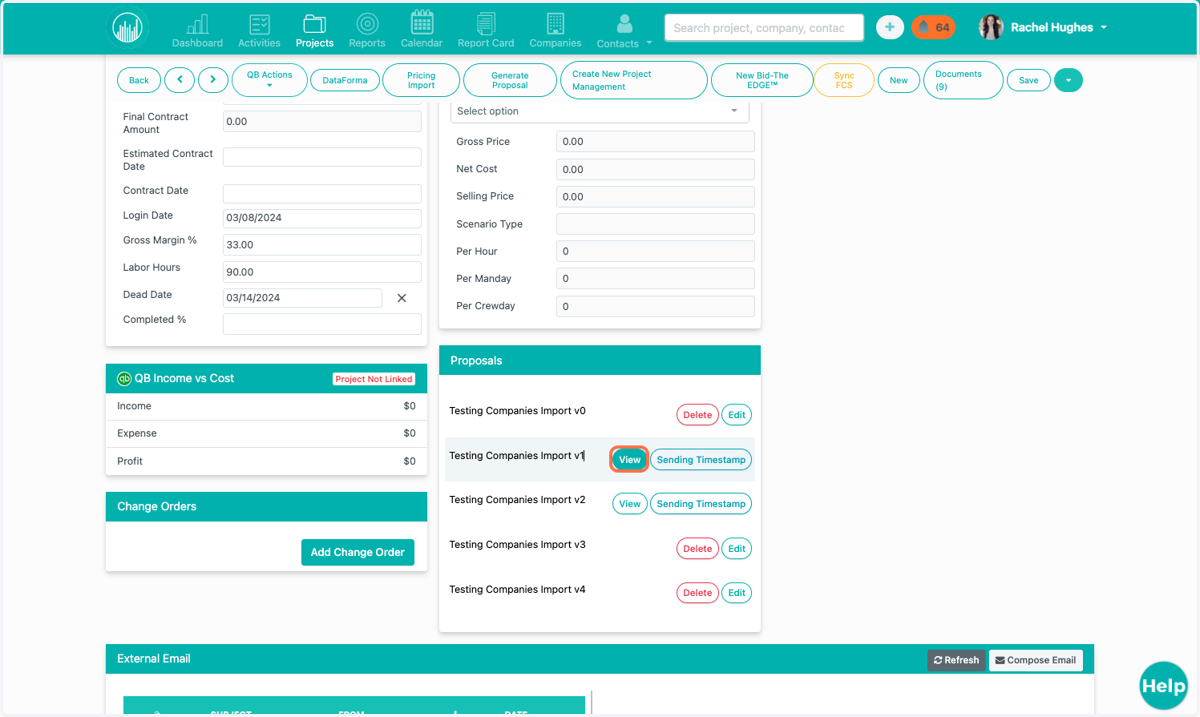
1. Locate the Project and the Proposal you'd like to save as a PDF or Word Document. Click "View."
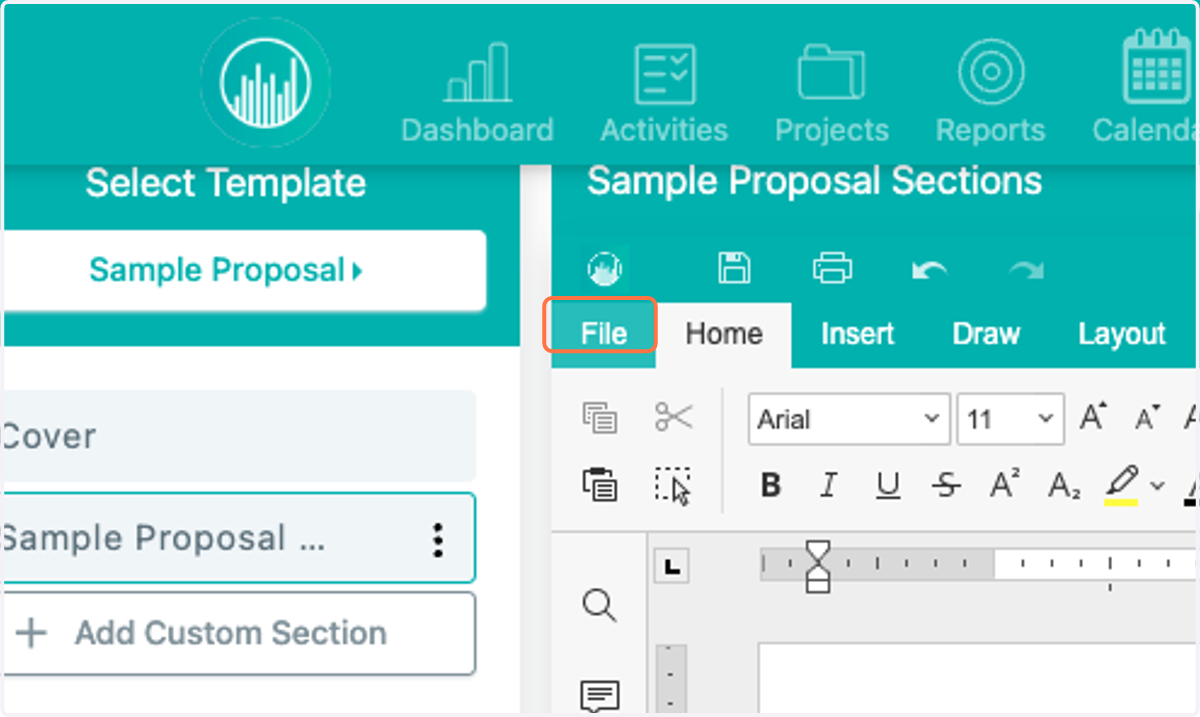
2. Open up the section, and click "File."
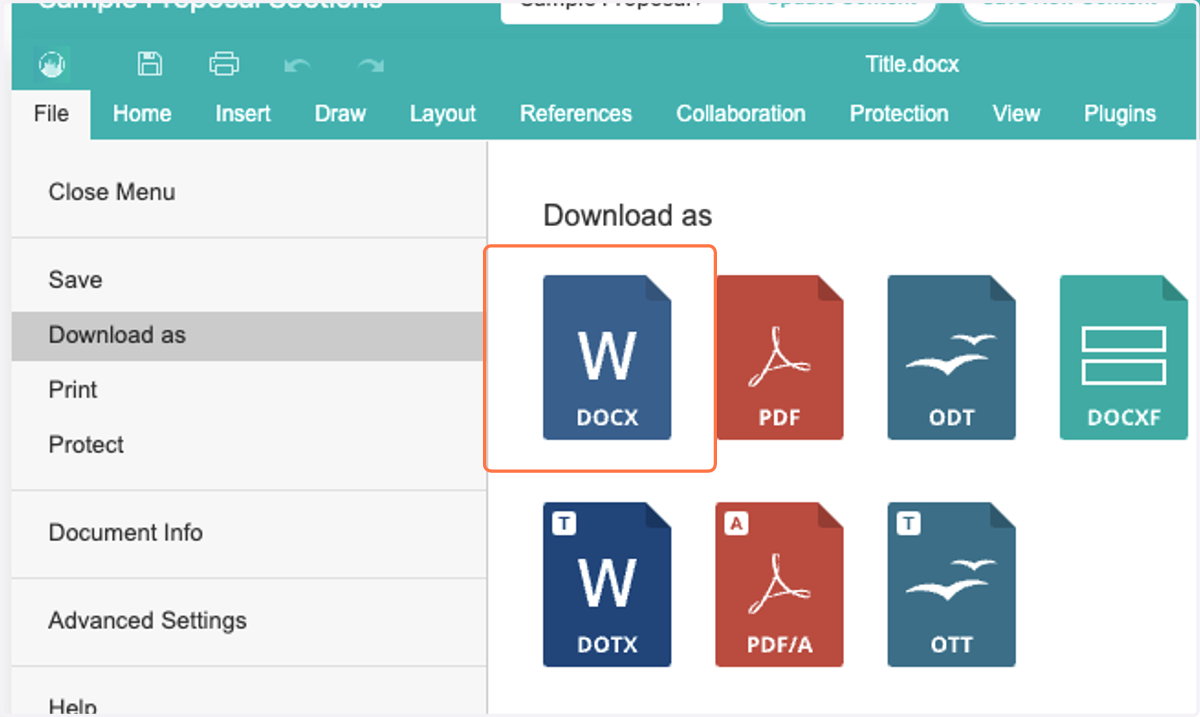
3. You now have the option to save your proposal in any of the following formats.
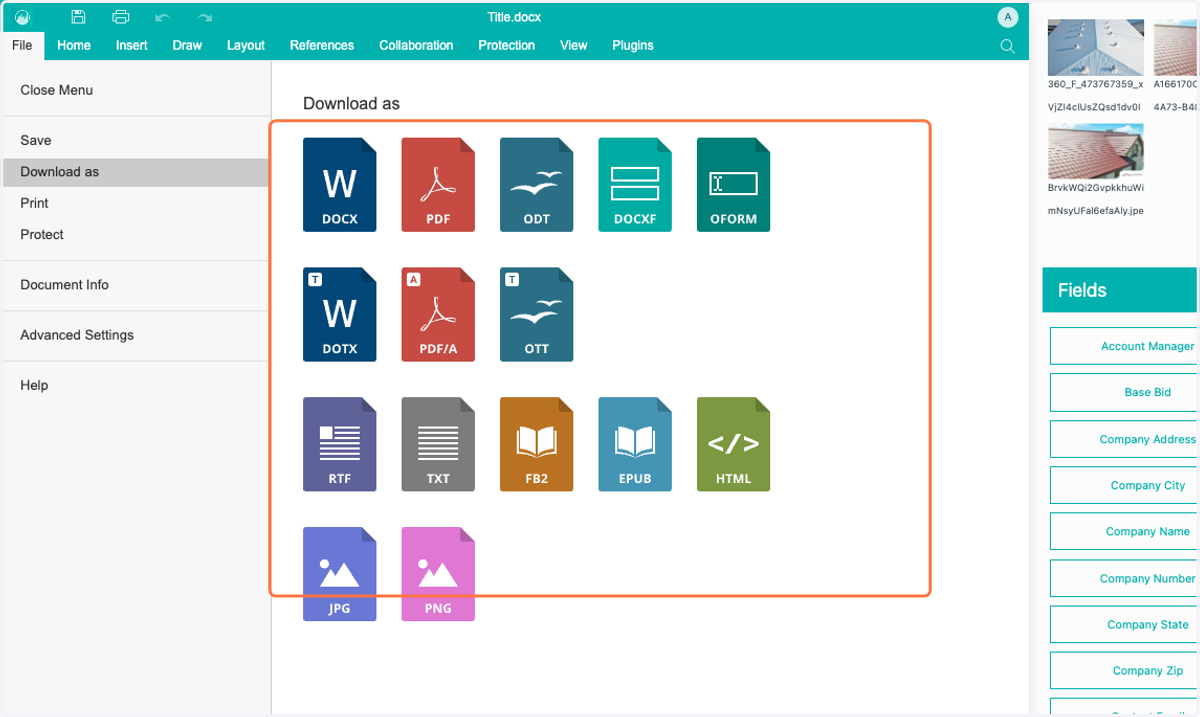
4. To download as a Word document, click the Word icon.
5. Open the Download from your Downloads section. You can continue editing in Word if you'd like to.