Create a new contact
Hubspot
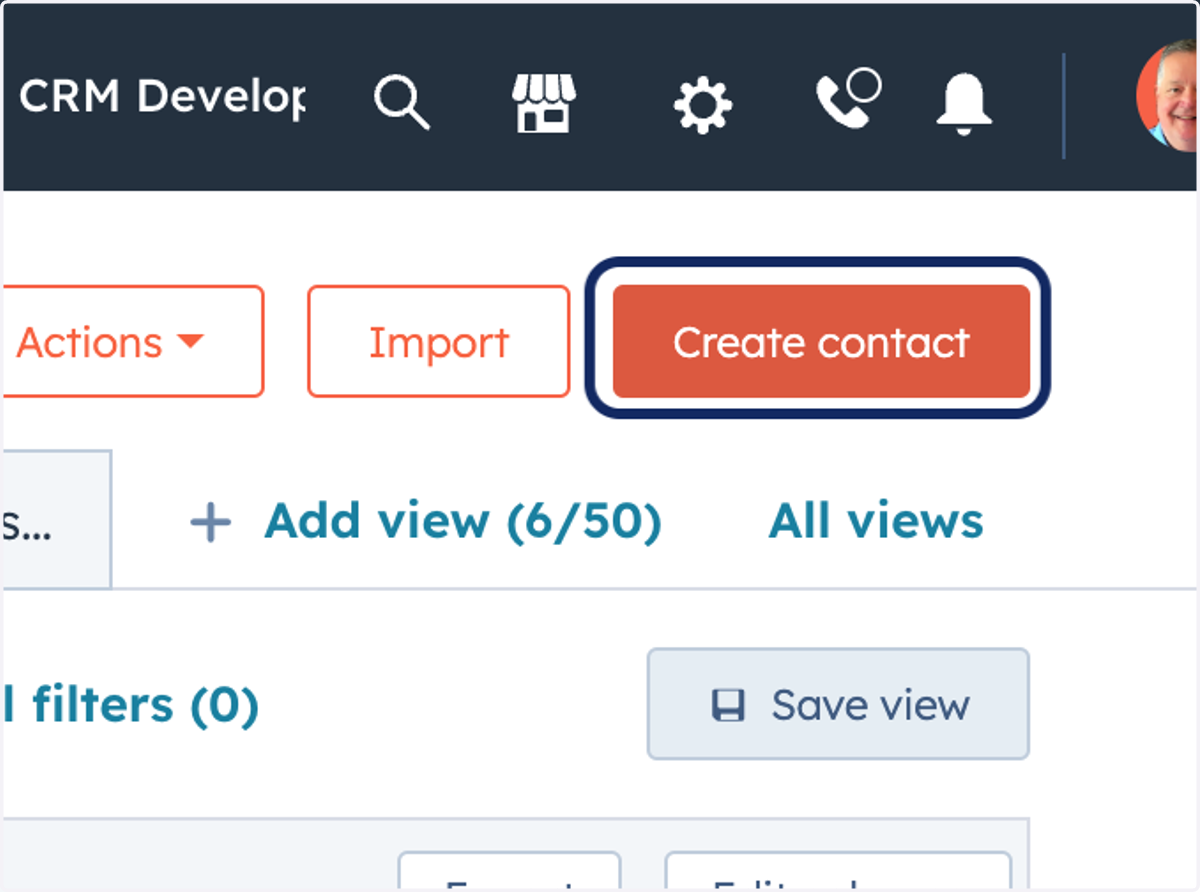
1. Go to app.hubspot.com
2. Click on Create contact
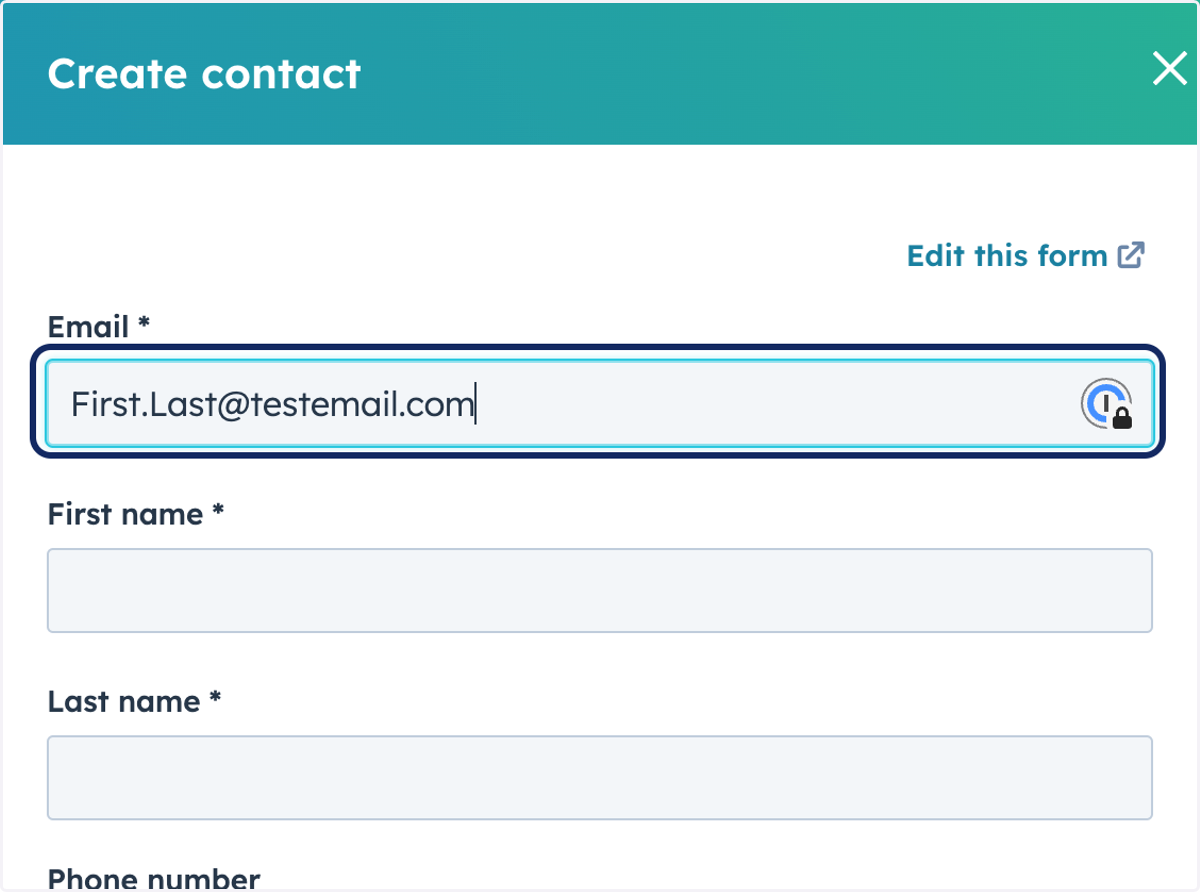
3. Type "First.Last@testemail.com"
best email
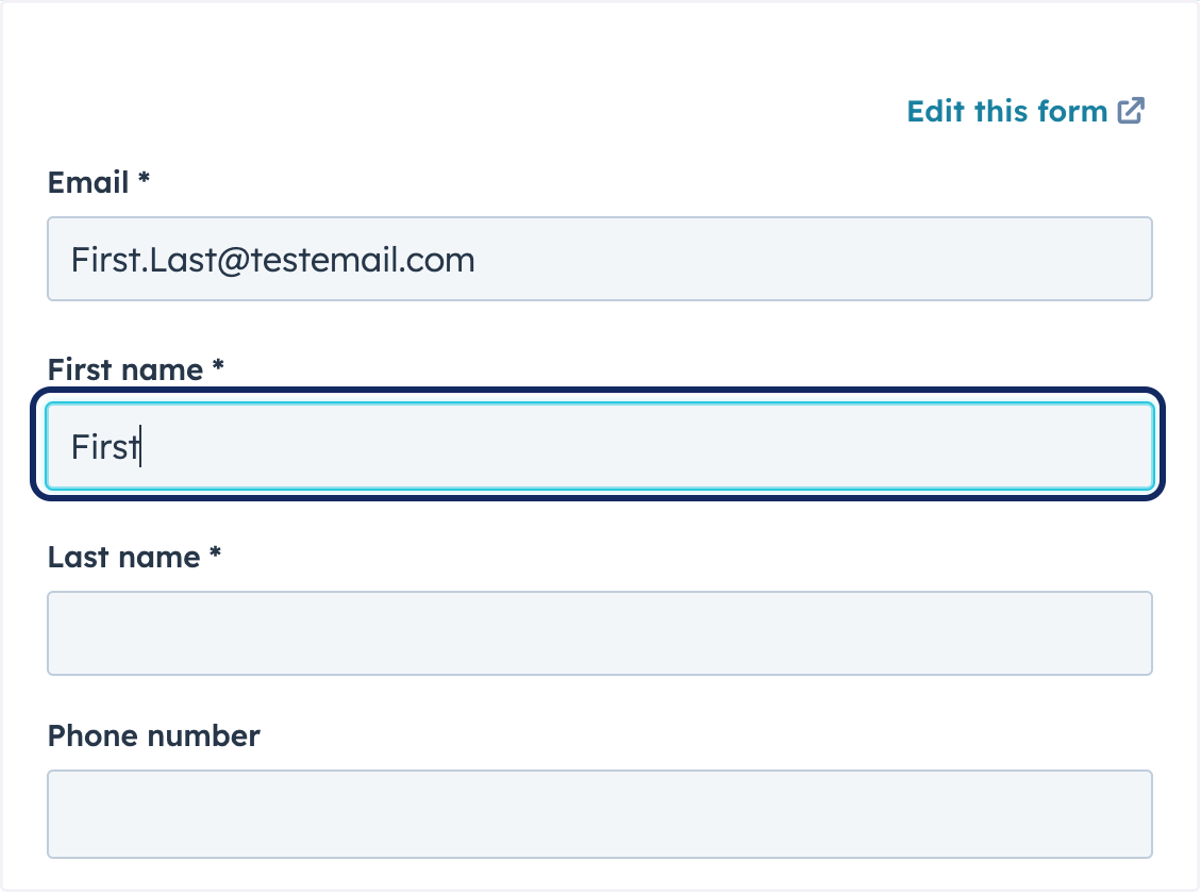
4. Type "First"
5. Type "Last"
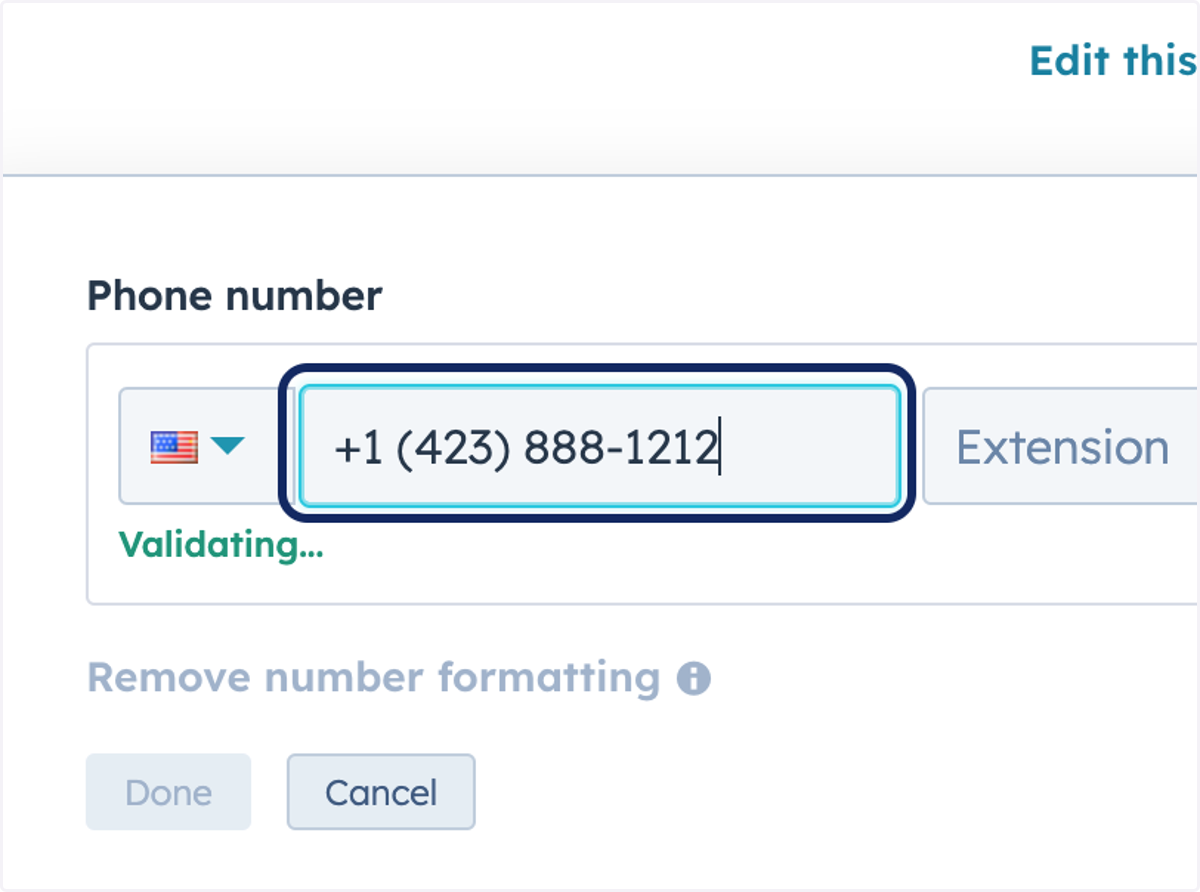
6. Type "+1 (423) 888-1212"
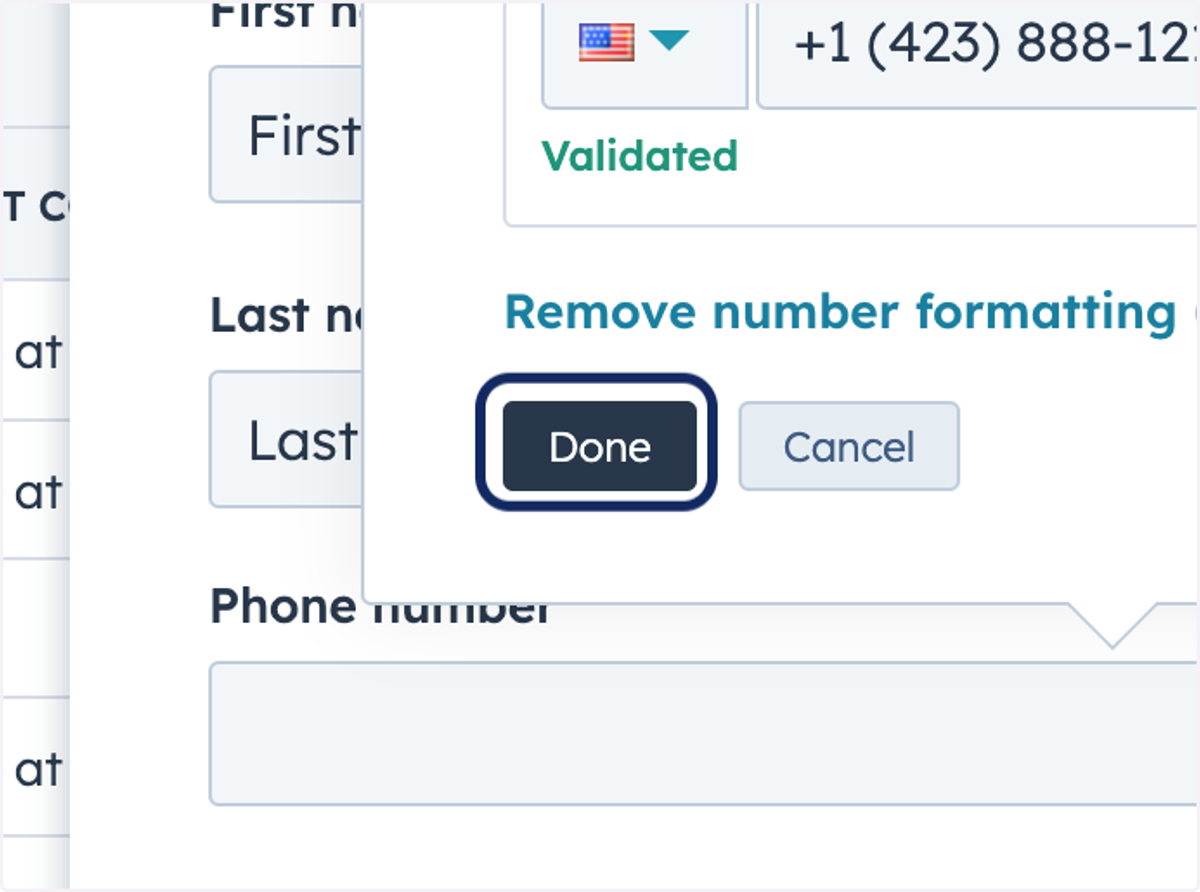
7. Click on Done
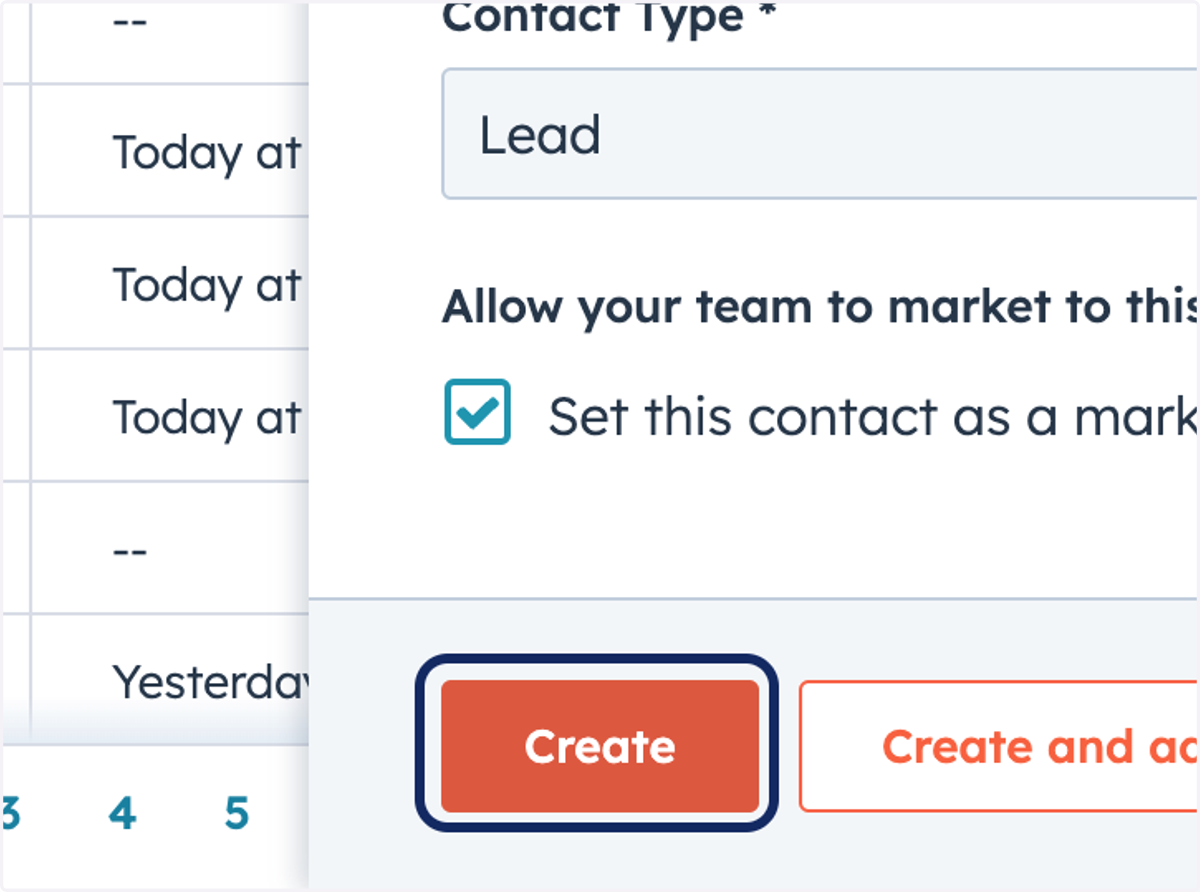
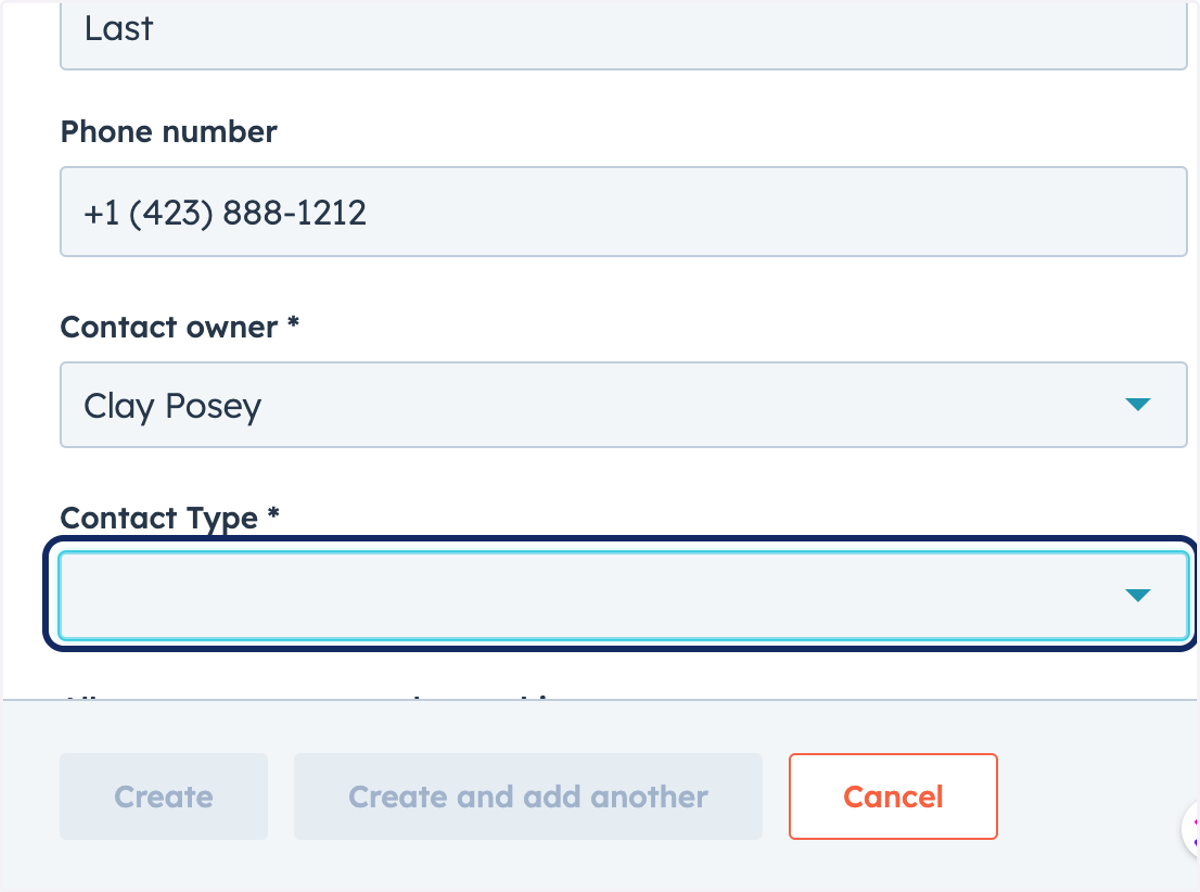
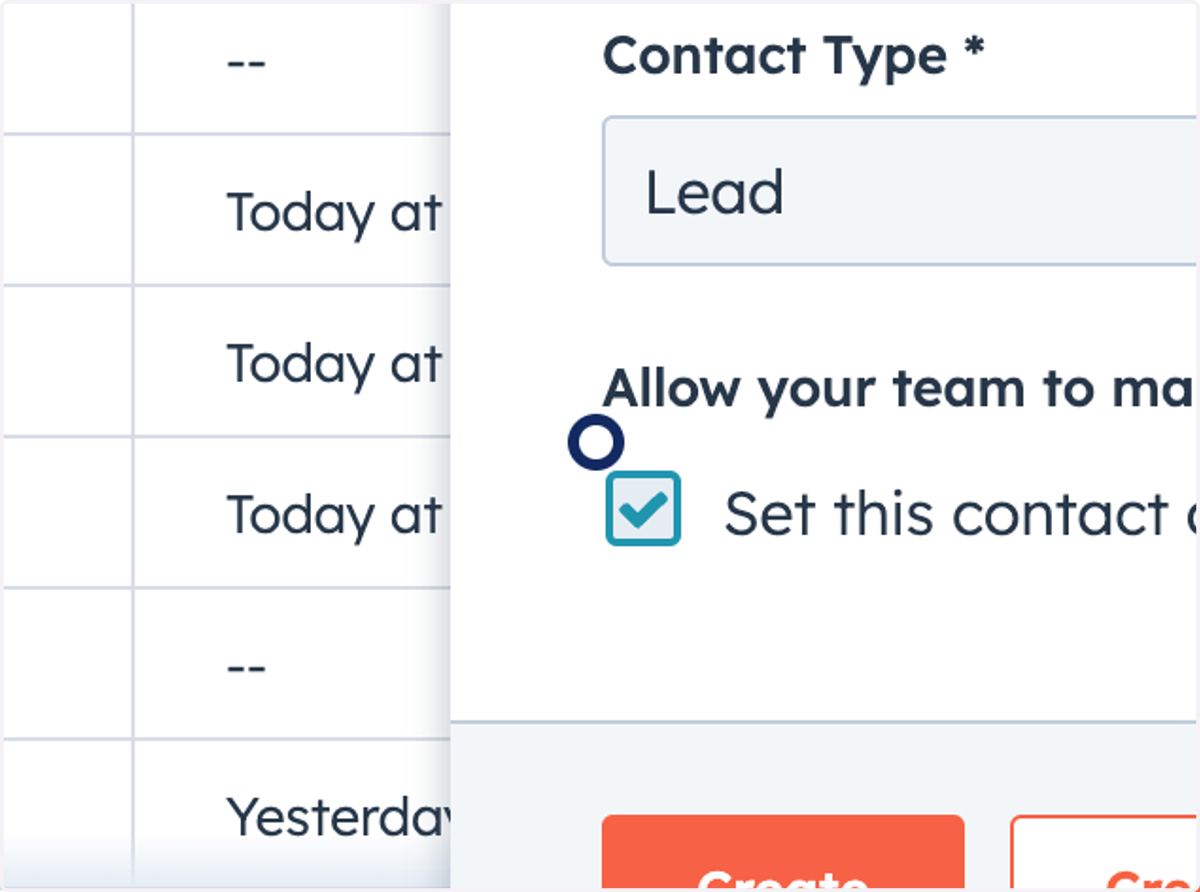
8. Click on Contact Type, mark as LEAD
9. Click on highlight
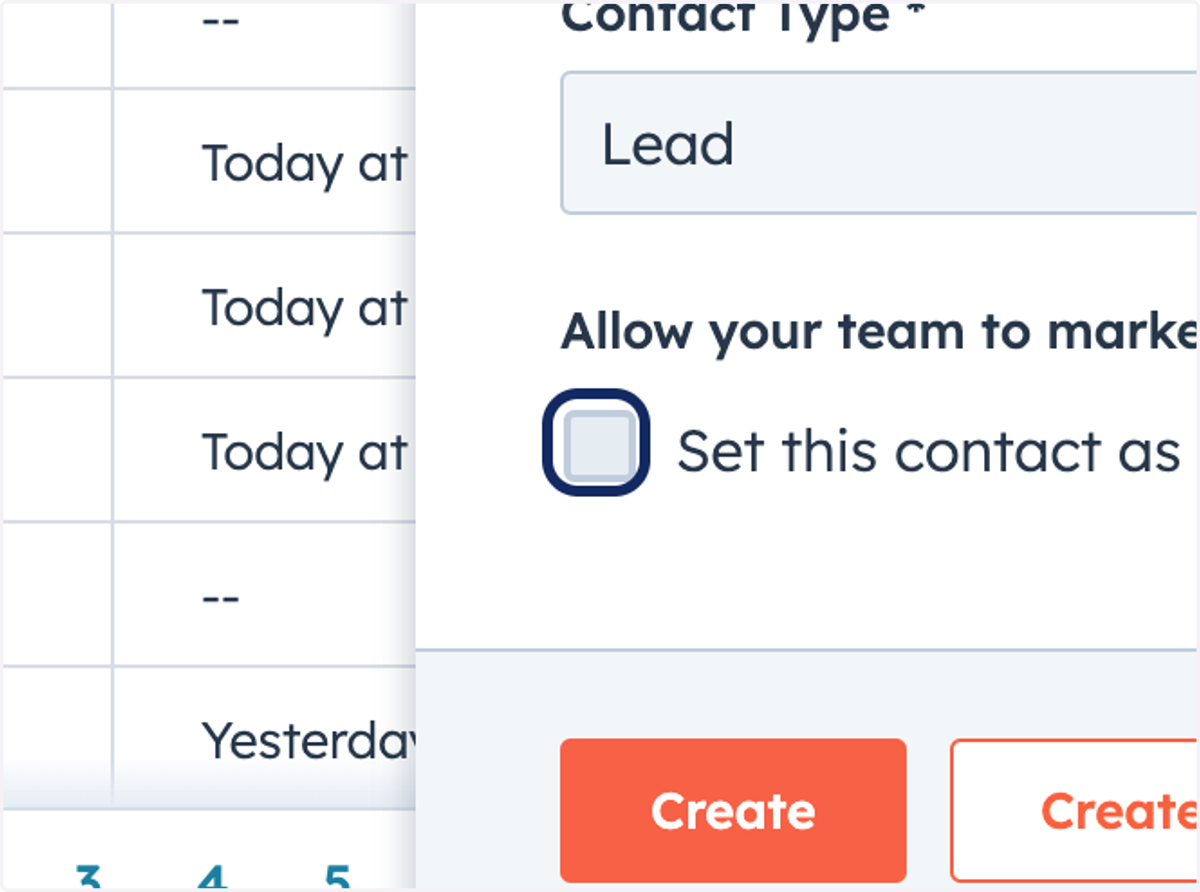
10. Check Set this contact as a marketing contact
11. Click on Create