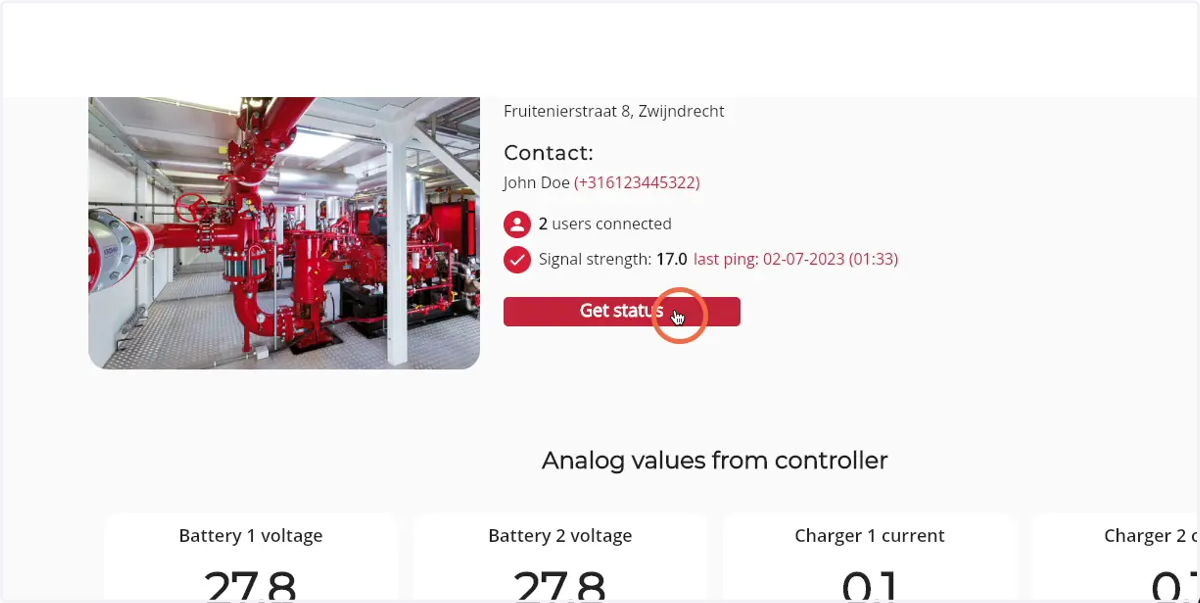
How to see and request the live status of a Firepack
1. Navigate to web.firecoach.app
2. Log in with your Firecoach account
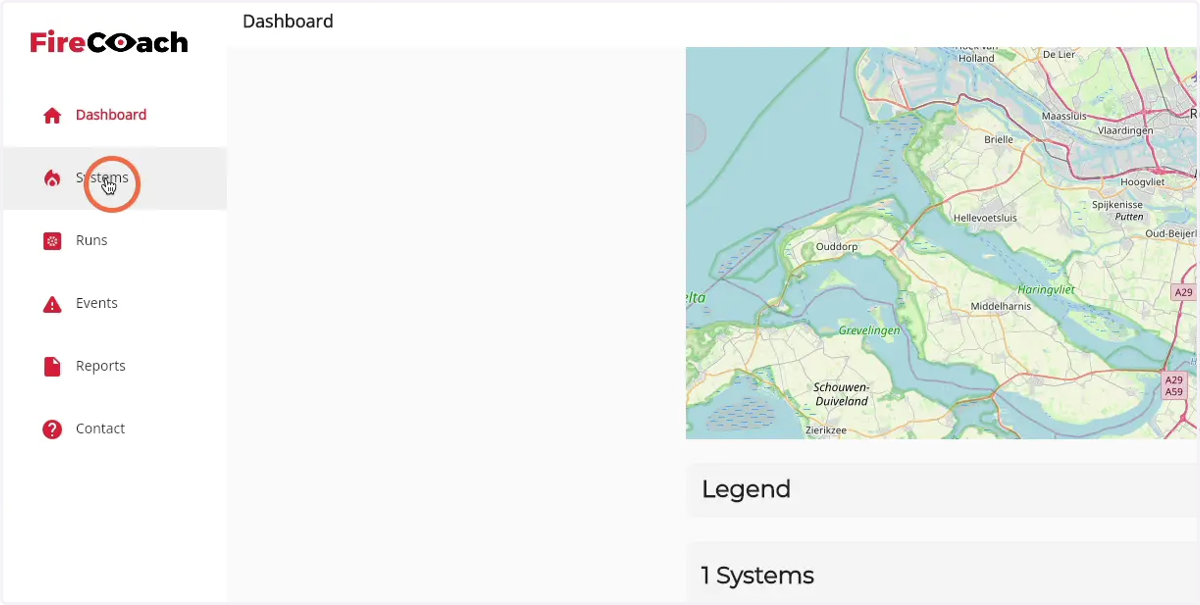
3. Click on 'Systems'
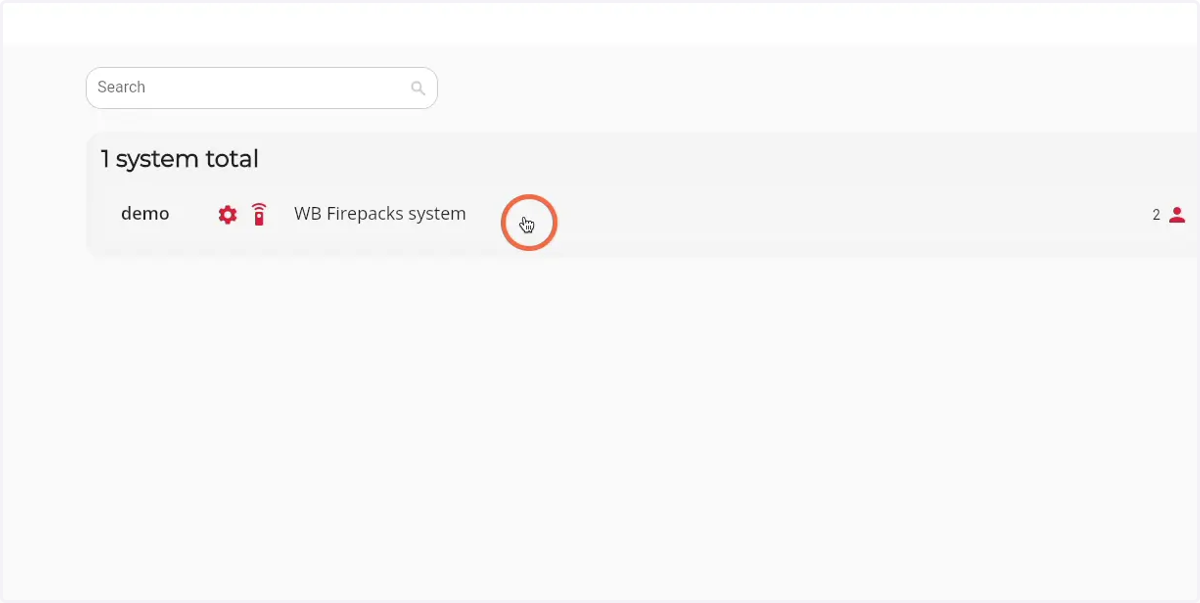
4. Click on the Firepack that you would like to see the live status of
5. Click on 'Live status'
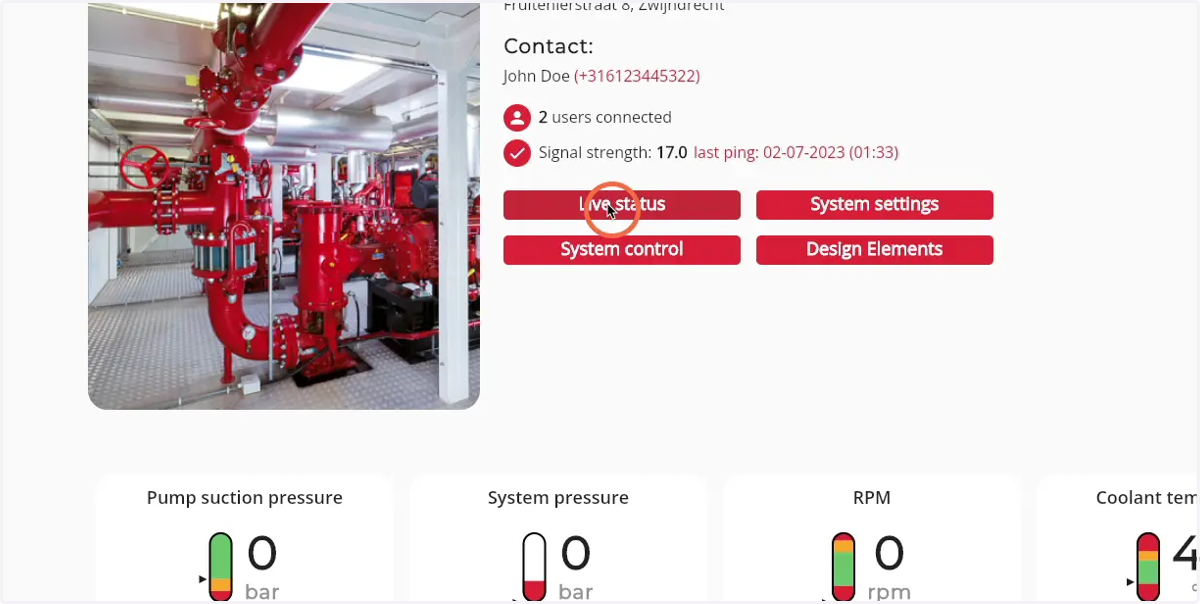
6. View the live status by looking the different values as presented below
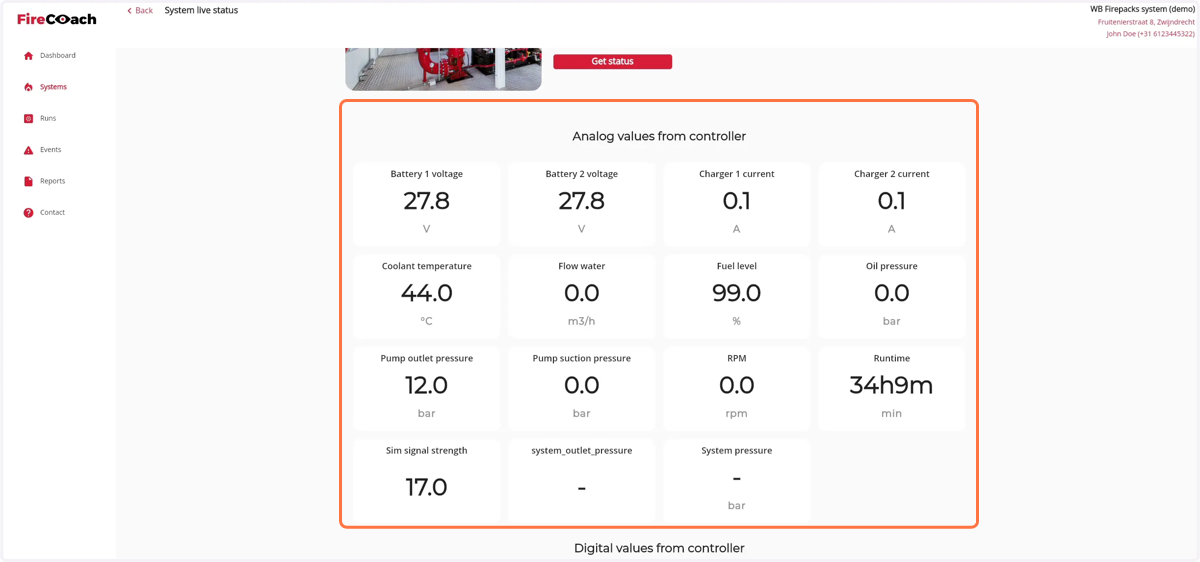
7. Click on 'Get status' to refresh the values