Okta
Okta Administrator Dashboard
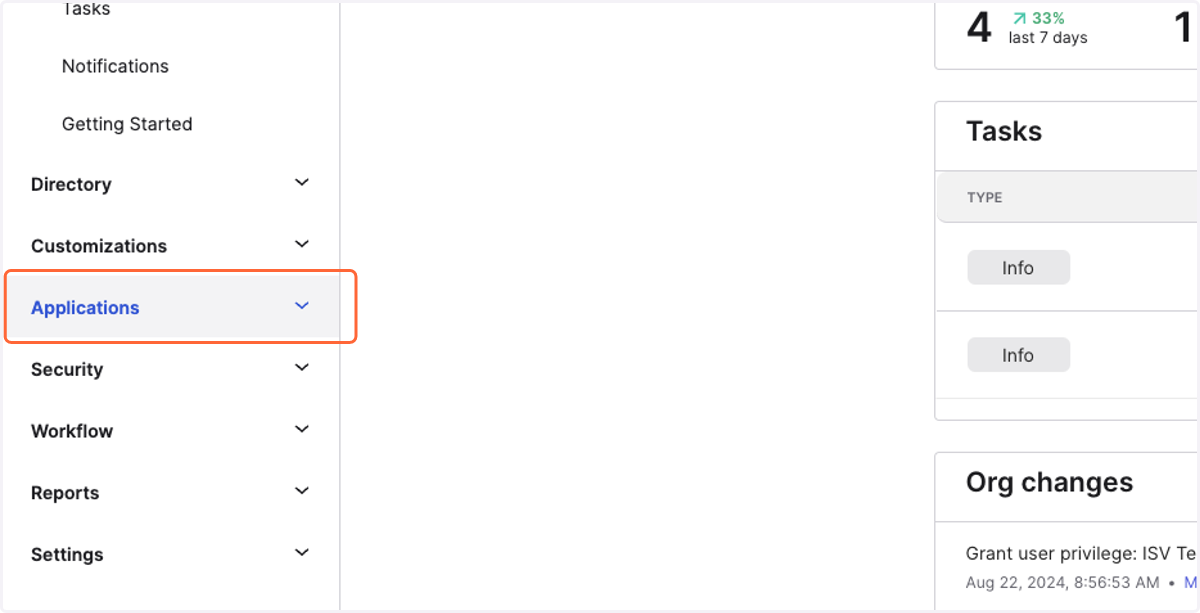
1. Click on Applications…
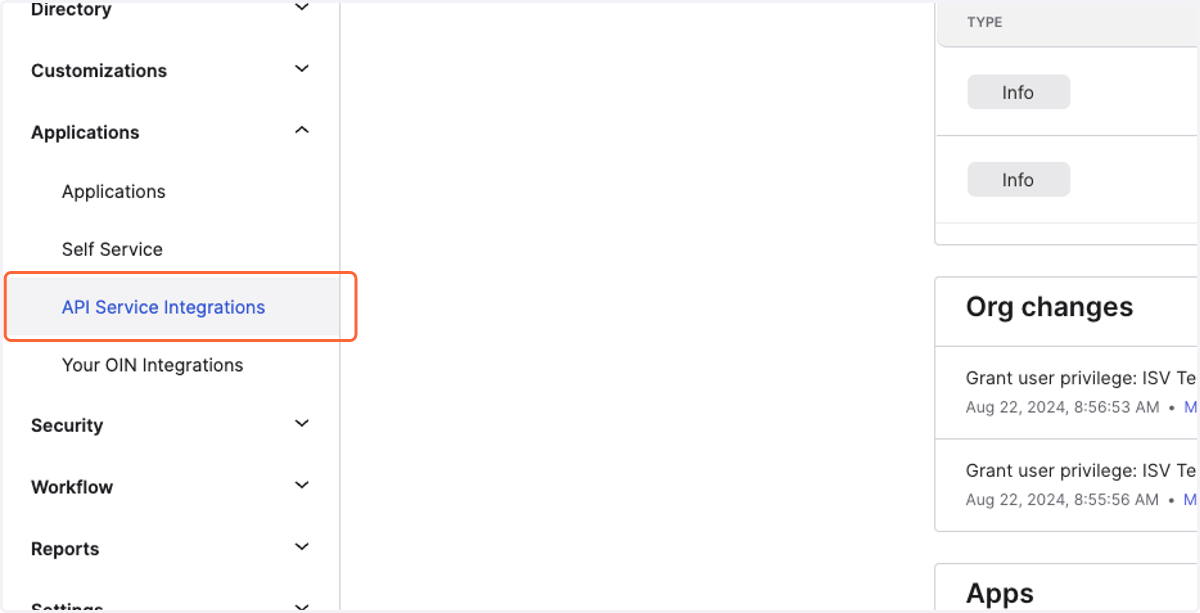
2. Click on API Service Integrations
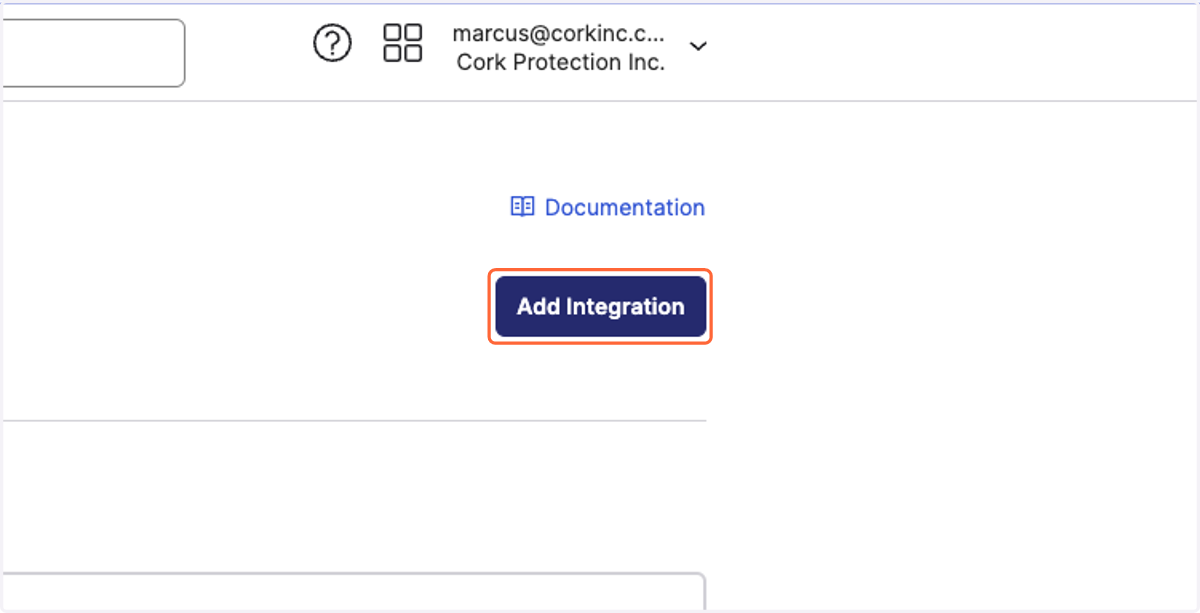
3. Click on Add Integration
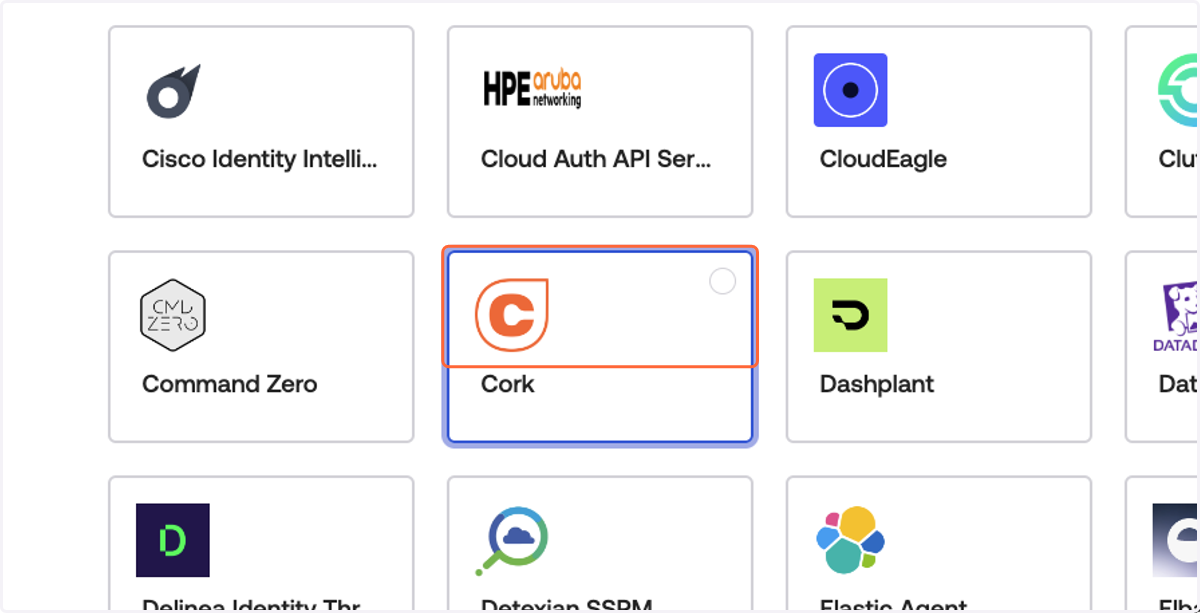
4. Click on Cork
5. Click on Next
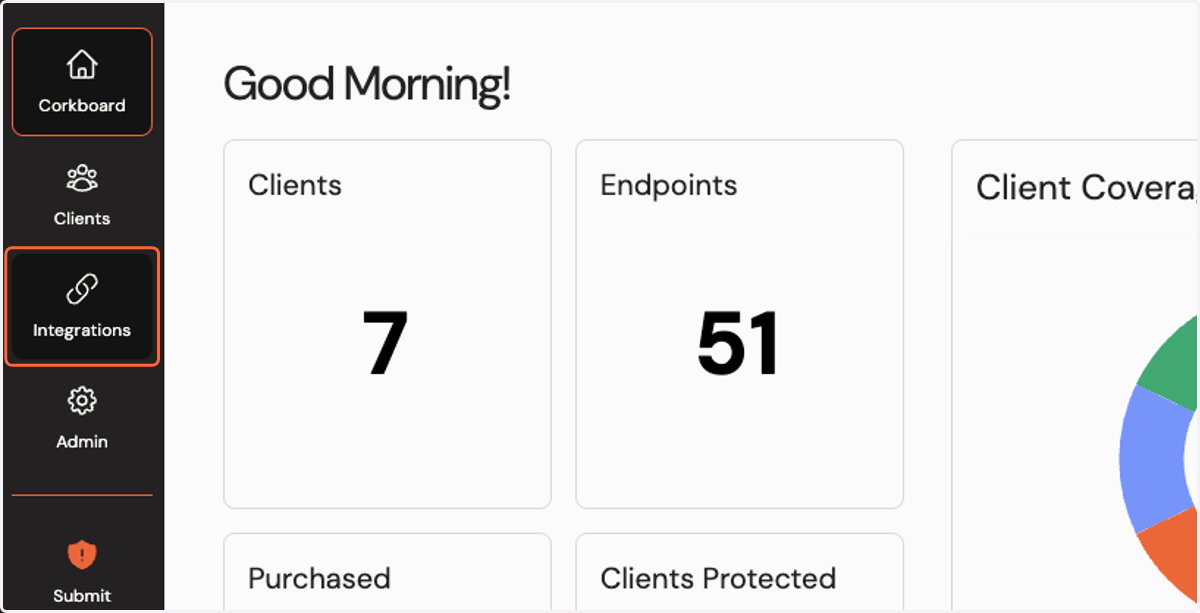
6. Click on Integrations
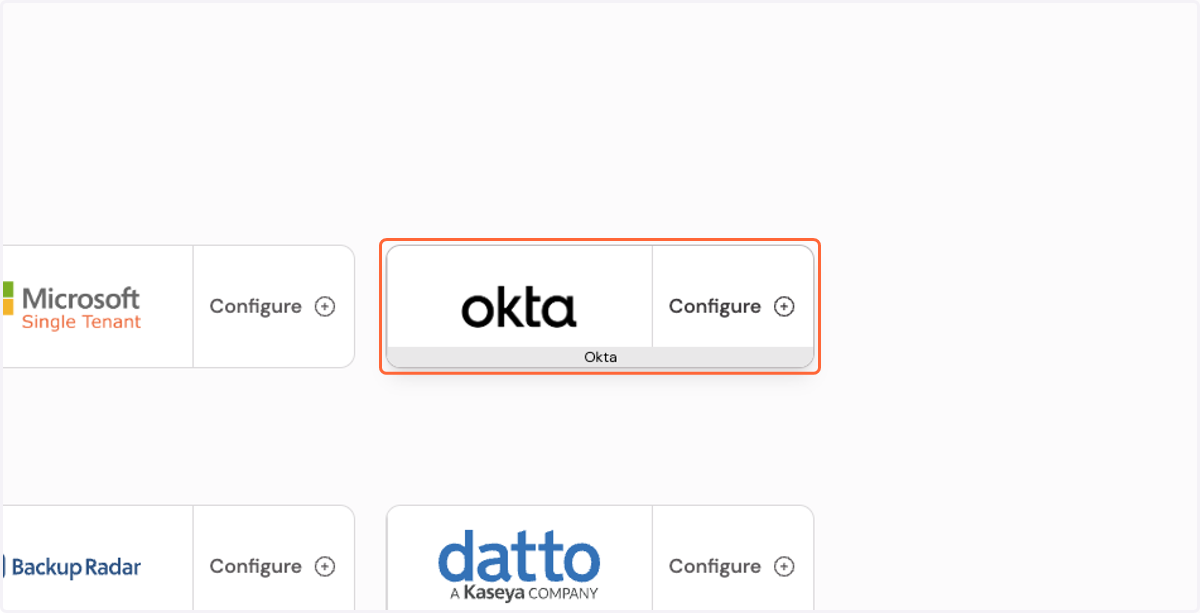
7. Click on Configure Okta integration…
Okta API Integration
8. Copy the client secret
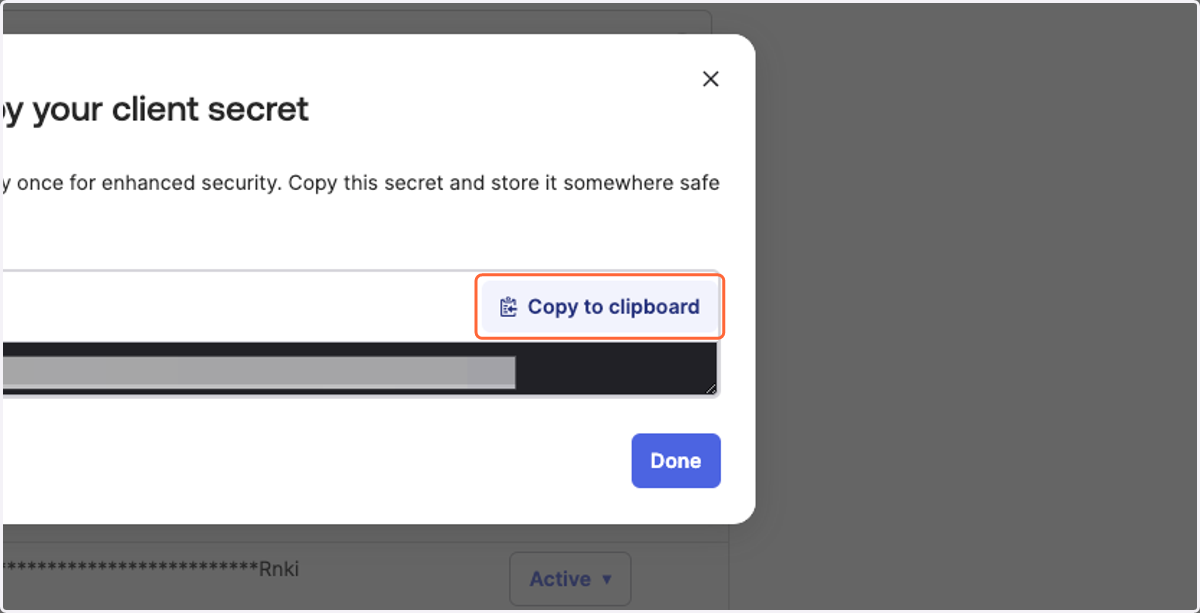
Cork - Integrations
9. Paste the client secret
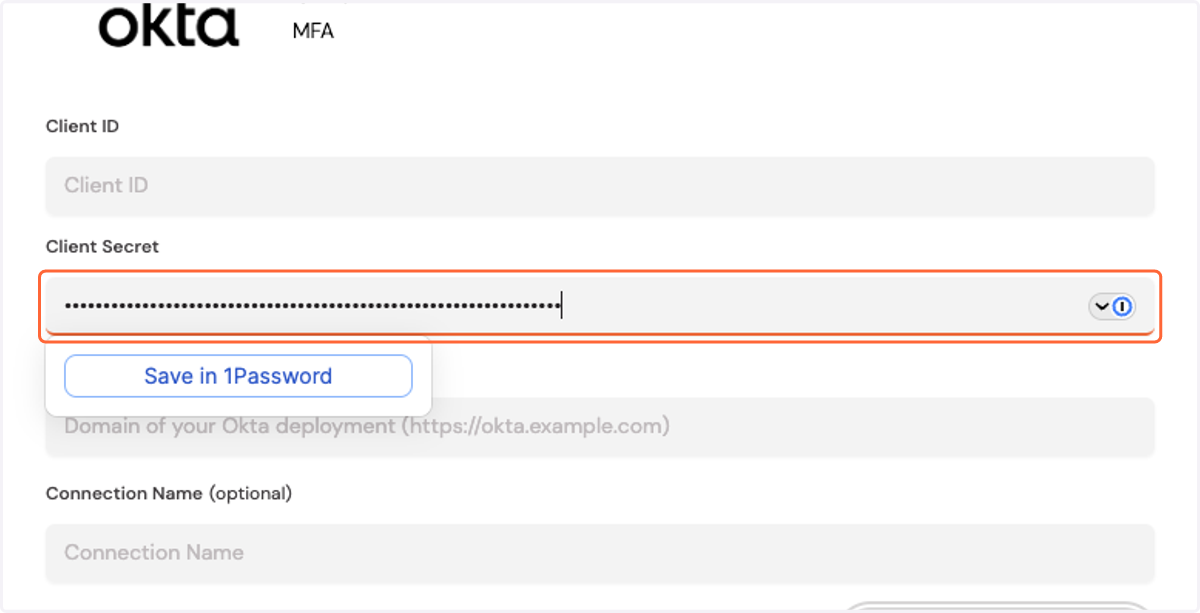
Cork Protection Inc. - API Service Integrations
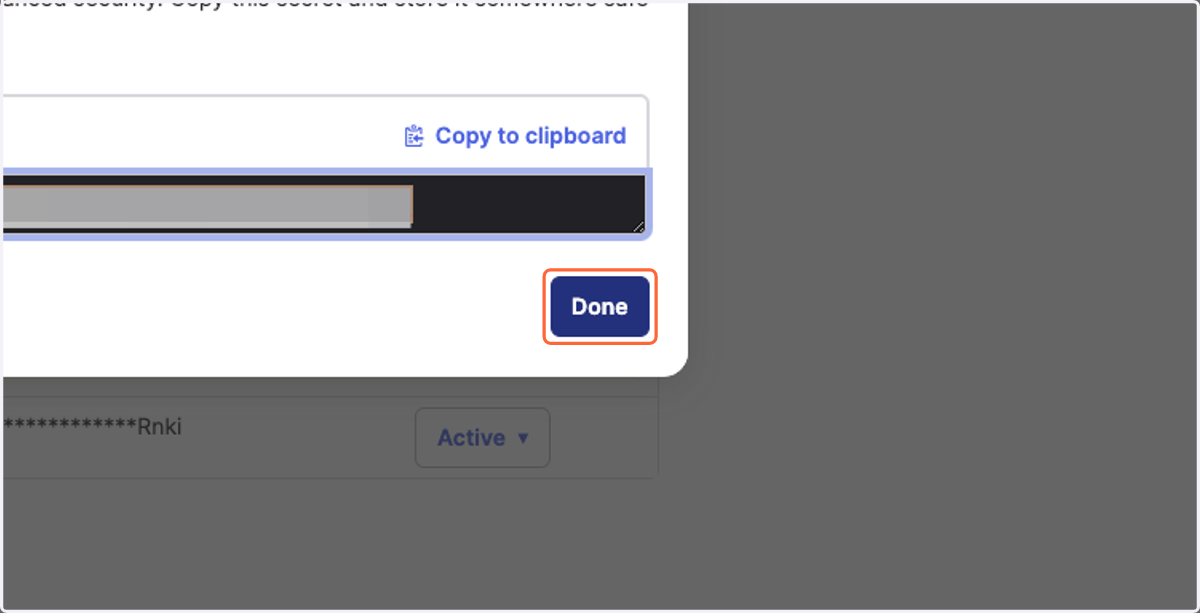
10. Click on Done
11. Copy the client ID
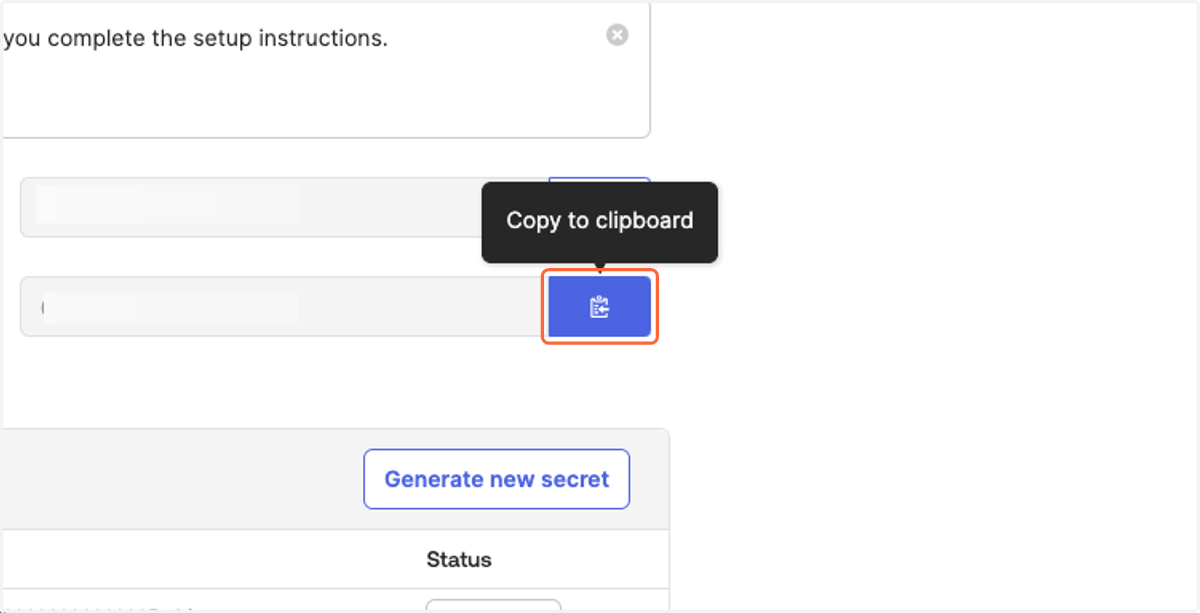
Cork - Integrations
12. Paste the client ID
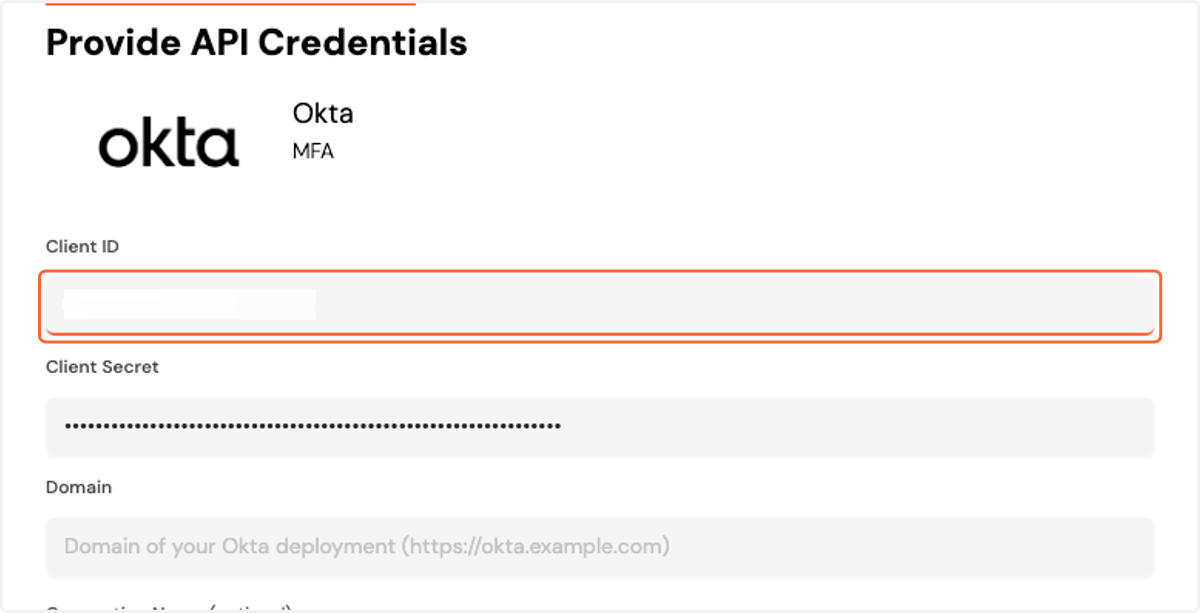
Okta API Integration
13. Copy your Okta domain
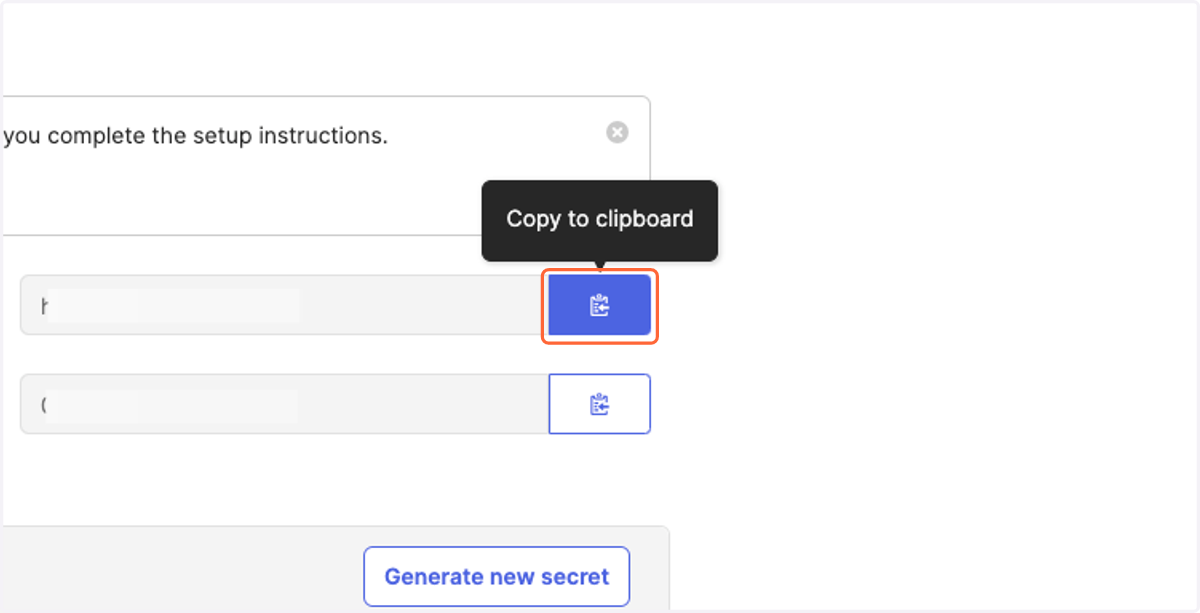
Cork - Integrations
14. Paste your domain
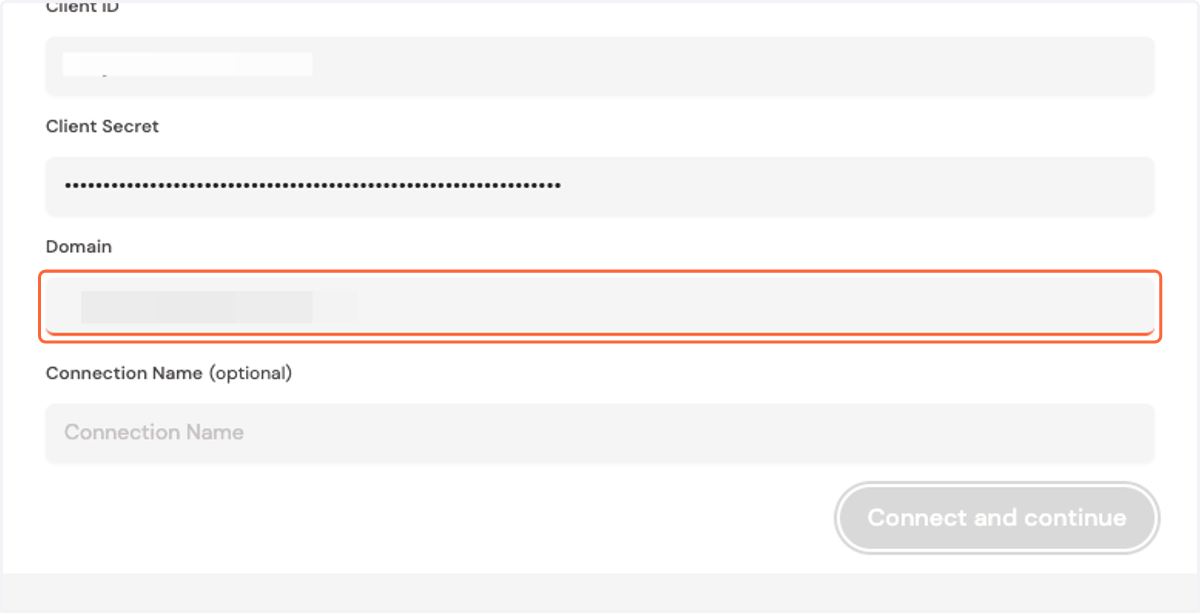
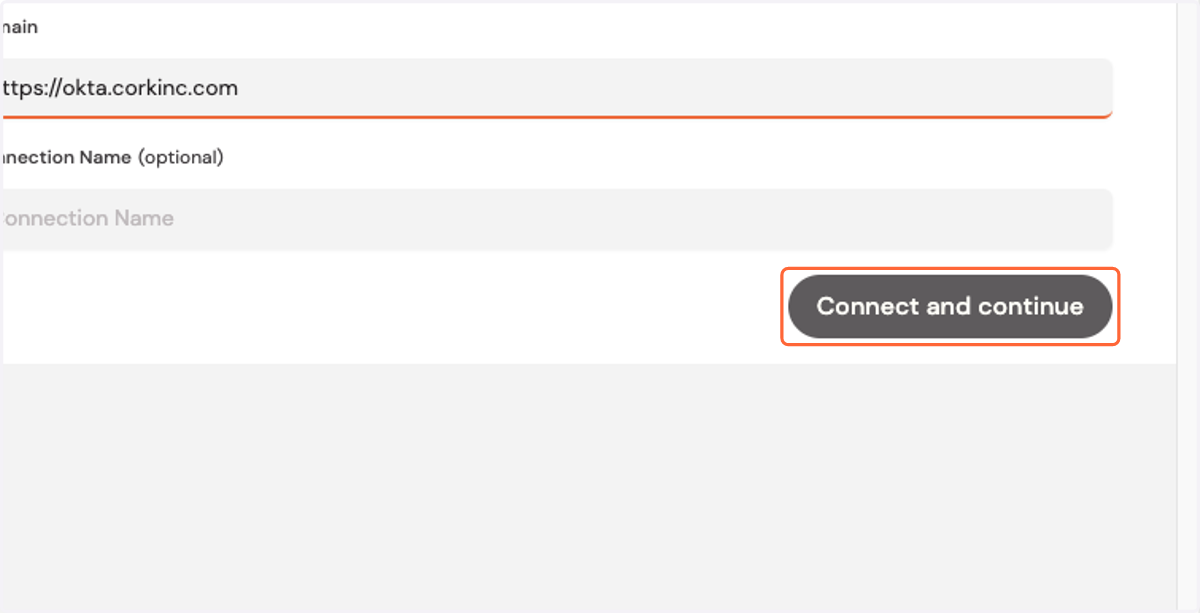
15. Click on Connect and continue