How to Download the Material Requests Report in Odoo-iLines iProcurement
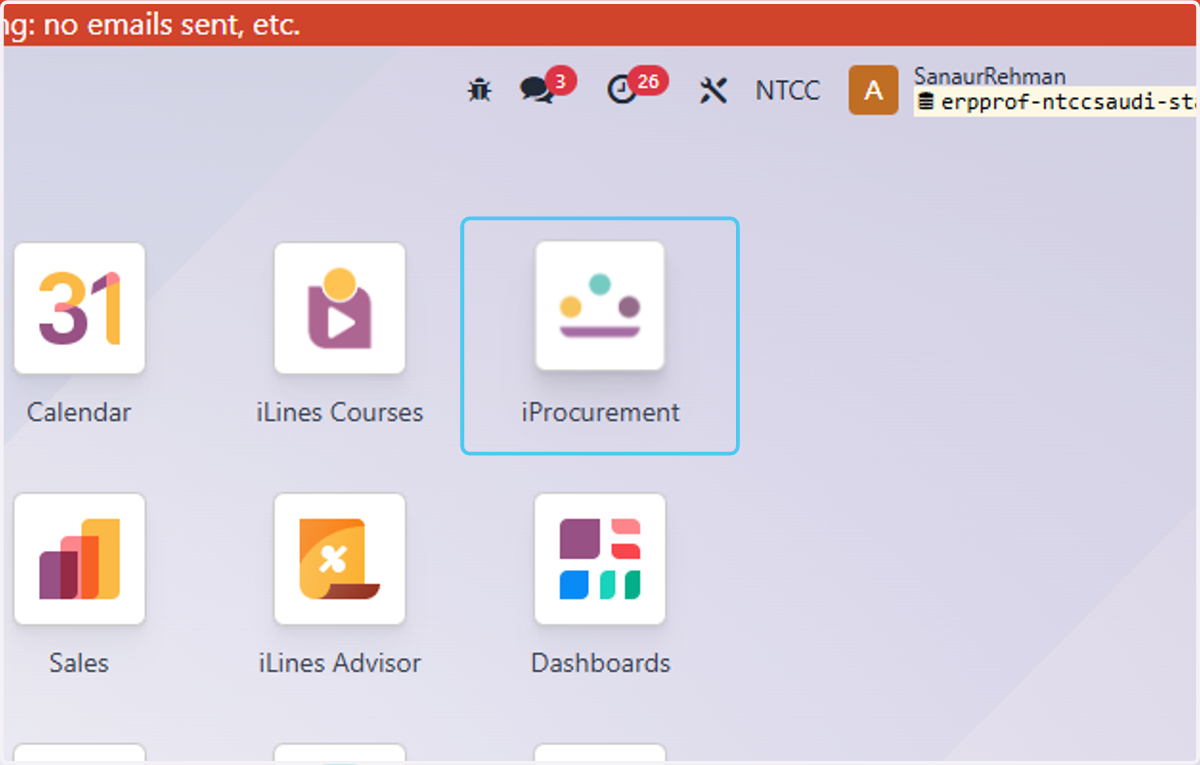
1. Click on iProcurement
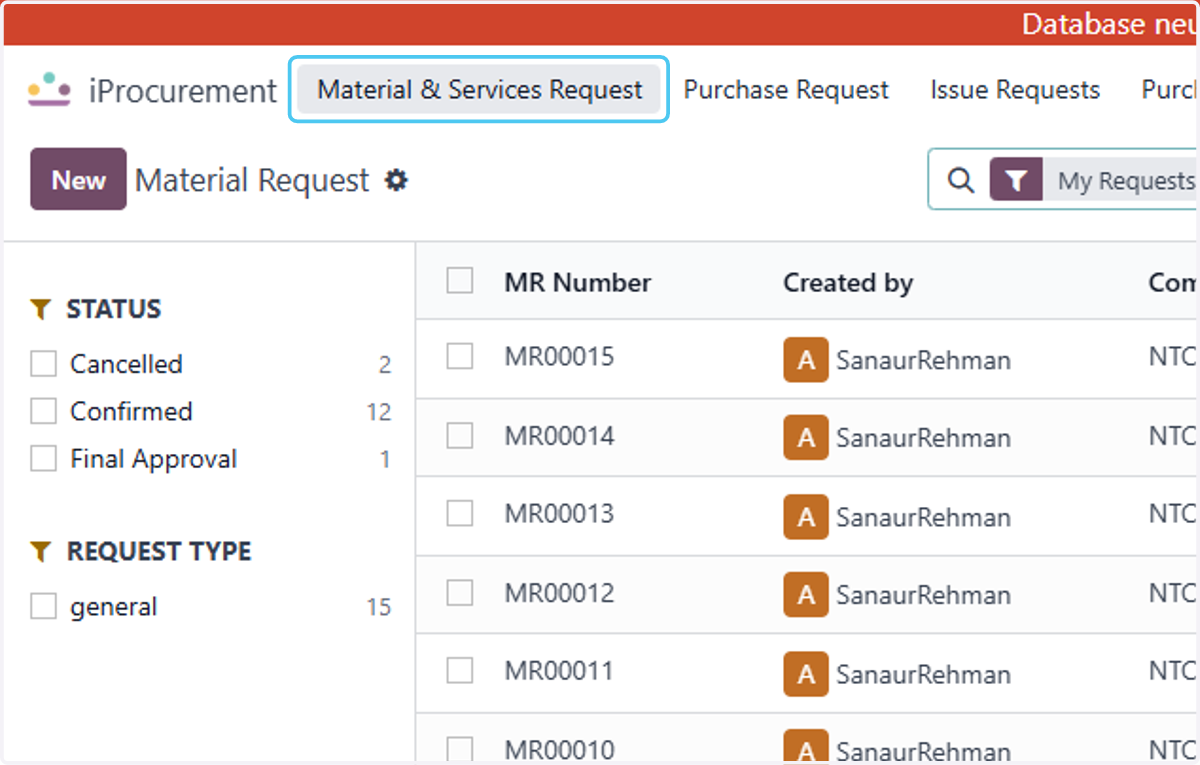
2. Click on Material & Services Request
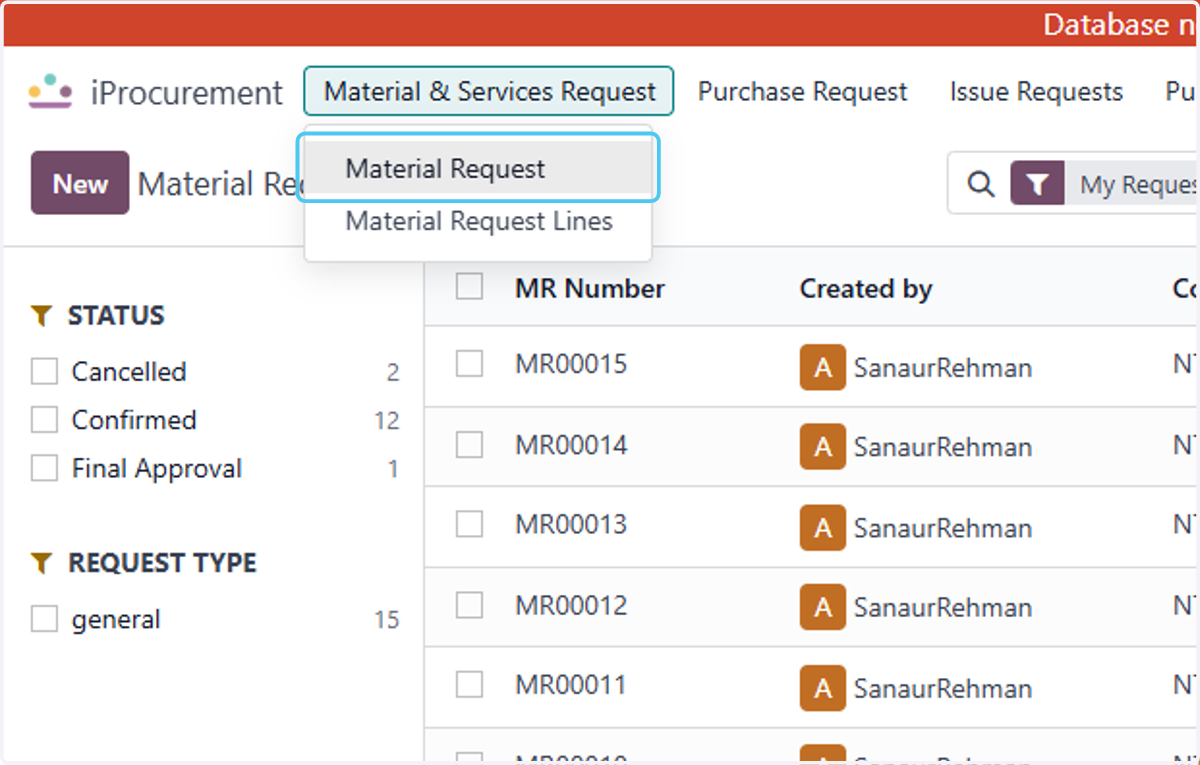
3. Click on Material Request
4. Click on Select all button to select the Report
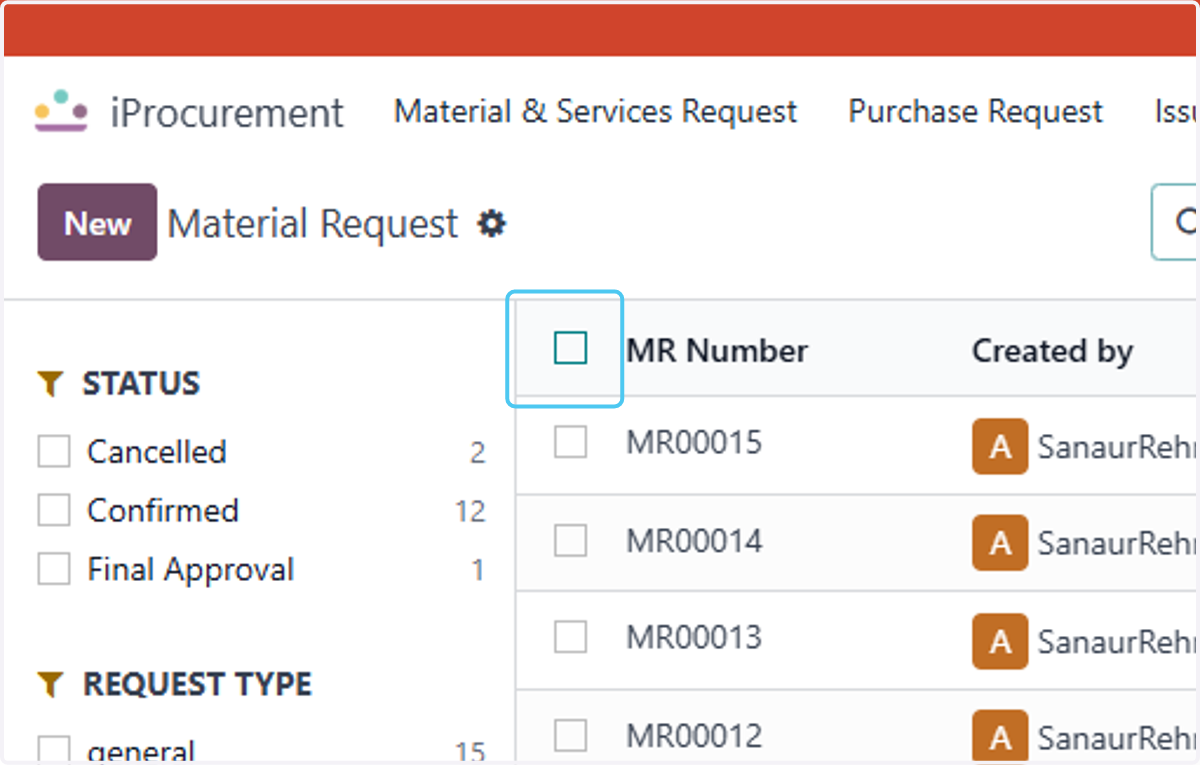
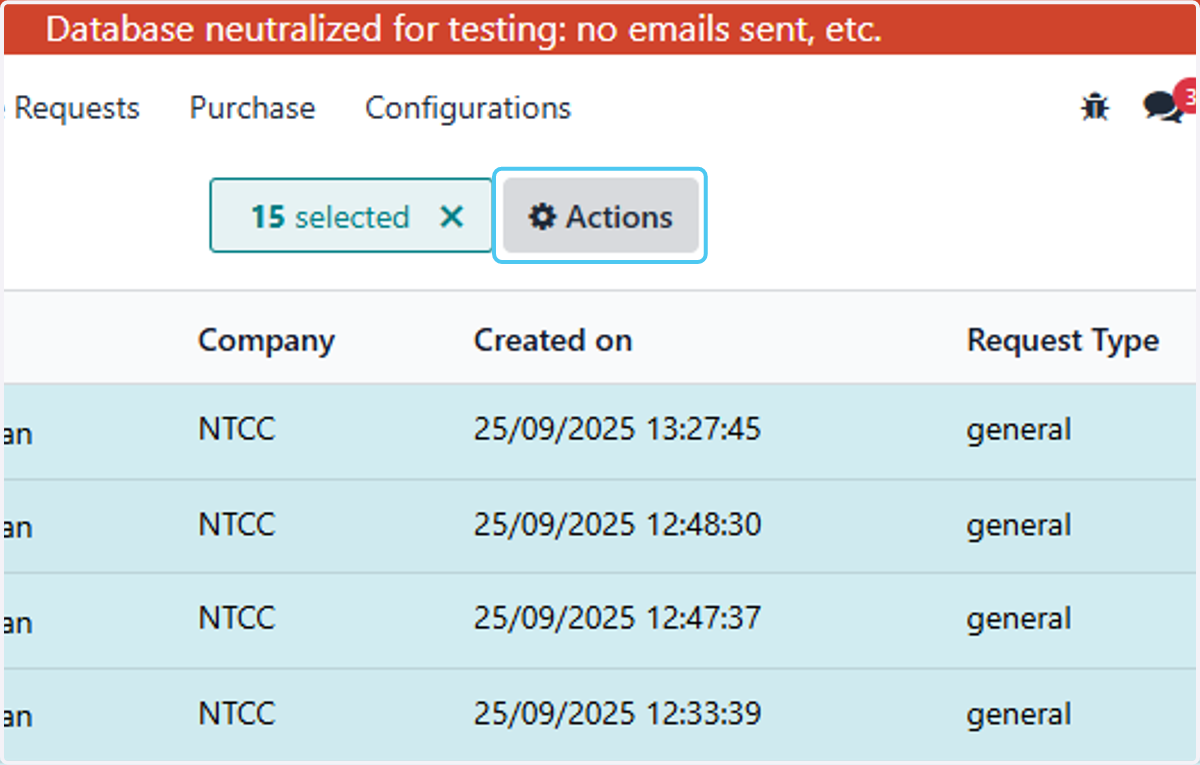
5. Click on Actions
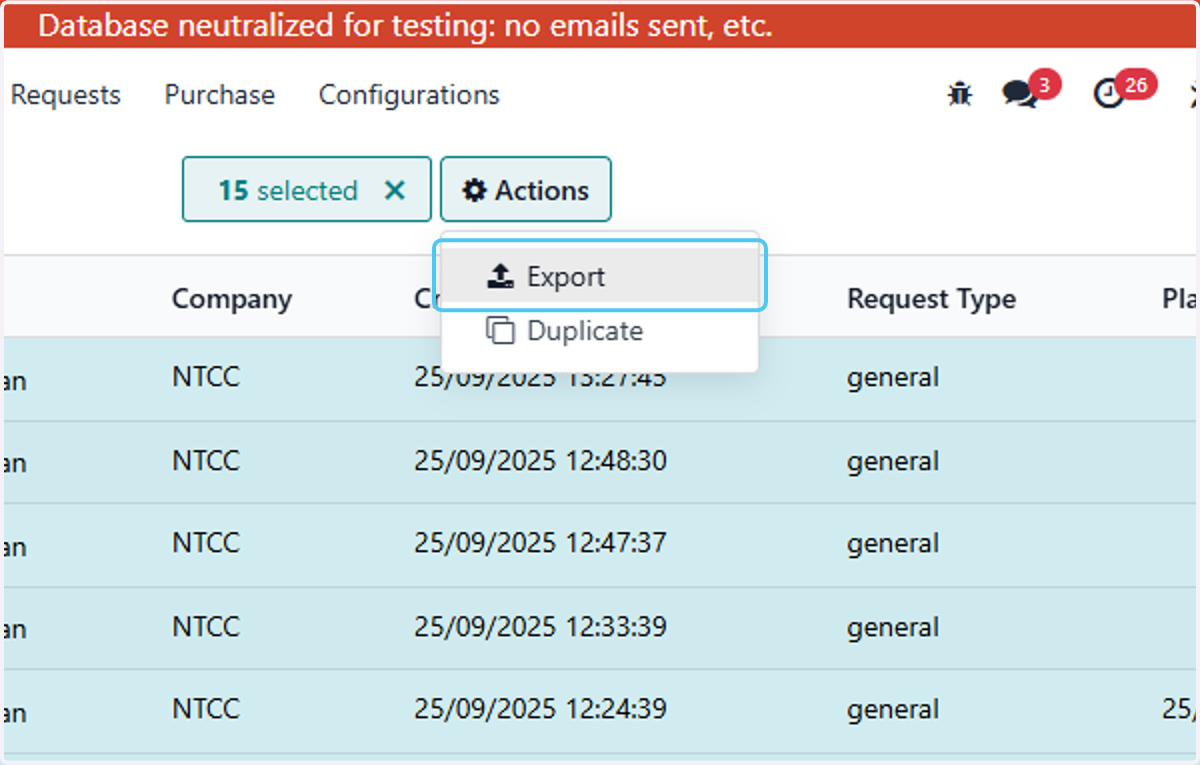
6. Right click on Export
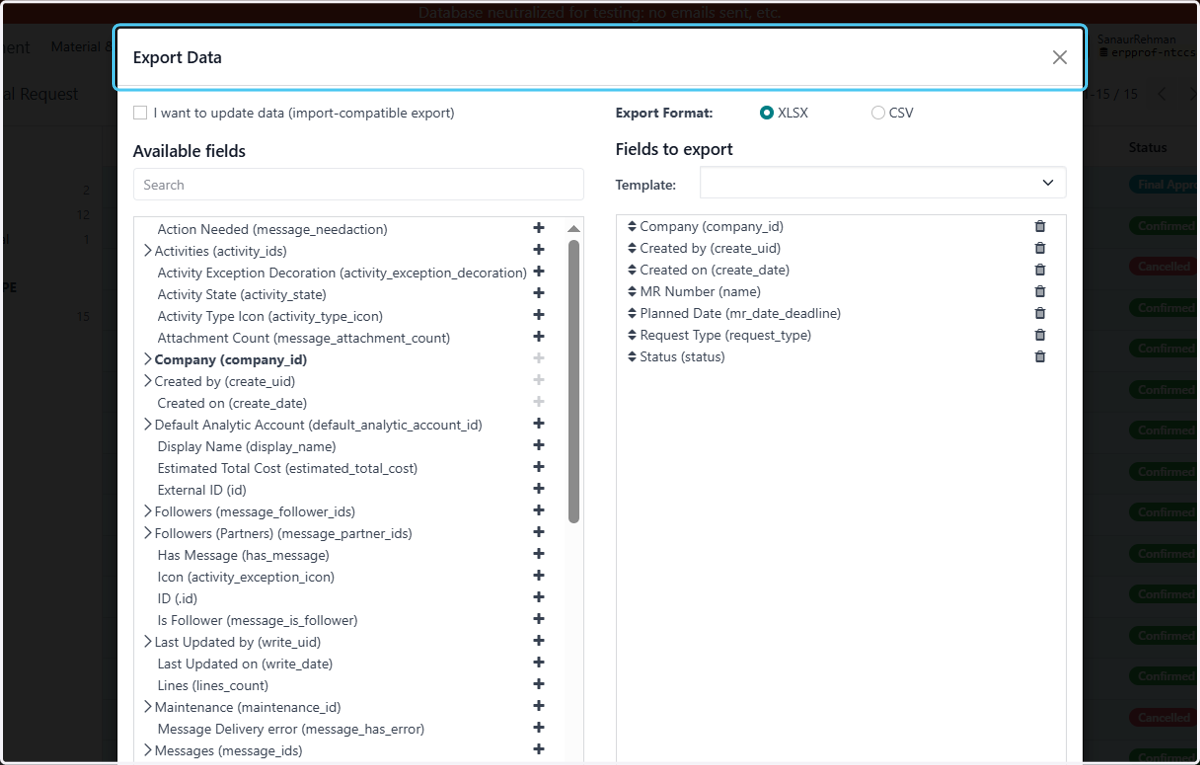
7. Click on Export Data… and selct the fields to export
8. Type "prod"
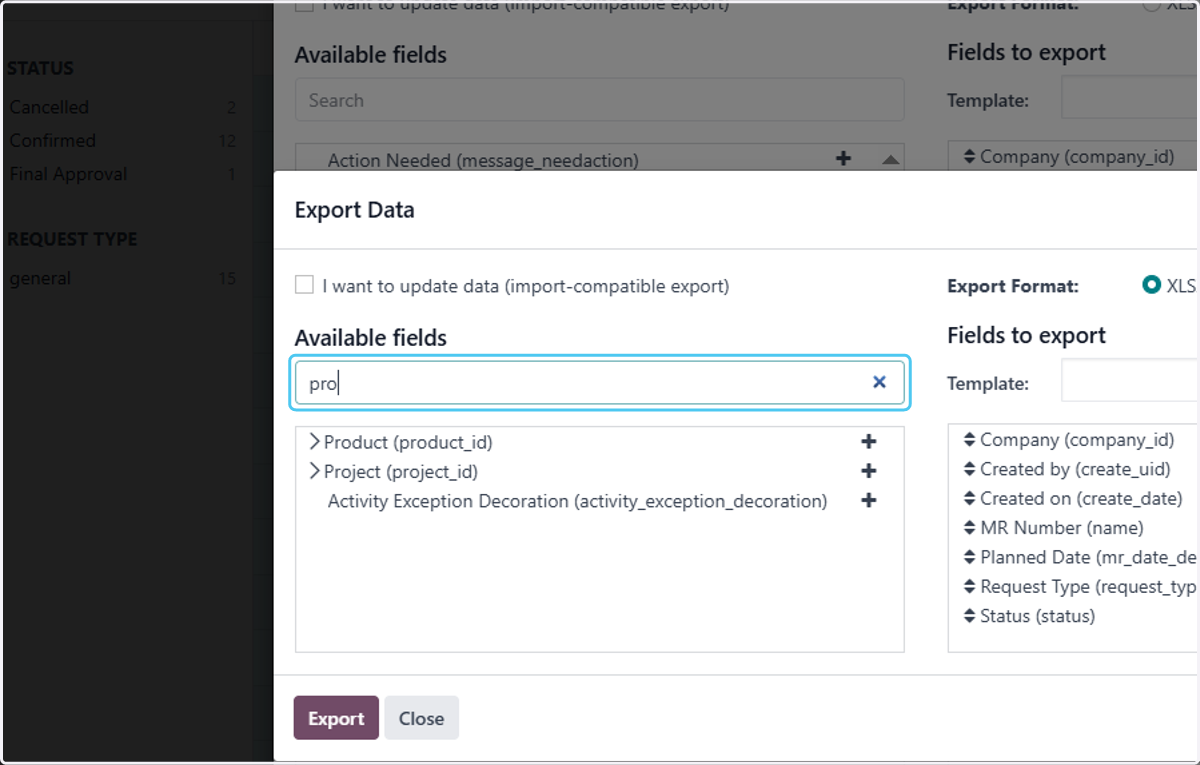
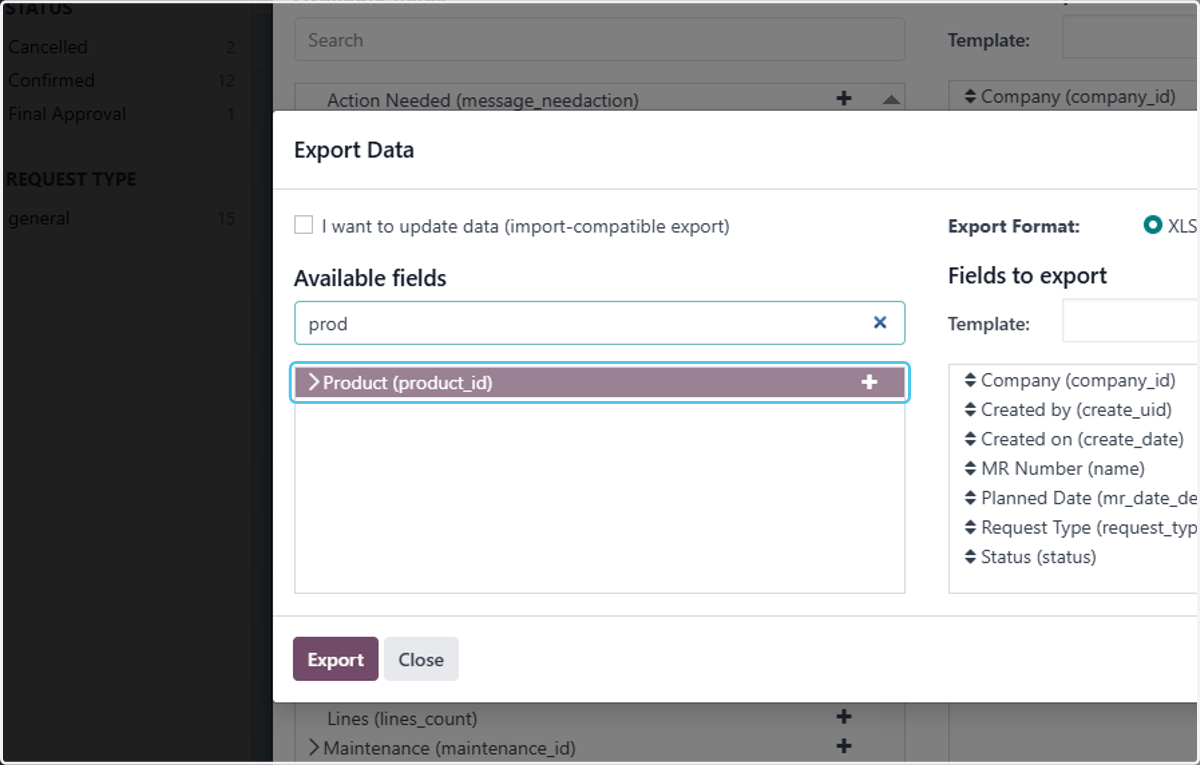
9. Click on Product (product_id) and click on + button to add product
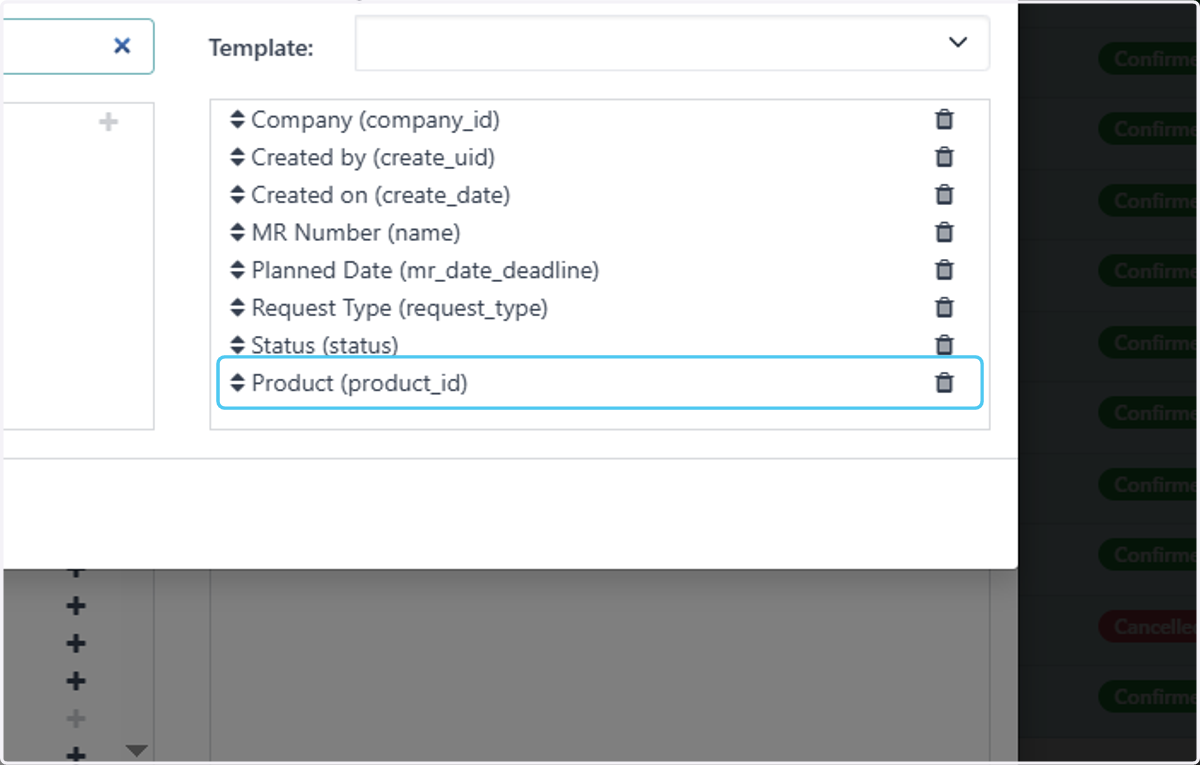
10. Drag highlighted option
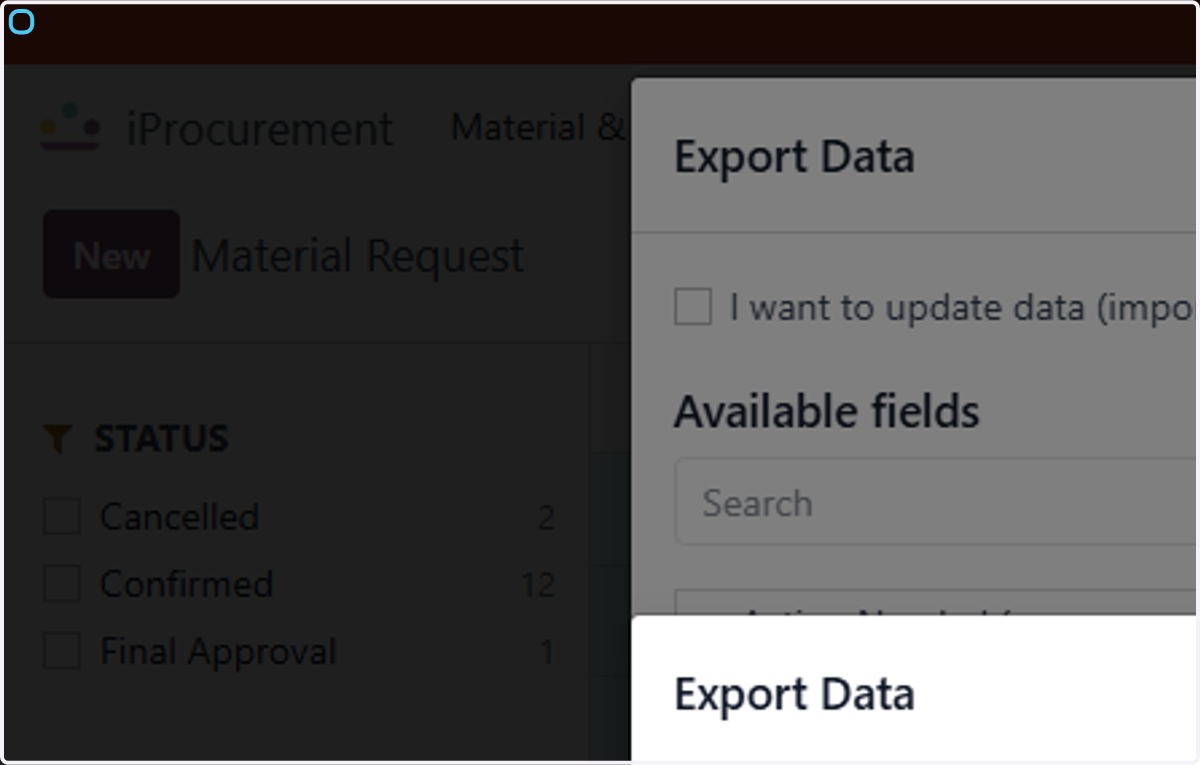
11. Click on Export Data…
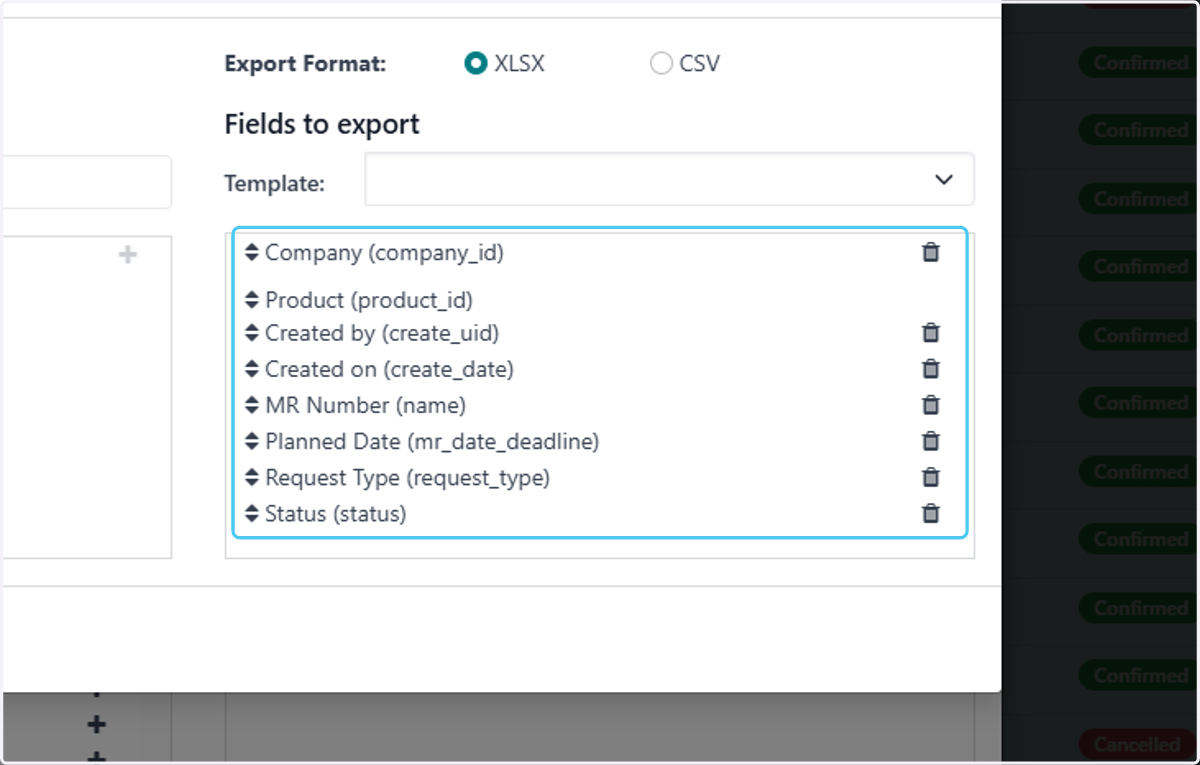
12. Select New template to create a new template that will auto apear for your selection
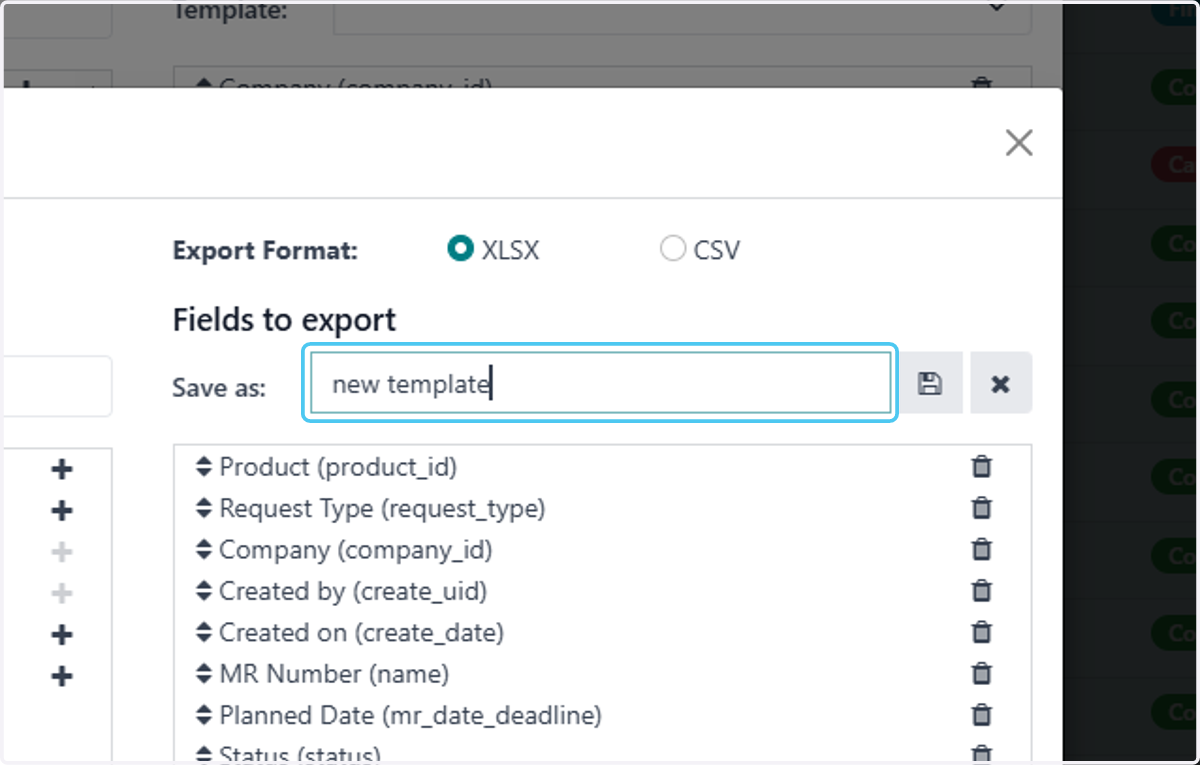
13. Type "new template"
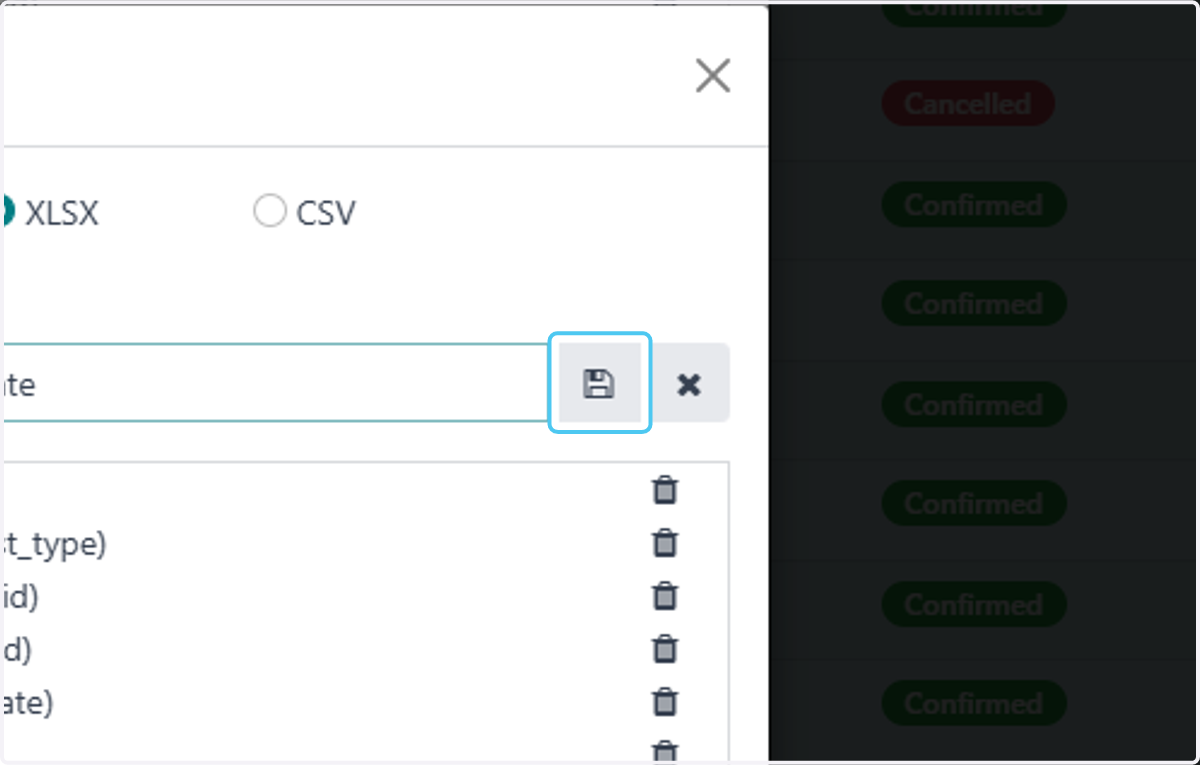
14. Click on save button to save template
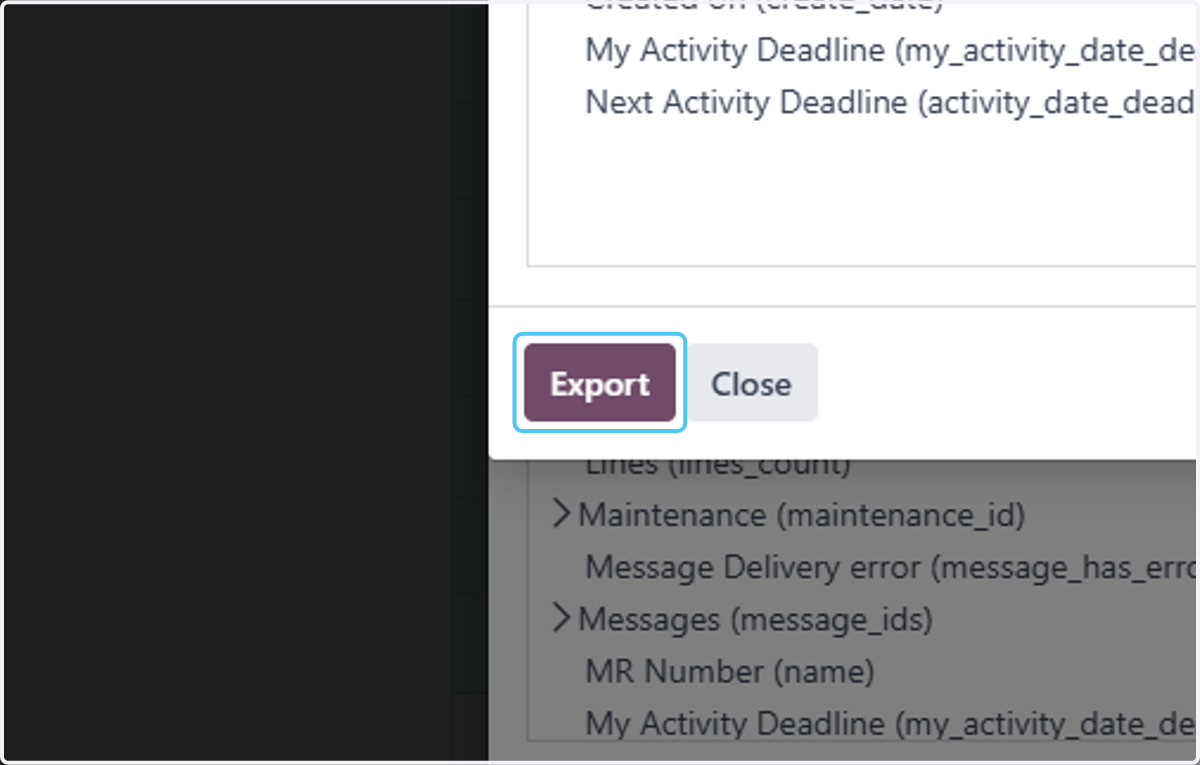
15. Click on Export to export the record