Navigating your Banqer High Senior classroom
1. In the top left, view the class you are in, and toggle to other classes if you have more than one class.
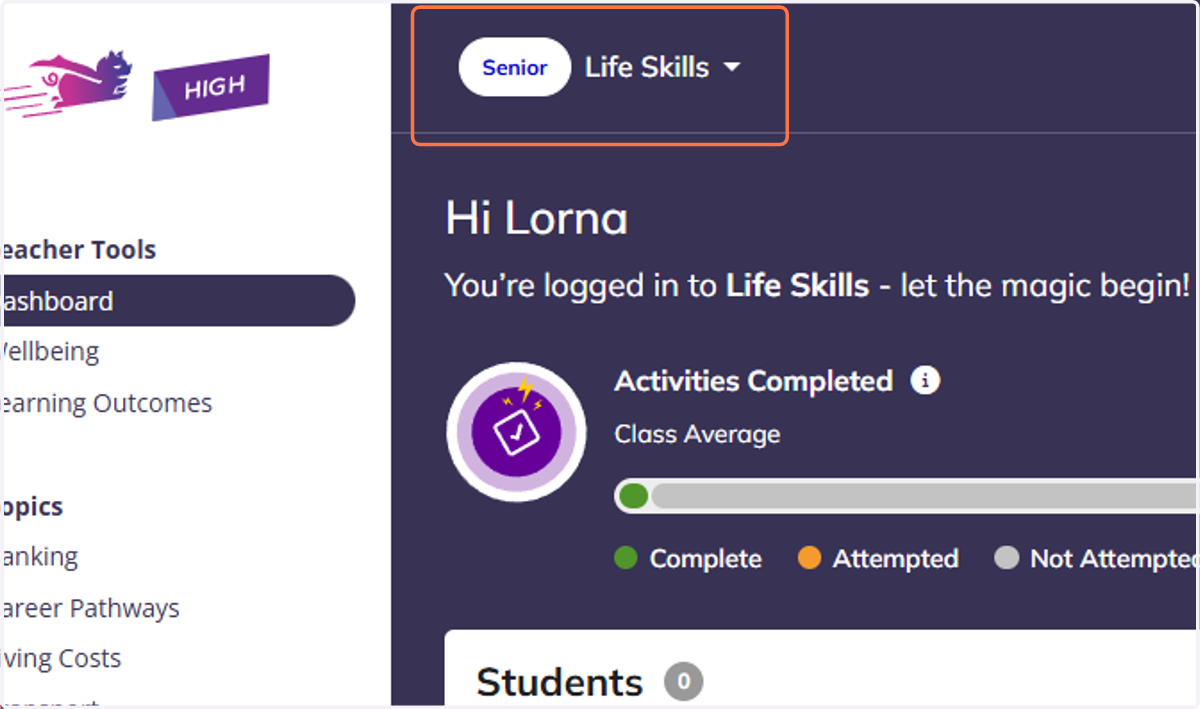
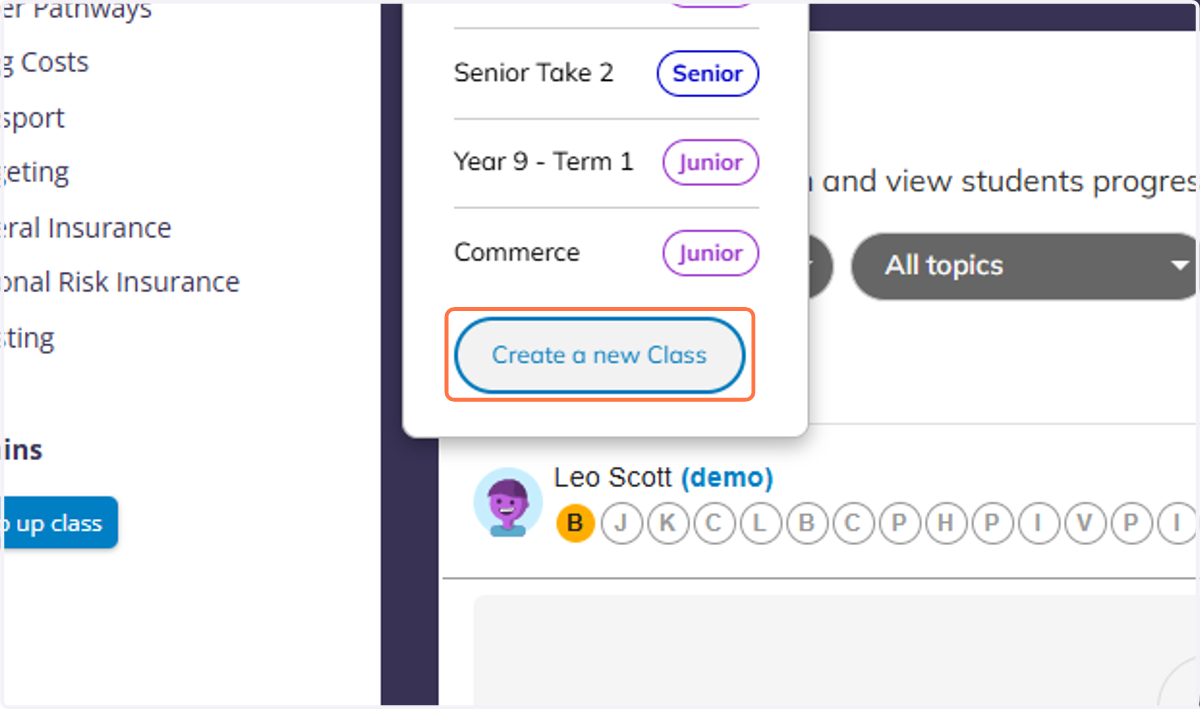
2. You can also create a new class from this menu if you need to.
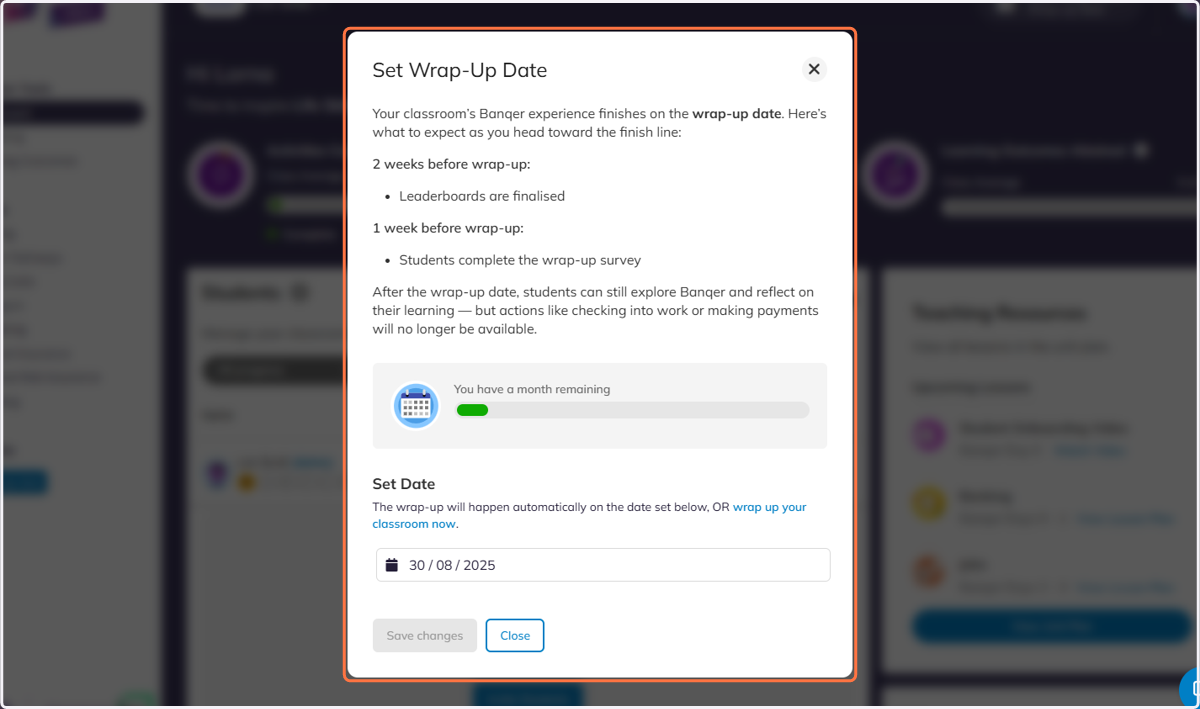
3. Your wrap-up date will appear in the top right corner.
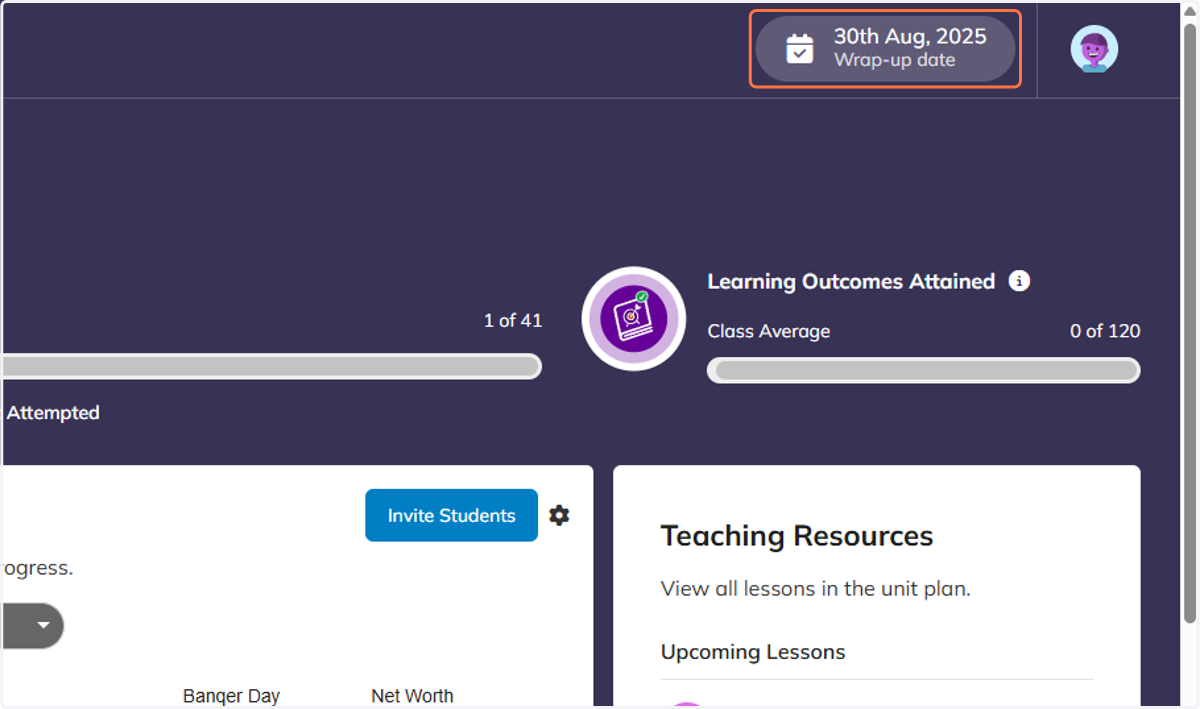
4. You can click on this to edit your wrap-up date at any time.
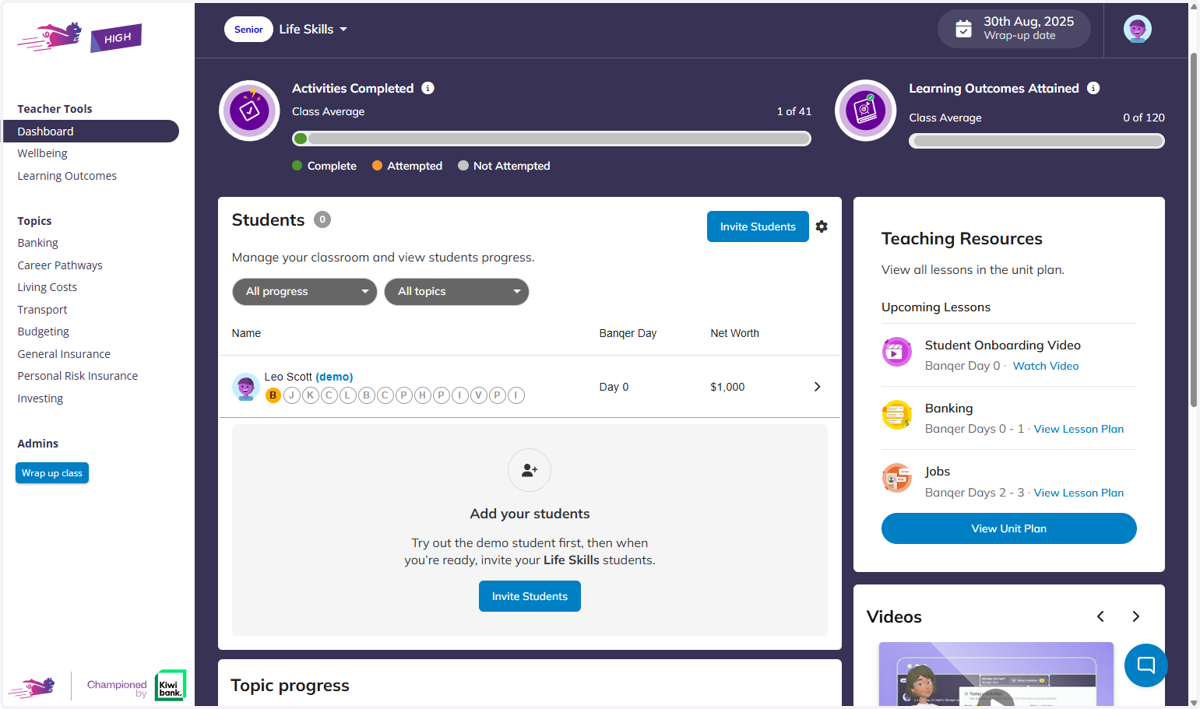
5. The centre of your dashboard will show your Students.
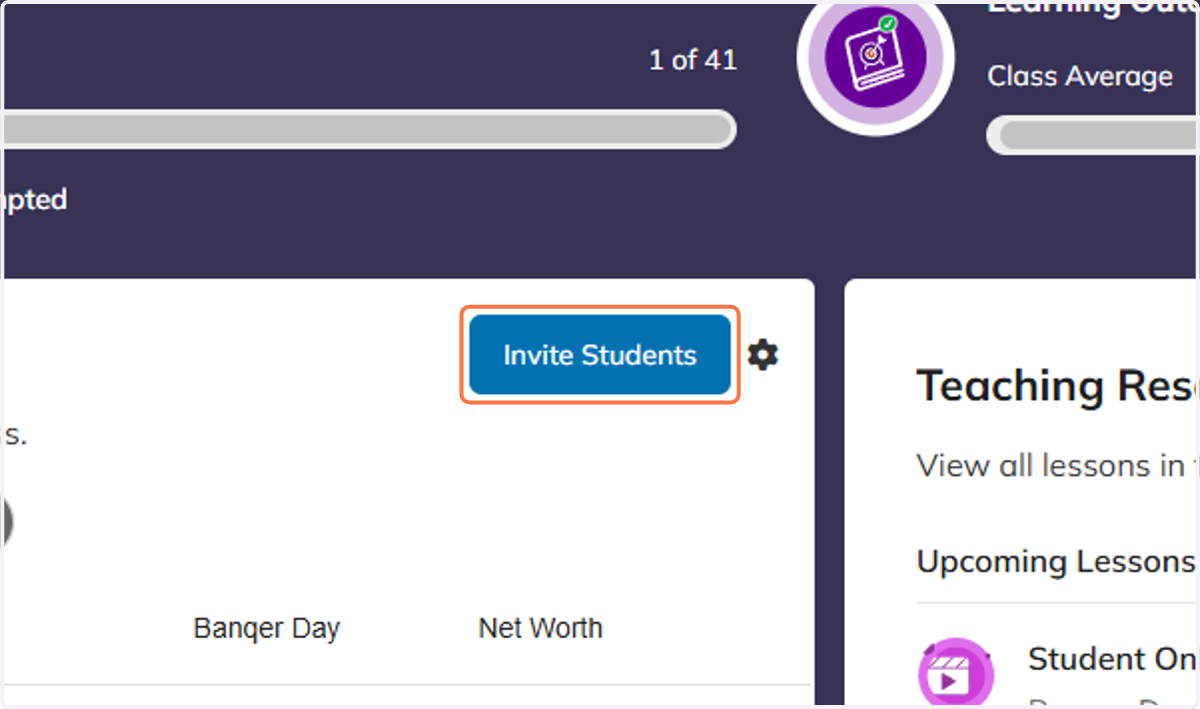
6. Click on Invite Students
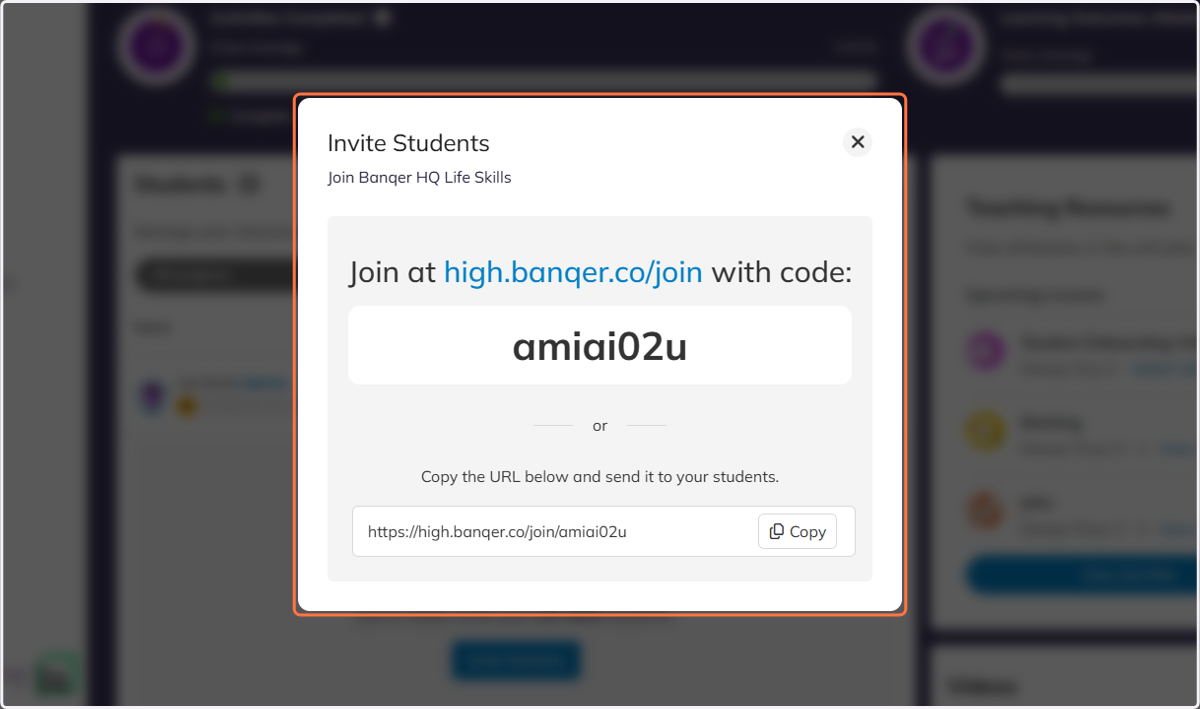
7. And select your method to invite your students to your class.
8. On the right hand side you will see all of the Teaching Resources available.
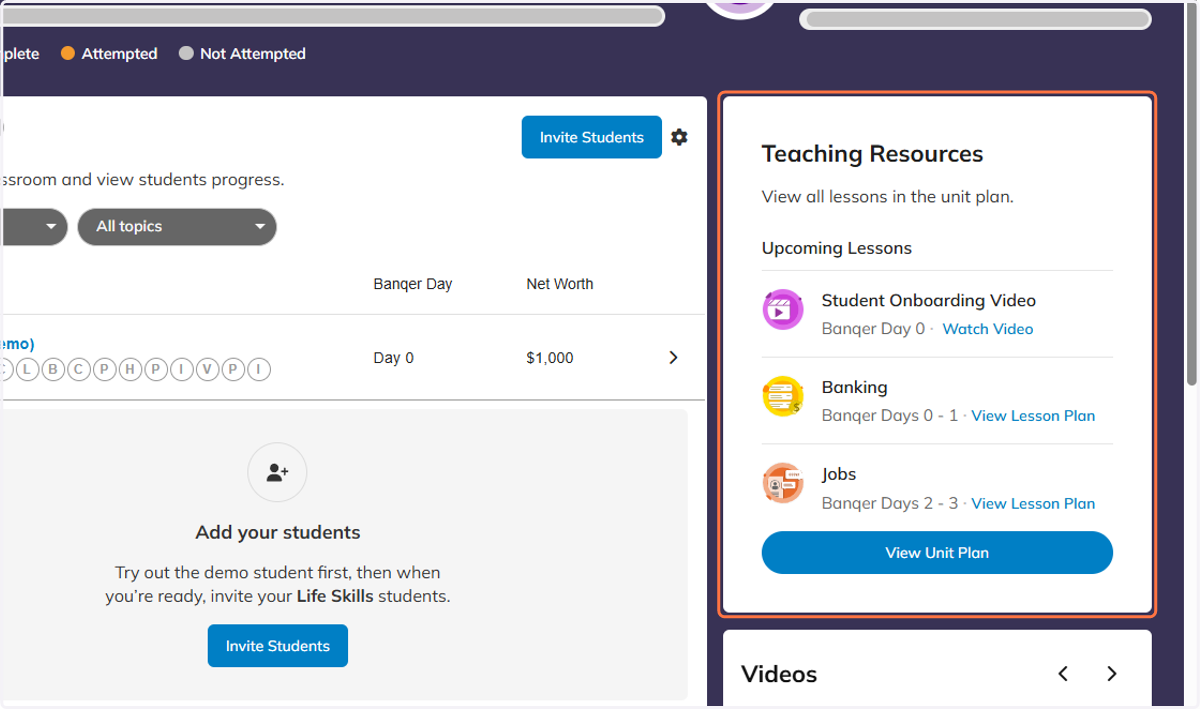
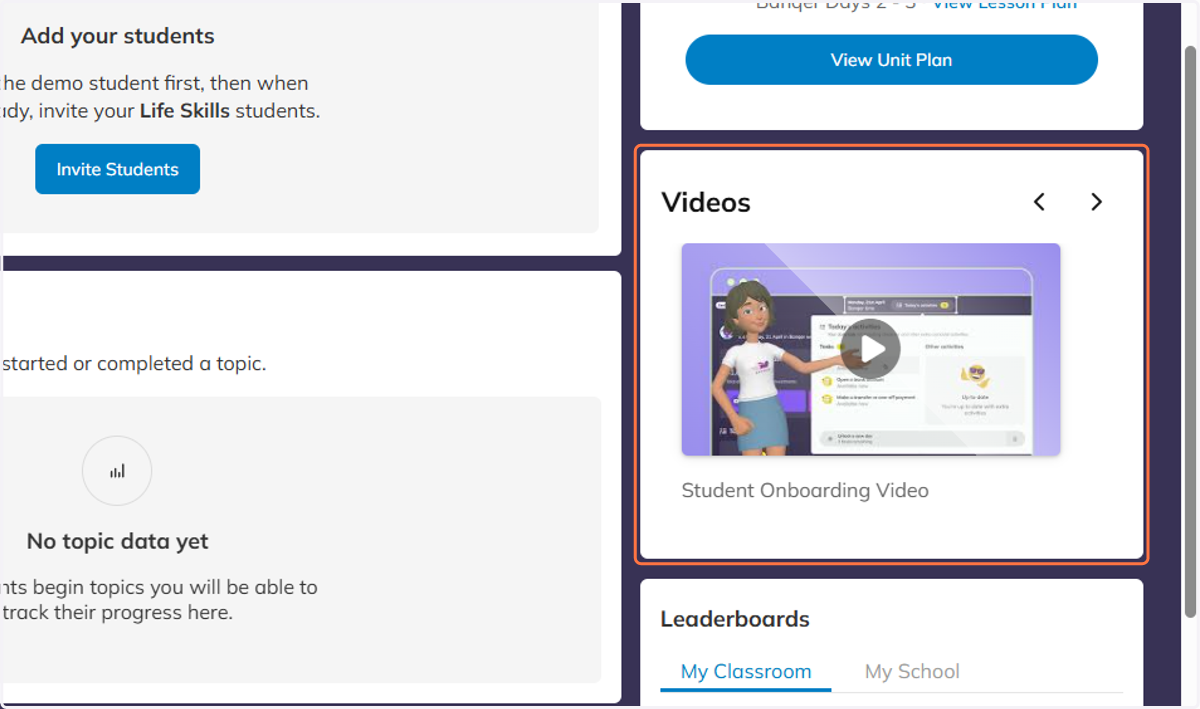
9. Under your Teaching Resources you can also view the Student Onboarding video, which your students will be shown during their own onboarding.
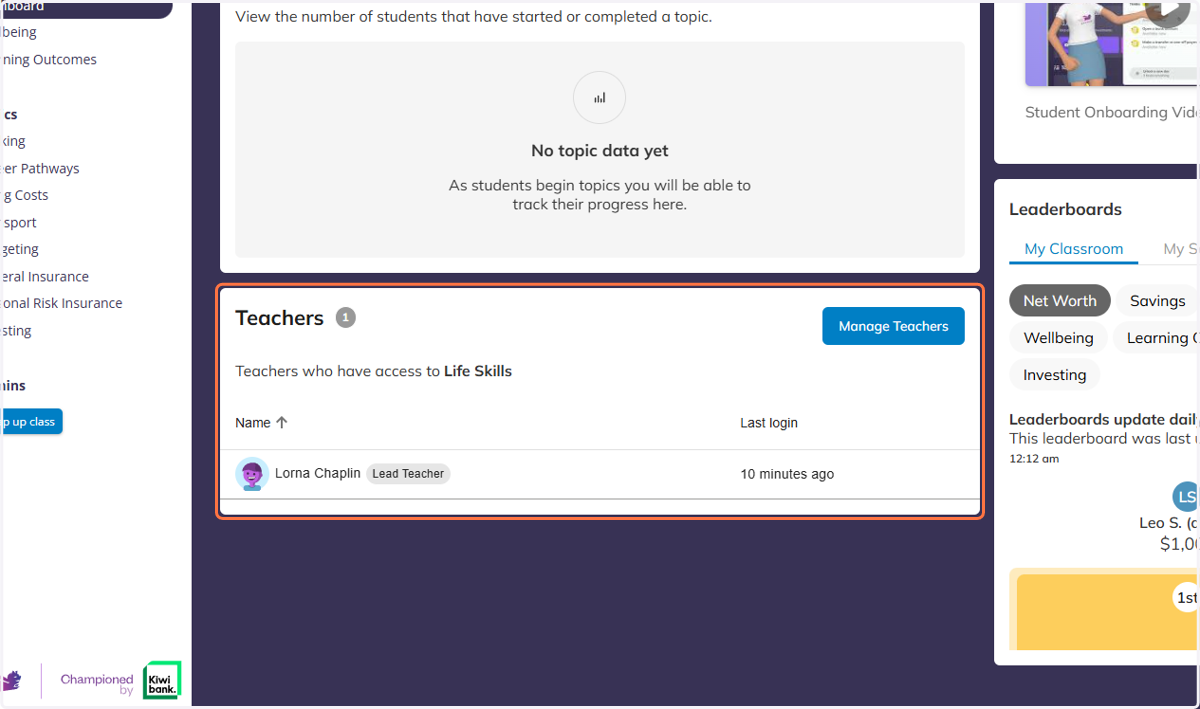
10. At the bottom of your dashboard you can view the teachers who have access to your class, and invite others to your class if you are sharing.
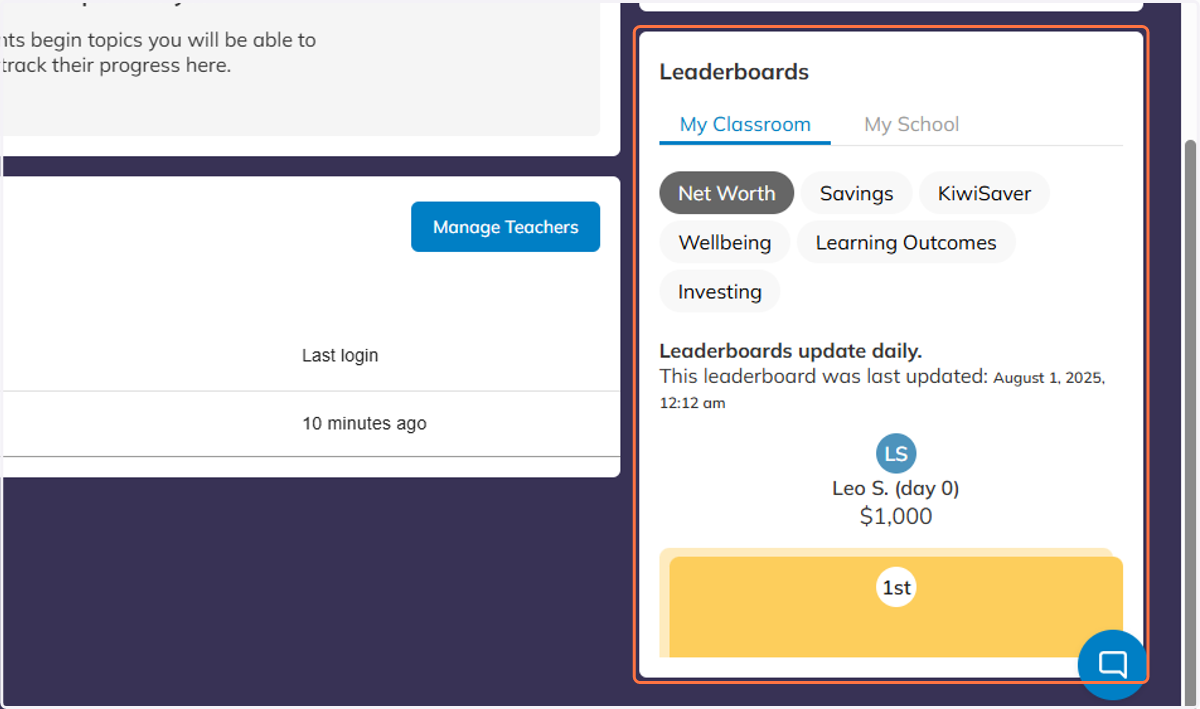
11. Beside this, you can also view your Class Leaderboard.
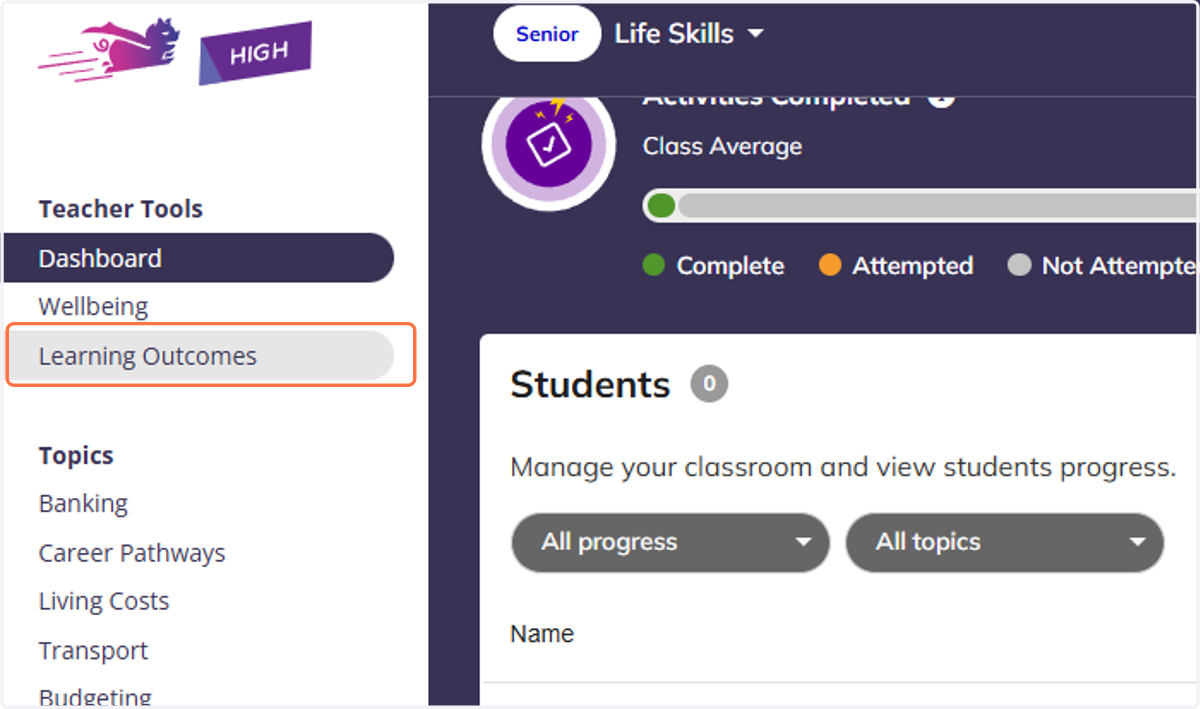
12. From your Teacher Tools menu, you can access the Learning Outcomes area.
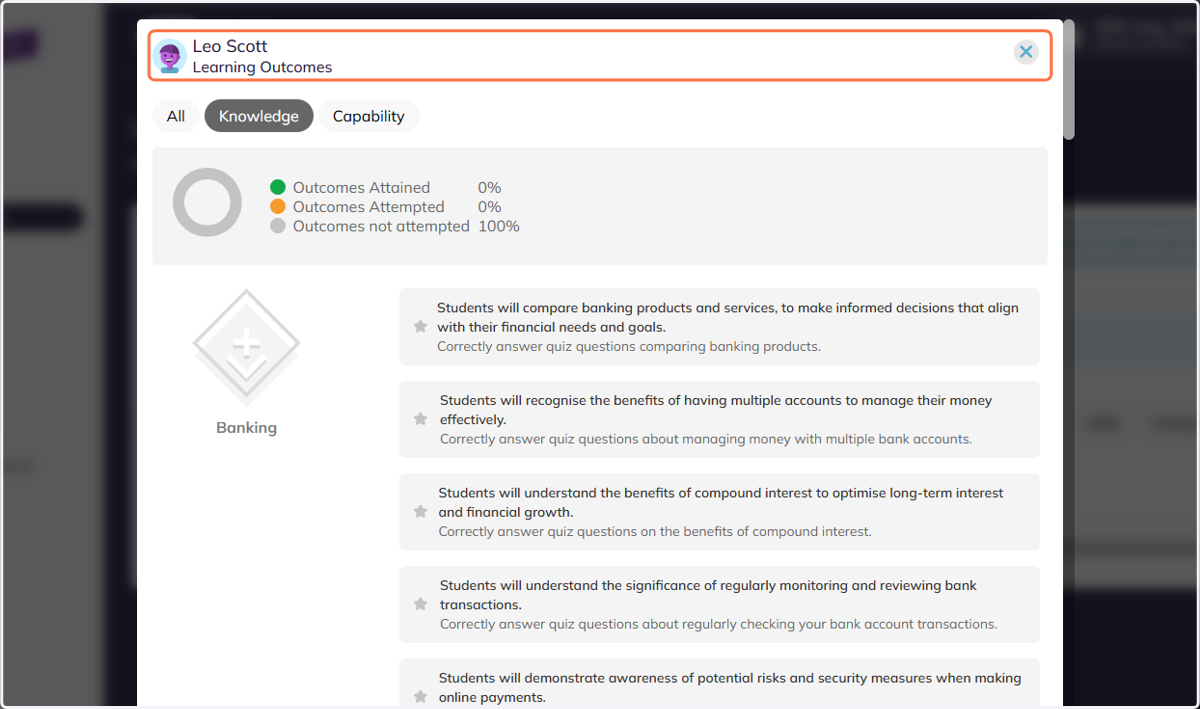
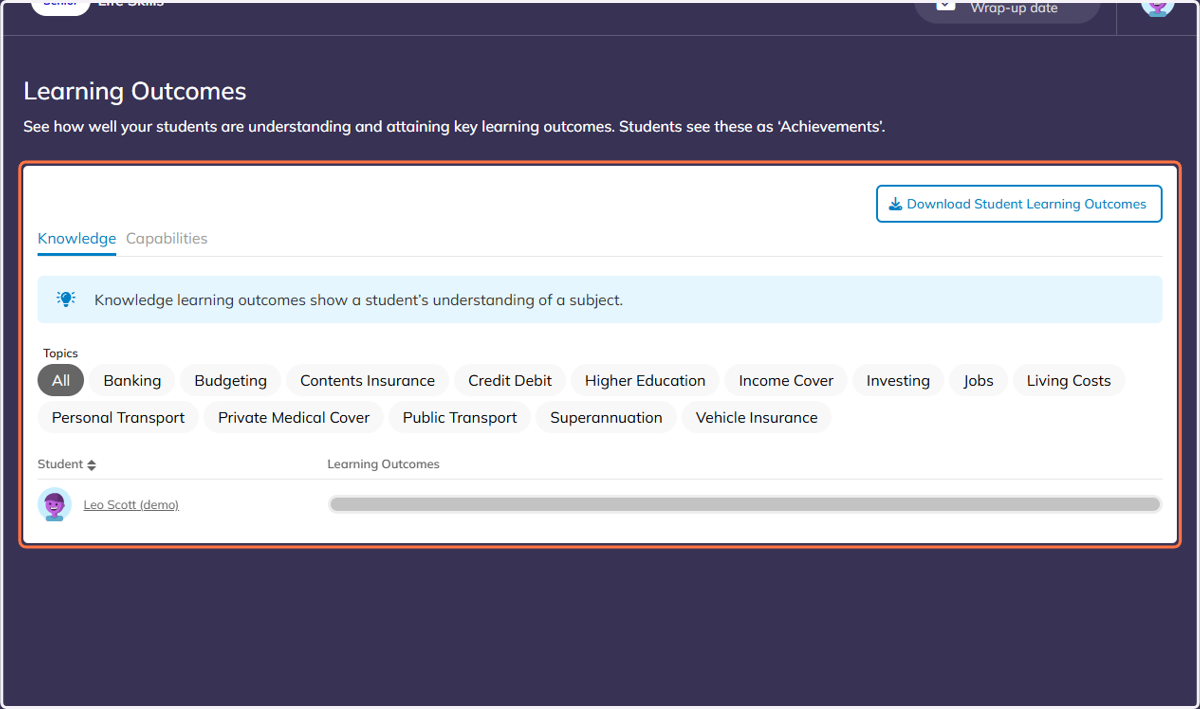
13. In here, you can view the progress for all of your students through the Learning Outcomes, known as Achievements to the students.
14. Click on any of your students to view more detail.
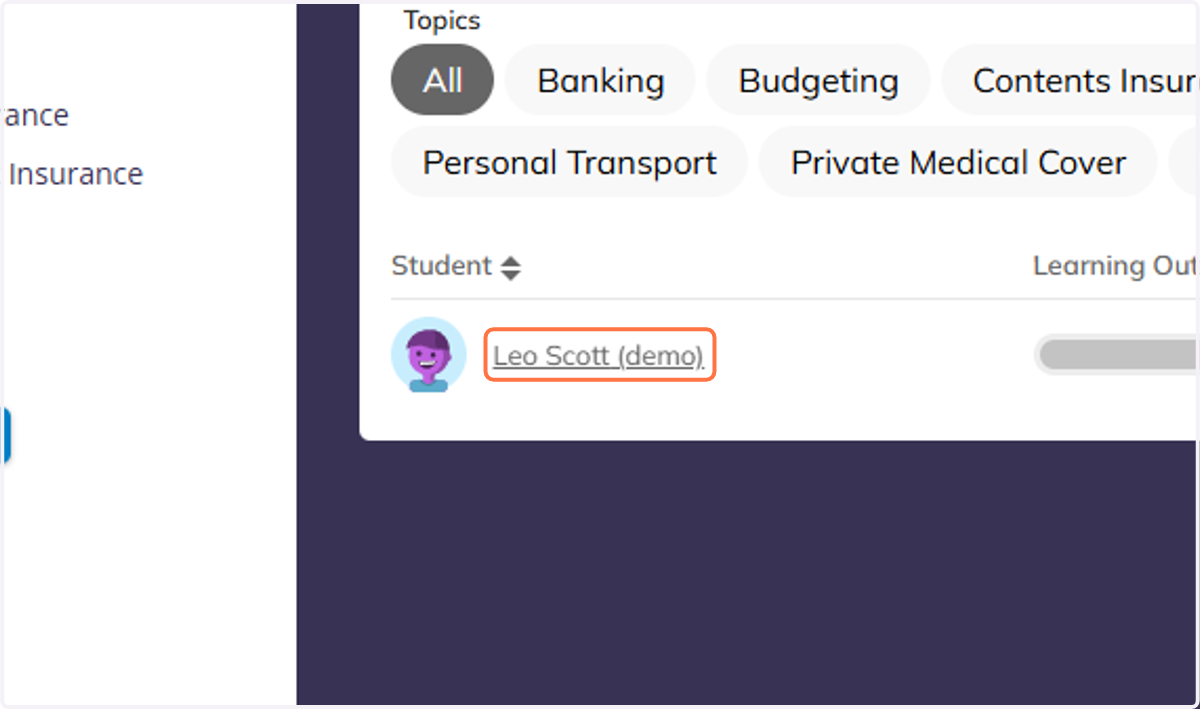
15. Click on Leo Scott…