Managing annual reports on the Data Portal
These general steps can be followed for managing the submission of your NSO's annual reports and financial statements on the Data Portal.
NSO Data Portal - Annual Reports
1. Navigate to the NSO Data Portal
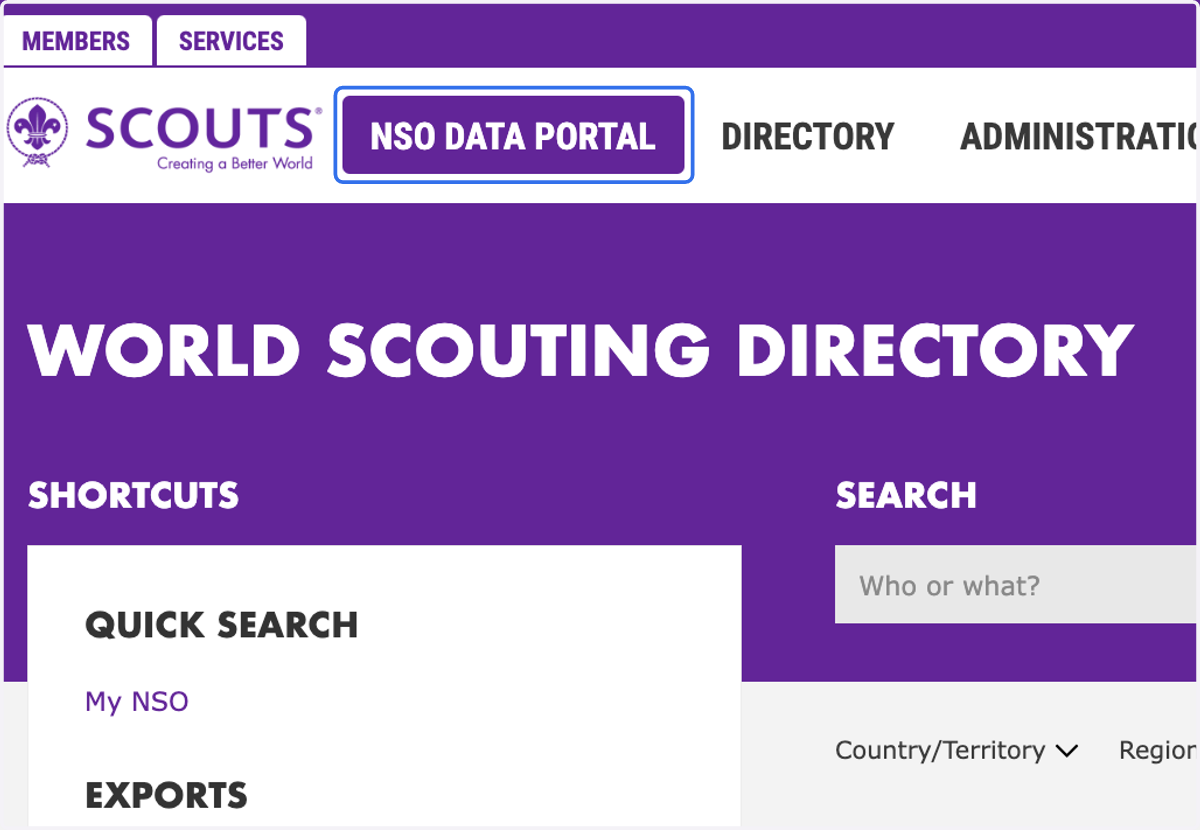
2. Navigate to the "Annual Reporting" widget
You will see if a report has been uploaded or if you are due to upload a new one.
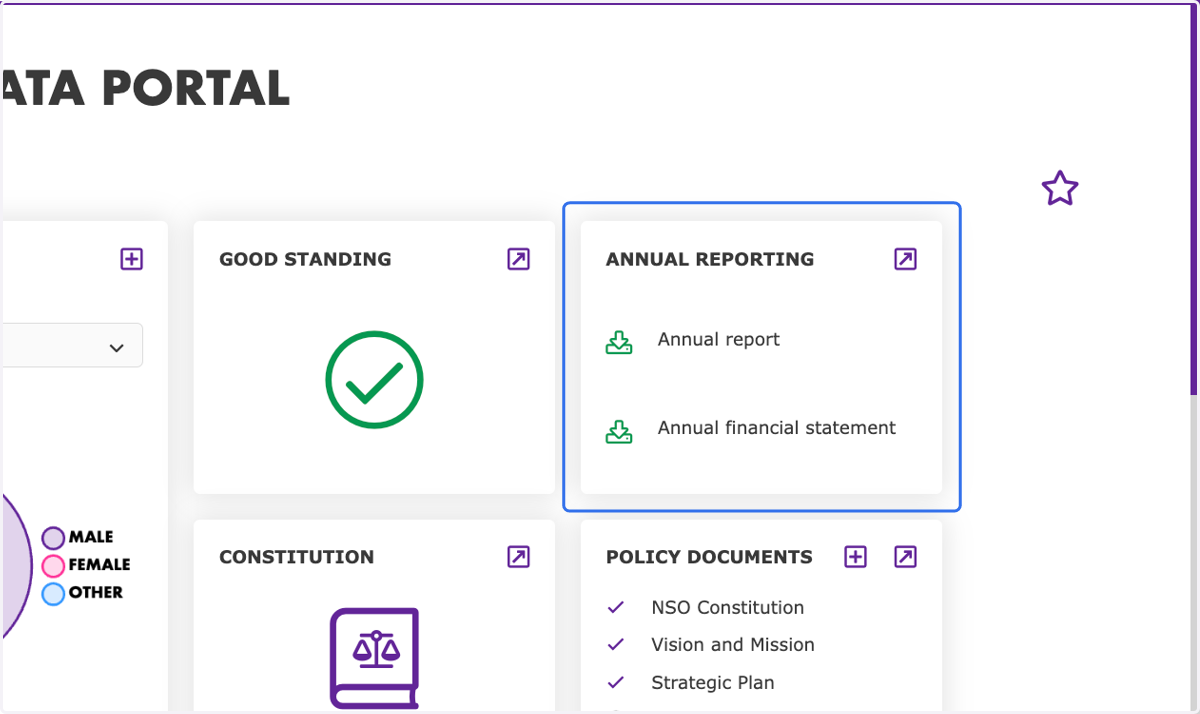
3. Download latest report
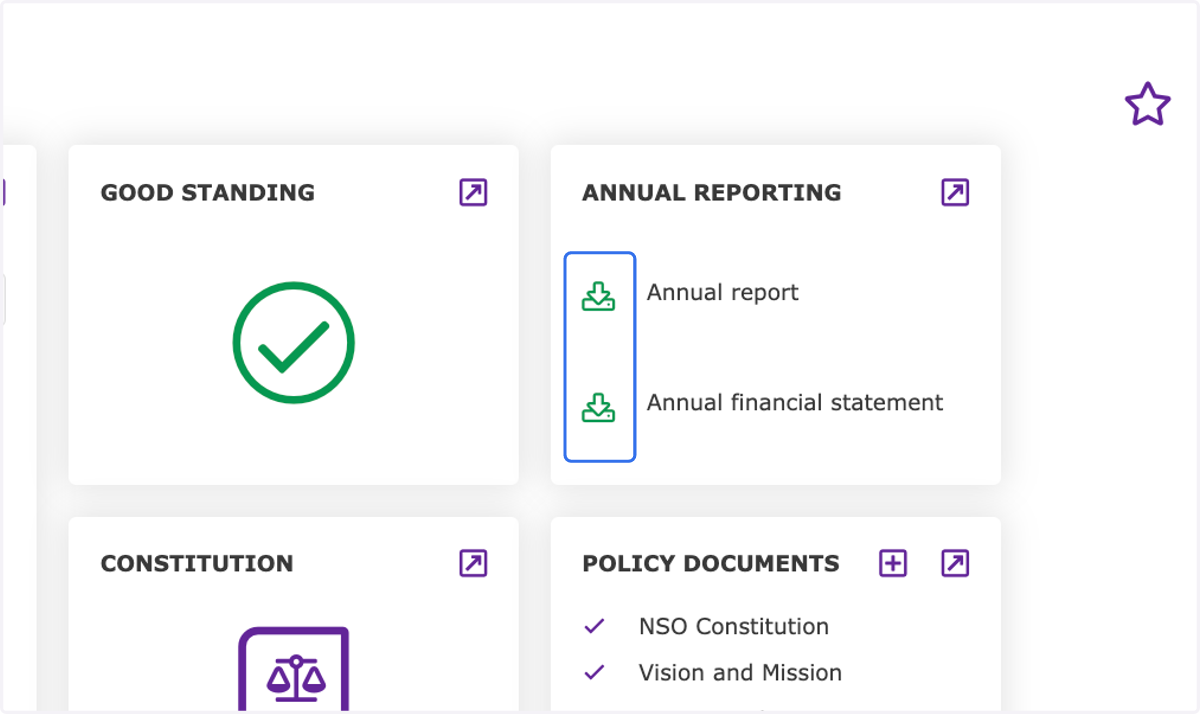
4. Click on the expand button
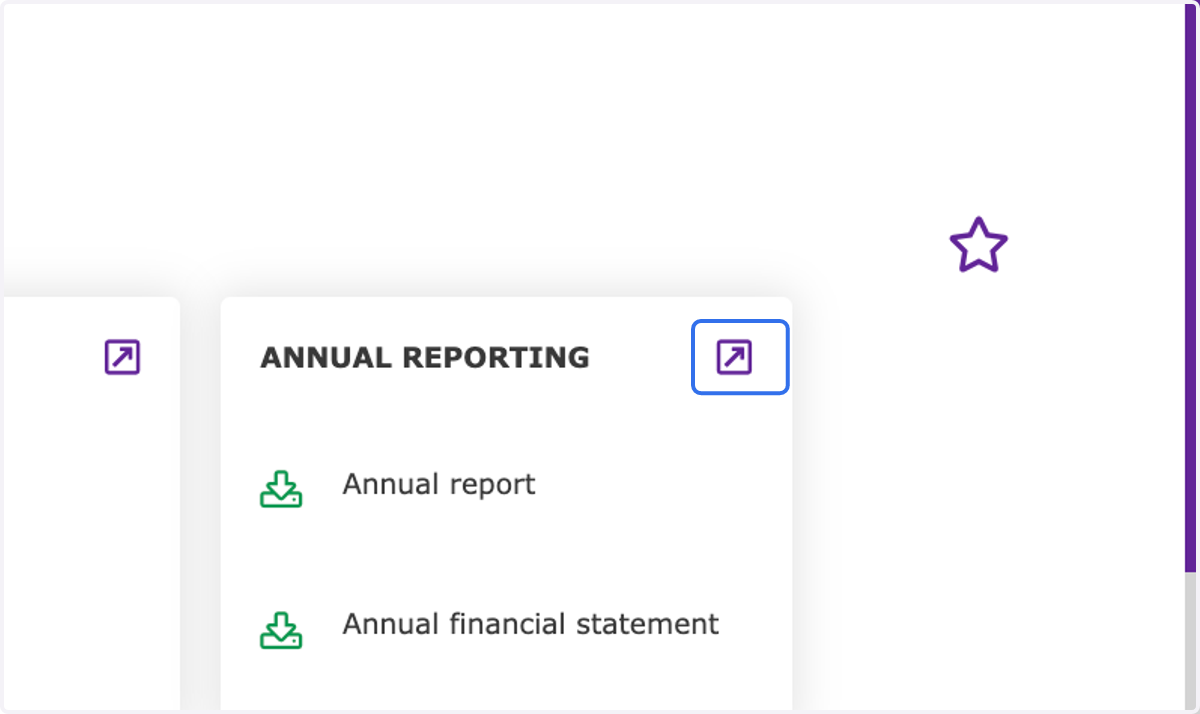
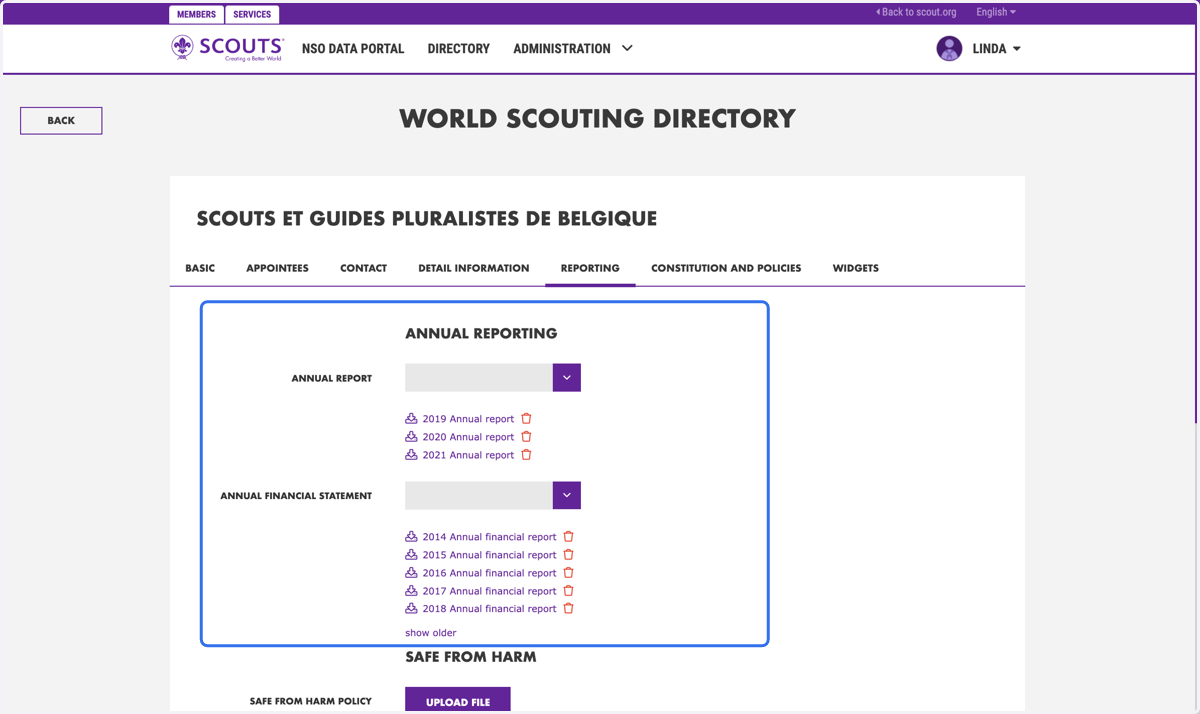
5. Navigate to the "annual reporting" section
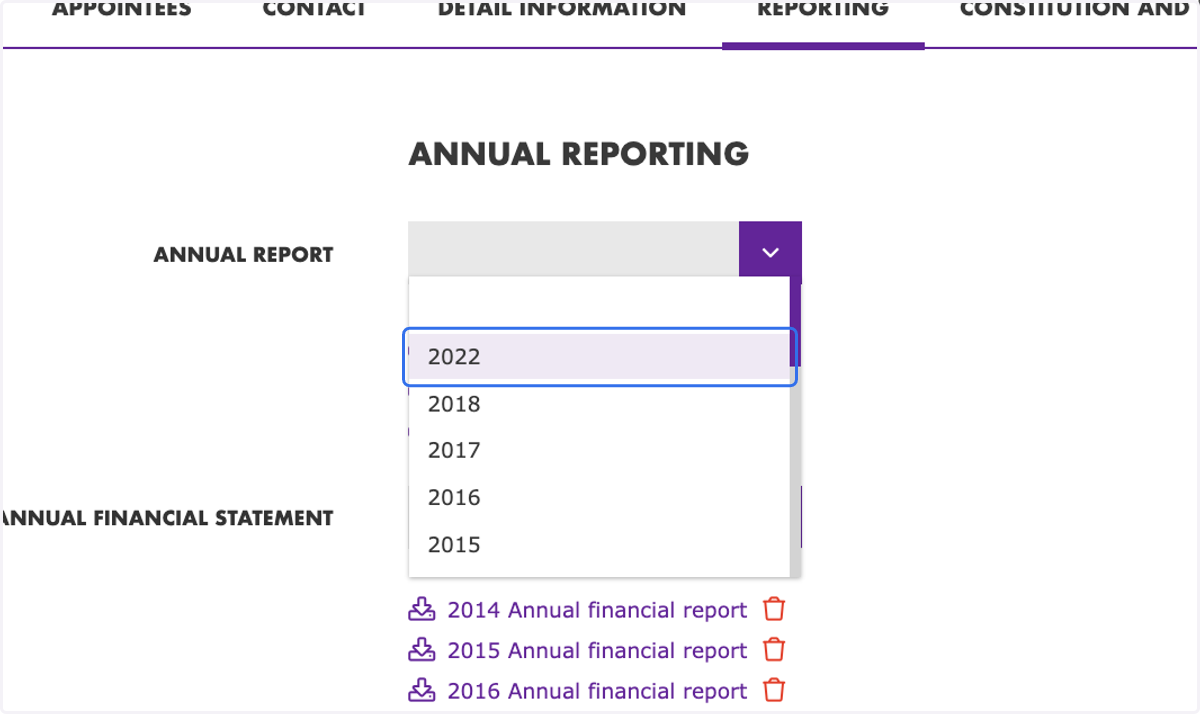
6. Click the dropdown and select the desired year
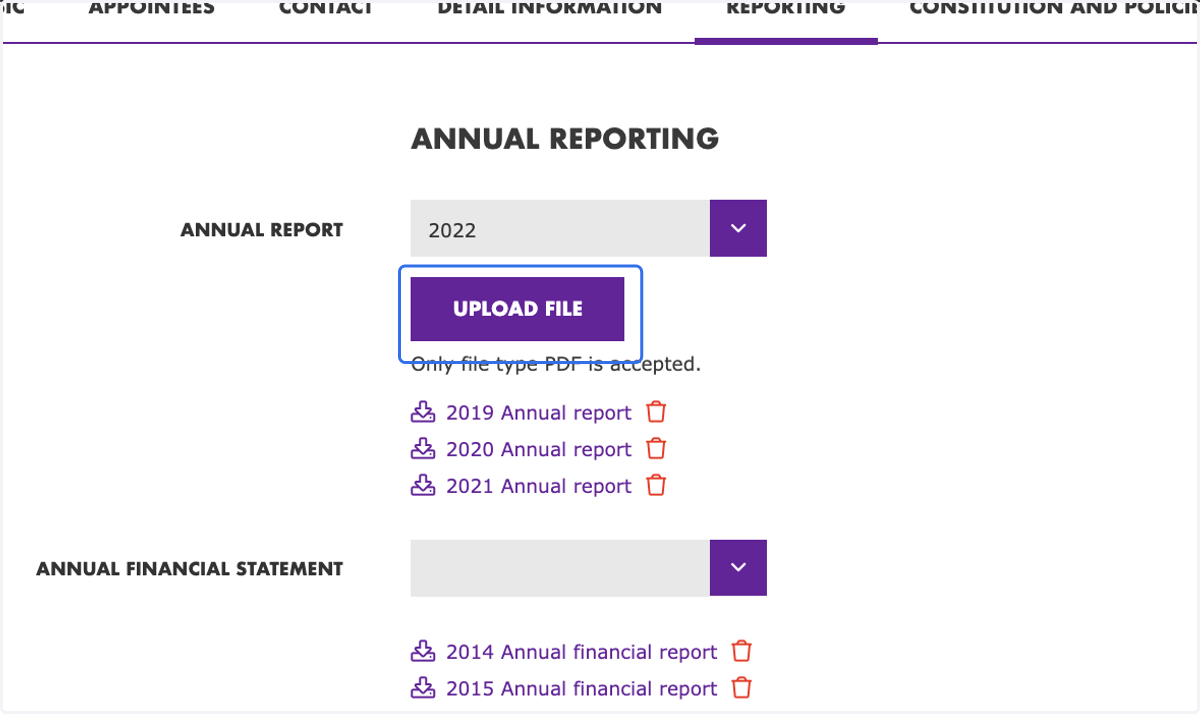
7. Click on "upload file"
8. Select a file from upload menu
Only one document can be selected for upload for the specific year and it must be 10mb or less. The documents are preferred to be in a WOSM language, but they can be in the local language of the NSO.
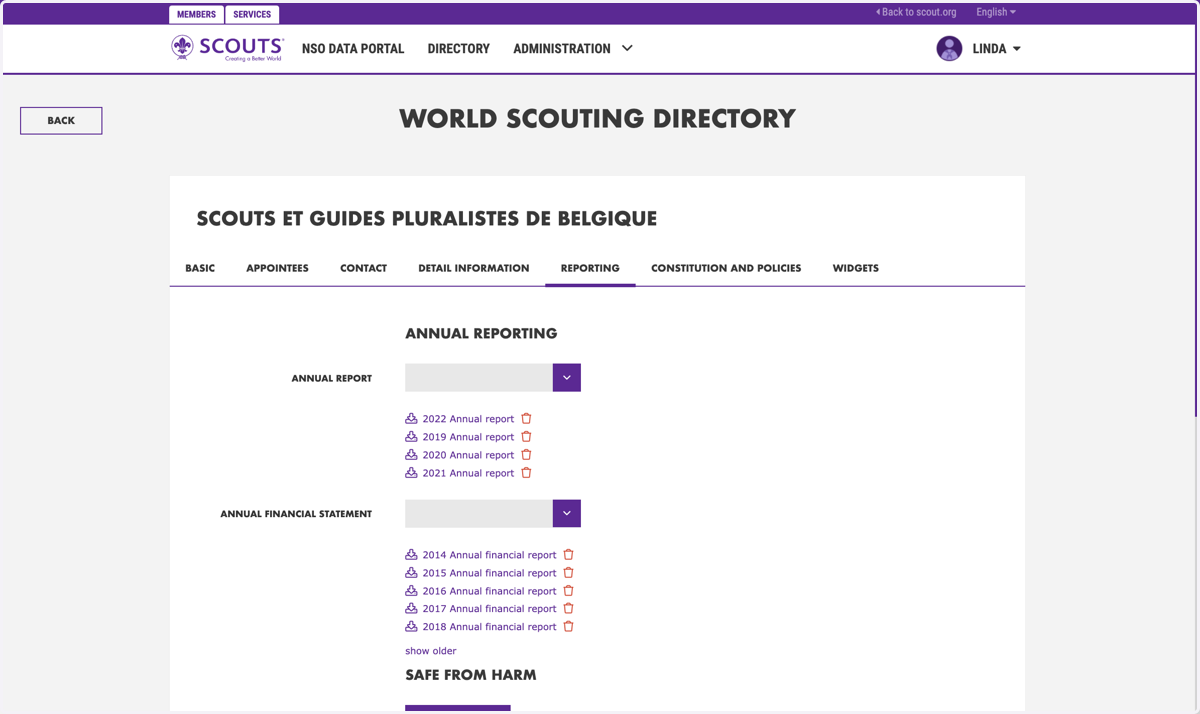
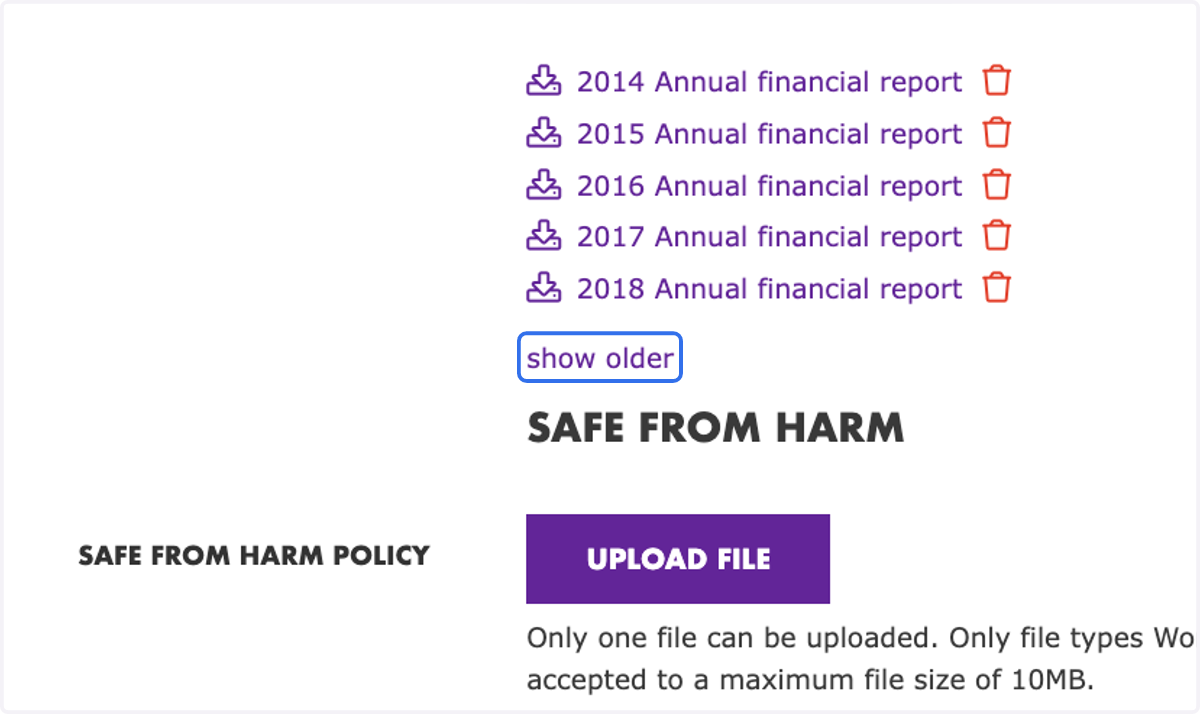
9. If you want to see older uploads, click on "show older"
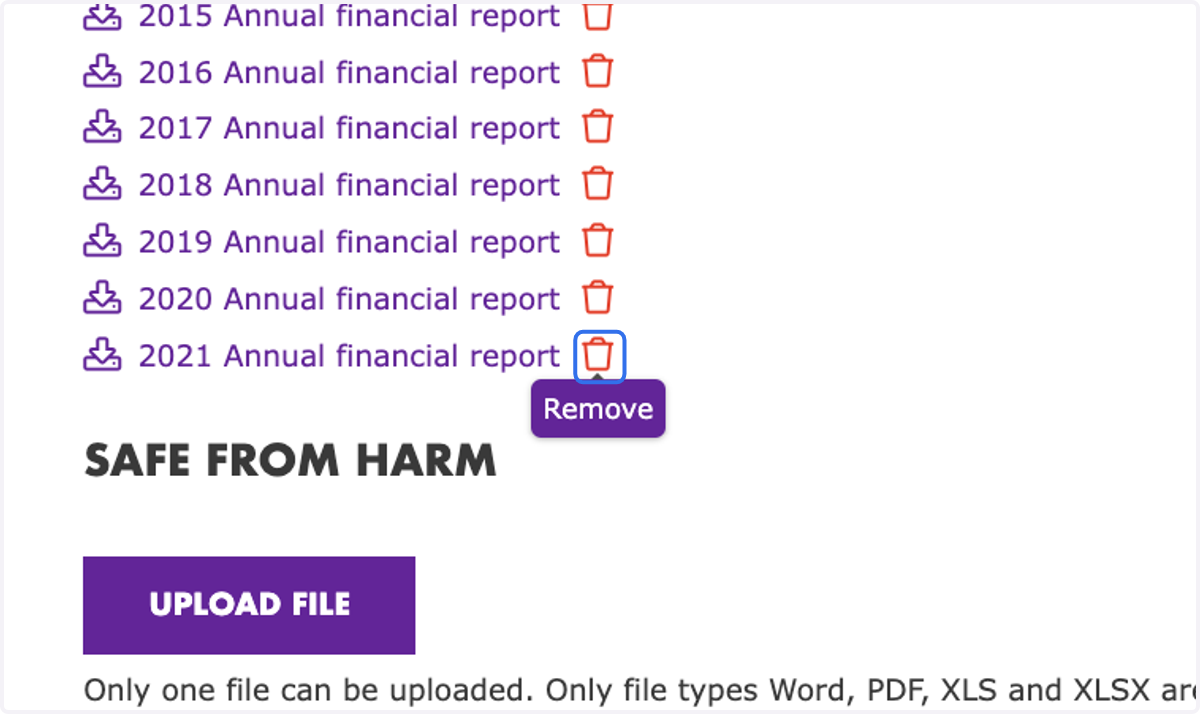
10. If you want to delete an uploaded file, click on the "trash bin"
11. Click on "Save Changes"