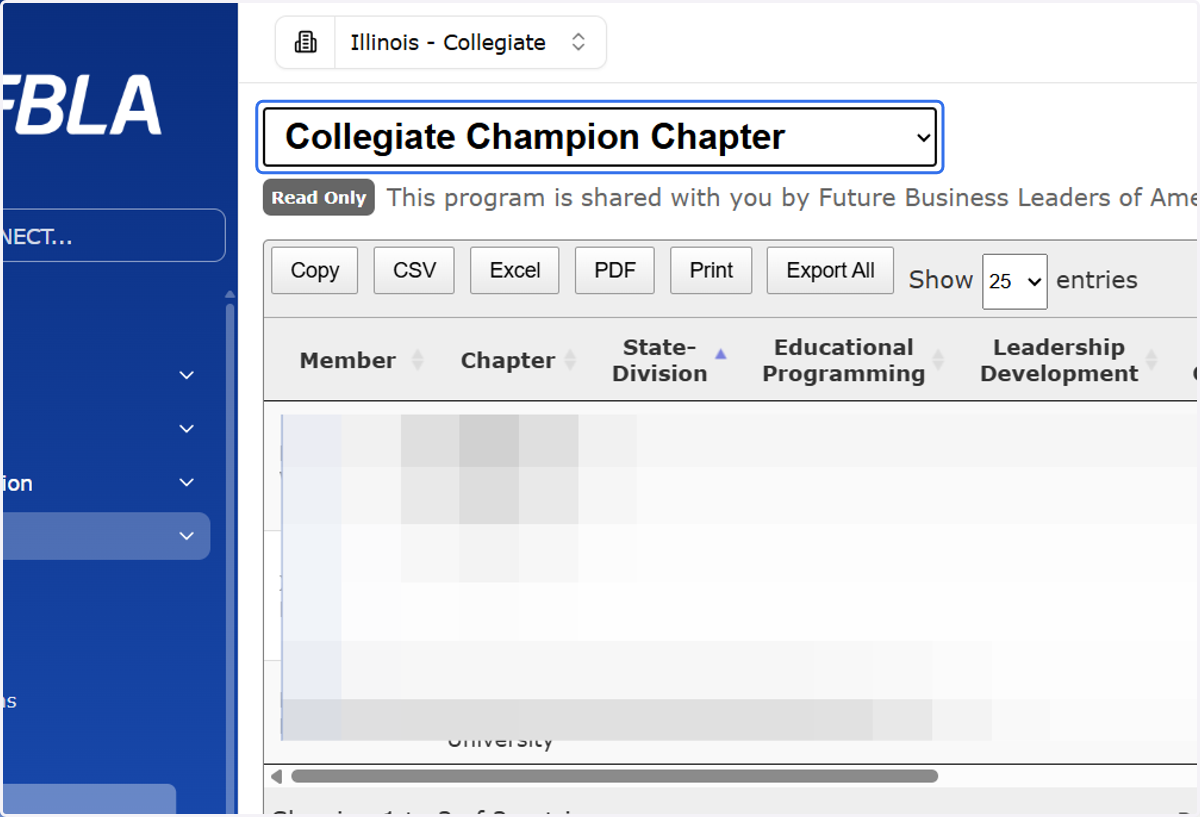
Viewing Champion Chapter Excellence Award Points
1. Sign into CONNECT
You must be signed into an account that is identified as a State Leader for your state for the remaining steps.
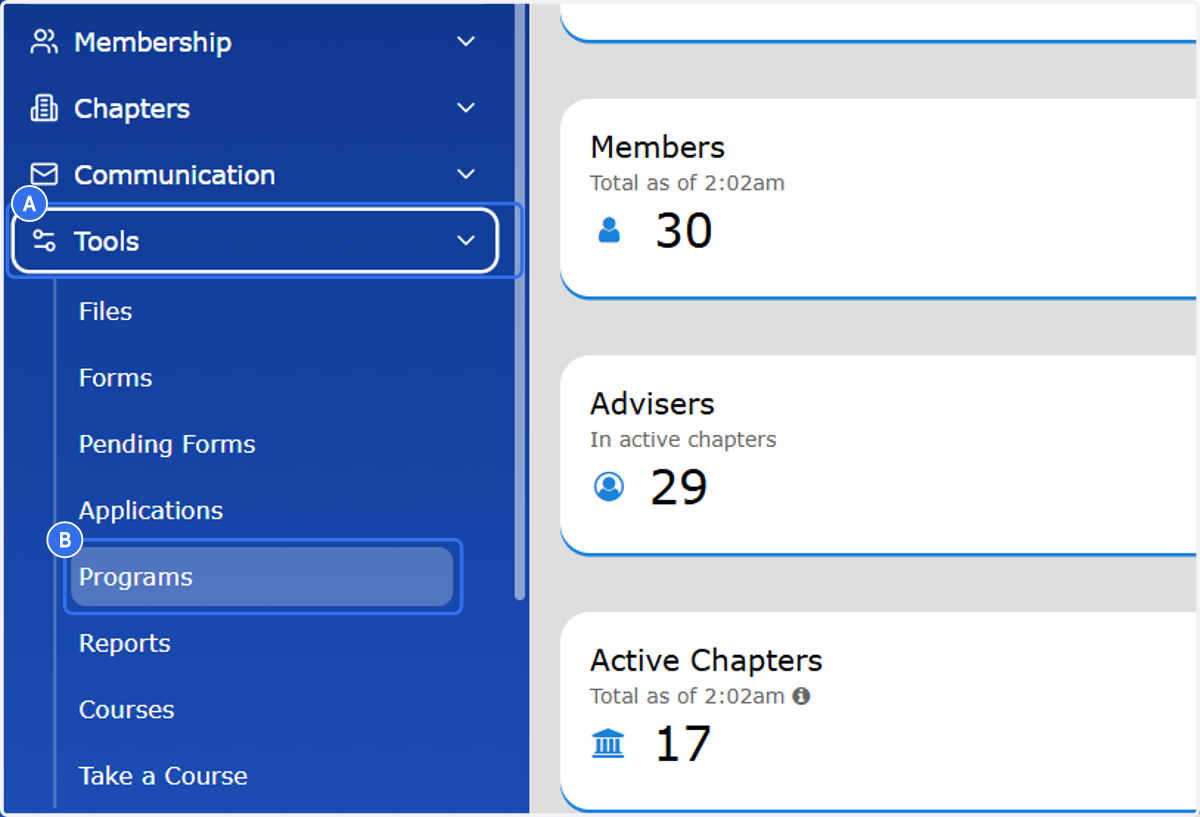
2. A. Click on Tools on the Left Navigation Menu
2. B. Click on Programs
3. Choose the appropriate division and program in the drop-down menu at the top of your screen.
Note: The below screenshot is displaying the column headings for Collegiate Excellence Award before Champion Chapter was selected in the drop-down menu.