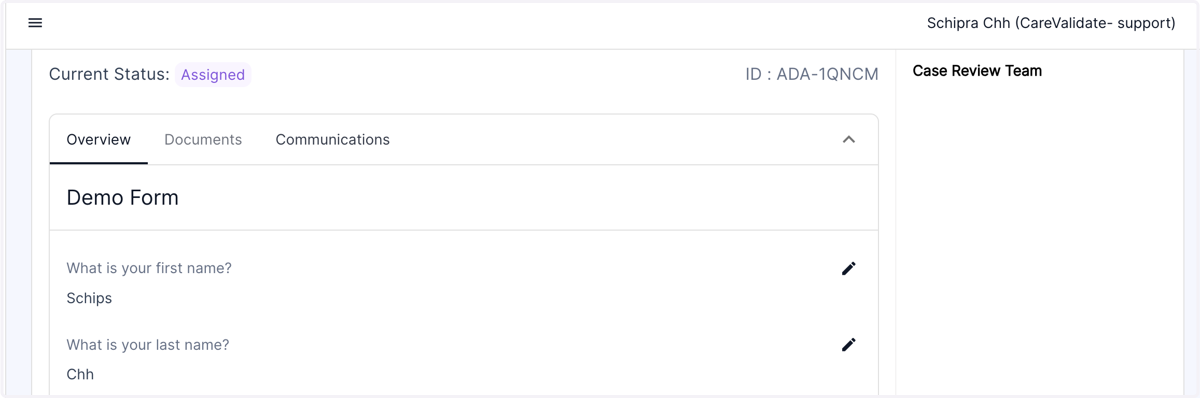
Nov 8th Release Notes - Hide TPA Legal Role in "Review Team" column from employees view
When a case is assigned to the TPA Legal team for further evaluation, this assignment will not be visible to the employee in the Case Review Team section.
1. Click on the "Accommodations" tab in the left panel of the dashboard.
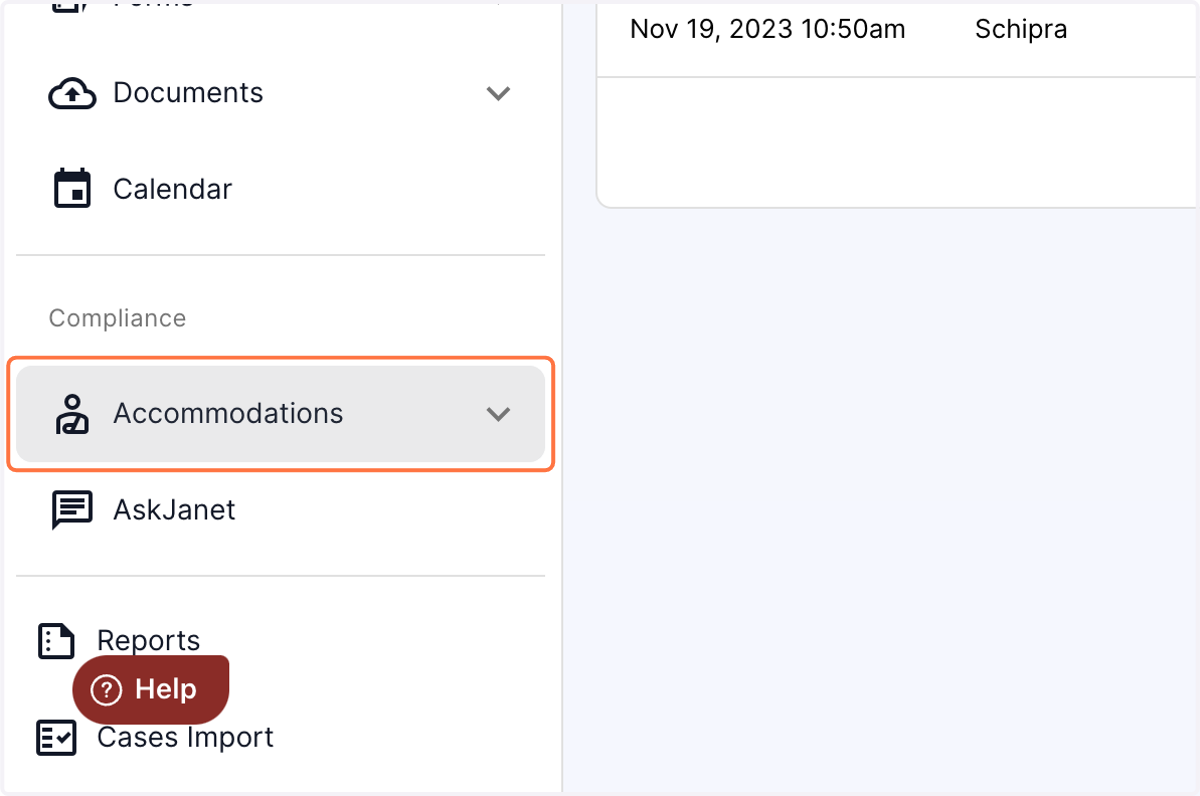
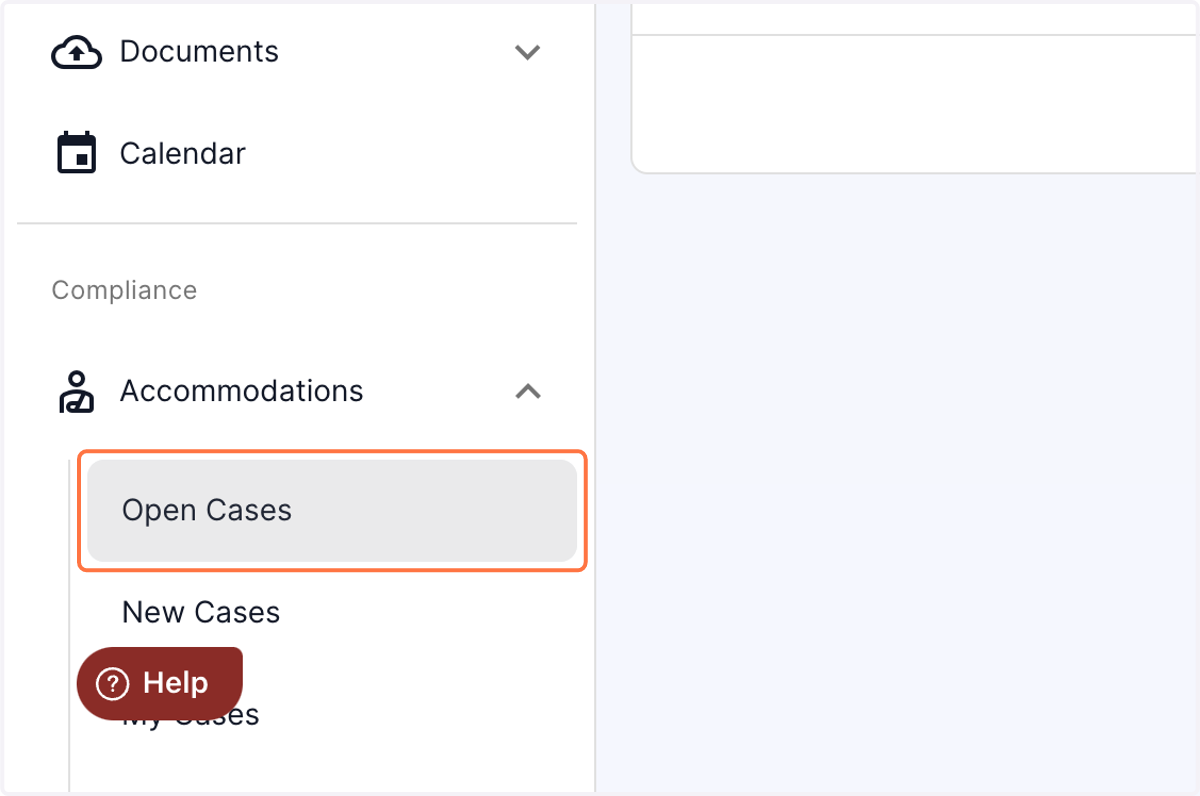
2. From the drop down accommodations menu, click on the open cases.
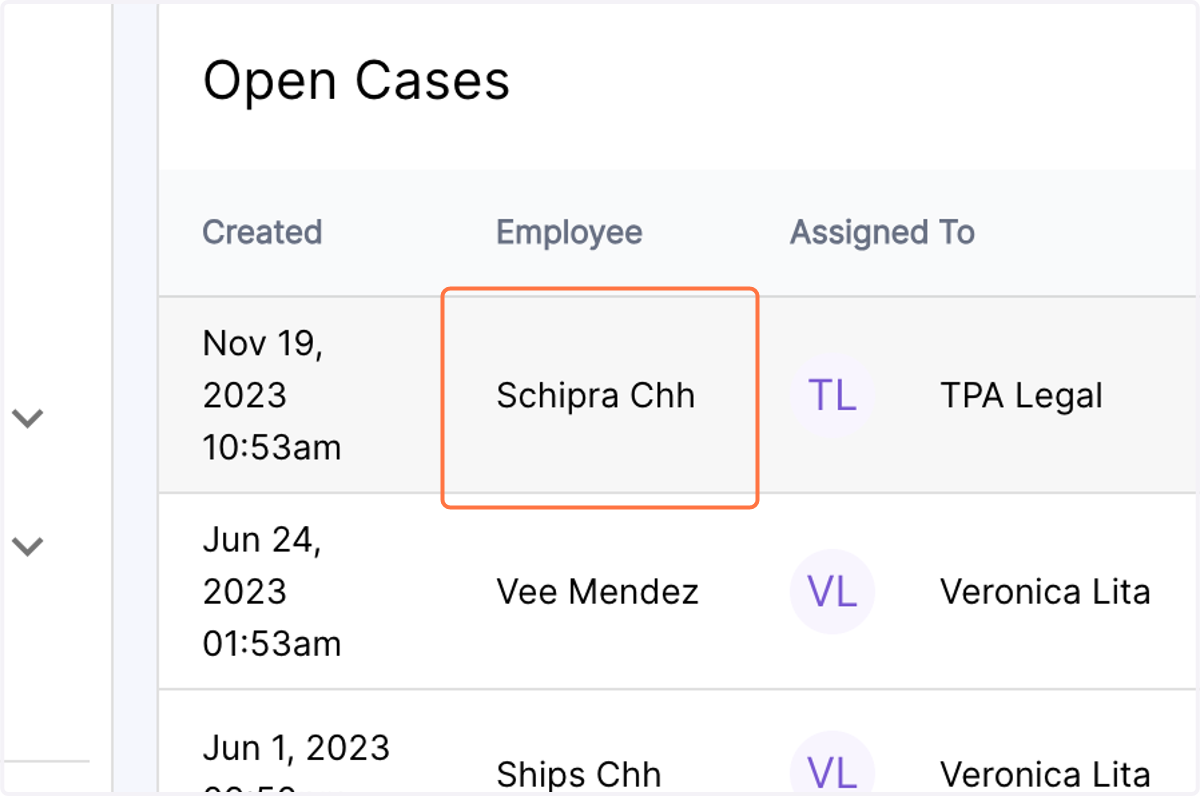
3. Click on the case which has been assigned to the TPA Legal department
4. As an admin, you will be able to view the TPA legal role assignment in the Case review team in the right panel.
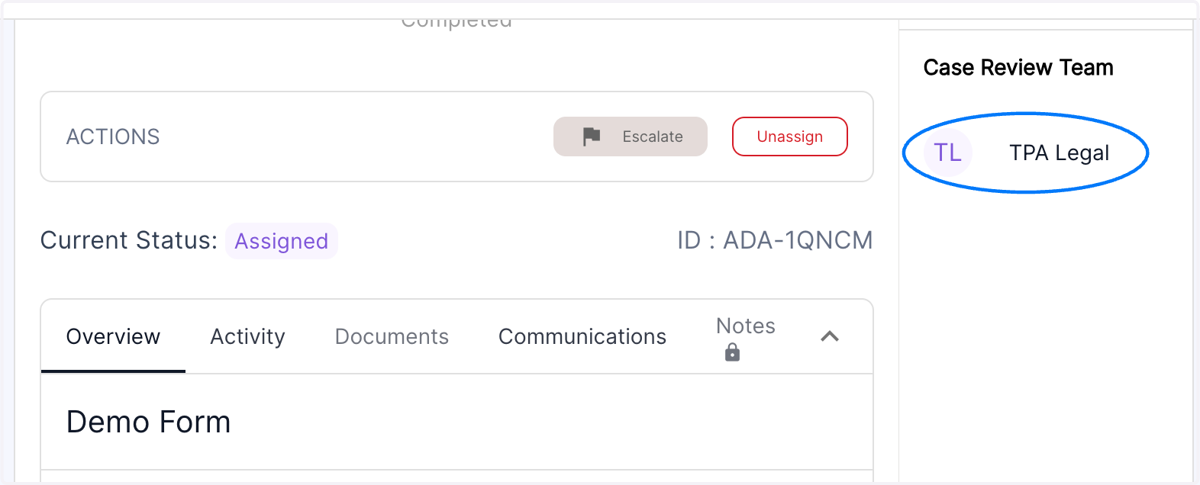
5. When the employee logs in, the TPA Legal role assignment will not be visible in the Case Review team in the right panel.