How to manage payment types for roles on Engagifii
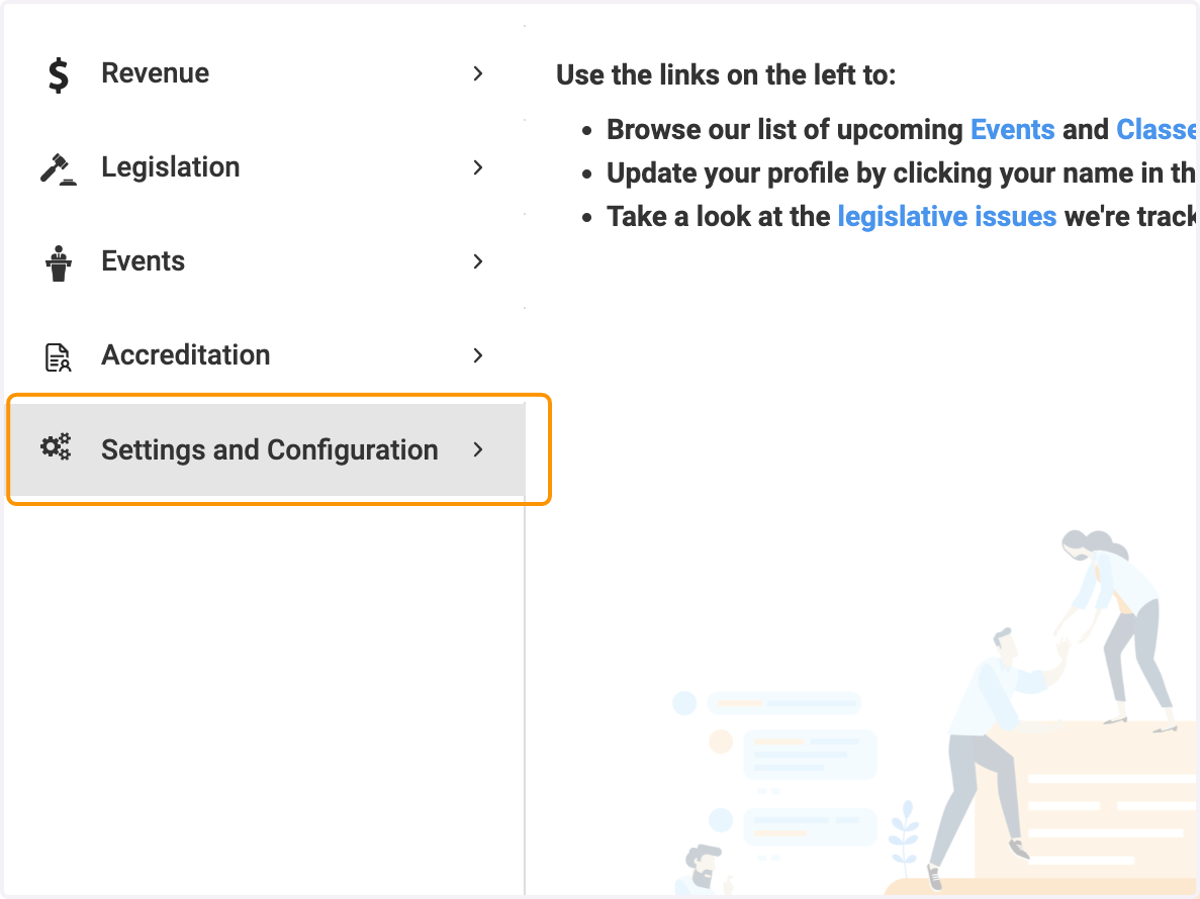
1. Click on Settings and Configuration
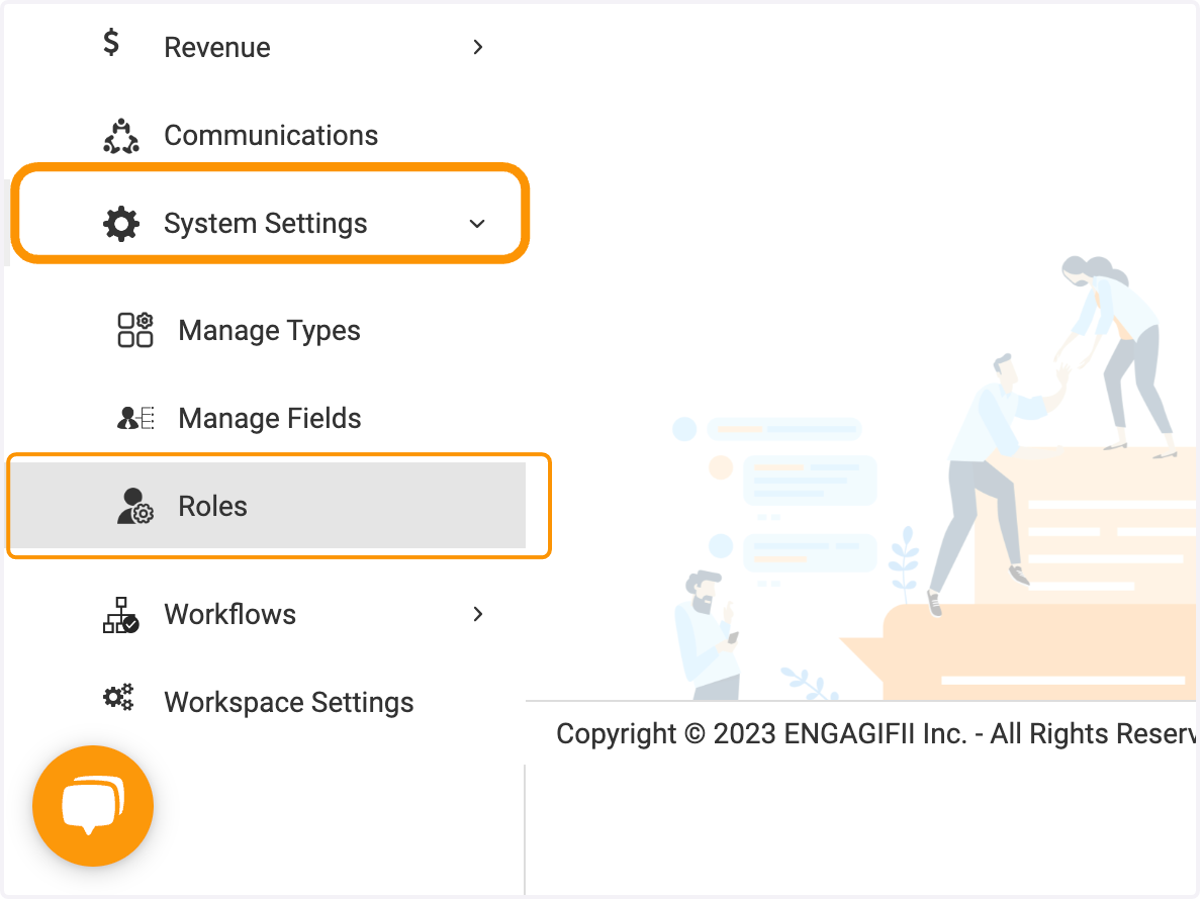
2. Click on System Settings and then Roles
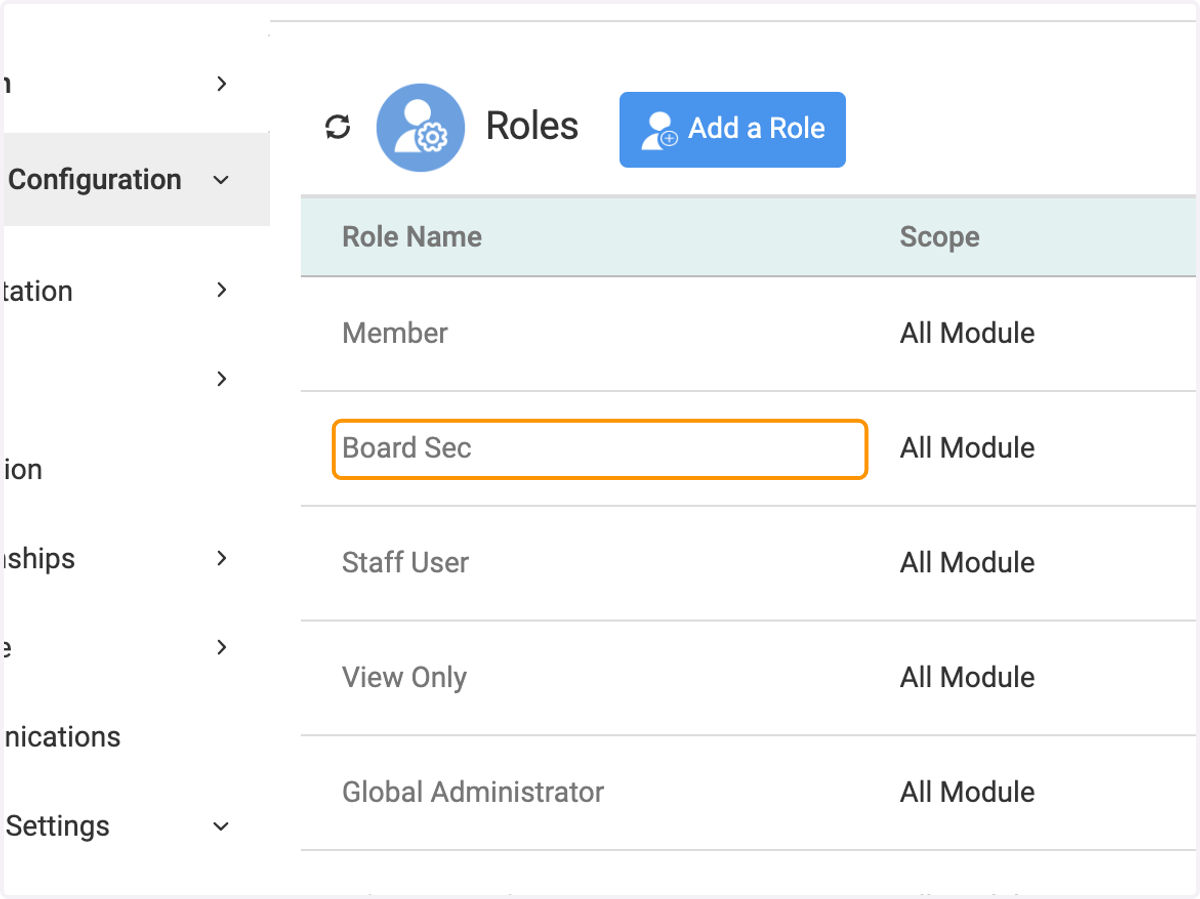
3. Click on the role you wish to manage
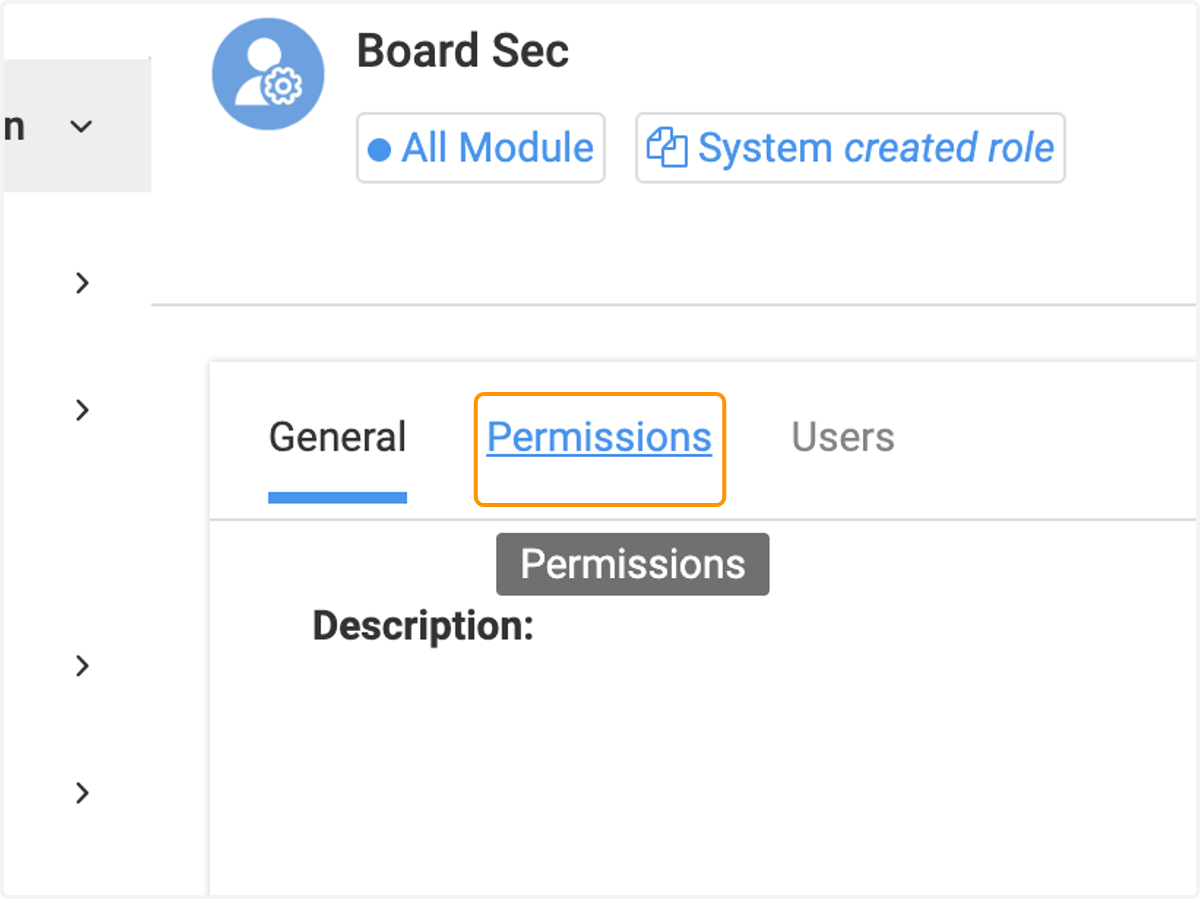
4. Click on Permissions
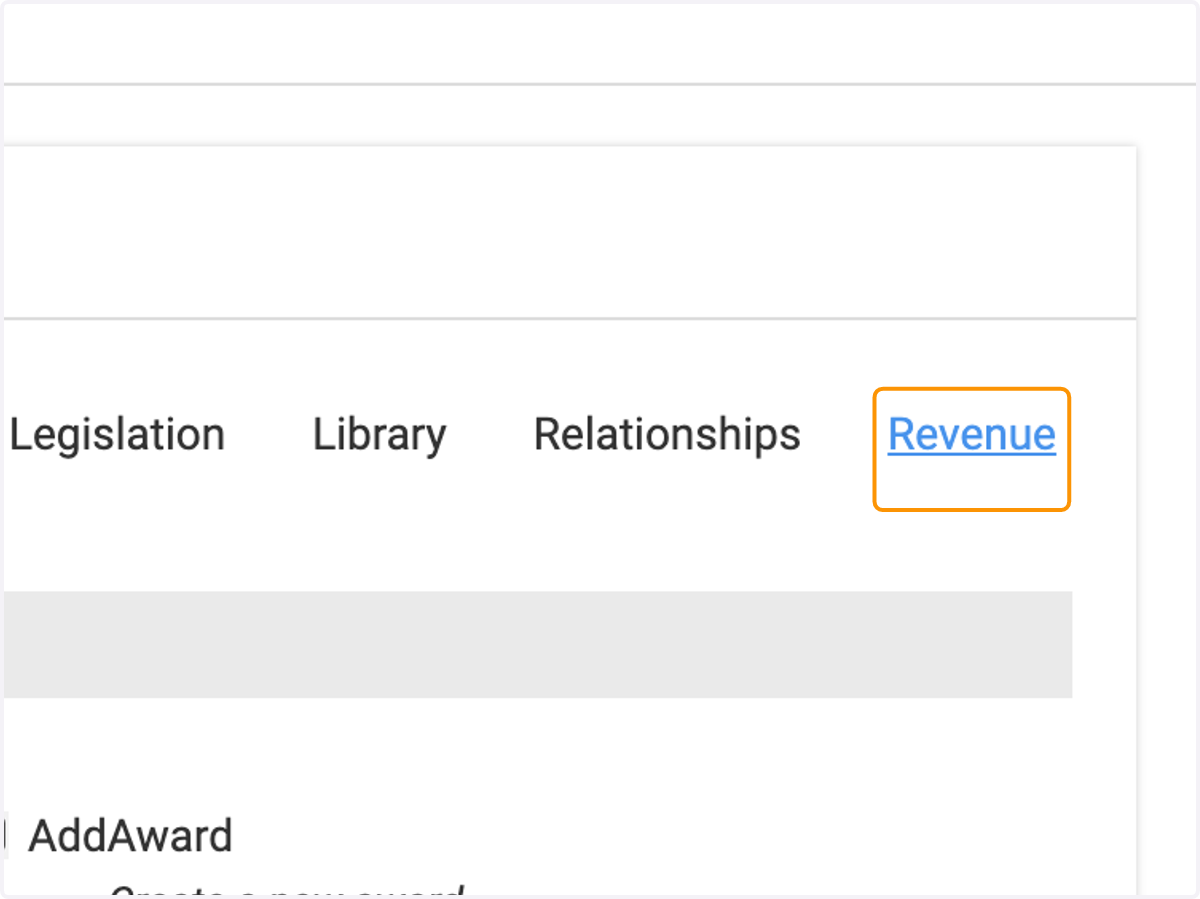
5. Scroll to the right and click on Revenue
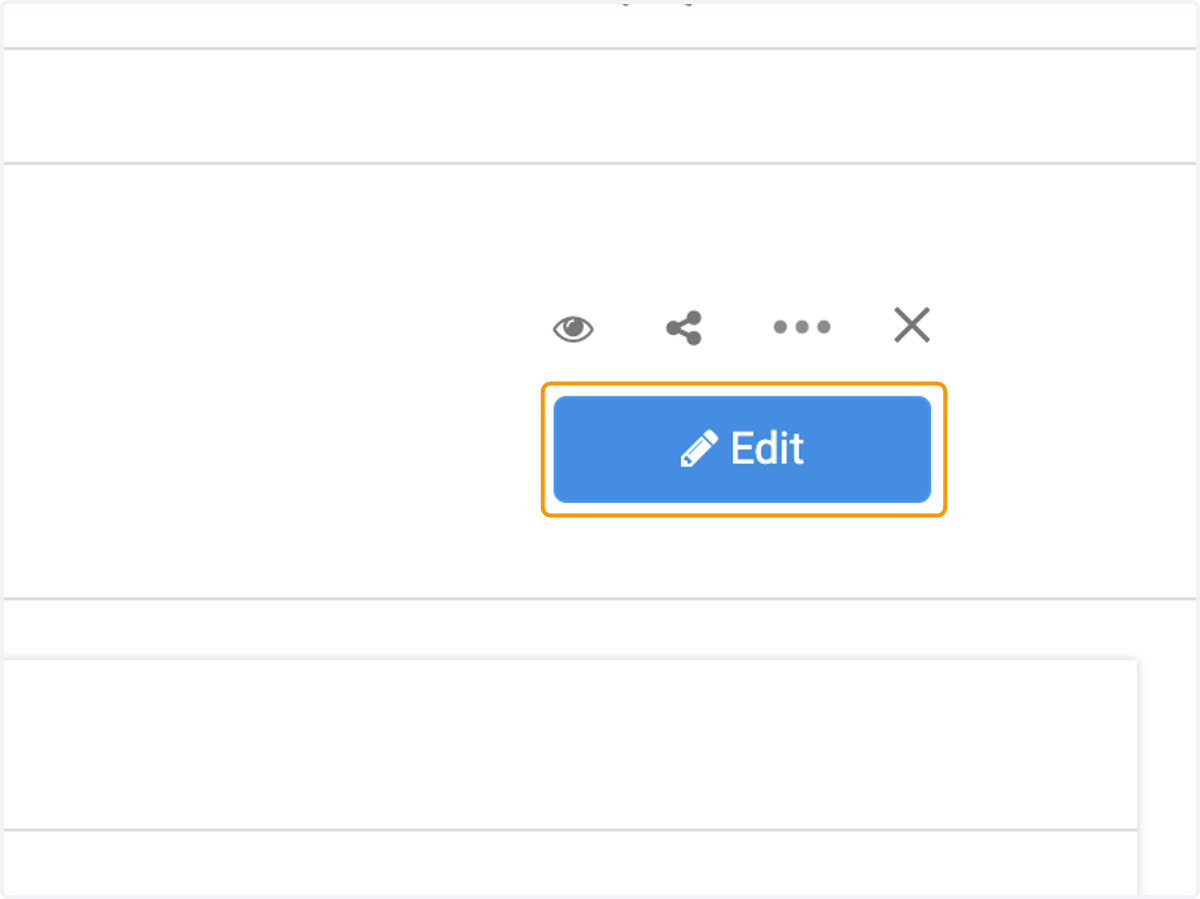
6. Click on Edit
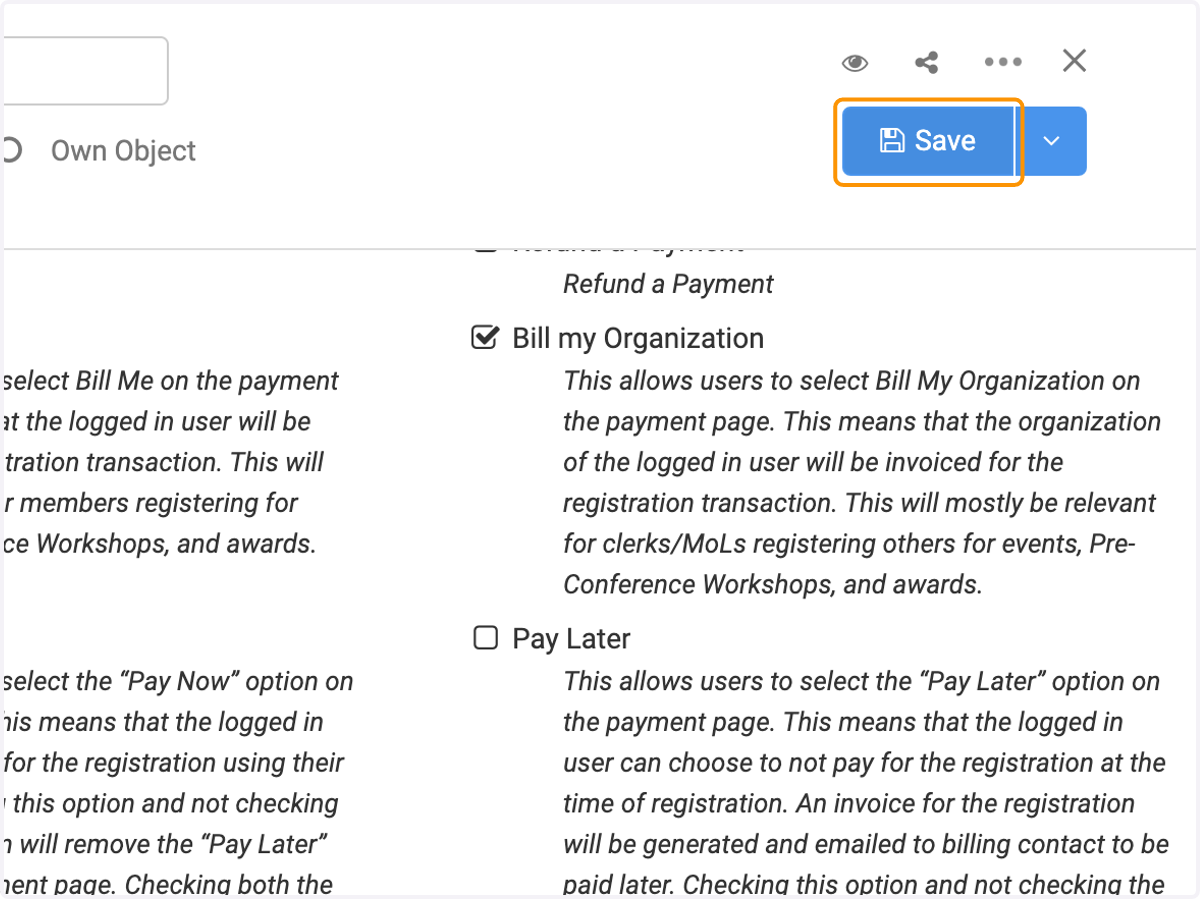
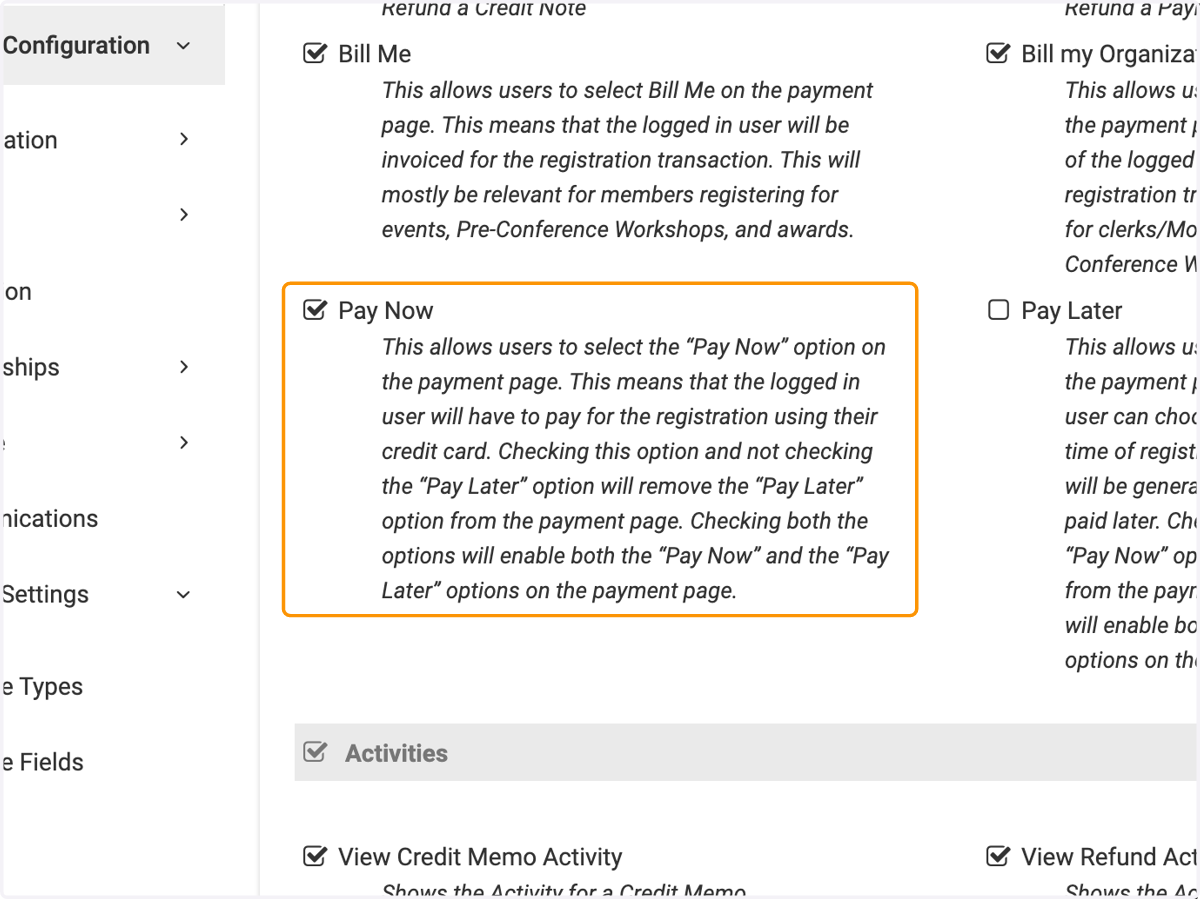
7. Click on Pay Later to deselect this option if you want this role to only have the option for credit card payments.
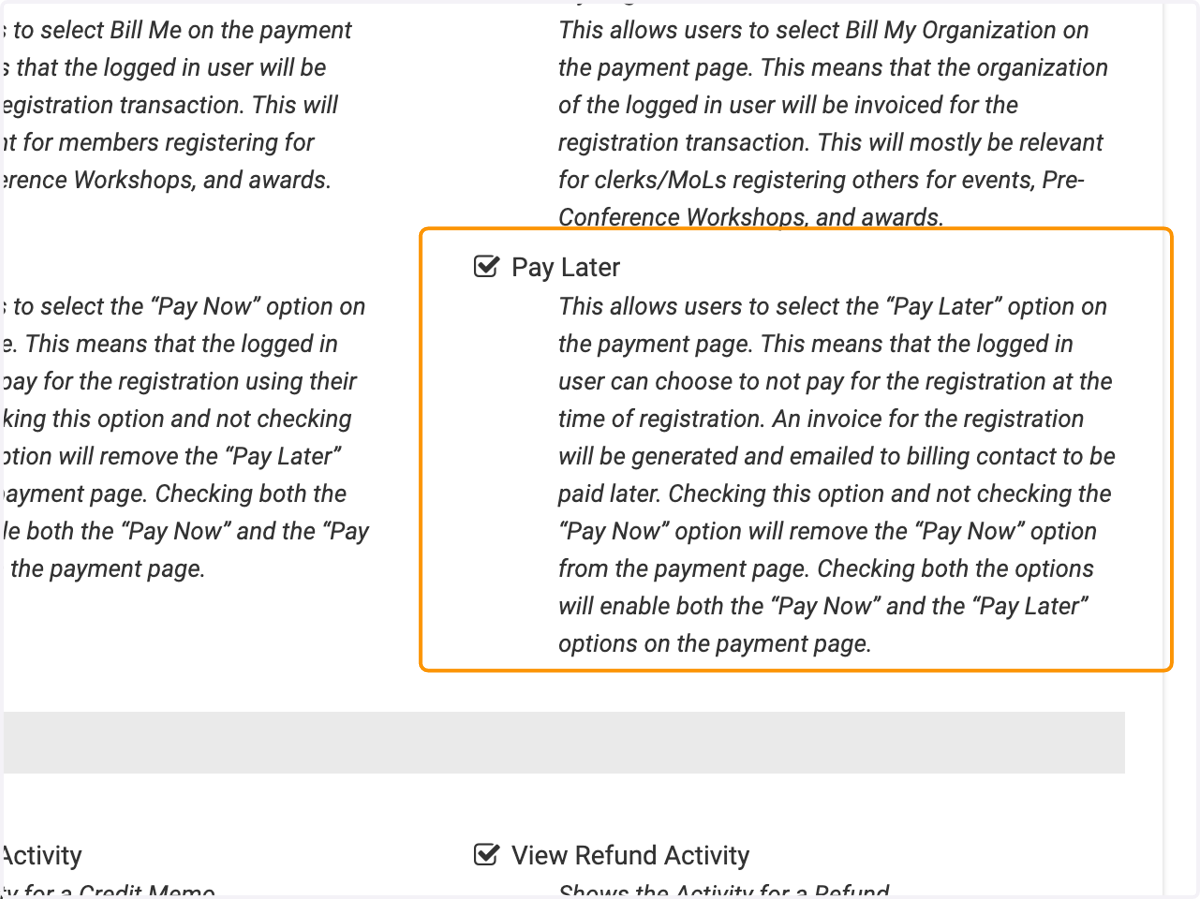
8. Make sure Pay Now is selected to ensure users will only have the ability to pay with credit card.
9. Click on Save