Adding a Manager to Your Google Business Profile
1. Go to business.google.com
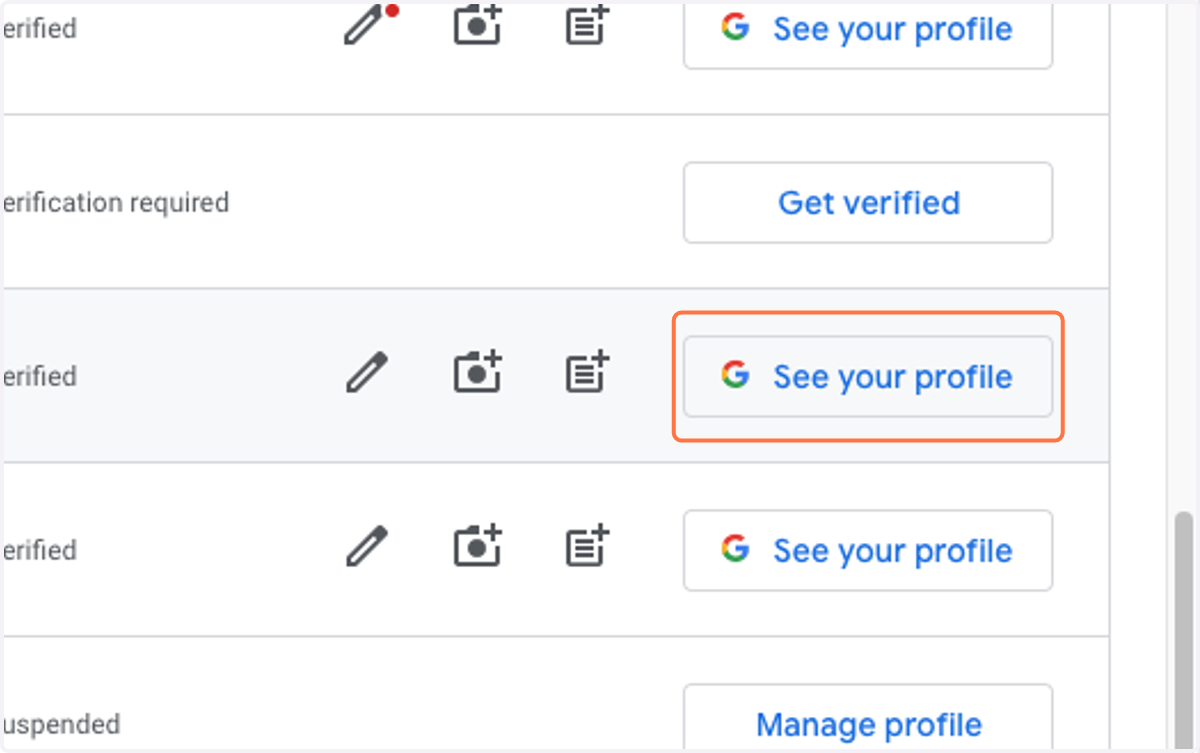
2. Choose the location you want to grant access for and click on See your profile
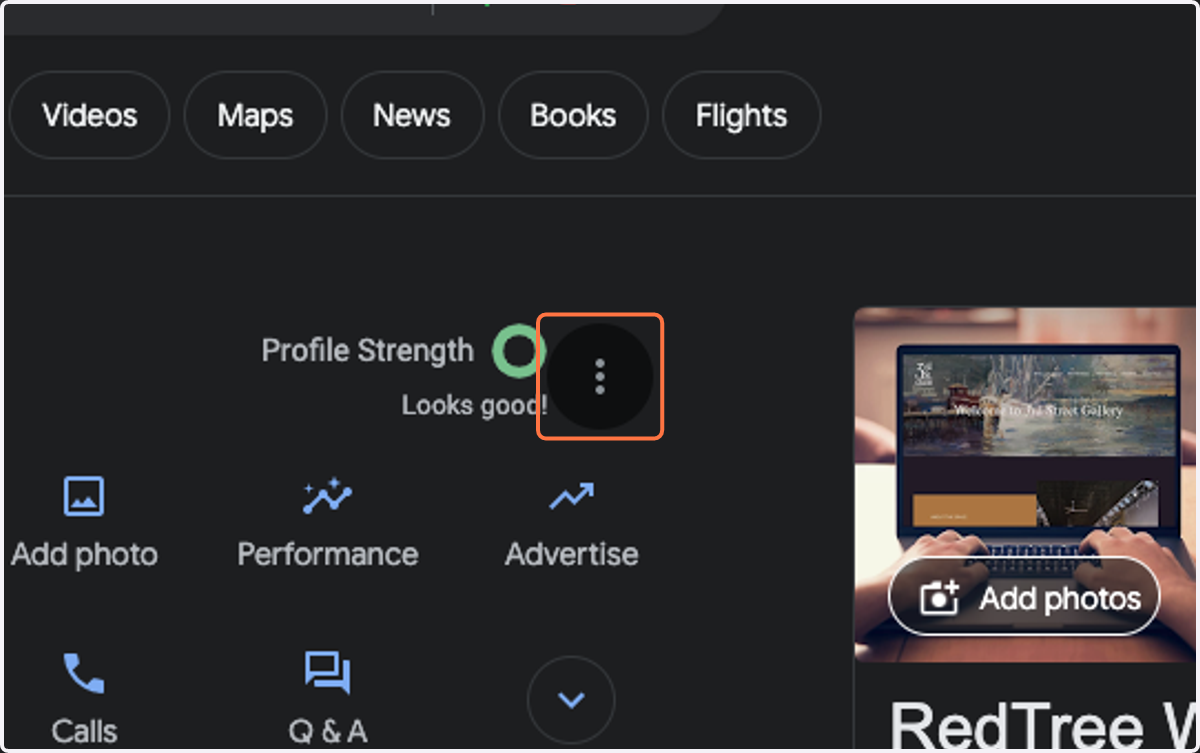
3. Click on the right-hand side you will see 3 little dots. Click on those dots.
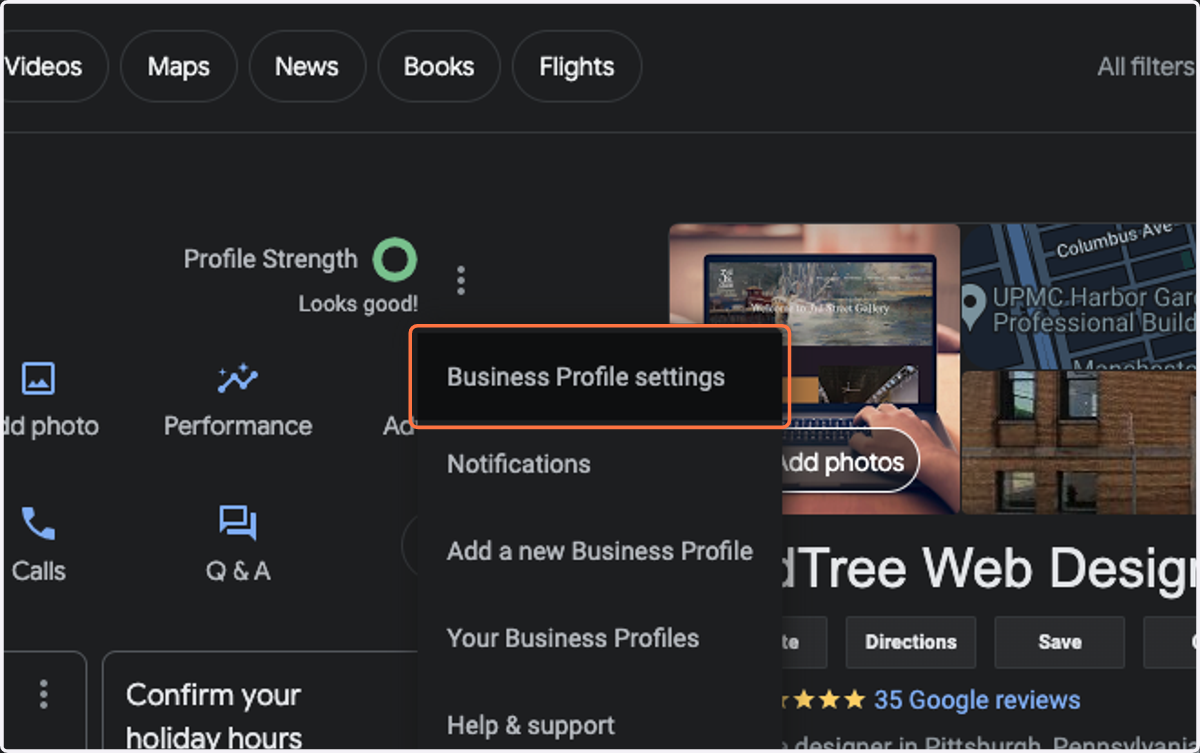
4. Click on Business Profile settings
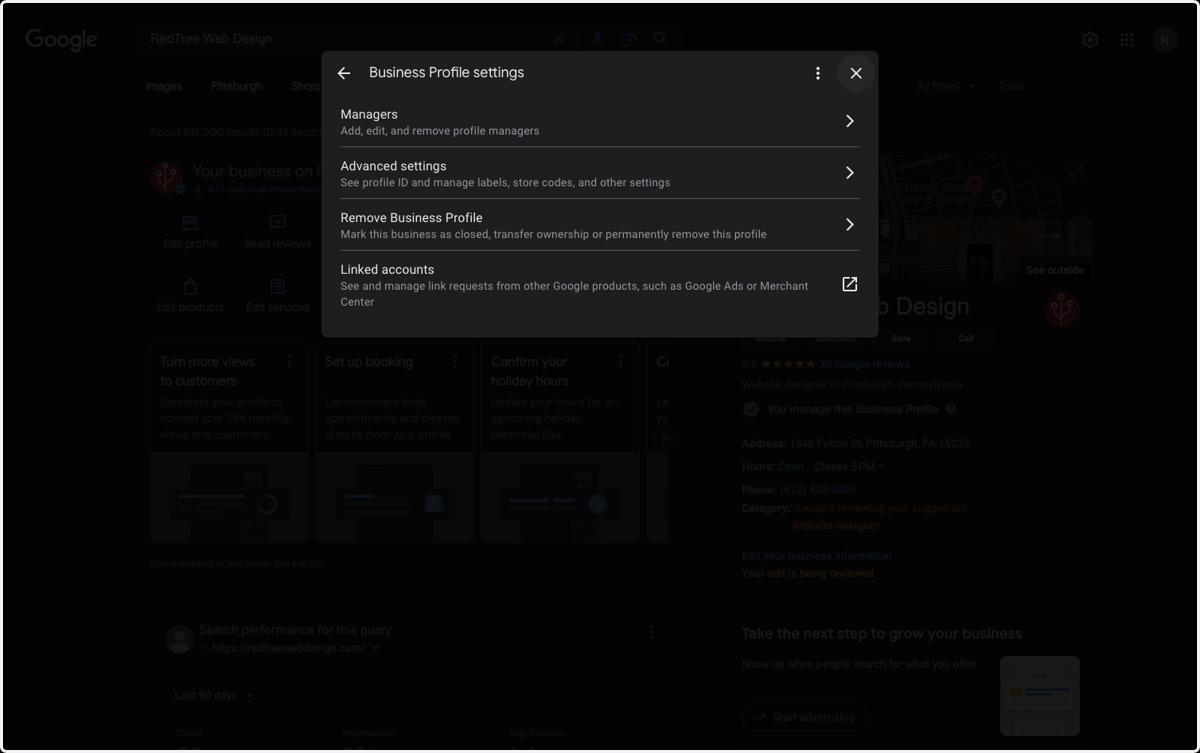
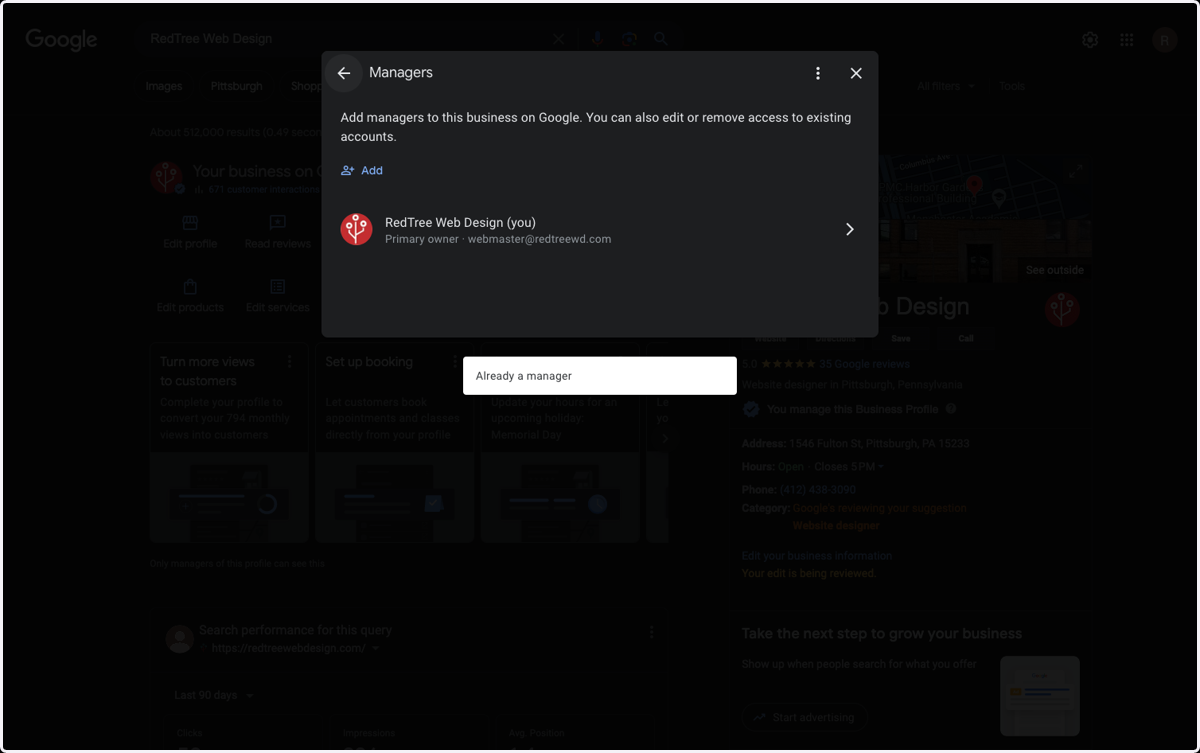
5. Click on Managers…
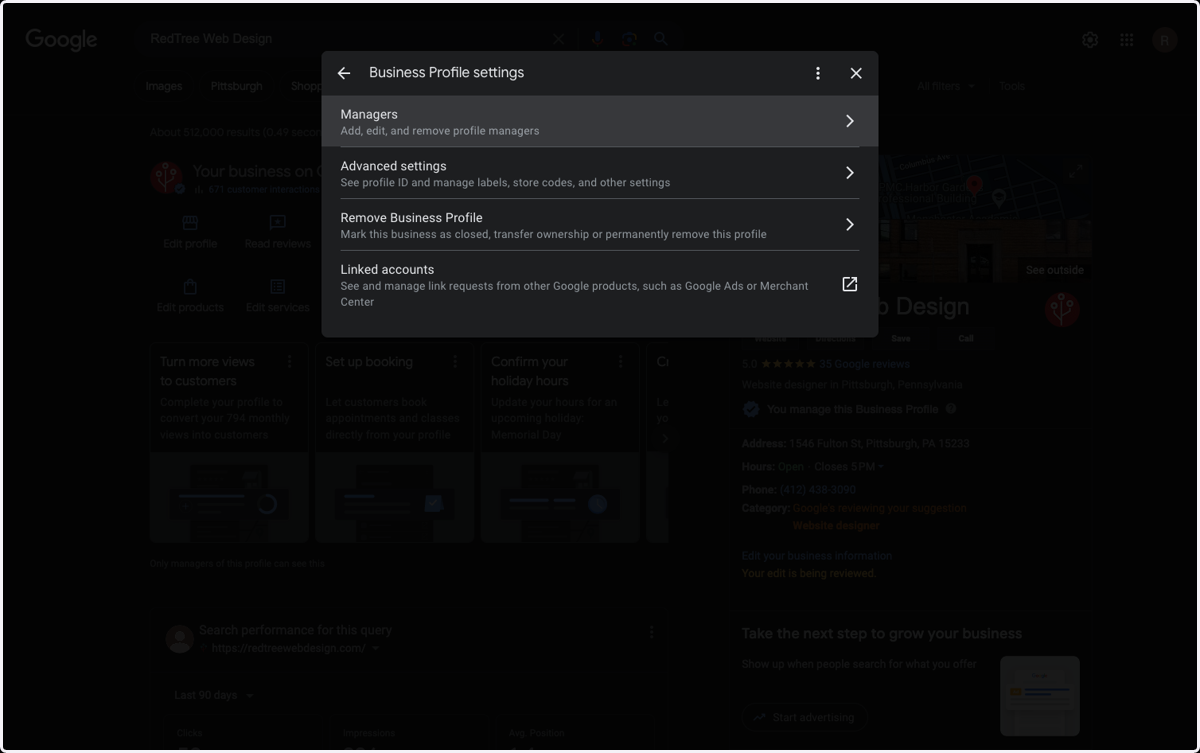
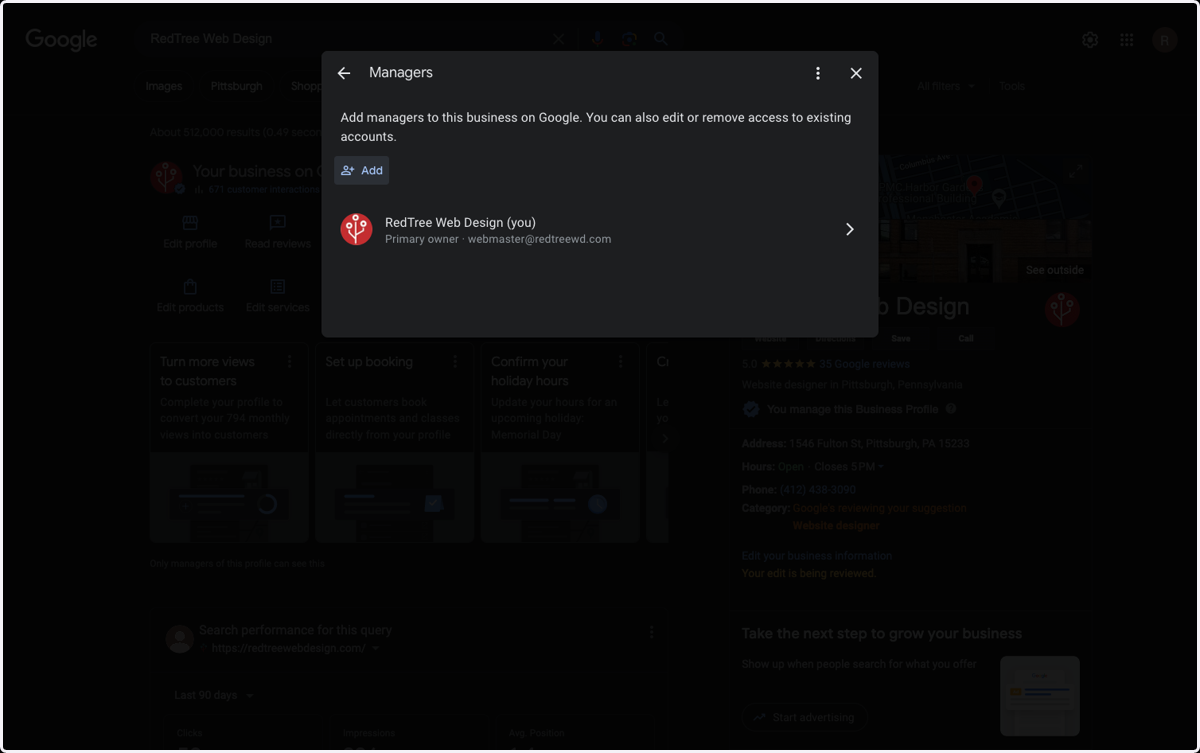
6. Click on Add
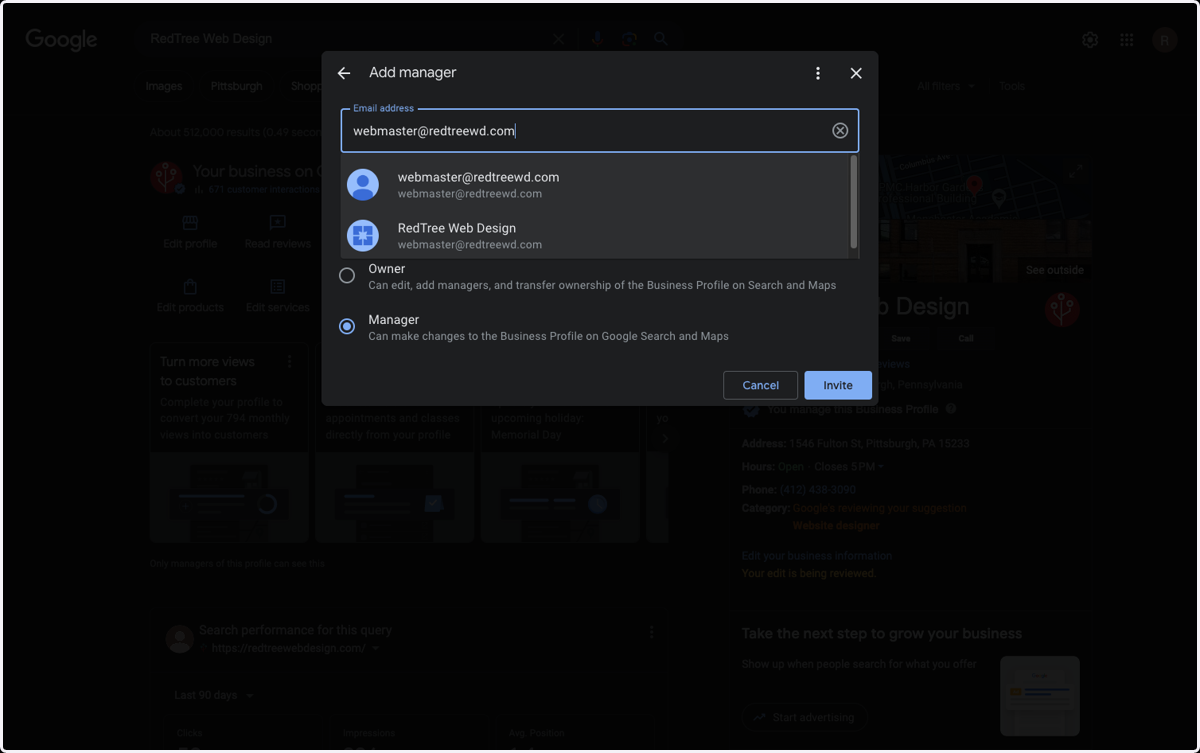
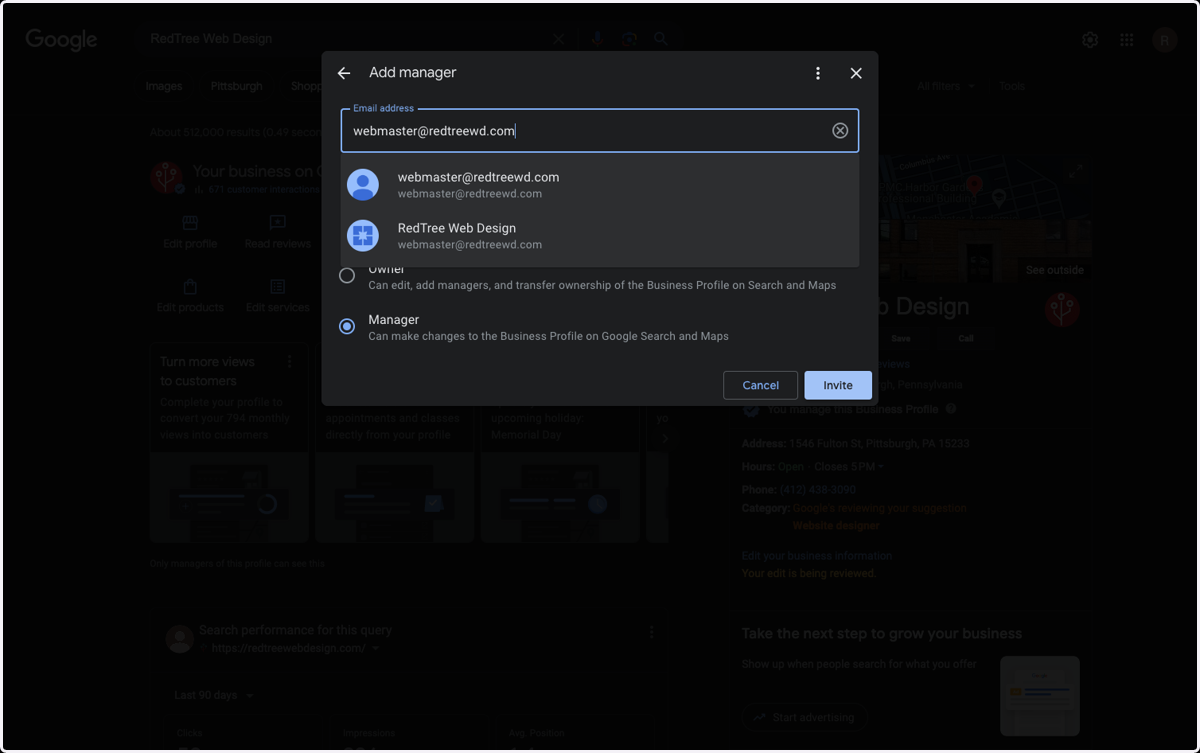
7. Type "webmaster@redtreewd.com"
8. Click on Pending…
9. Click on Back
10. Click on Close