How to Generate Image Alt Text in Modern Campus
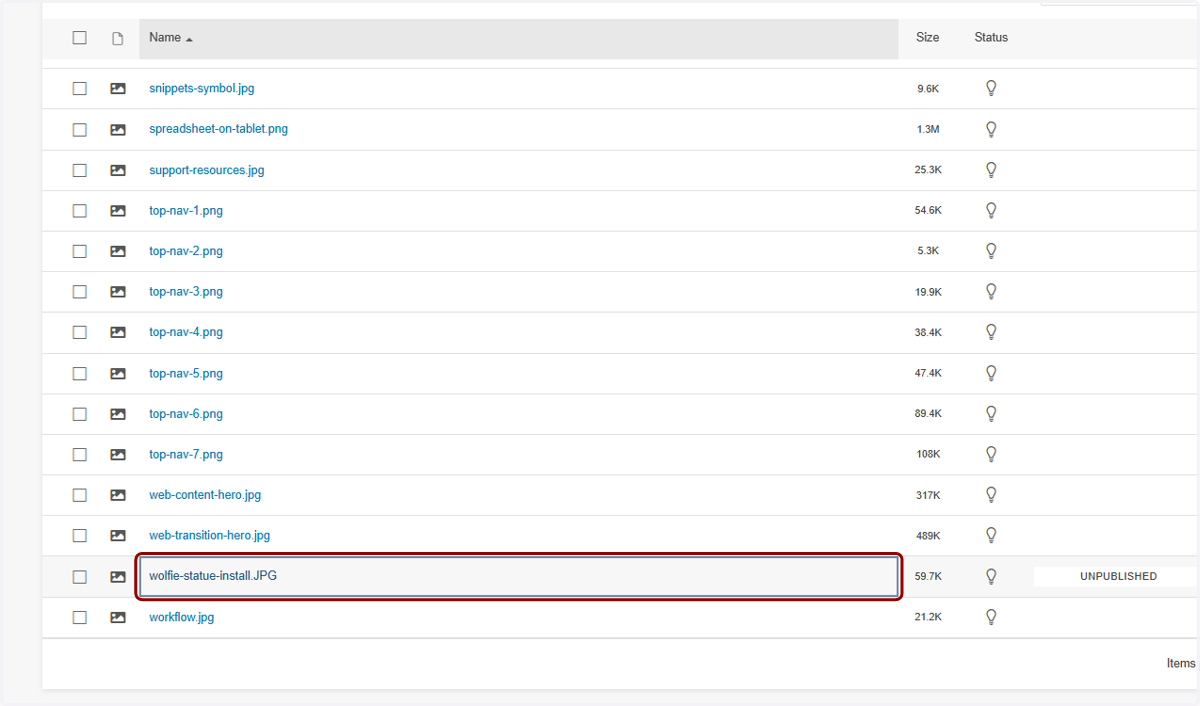
1. Upload or navigate to your image file.
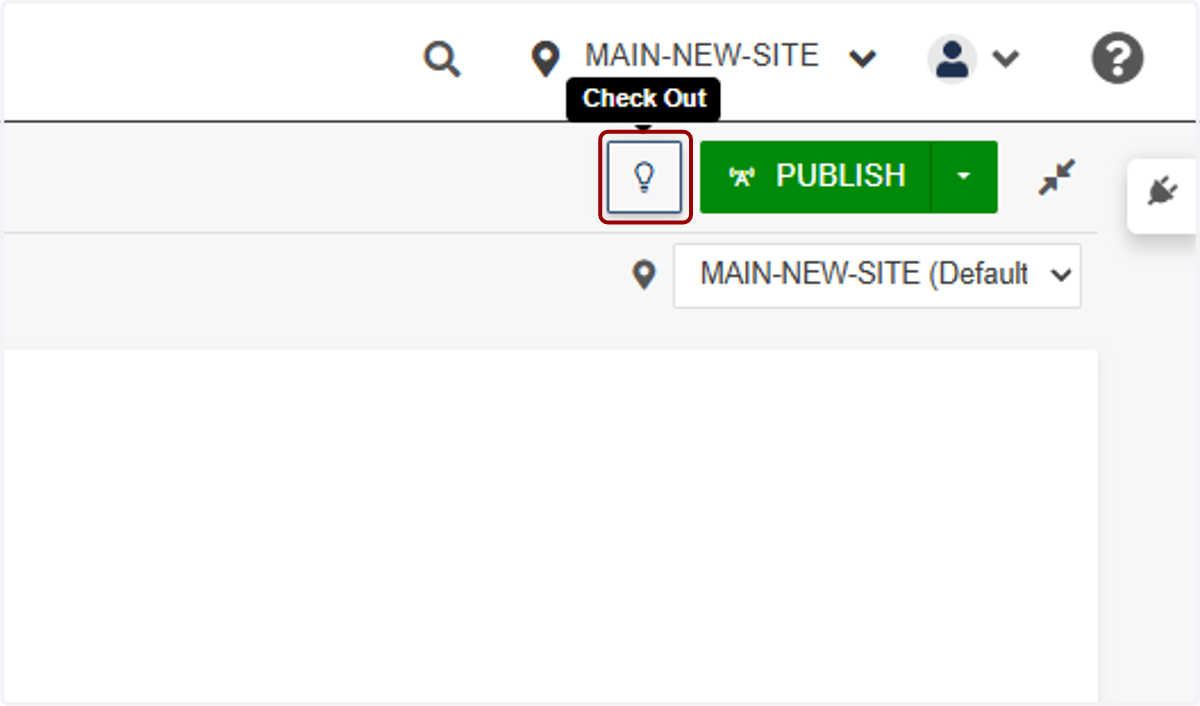
2. Click on Check Out
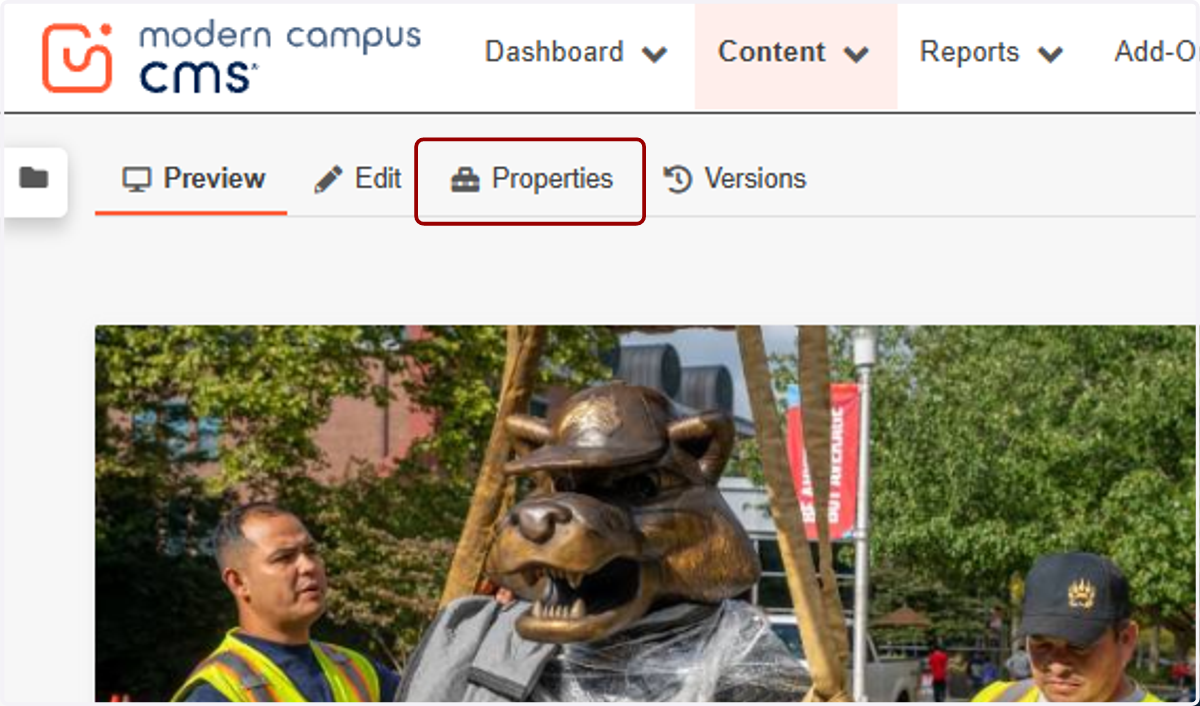
3. Click on Properties
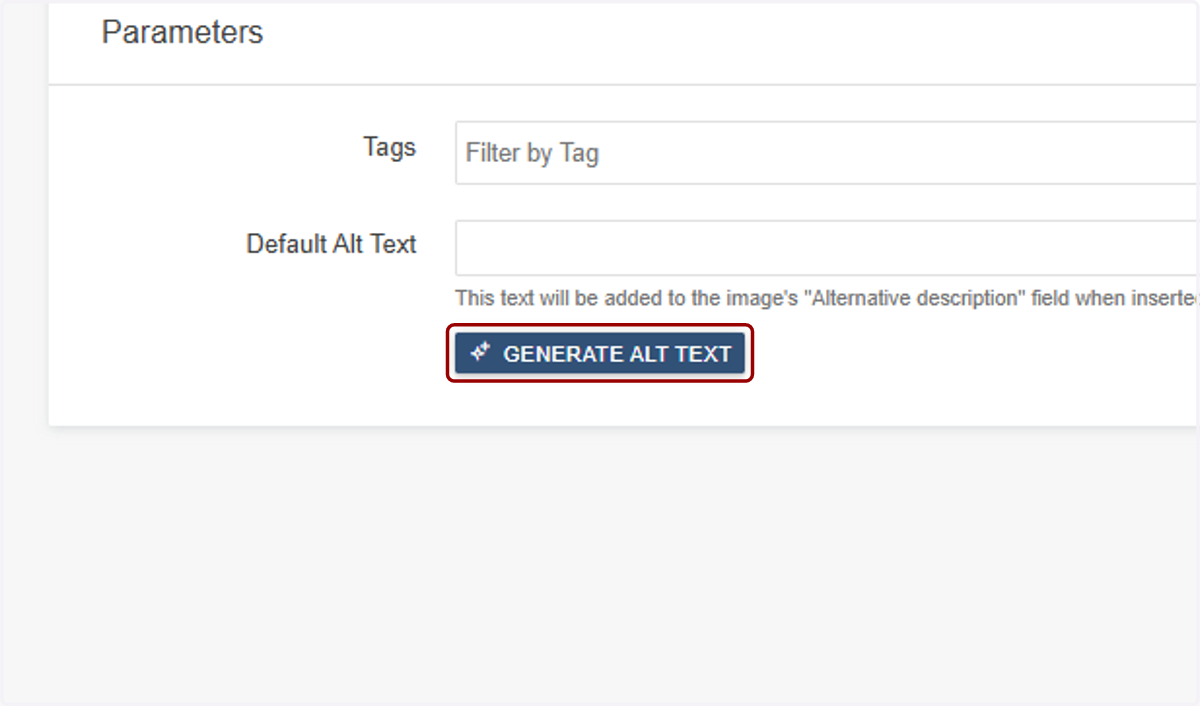
4. Click on GENERATE ALT TEXT
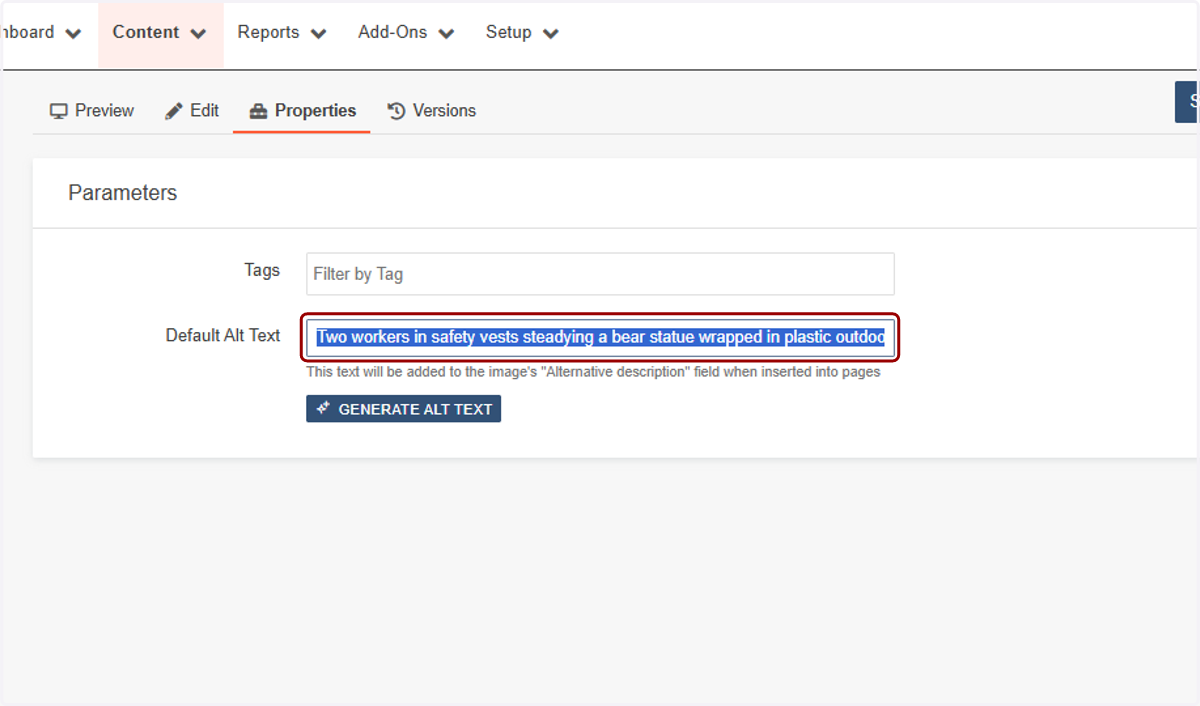
5. Carefully check the alt text generated. Wolfie is not a bear!
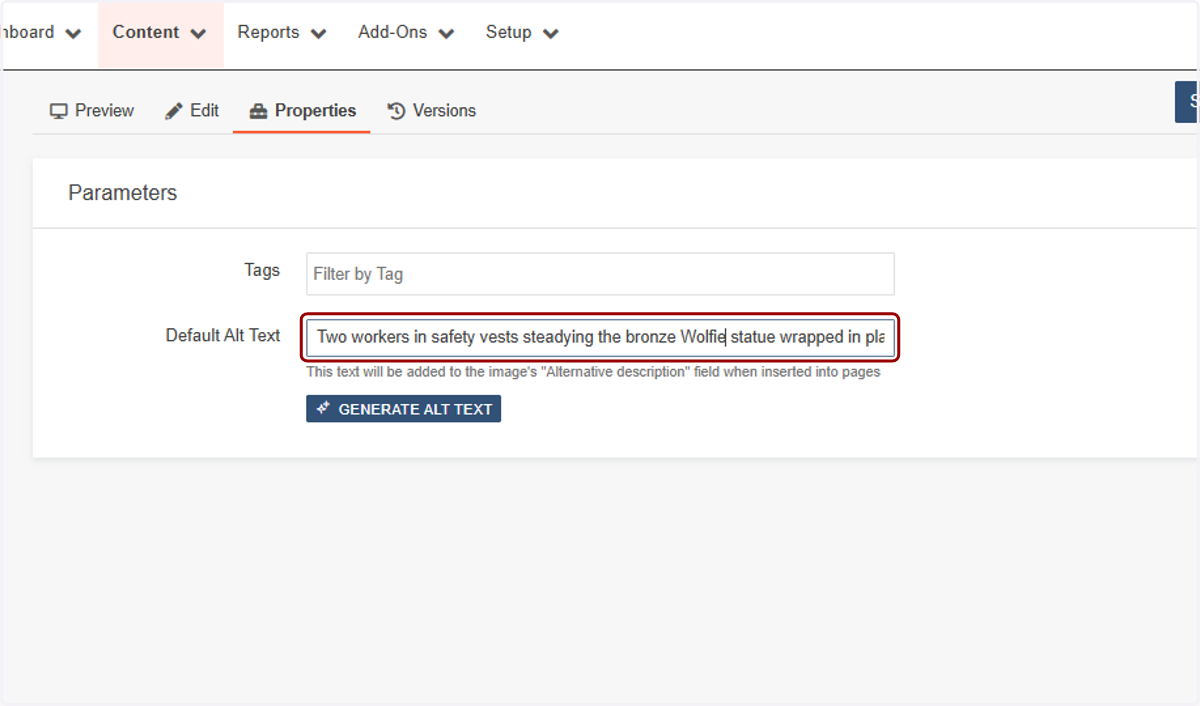
6. Correct the alt text as needed.
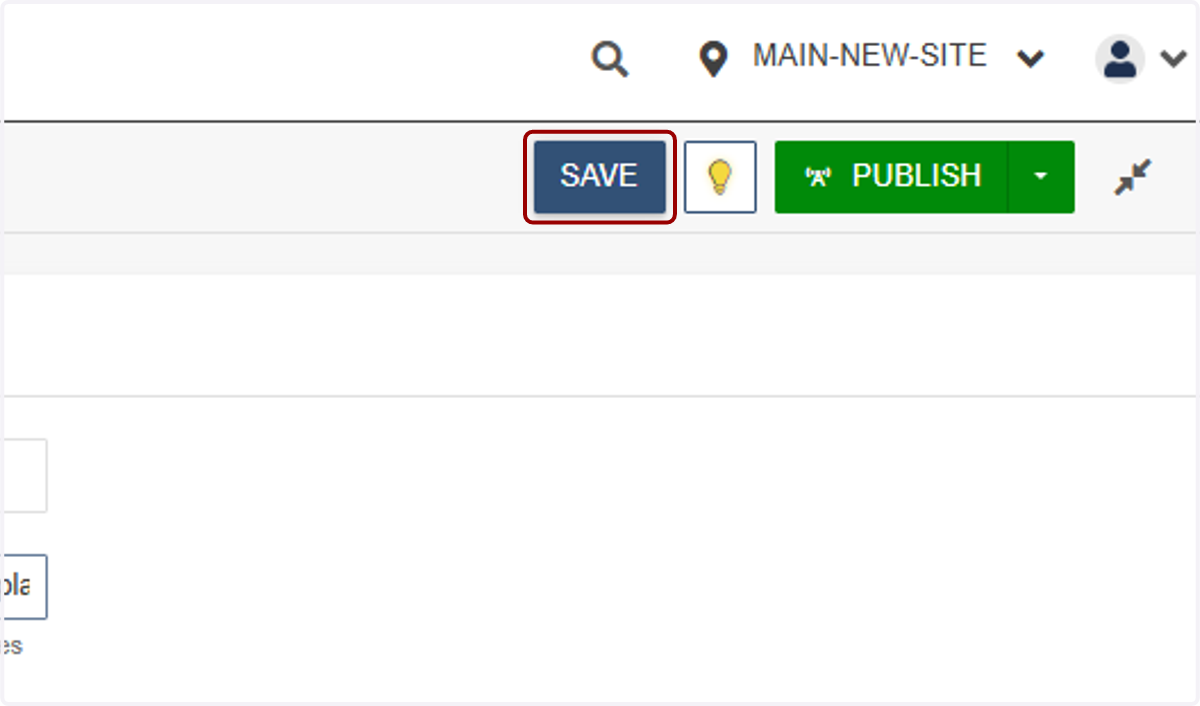
7. Click on SAVE
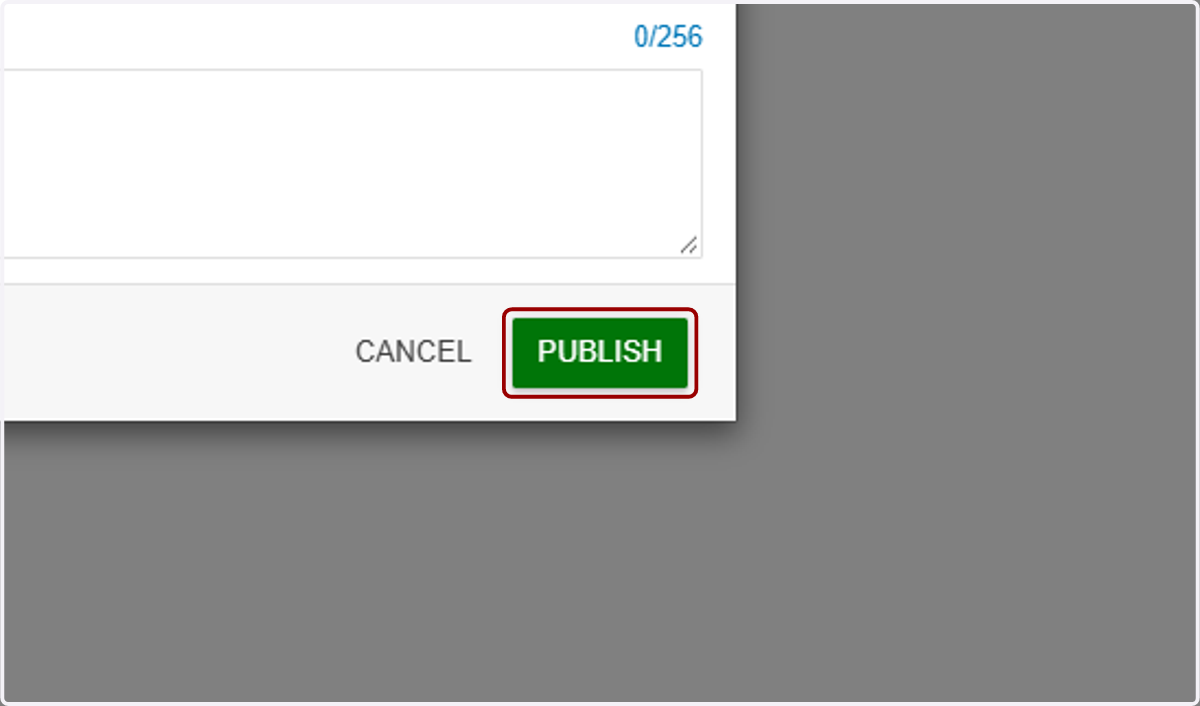
8. Click on PUBLISH
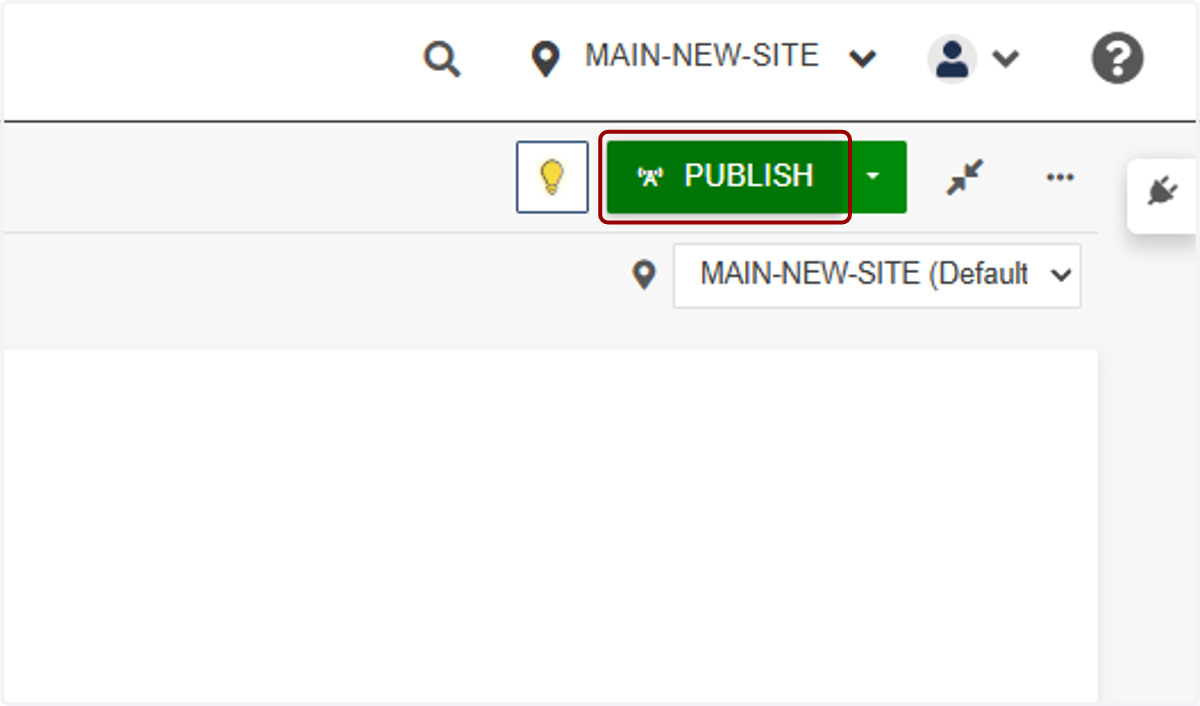
9. Click on PUBLISH