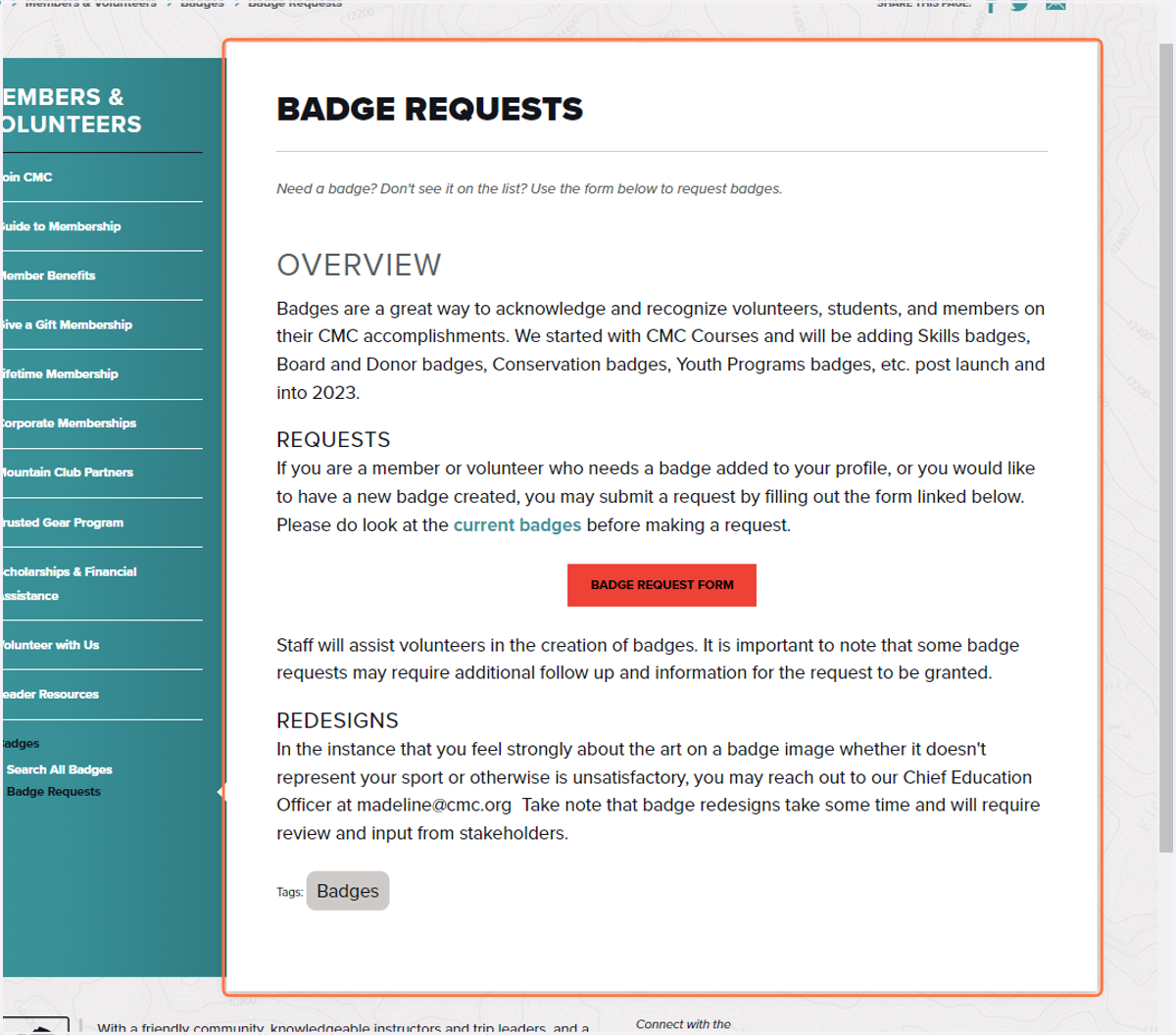
Navigating Badges and the Badge Request Process
Colorado Mountain Club - Explore, Learn, Conserve - Get Outside
Go to https://www.cmc.org/
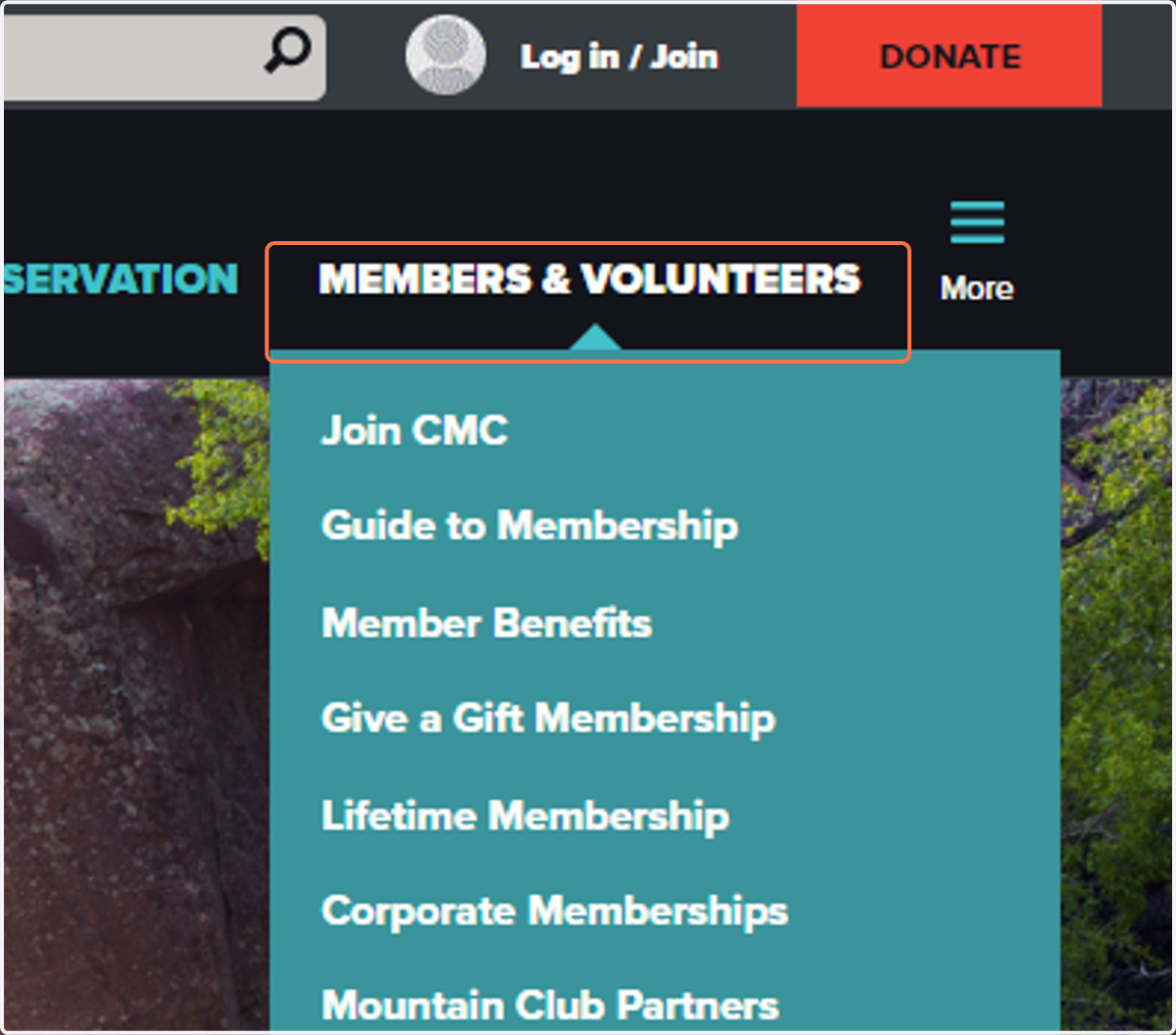
1. Click on MEMBERS & VOLUNTEERS
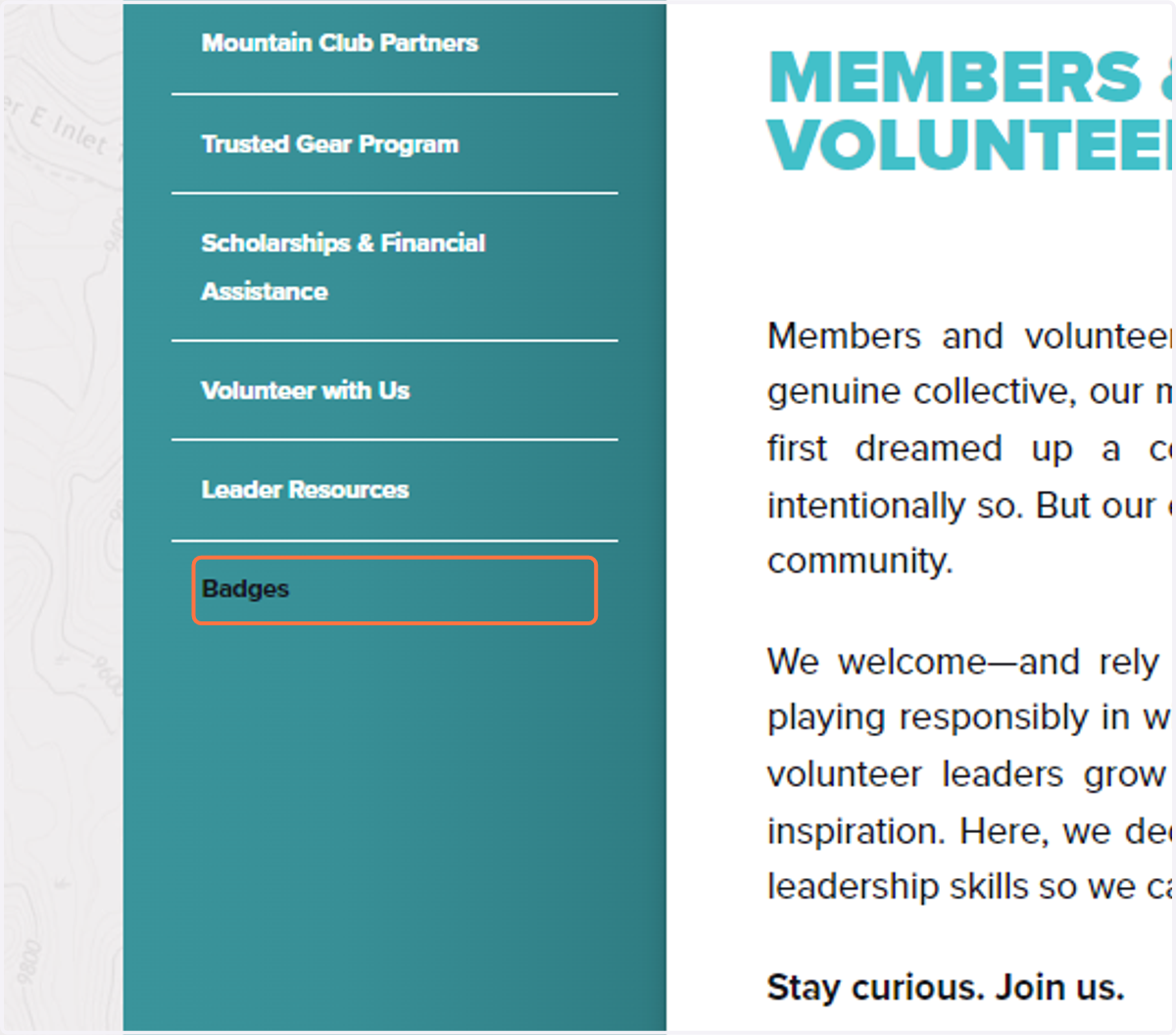
2. Click on Badges
3. You'll see 2 options appear
You can search all badges or you can got to the badge request form.
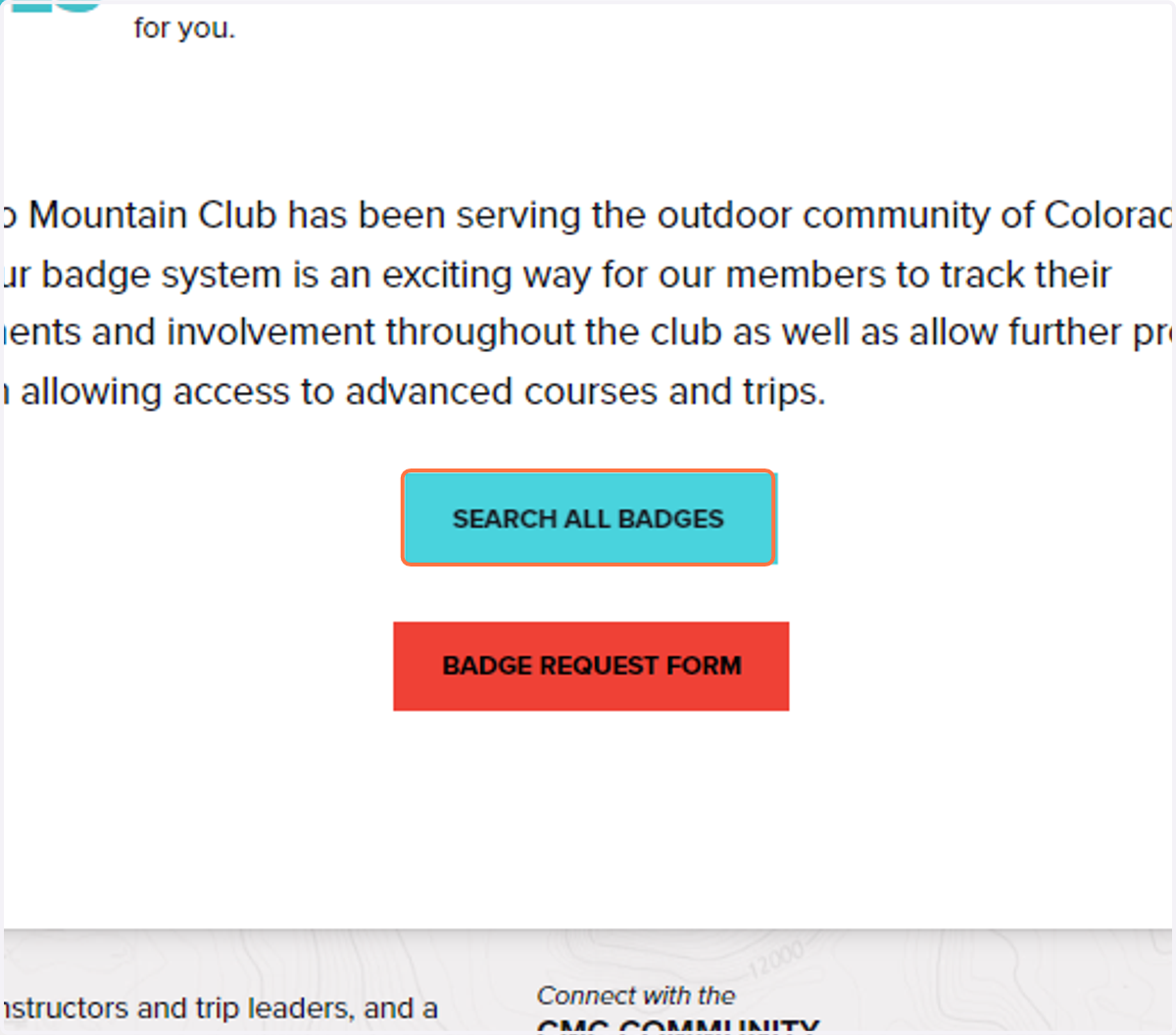
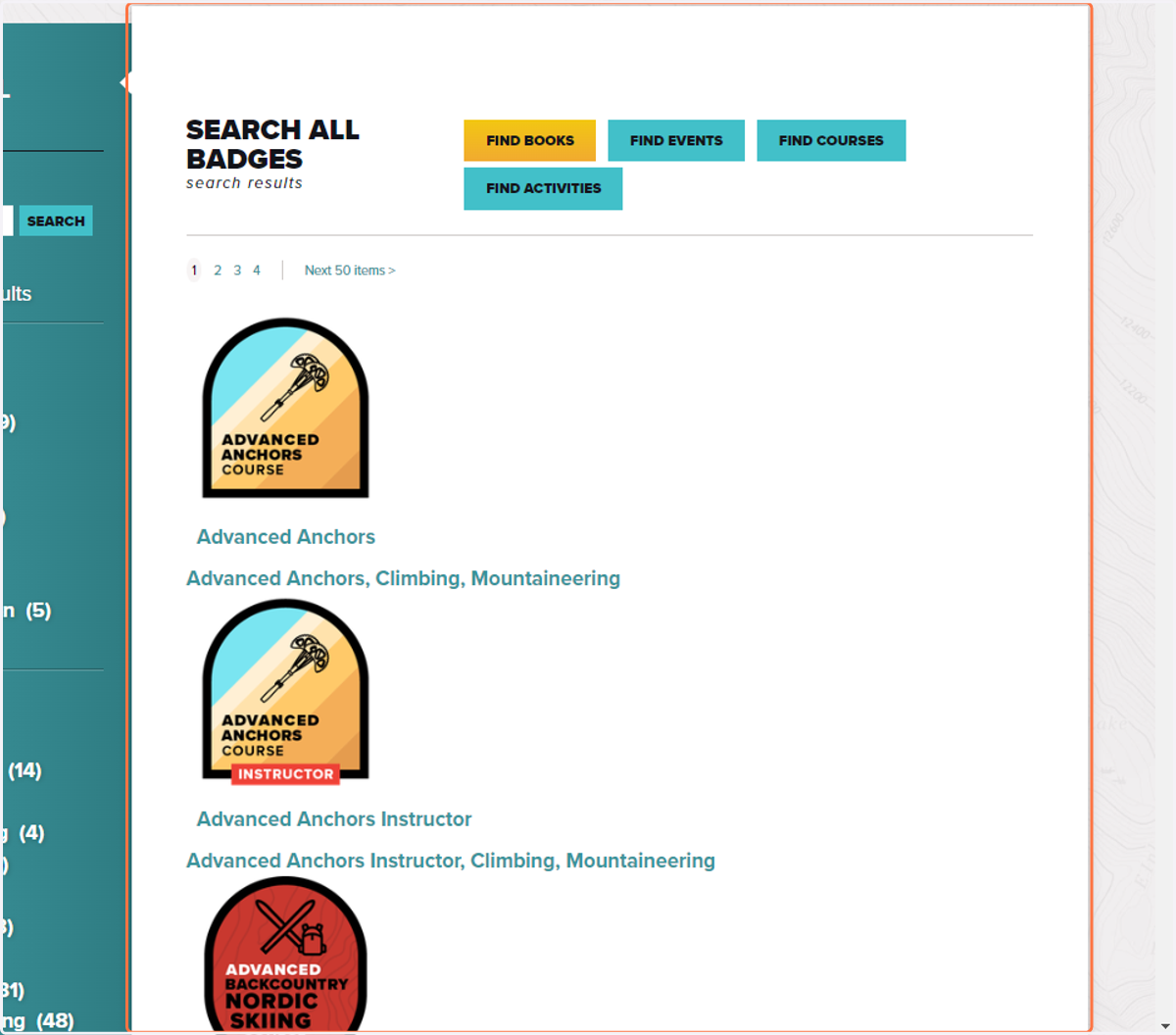
4. SEARCH ALL BADGES
This allows you to look through all the badges that are currently available. You can even use the checkboxes and search bar on the left-hand side of the screen to narrow down your search. If you click on a badge you are interested in you can learn more it and the qualifications you would need to receive it.
5. BADGE REQUEST FORM
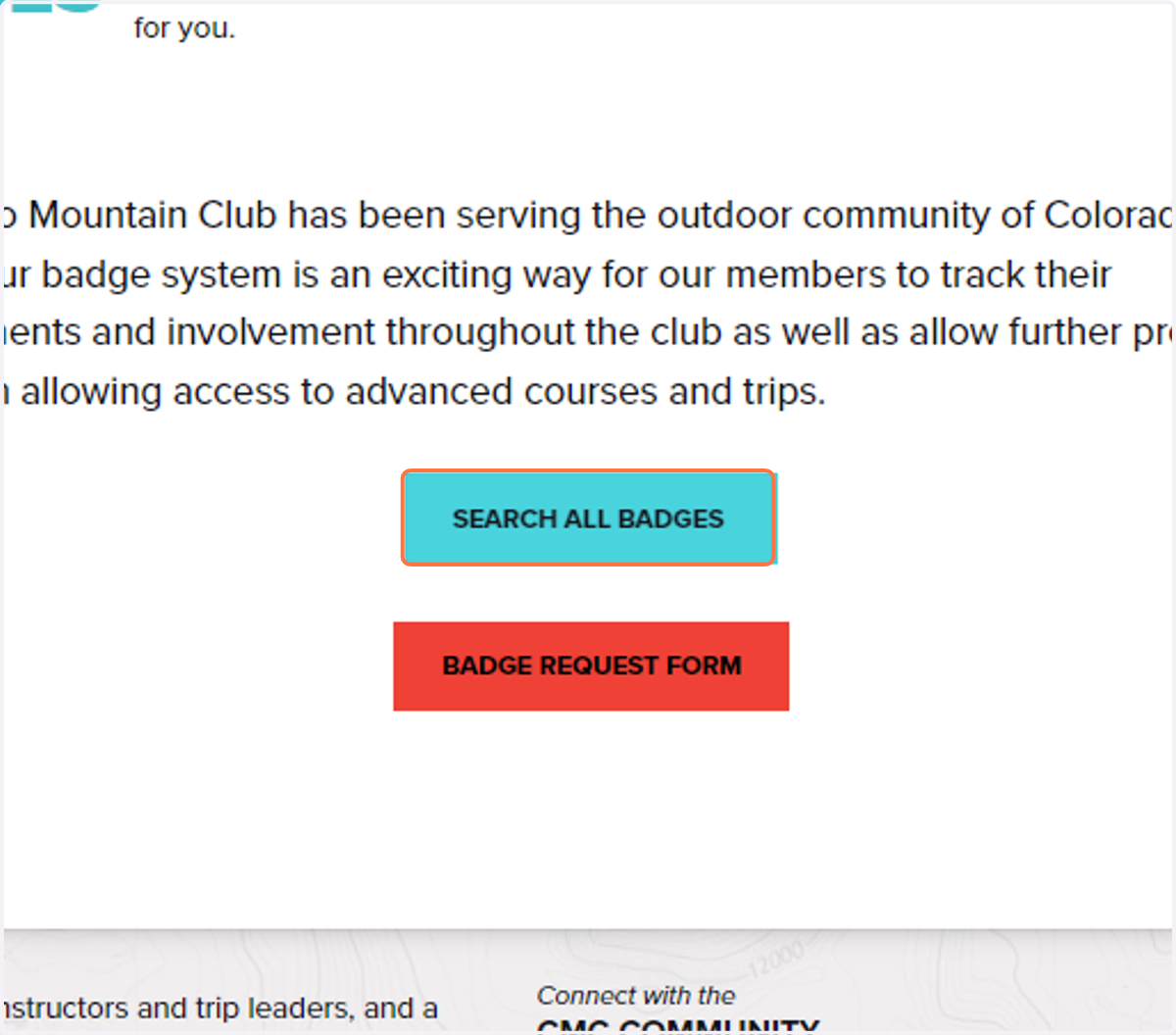
6. Click on Badge Request Form
If you know that you have completed a course or have skill that should be reflected on your profile you can fill out the badge request for and a member of CMC staff will be in touch to help get it added to your profile.