How to add or remove a person to an organization
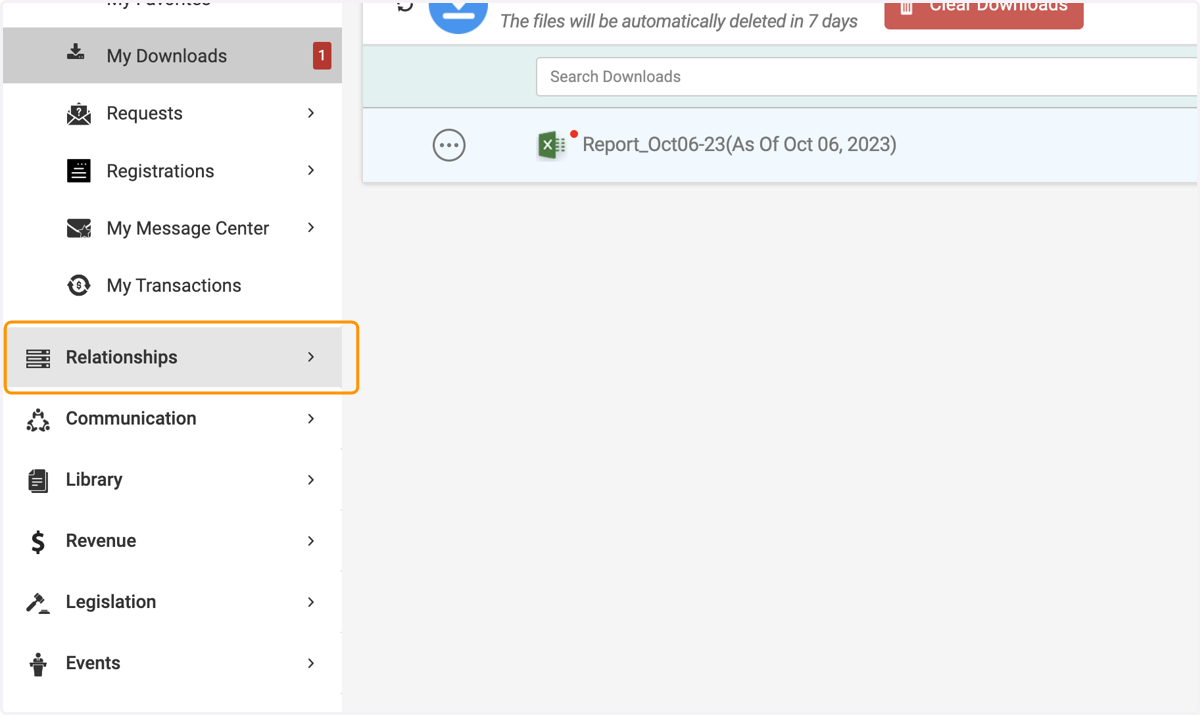
1. Click on Relationships
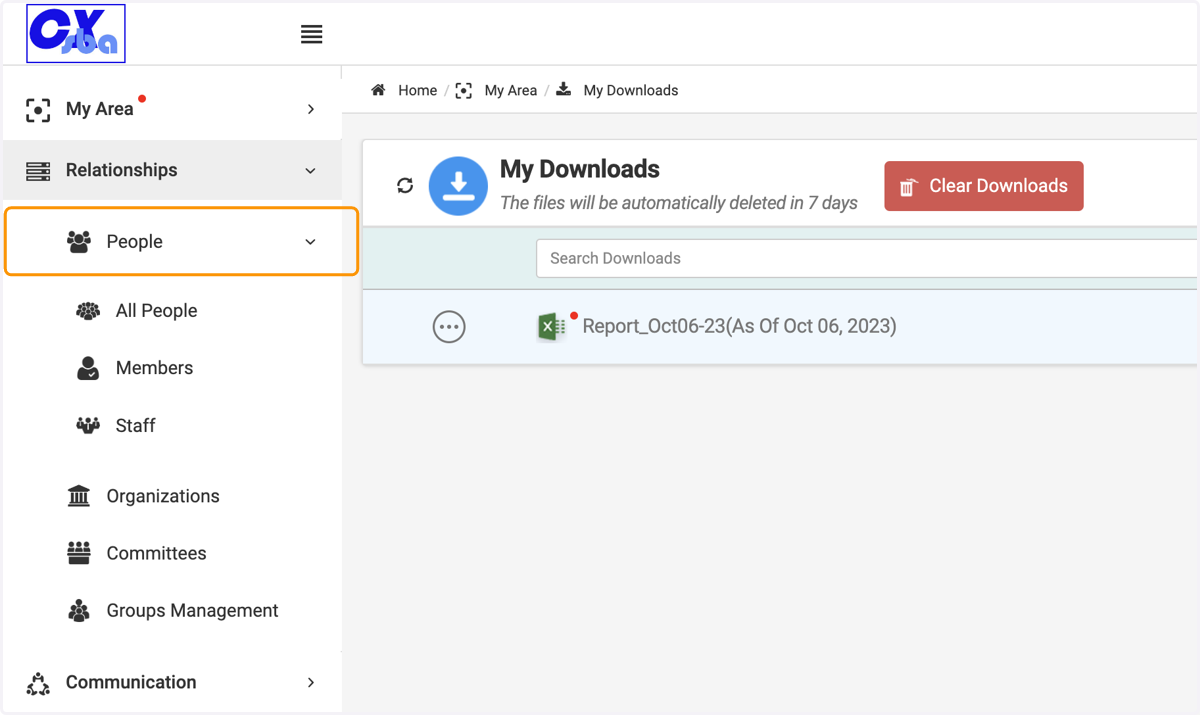
2. Click on People
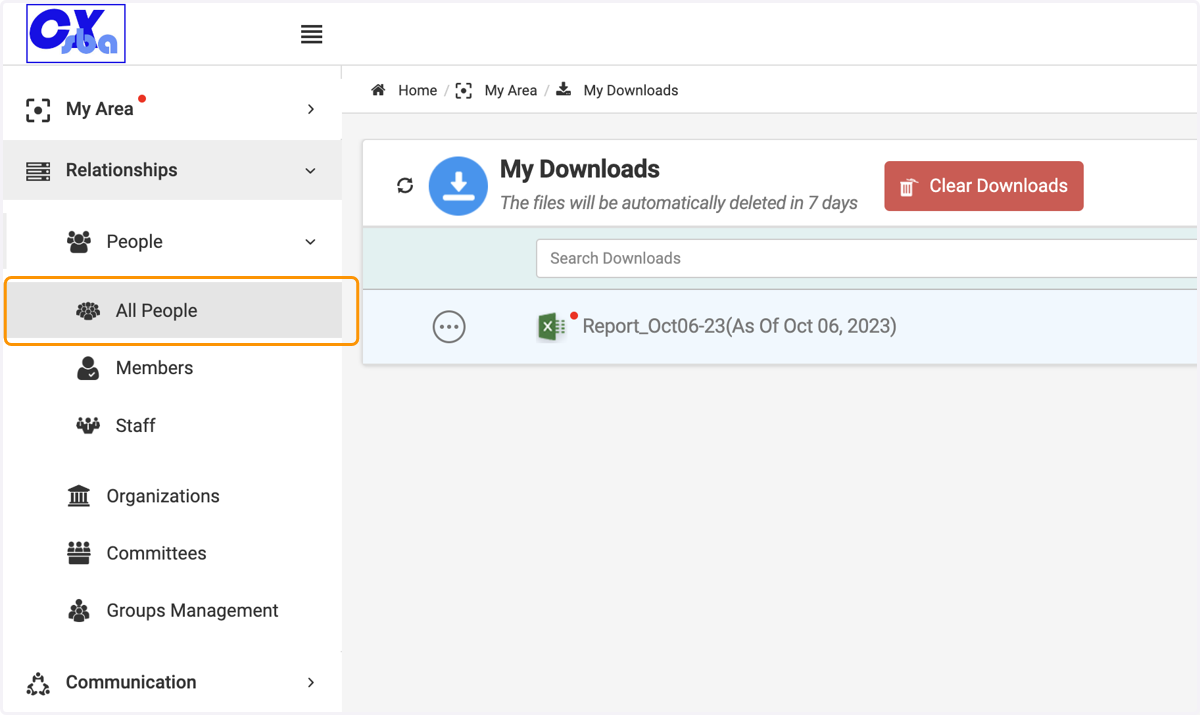
3. Click on All People
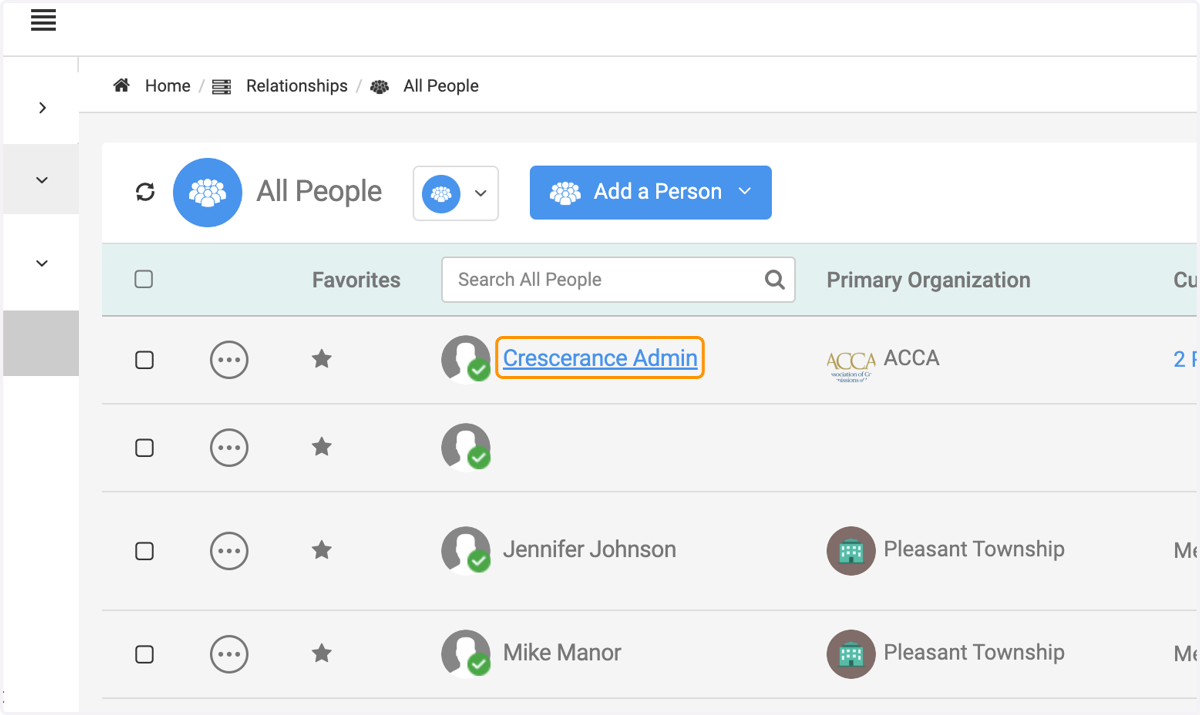
4. Click on the person you wish to manage within an organization
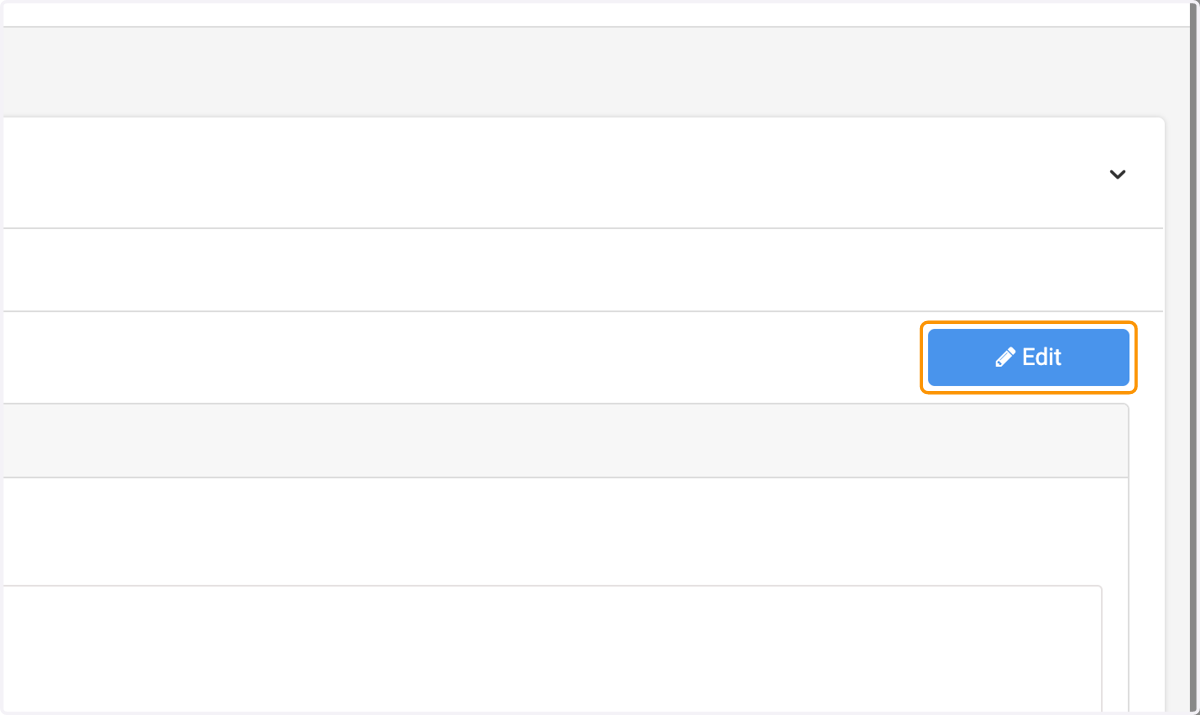
5. Click on Edit
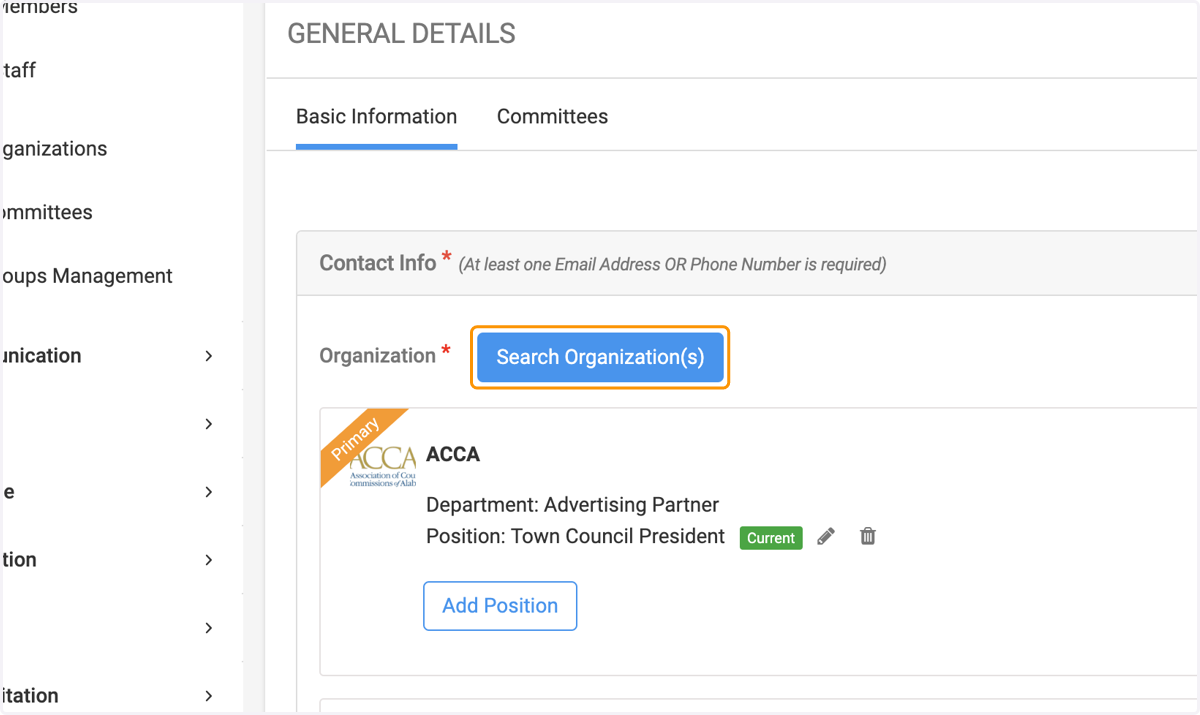
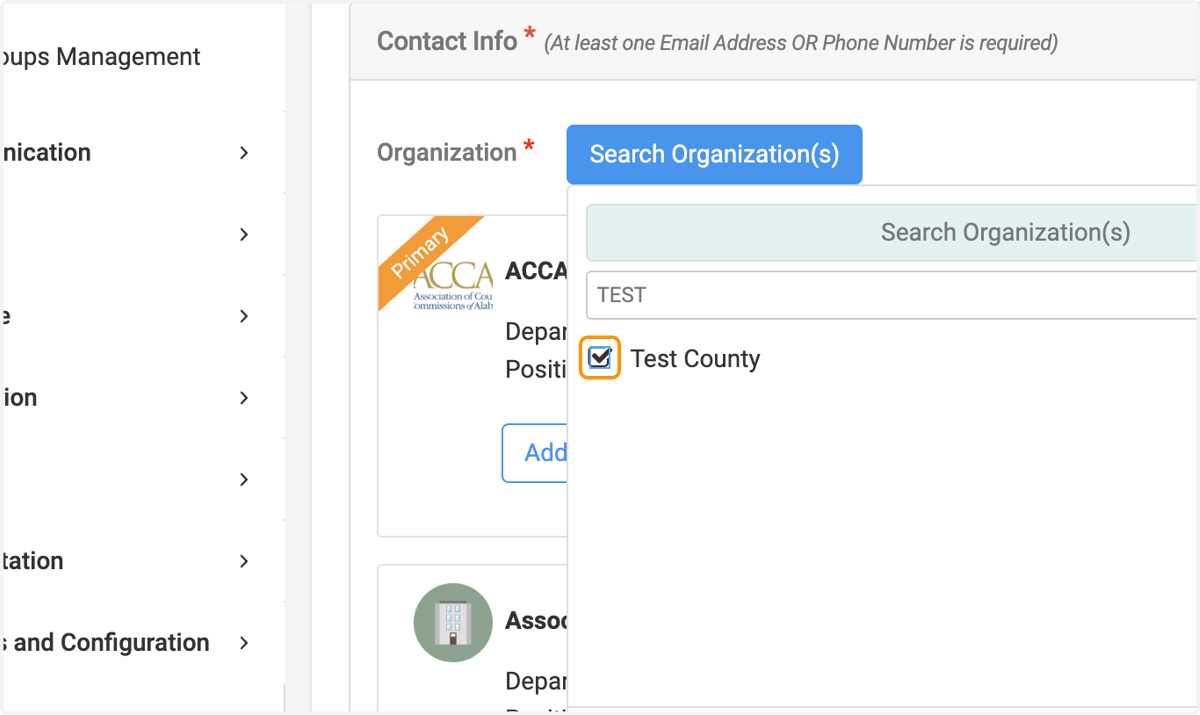
6. Click on Search Organization(s)
7. Type the organization's name you wish this person to be added
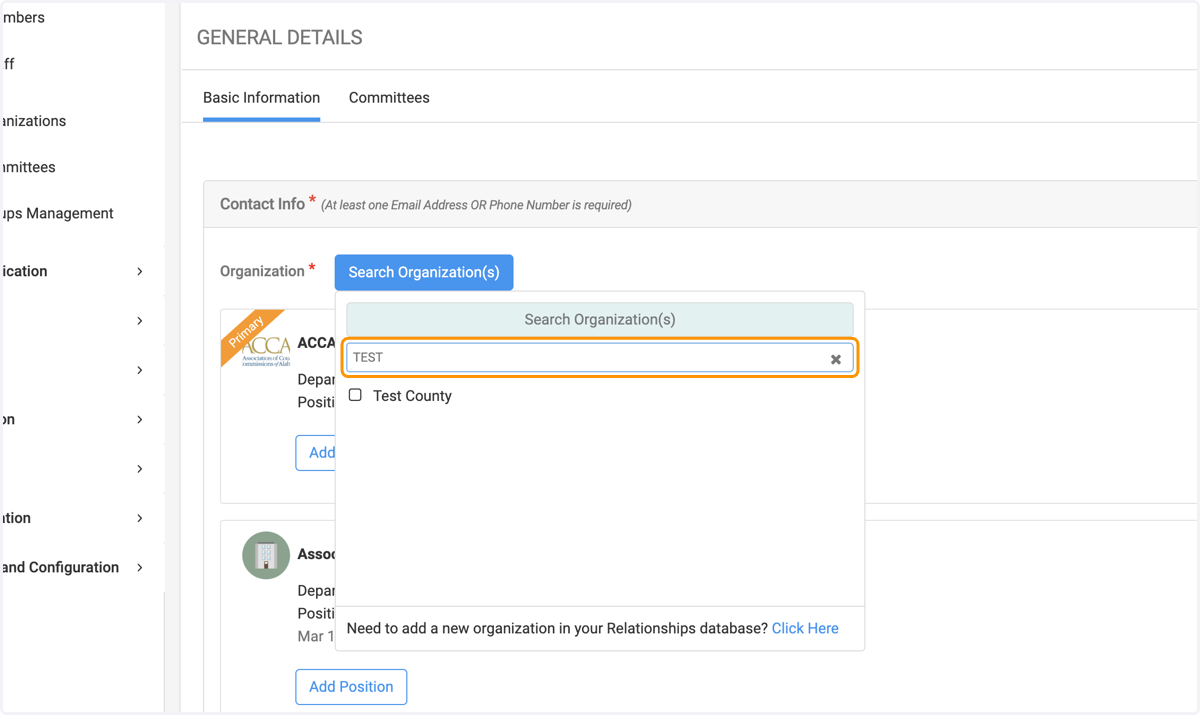
8. Check the designated organization
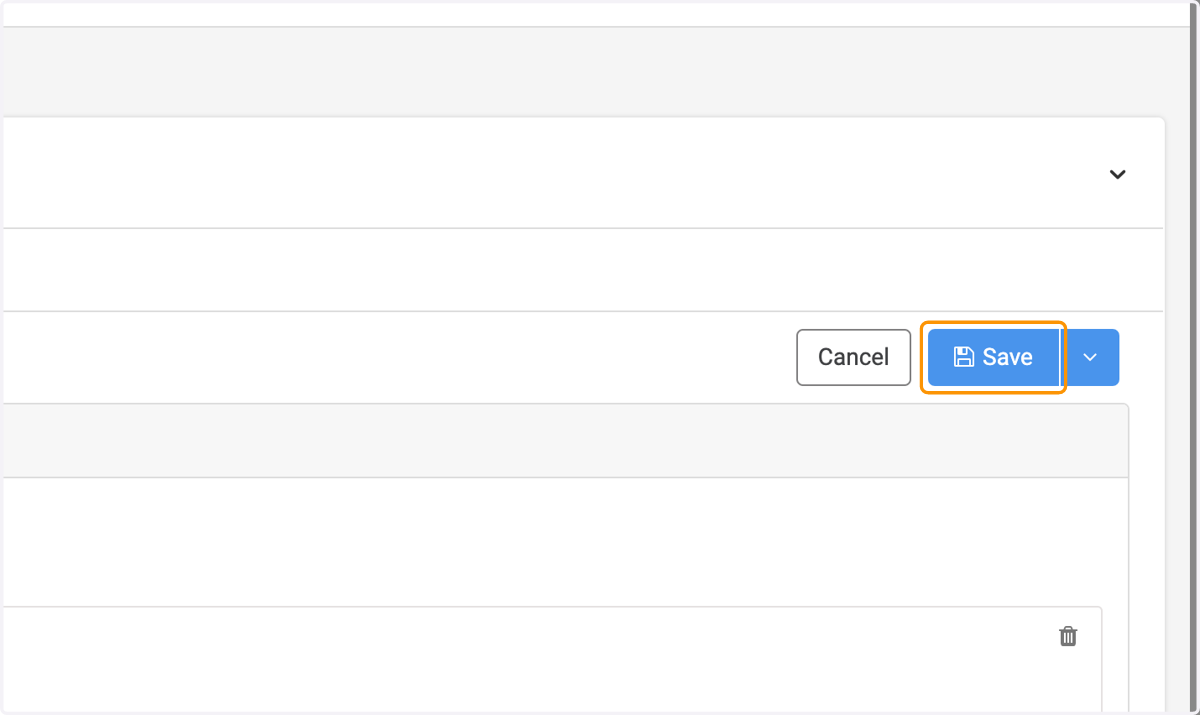
9. Click on Save