Rescheduling an Appointment (IC View)
Enrollify
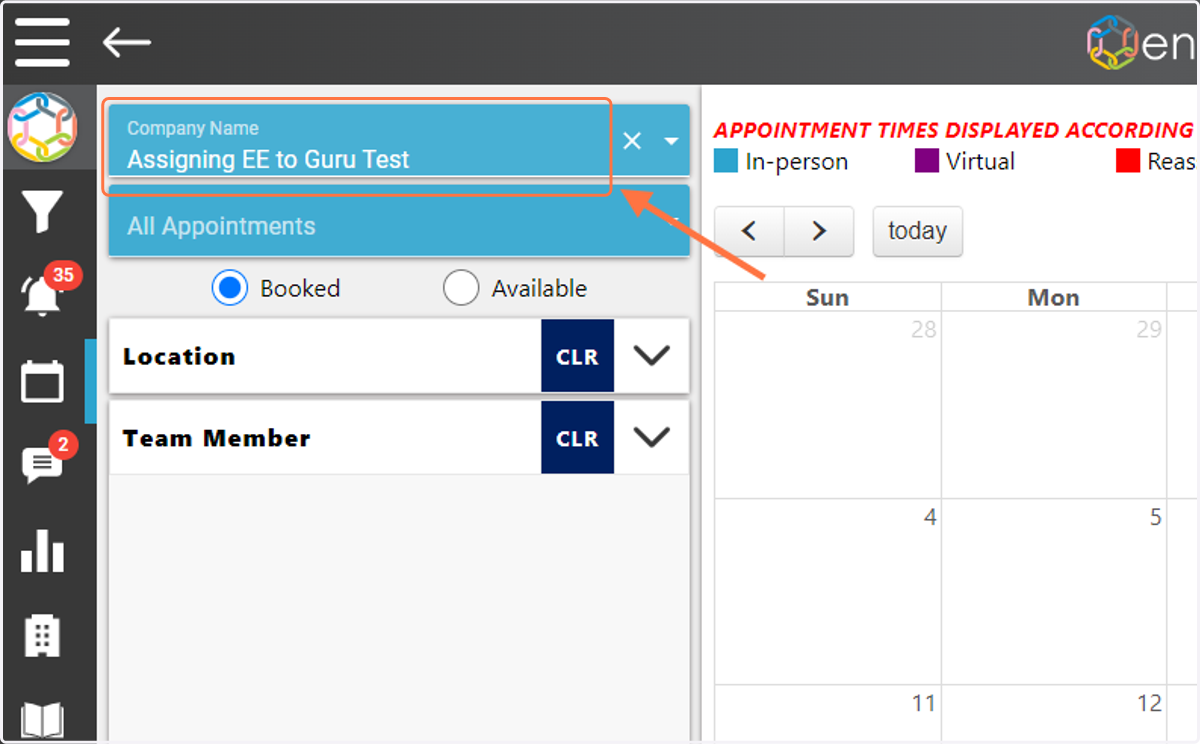
1. Go to the Calendar, select the Company Name from the dropdown in the upper left.
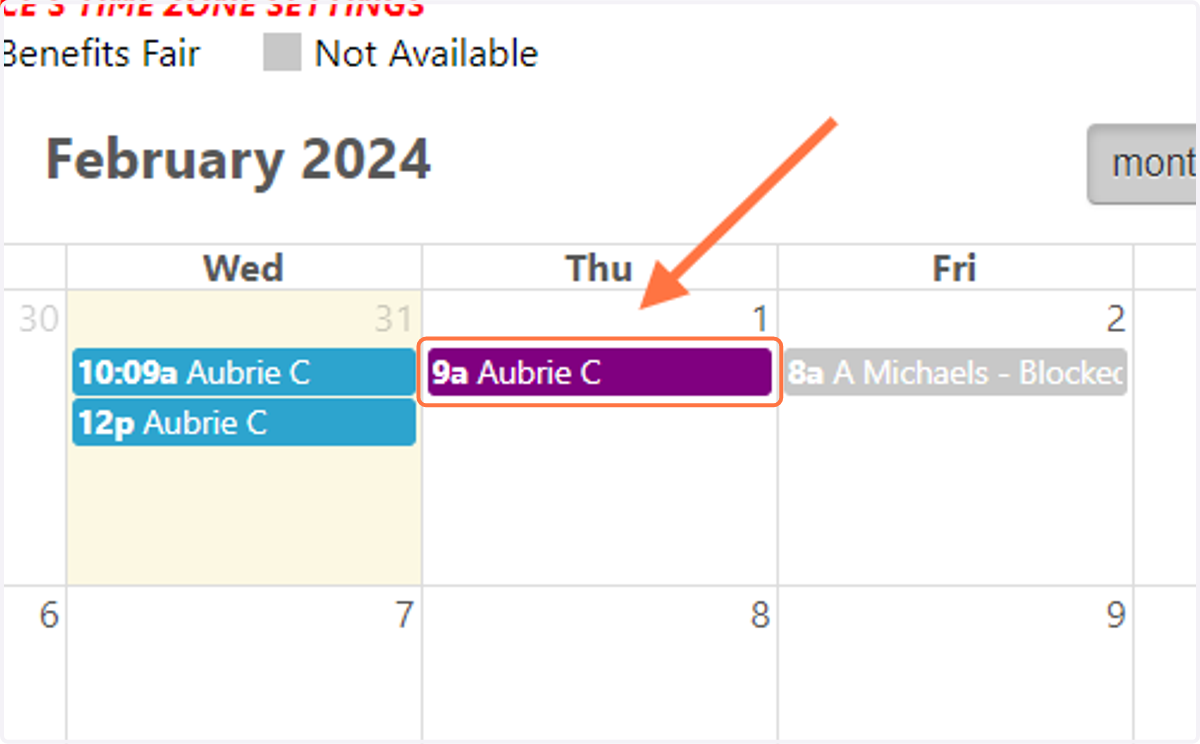
2. Click on the appointment you would like to Reschedule.
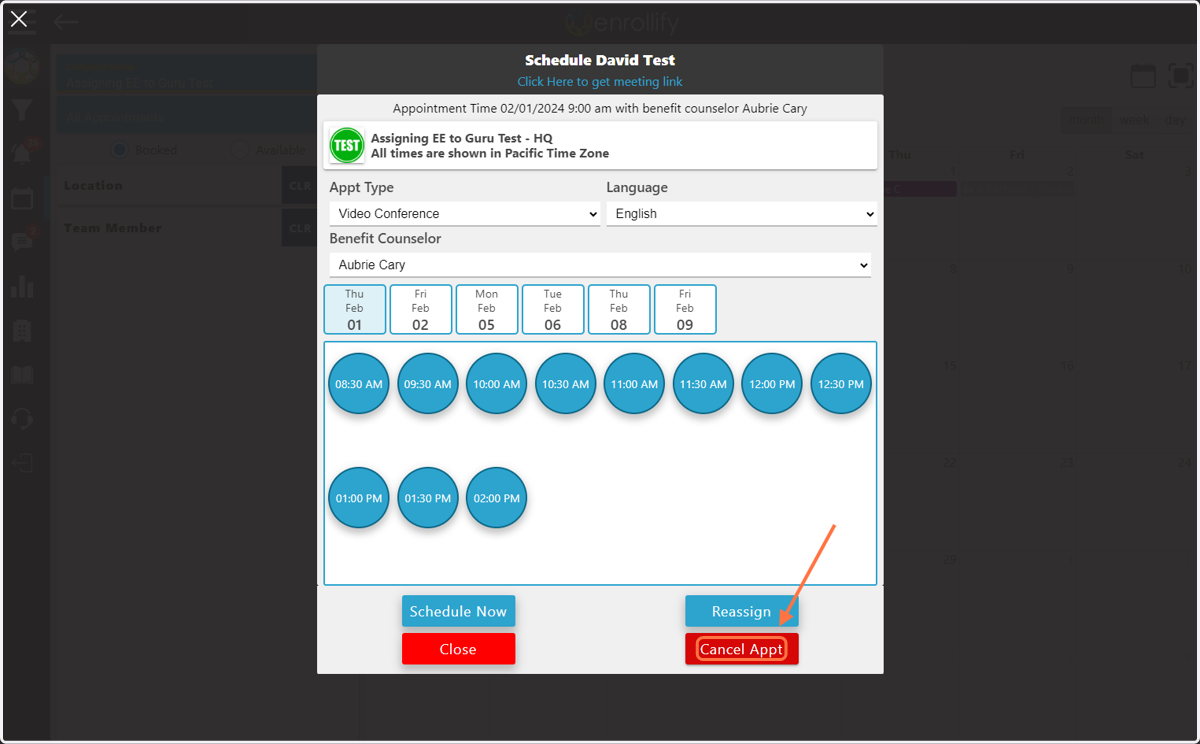
3. Click on 'Cancel Appt'
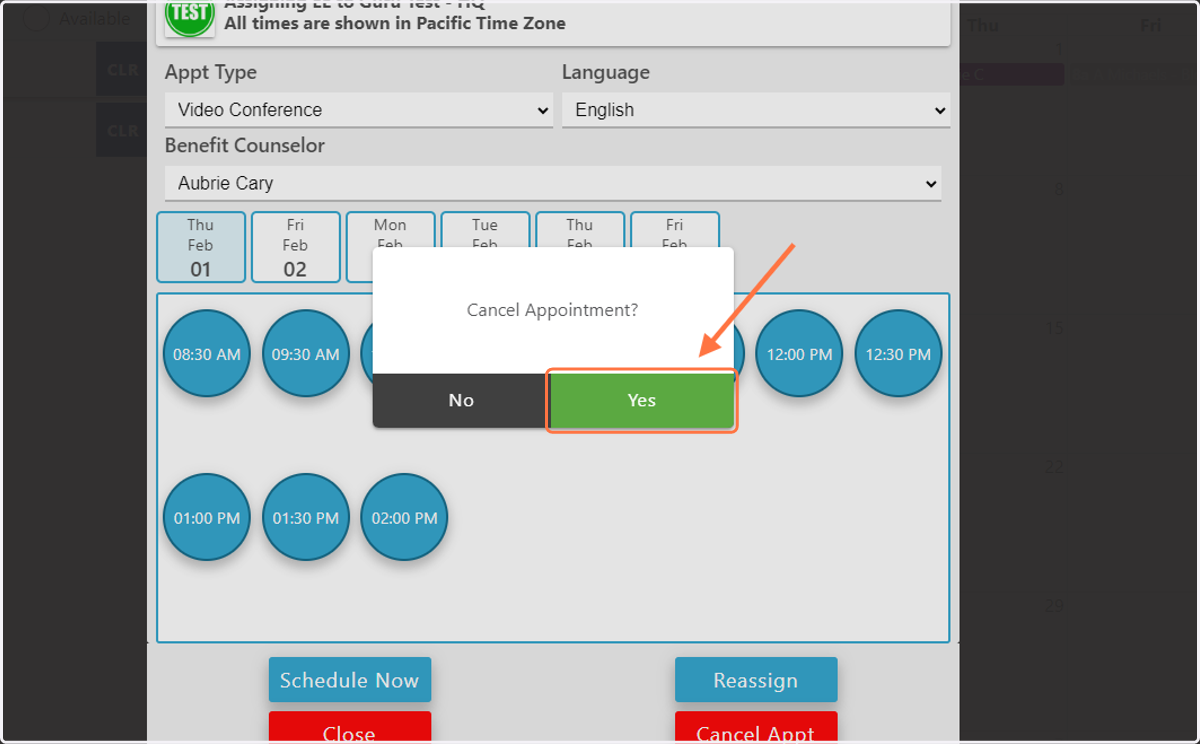
4. Click on 'Yes'
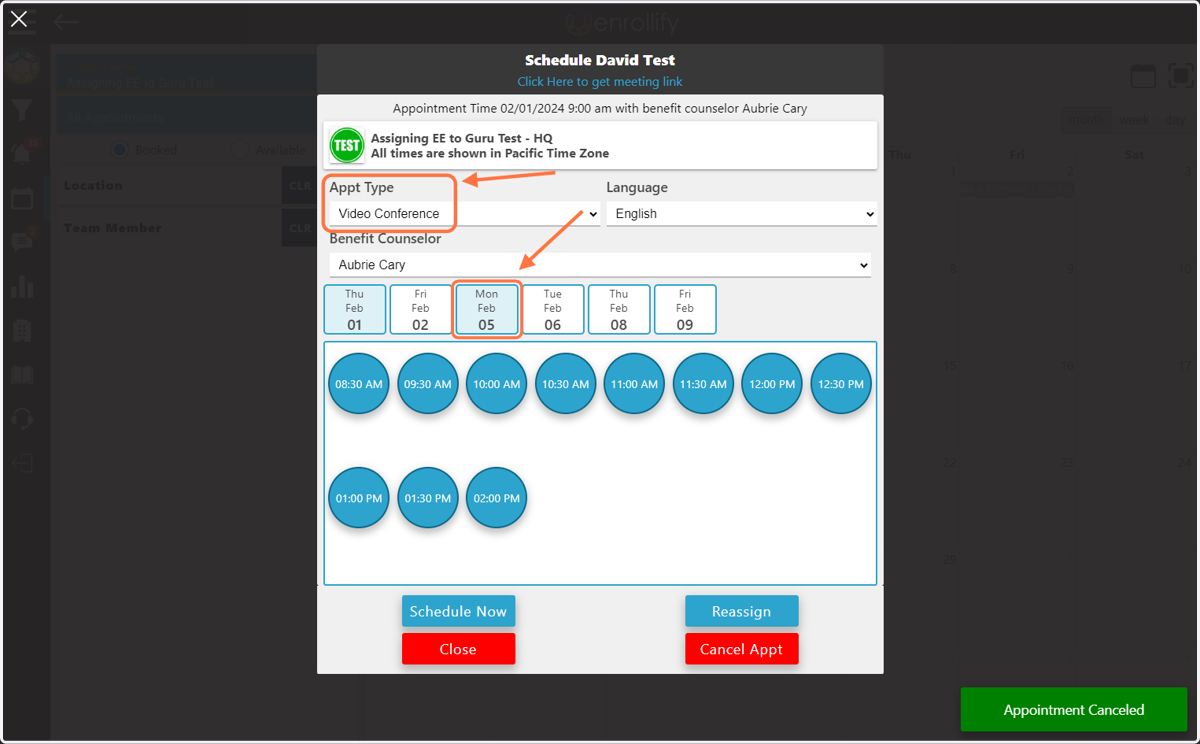
5. Select the 'Appt Type' and date of the new appointment time.
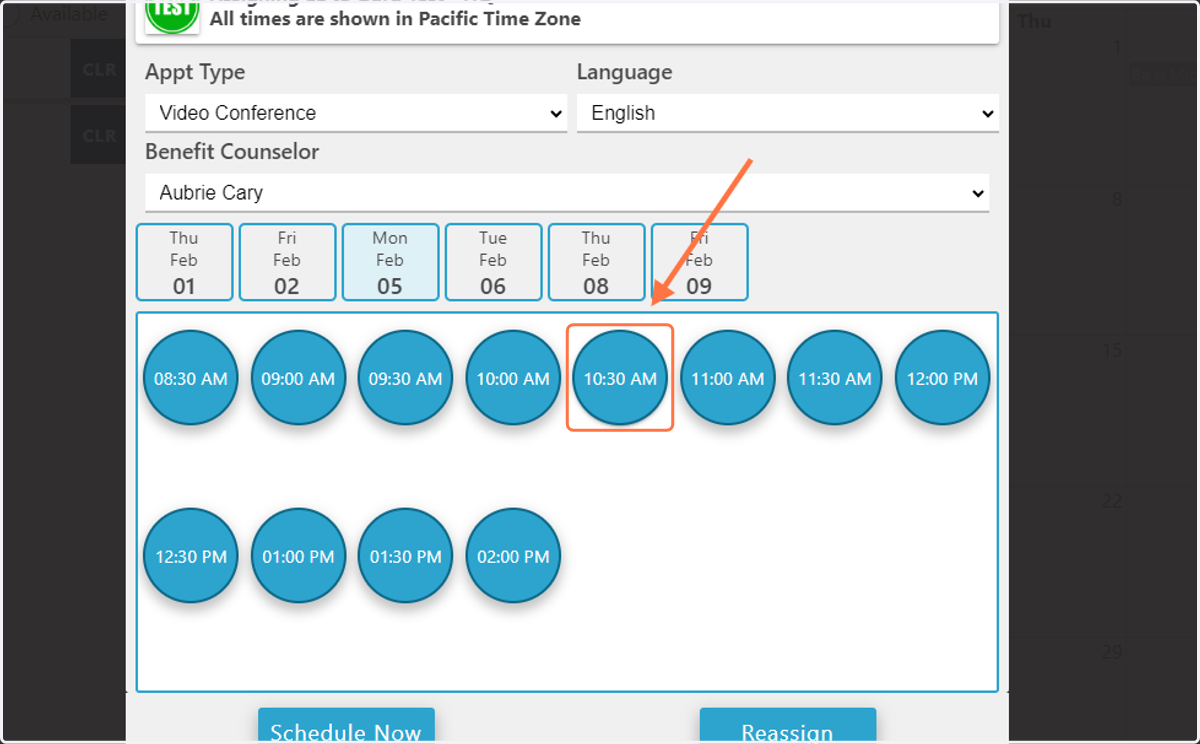
6. Select the time for the new appointment.
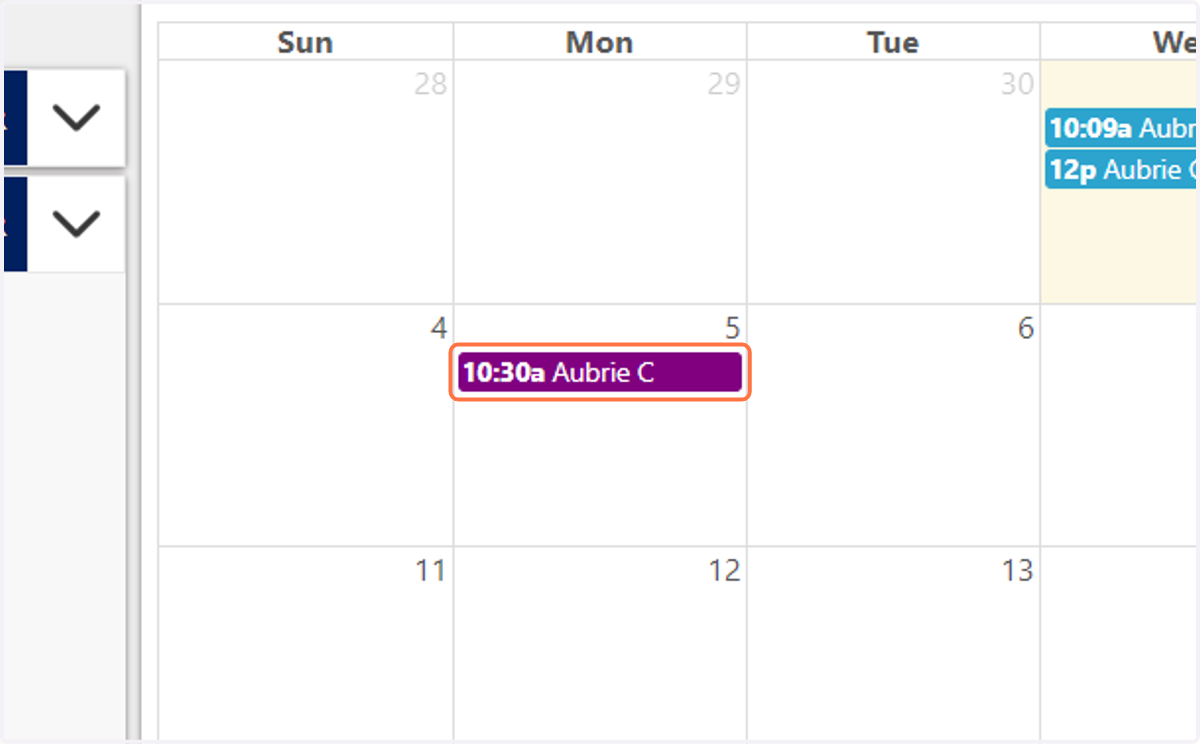
7. The appointment will automatically move to the new day/time.
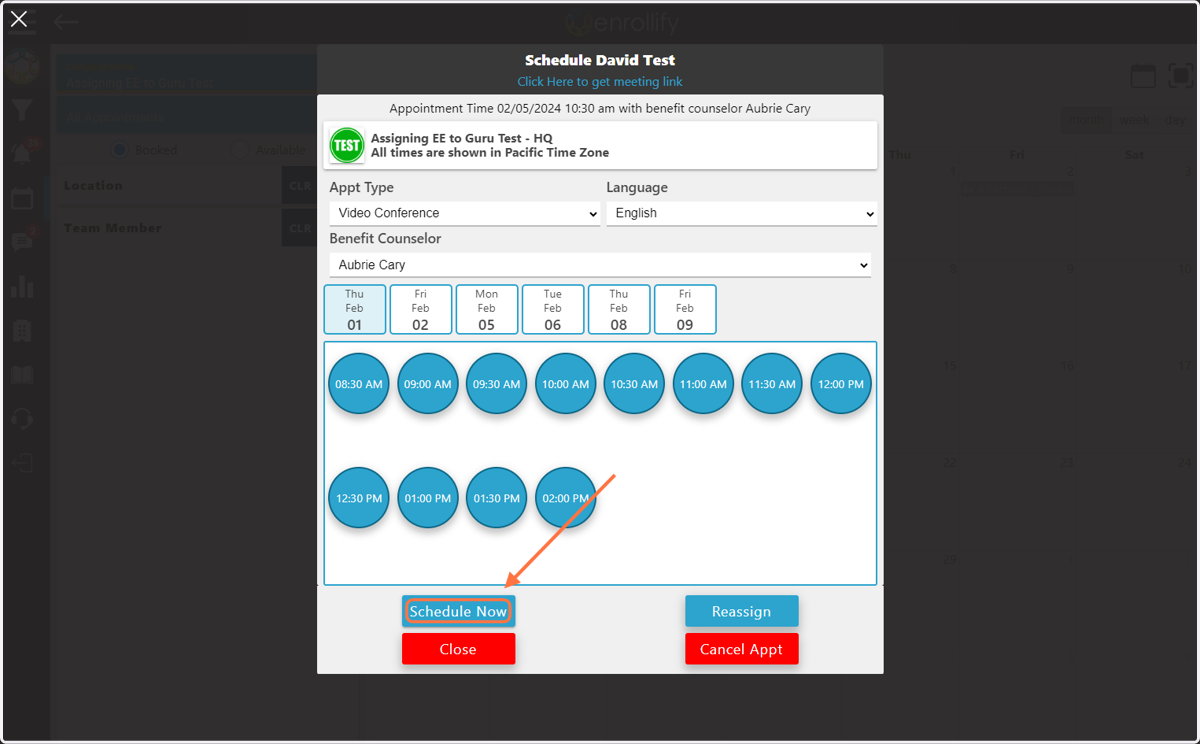
8. If the appointment should be rescheduled for the current time, click 'Schedule Now' and the appointment will be put on the calendar for the current time.
Please note, appointments cannot be rescheduled if the Guru has already completed the PDA.