Integration Import

Loadops by Optym

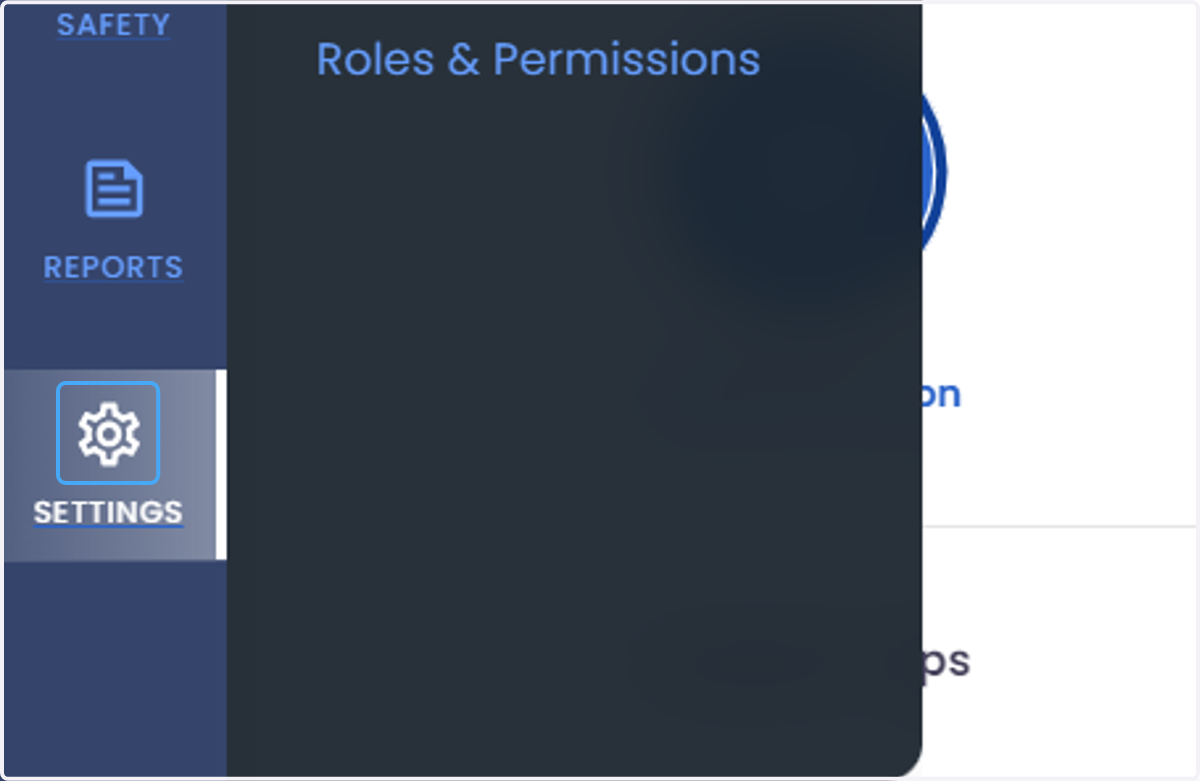
  1. 1. Click on SETTINGS

    Click on SETTINGS
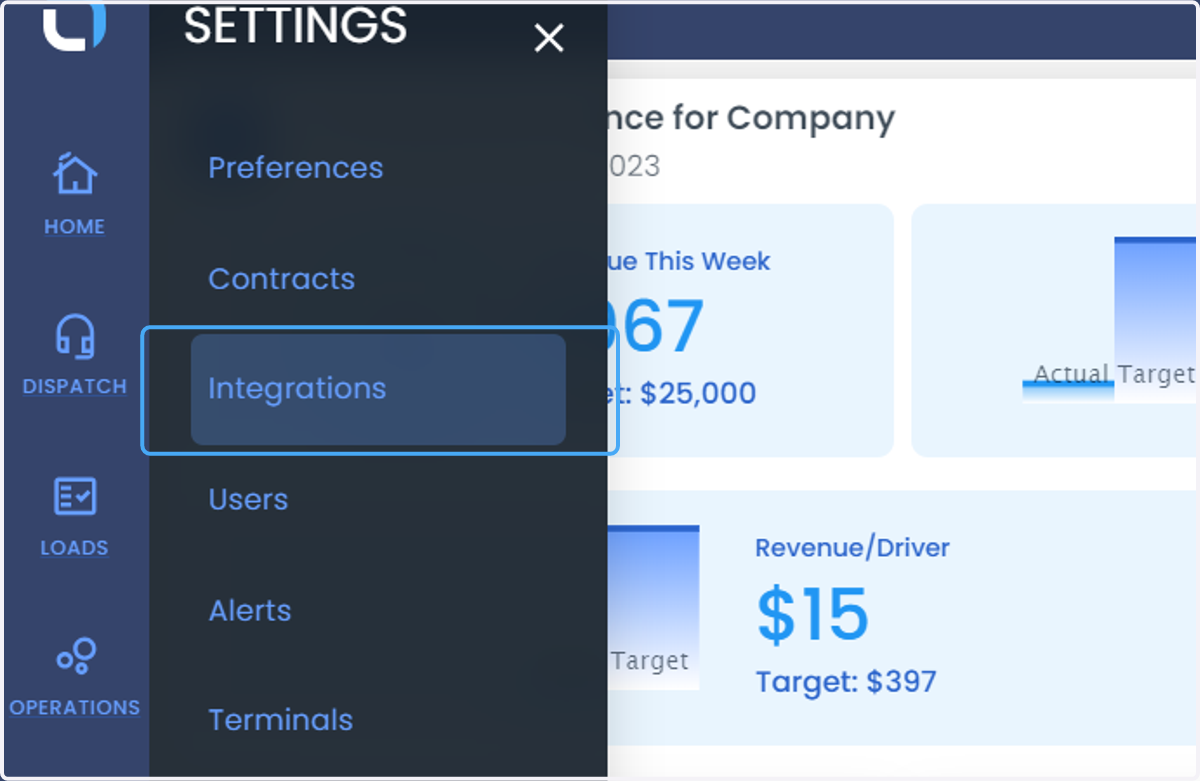
  2. 2. Click on Integrations

    Click on Integrations
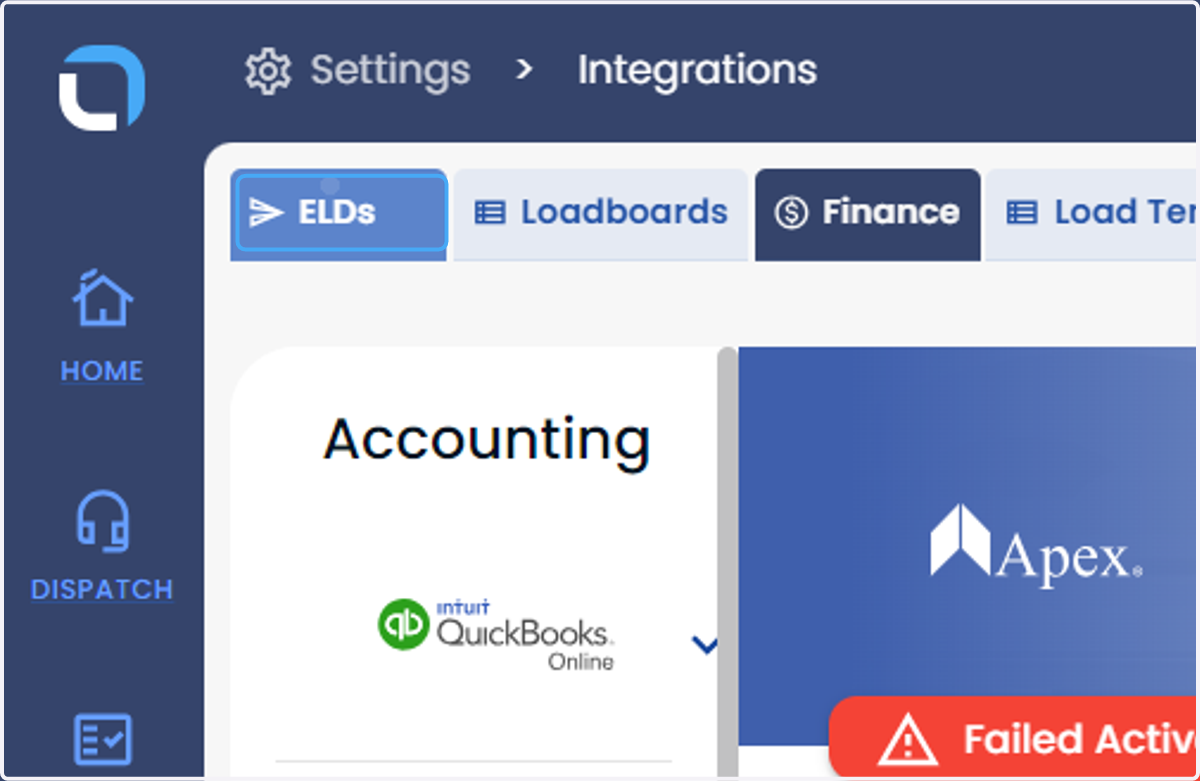
  3. 3. Click on ELDs

    Click on ELDs
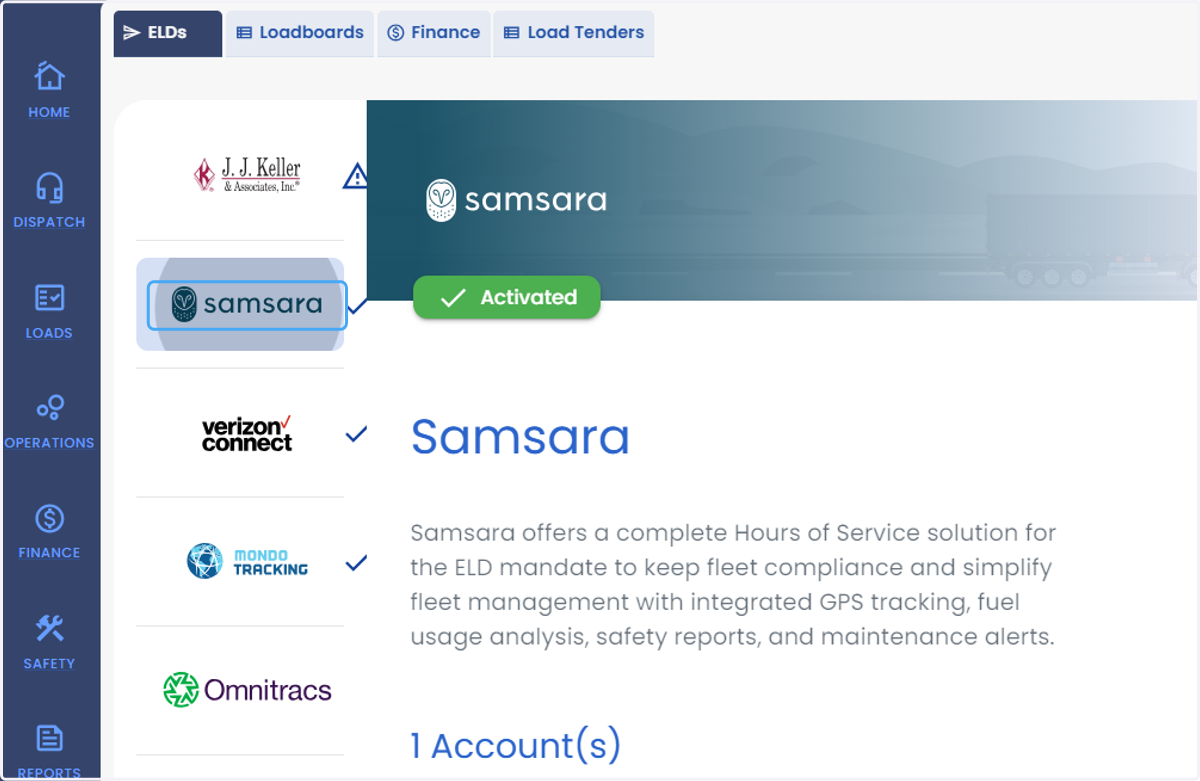
  4. 4. Click on your ELD provider name

    Click on your ELD provider name
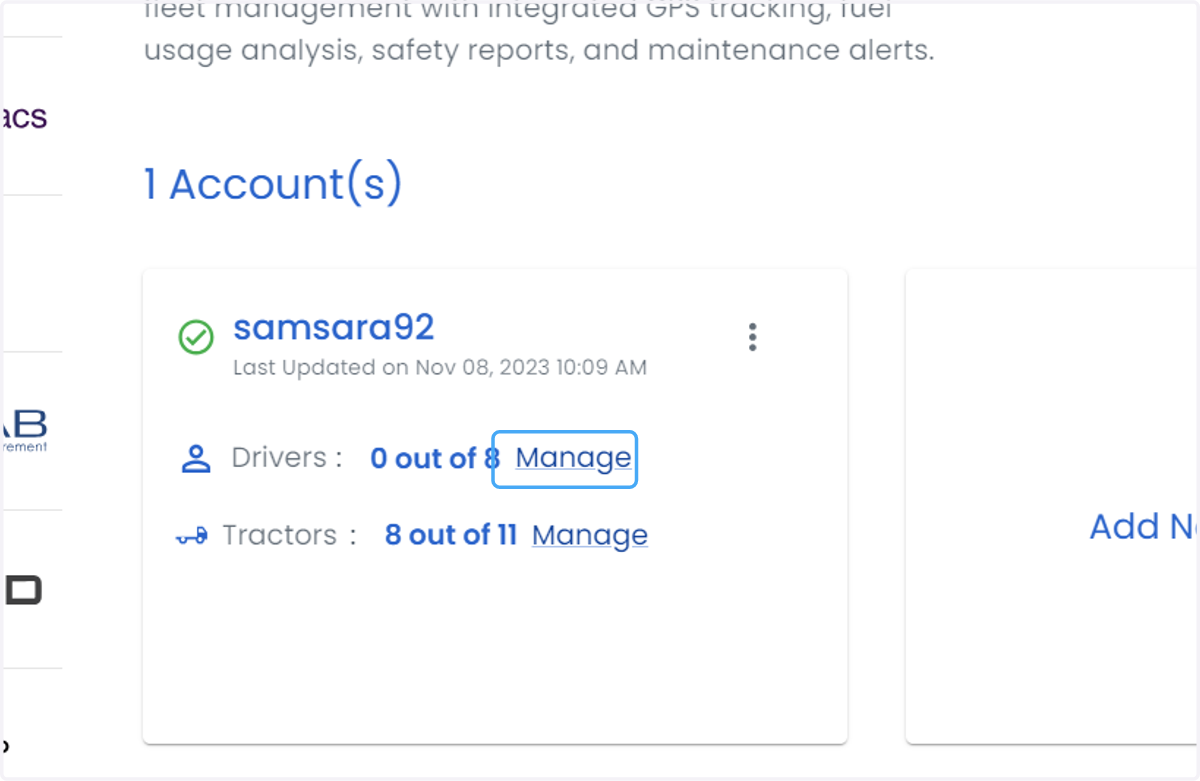
  5. 5. Click on Manage

    Click on Manage
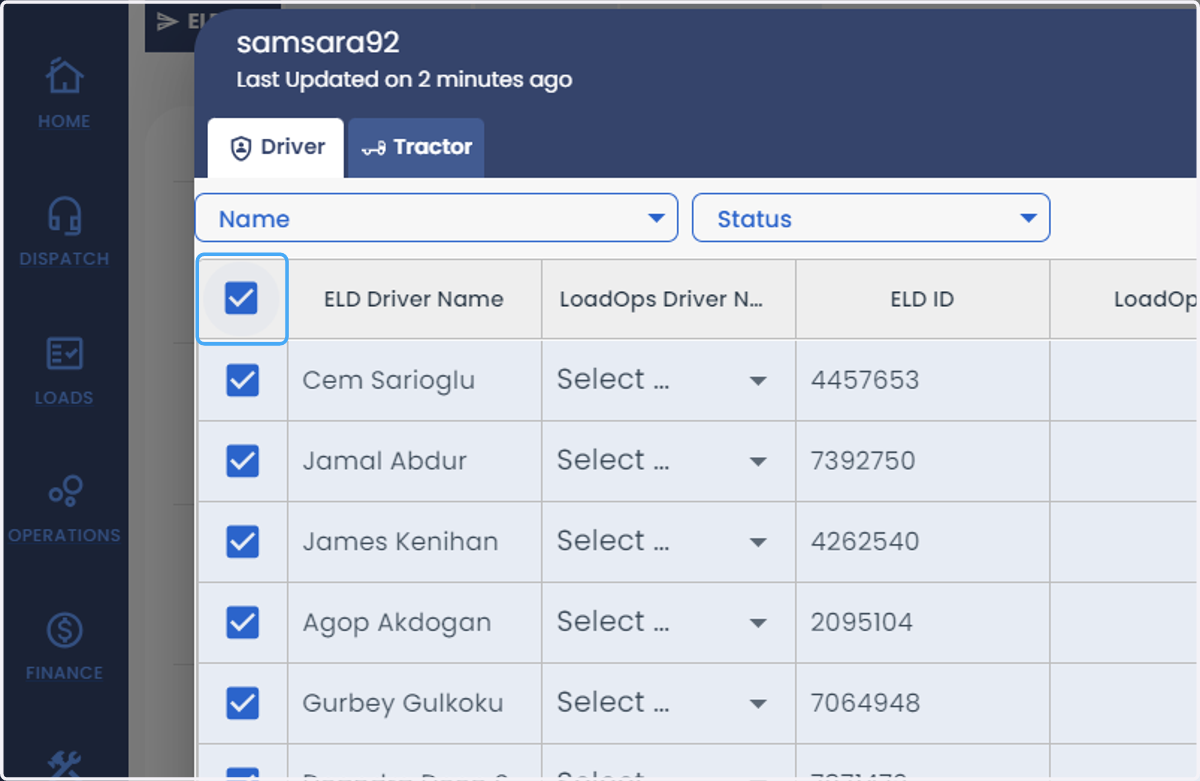
  6. 6. click on select all rows

    click on select all rows
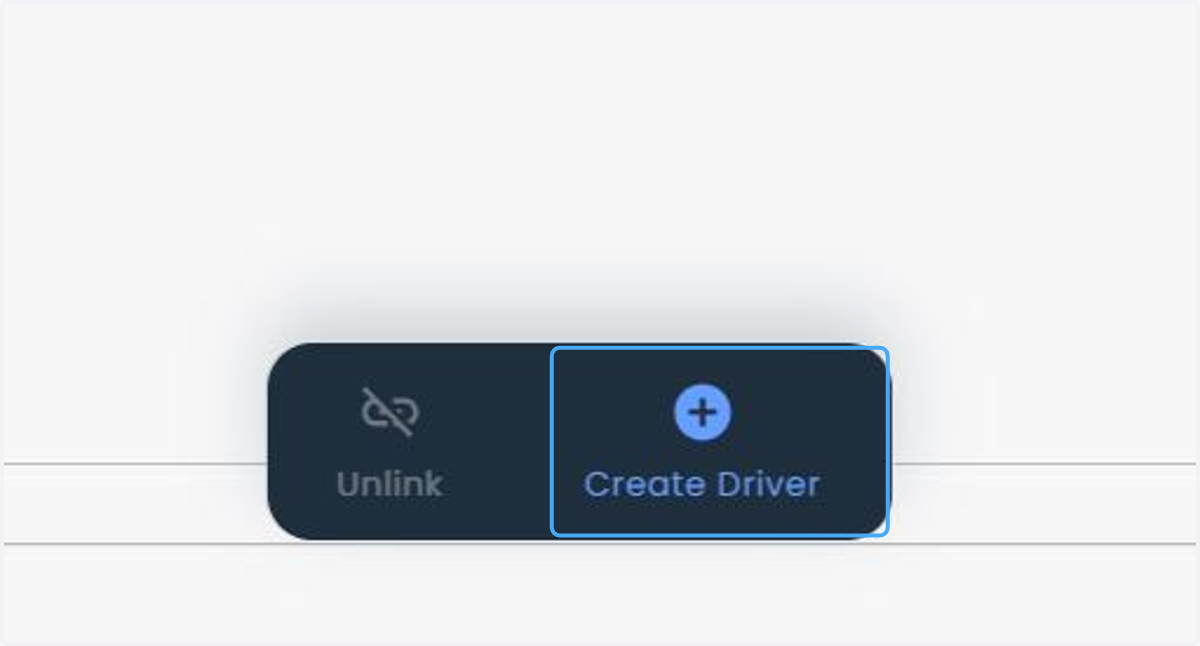
  7. 7. Click on Create Driver

    Click on Create Driver
  8. 8. Select the terminal name from the drop down list And click on Create
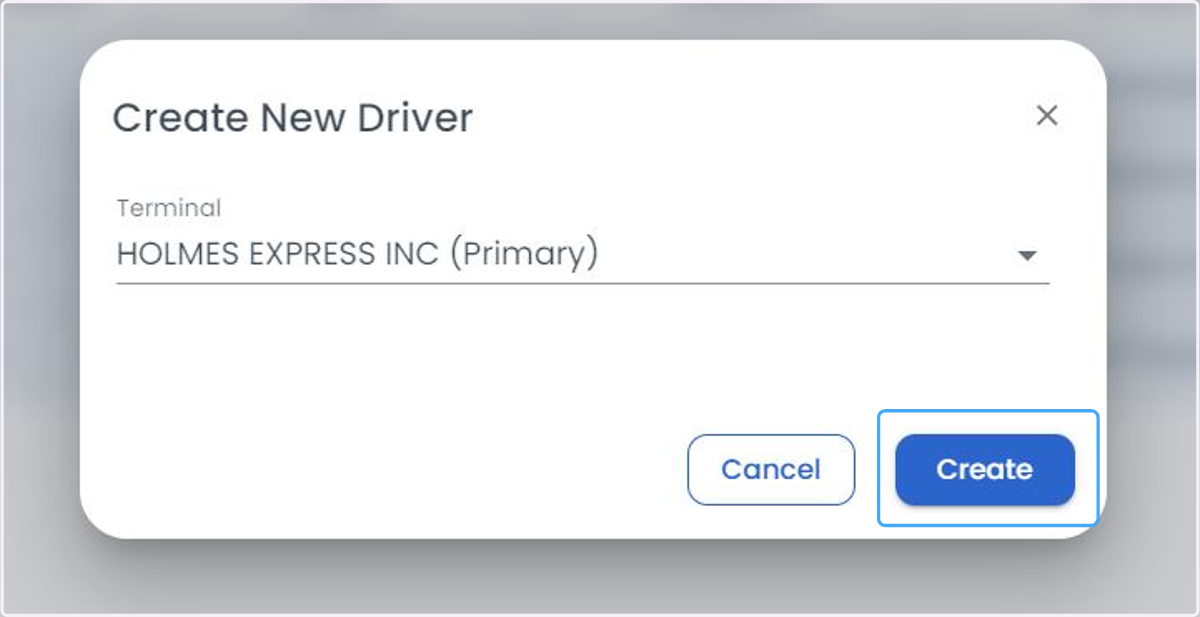
    Select the terminal name from the drop down list And click on Create
  9. 9. You will find the LoadOps Driver Name, LoadOps ID and Terminal column updated with the details.
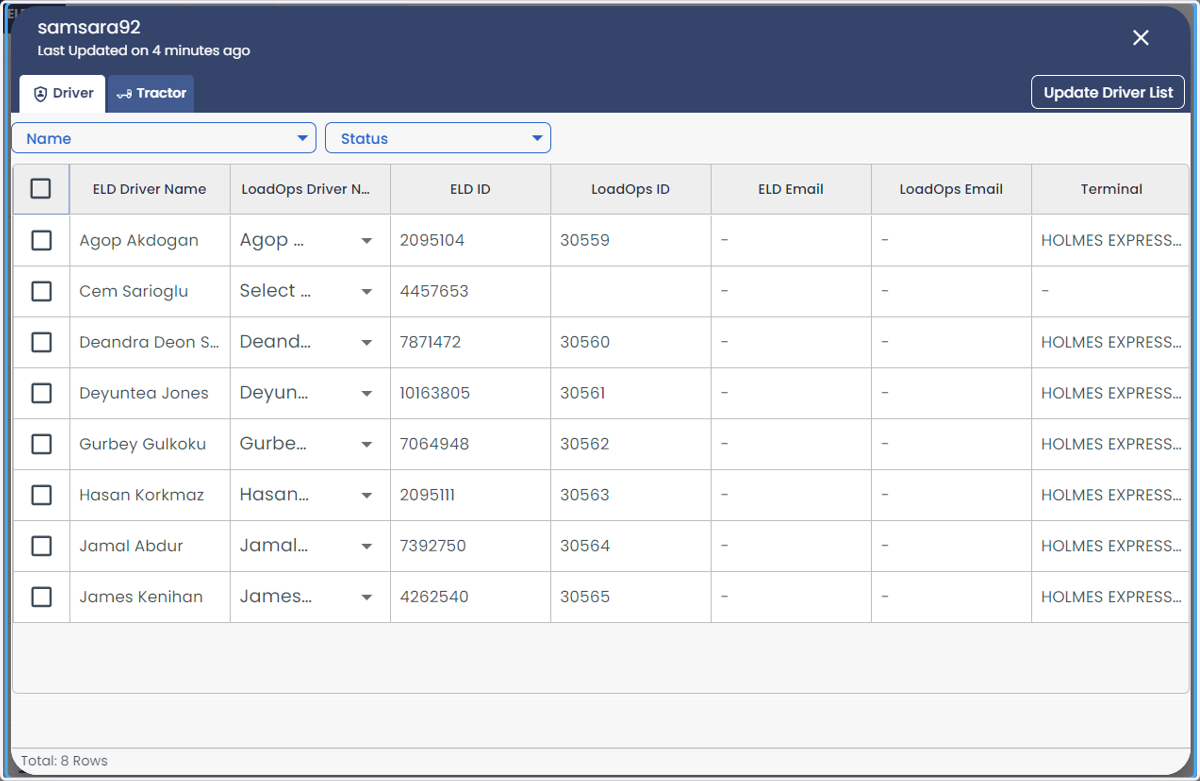
    You will find the LoadOps Driver Name, LoadOps ID and Terminal column updated with the details.