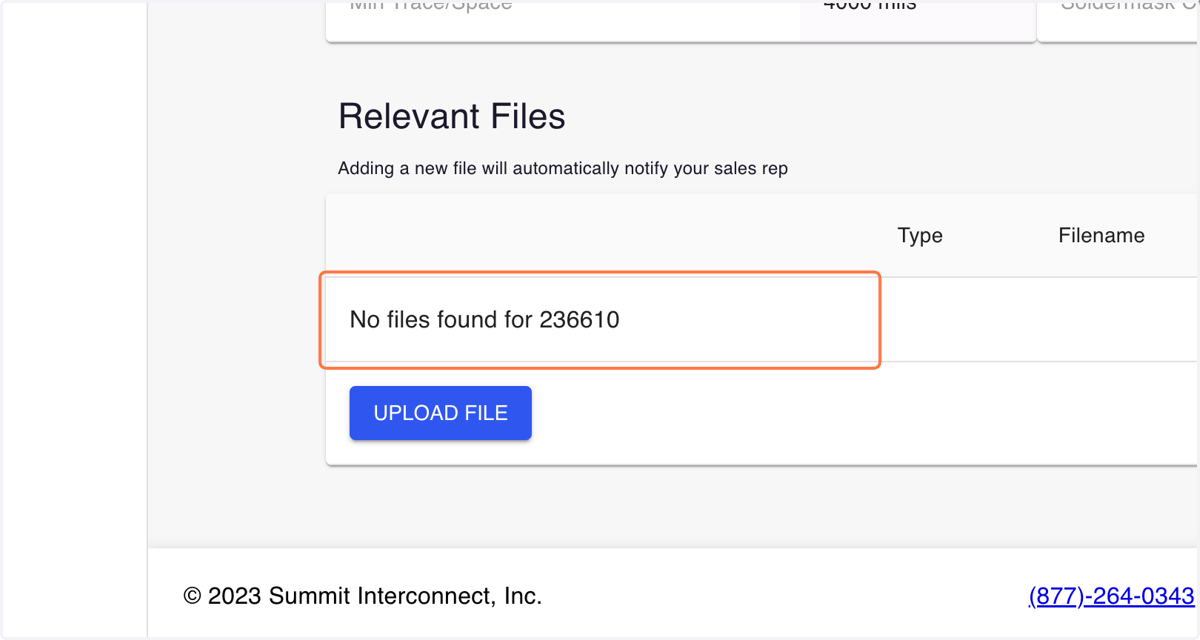
Delete a File
localhost
1. Go to https://portal.summitinterconnect.com
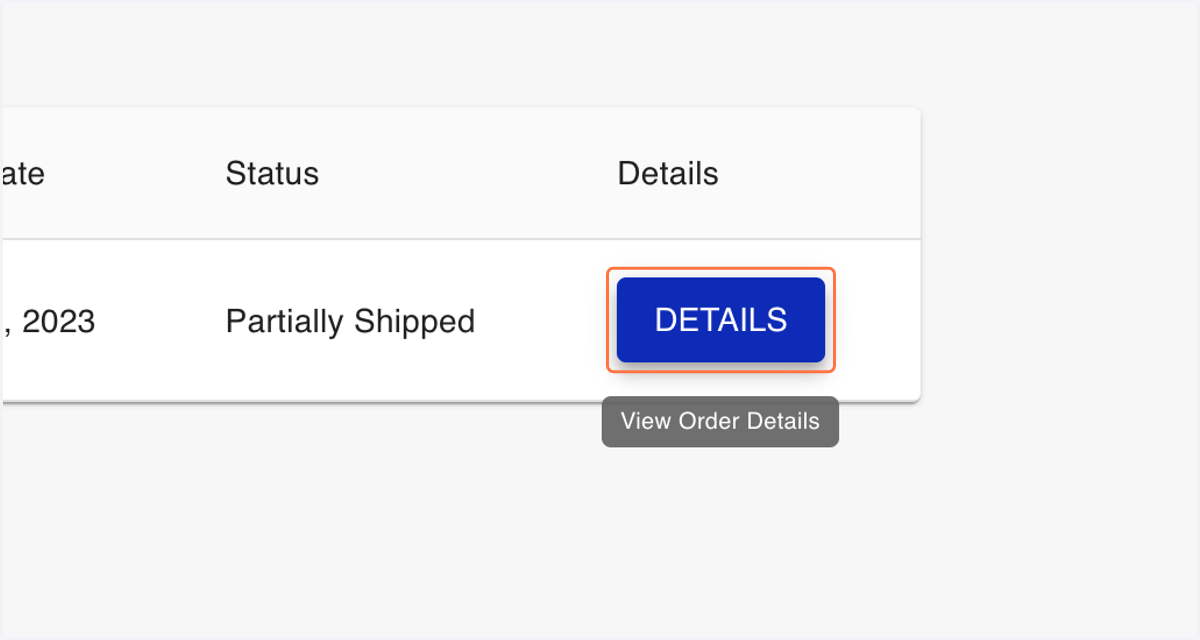
2. Click on the Details button for the order you wish to delete a file from
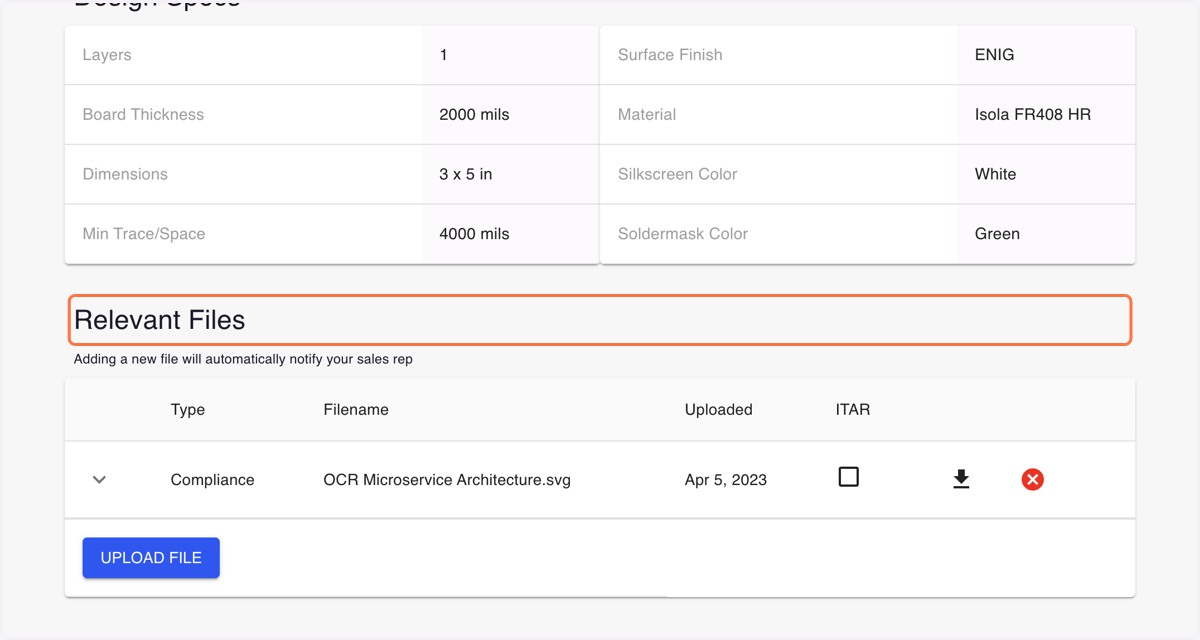
3. Scroll to the Relevant Files section
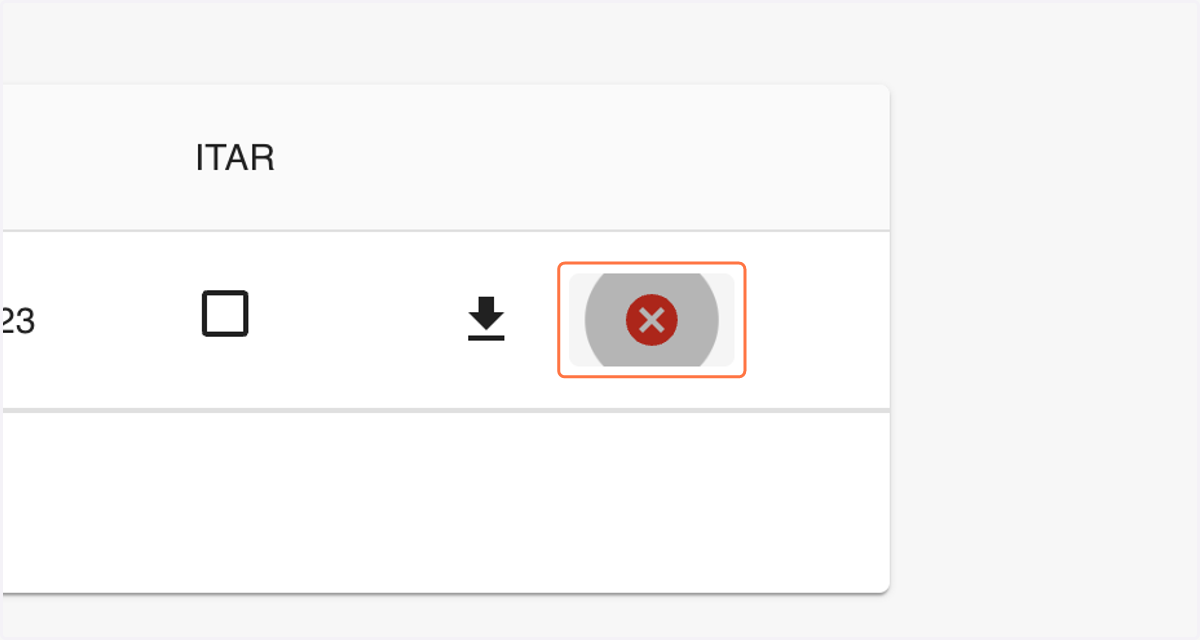
4. Click on the red X icon for the file you wish to delete from the cloud
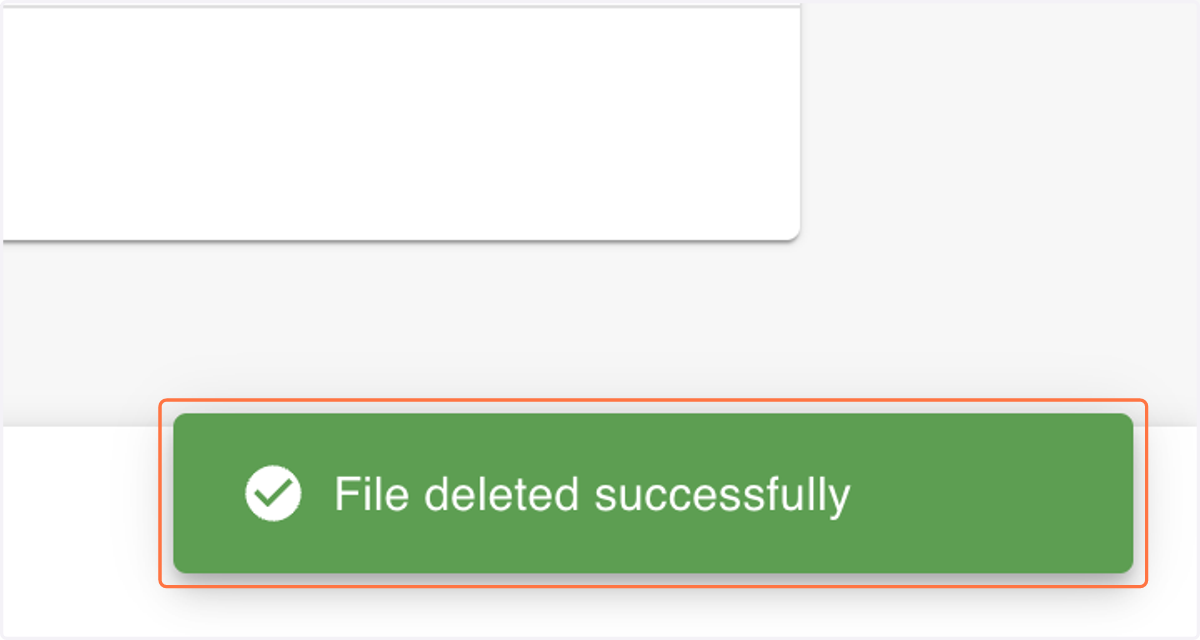
5. After deleting the file, you should see the green notification below confirming the deletion
6. -