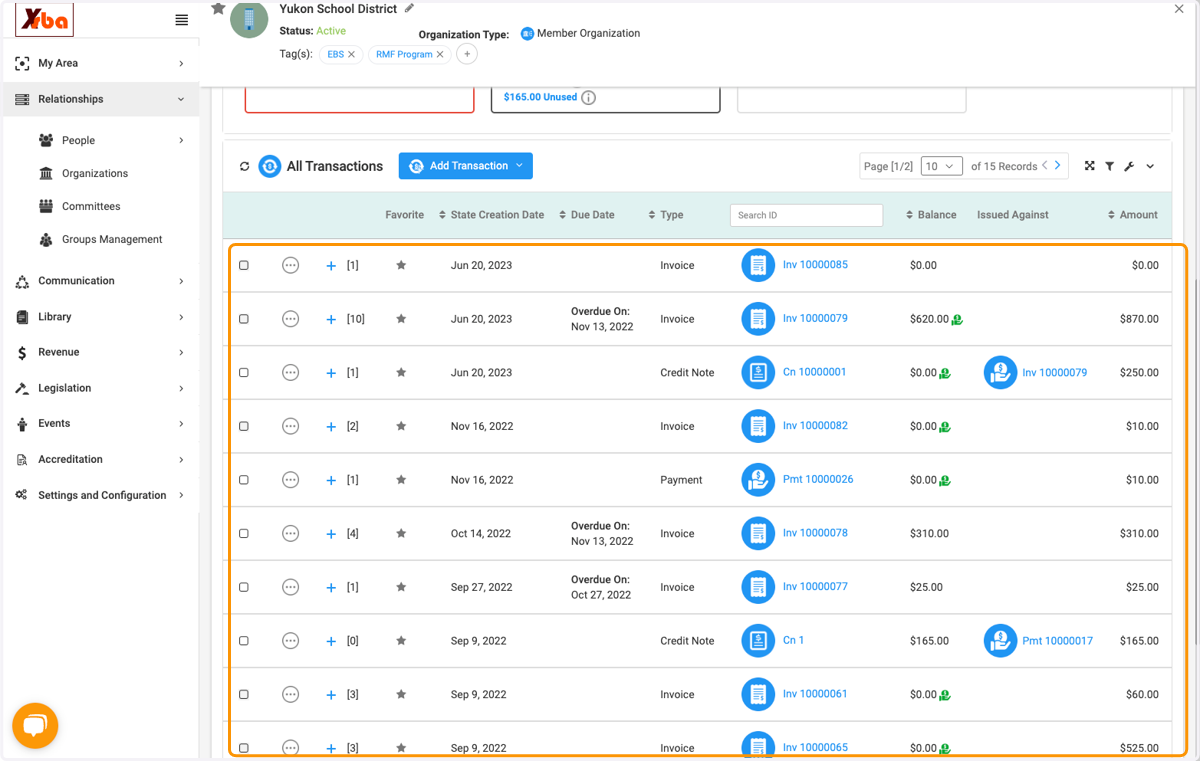
Viewing Transactions and Invoice Details
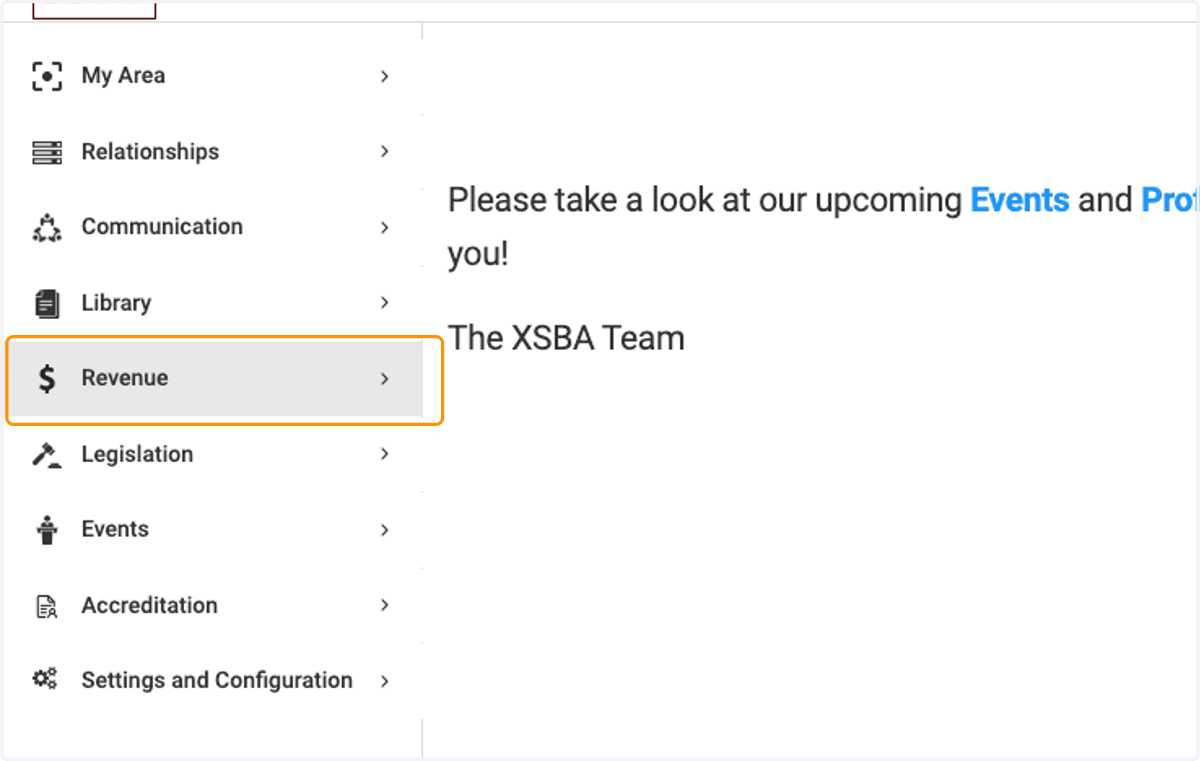
1. Click on Revenue
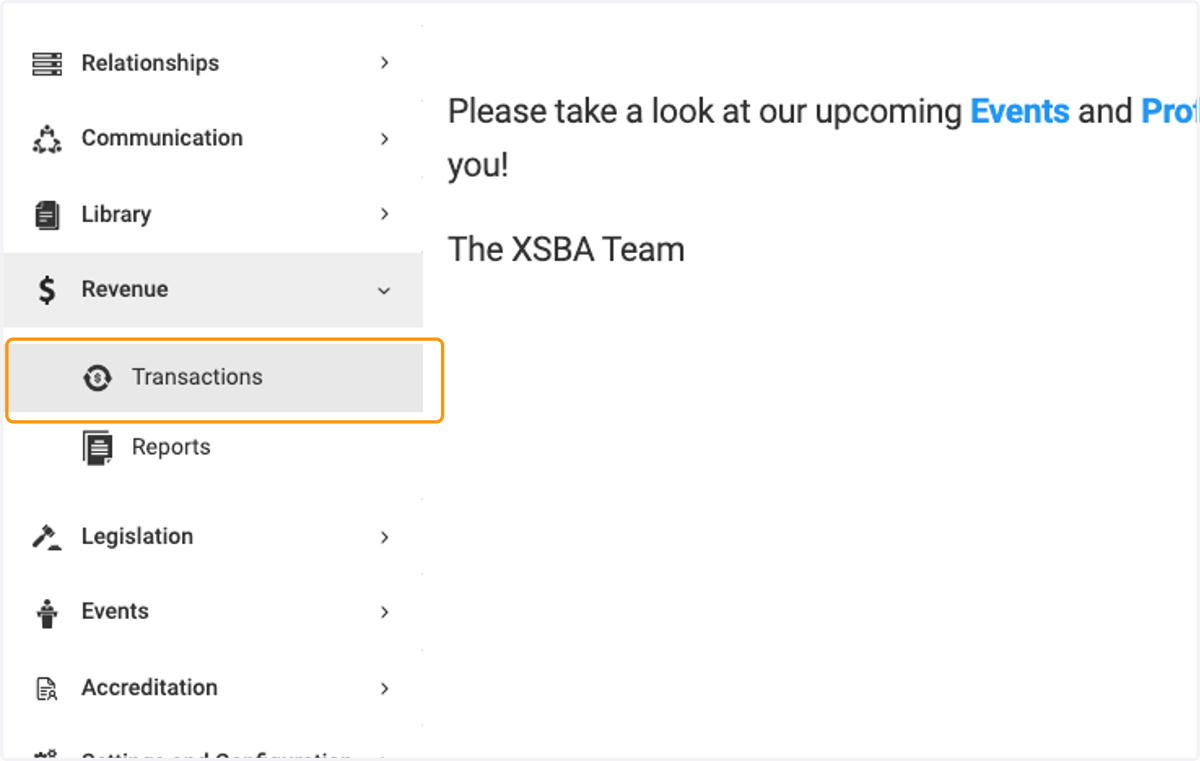
2. Click on Transactions
3. Here you will see all of your invoices and their statuses
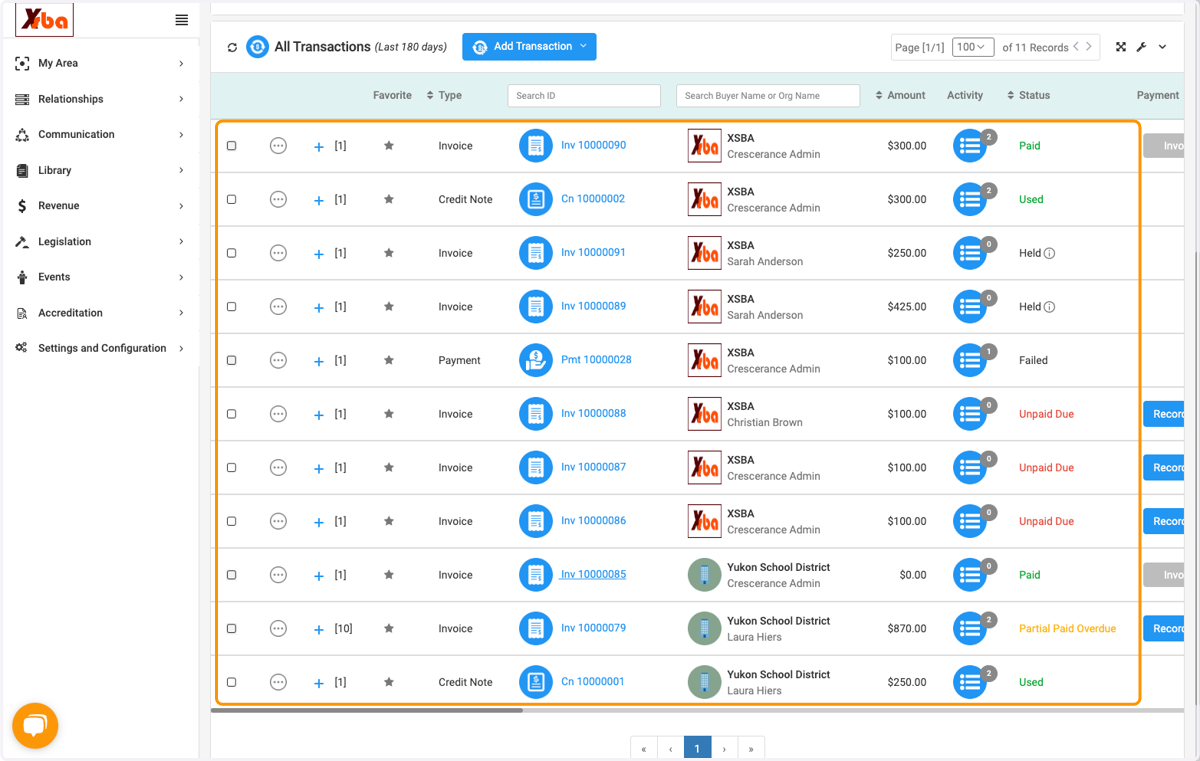
4. Click on an invoice to view the details
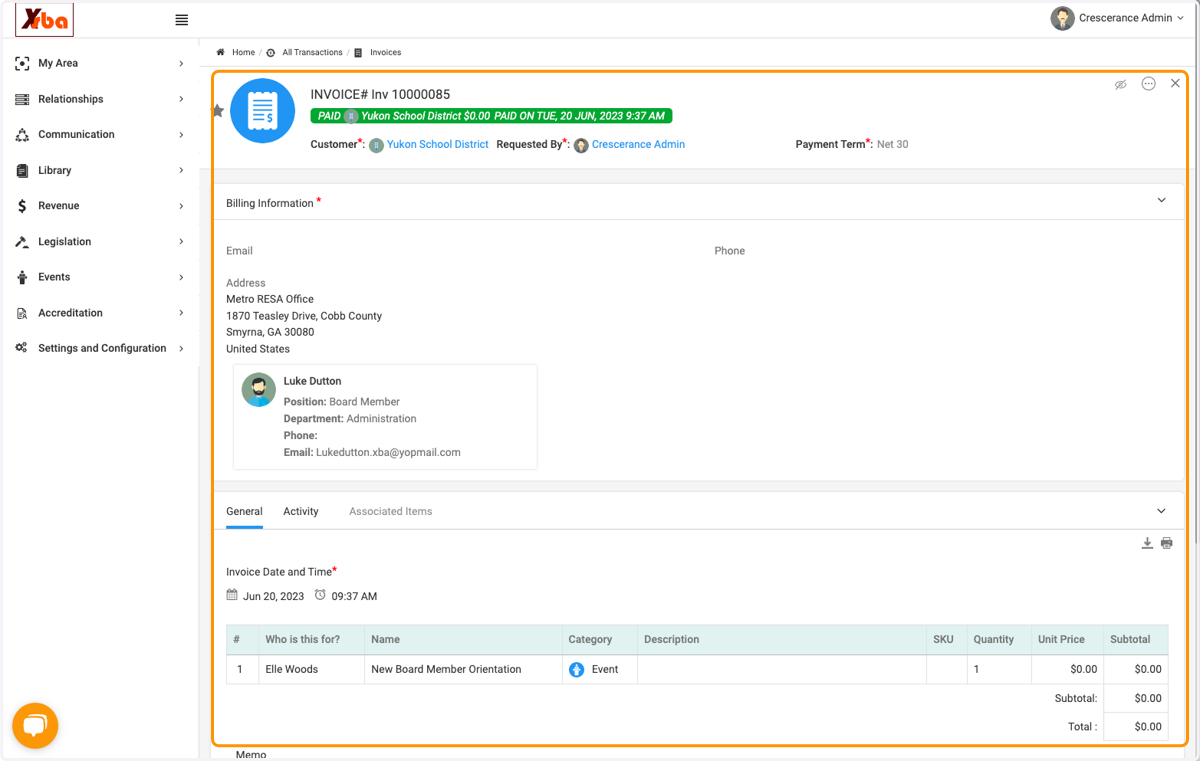
5. Click on download icon to download a copy of the invoice
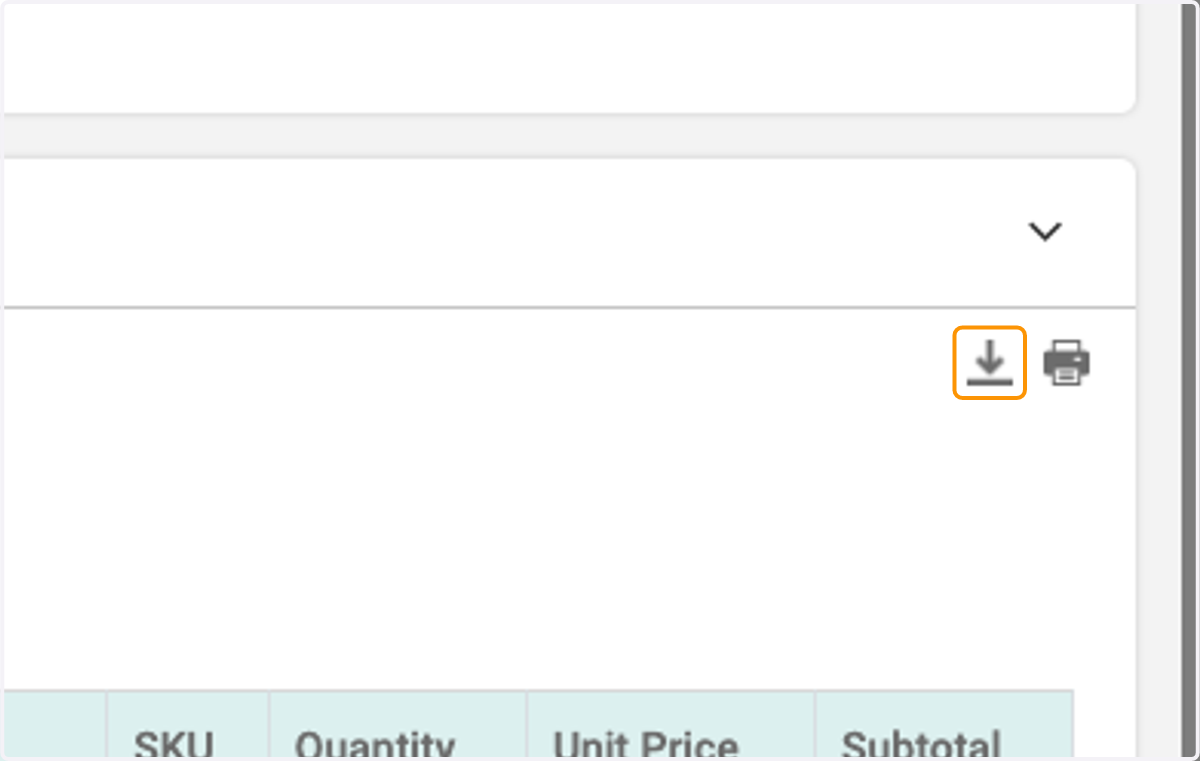
6. Click on the printer icon to print a copy of the invoice
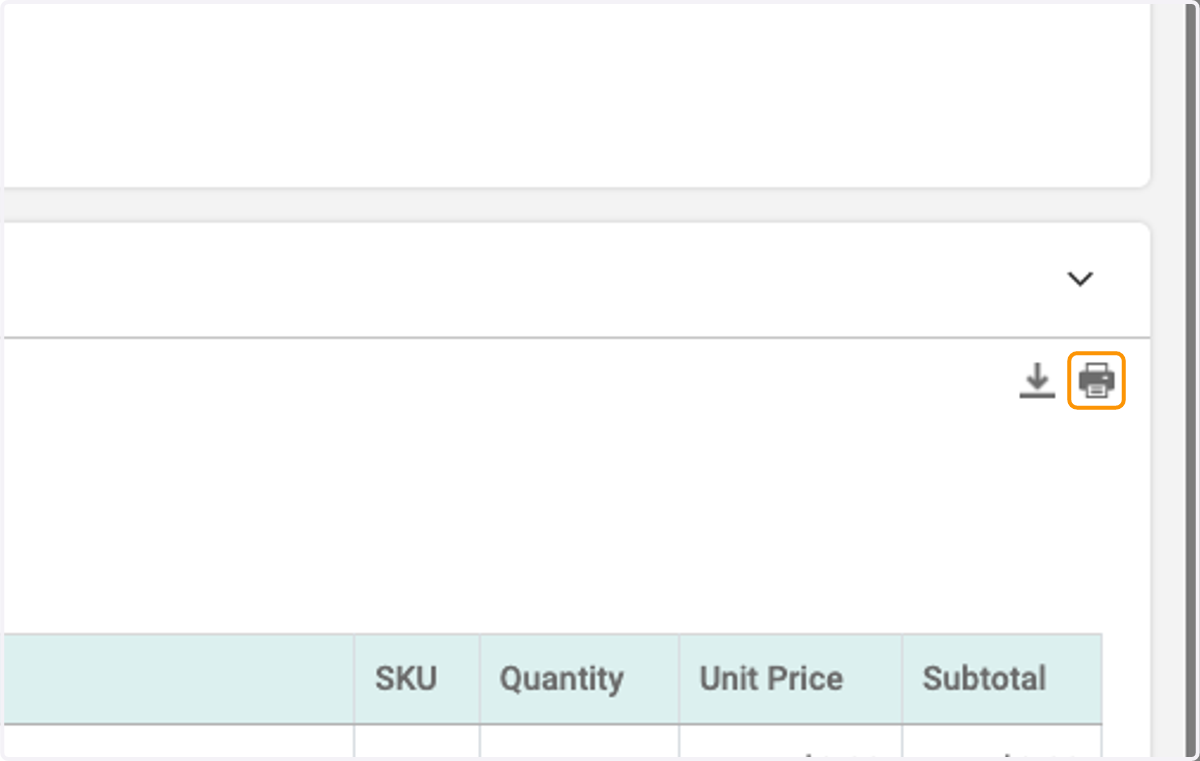
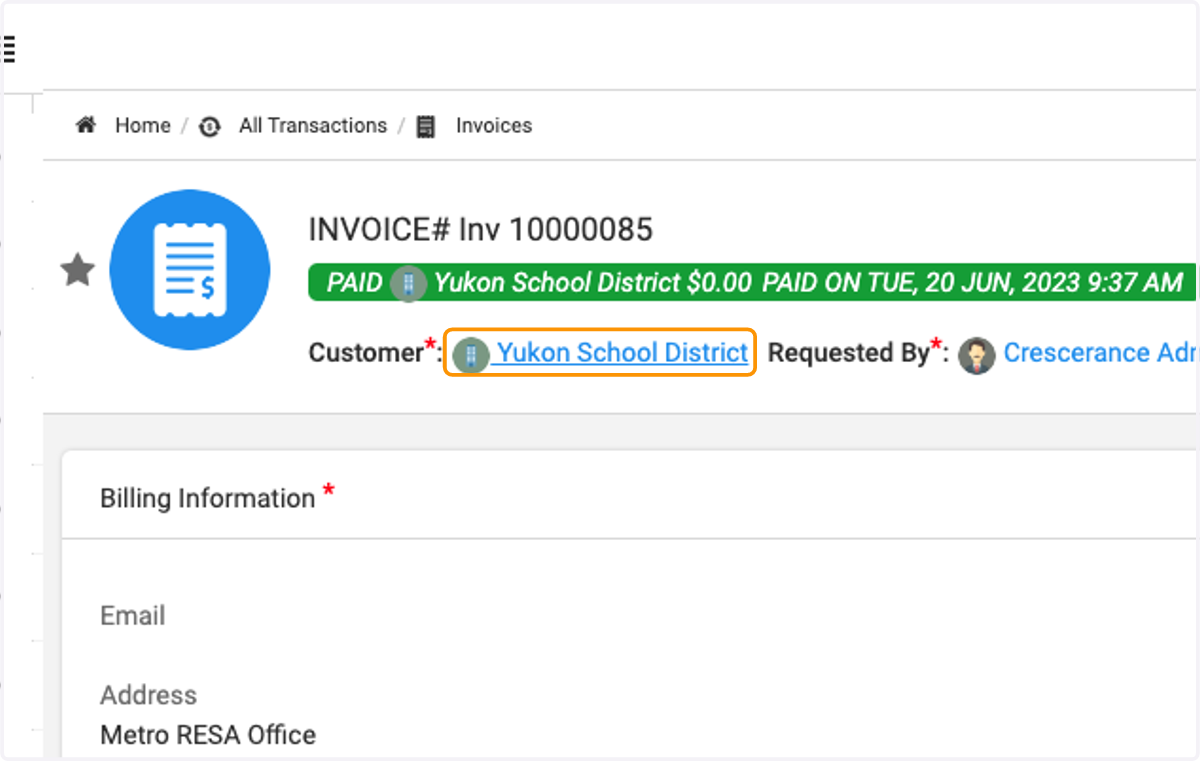
7. To view all invoices for an organization, click on the organization name
8. Click on the Accounting Details tab
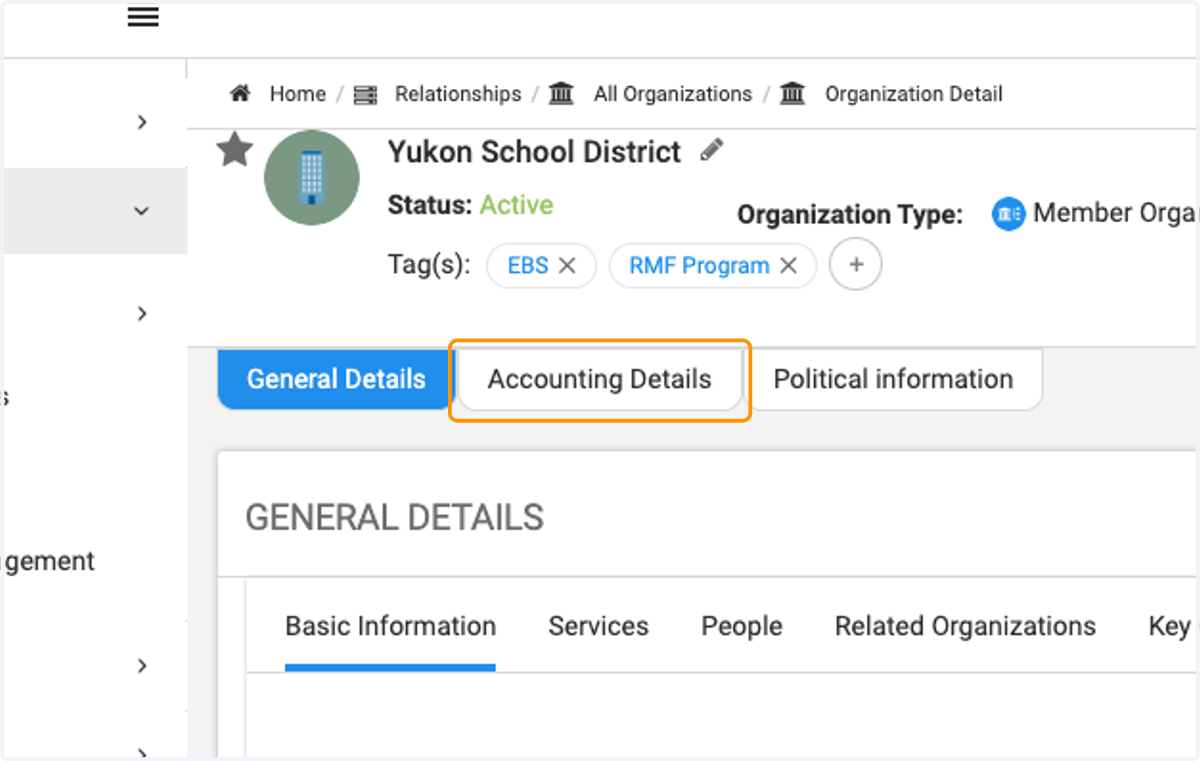
9. Here you will see all financial transactions for that organization
You can click into the individual invoices to open up for full details