Check your links
This tutorial will show you how to check your links using the Accessibility Checker. You can move through the tutorial at your own pace using the NEXT button below.
Gpsurgery
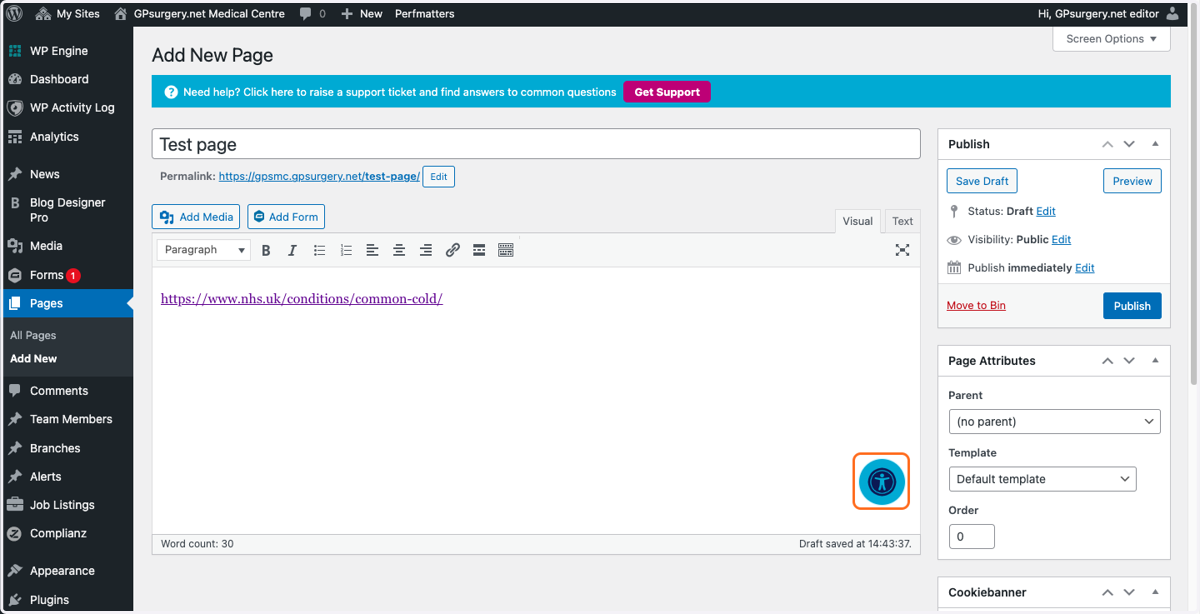
1. When using the page editor, you'll be able to see the Accessibility Checker in the bottom right hand corner of the main text box. Click this to see if there are any issues with links on your page.
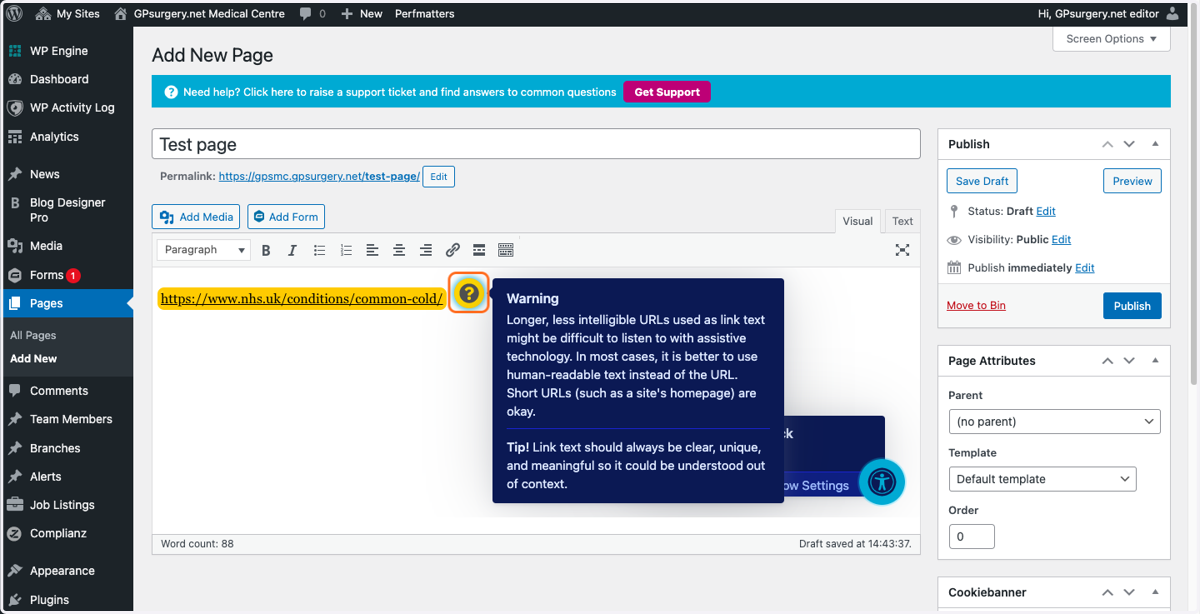
2. Any issues will appear as red errors or yellow warnings. Click on these for more information about how to fix the issue.
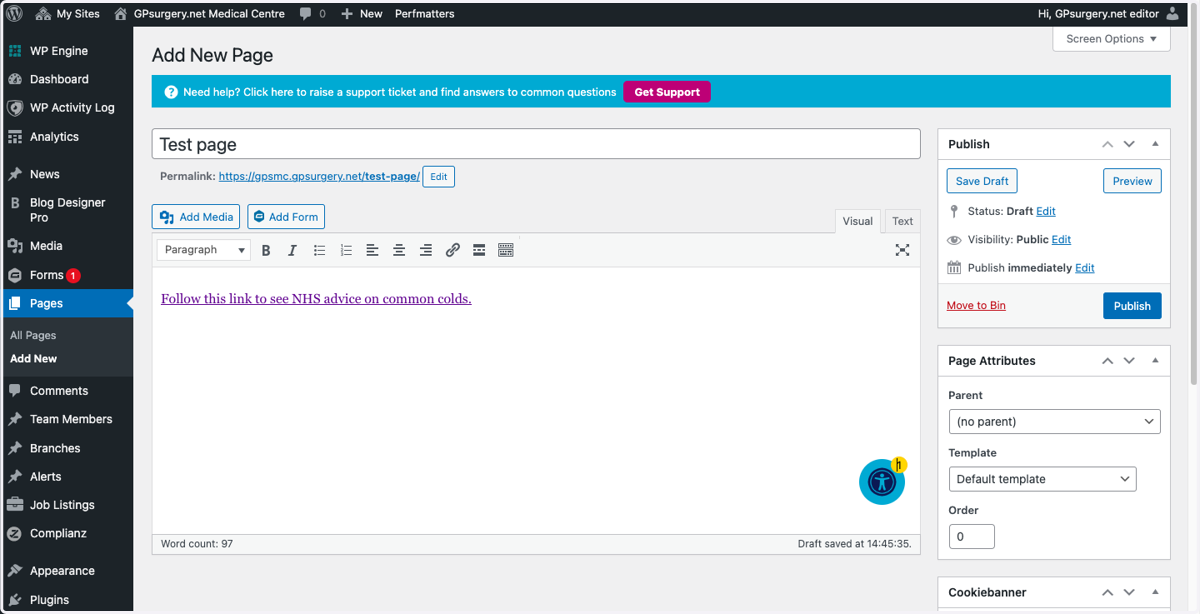
3. When you've made your changes, click the Accessibility Checker button again to ensure that there are no further issues.
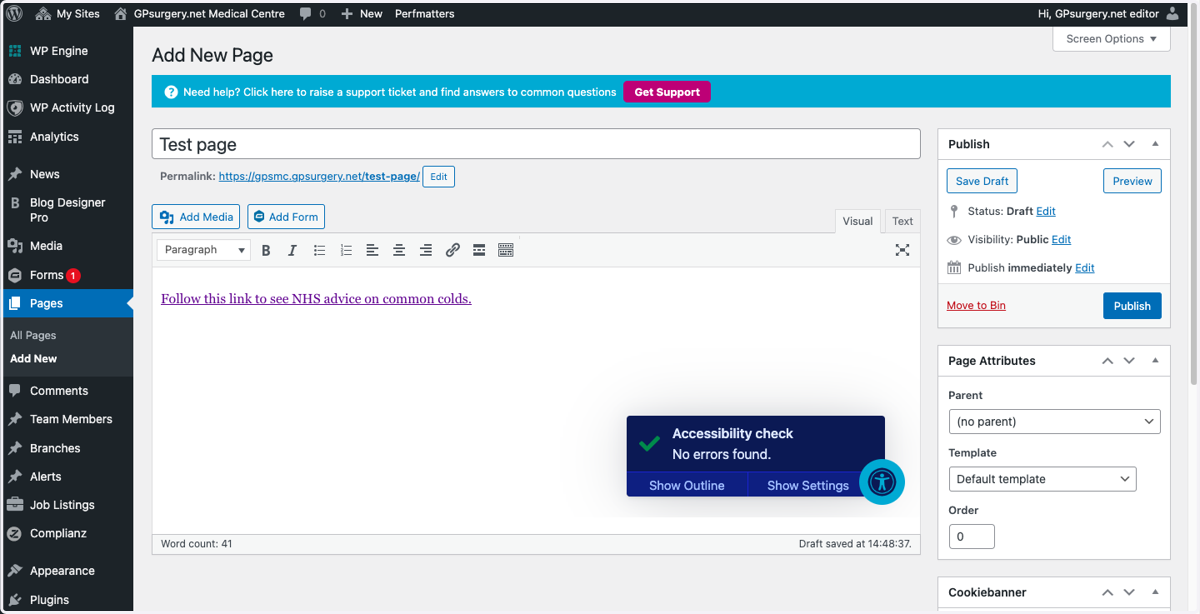
4. If there are no further issues, the Accessibility Checker will display a confirmation message.
5. Remember: links should have meaningful link texts to make it easy for people using screen readers to navigate your site.