Stop Receiving Driver Alert Notifications
Loadops
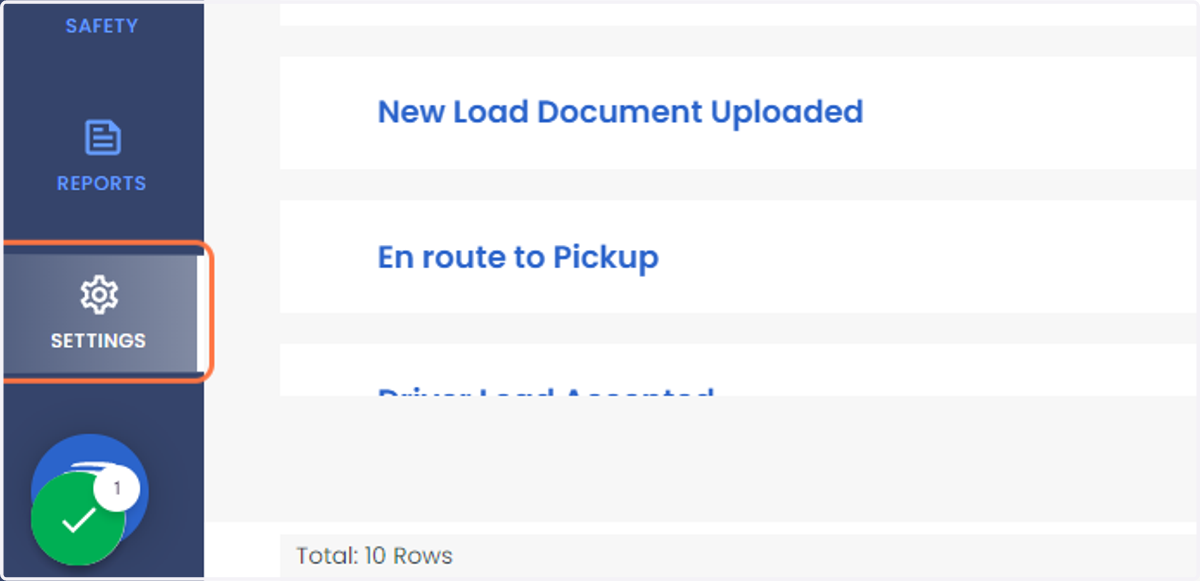
1. Click on SETTINGS
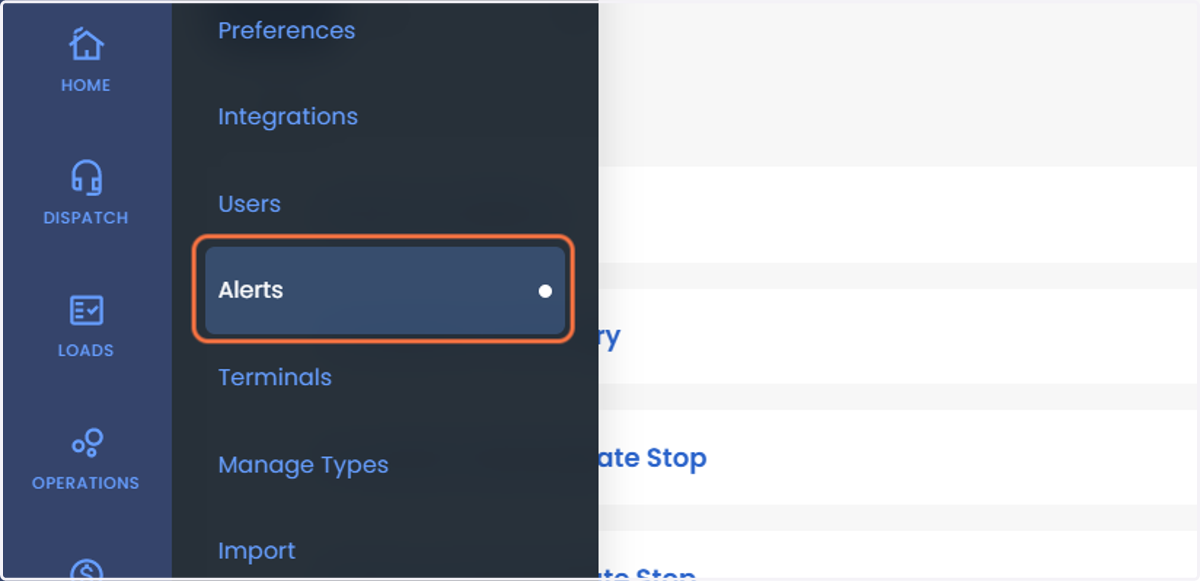
2. Click on Alerts
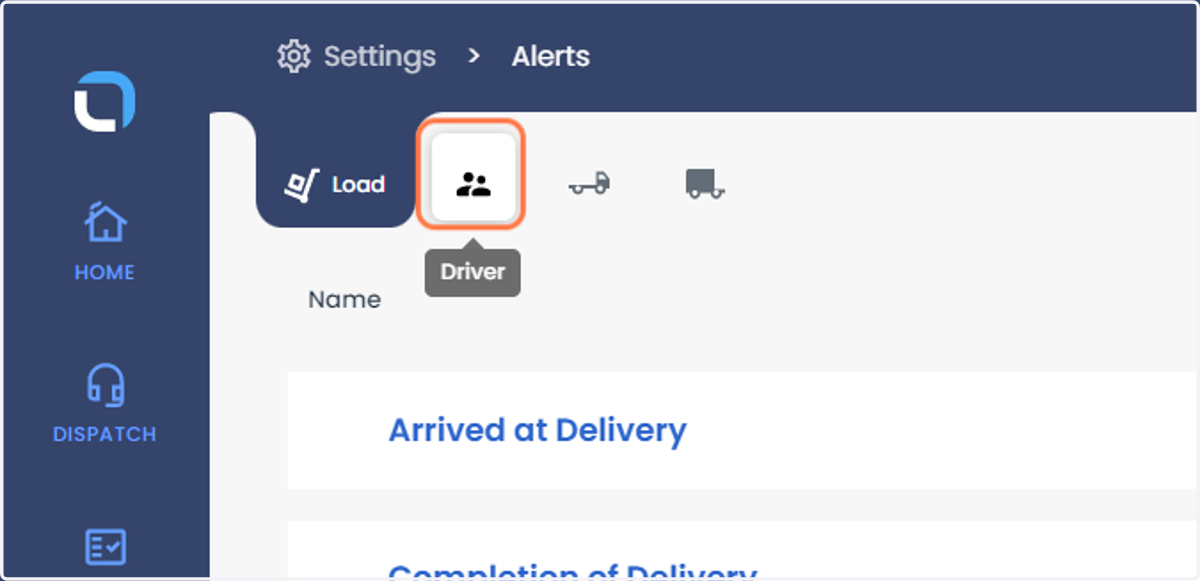
3. Click on Driver
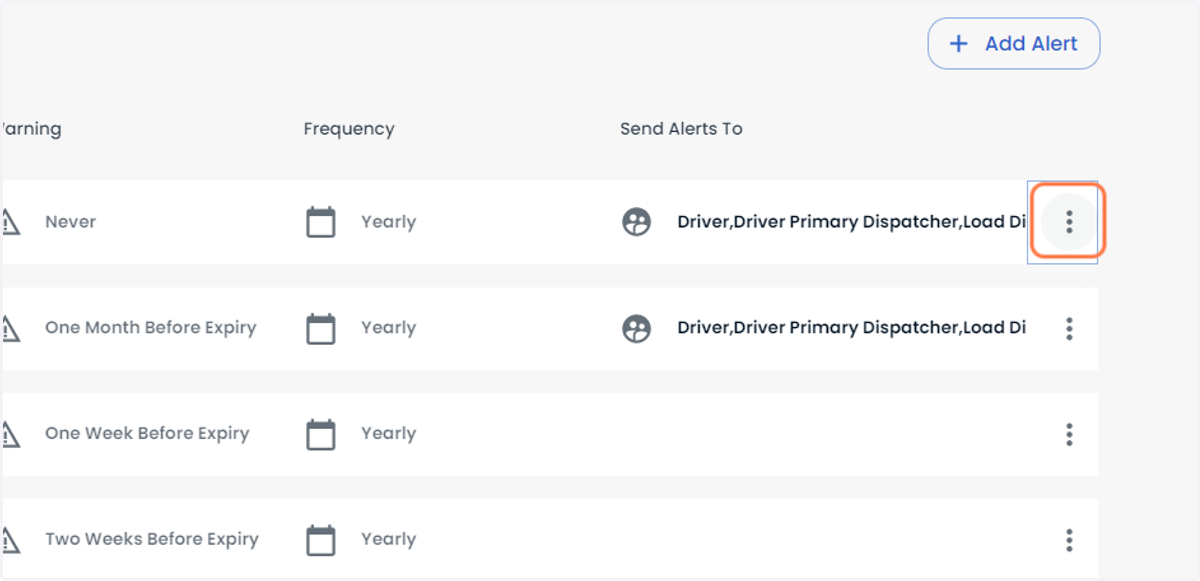
4. Click on three vertical dots symbol for any Driver Alert
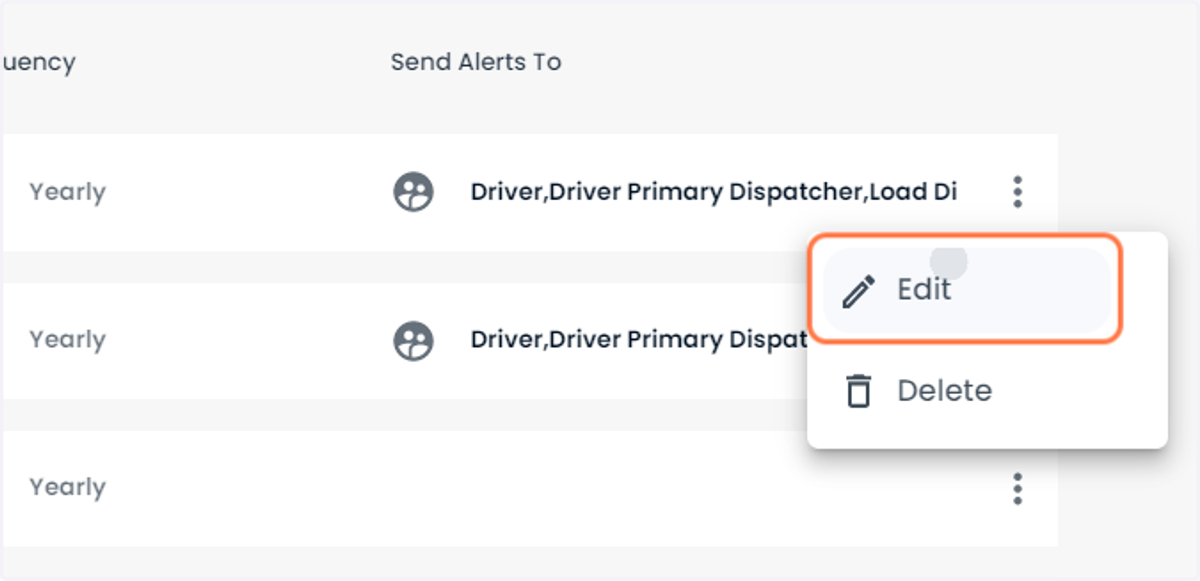
5. Click on Edit
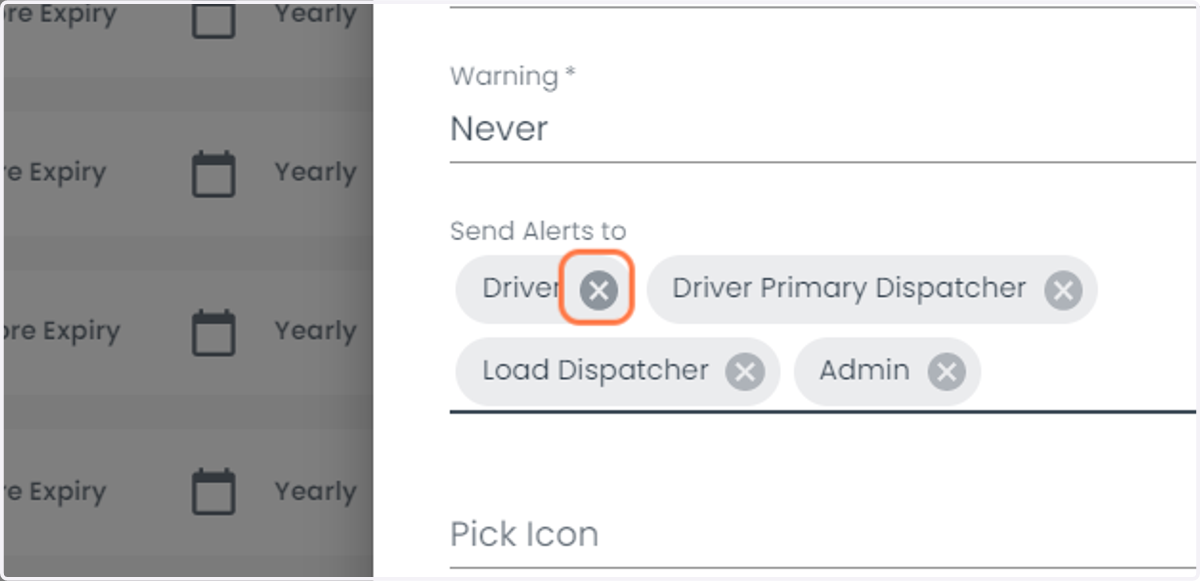
6. Click on the clear button adjacent to the respective user to stop receiving driver alert notifications to that user
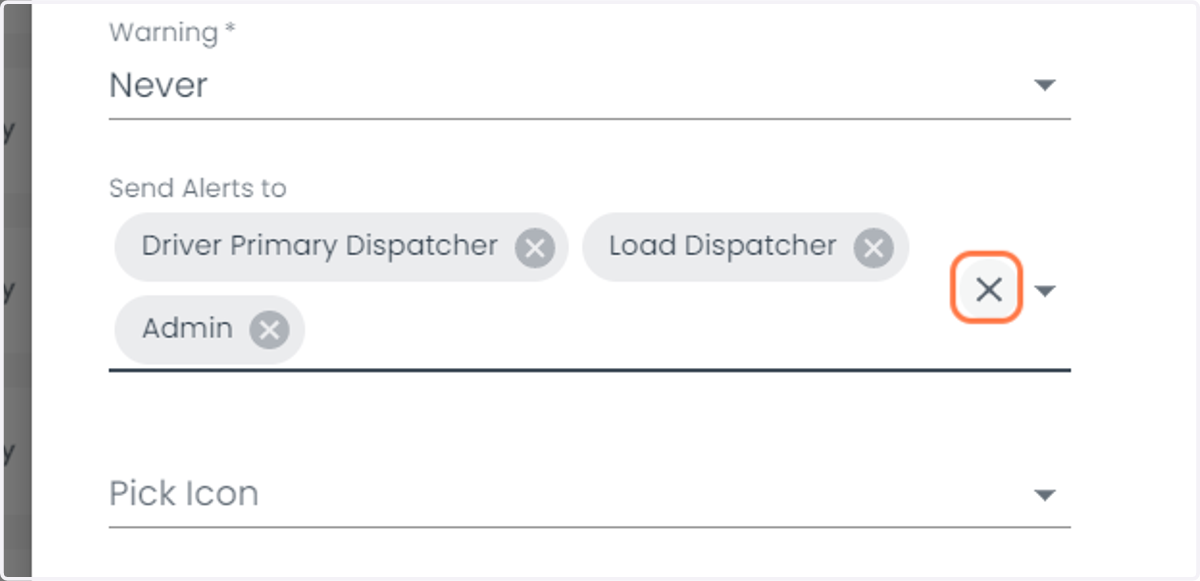
7. Click on Clear button as shown below to remove all the users so that no one gets the driver alert notifications.
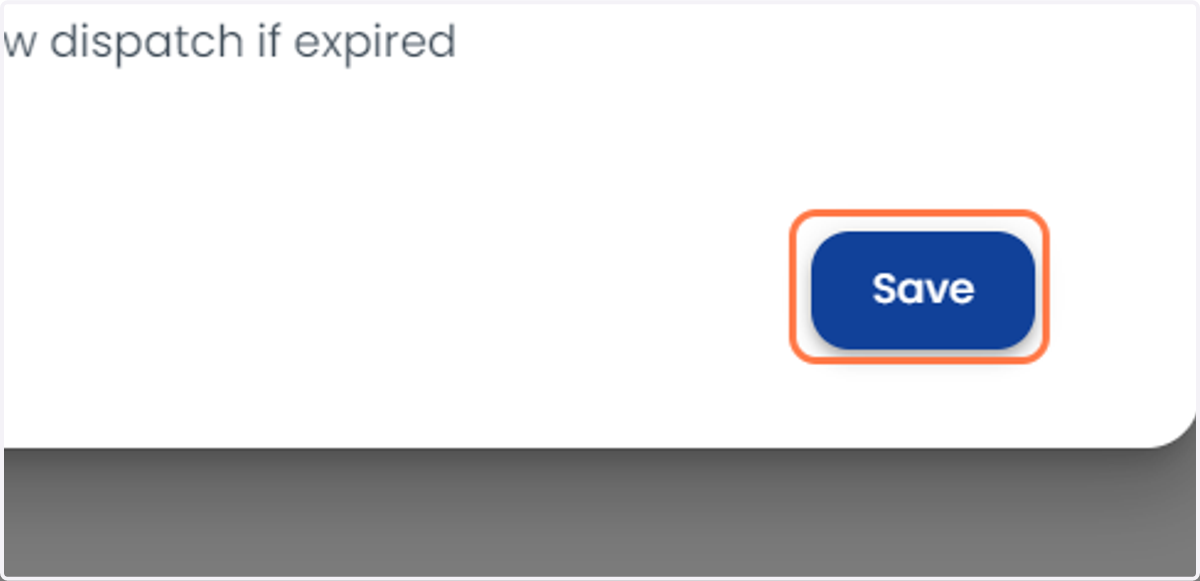
8. Click on Save