Adding a Person to the database
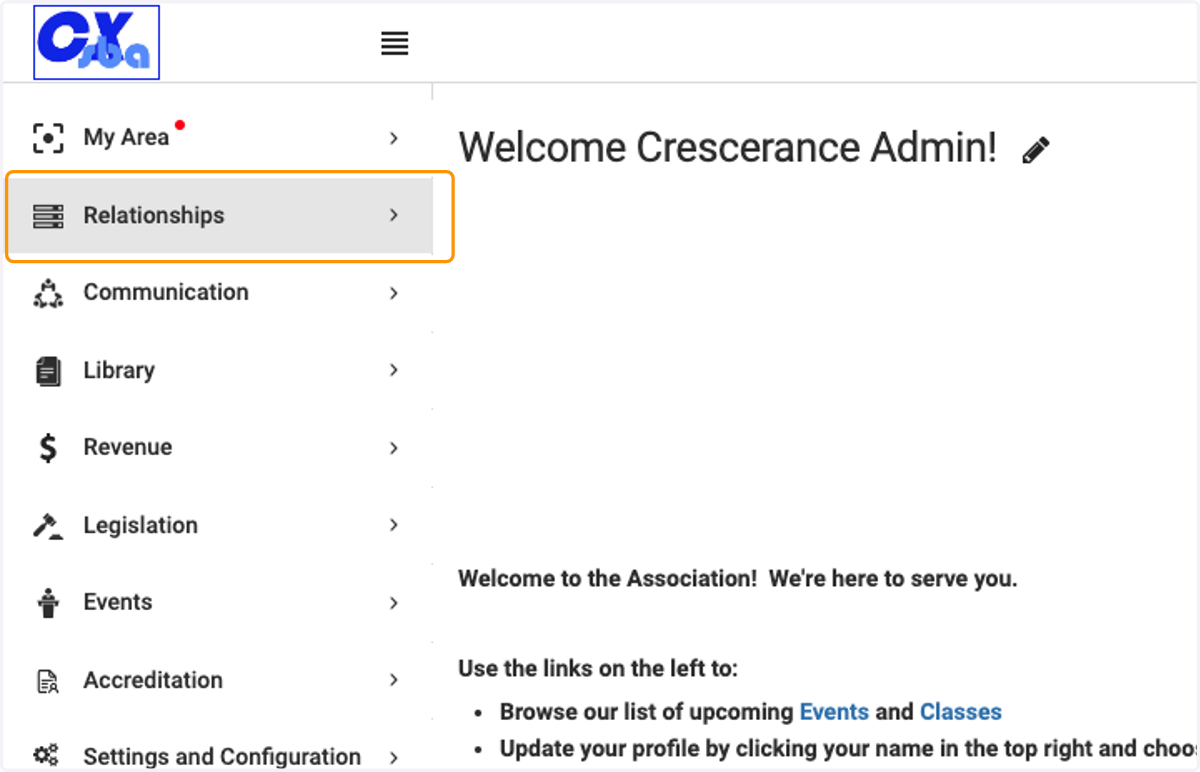
1. Click on Relationships
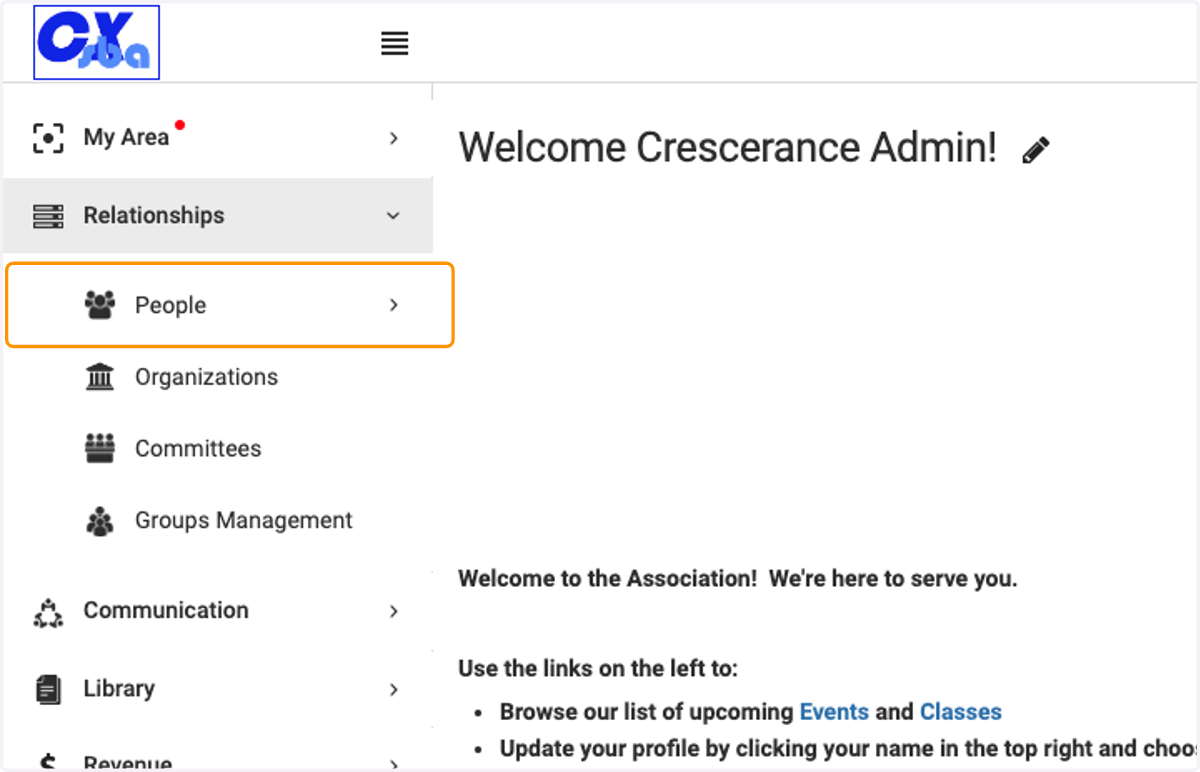
2. Click on People
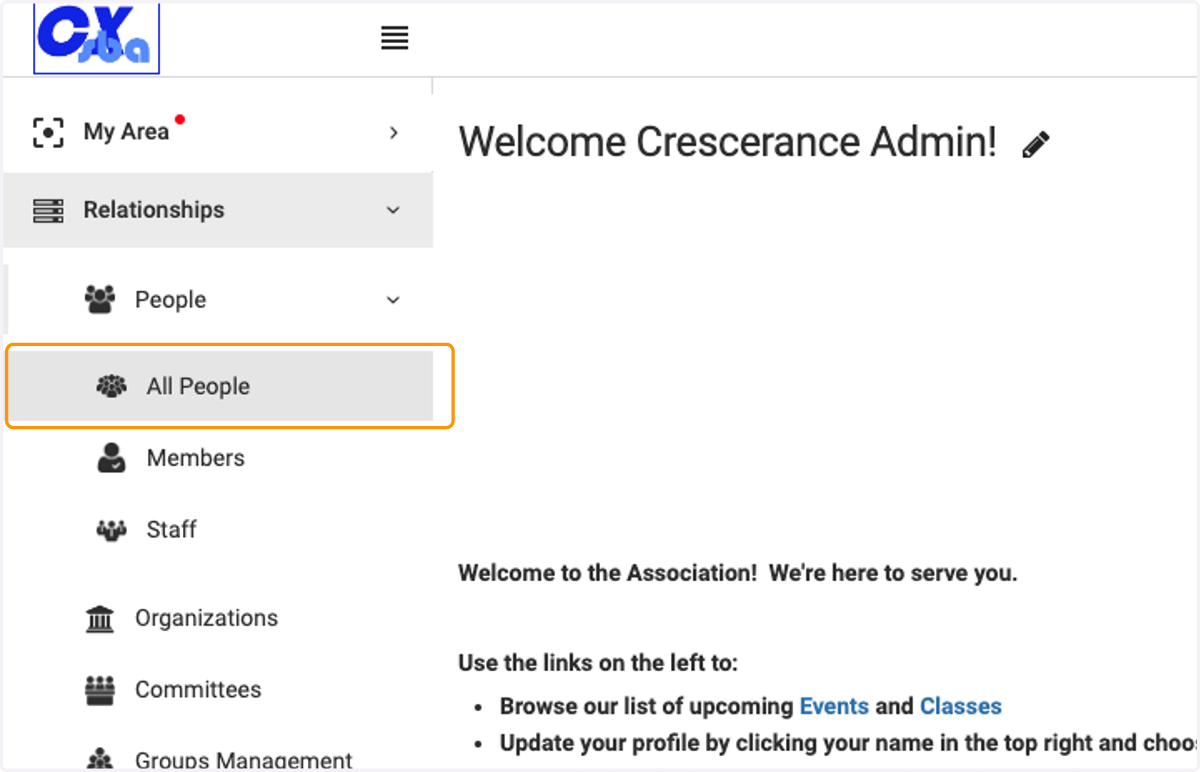
3. Click on All People
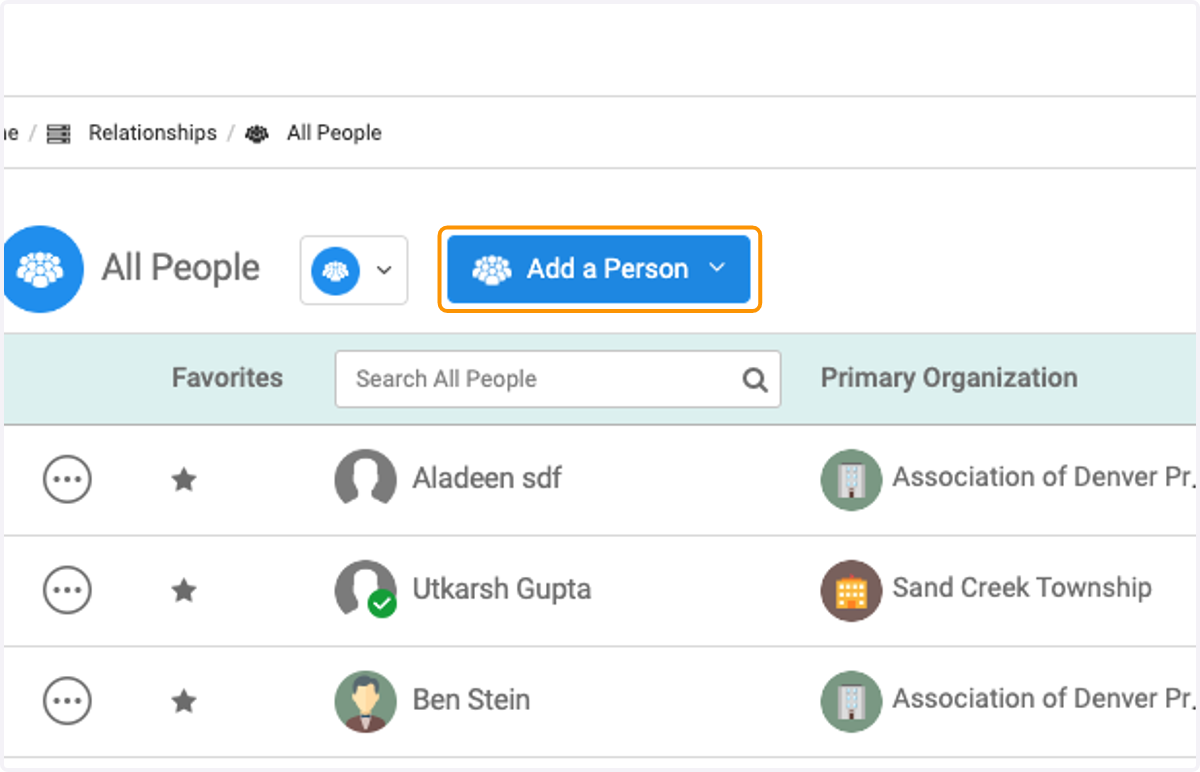
4. Click on Add a Person
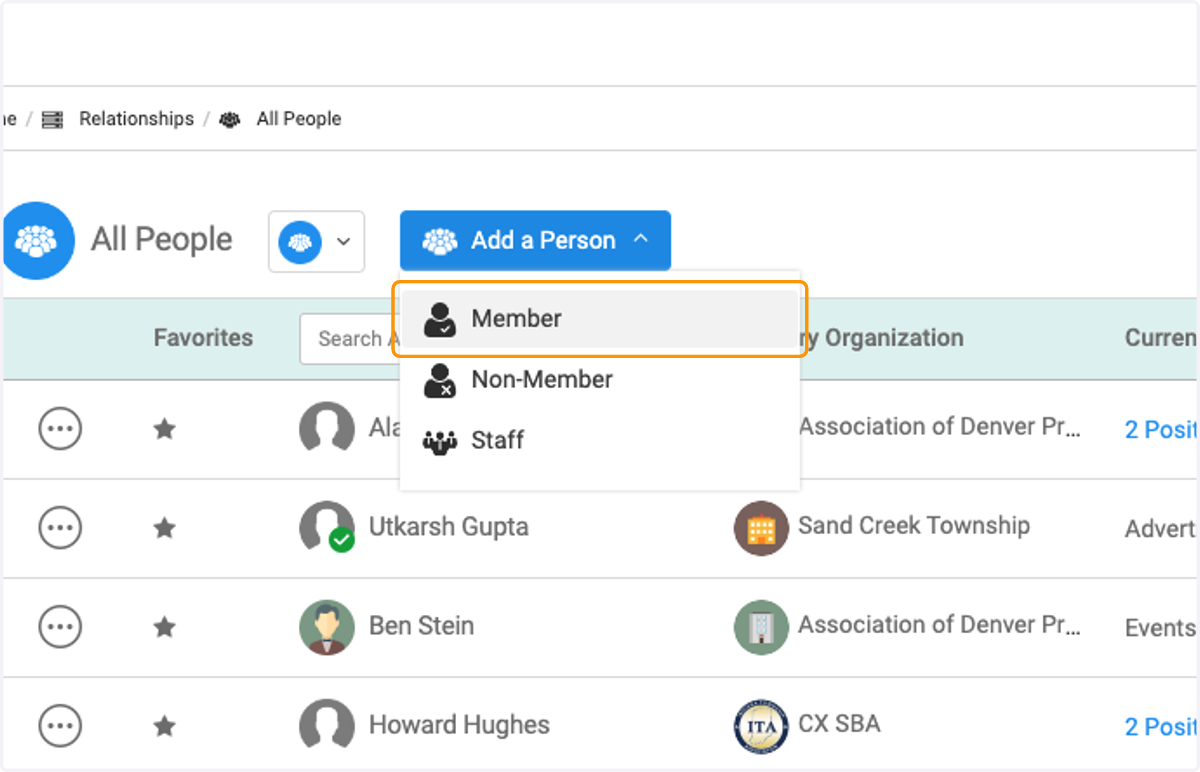
5. Choose what type of person you are adding, Member, Non-Member or Staff
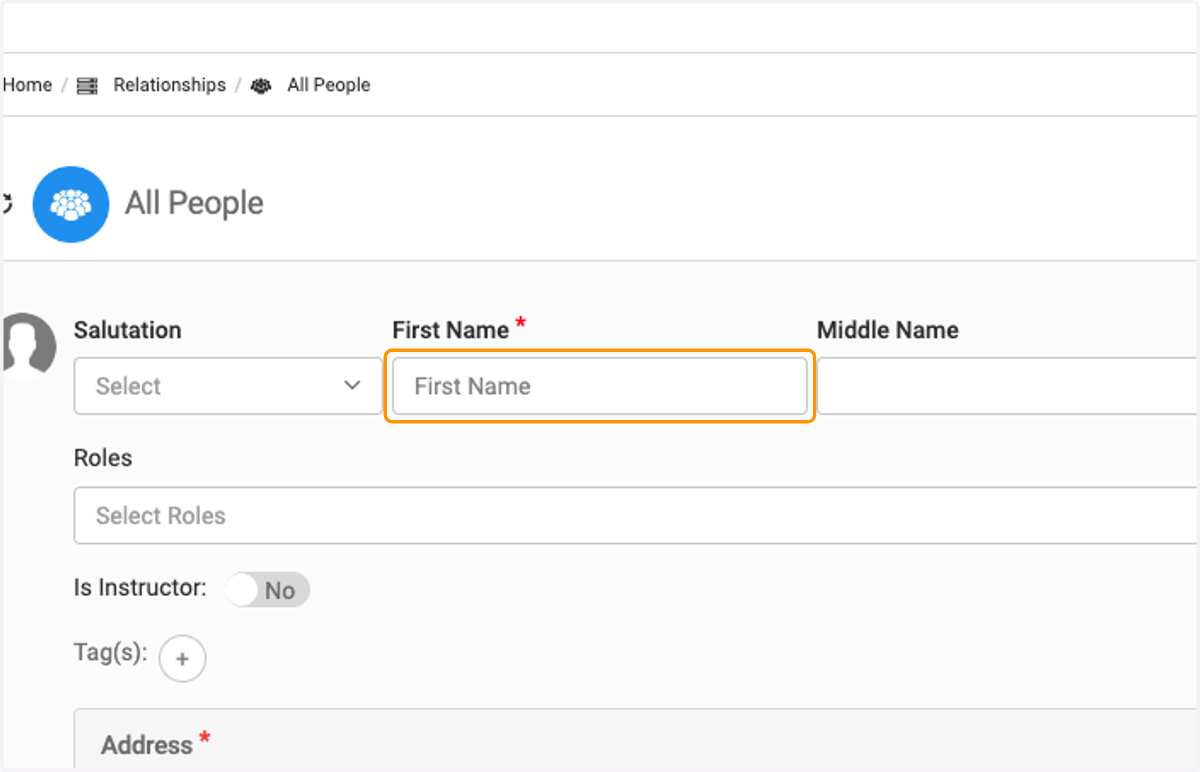
6. Enter First Name
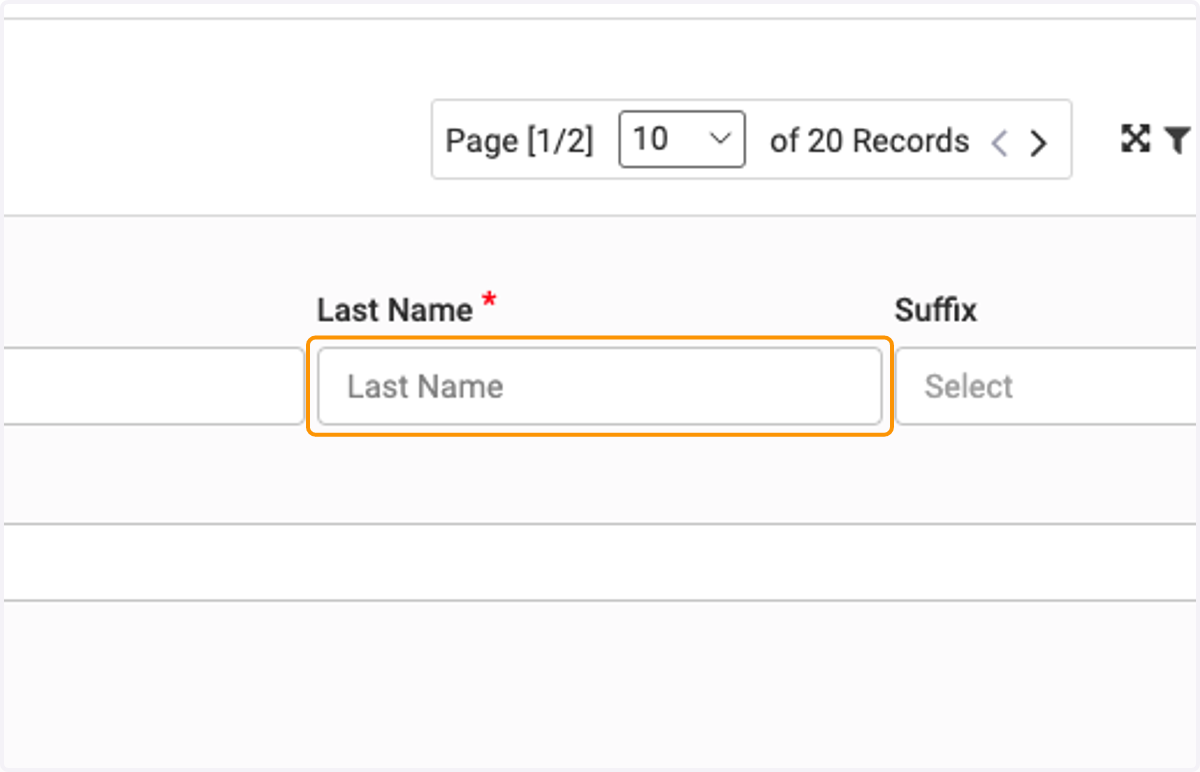
7. Enter Last Name
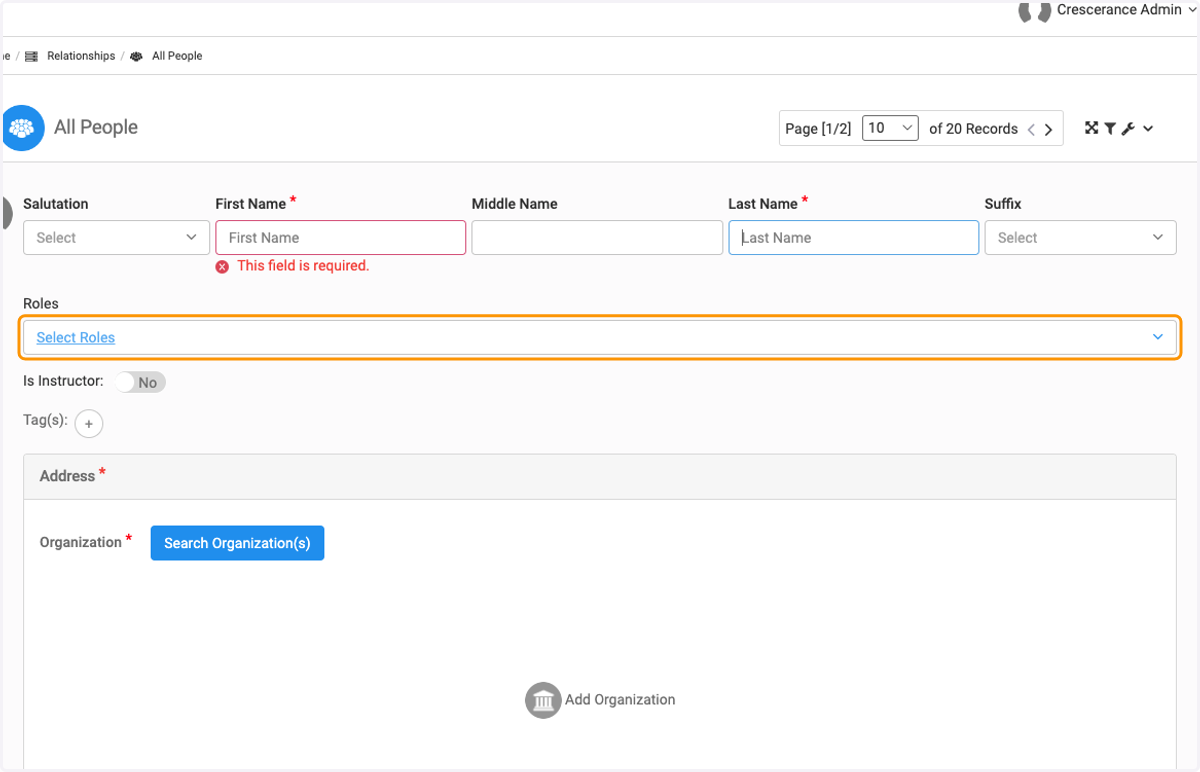
8. Click on Select Roles and select the role for the person you are adding
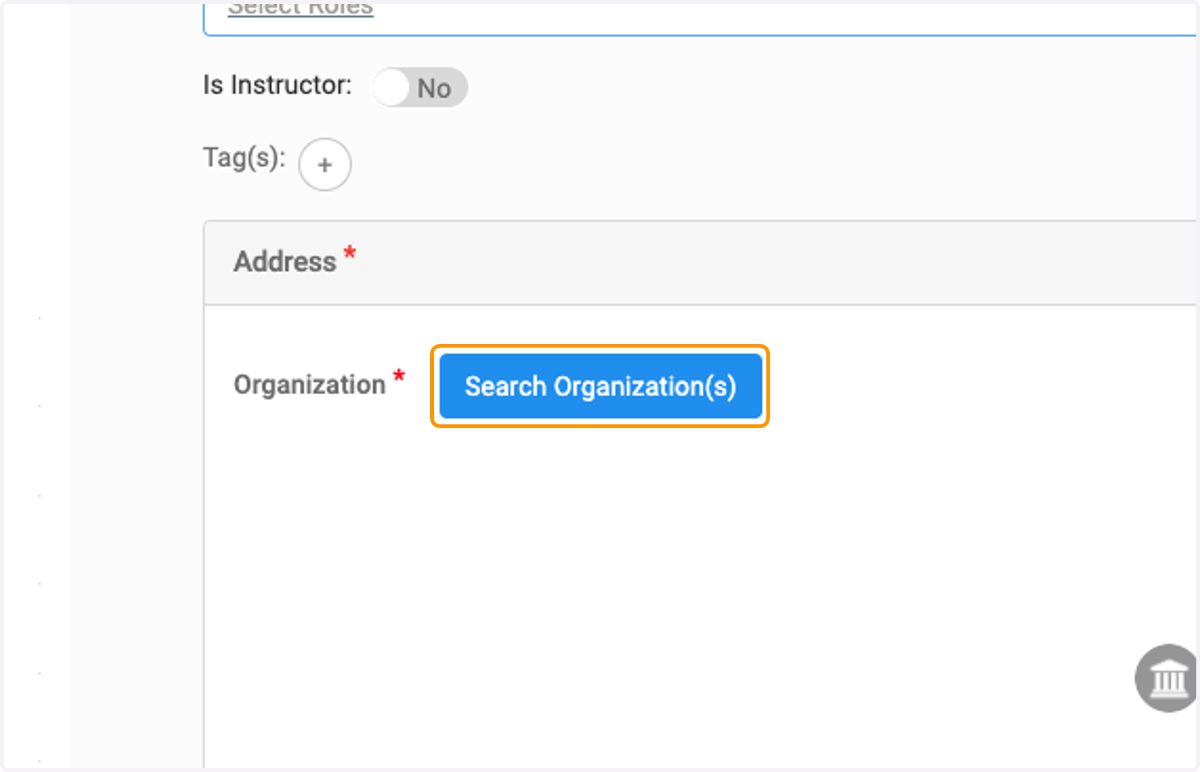
9. Click on Search Organization(s) to add the person's organization
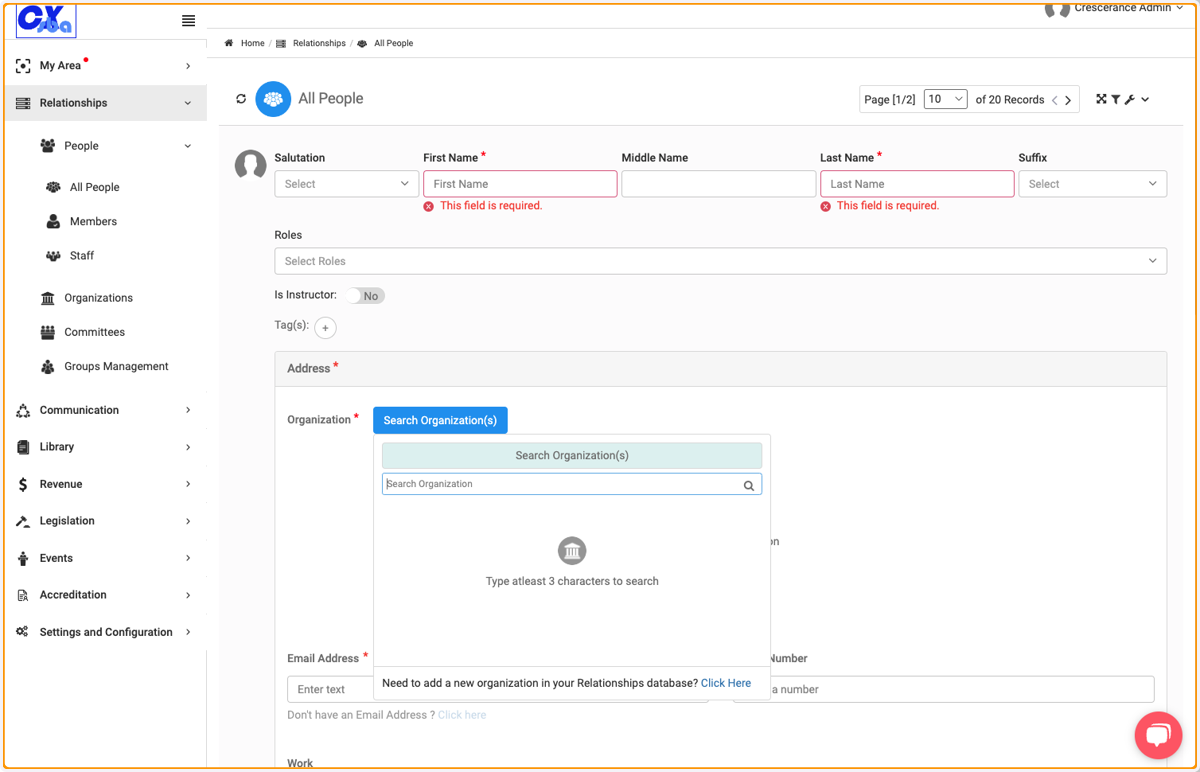
10. Either search for an existing organization or add a new organization to the database
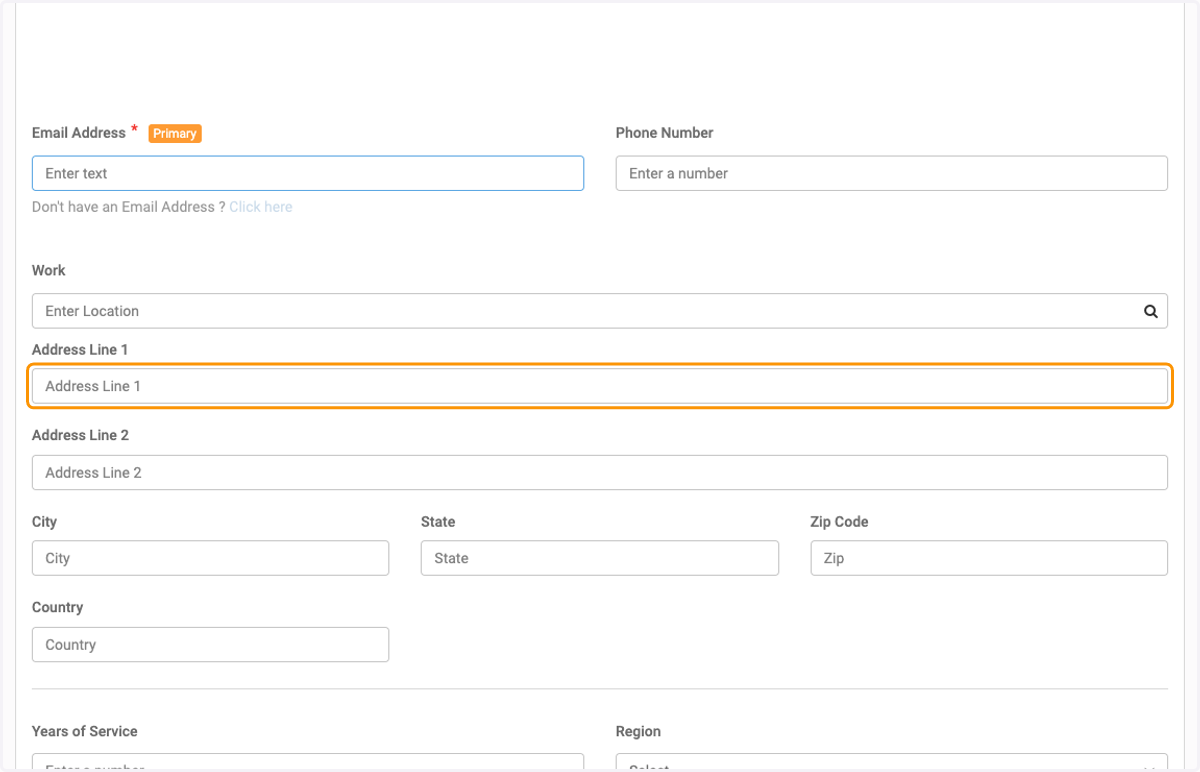
11. Enter an email address. If the person doesn't have an email address, click on 'Don't have an Email Address' and the system will auto-generate one
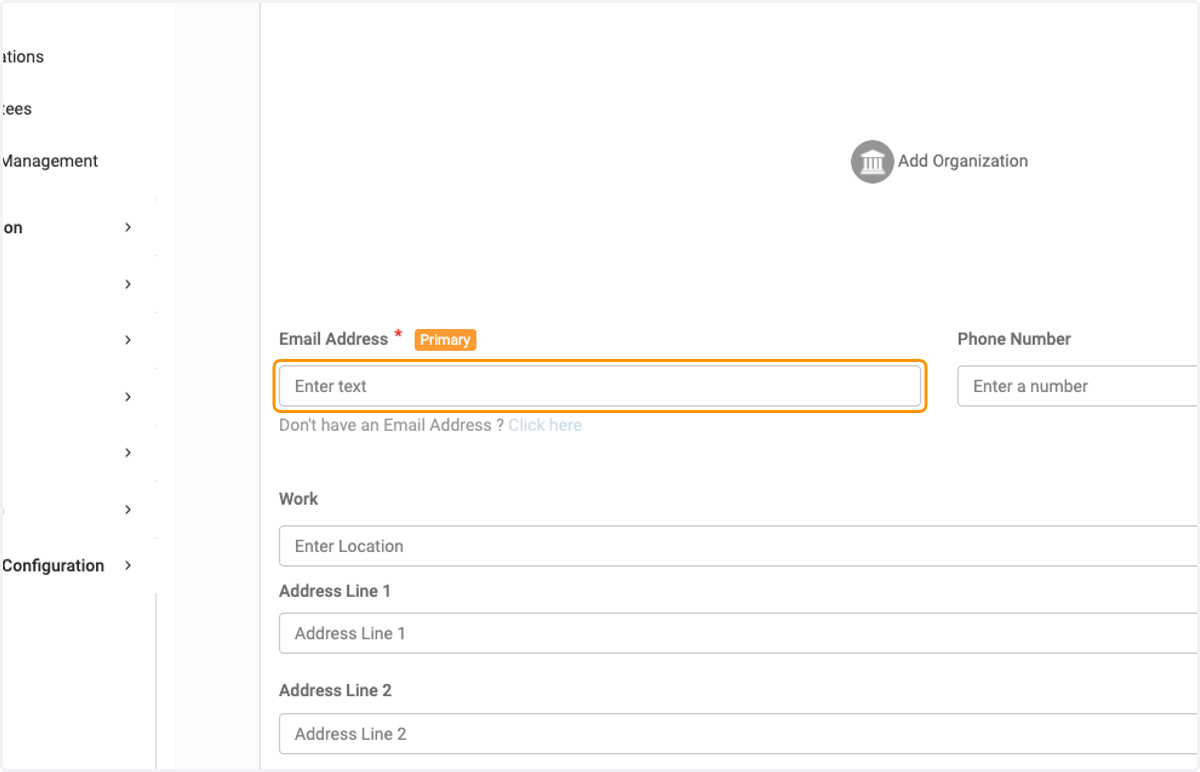
12. Complete the address section
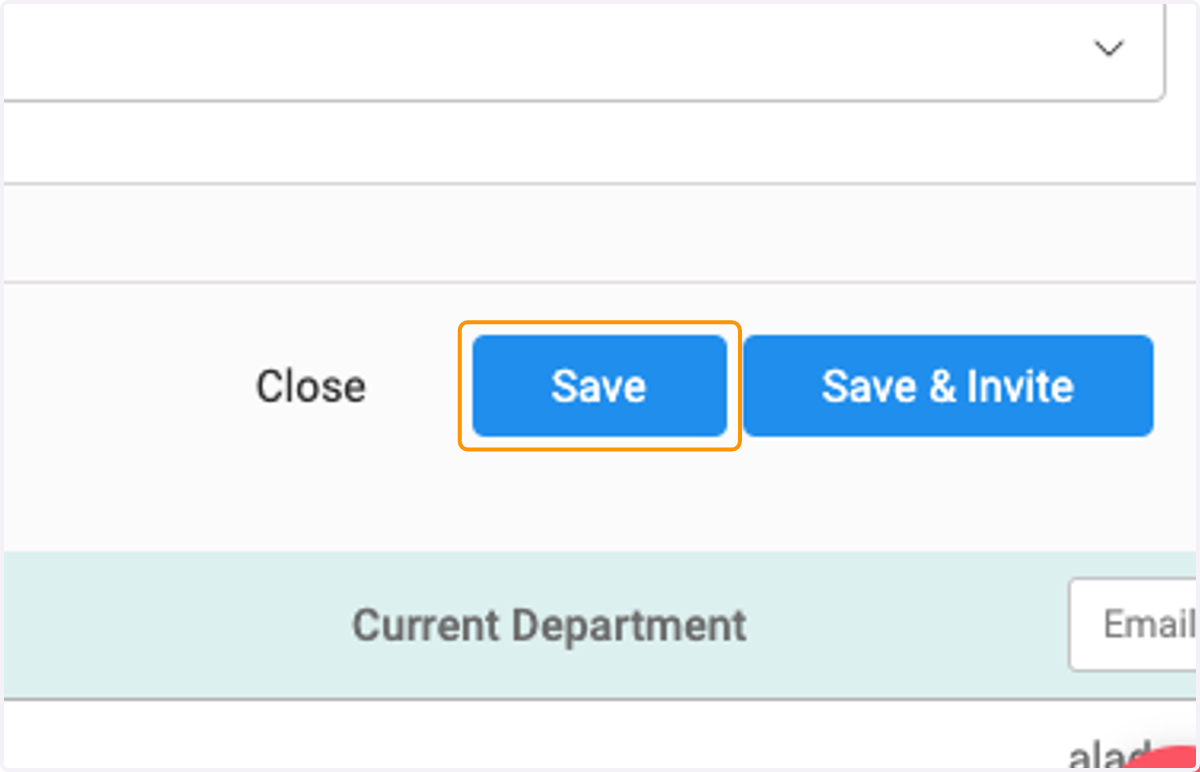
13. Click on Save or if you wish to send the person an invitation to complete the setup process and create a password, Click on Save & Invite