Delete/Deactivate a User in Chateau
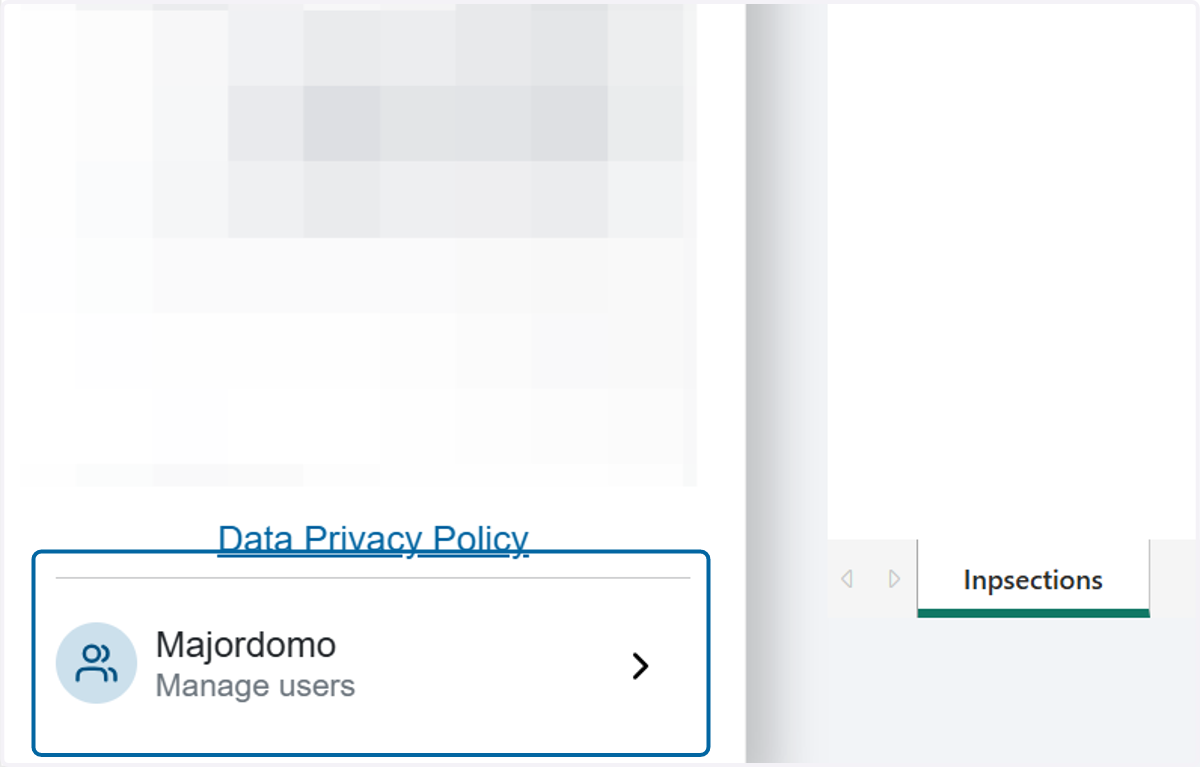
1. Click on Majordomo
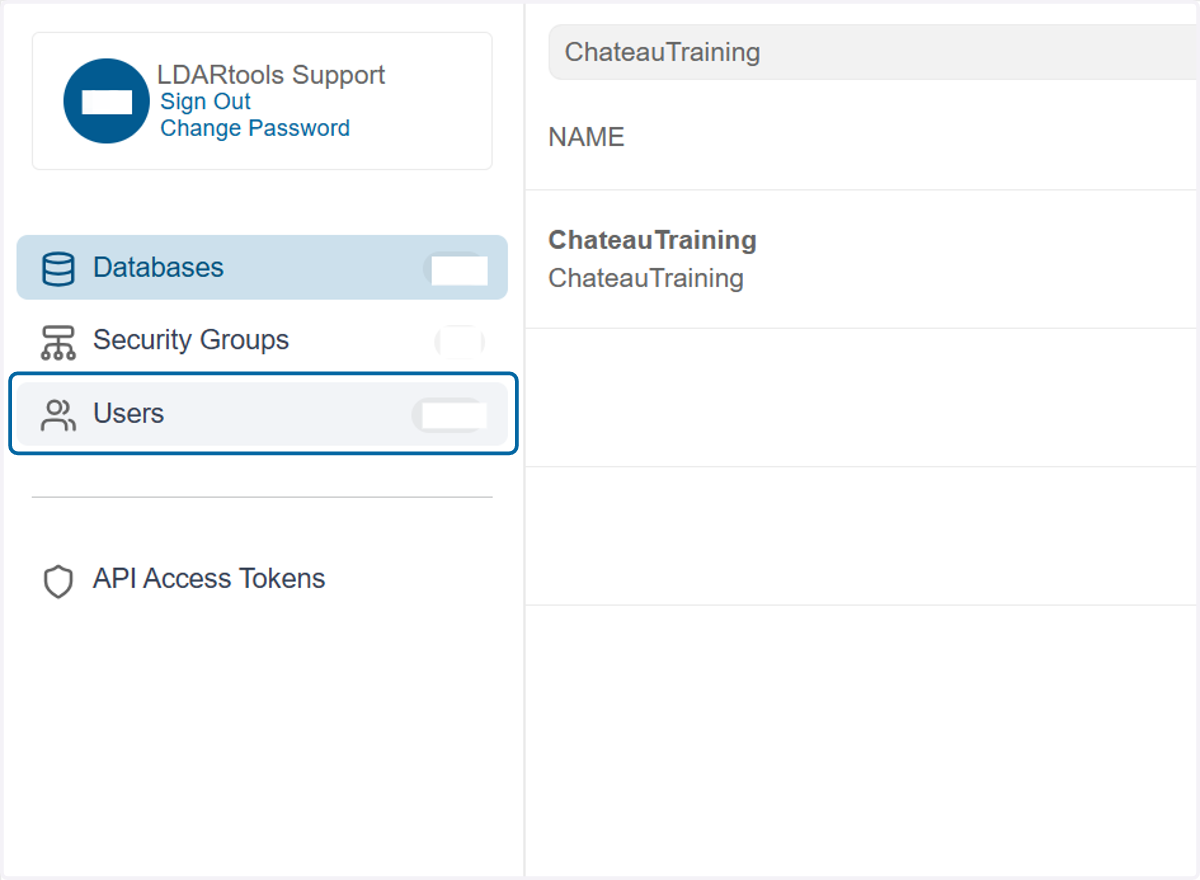
2. Click on Users…
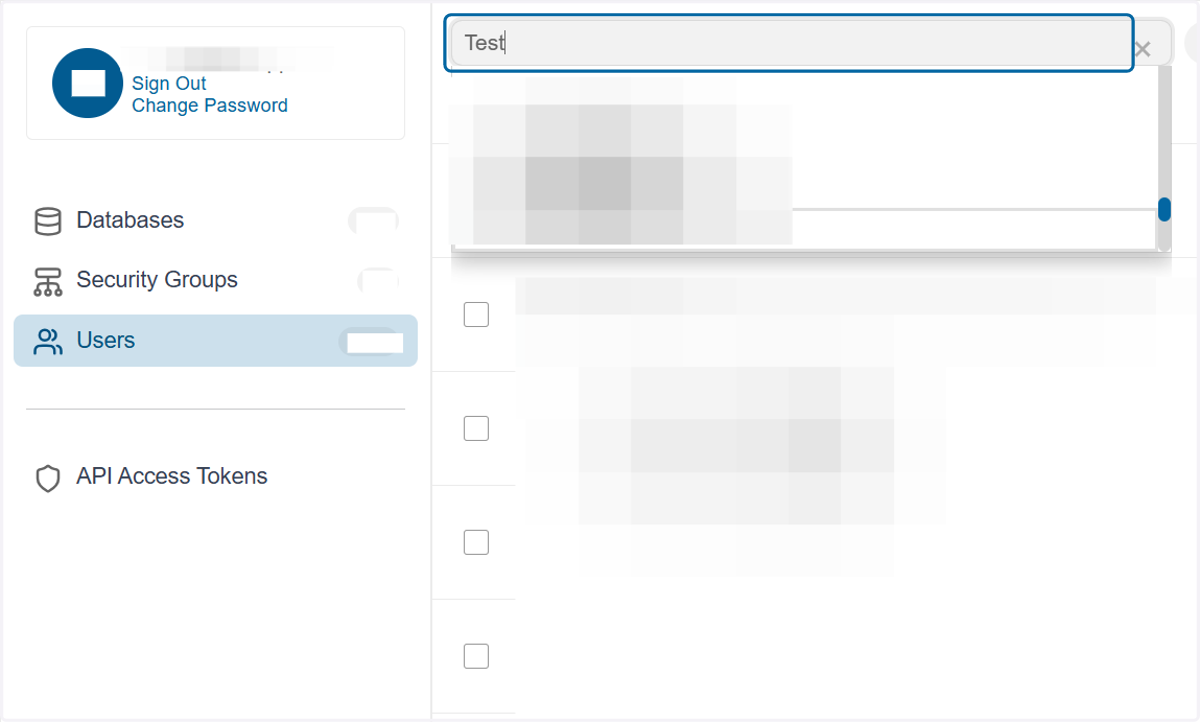
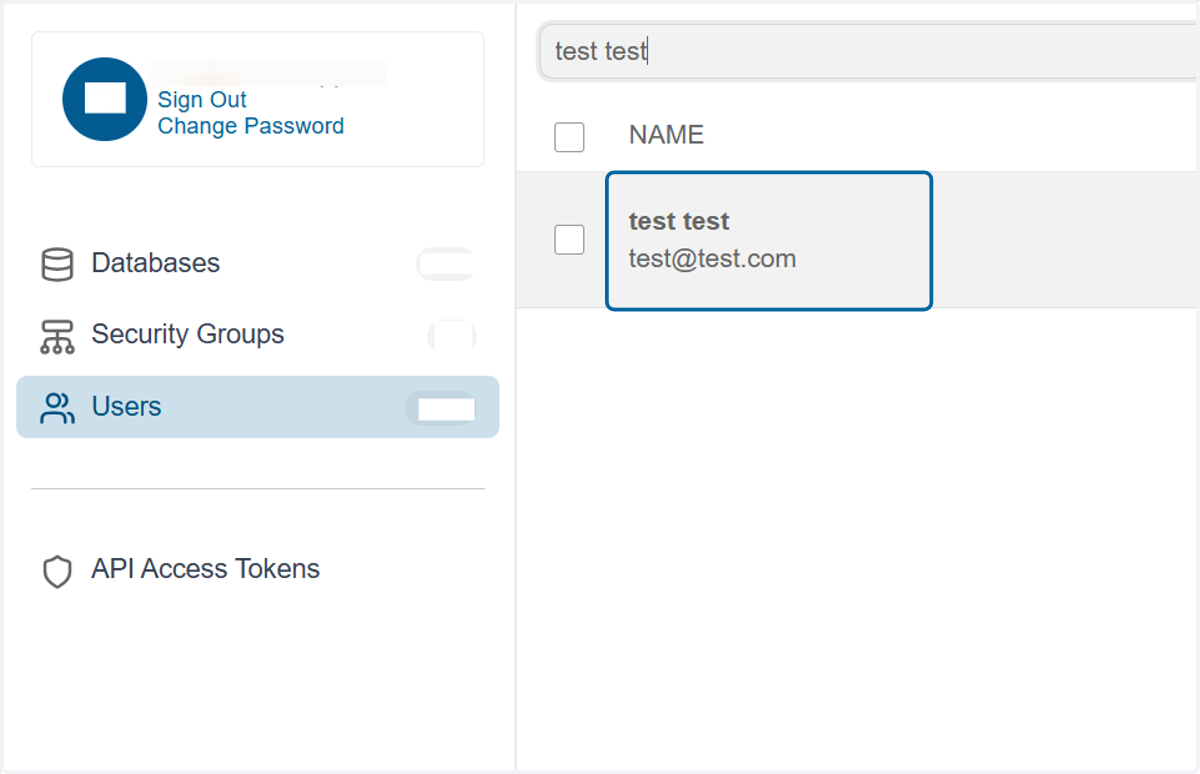
3. Search for the desired user
4. Click on the user name to open the user's details
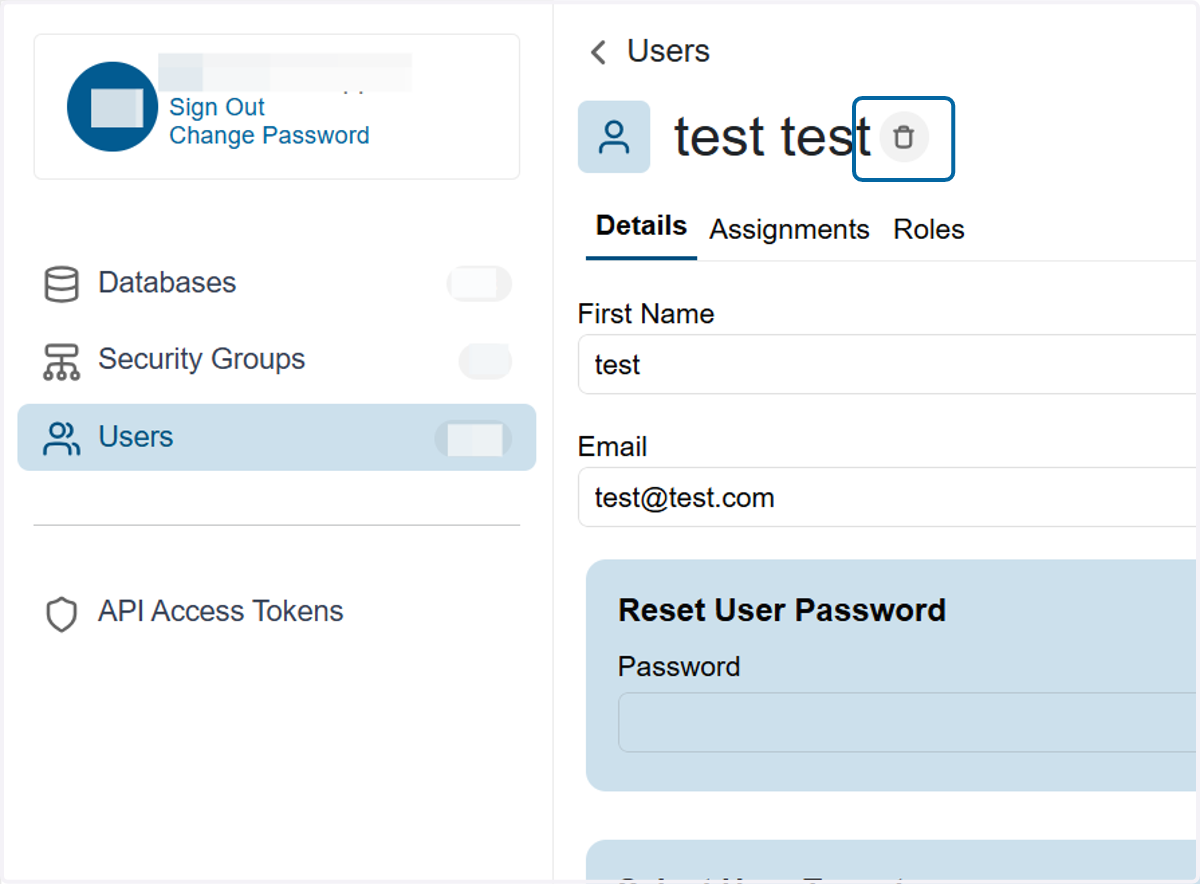
5. Click on the trash can icon next to the user's name
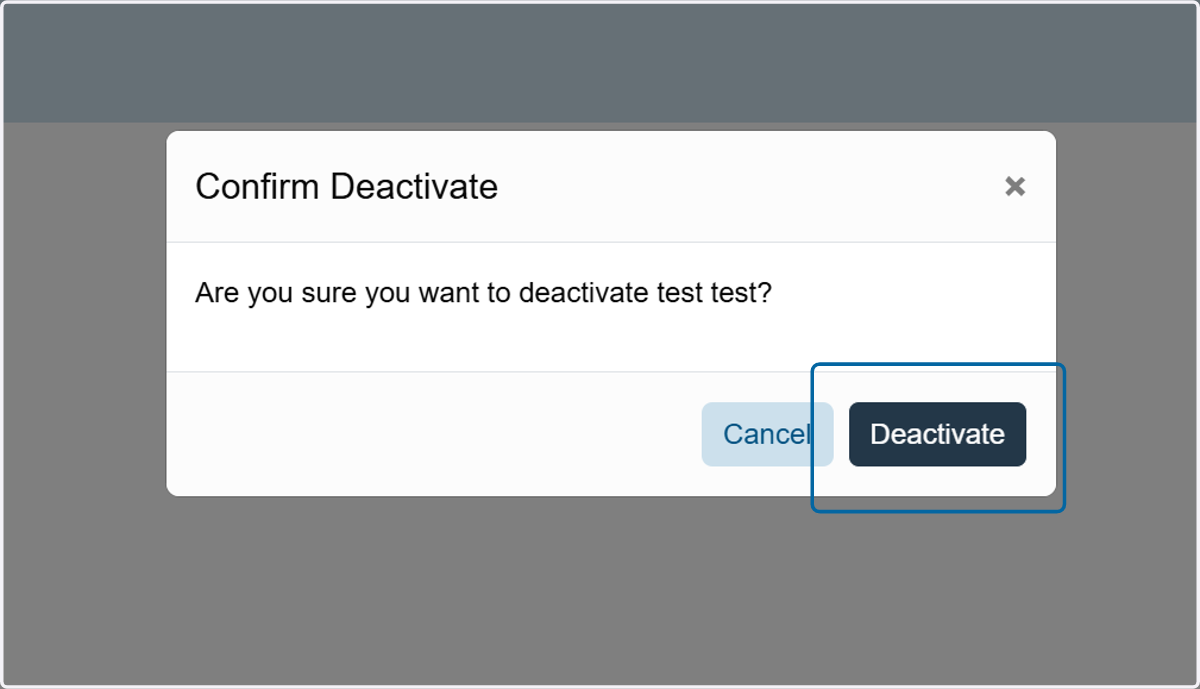
6. Click Deactivate in the pop-up window when prompted