Create Hiring Request in Odoo

Odoo

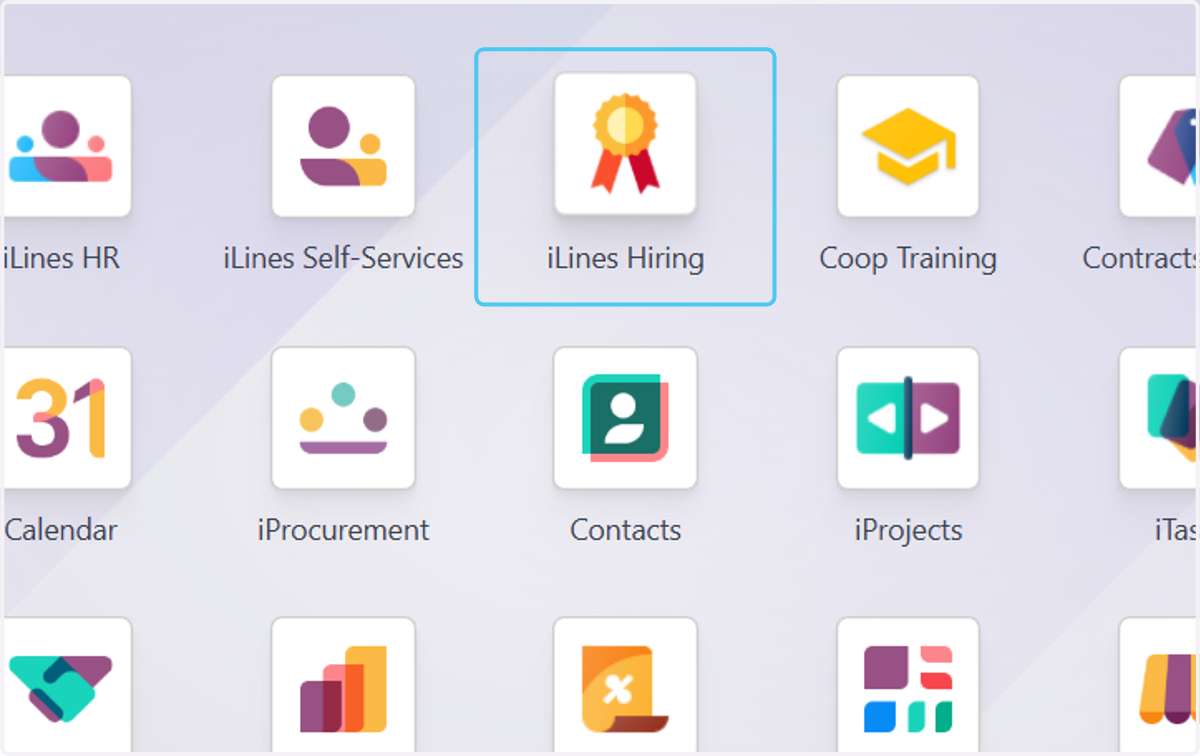
  1. 1. Click on iLines Hiring

    Click on iLines Hiring
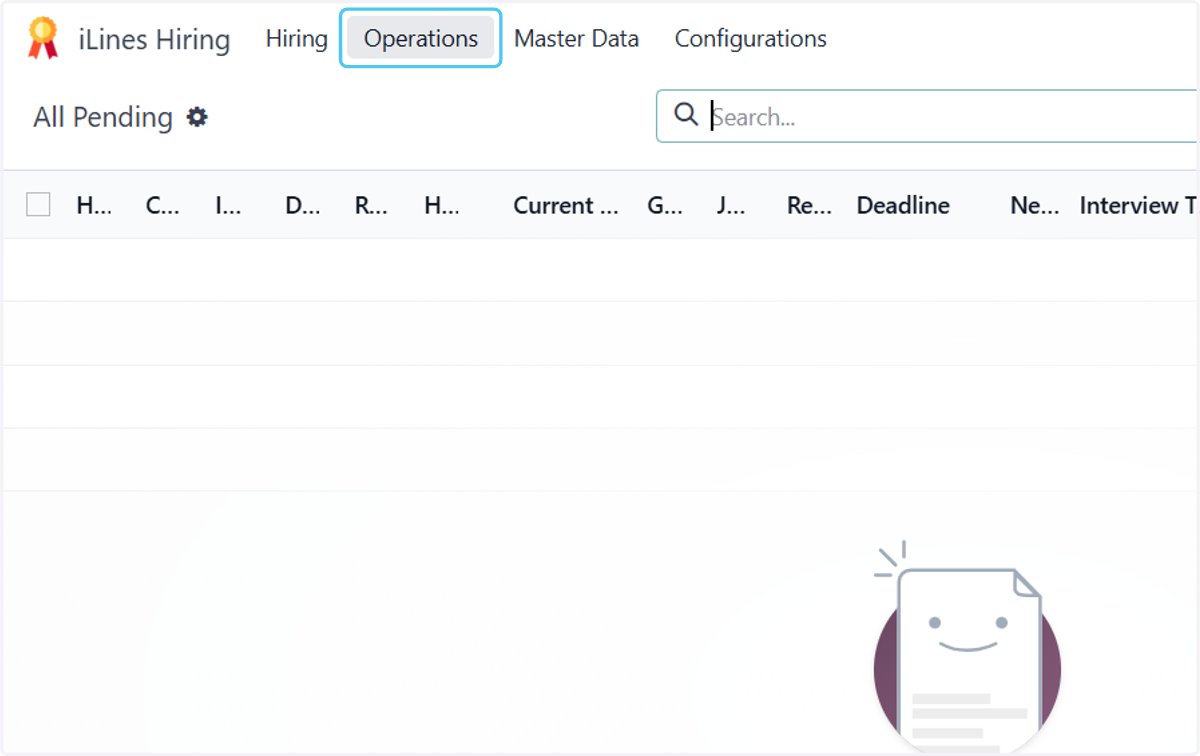
  2. 2. Click on Operations

    Click on Operations
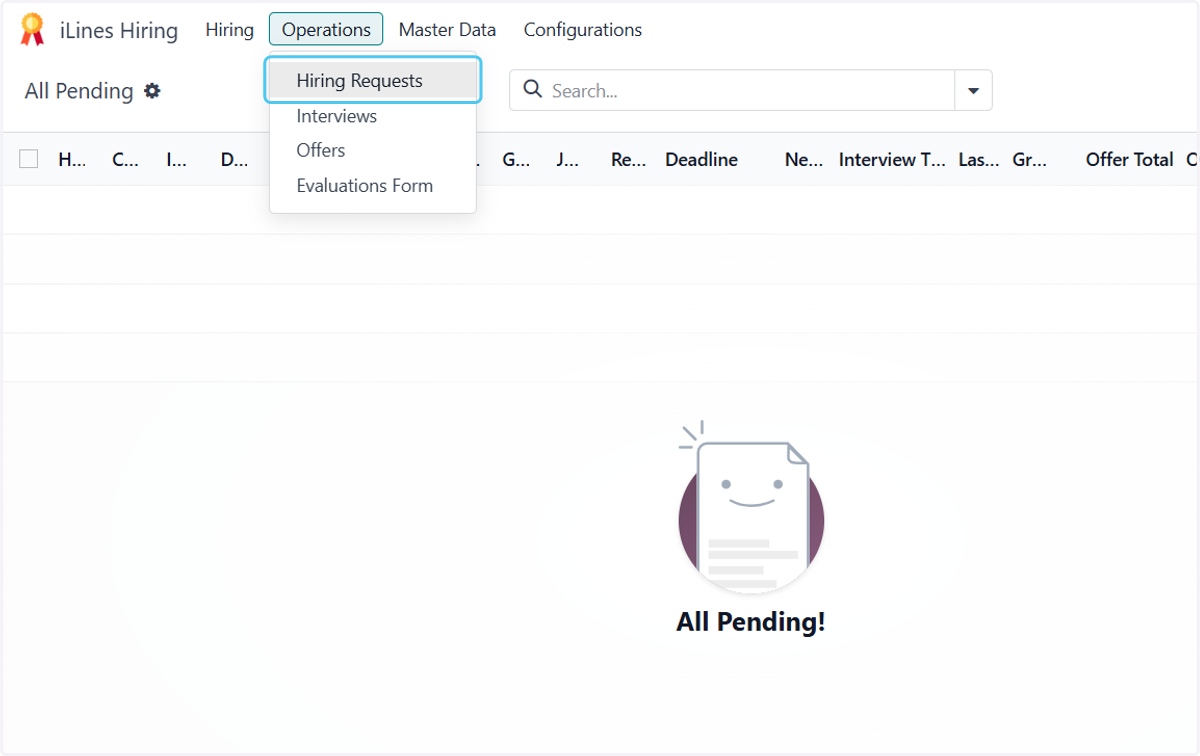
  3. 3. Click on Hiring Requests

    Click on Hiring Requests
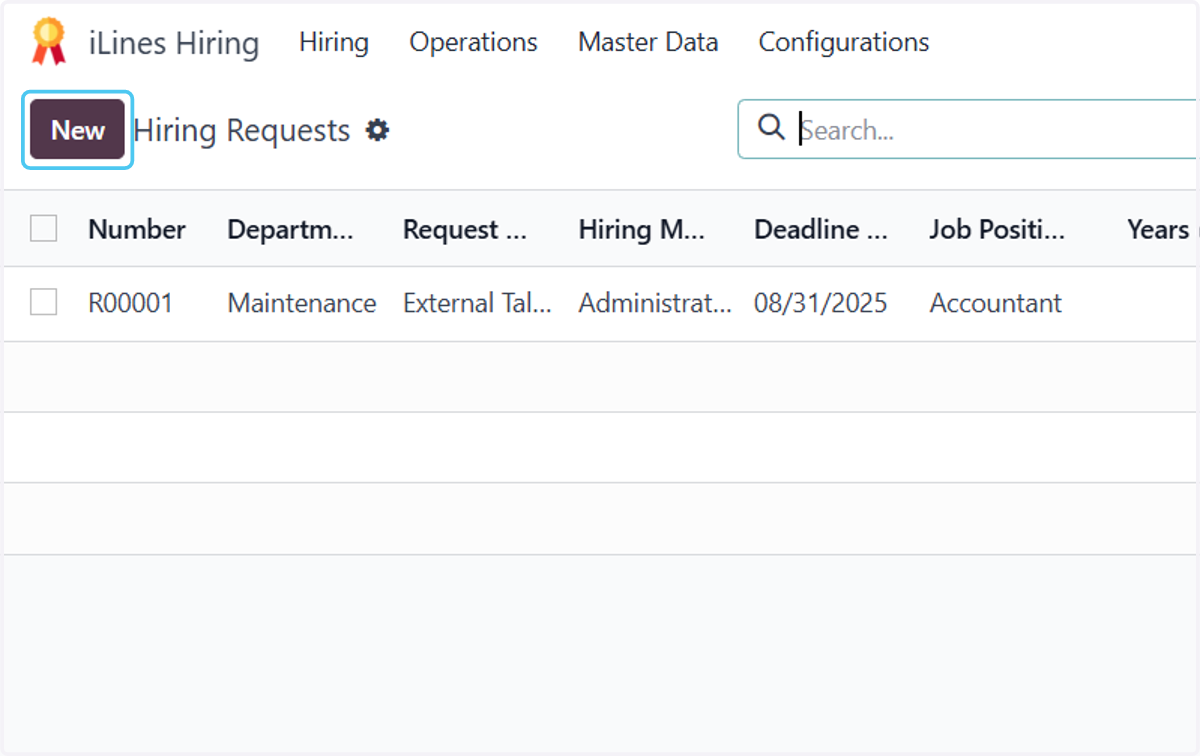
  4. 4. Click on New

    Click on New
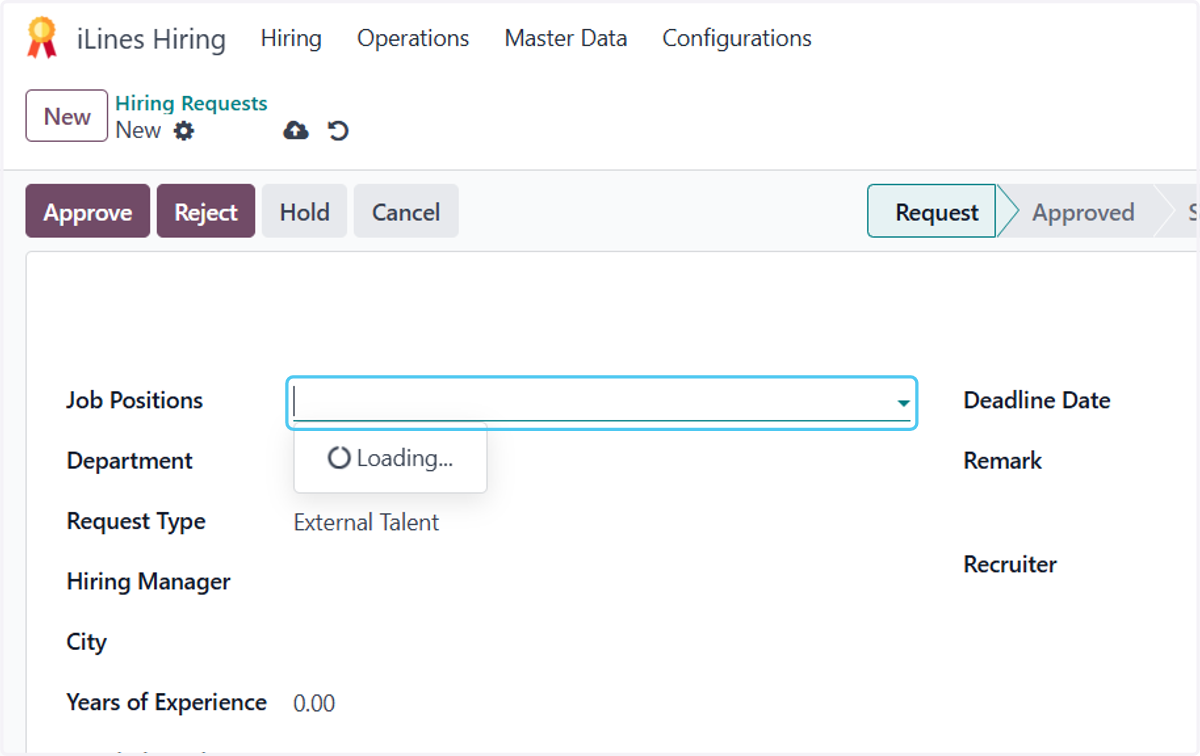
  5. 5. Click on Job Positions

    Click on Job Positions
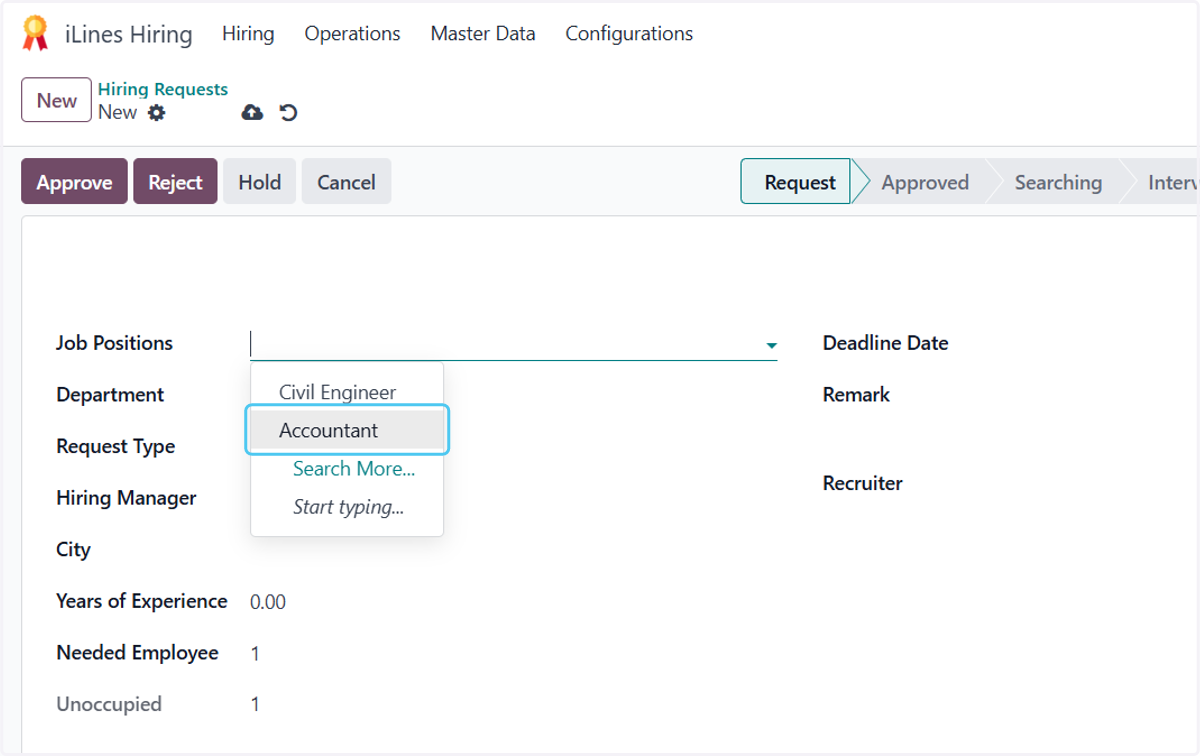
  6. 6. Choose the job

    Choose the job
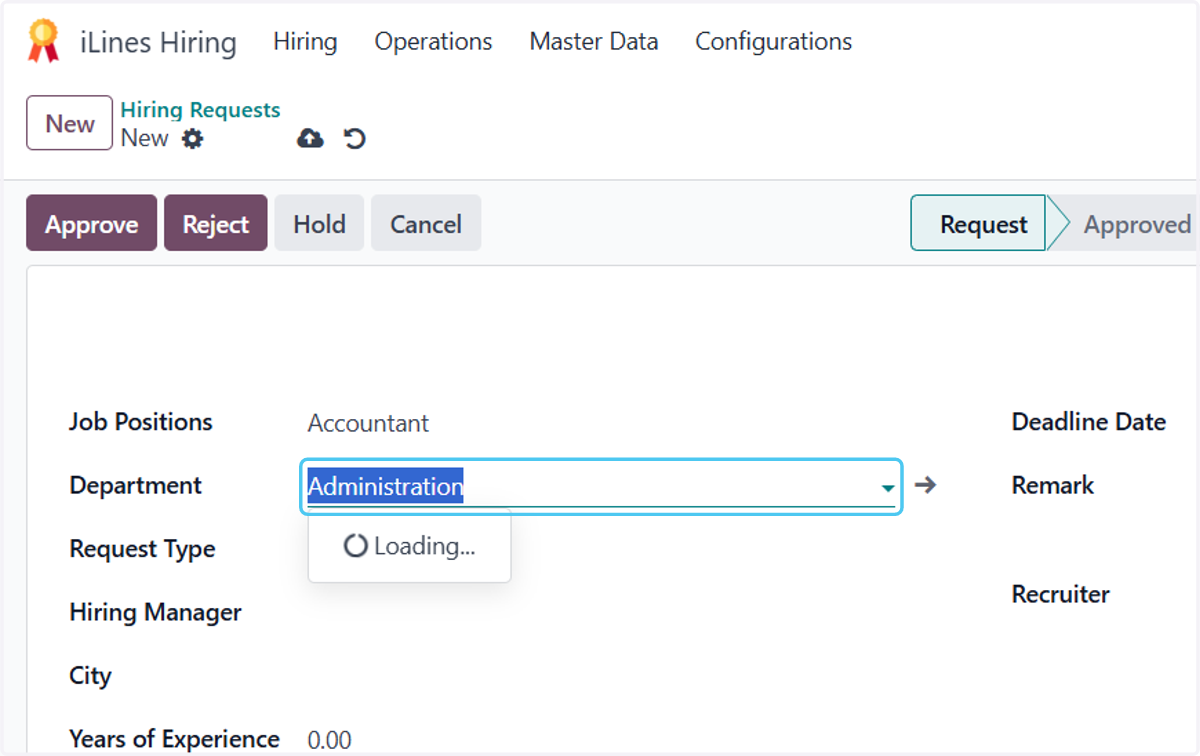
  7. 7. Click on Department

    Click on Department
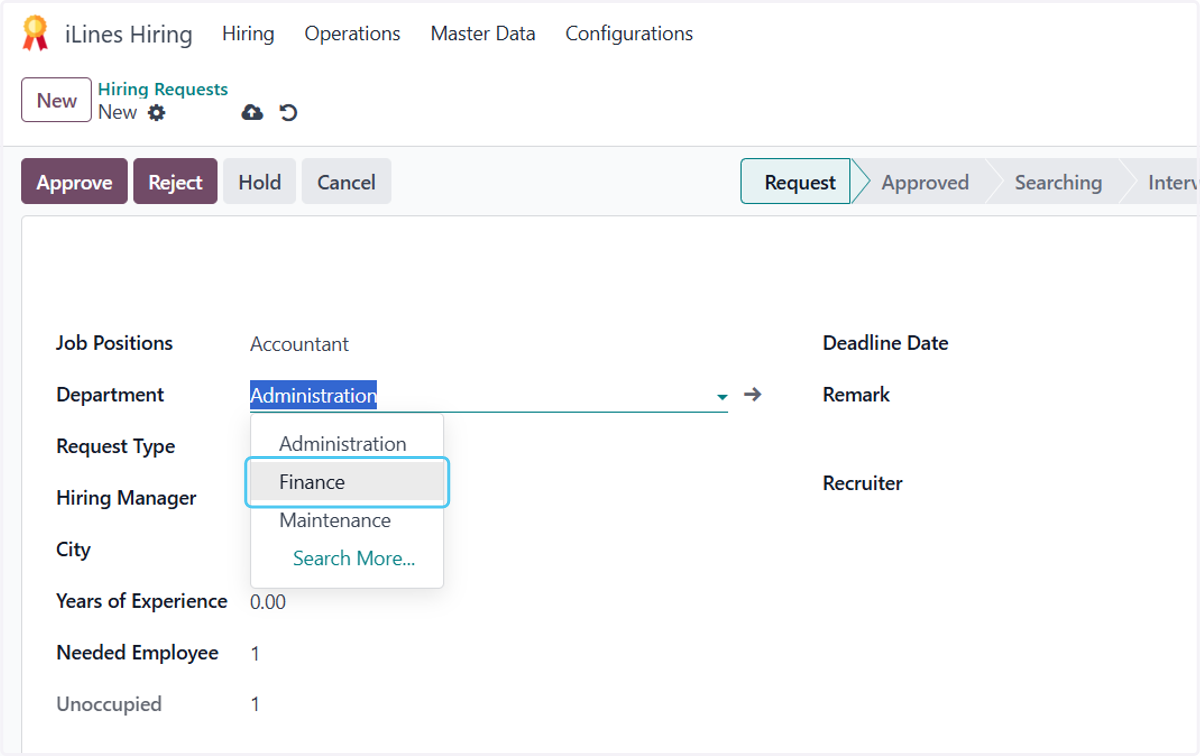
  8. 8. Choose the department

    Choose the department
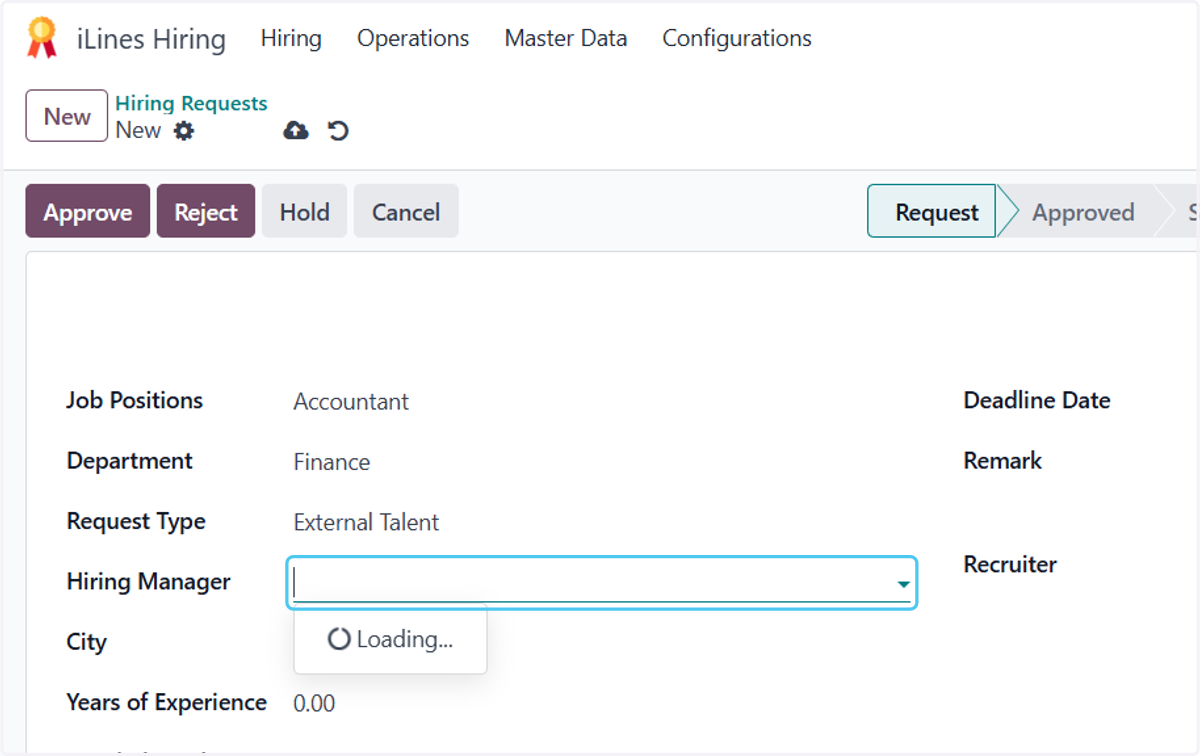
  9. 9. Click on Hiring Manager

    Click on Hiring Manager
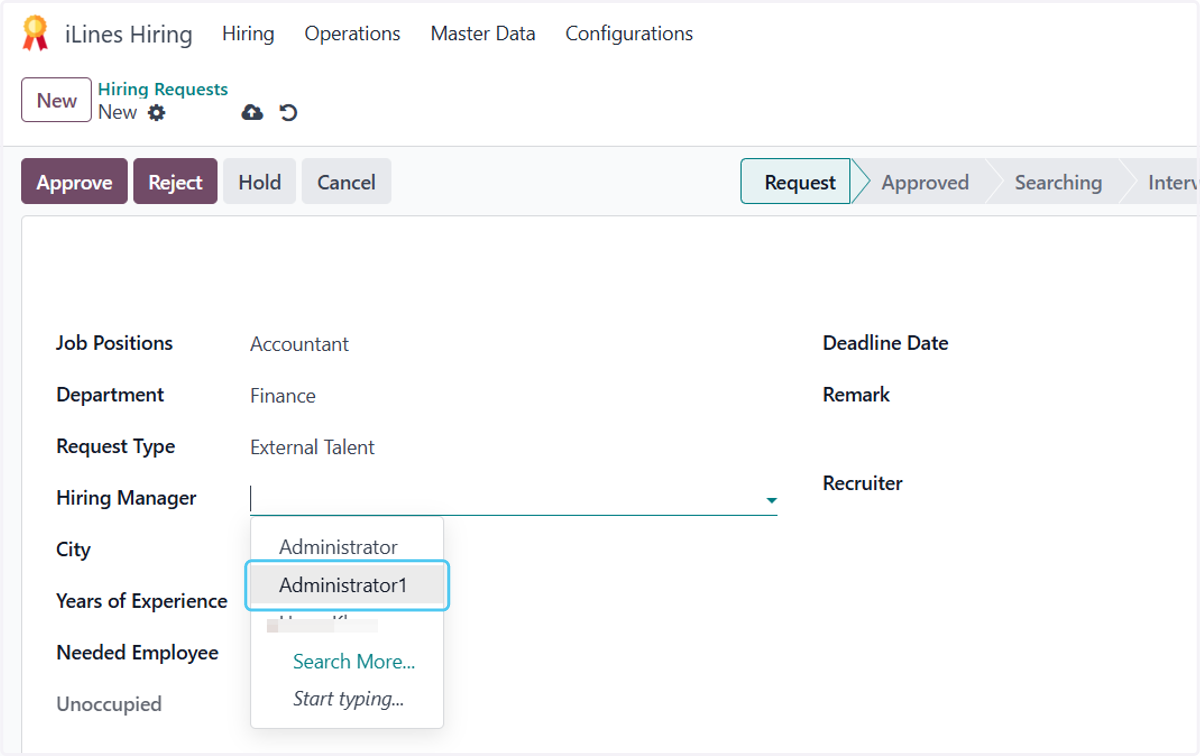
  10. 10. Choose HM

    Choose HM
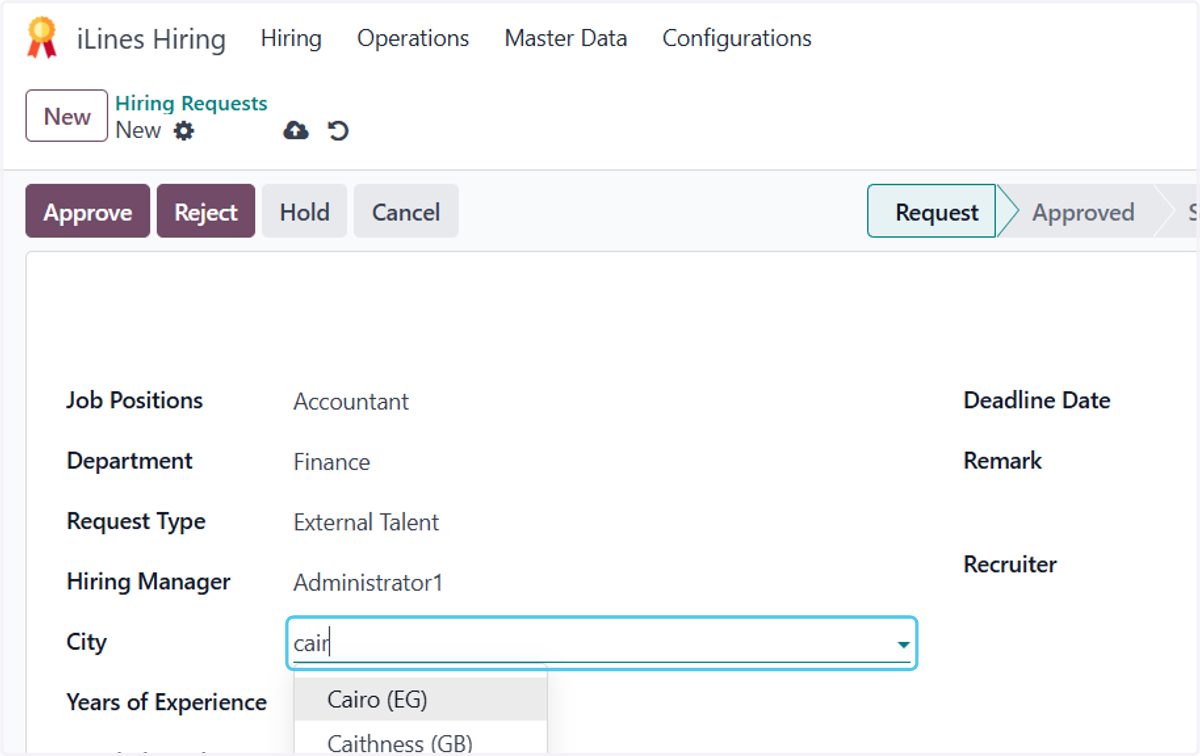
  11. 11. Type "cair"

    Type "cair"
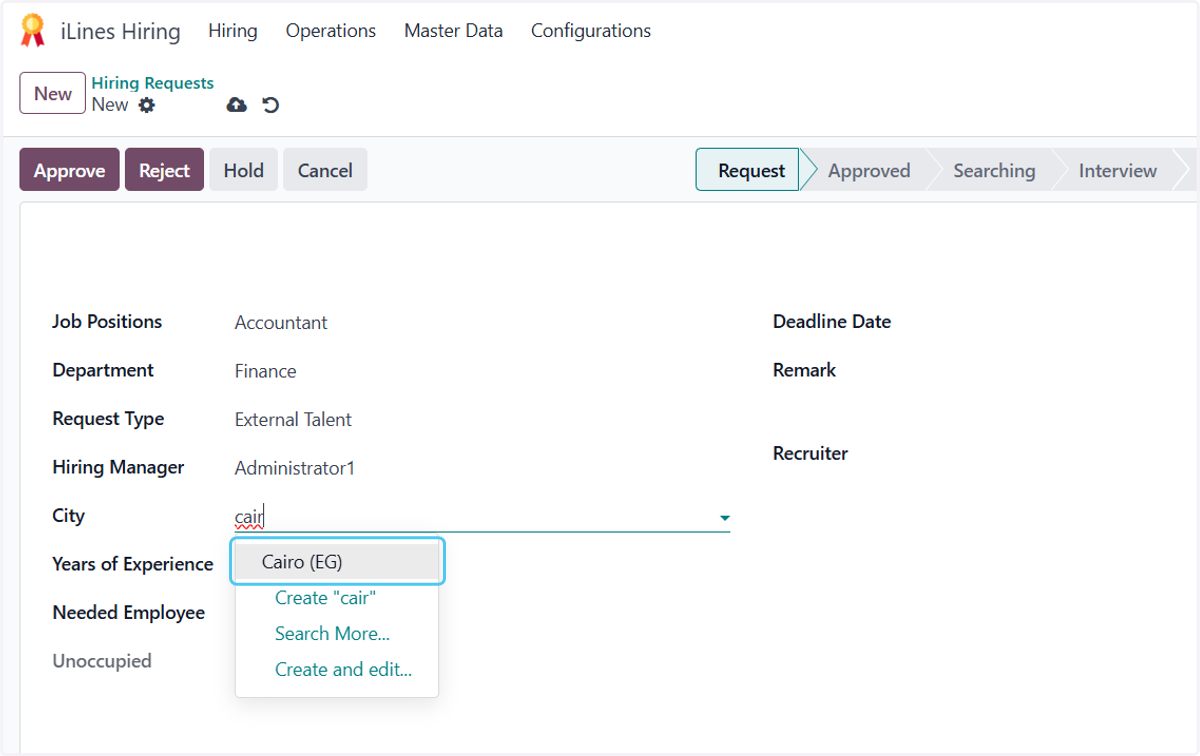
  12. 12. Choose the city

    Choose the city
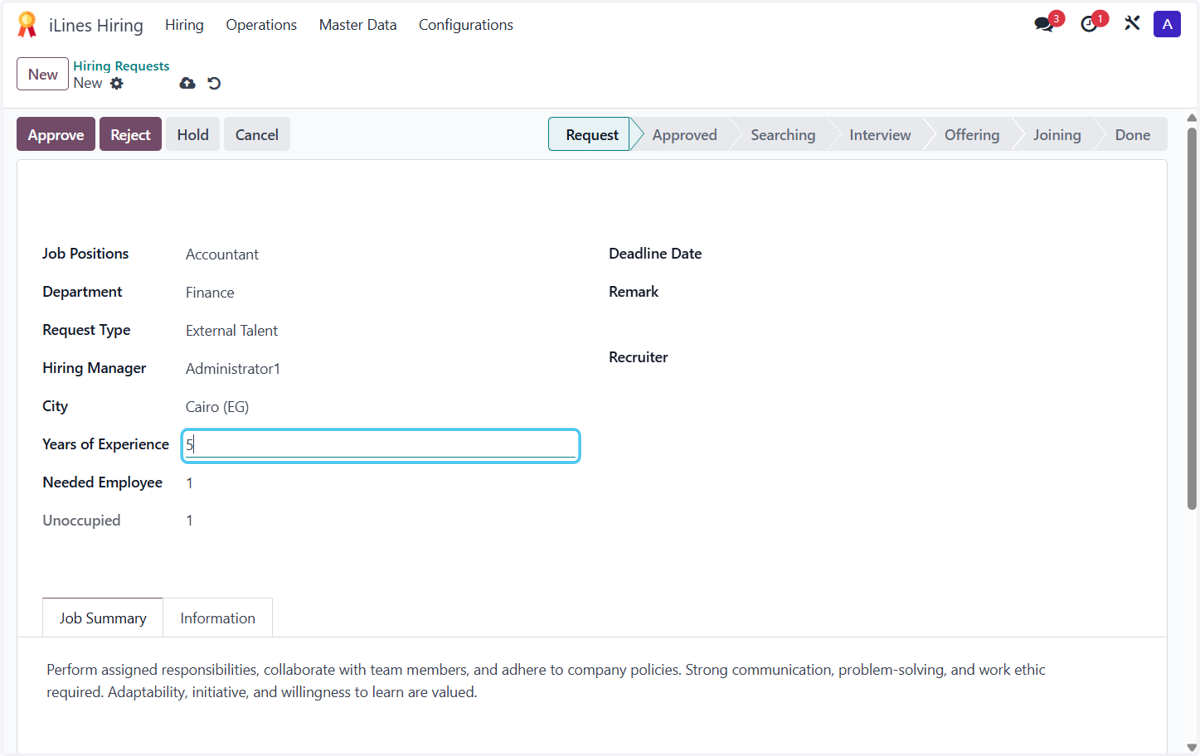
  13. 13. Type years of experince

    Type years of experince
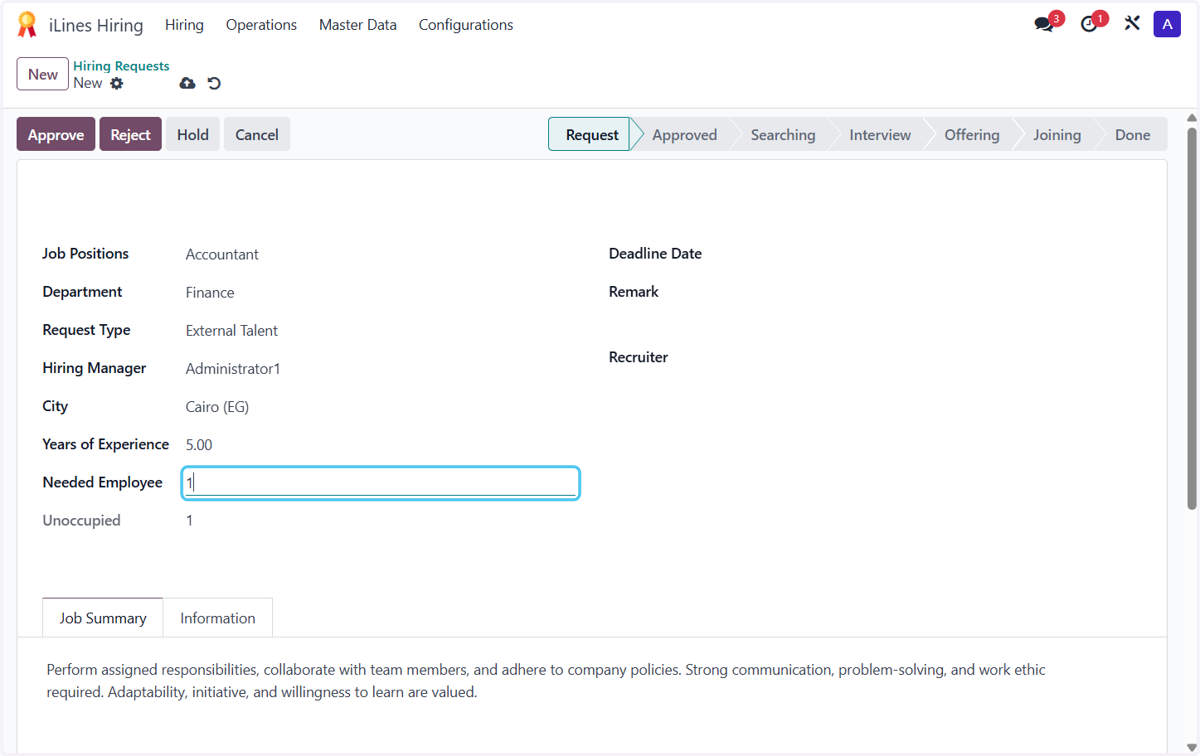
  14. 14. Type how many employee you need

    Type how many employee you need
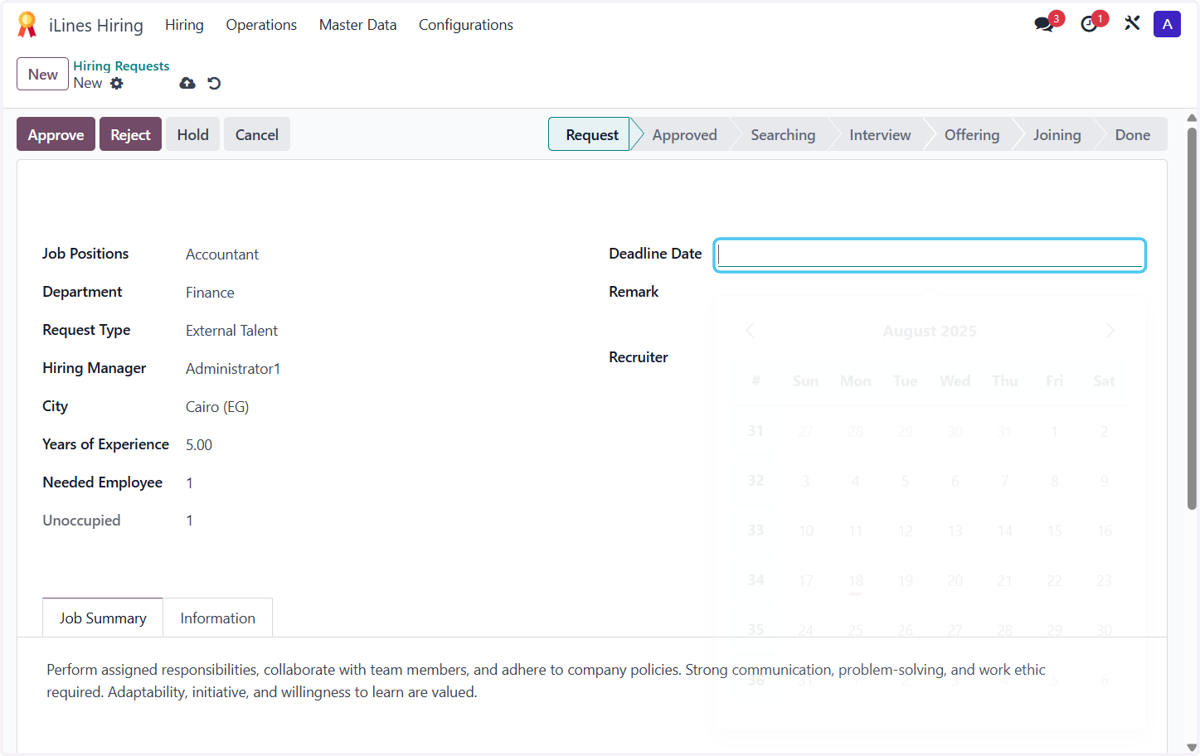
  15. 15. Click on Deadline Date

    Click on Deadline Date
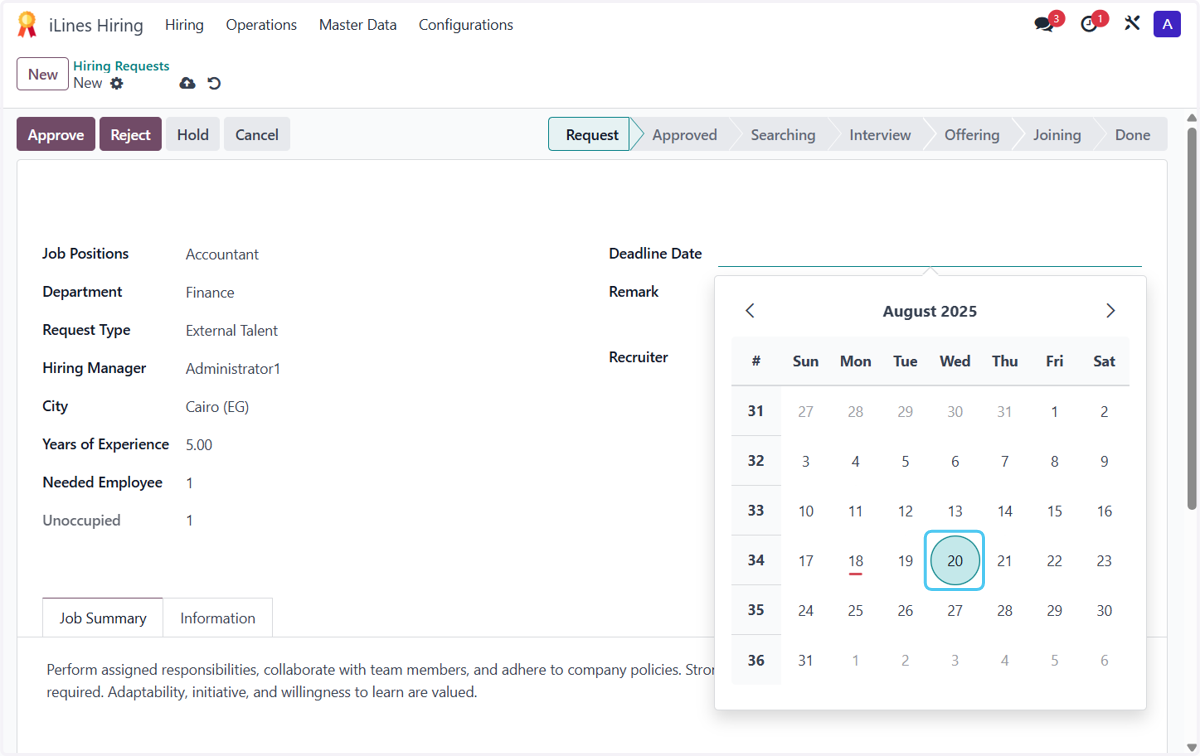
  16. 16. Choose Deadline Date

    Choose Deadline Date
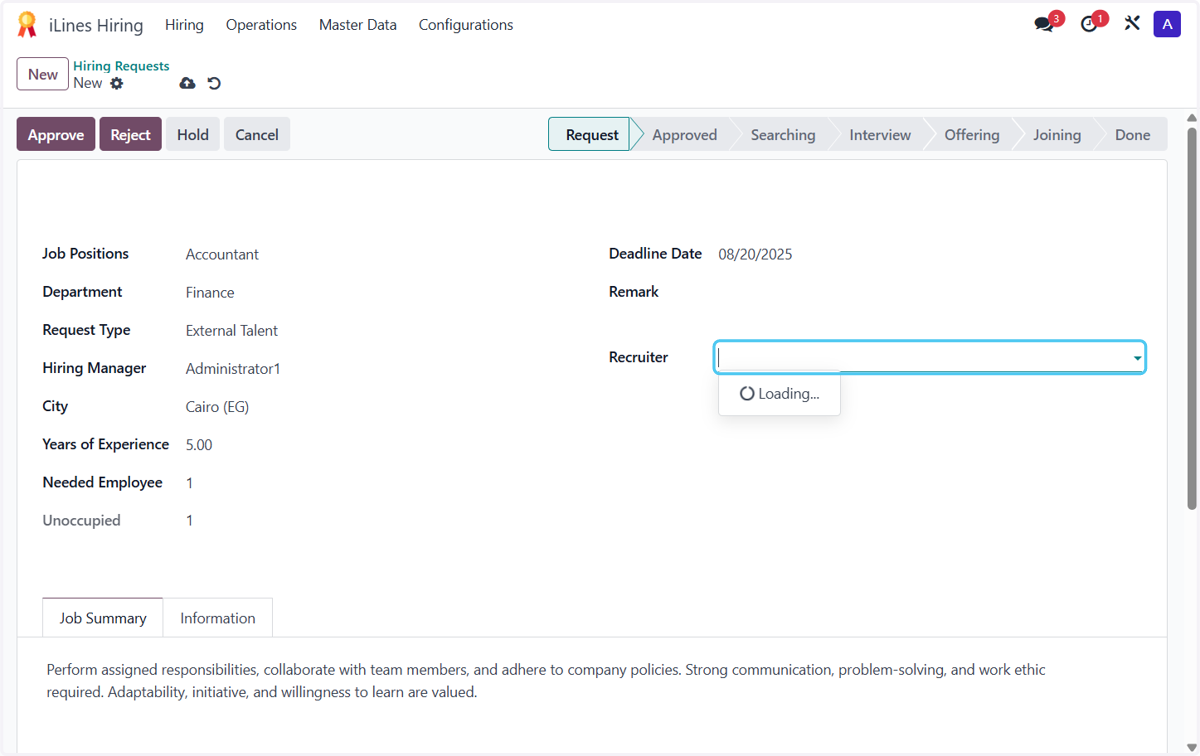
  17. 17. Click on Recruiter

    Click on Recruiter
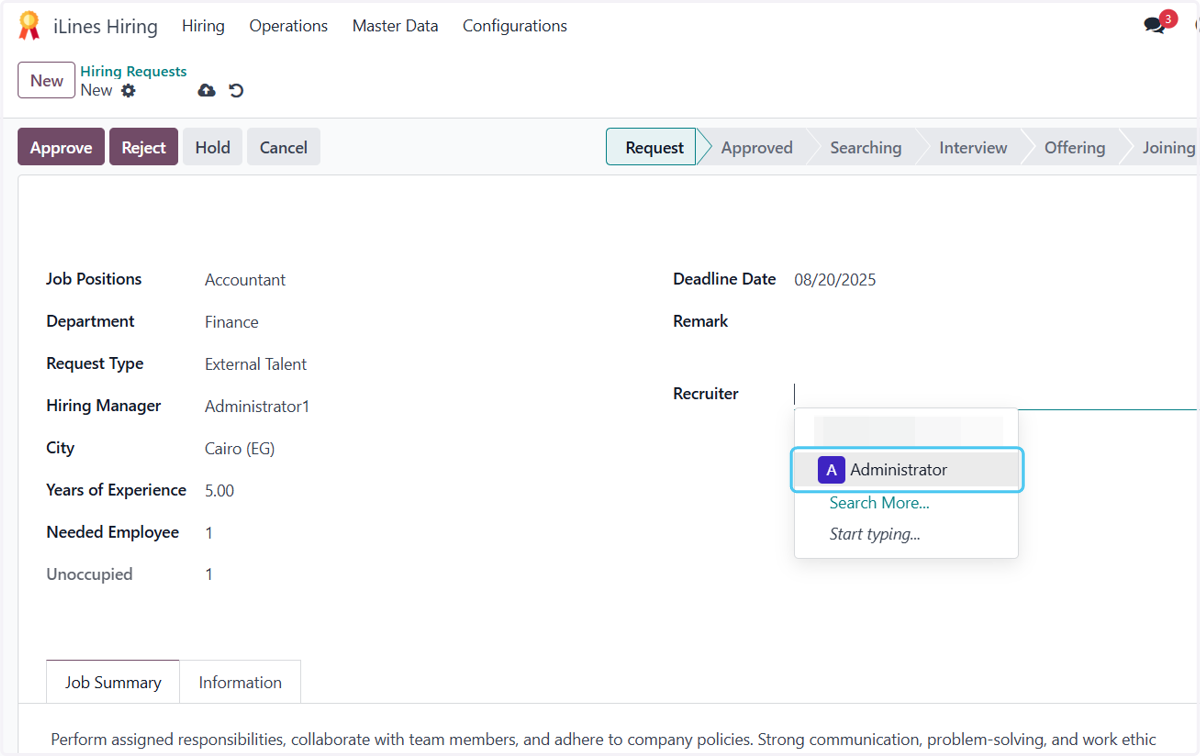
  18. 18. Choose the Recruiter

    Choose the Recruiter
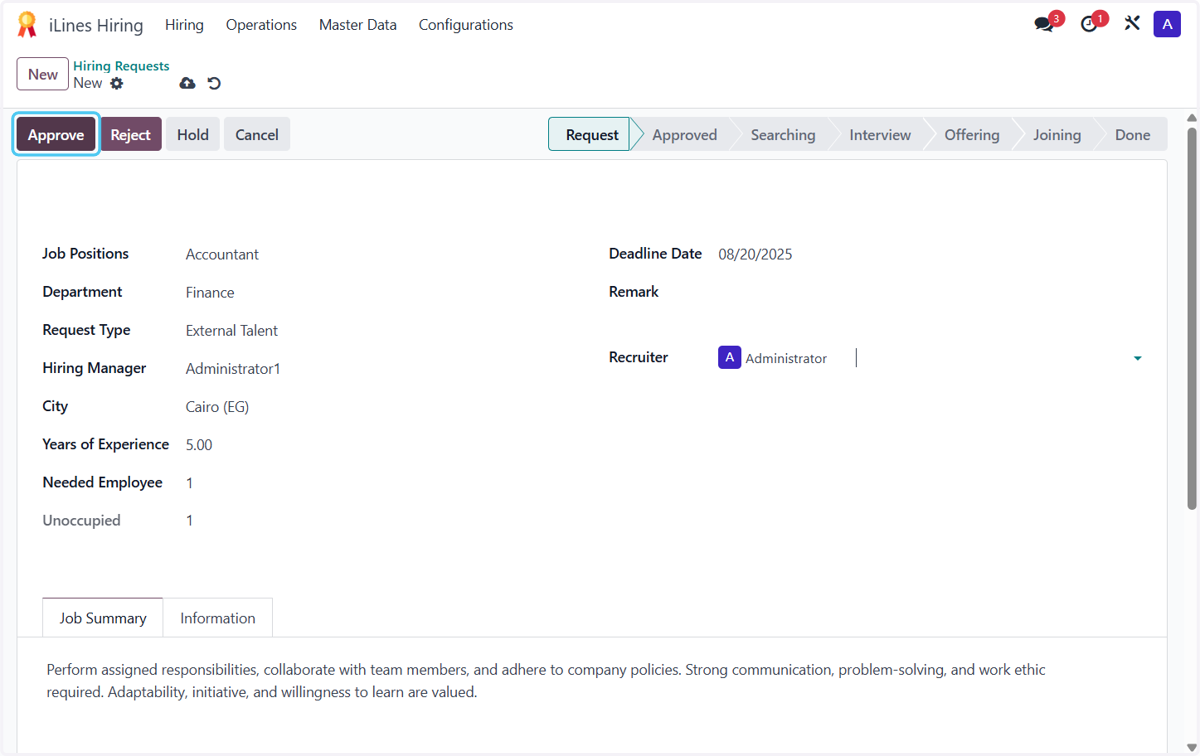
  19. 19. Click on Approve

    Click on Approve