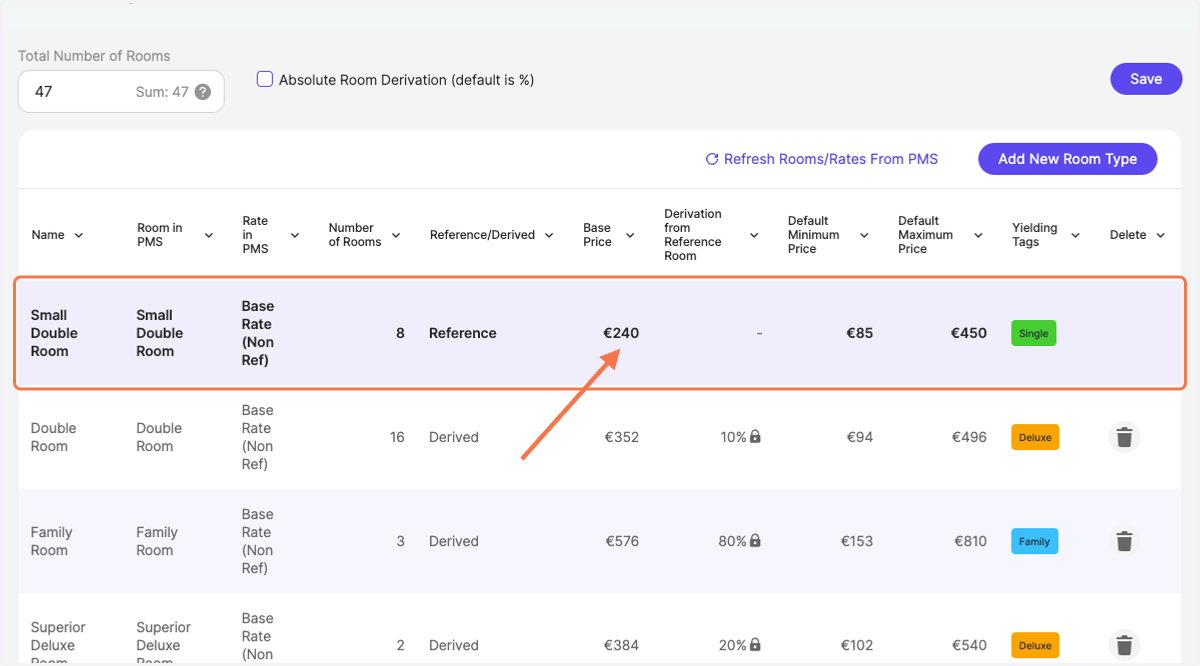
Where do I change my base price?
RoomPriceGenie
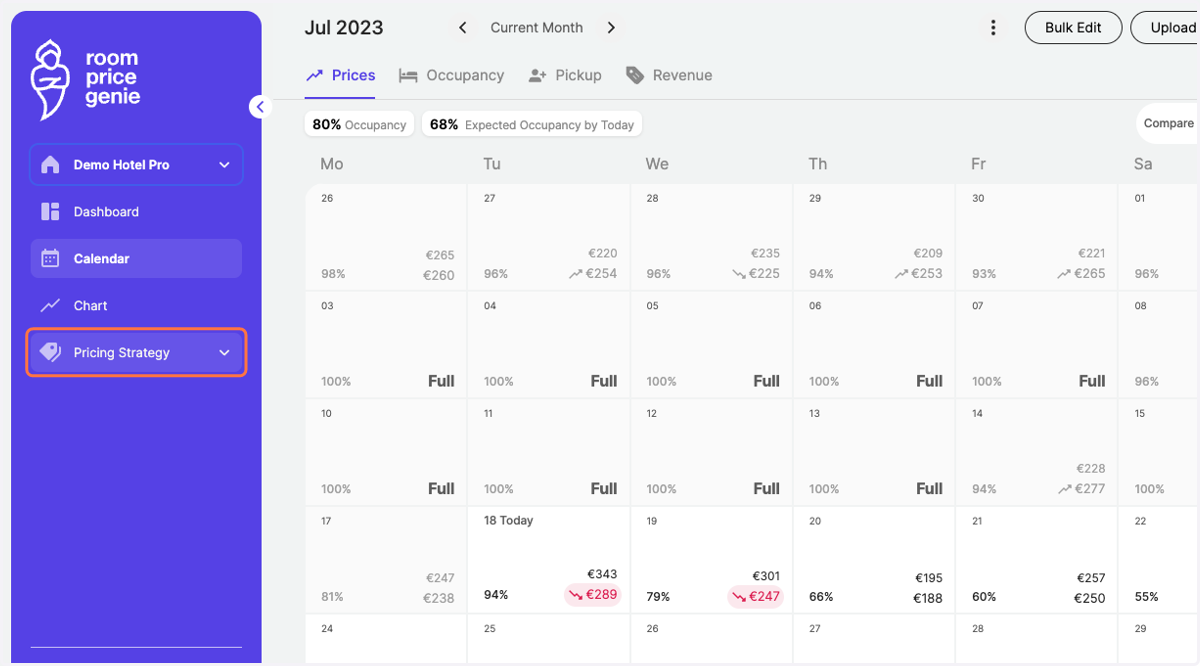
1. In the navigation bar, navigate to "Pricing Strategy"
2. Click on "Rooms Setup"
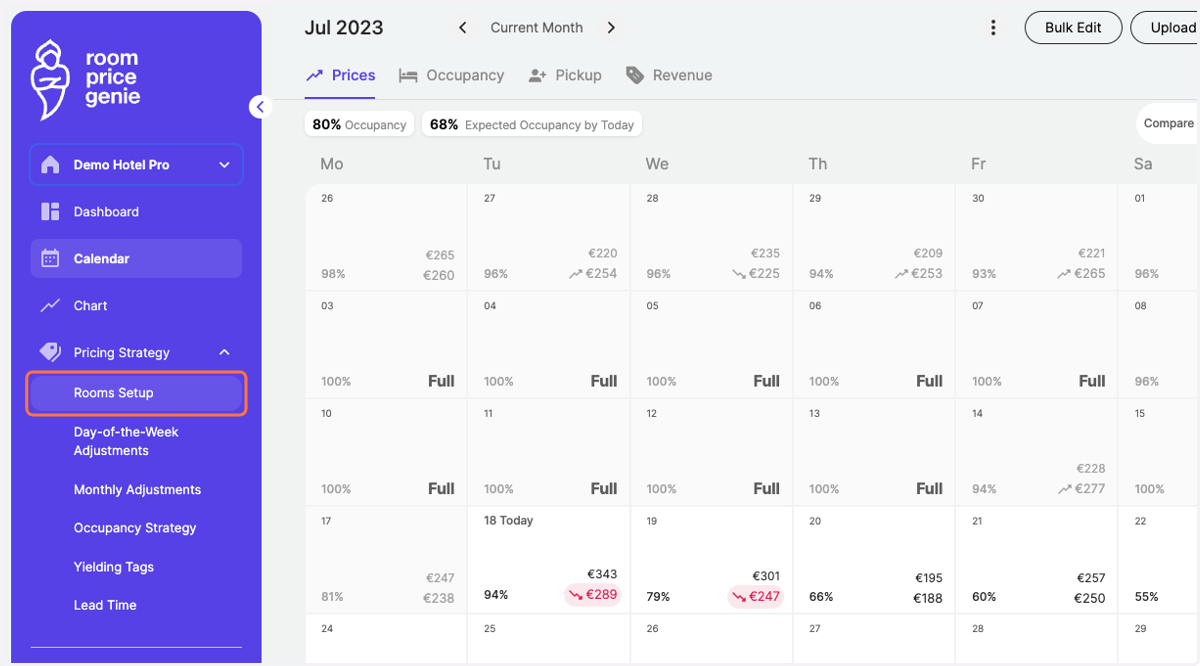
3. Select your Reference Room category from the list
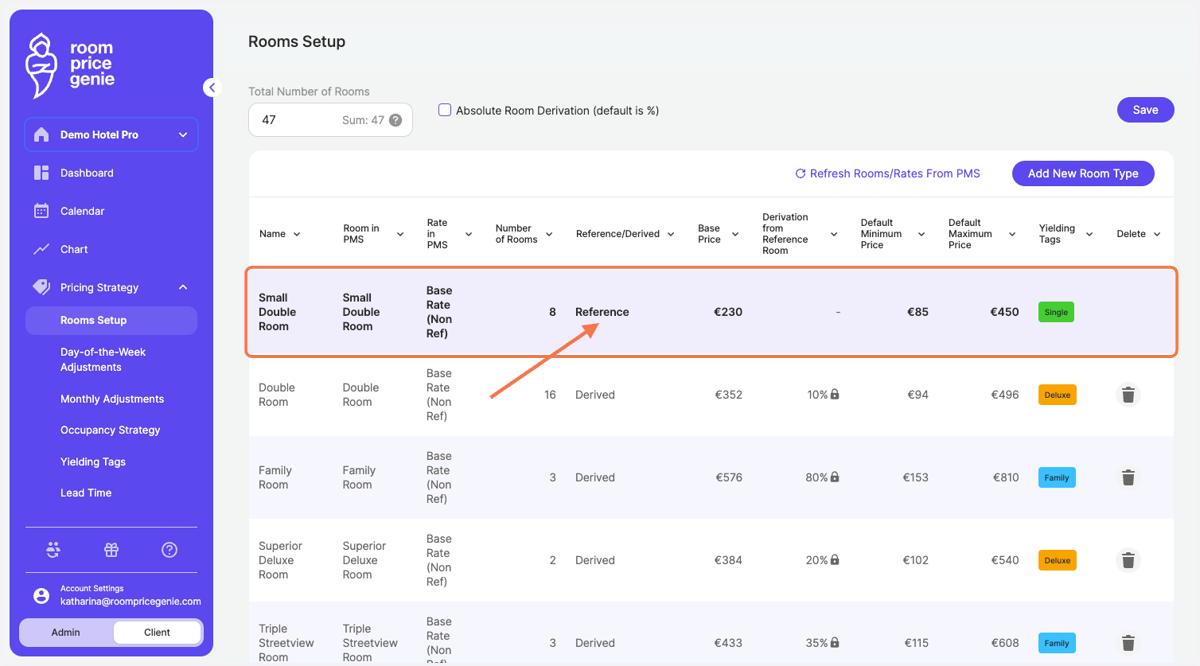
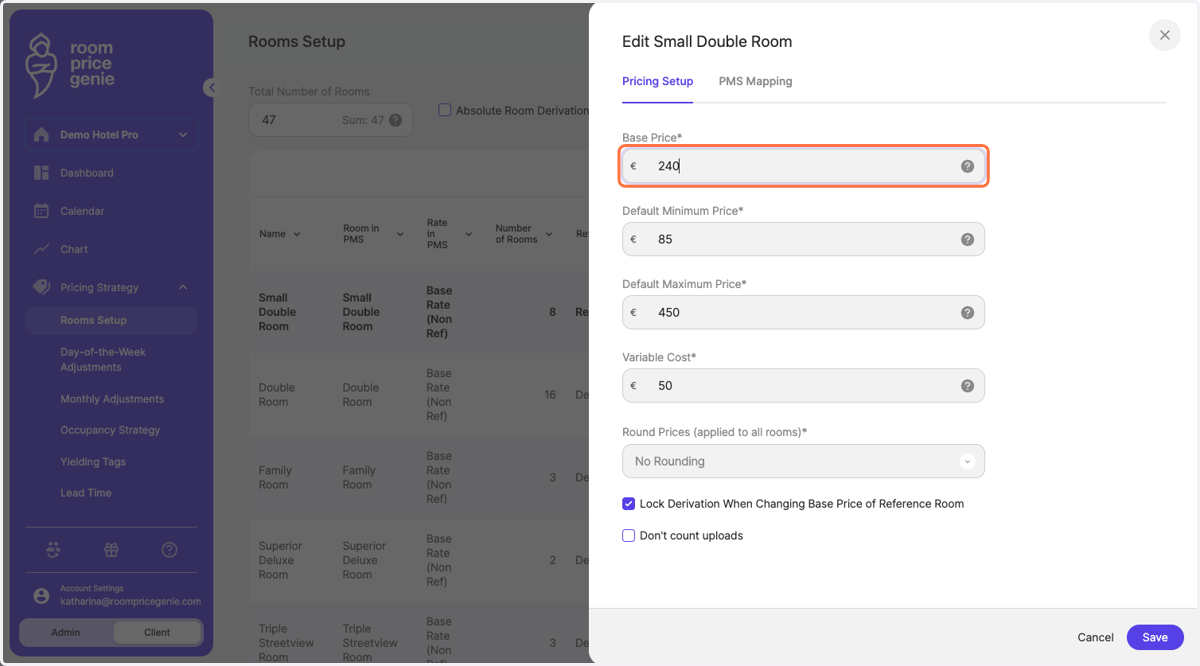
4. In the tab "Pricing Setup", update the Base Price
you might get a warning message. We just want to make sure you are aware of the potential price changes that might be caused by changing the base prices.
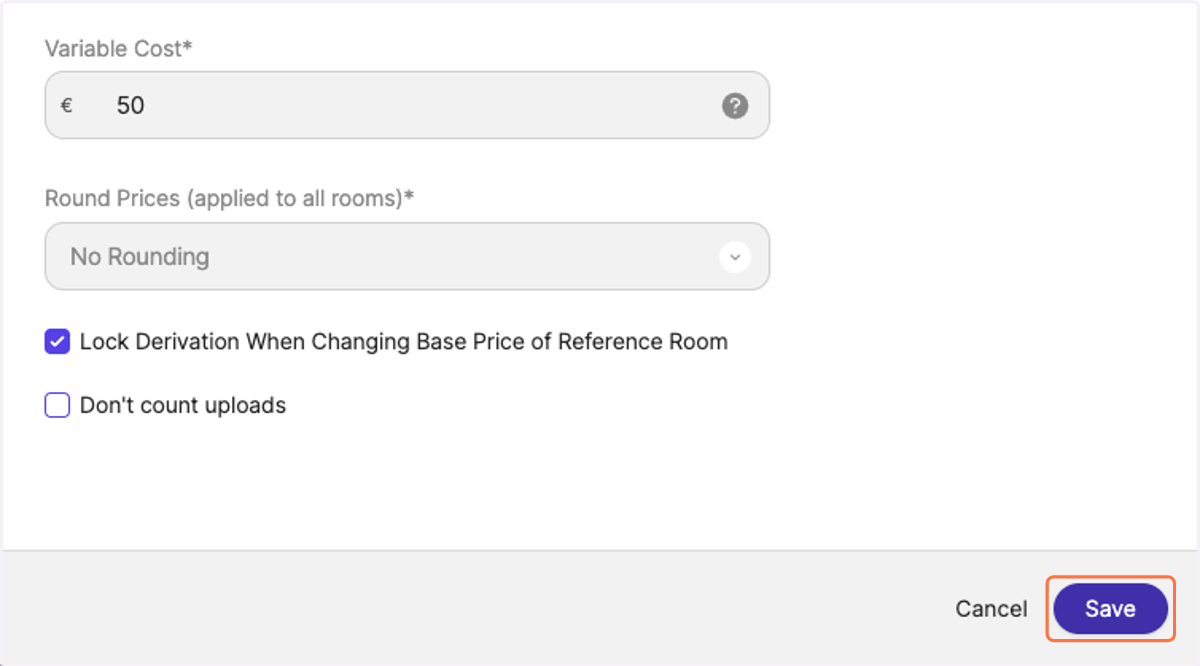
5. Click on "Save" on the bottom right
6. Notice your new base price in the row.
When navigating back to the Calendar view, we will re-run prices based on the new starting level. You will notice price changes in color-codes (green and red).