How to Request an Appointment in the Patient Portal
1. Log-in to the CARE Counseling Patient Portal webpage: https://carecounseling.portal.opusehr.app/welcome
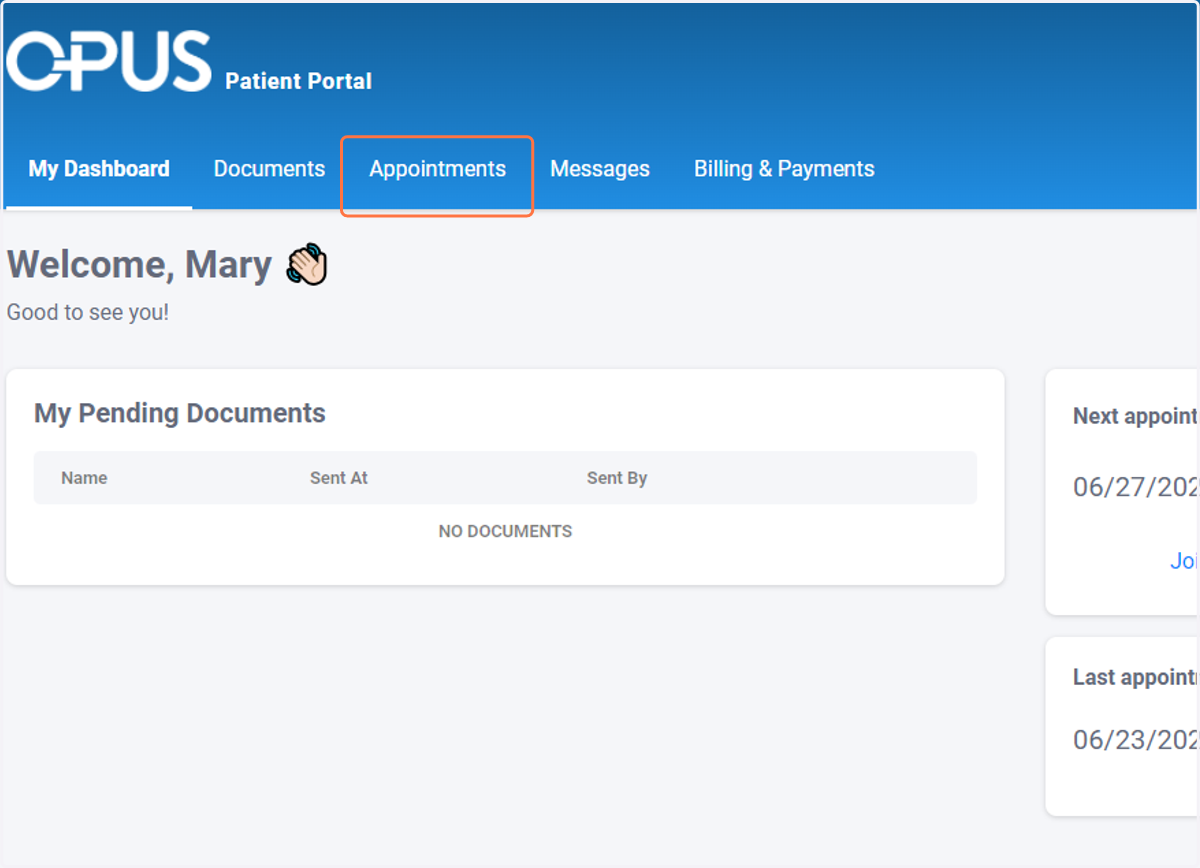
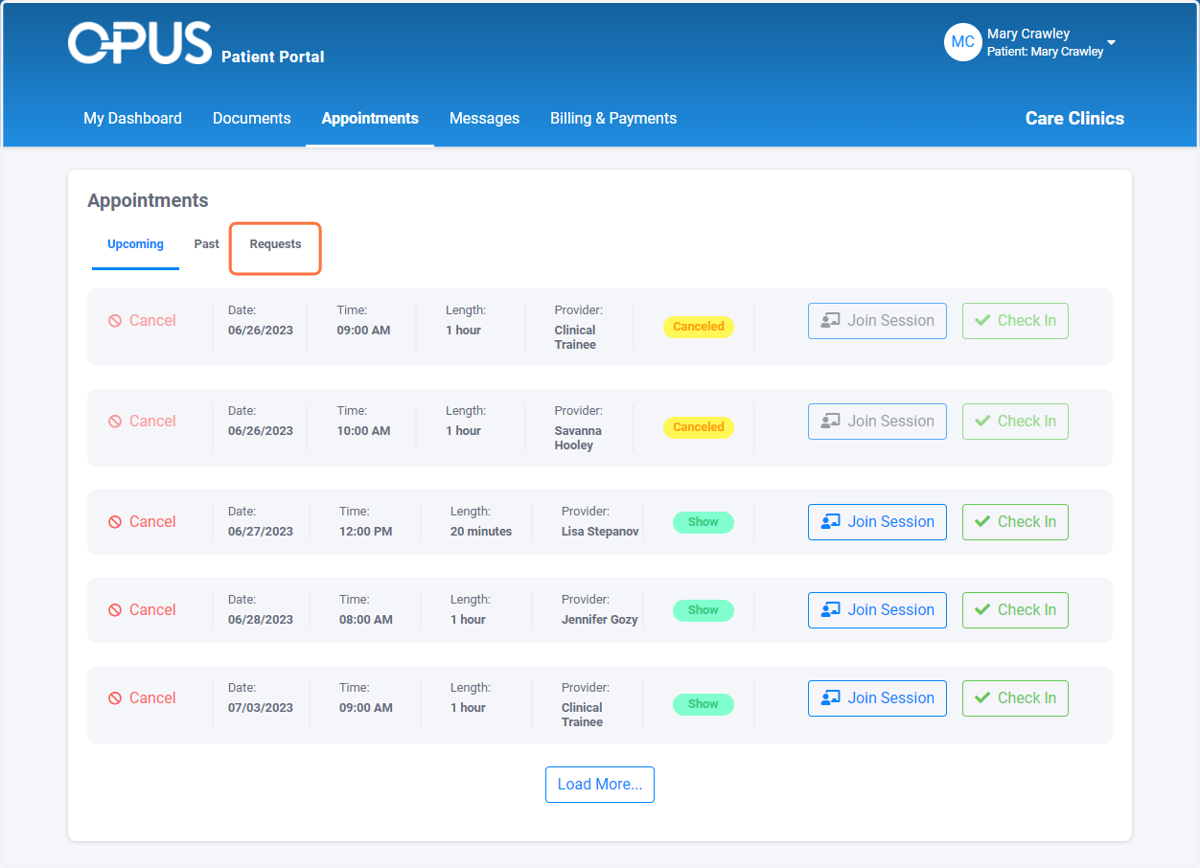
2. Click on Appointments
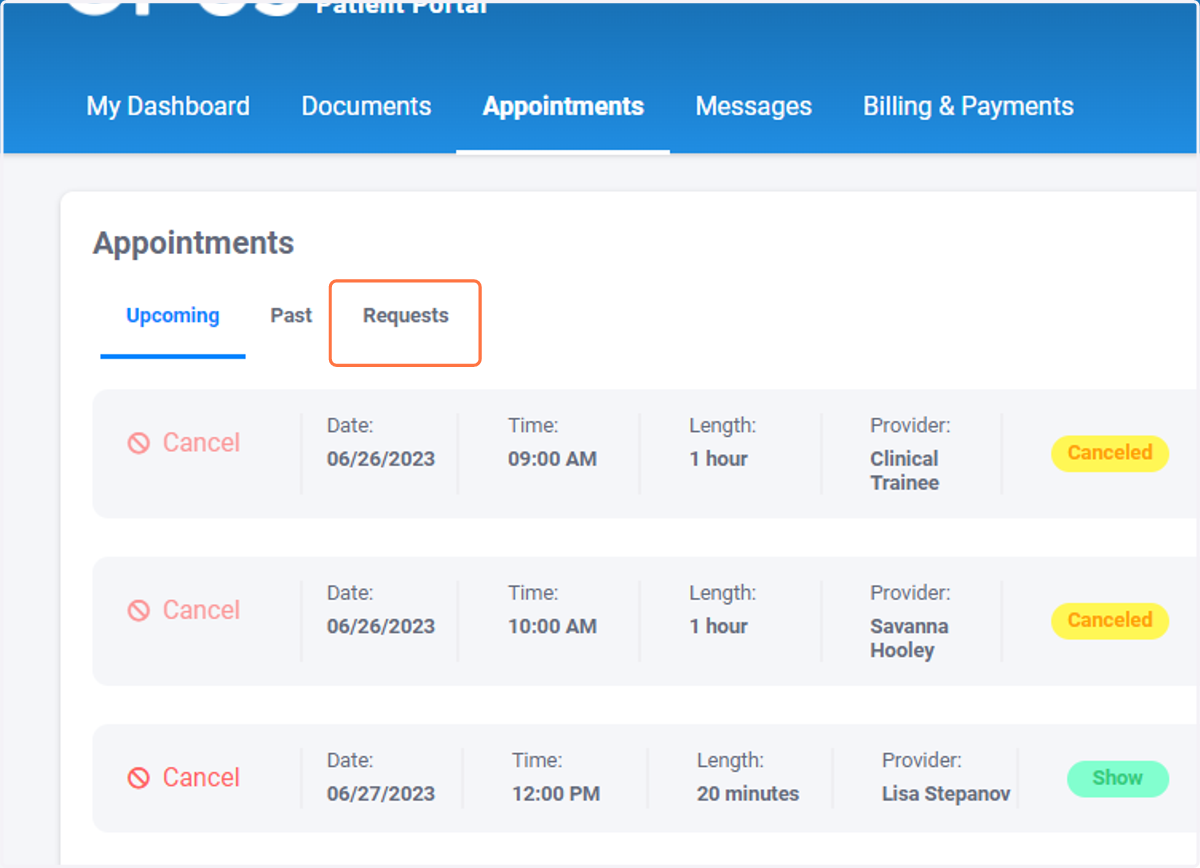
3. Click on Requests
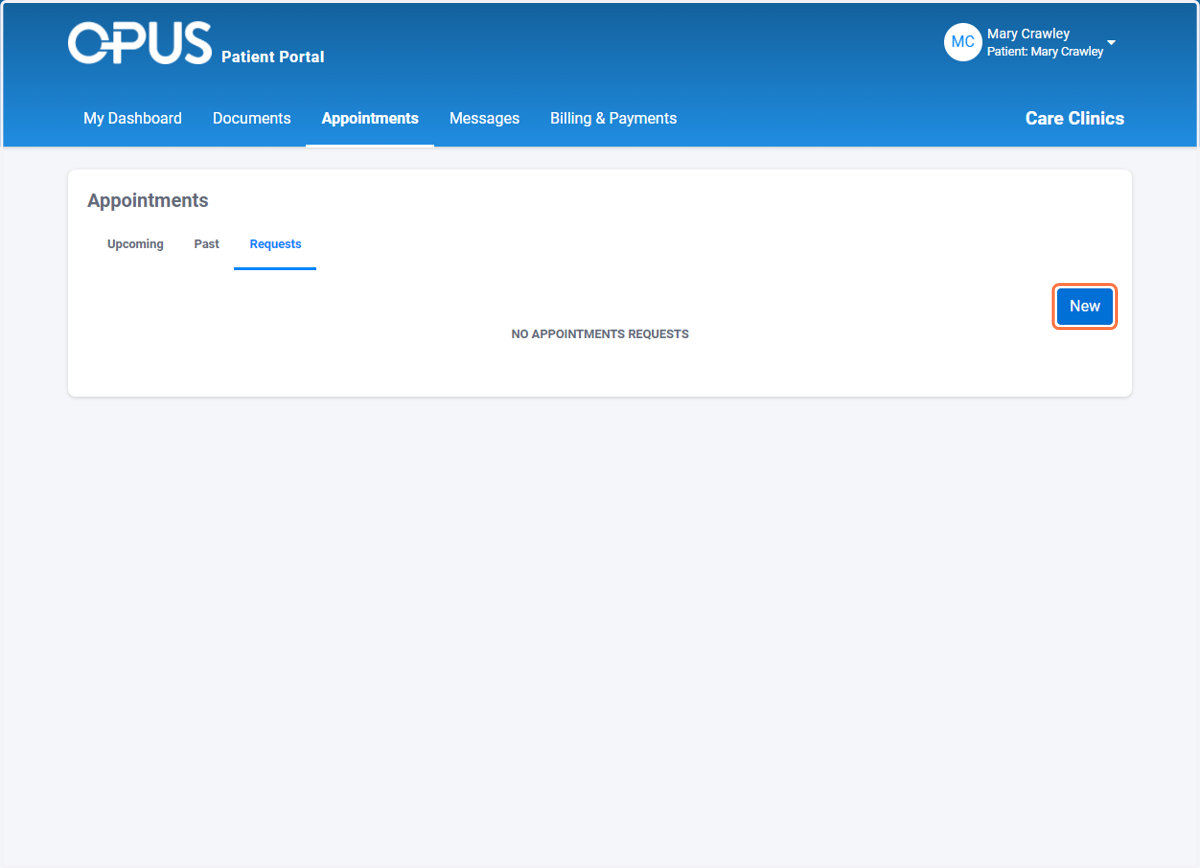
4. Click on New
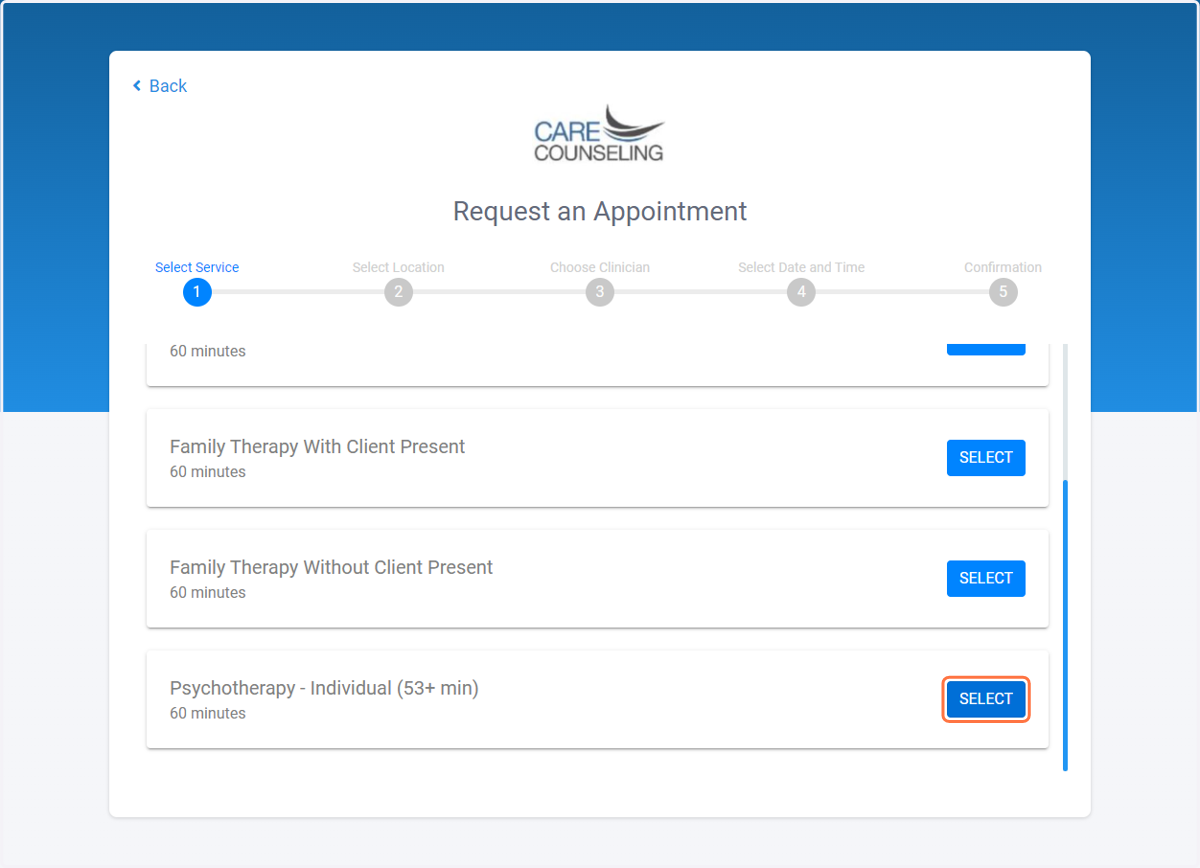
5. Choose the service you want to schedule
Options include:
Individual Psychotherapy
Family Therapy with or without the client present
Couples Therapy with or without the client present
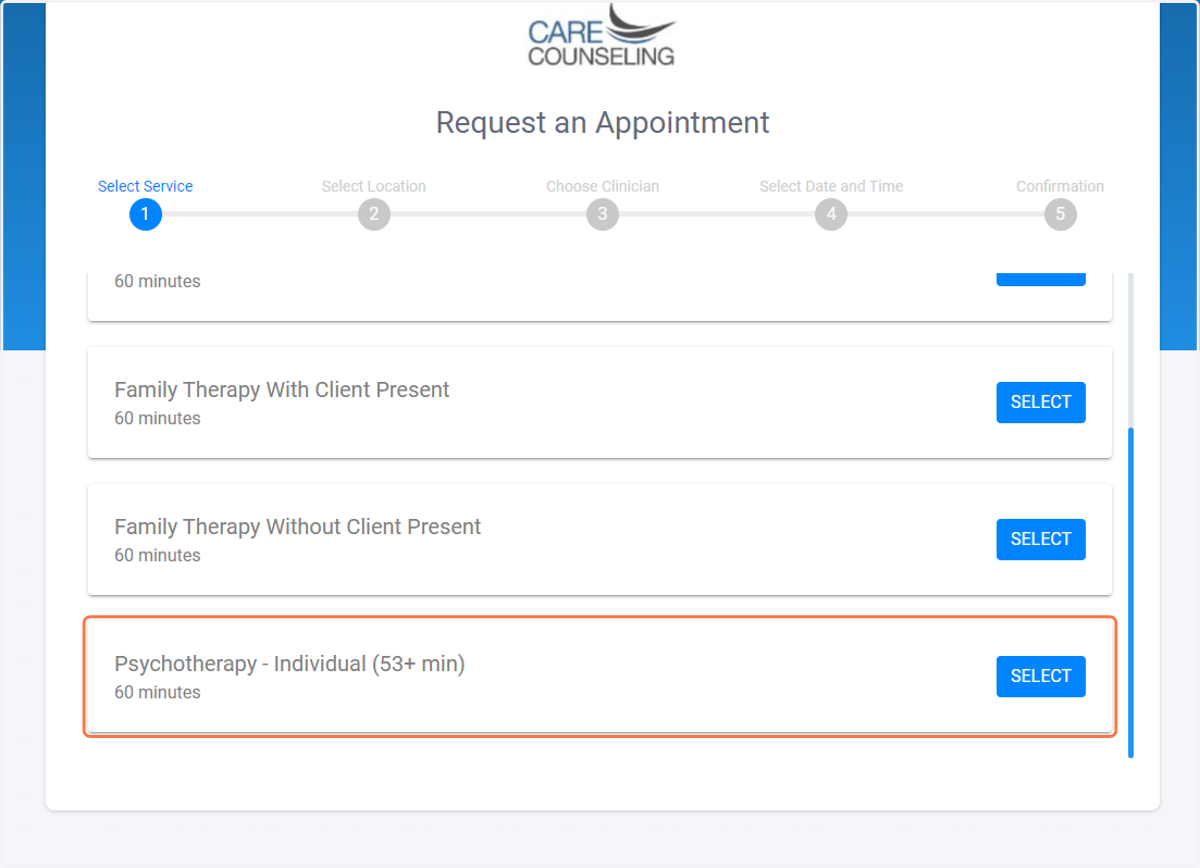
6. Click on SELECT
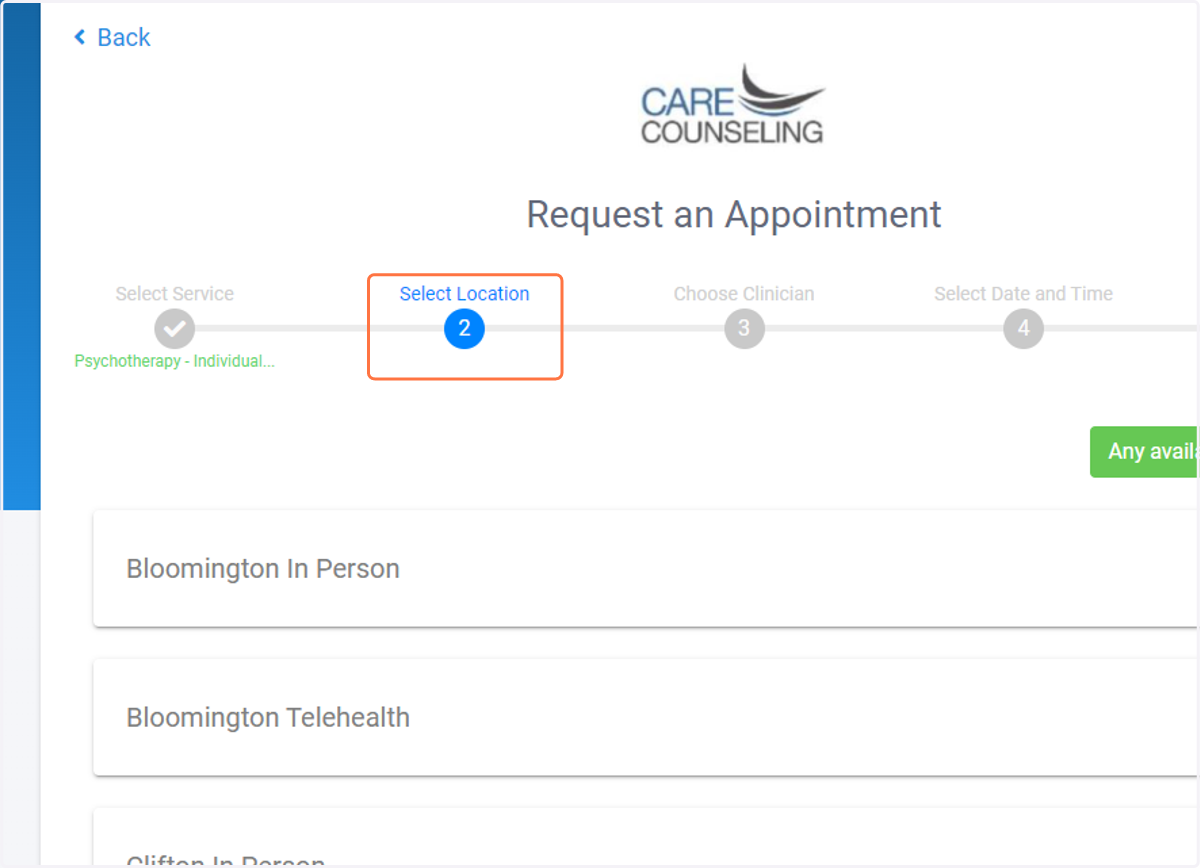
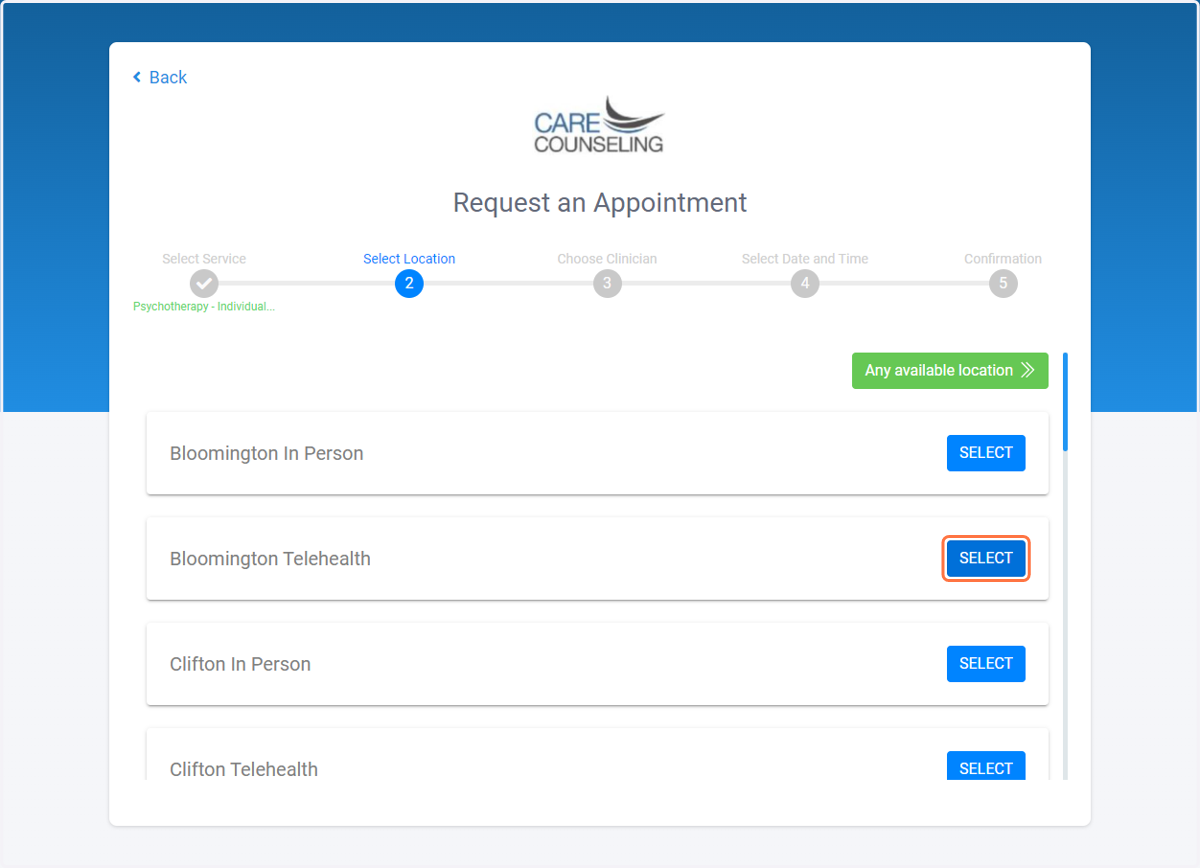
7. Choose the location your provider is located at
8. Click on SELECT
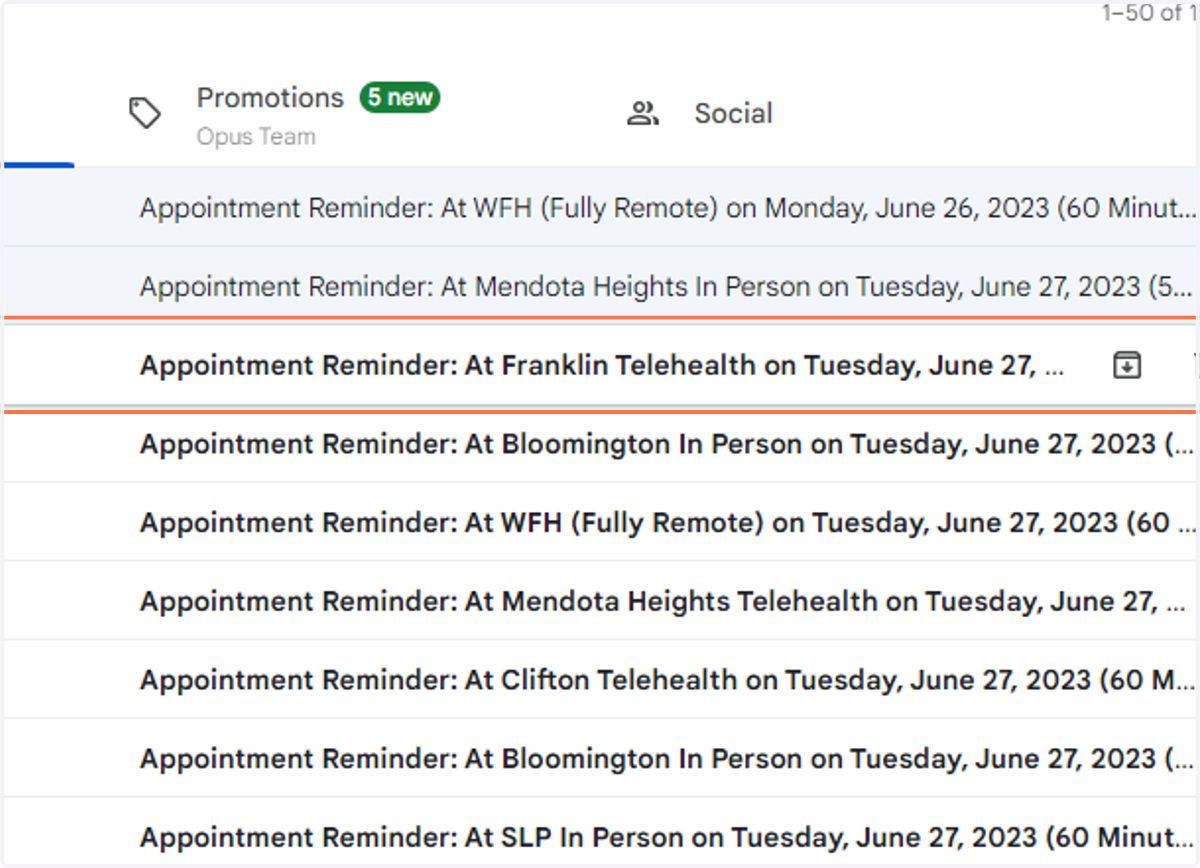
9. If you are unsure which location your provider is at, check the subject line of your reminder email or text
10. Select your Clinician
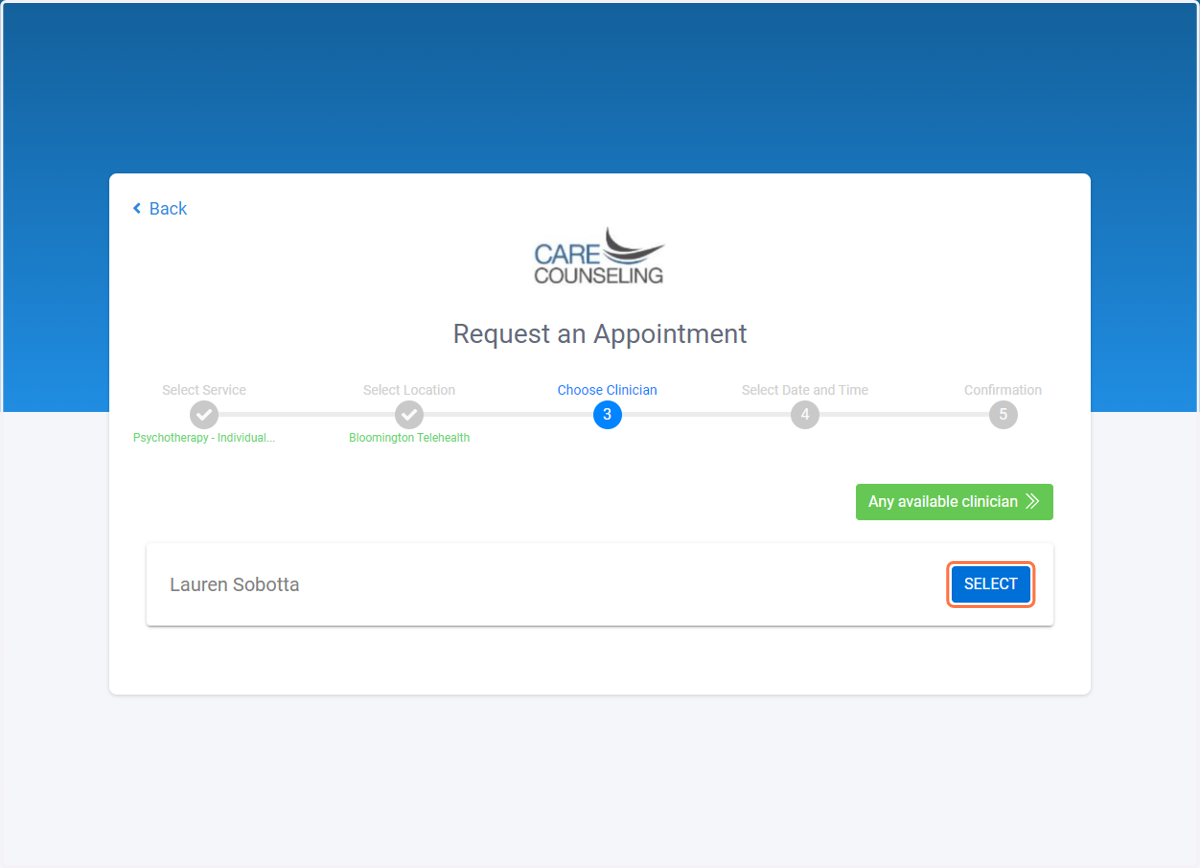
11. Choose the date and time
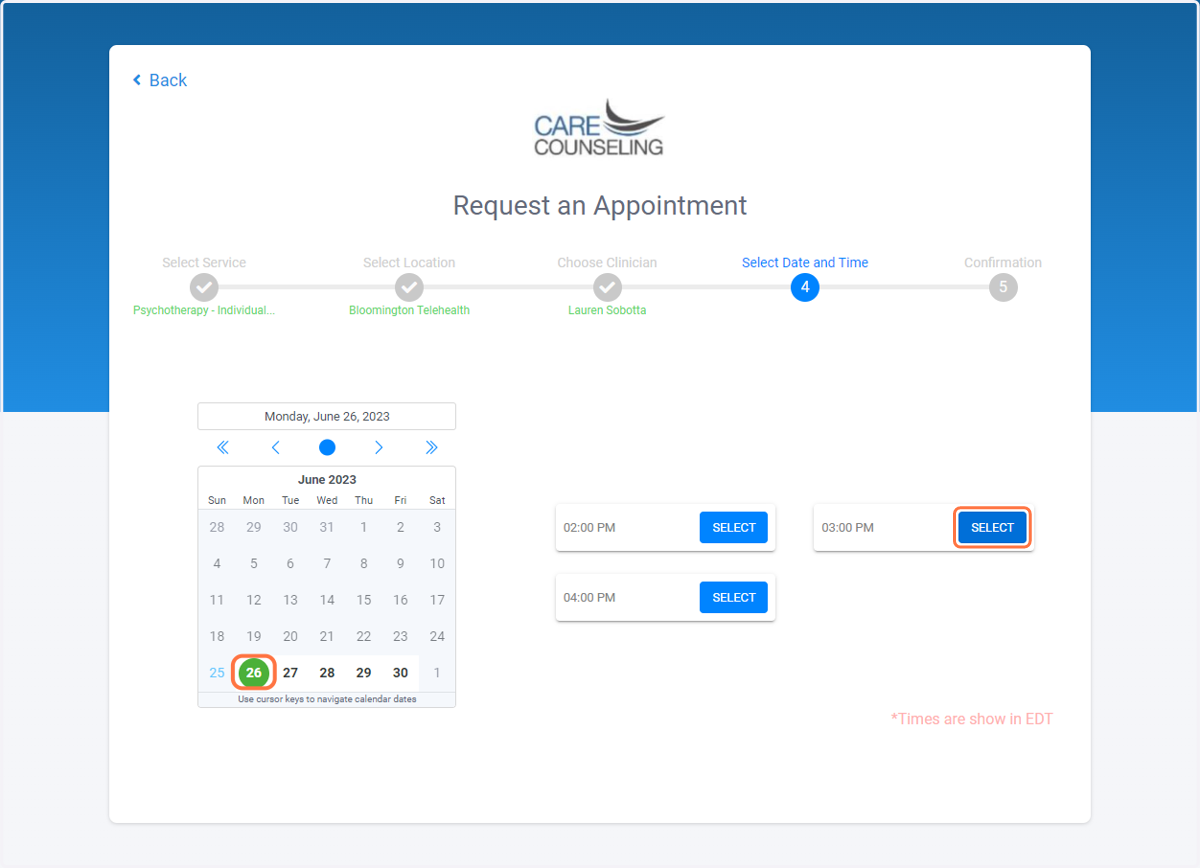
12. Click on Create Appointment Request
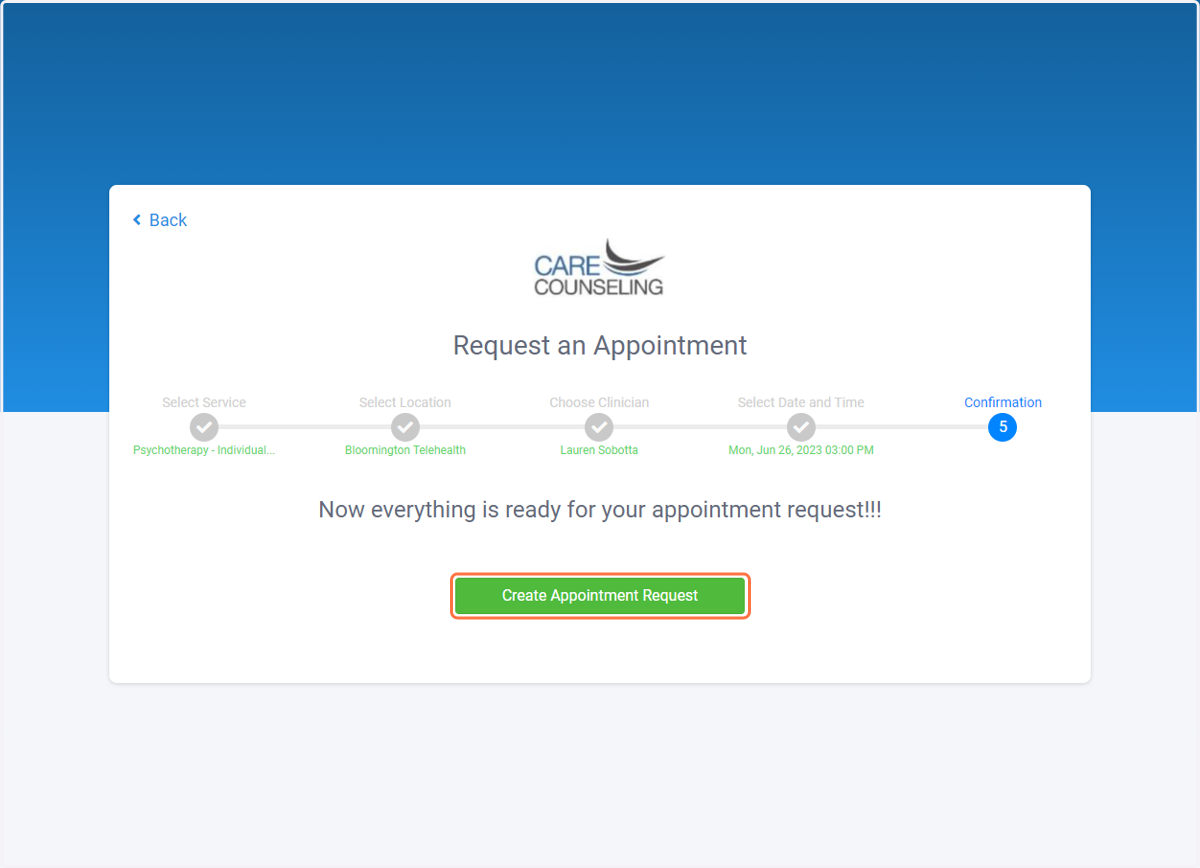
13. Click on Return to Appointments
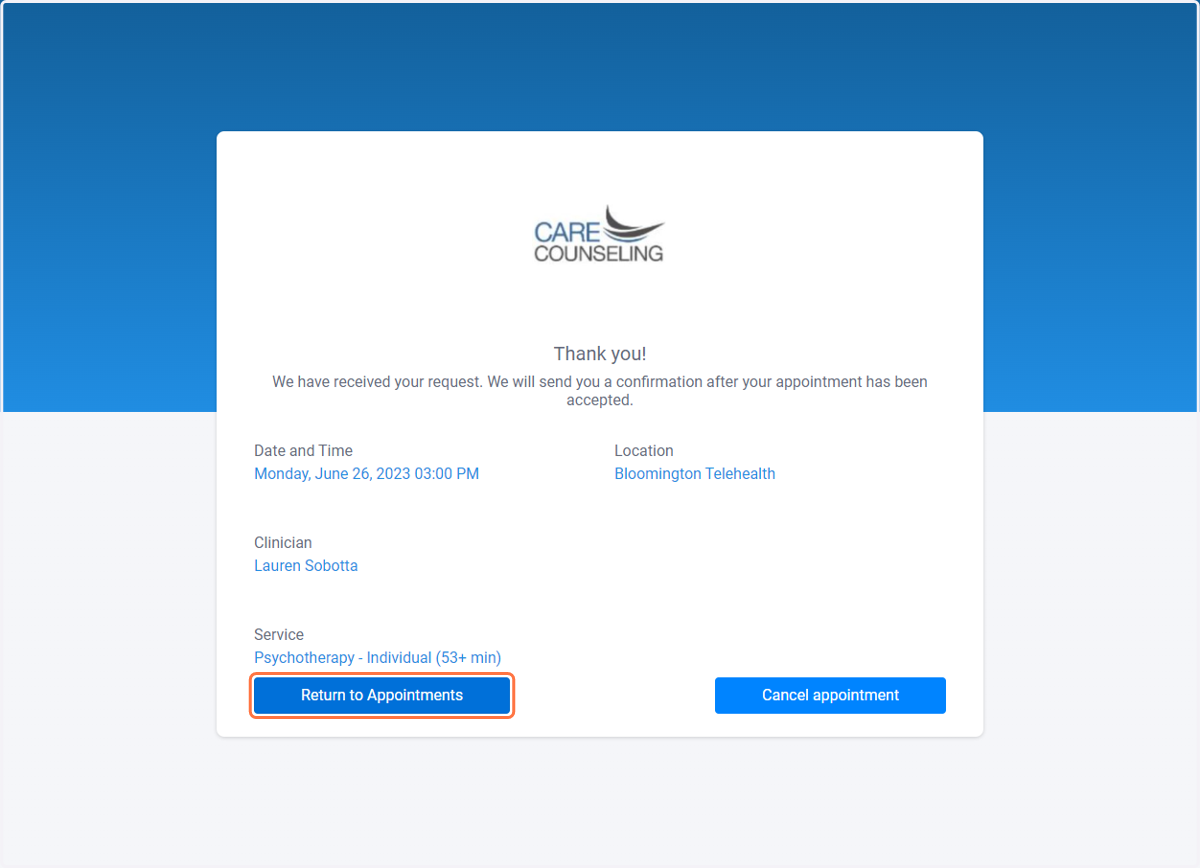
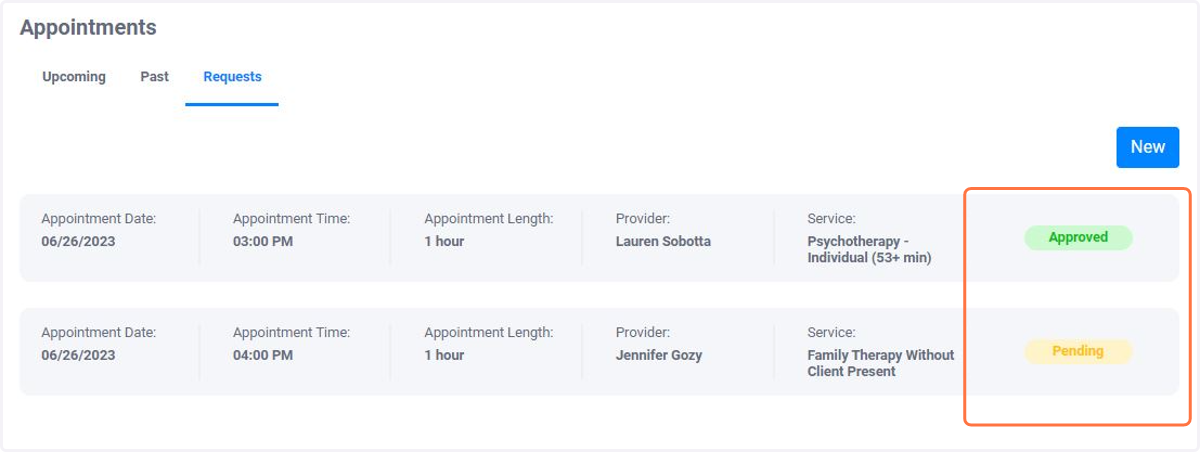
14. Click on Requests to see the status of your appointment request
15. Status will be Pending until it is Approved by your provider
16. Click on Requests