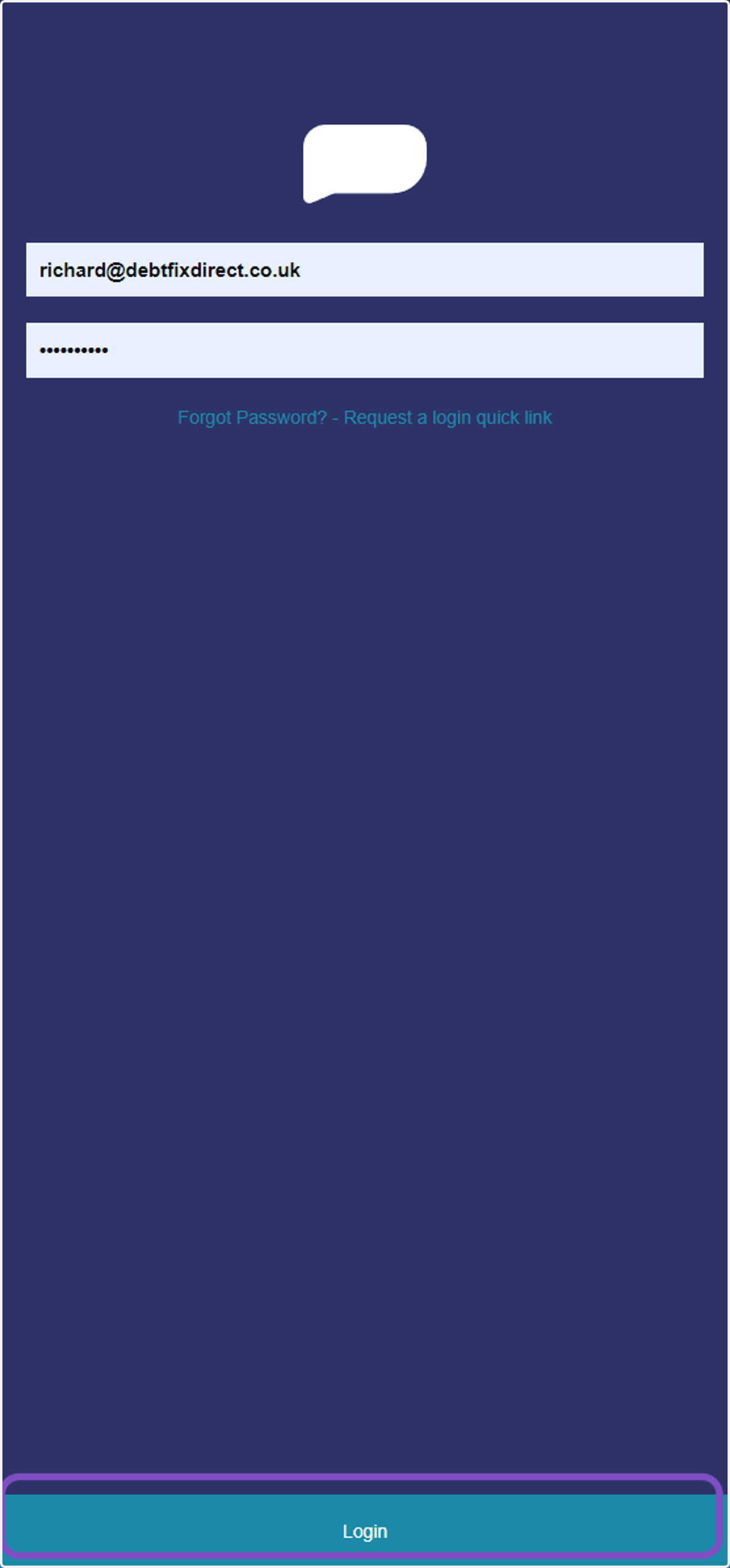
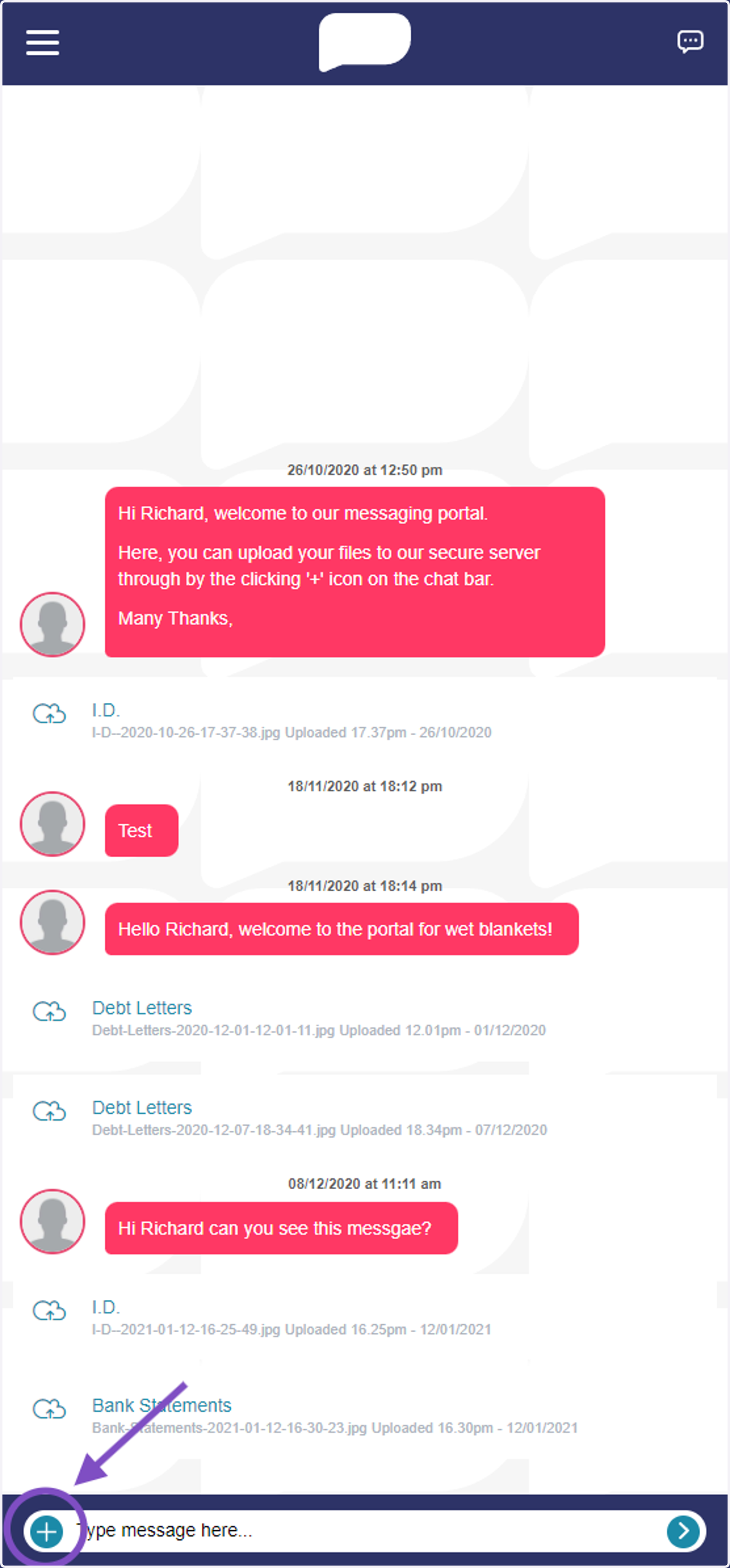
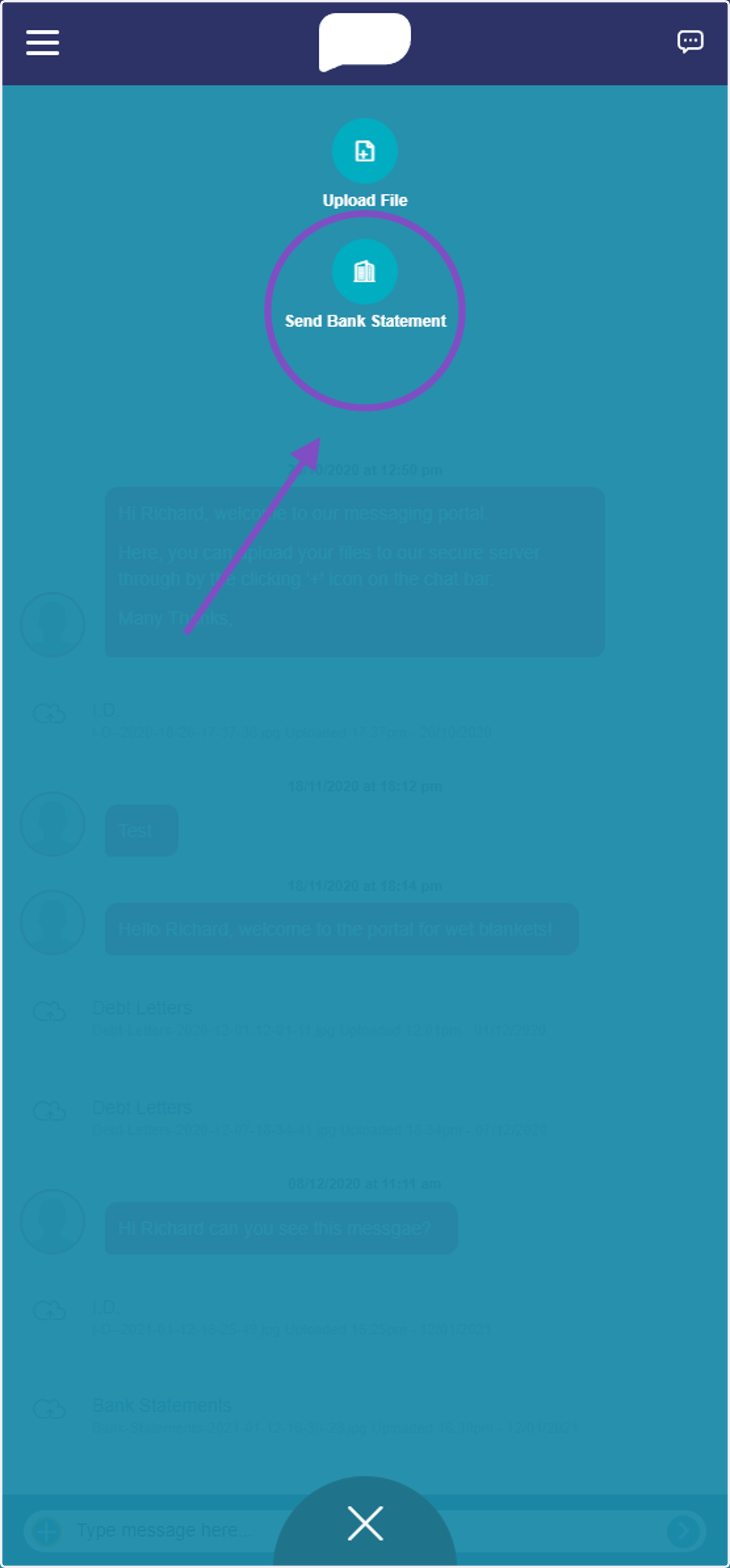
Bank ConnectHubSolv Messenger1. Click on Login2. Click on plus (+) icon3. Click on Send Bank Statement4. Client selects thier BankThis will then redirect the client to thier Bank App