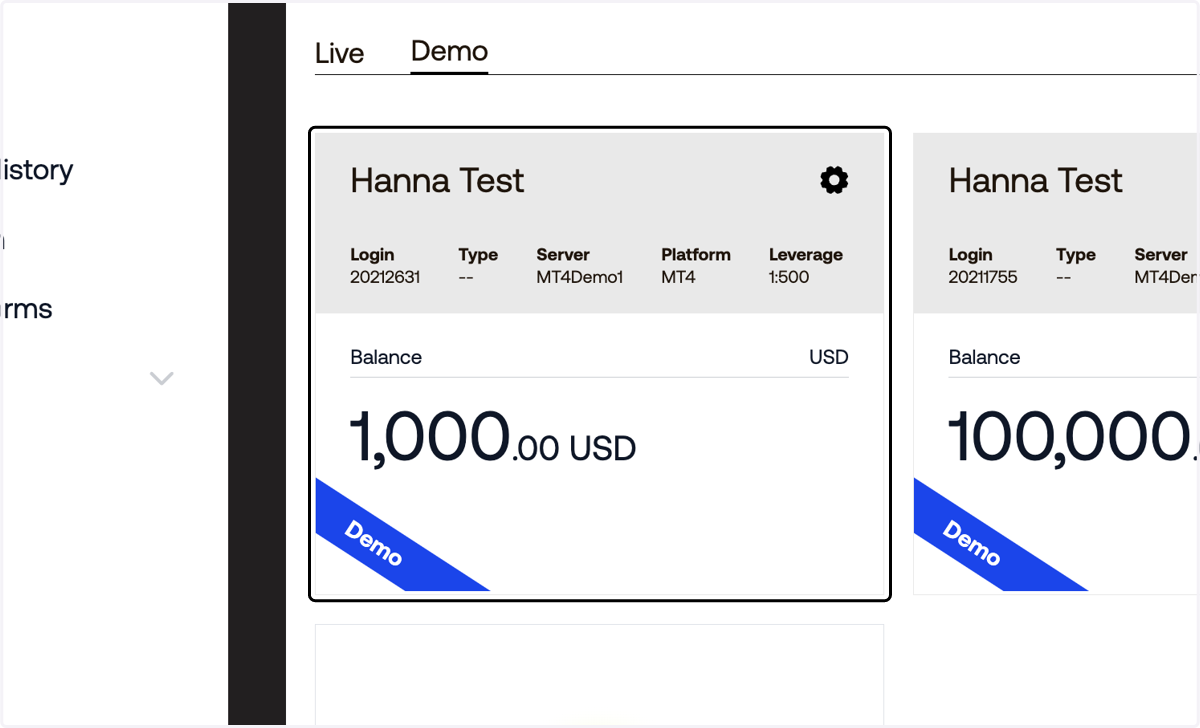
Setting Up a Demo Account on Blueberry

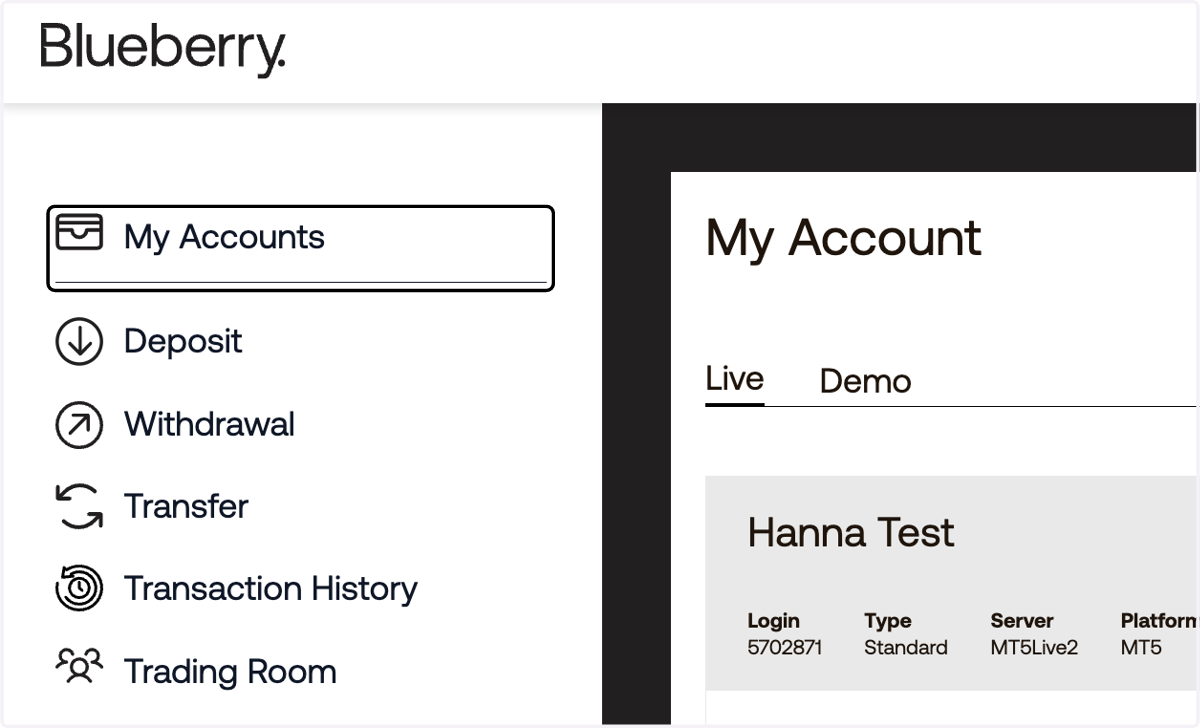
  1. 1. Click on My Accounts

    Click on My Accounts
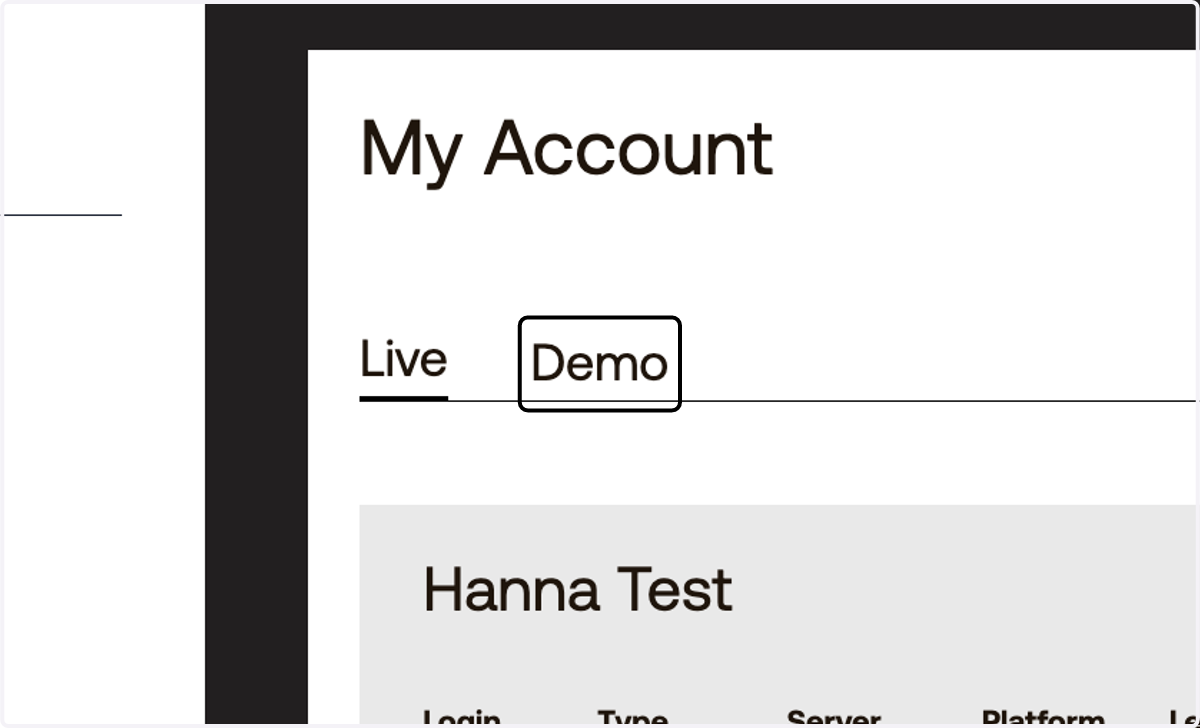
  2. 2. Click on Demo

    Click on Demo
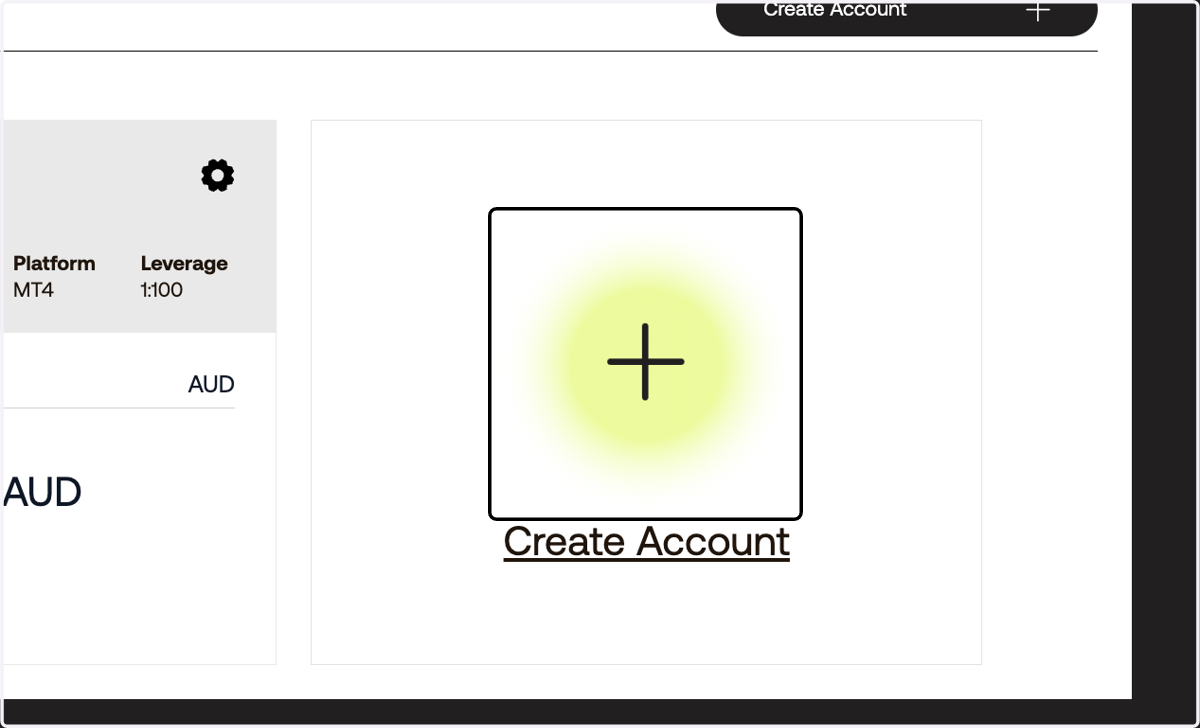
  3. 3. Click on Create Account

    Click on Create Account
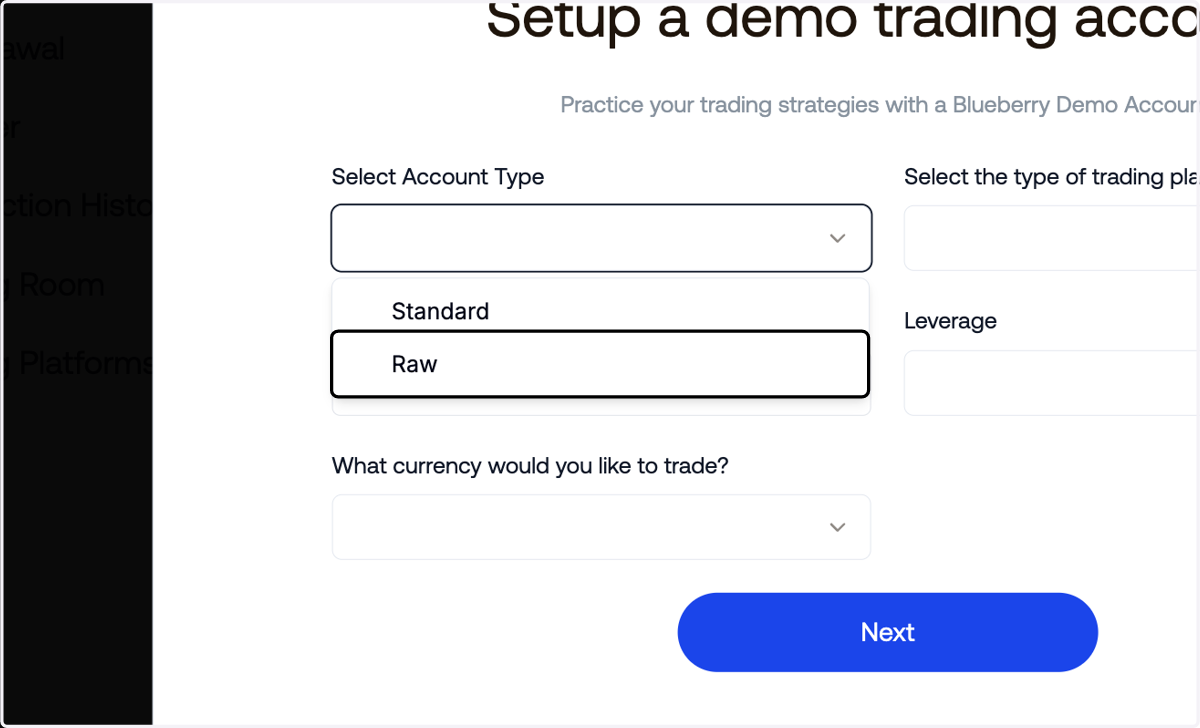
  4. 4. Select the account type

    Select the account type
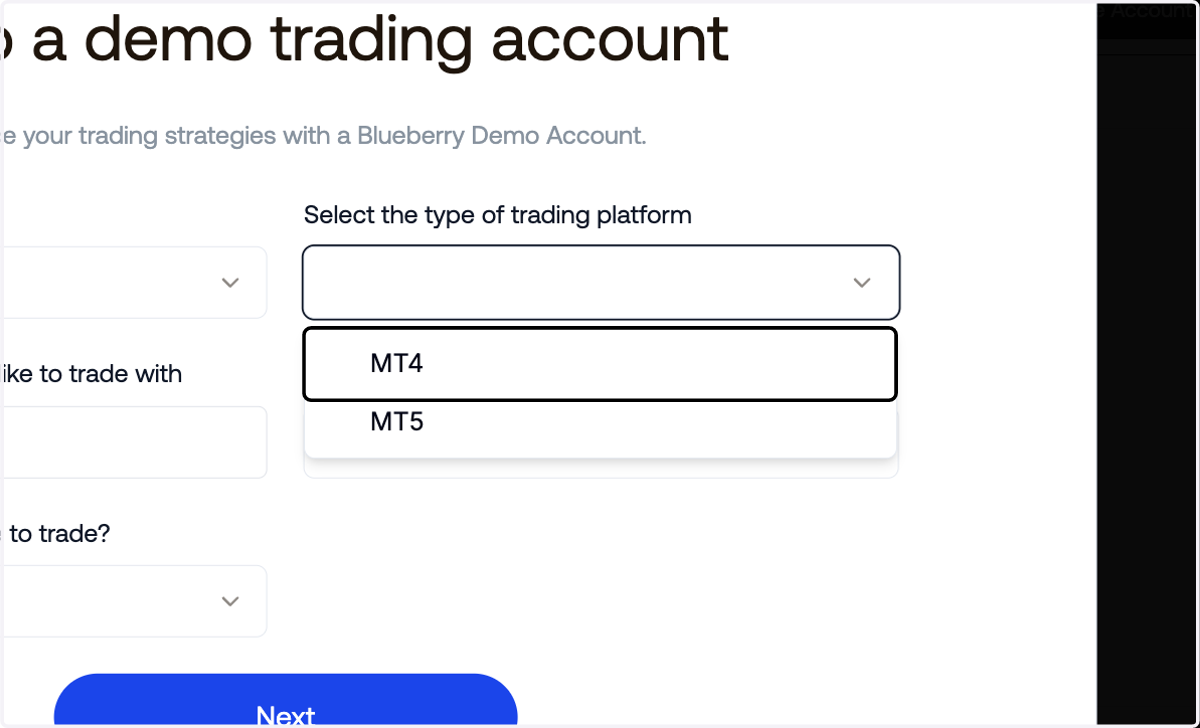
  5. 5. Select the trading platform

    Select the trading platform
  6. 6. Enter the amount of virtual funds you'd like to have
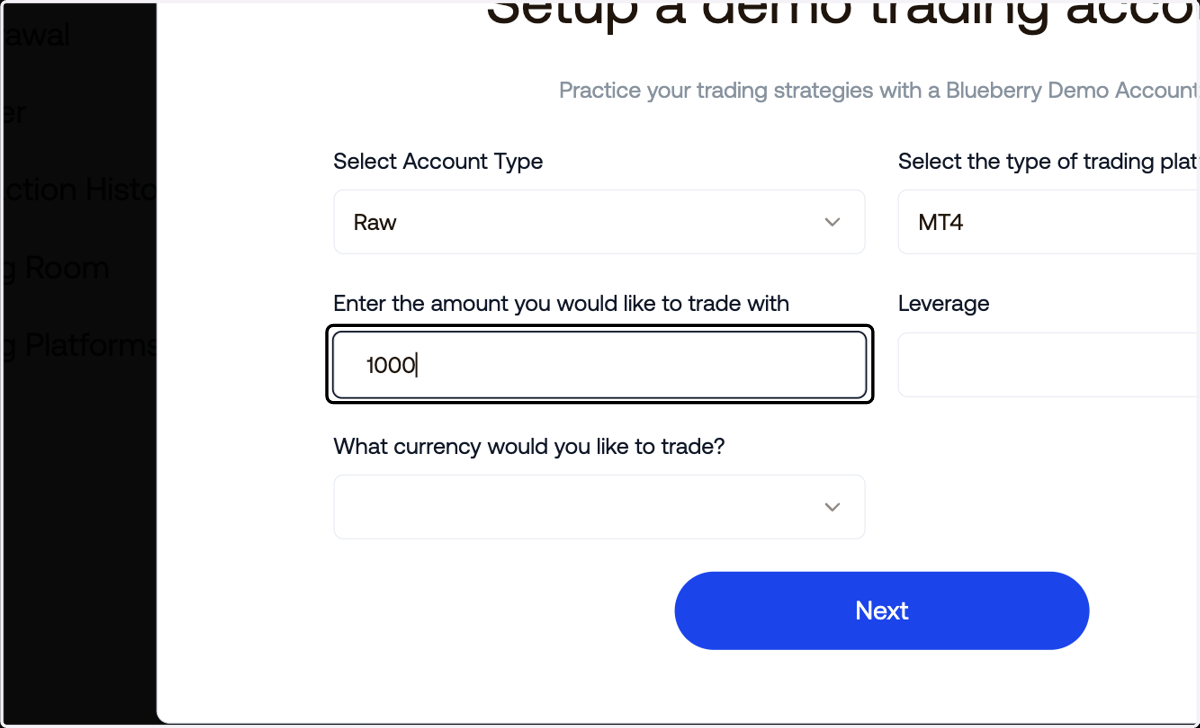
    Enter the amount of virtual funds you'd like to have
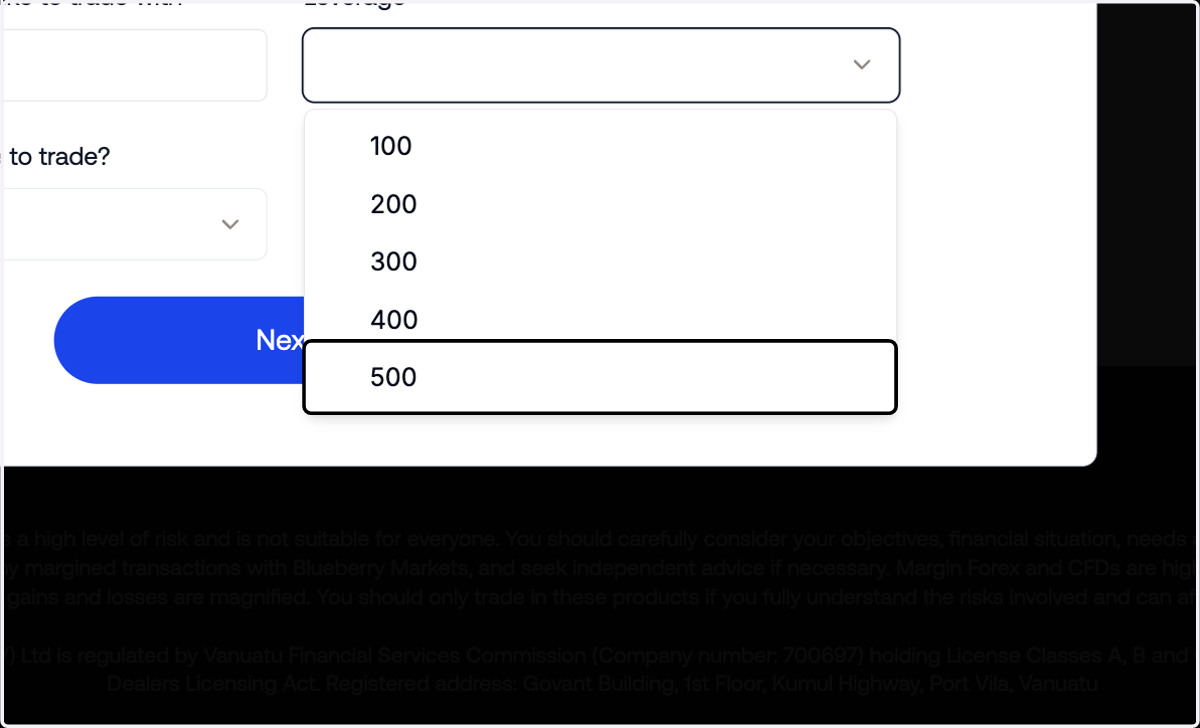
  7. 7. Select the leverage

    Select the leverage
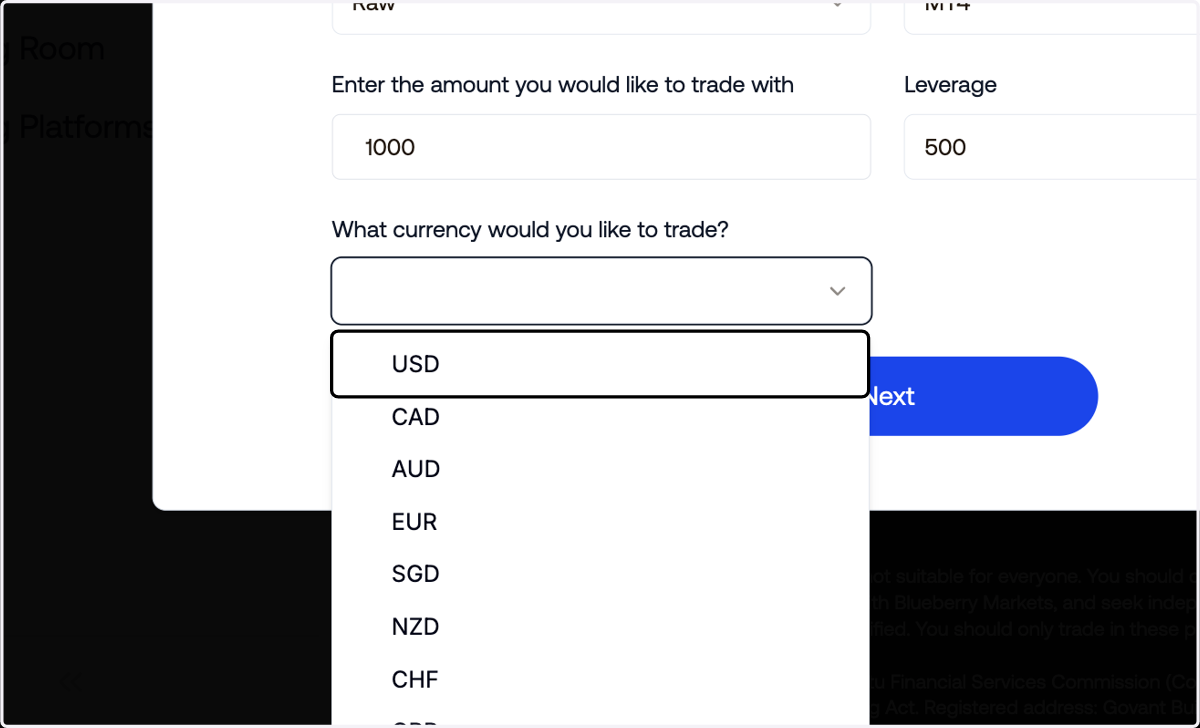
  8. 8. Select the currency

    Select the currency
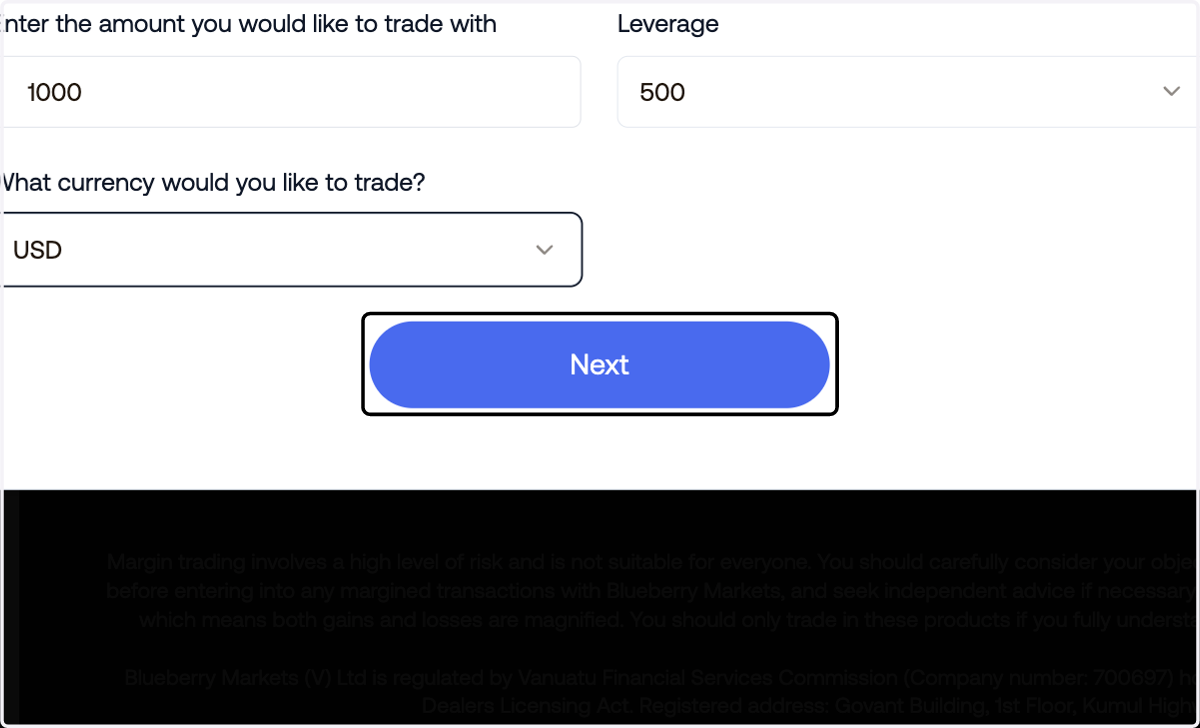
  9. 9. Click on Next

    Click on Next
  10. 10. A confirmation message should be displayed
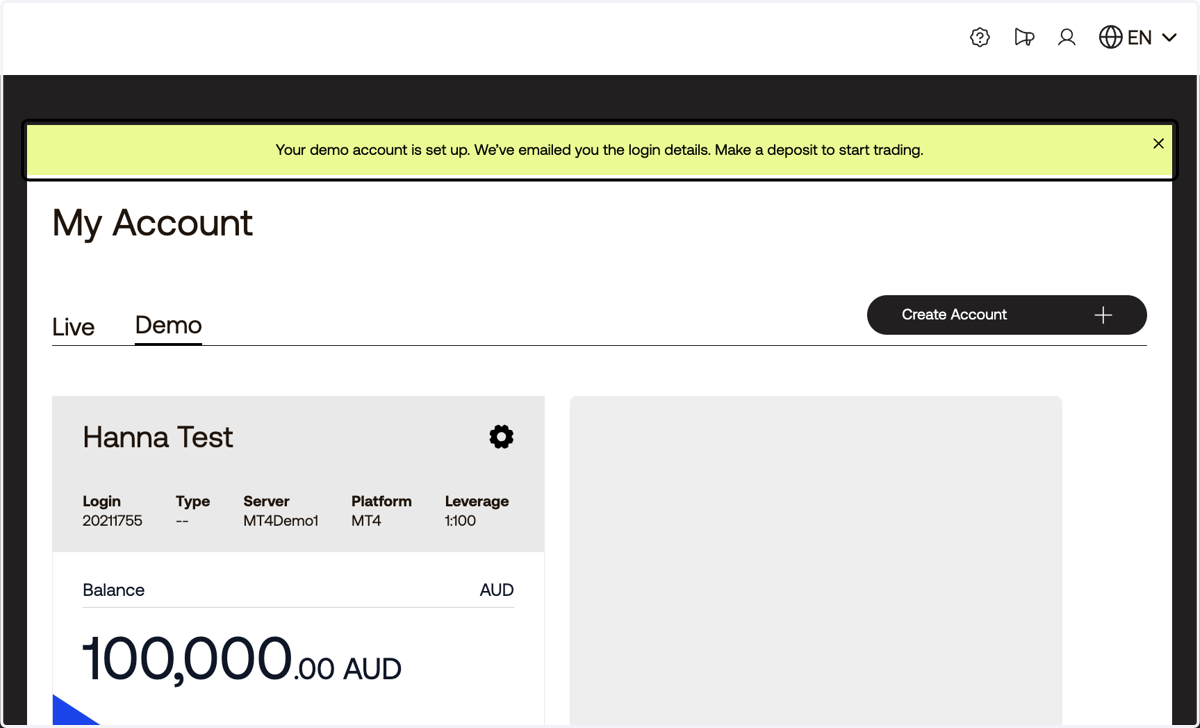
    A confirmation message should be displayed
  11. 11. Click on Hanna Test…

    Click on Hanna Test…