Managing Day and Night Targets and Alerts in Rooms
1. Click on dropdown trigger
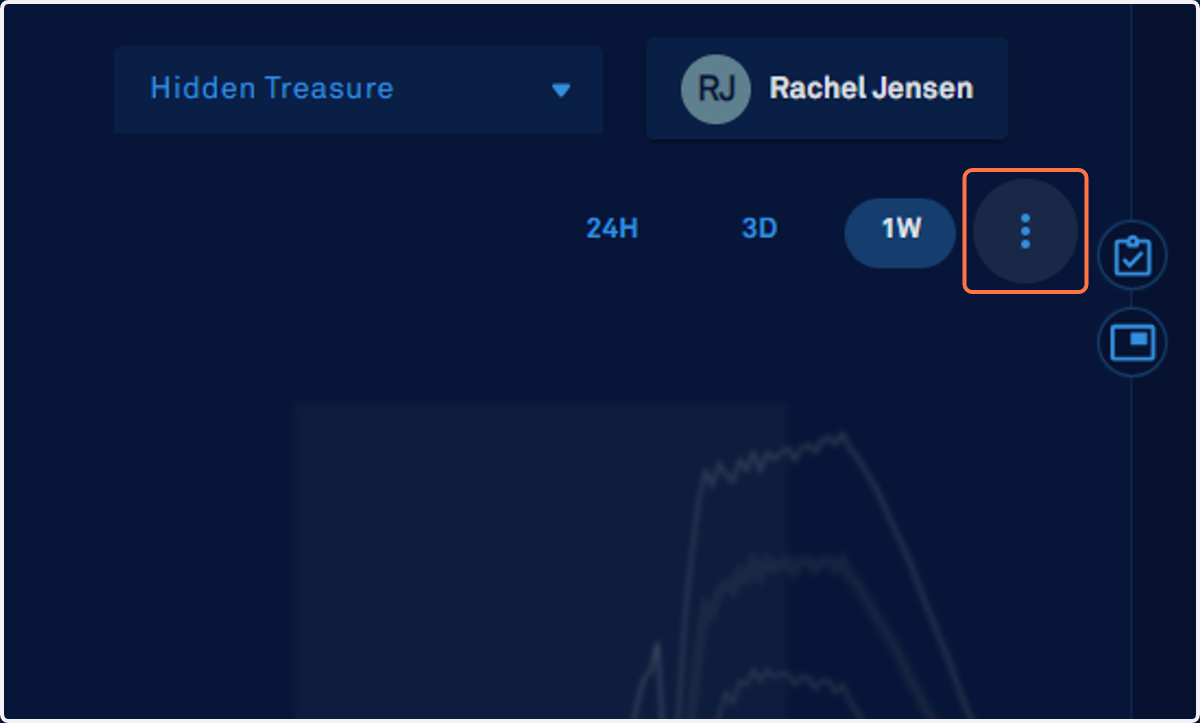
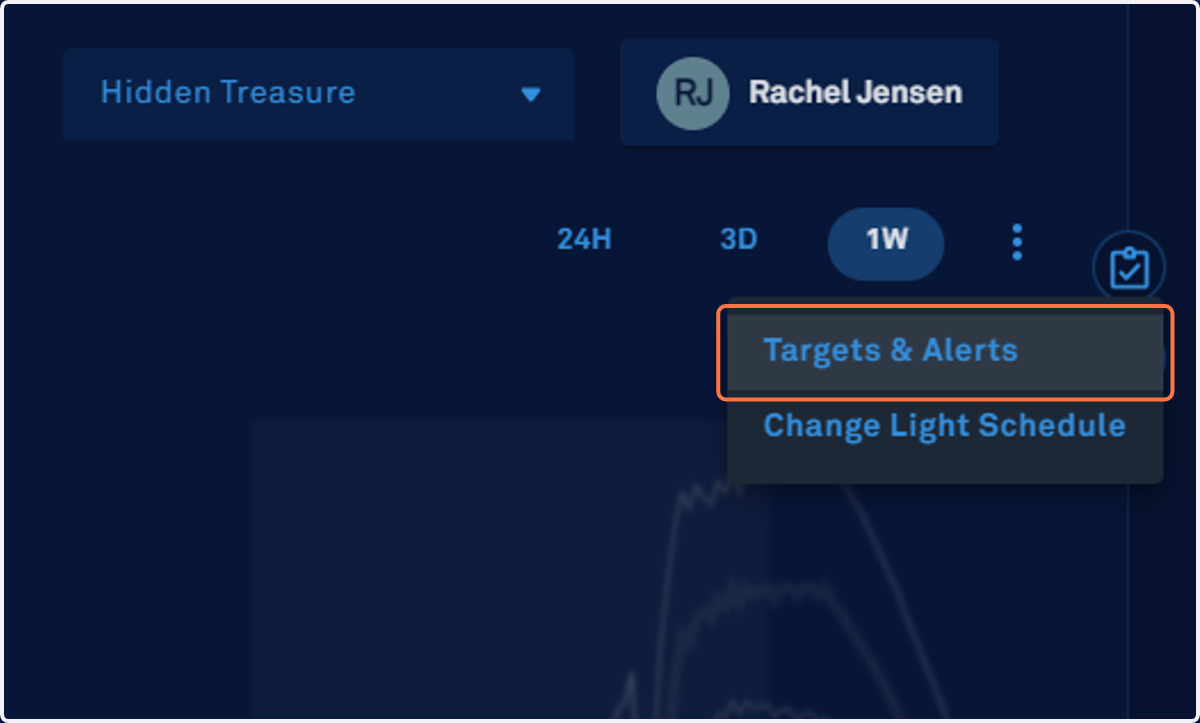
2. Click on Targets & Alerts
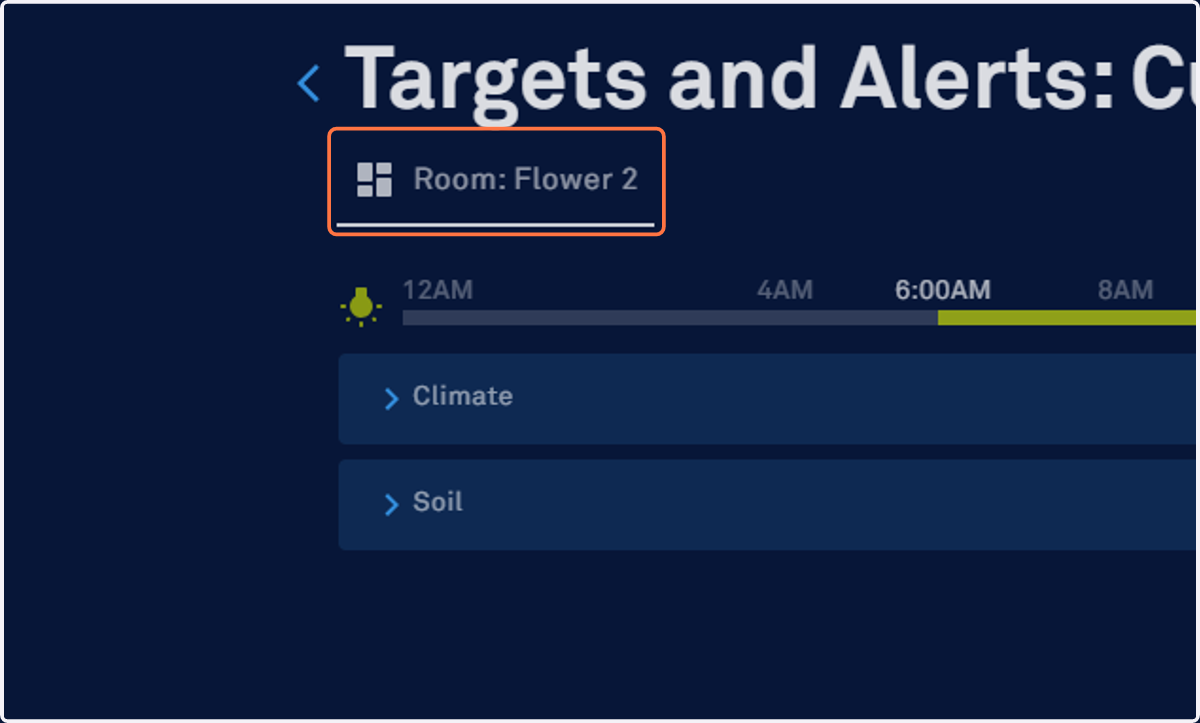
3. Quick view where Targets and Alerts are set
4. Click on the desired reading to add or update alerts

5. Enter desired Target minimum and maximum range

6. Wait for the Saved confirmation

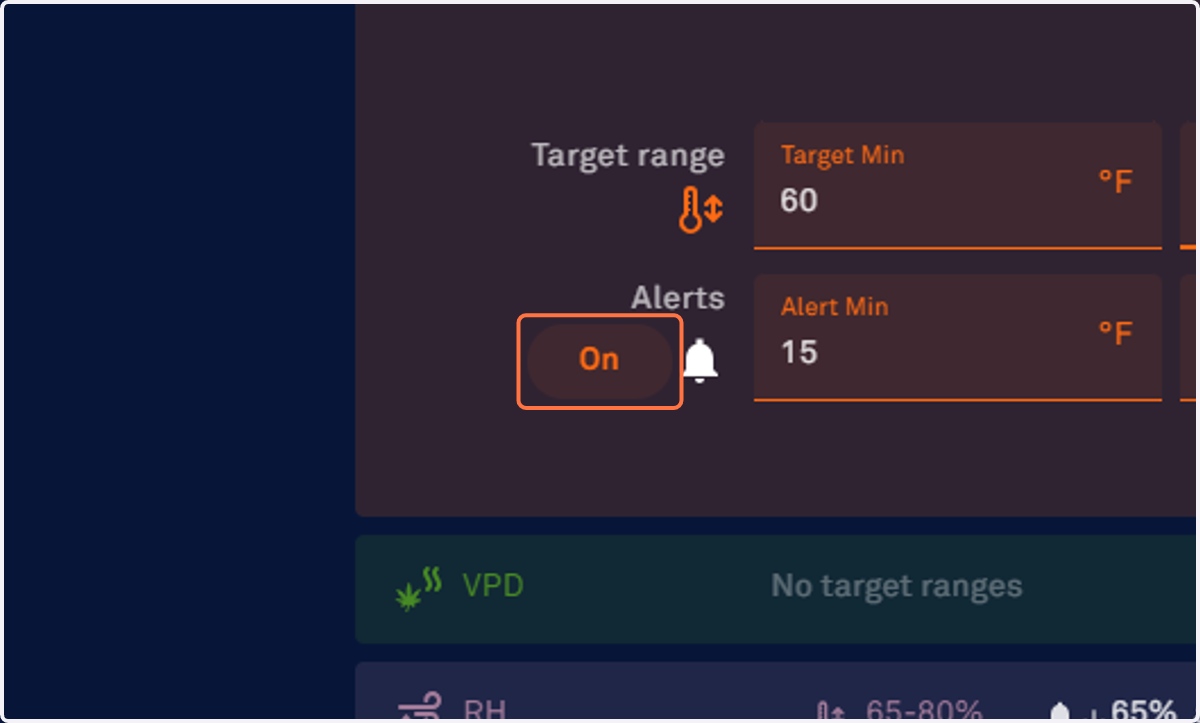
7. Alerts can be toggled on and off by selecting that option next to the Bell
8. Add Separate Targets and Alerts for Lights Off

9. Click on Add 'Lights off' targets

10. Enter desired Target minimum and maximum range

11. Once the settings have auto saved, click the Back arrow to return to the previous screen
