Adding a New User in PhoneRaise
PhoneRaise
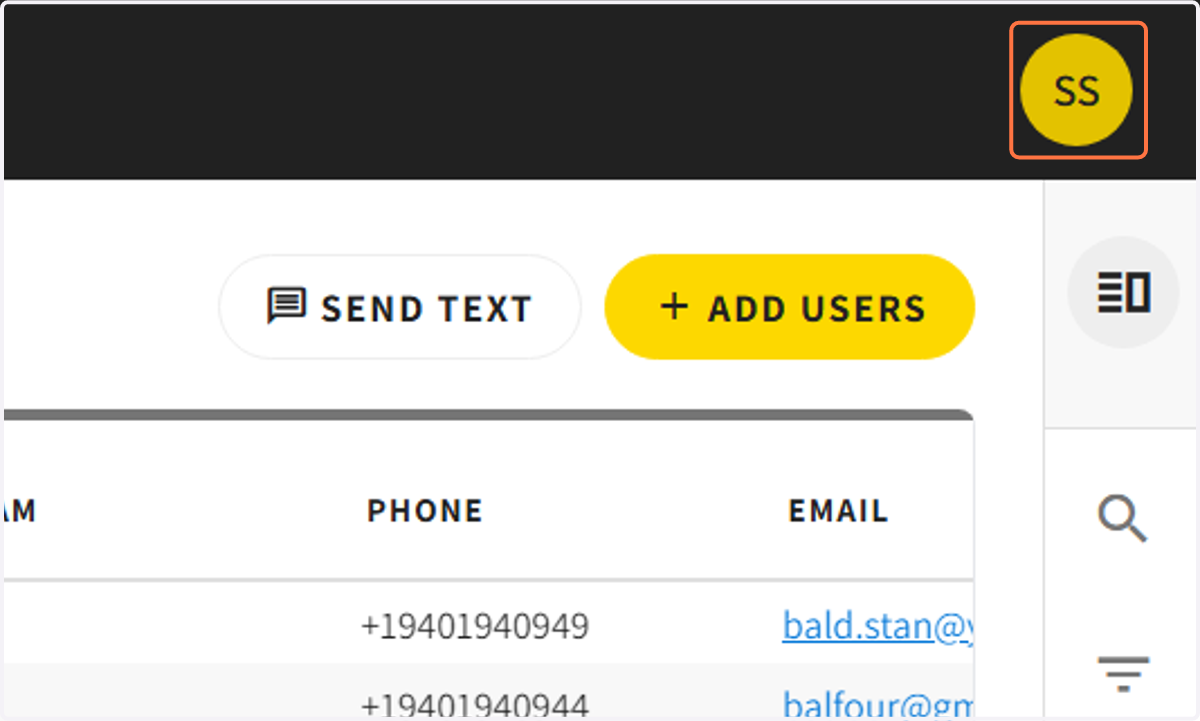
1. Click on the user icon in the right corner of your screen
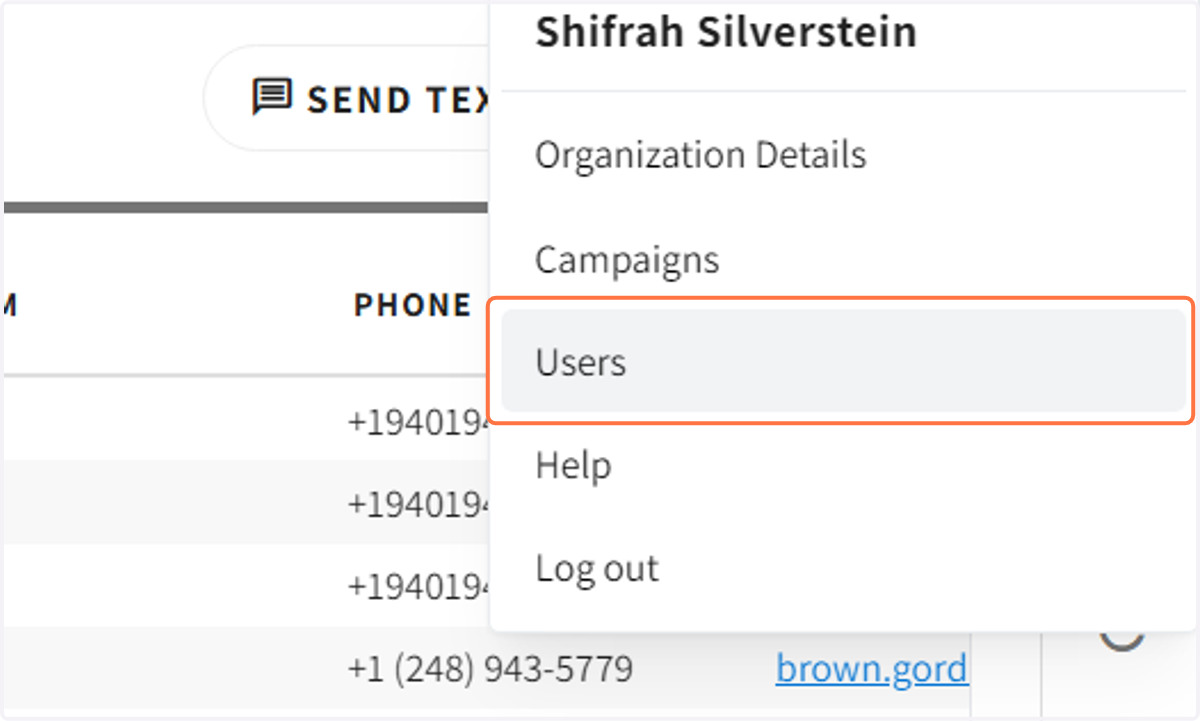
2. Click on the 'Users' tab
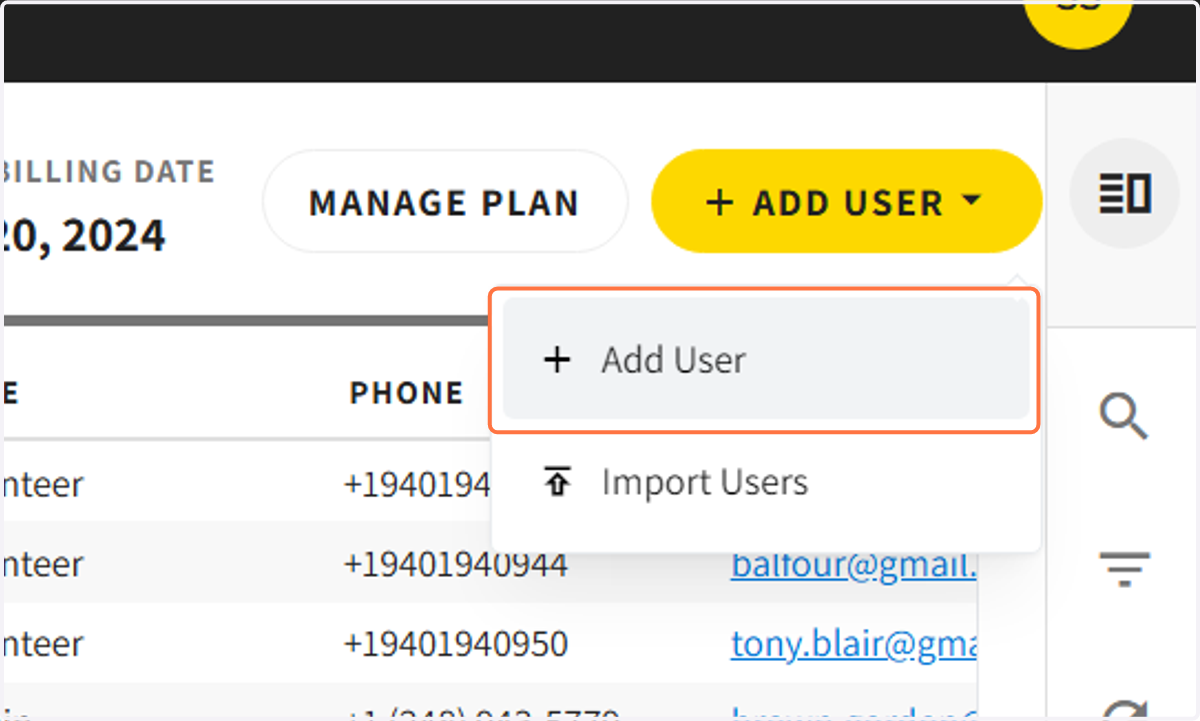
3. Click on the '+ ADD USER' bar
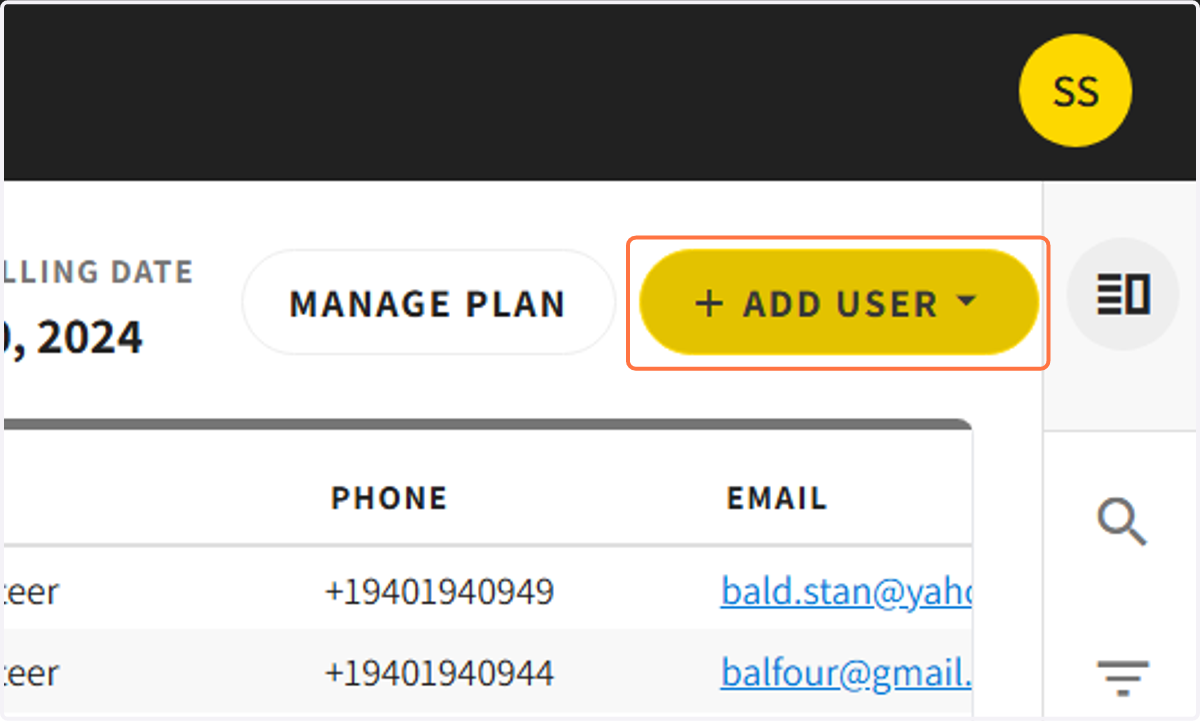
4. Click on '+ Add User' to add user
If you have a list of users to upload, import the data via the second tab
5. Fill in the data for the new user
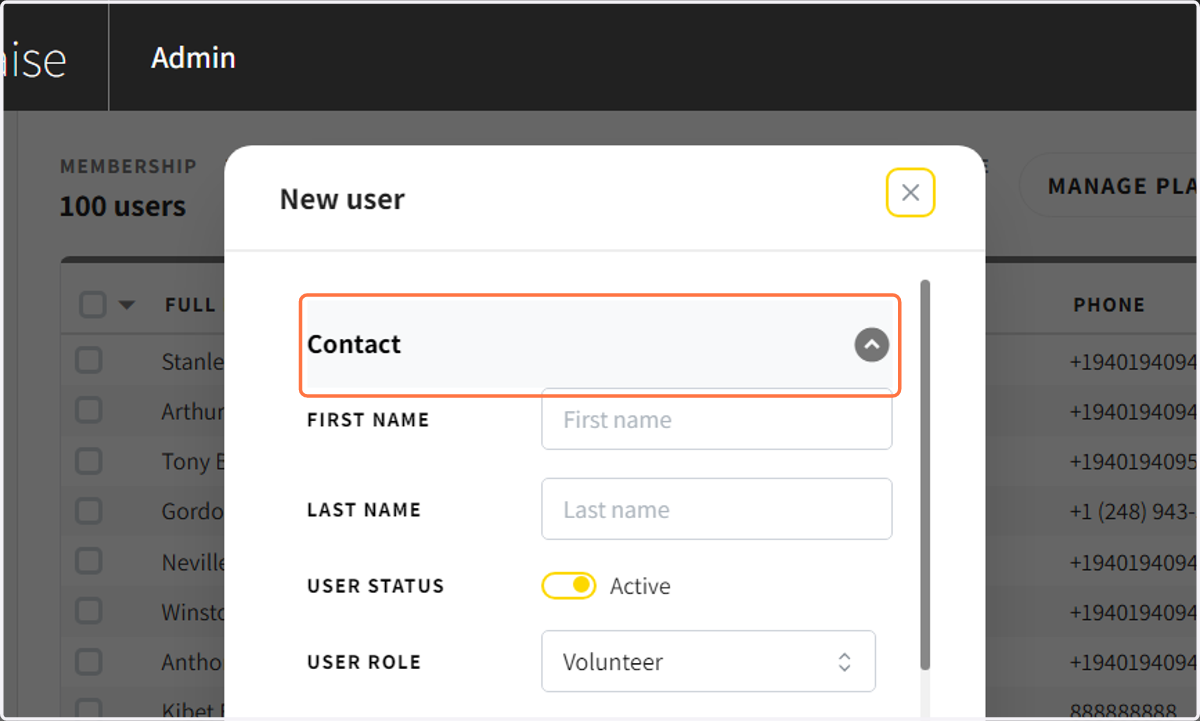
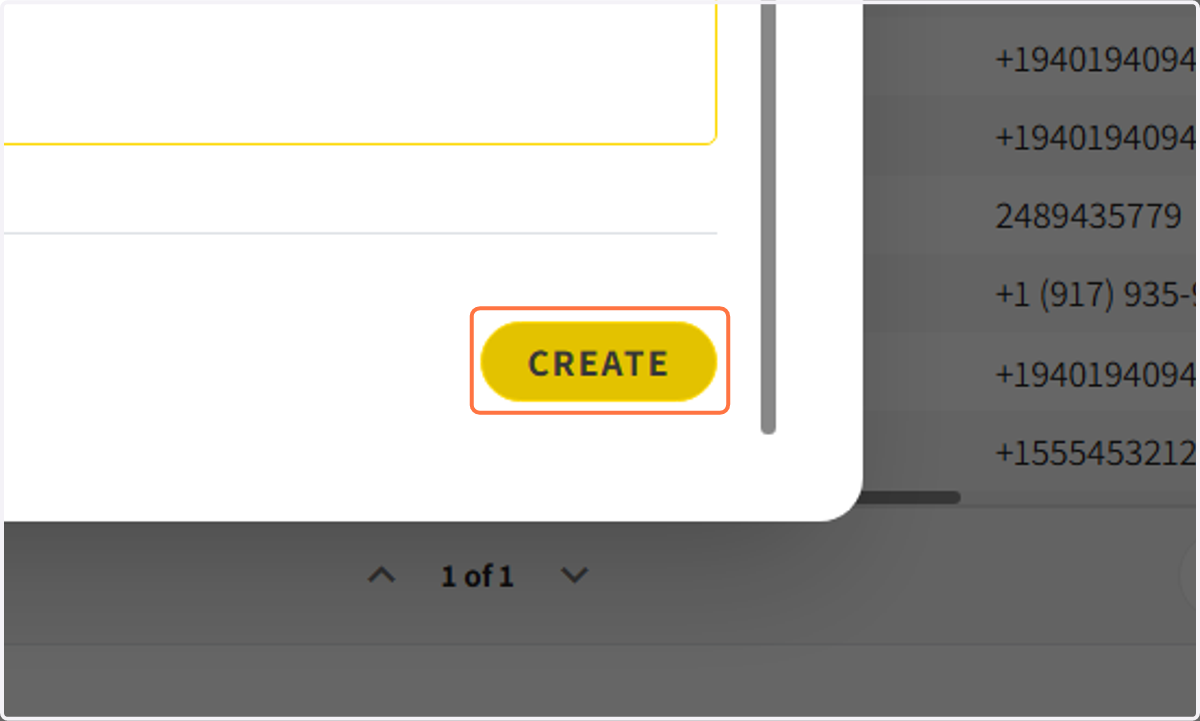
6. Click create to add the user to your profile