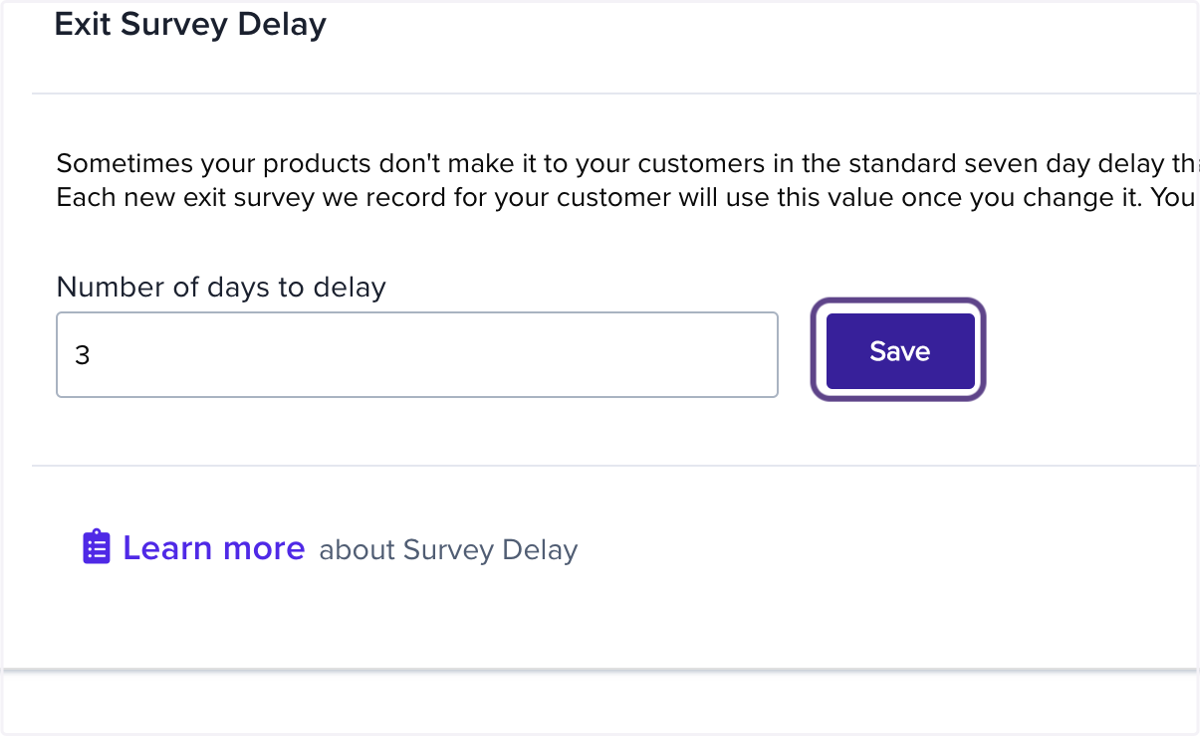
Setting Exit Survey Delay
Resellerratings
Learn how to set up your survey delay so it gets mailed 'x' days after an order is purchased and made.
1. Go to your platform portal.
Log into your dashboard and go to your platform portal.
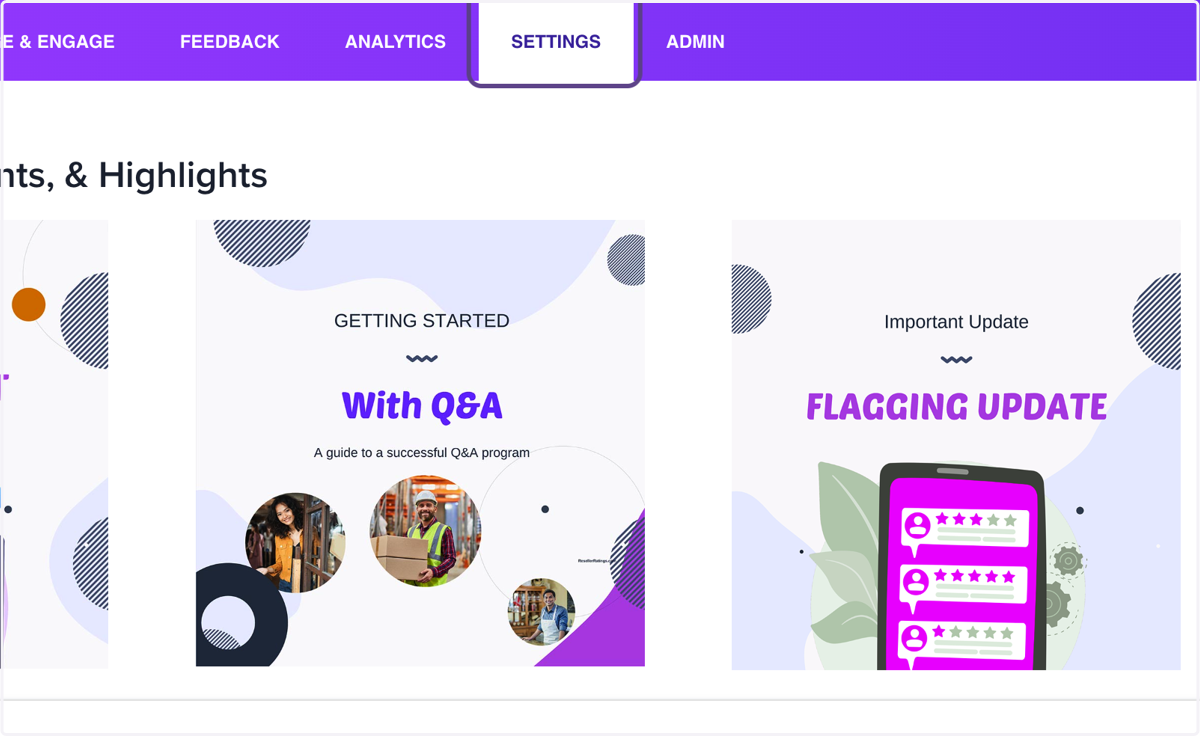
2. Click on Settings
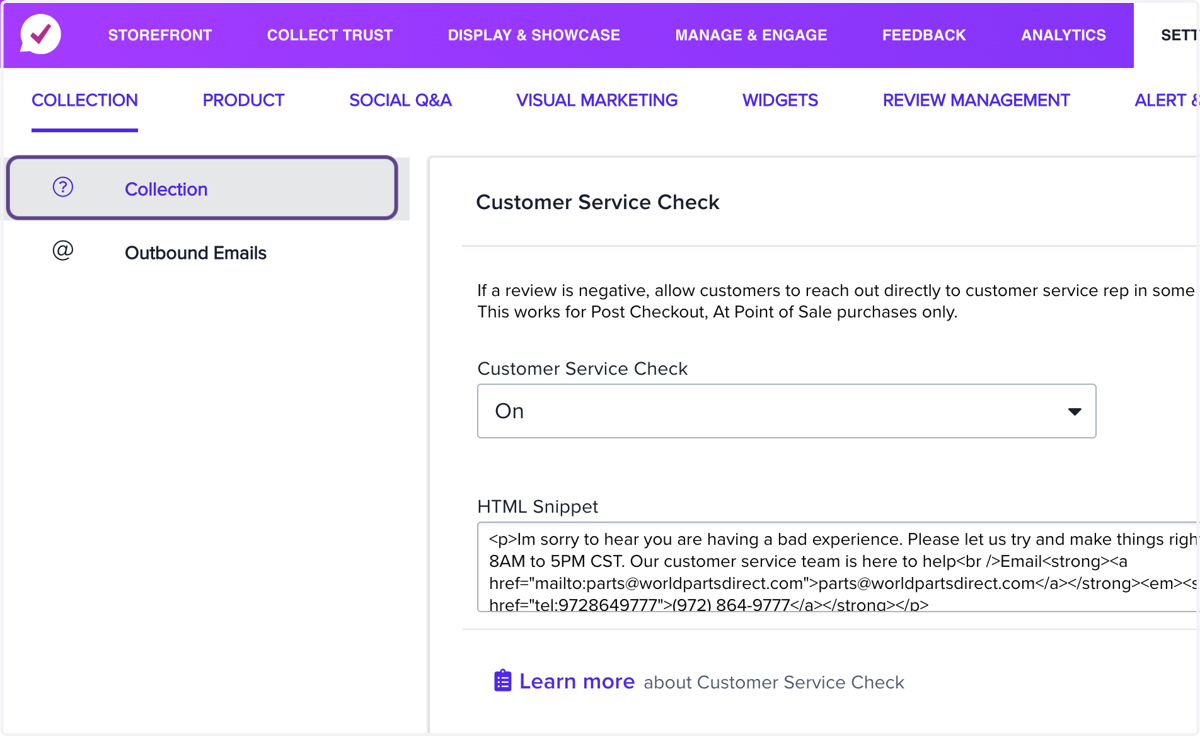
3. Click on Collection
4. Click on Exit Survey Delay…
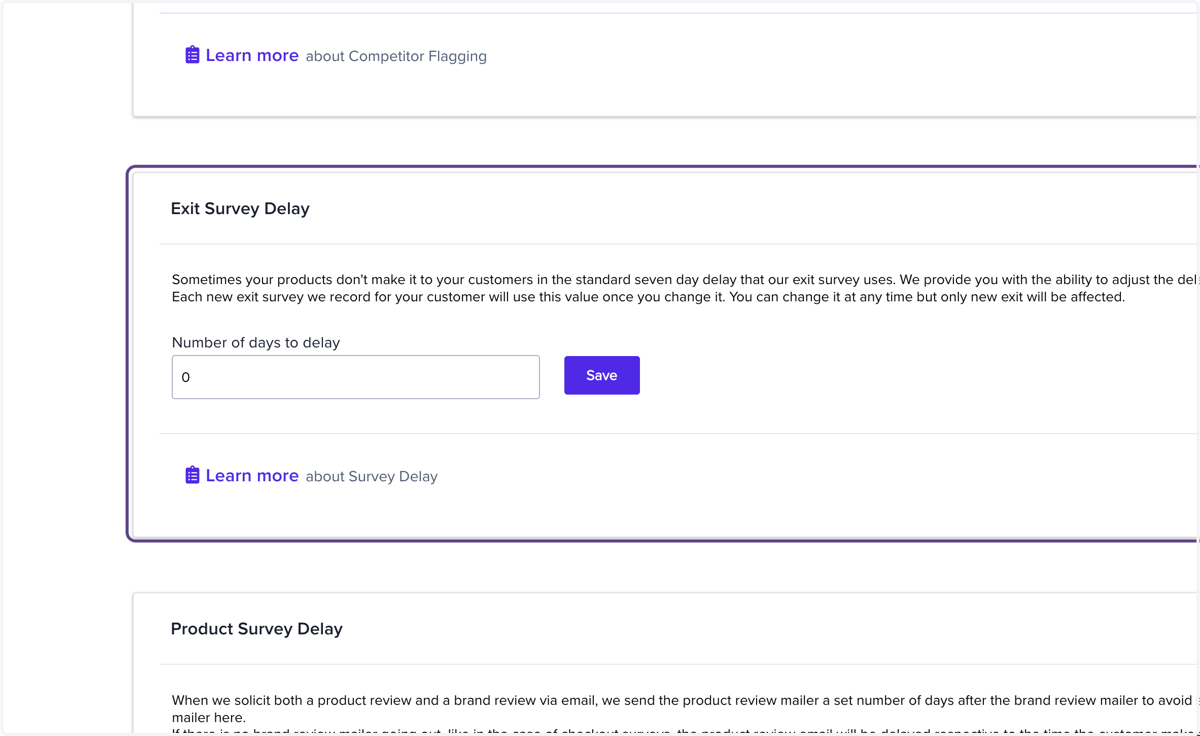
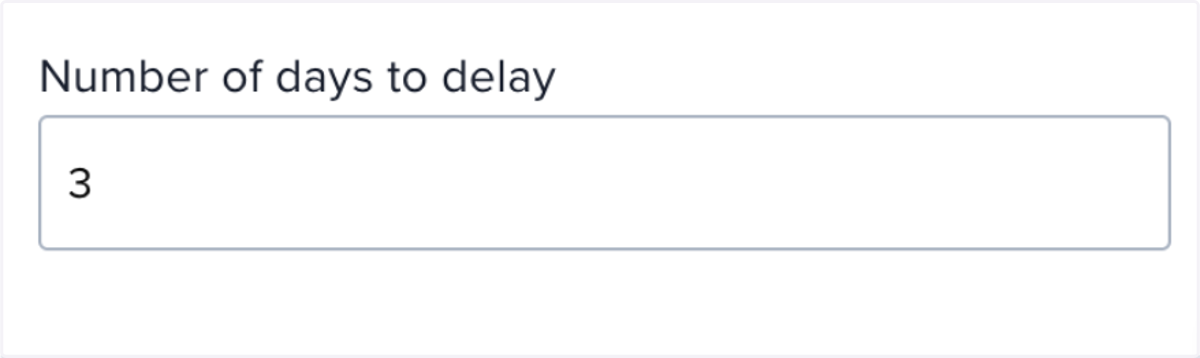
5. Choose the number of days for delay
Enter in the number of days of delay after your email trigger on checkout or via BCC (we usually recommend 5 days)
6. Click on Save