RentCafe: Updating User Emails
Below is a guide to be able to change email addresses for users that have been invited to RentCafe
YardiOne Dashboard
1. Click on RentCafe Site Manager

RentCafe Site Manager
2. Click on User Management, under Company Configuration>Company Management
This is done in the general Brightview side of RentCafe, not your specific community page!

3. Click on Senior Contacts
Make sure this says "Senior Contacts" and not "Senior Prospects"

4. Click on PROPERTIES (ALL)
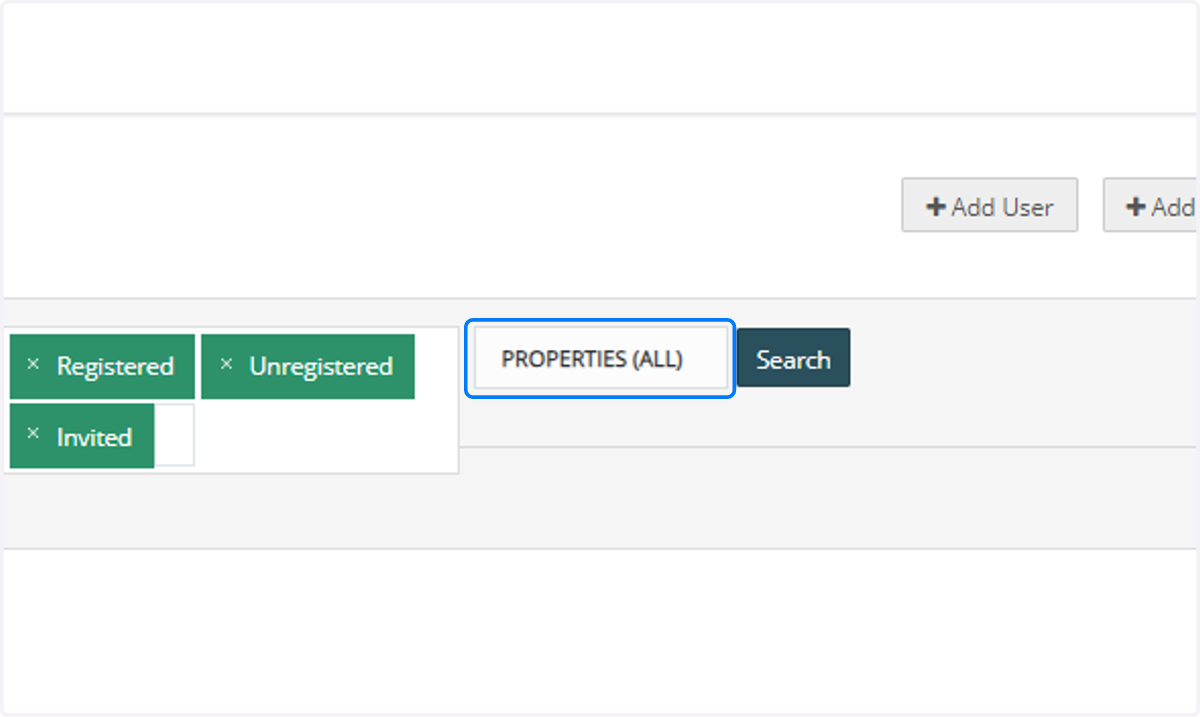
5. Type the name of your community
Here we are using our Brightview Test (Rentcafe) property as an example

6. Check the box to the left of your community
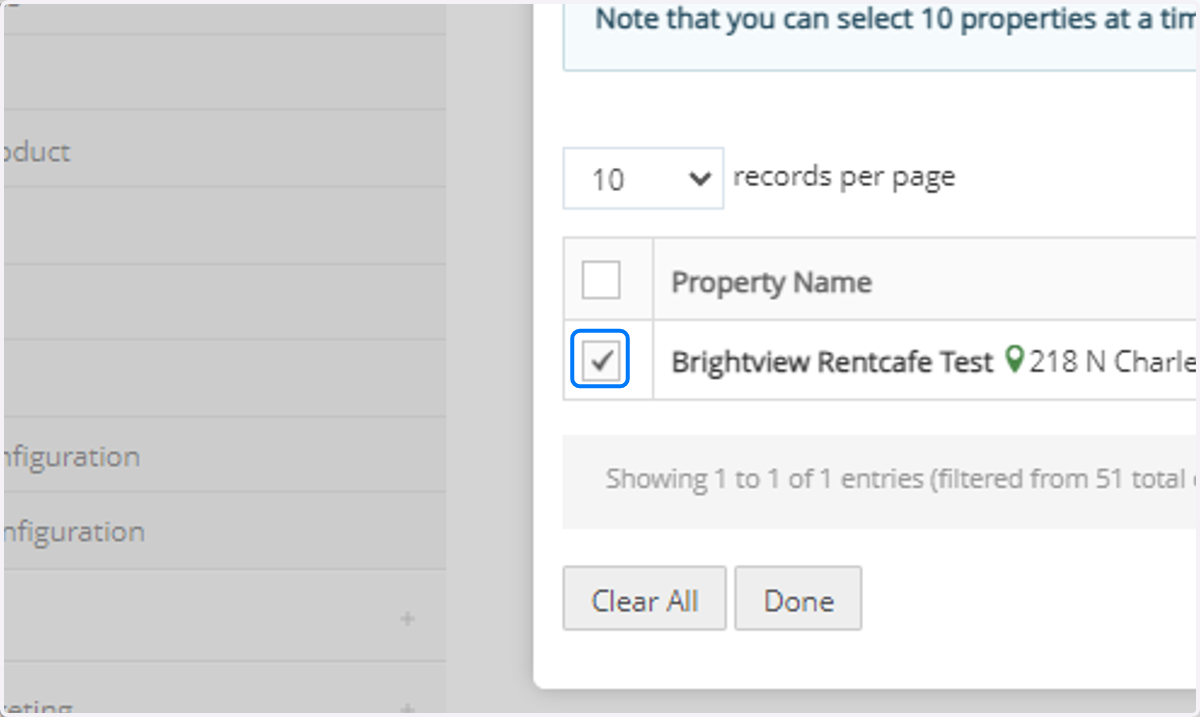
7. Click on Done

8. Click on Search

9. Using the search bar, find the name of the individual you would like to invite to RentCafe
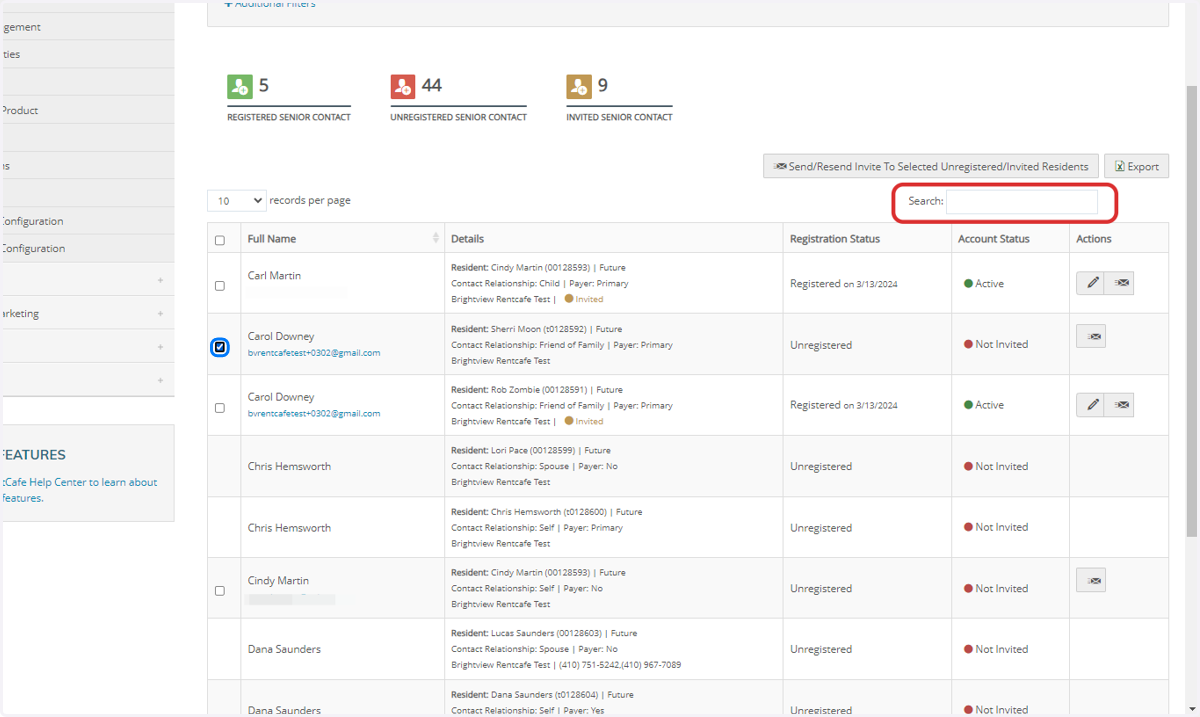
10. Click on the Edit button next to the contact
The edit button will only appear for those that have successfully been invited and registered into RentCafe. If you need to change the email for user who hasn't yet signed in, you can do that from the Residents Contact in Voyager or CRM.

11. To change their email, you will click "Change Email Address"

12. Click on Save Changes after anything is done to the profile.
