Creating a Link for "Save my contact" button
1. (optional) Click on Select an image
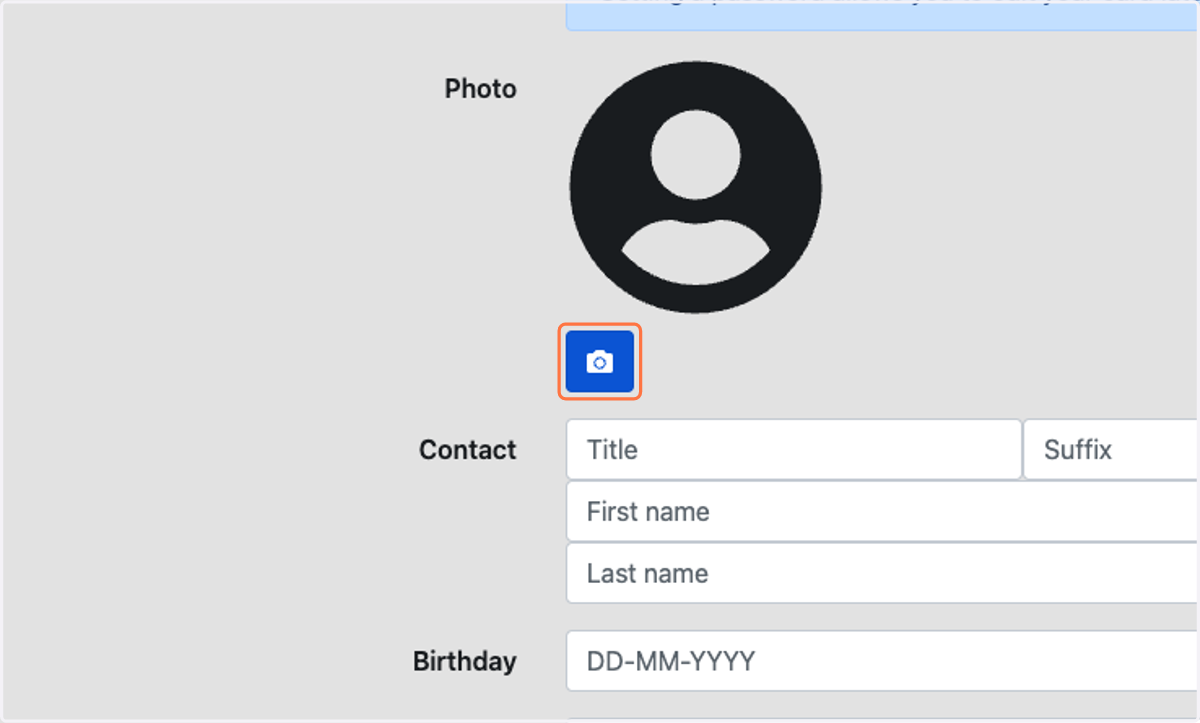
2. Select the headshot for the individual from your files
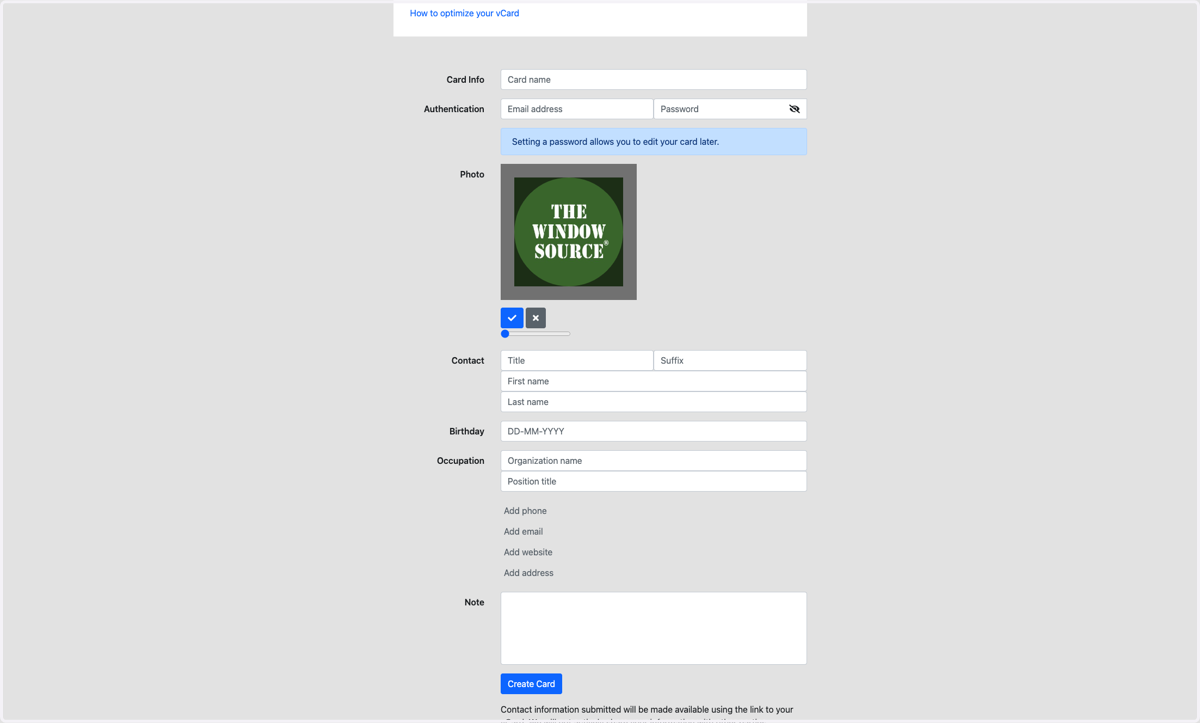
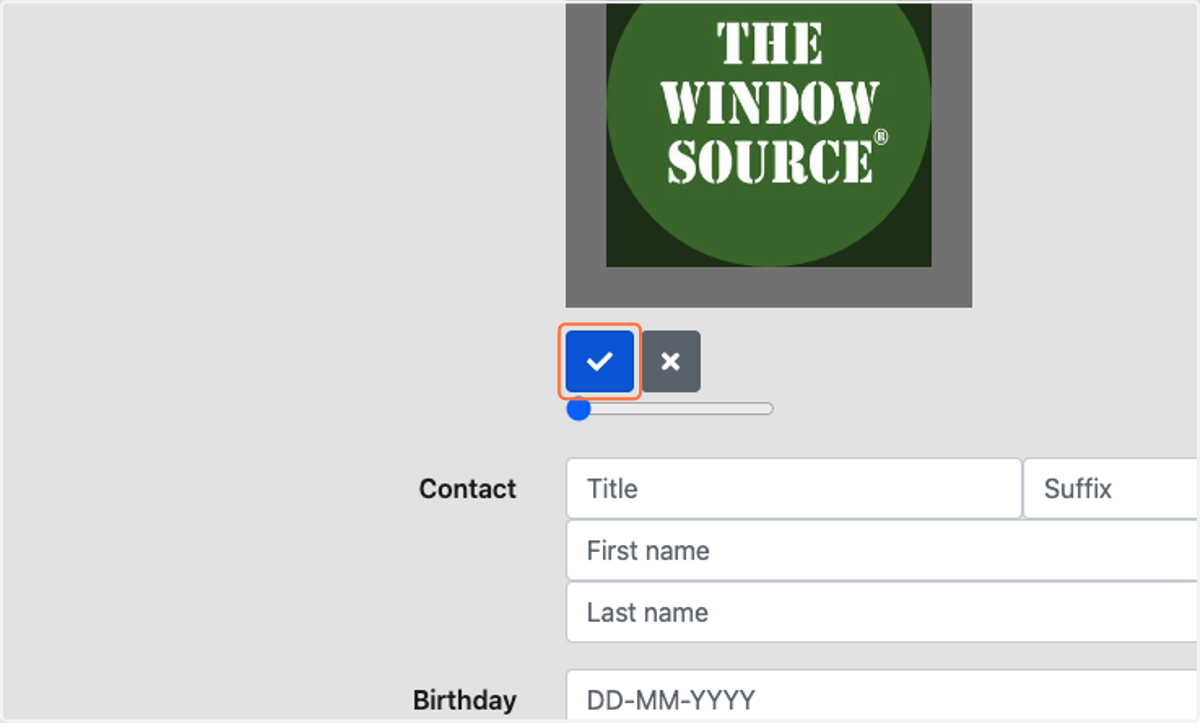
3. Click on Accept
4. Type First Name
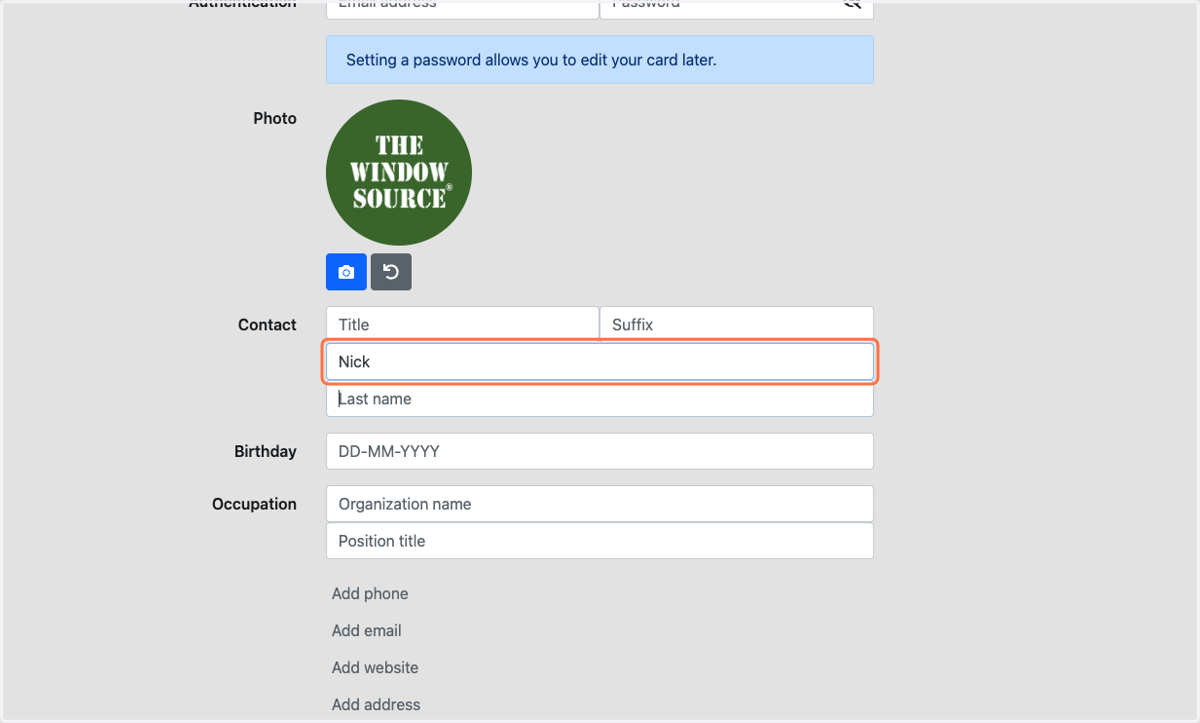
5. Type Last Name
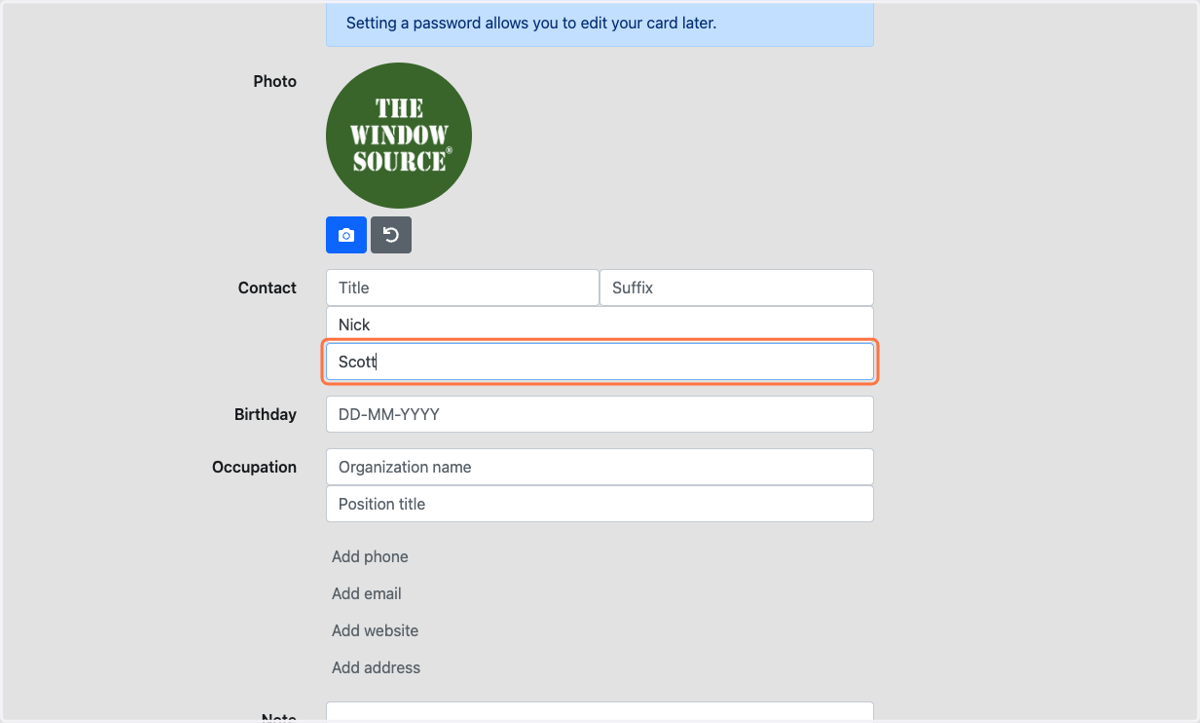
6. Type the location's name
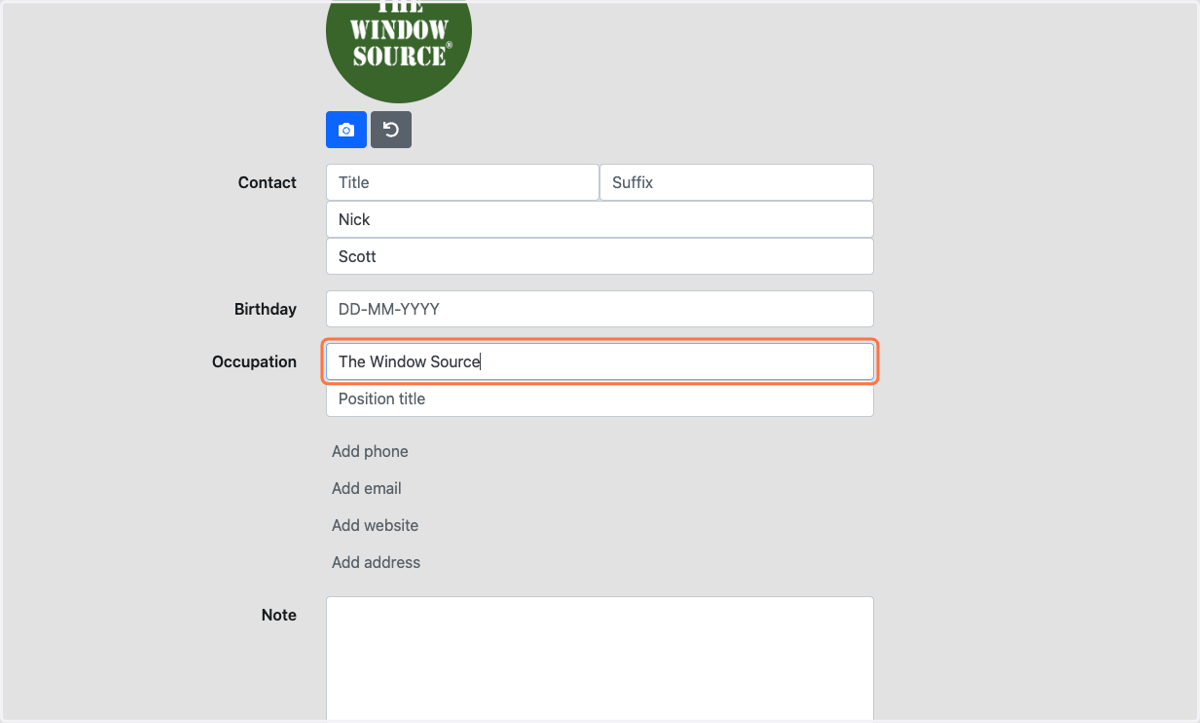
7. Type the position of the person
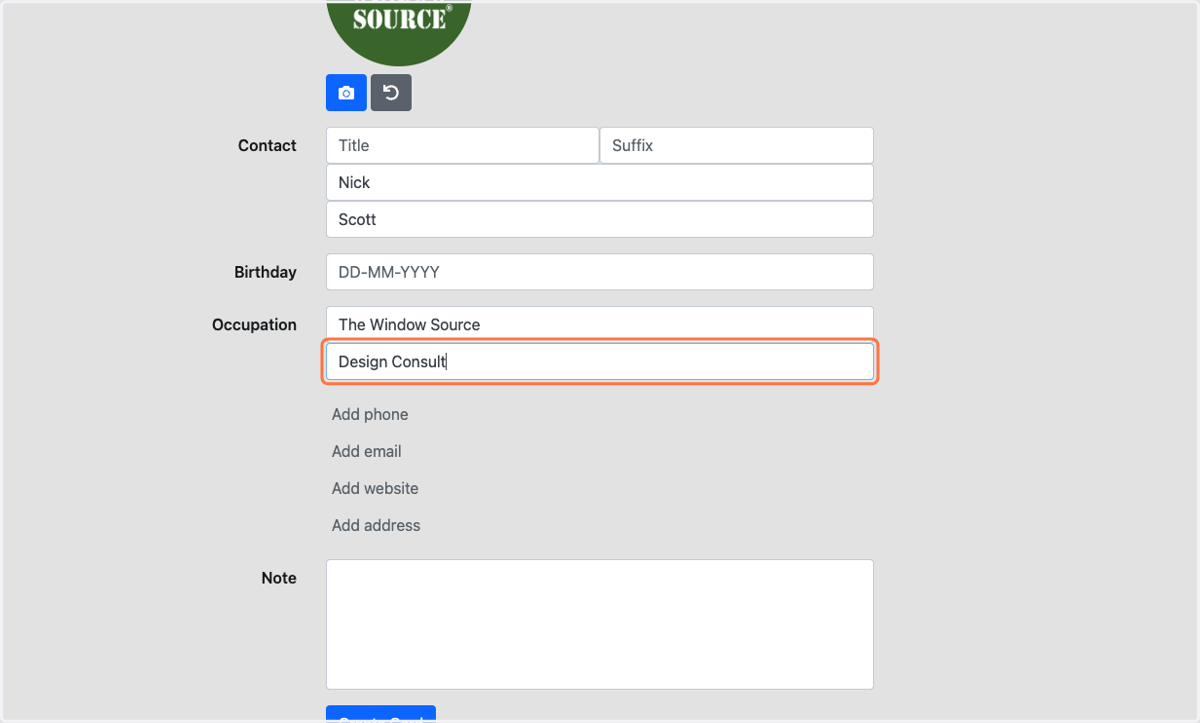
8. Click on Add phone
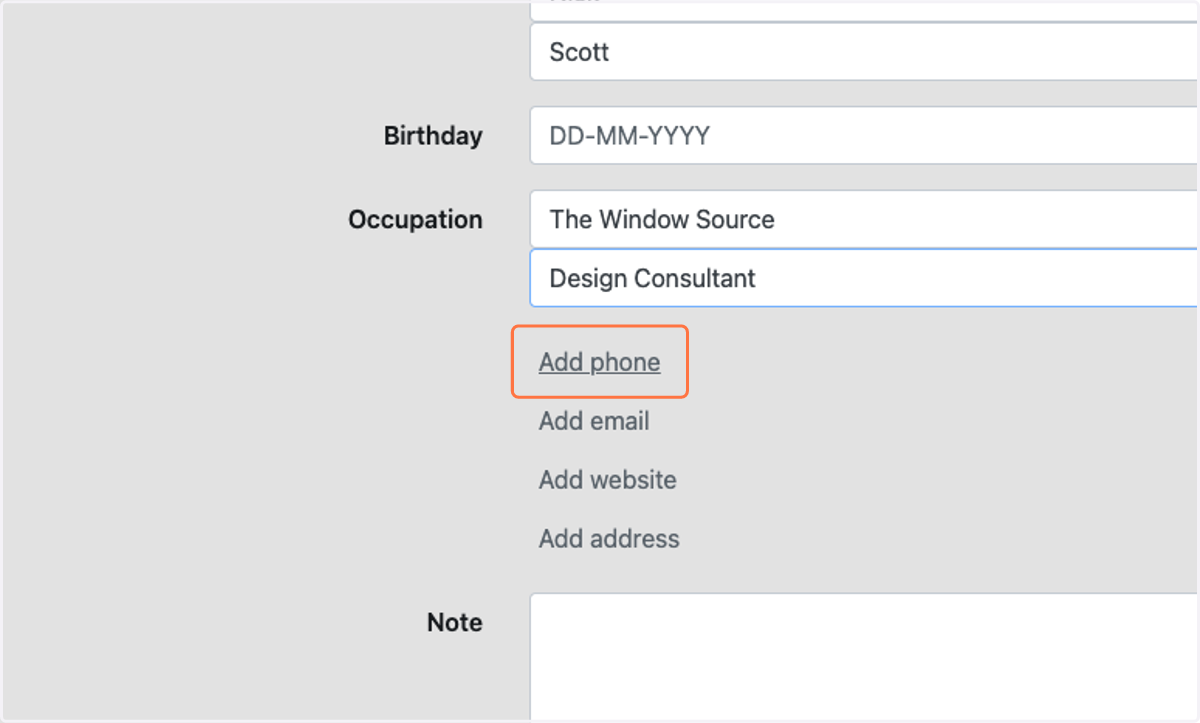
9. Select type of phone number to add
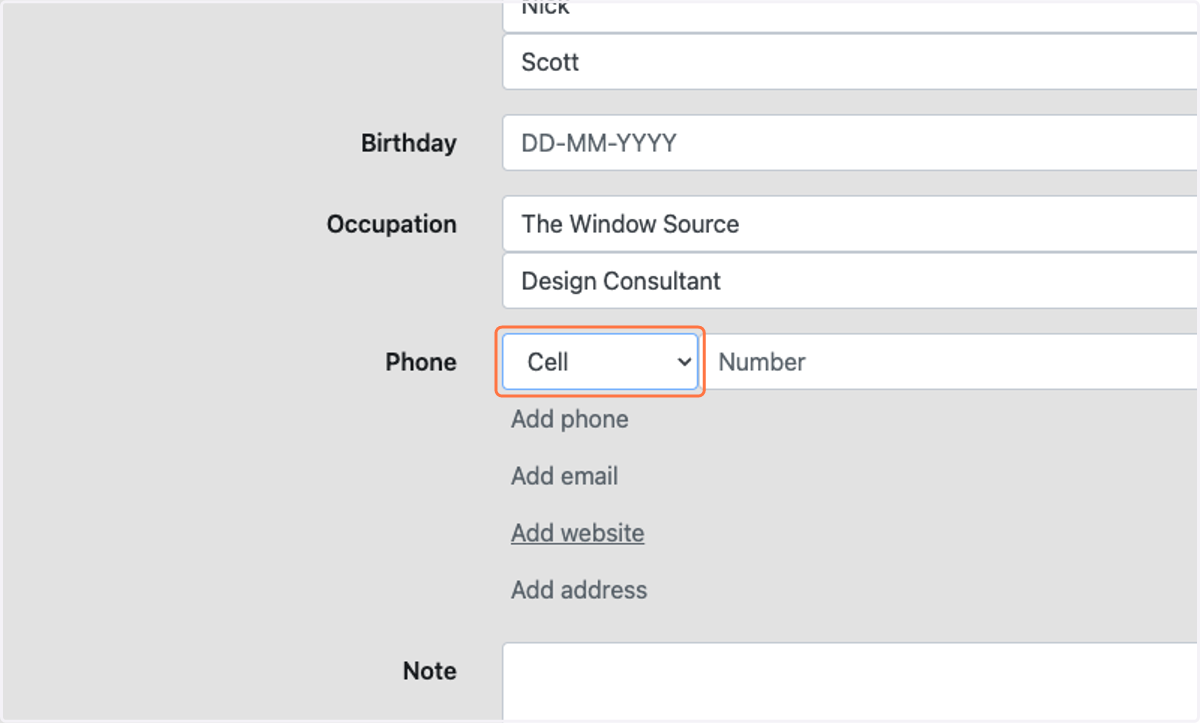
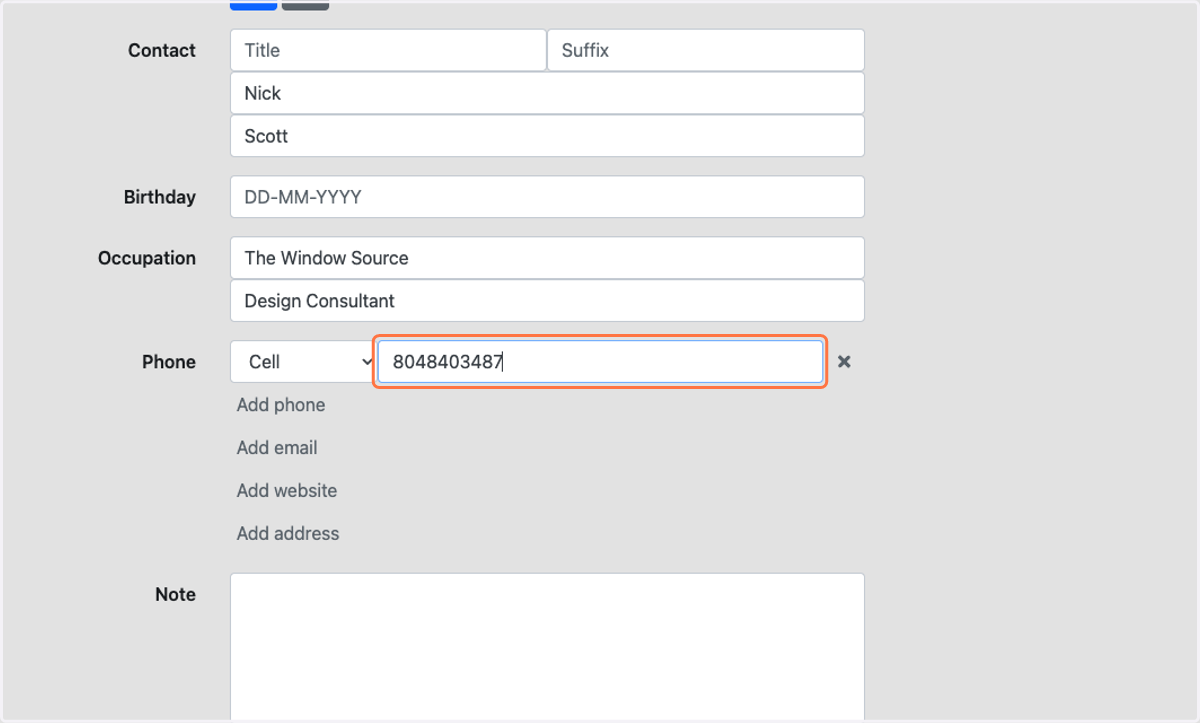
10. Type the phone number (repeat as necessary)
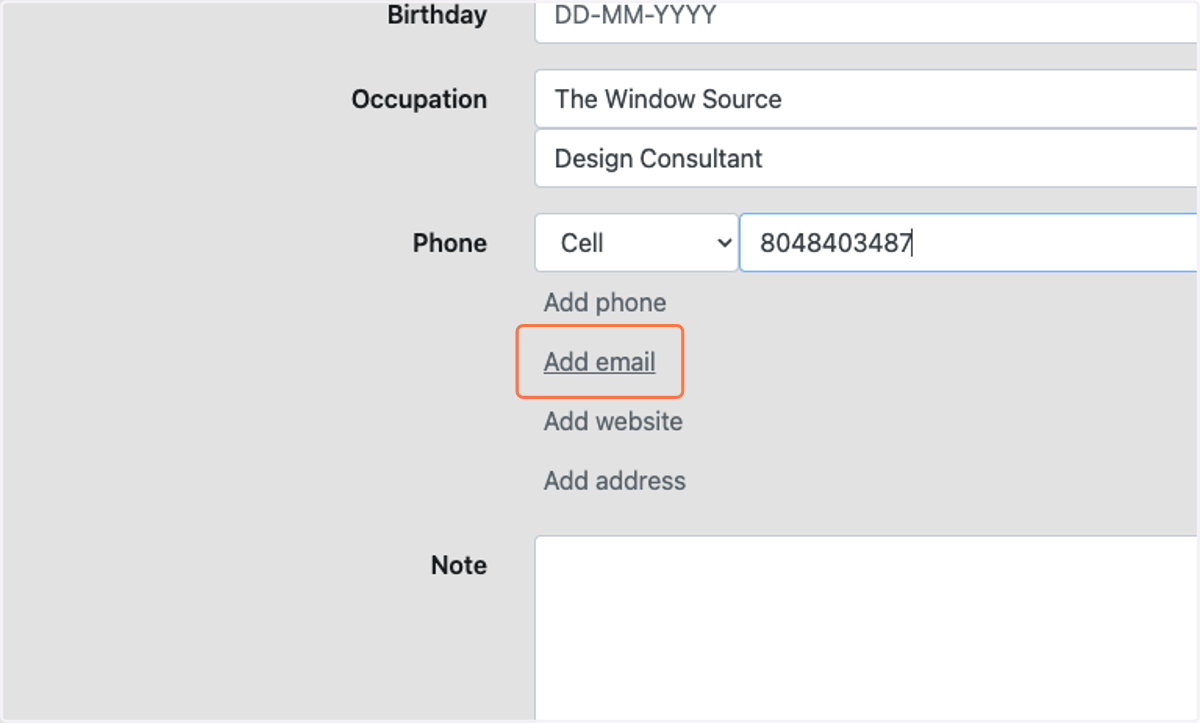
11. Click on Add email
12. Select Work from Email
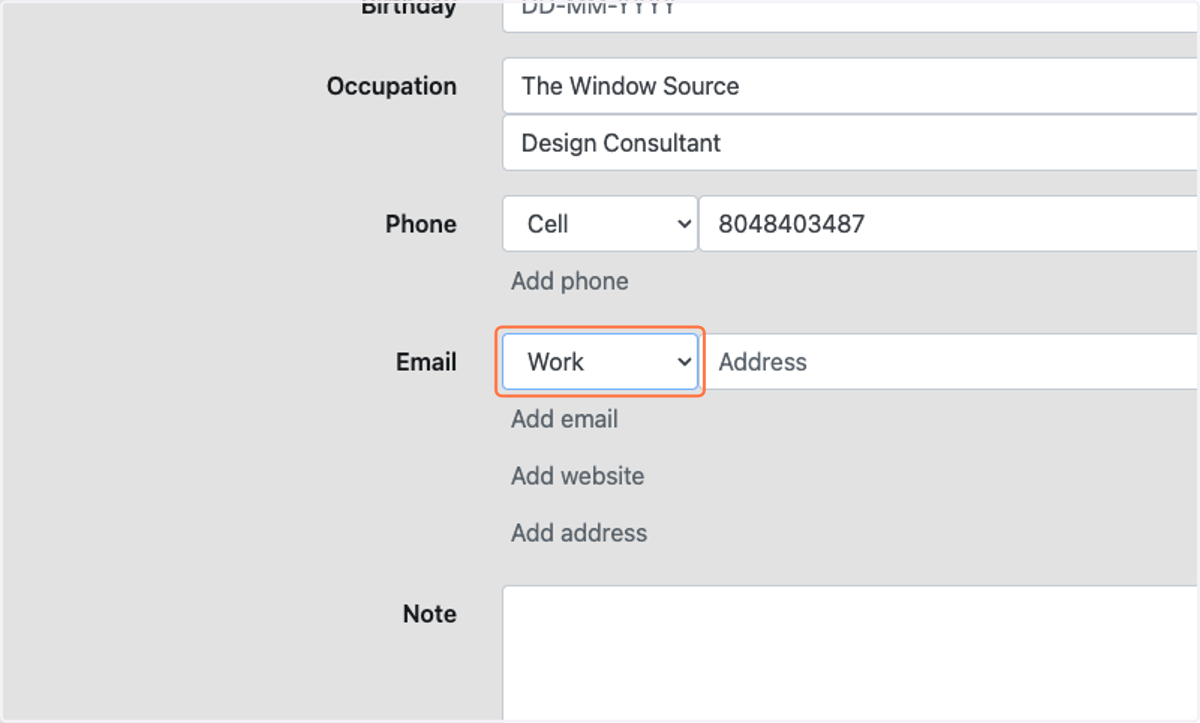
13. Type the contact's email (repeat as necessary)
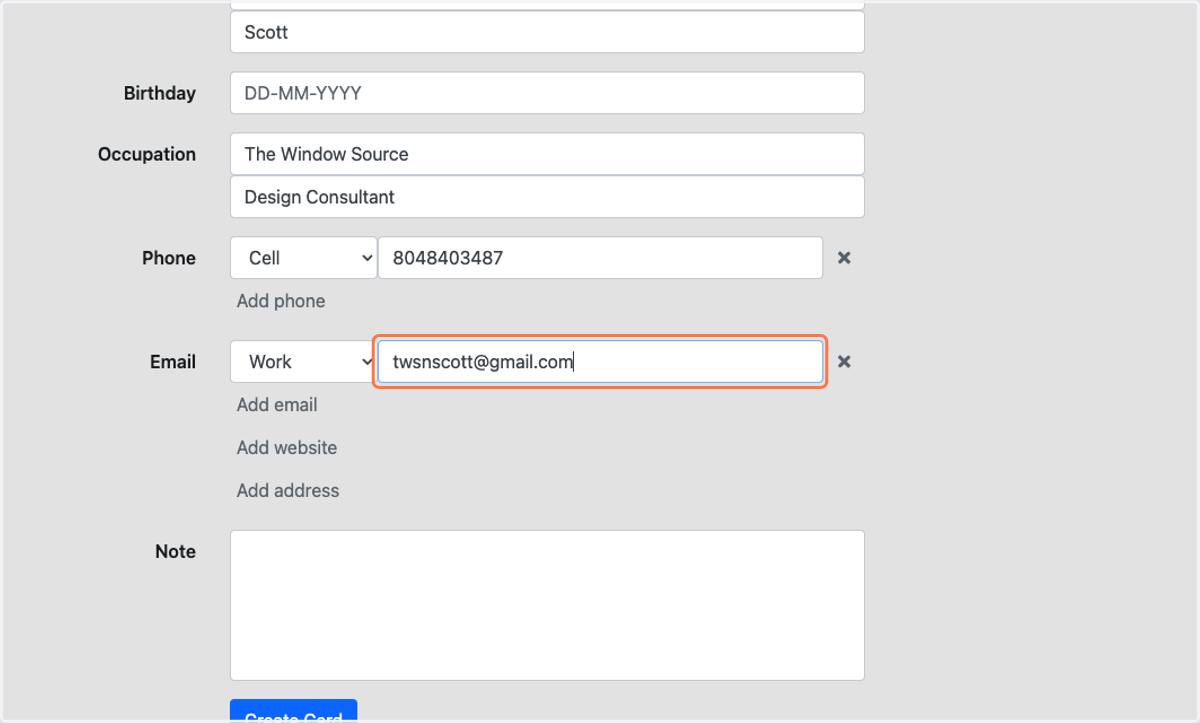
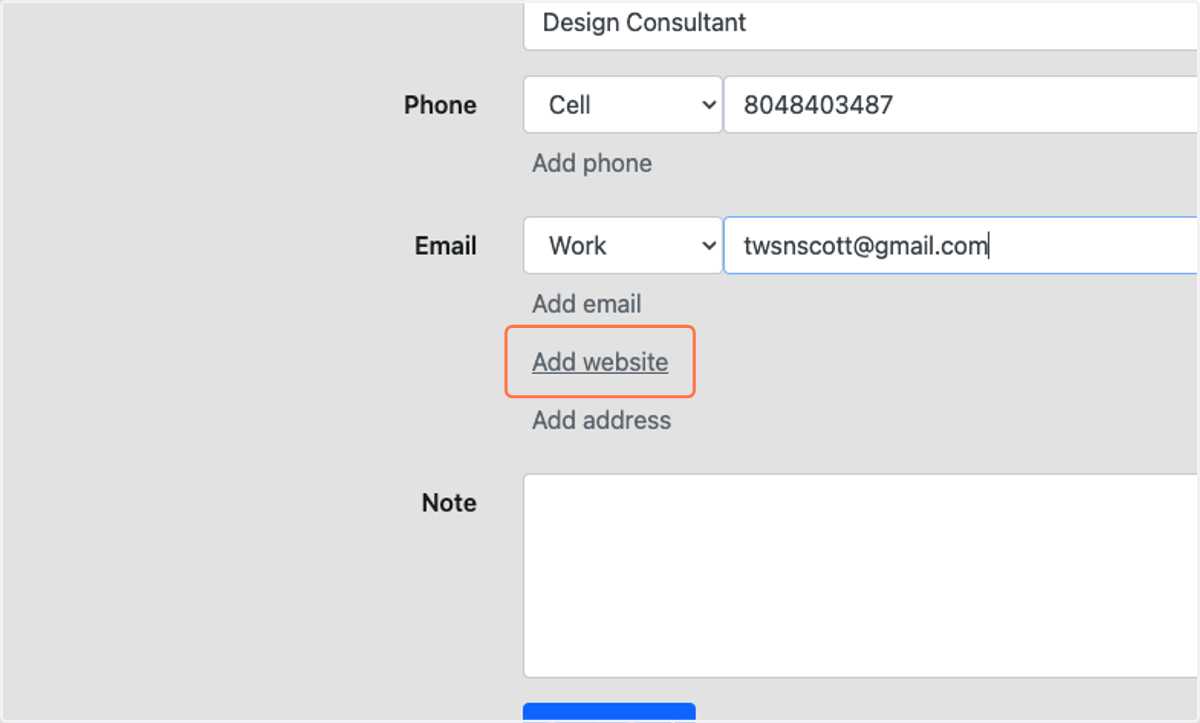
14. Click on Add website
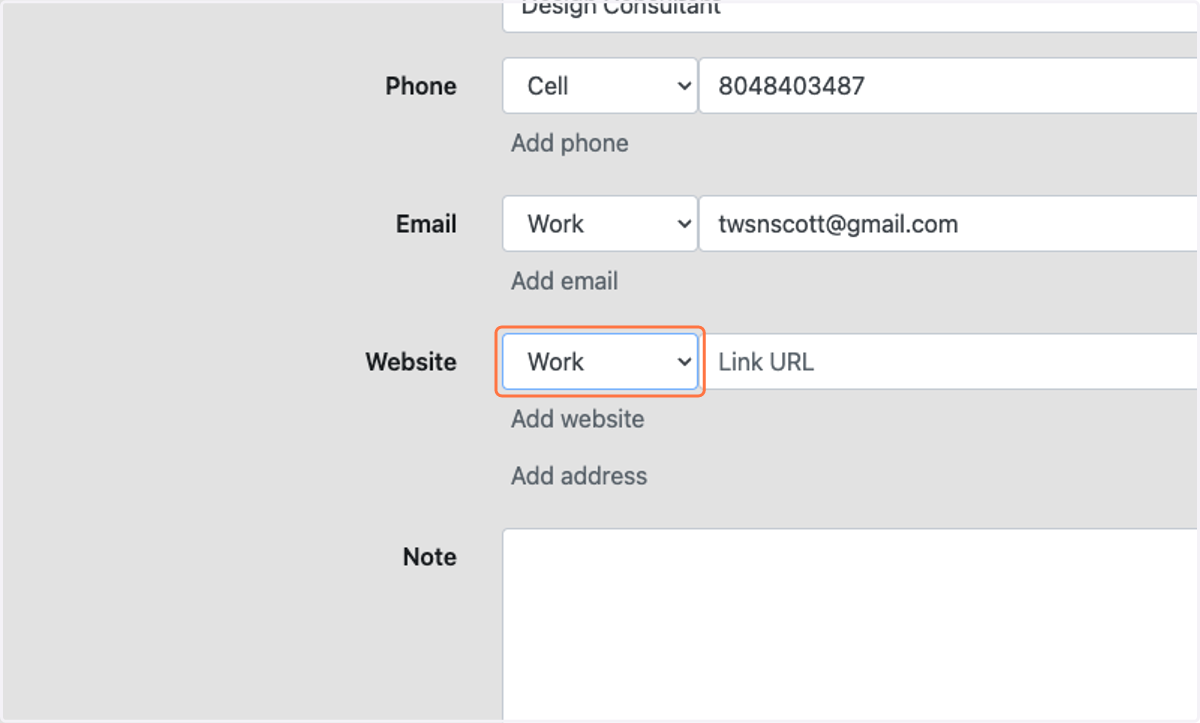
15. Select Work from Website
16. Type location's website
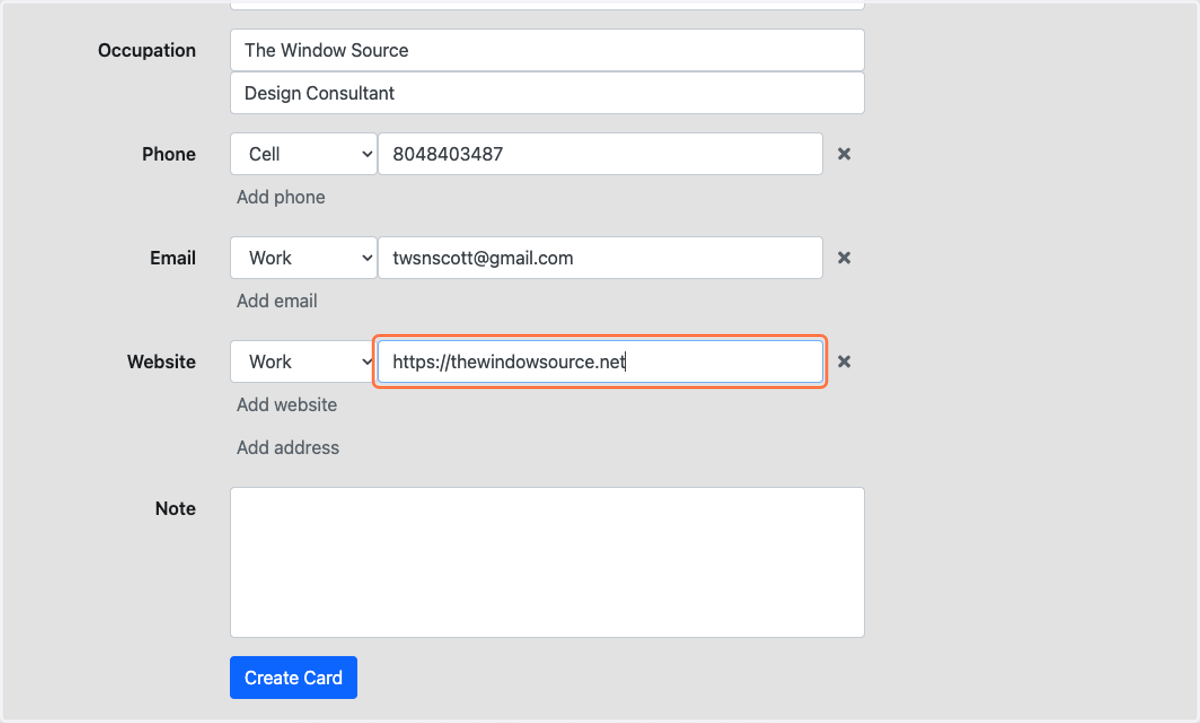
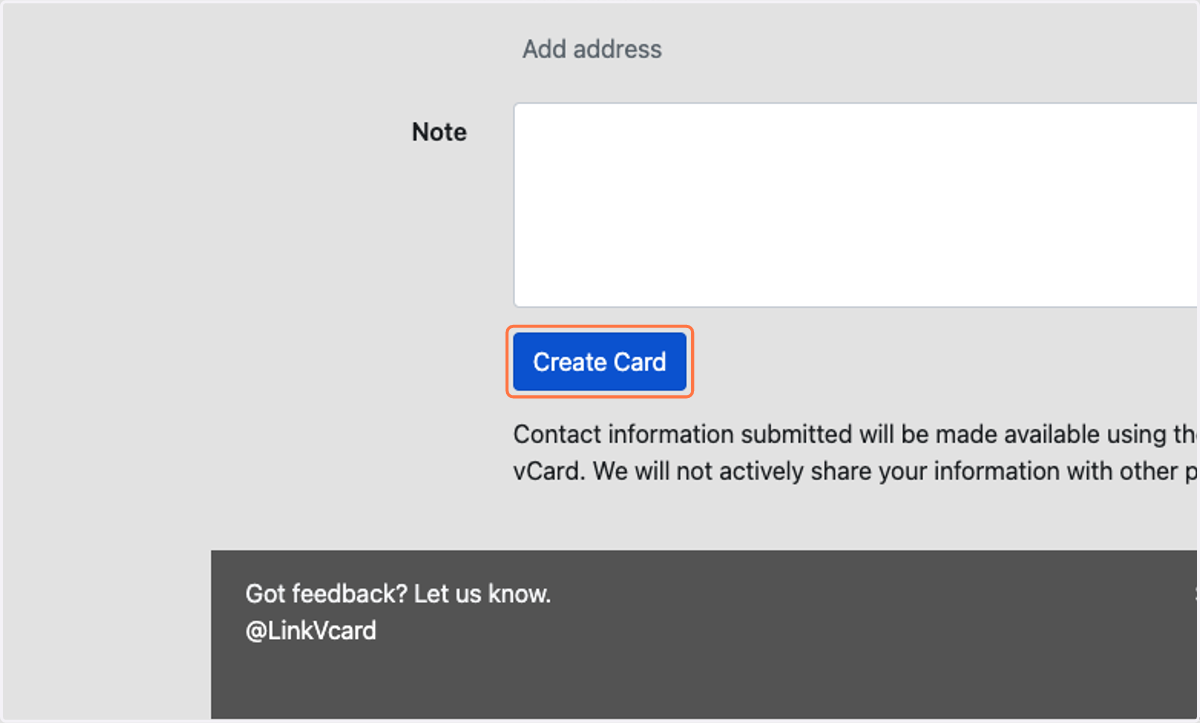
17. Click on Create Card
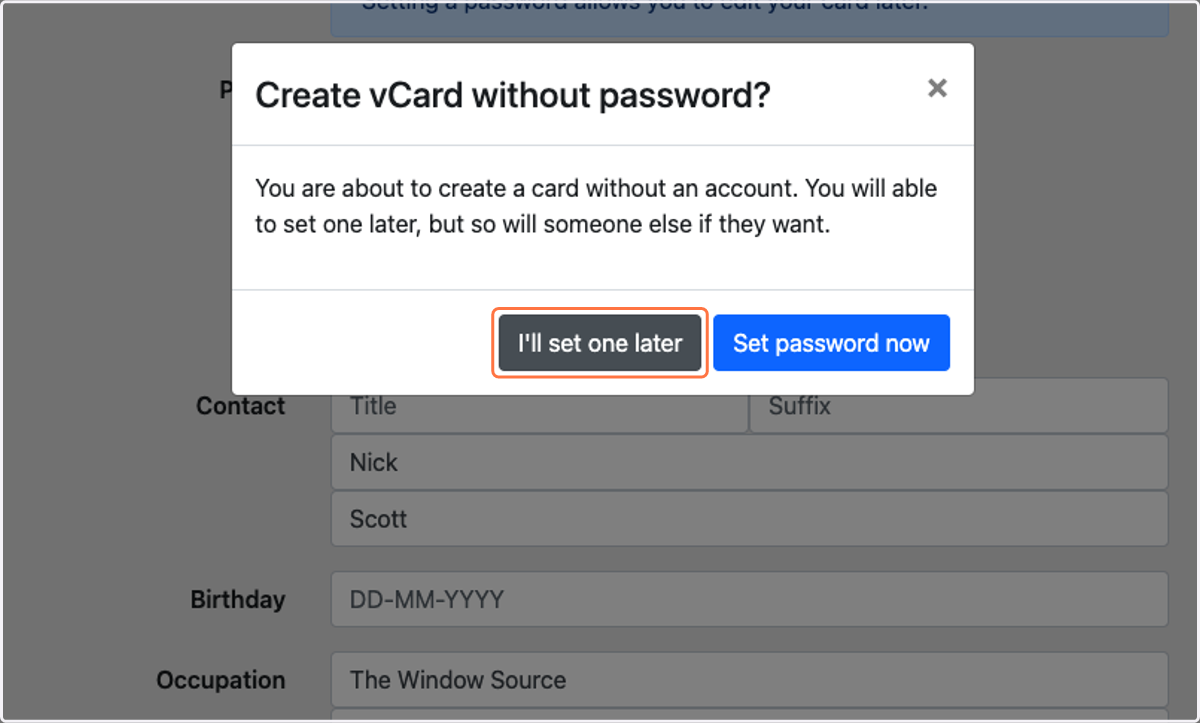
18. Click on I'll set one later
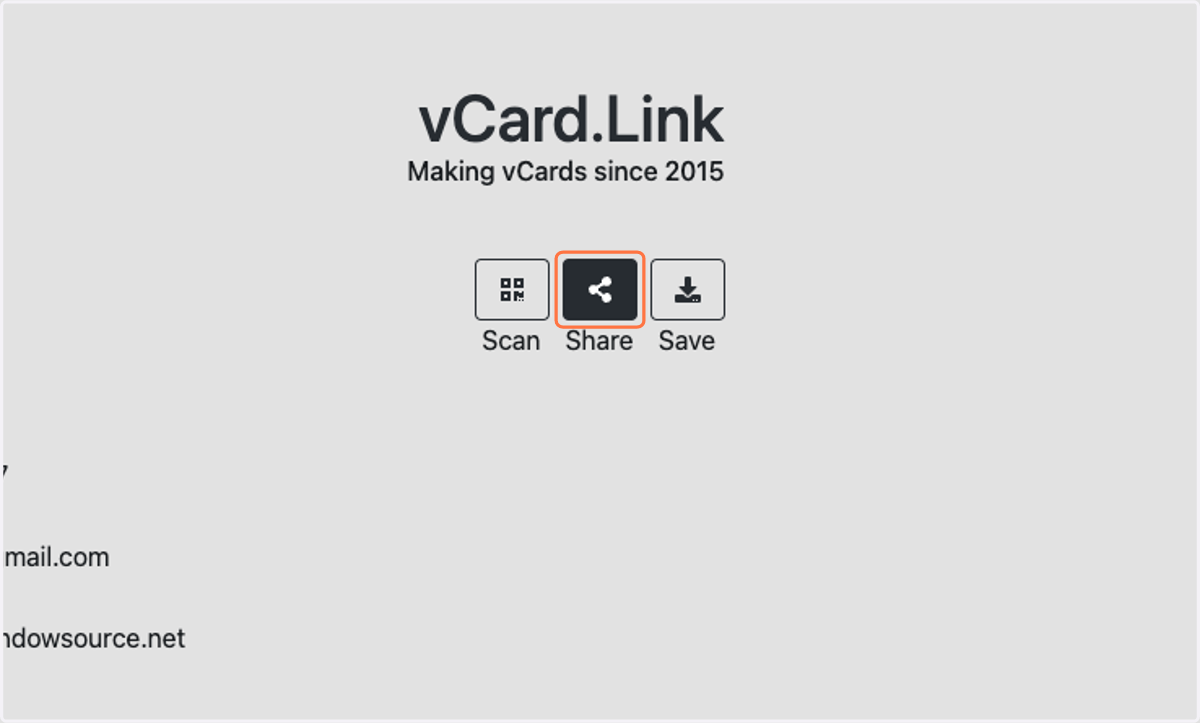
19. Click on Share
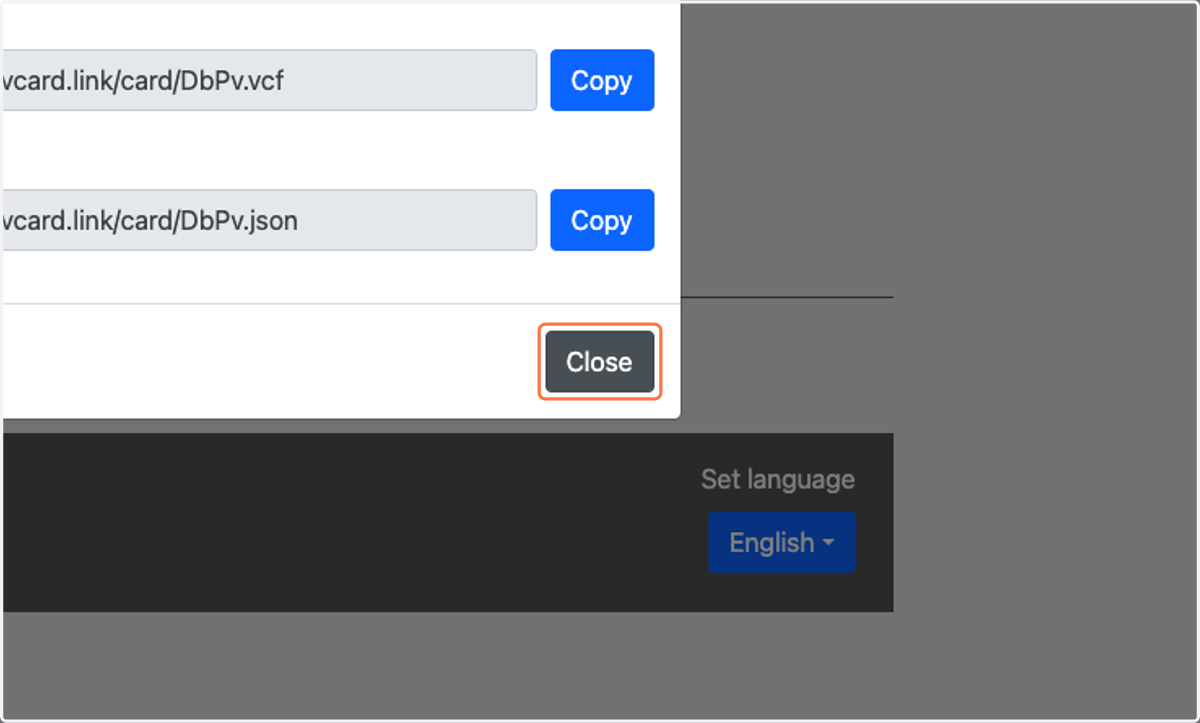
20. Click on Copy for VCF File Link
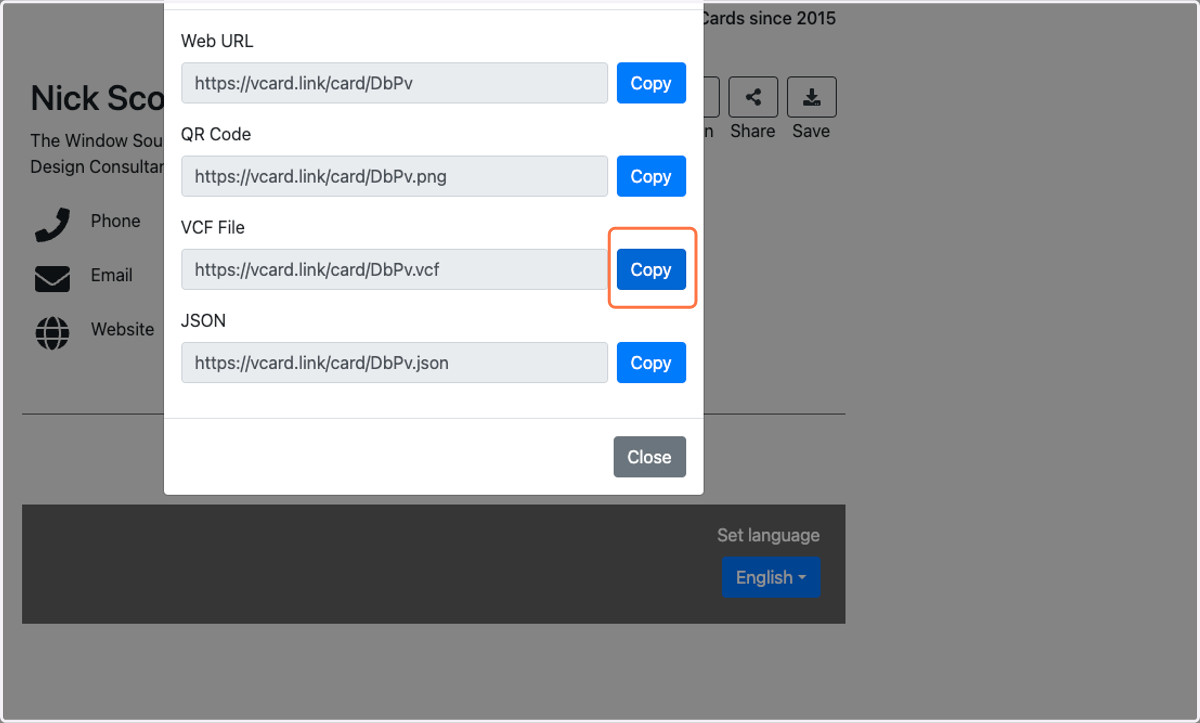
21. Click on Close
22. Paste the link somewhere safe so you can access it later