Tape Chart: Tape Chart Color Coding
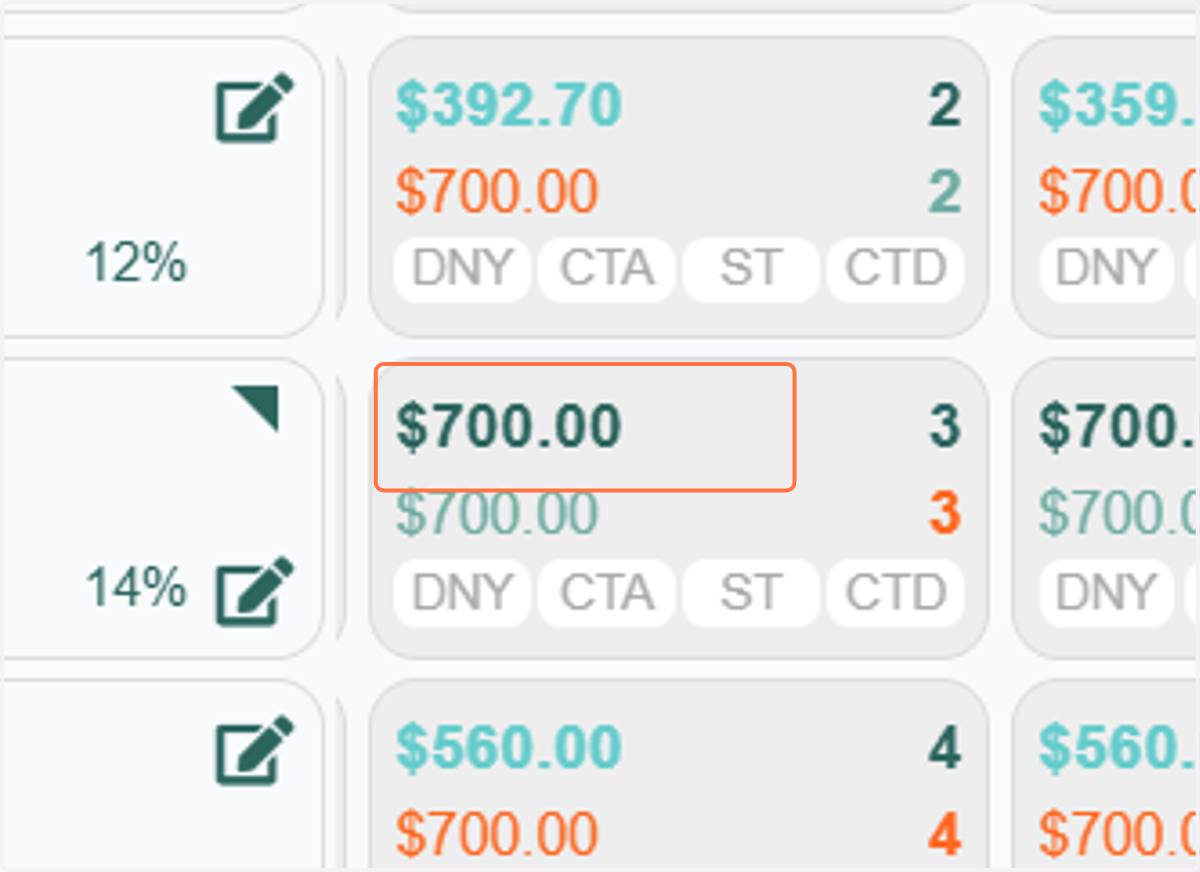
1. Let’s take a closer look at the color indicators for rates. When the top rate appears in dark green, it means this is the original rate sent from your PMS. It has not yet been adjusted by any pricing rules or strategies you may have configured.
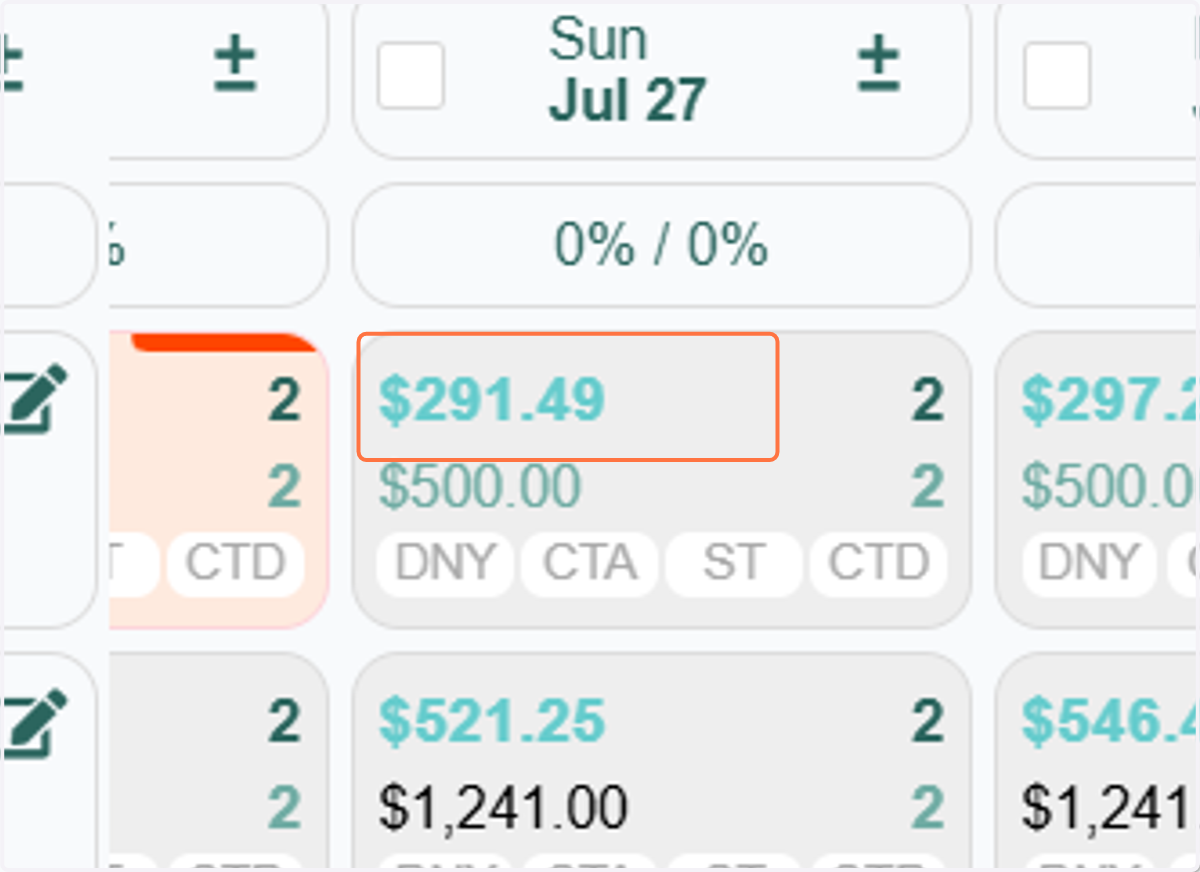
2. If the top rate appears in teal, it indicates that the rate has been yielded based on the parameters you've configured in your RevMax system.
This adjustment could be the result of various strategies, such as:
Max Yield
CompSet Pricing
RevMax GO
Or it may reflect adjustments due to your Floor or Ceiling Rate setting
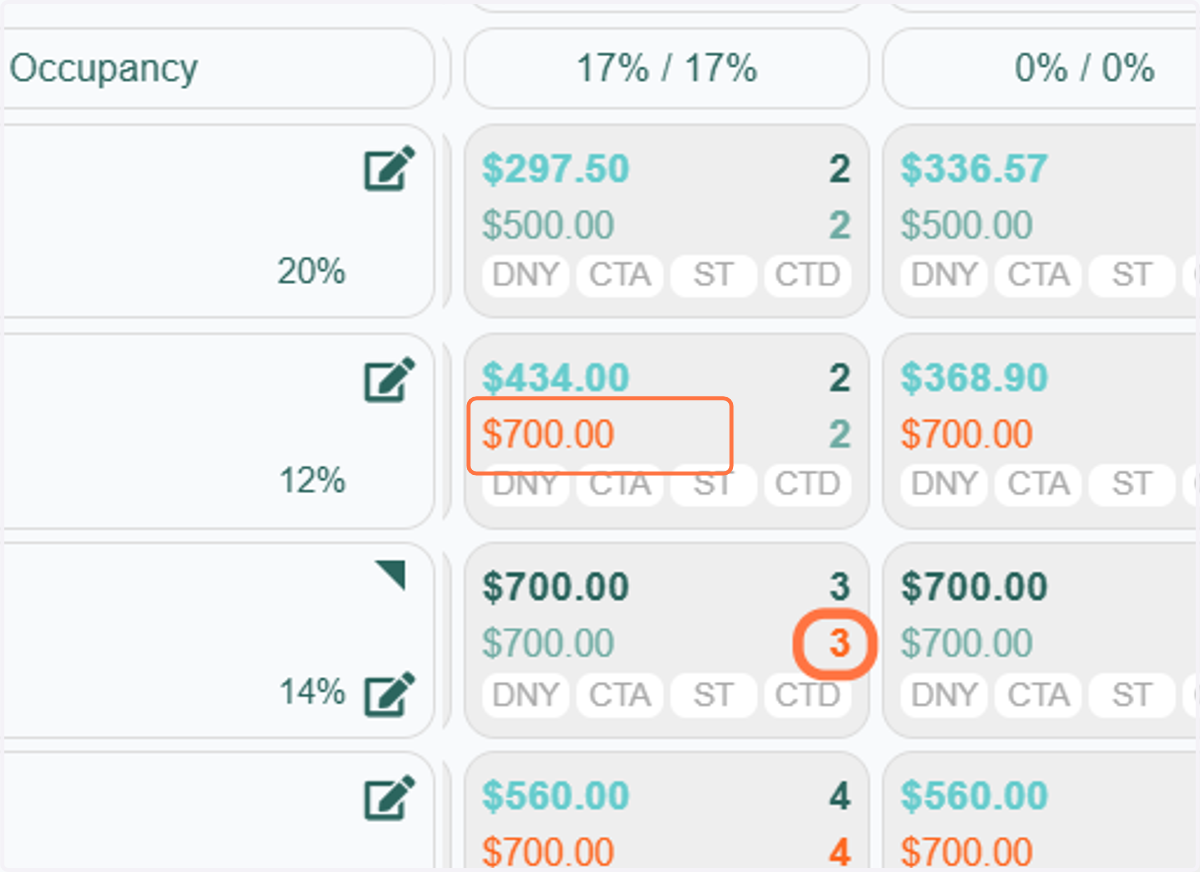
3. Manual overrides made to either the Top Rate or Base Rate are indicated by an orange font color. This color coding also applies to manually overridden night minimums.
4. If RevMax GO is enabled in your system, you’ll notice black-colored Base Rates.
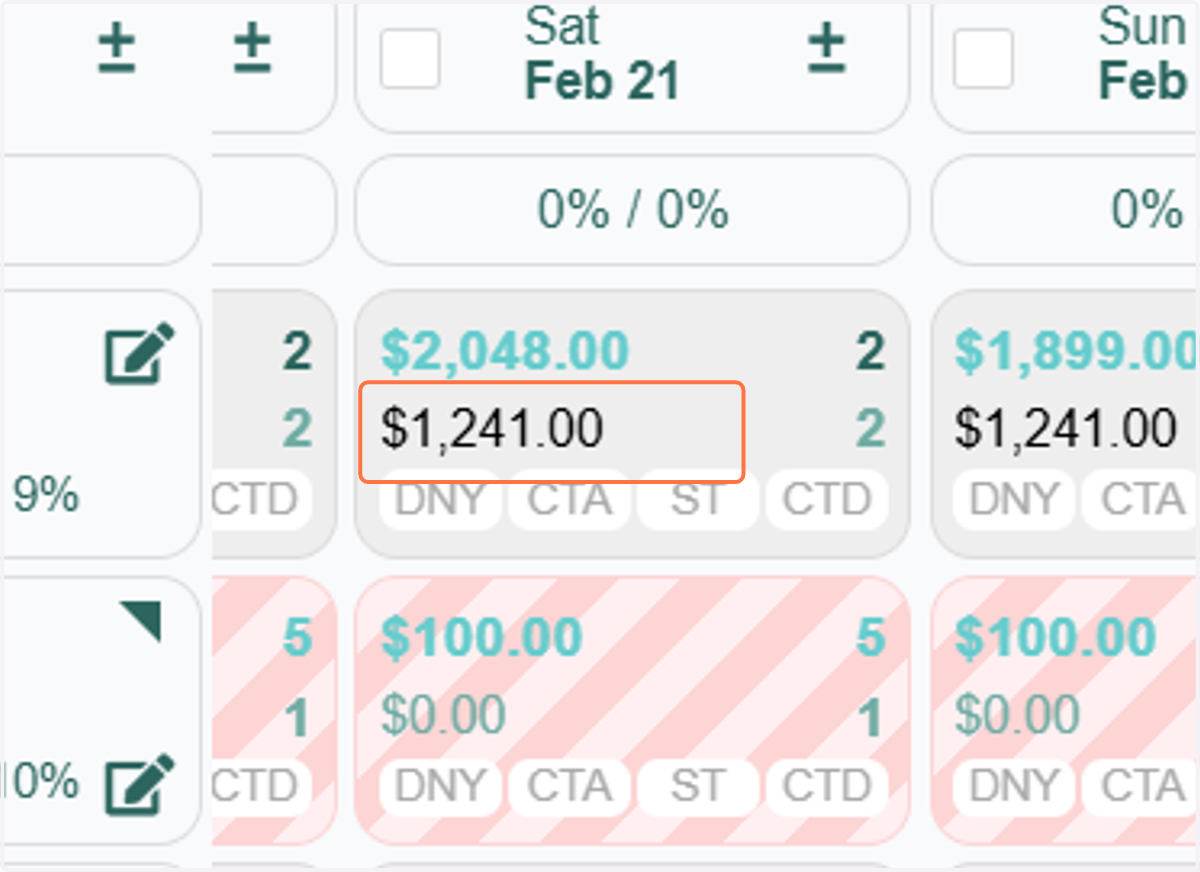
5. This color indicates that the Base Rate is being pulled directly from your RevMax Rate Table configuration.
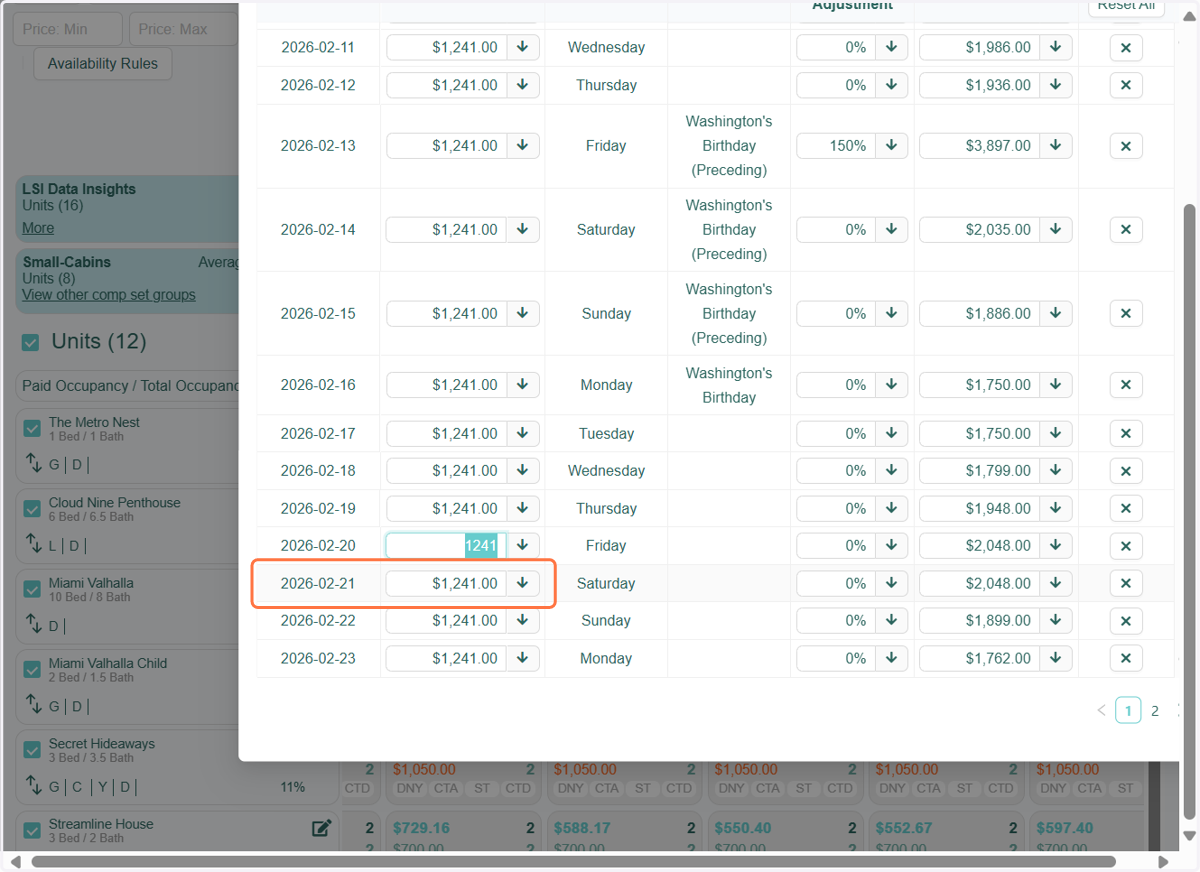
6. At the bottom of the tape chart, you’ll find a color legend that explains what each box color represents. This guide helps you quickly understand the status or type of each reservation at a glance.
In the following sections, we’ll go over what each color means and how to interpret them within the chart.
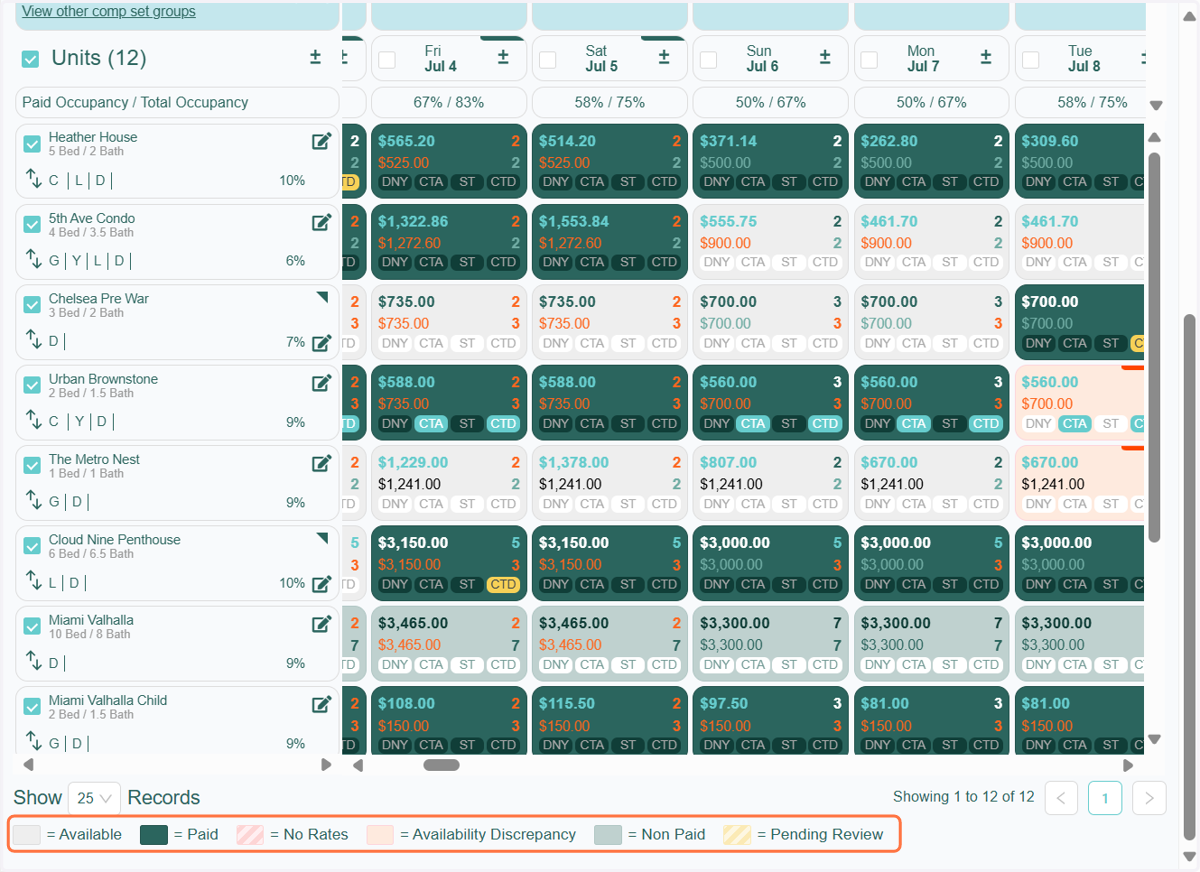
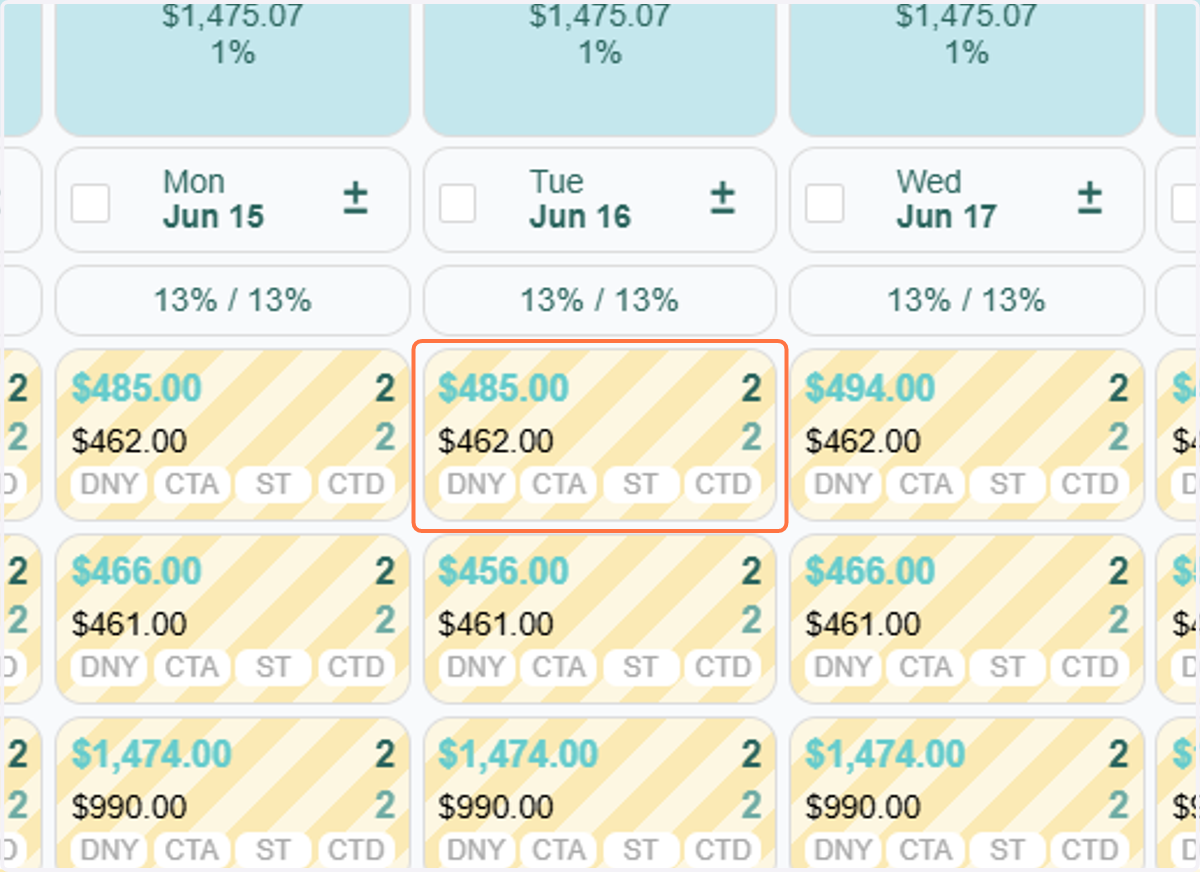
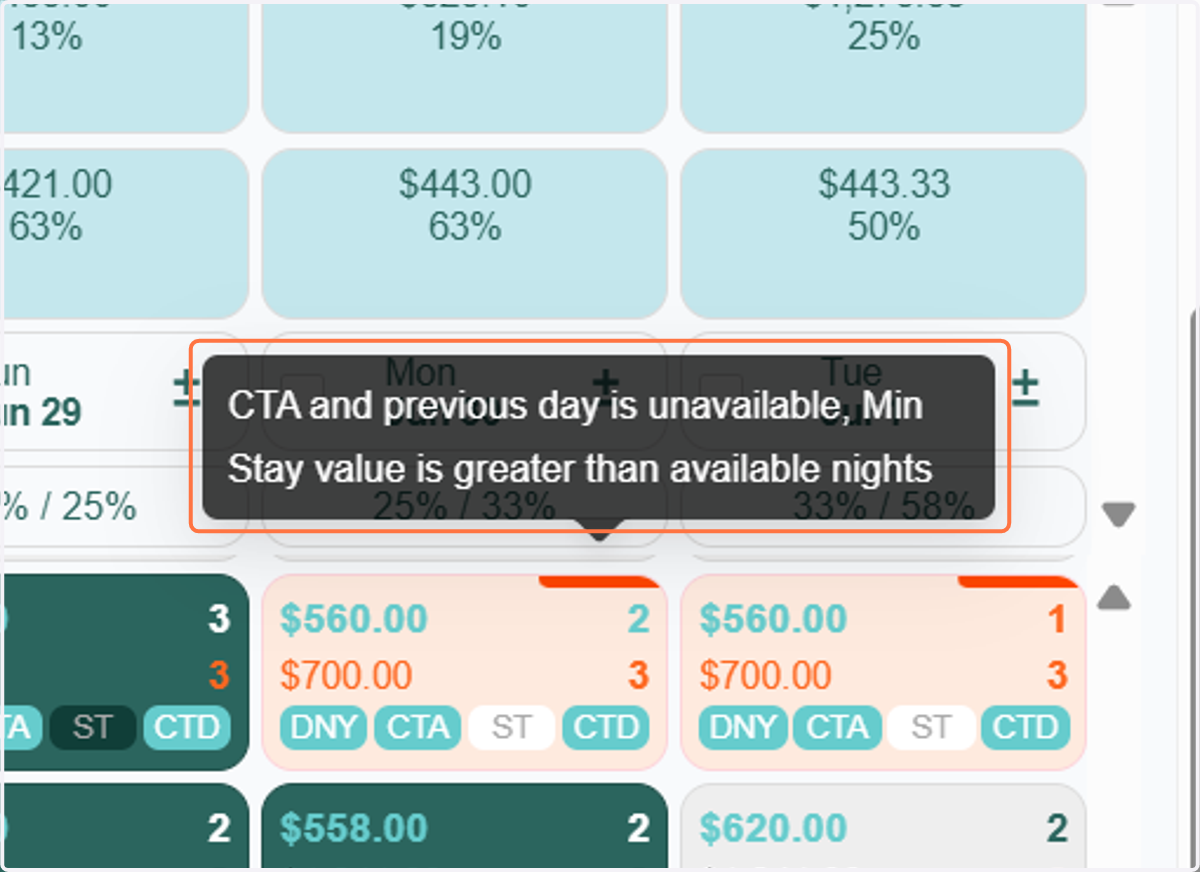
7. The peach-colored cell indicates an availability discrepancy on the tape chart.
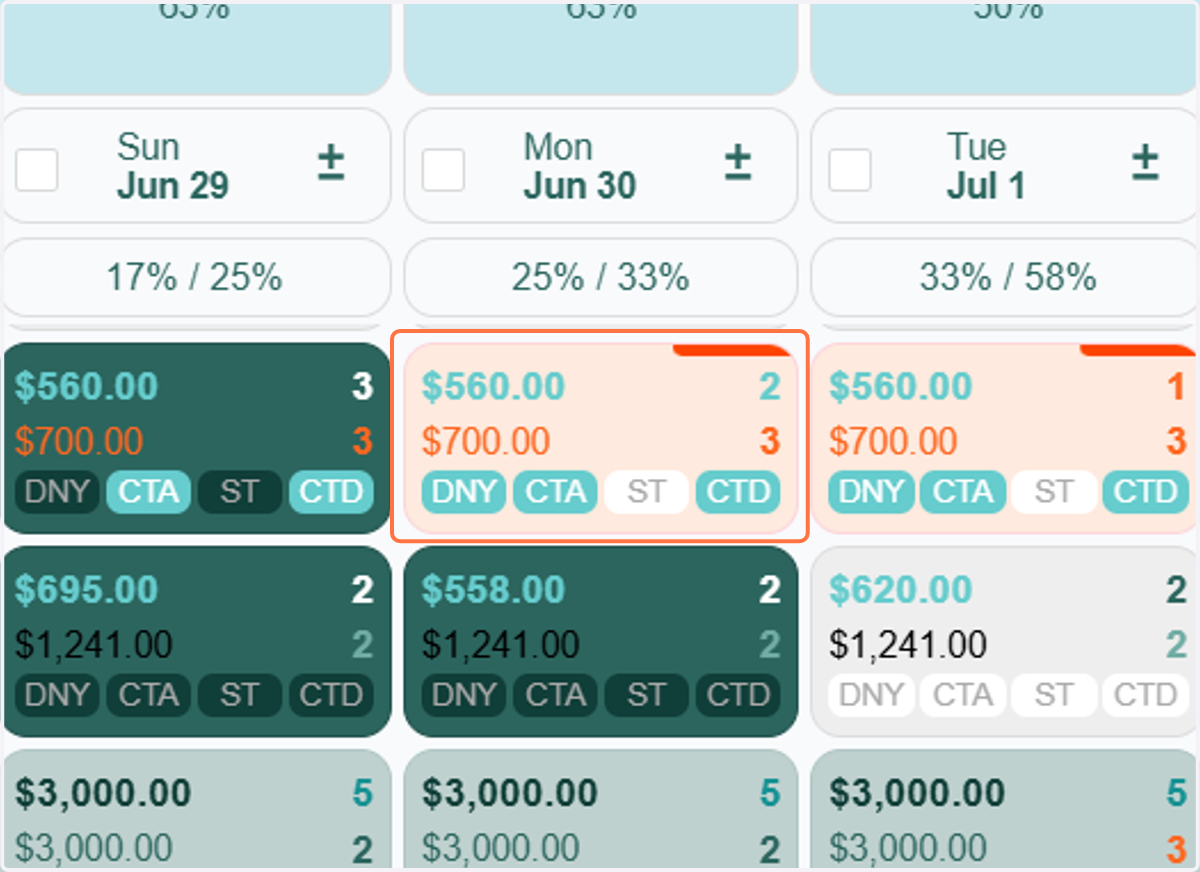
8. When you hover over the red corner line at the top of the cell, a message will appear explaining the nature of the discrepancy.
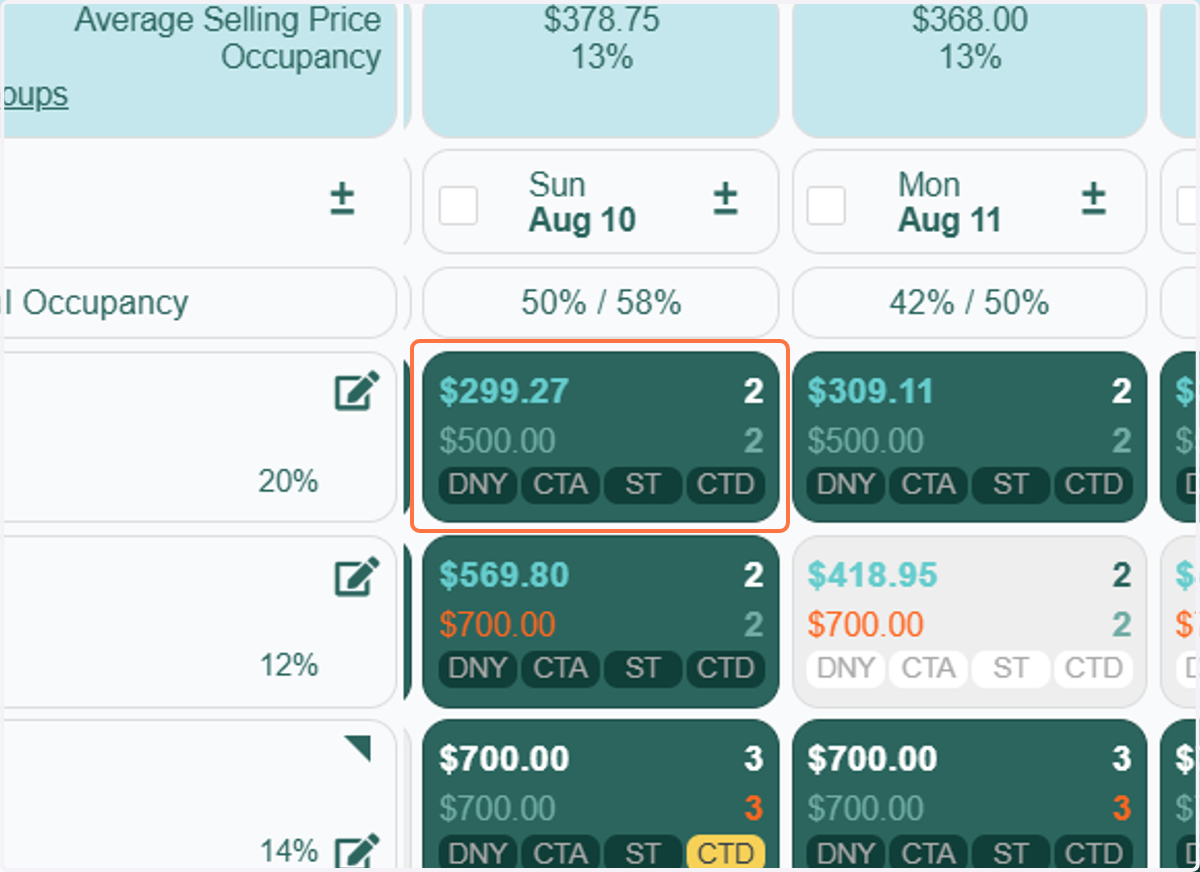
9. The dark green cell indicates a booked date on the tape chart. When you hover over the rate in that cell, it will display the booked rate for that specific date.
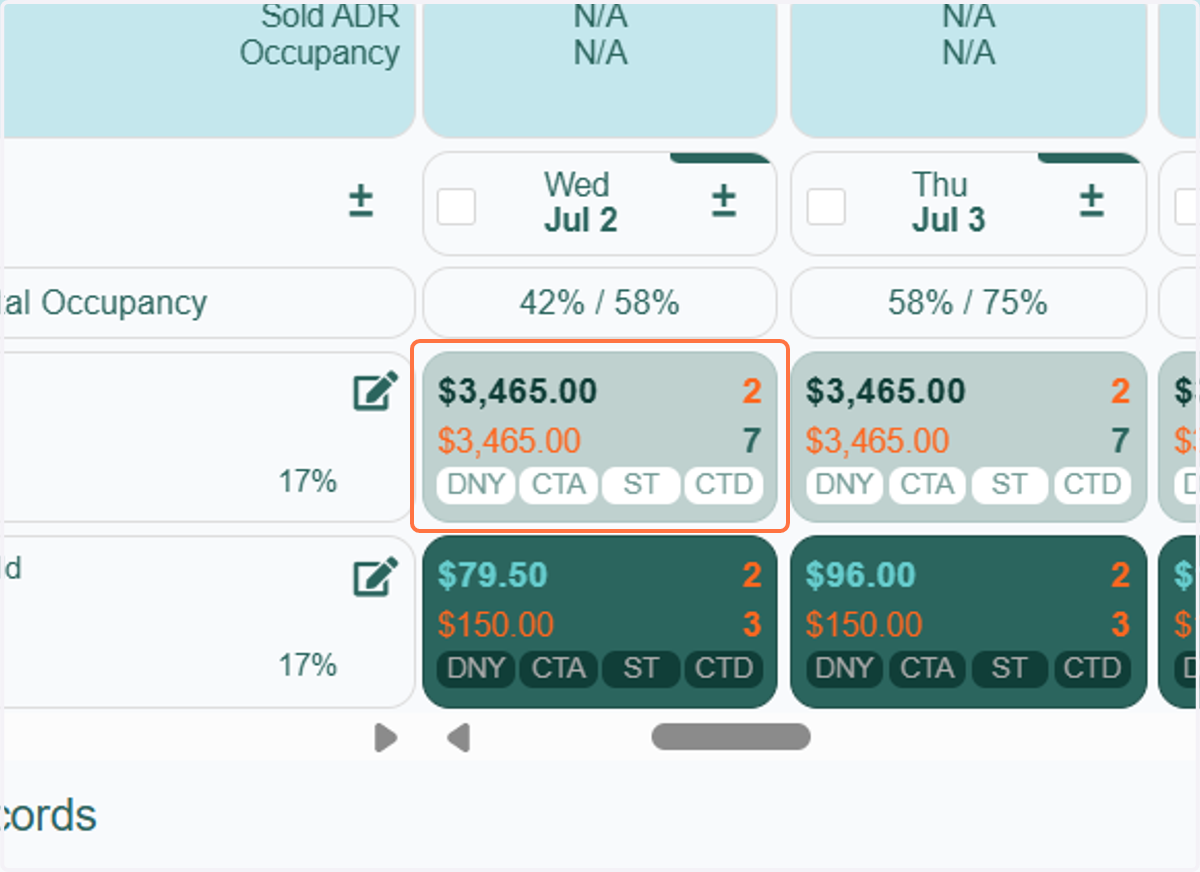
10. The light green cell indicates a non-paid booked date. This typically represents blocks such as owner stays, maintenance, or housekeeping holds. It can also include any reservation or block where the rent amount is zero.
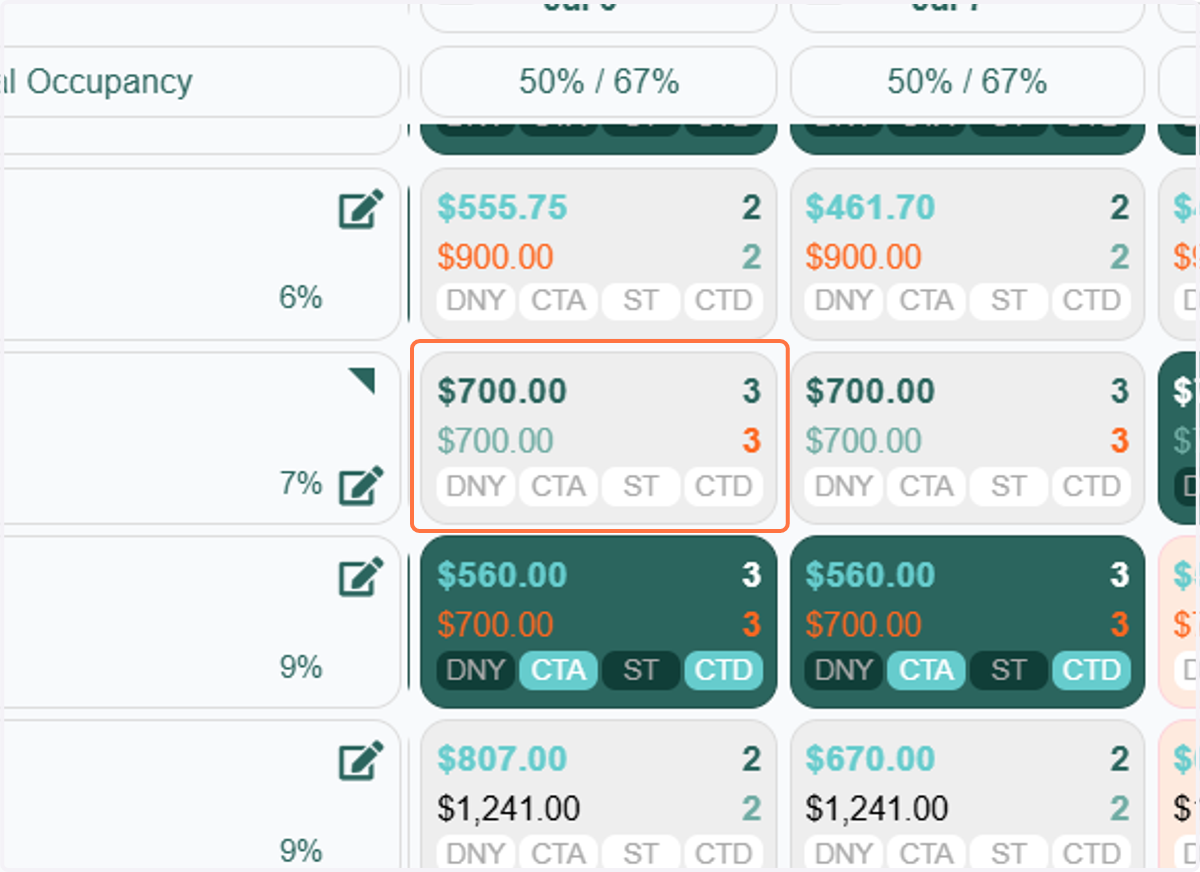
11. The light grey cell indicates availability for that day. This means the unit is open and can be booked for that specific date.
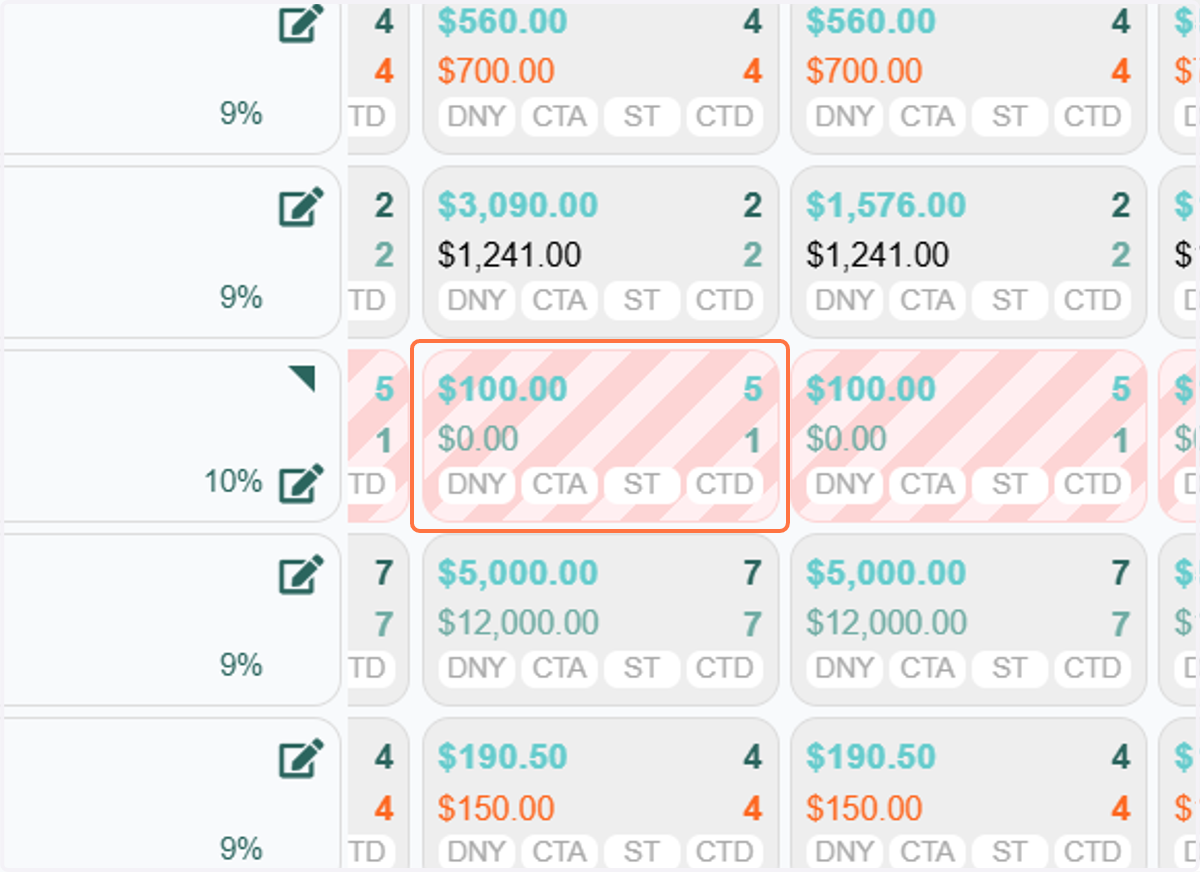
12. The pink and red striped cells indicate that base pricing from your PMS has not been set for those dates.
13. If you're using RevMax GO, yellow striped cells signify 'Pending Review' rates that require your attention for the specified dates.