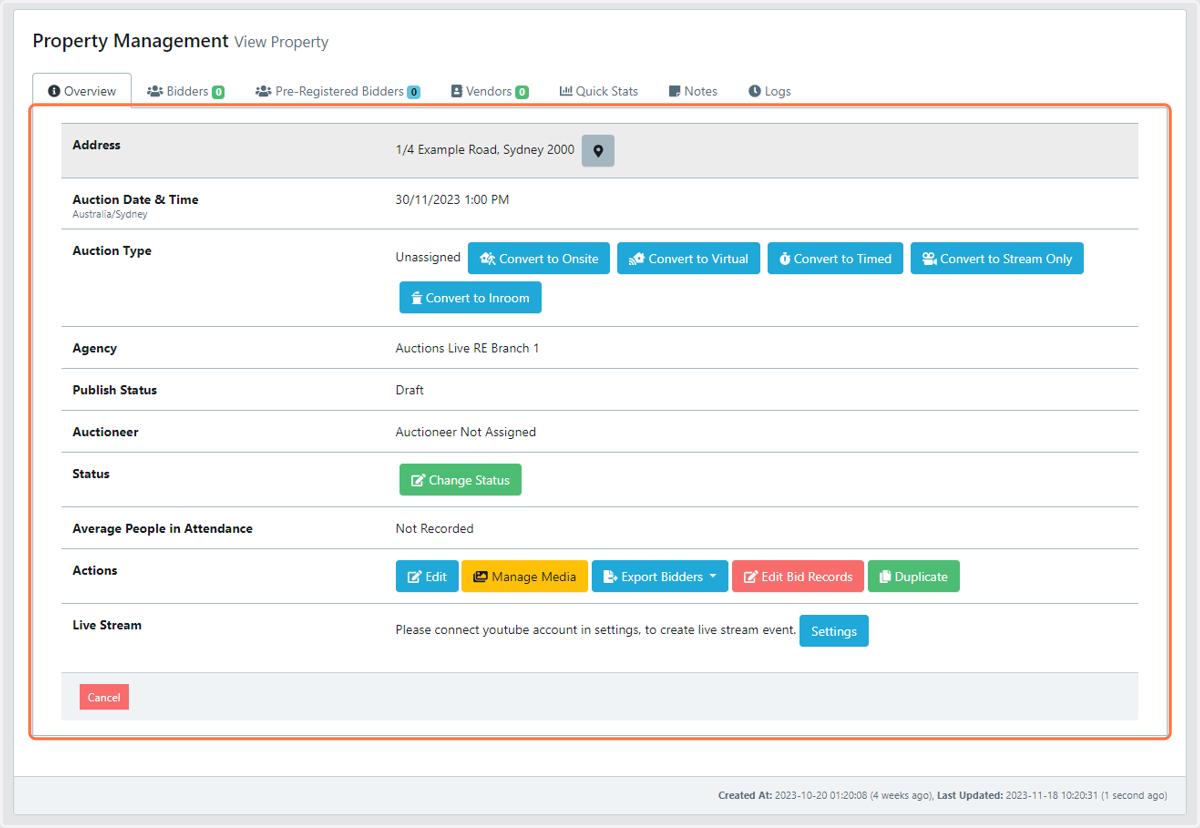
Editing Property details
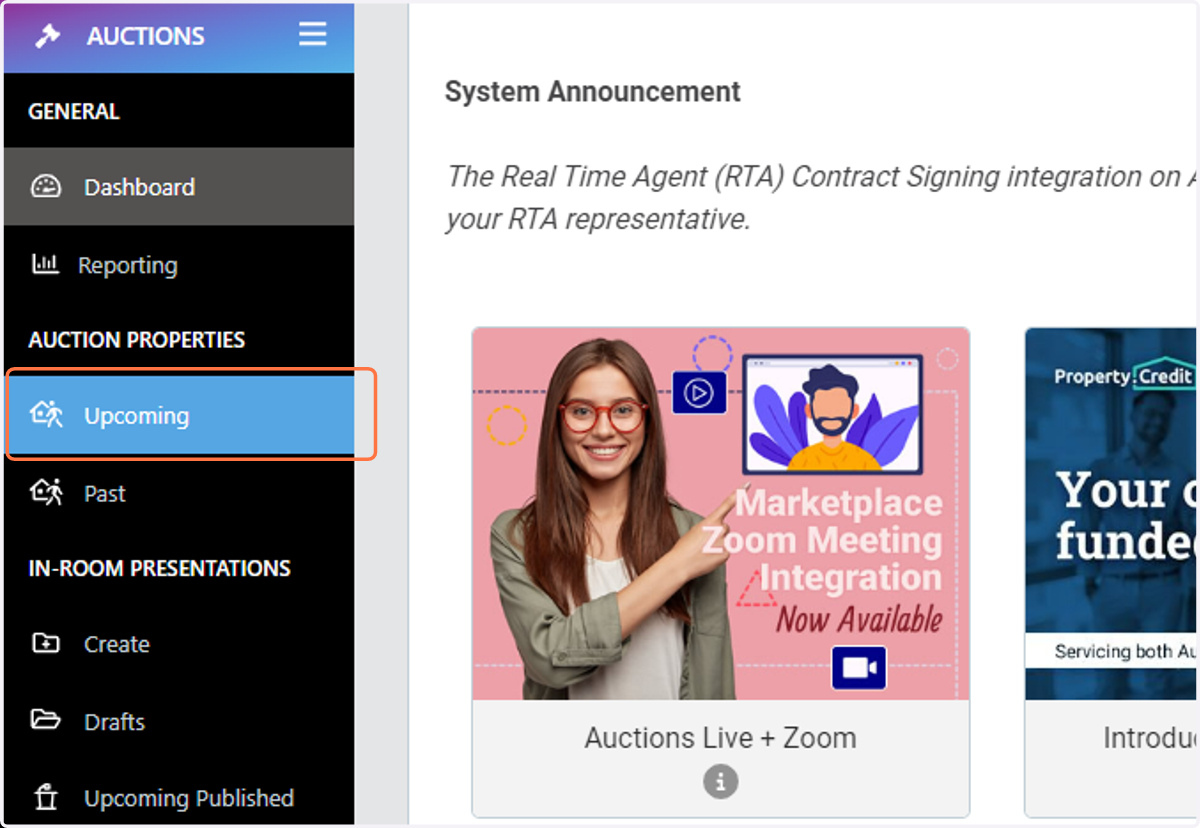
Login to the AUCTIONS LIVE PC Console, click on Dashboard
1. From the left-hand side menu select the heading "Upcoming"
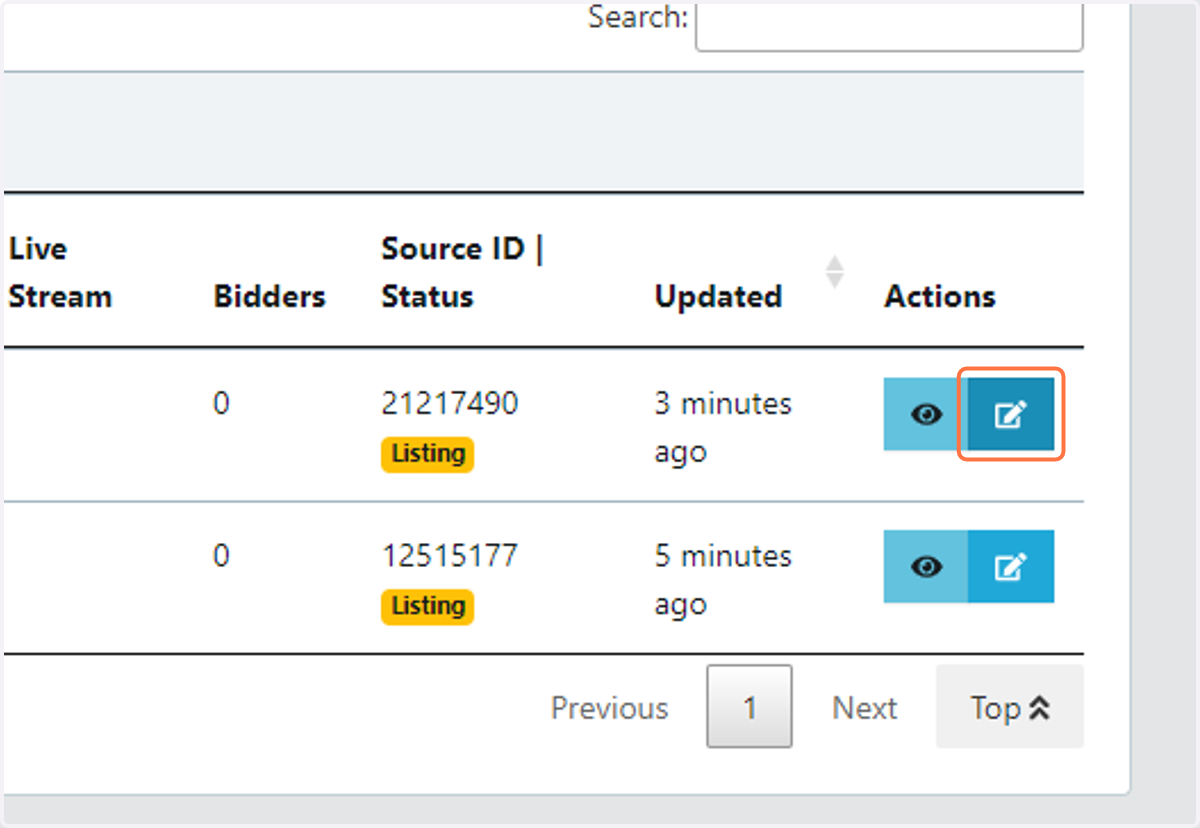
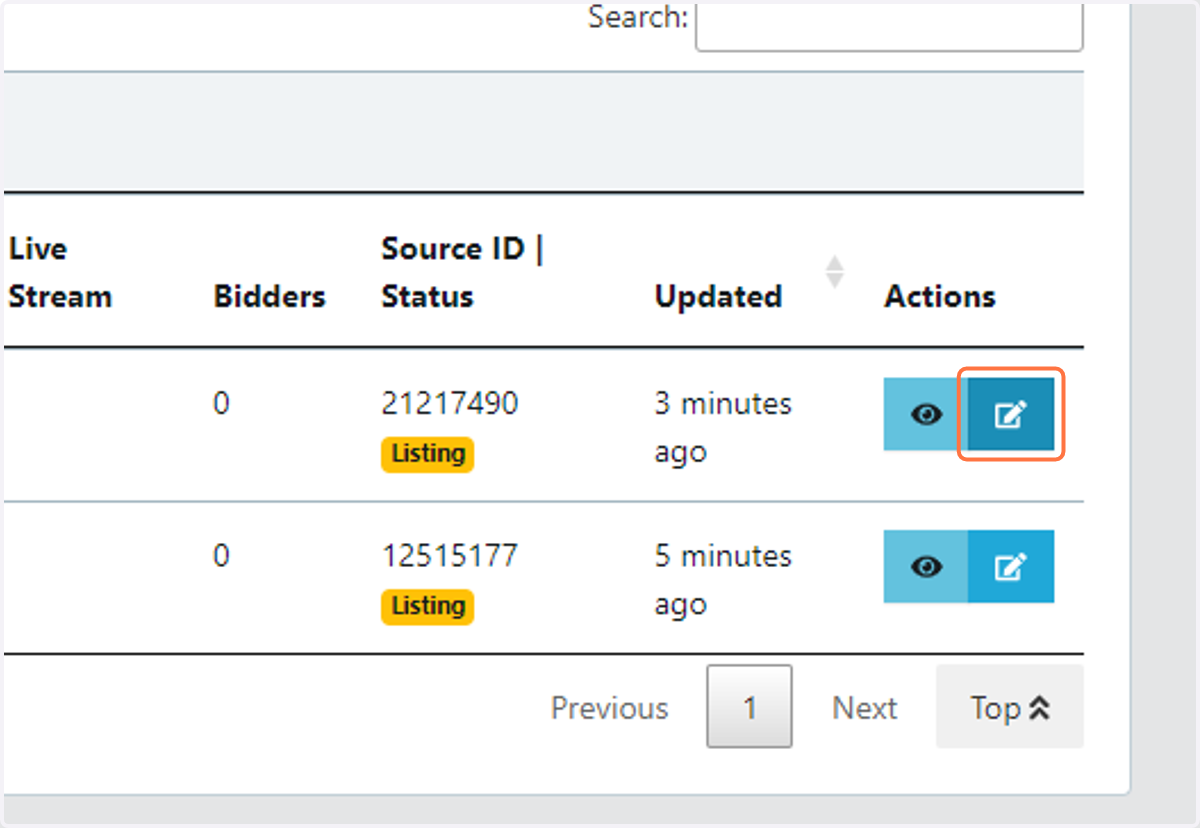
2. Locate the Property and click on the Edit (pen & paper) icon located on the right-hand side, under the Actions heading
3. Edit the Property details within the appropriate form fields
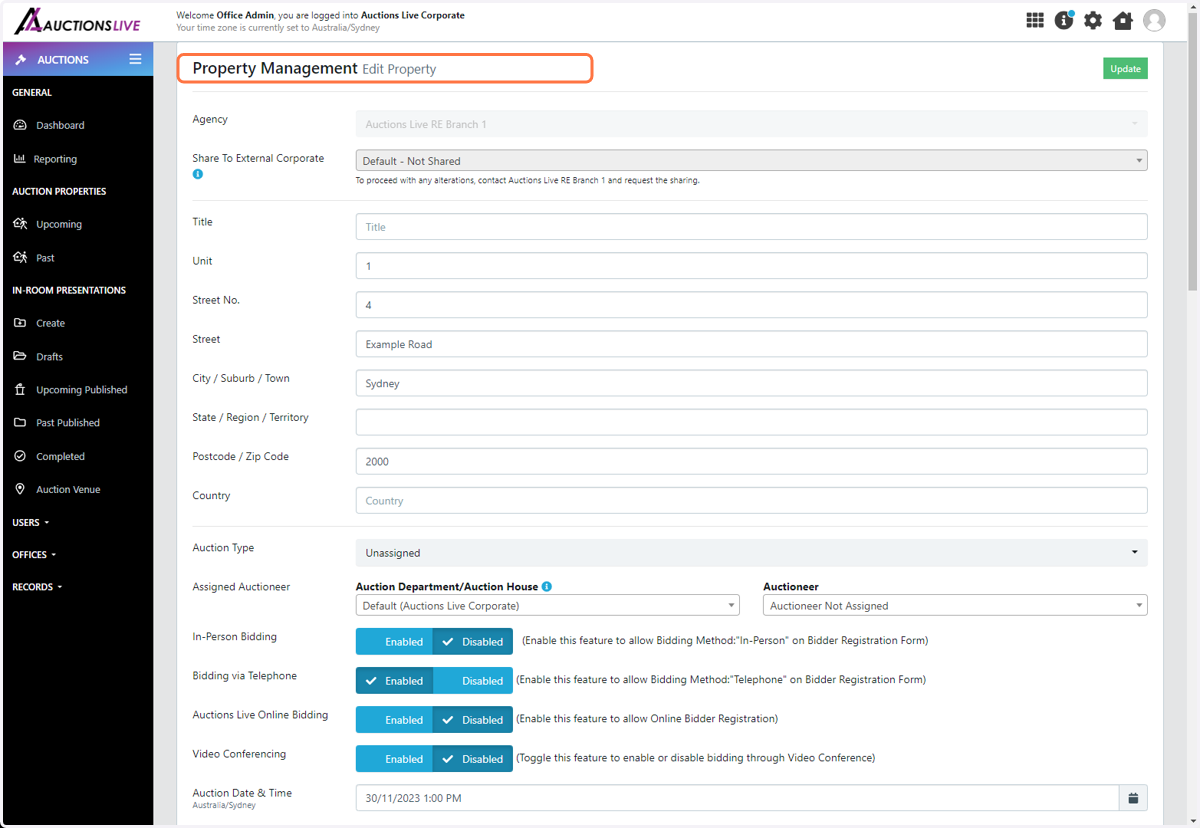
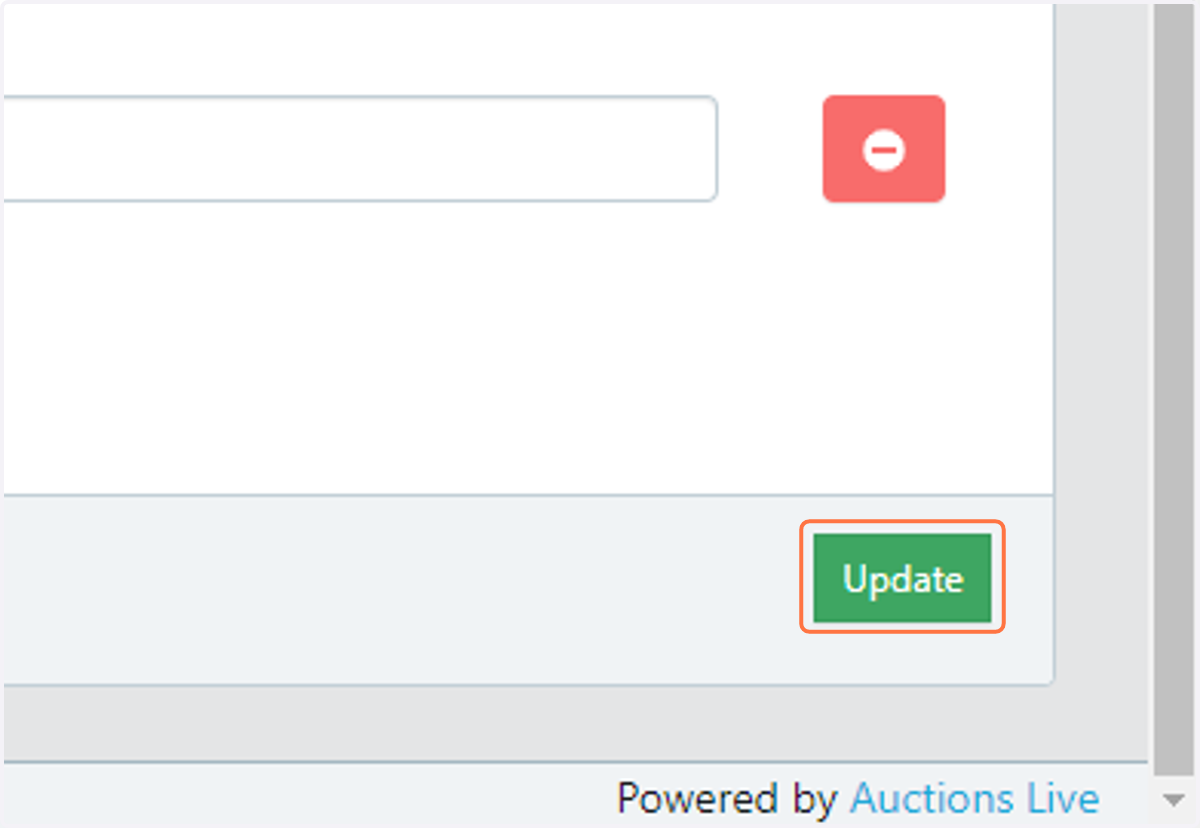
4. Select the "Update" button save changes
Alternative option
5. Locate the Property and click on the View (eye) icon located on the right-hand side, under the Actions heading
6. Click on the Edit button within the Overview tab