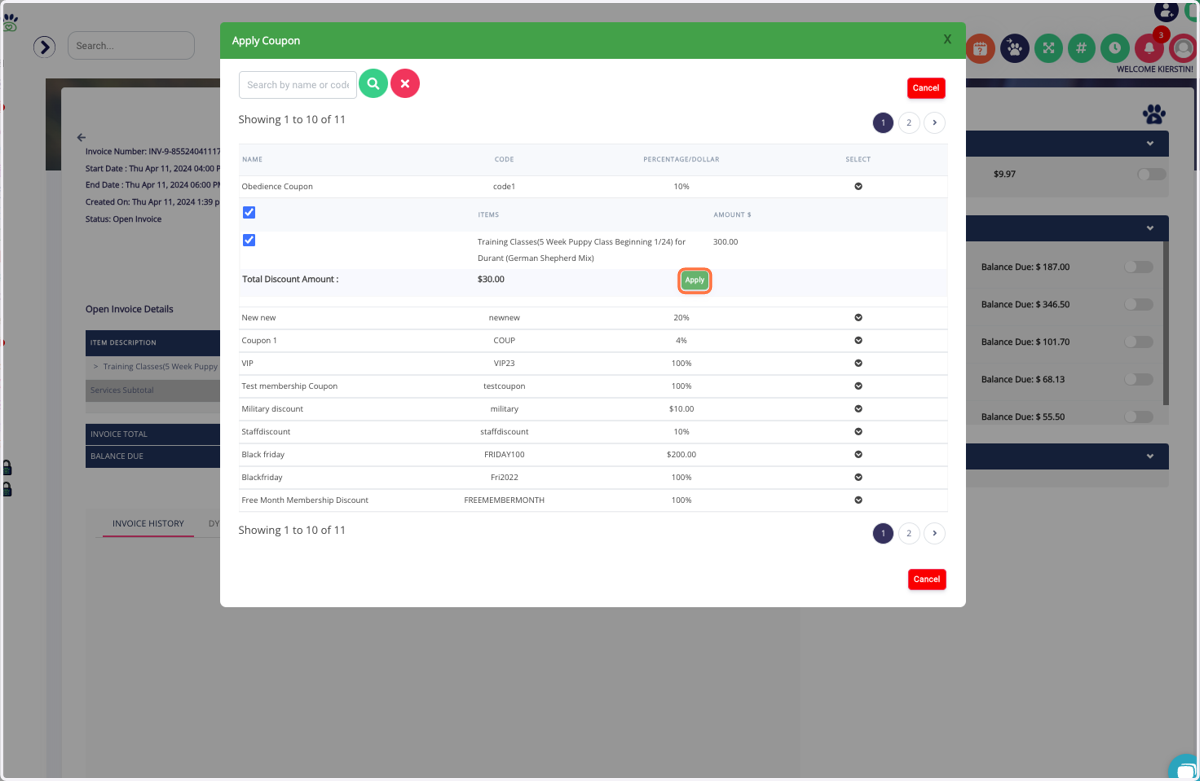
Creating + Managing Coupons
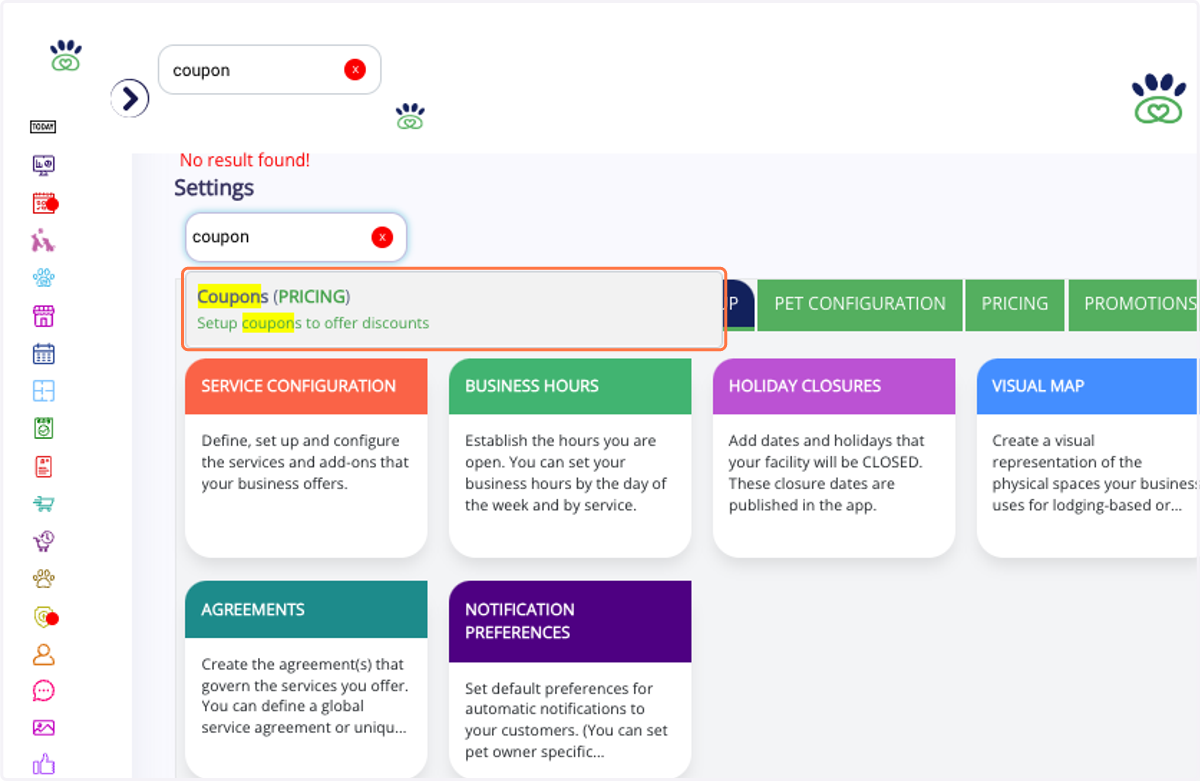
1. In Settings, Click on Coupons (PRICING)…
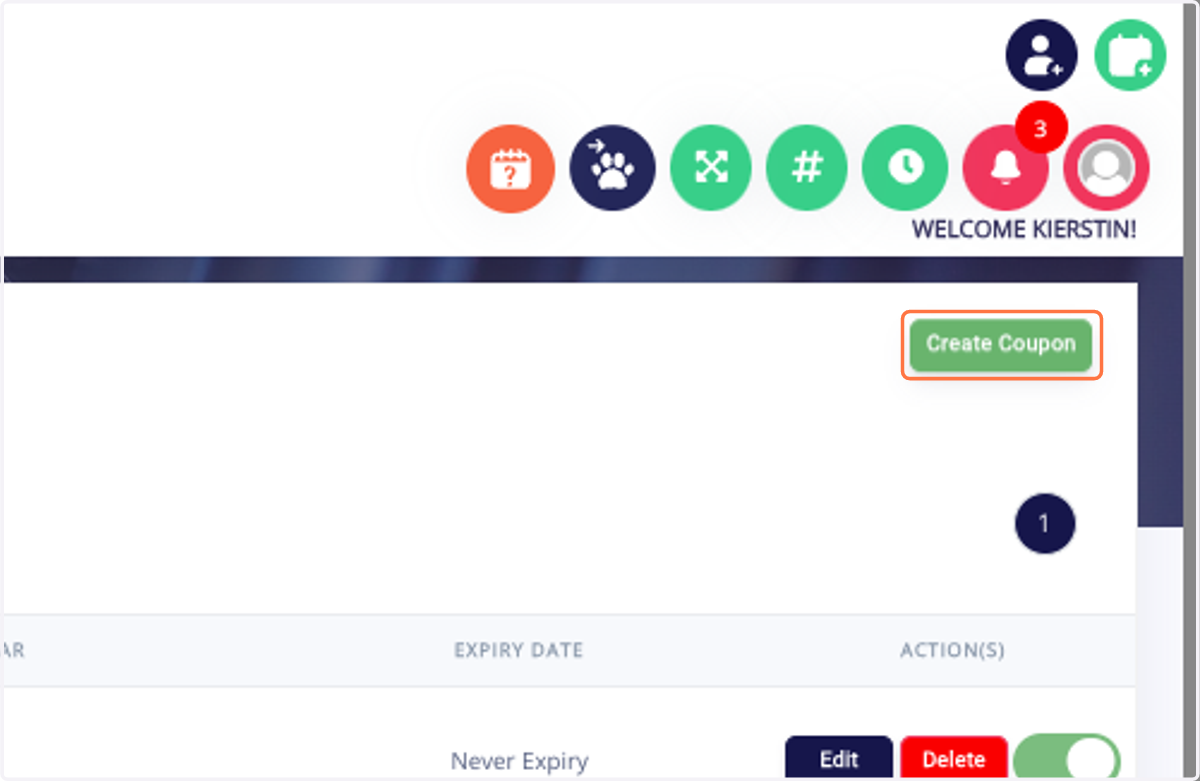
2. Click on Create Coupon
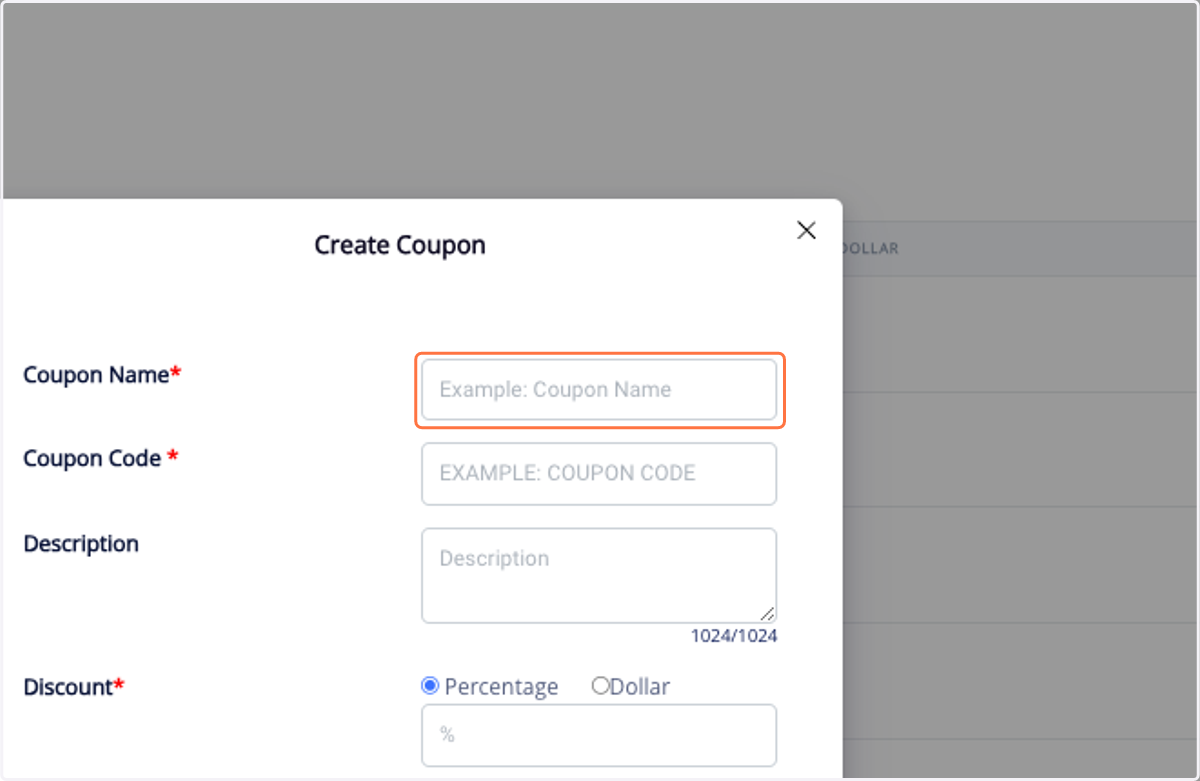
3. Add name, code, and discount.
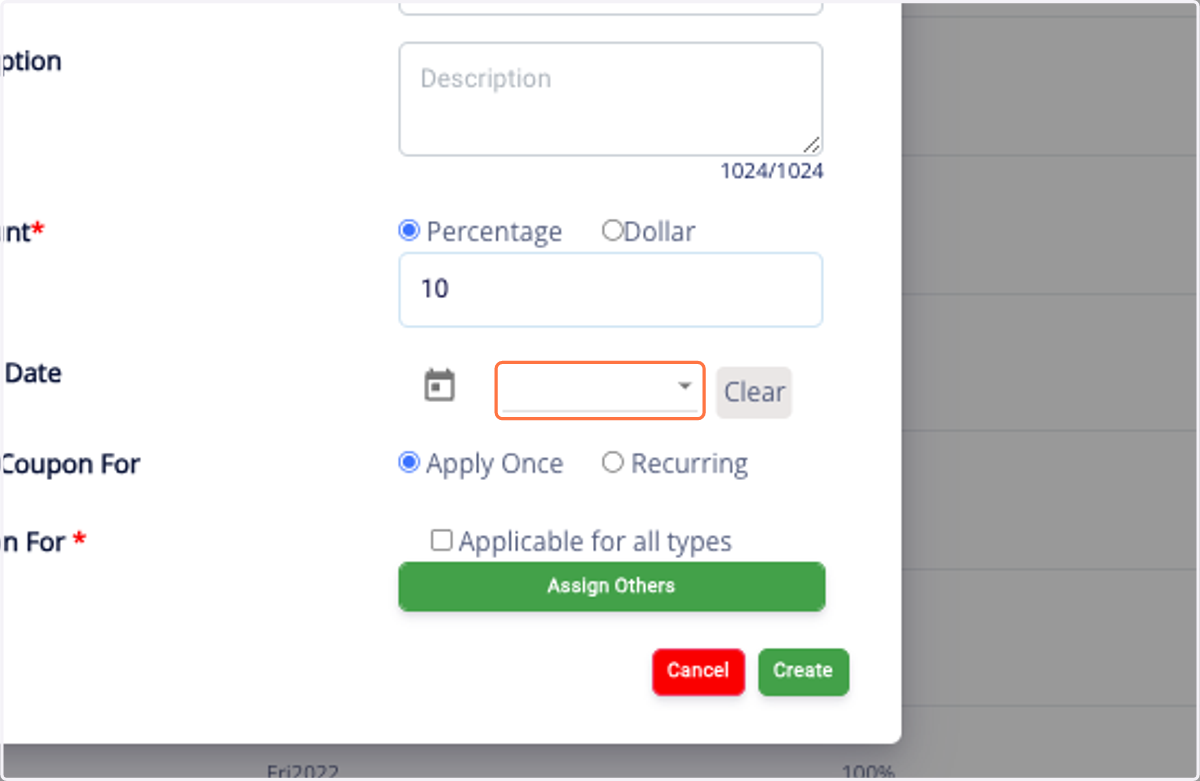
4. Add expiration, apply once/recurring, and apply to specific Services.
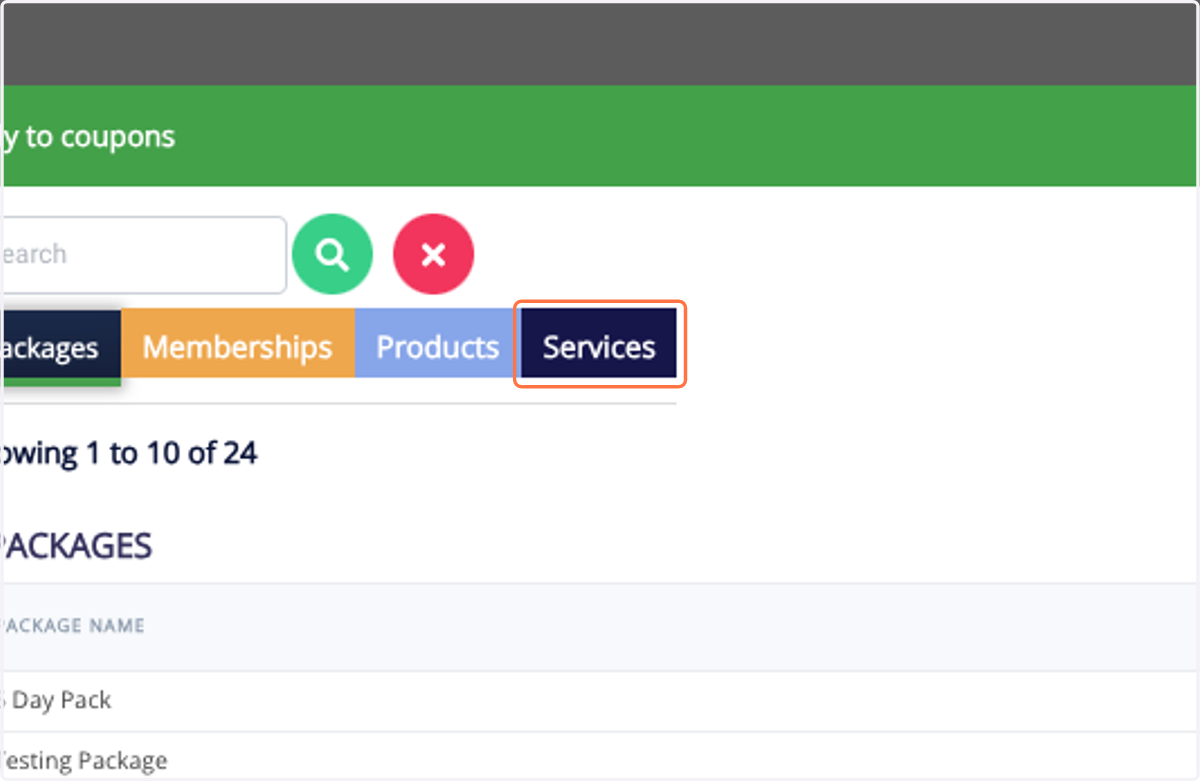
5. Click on Services. You can also apply to Packages, Memberships, and Products.
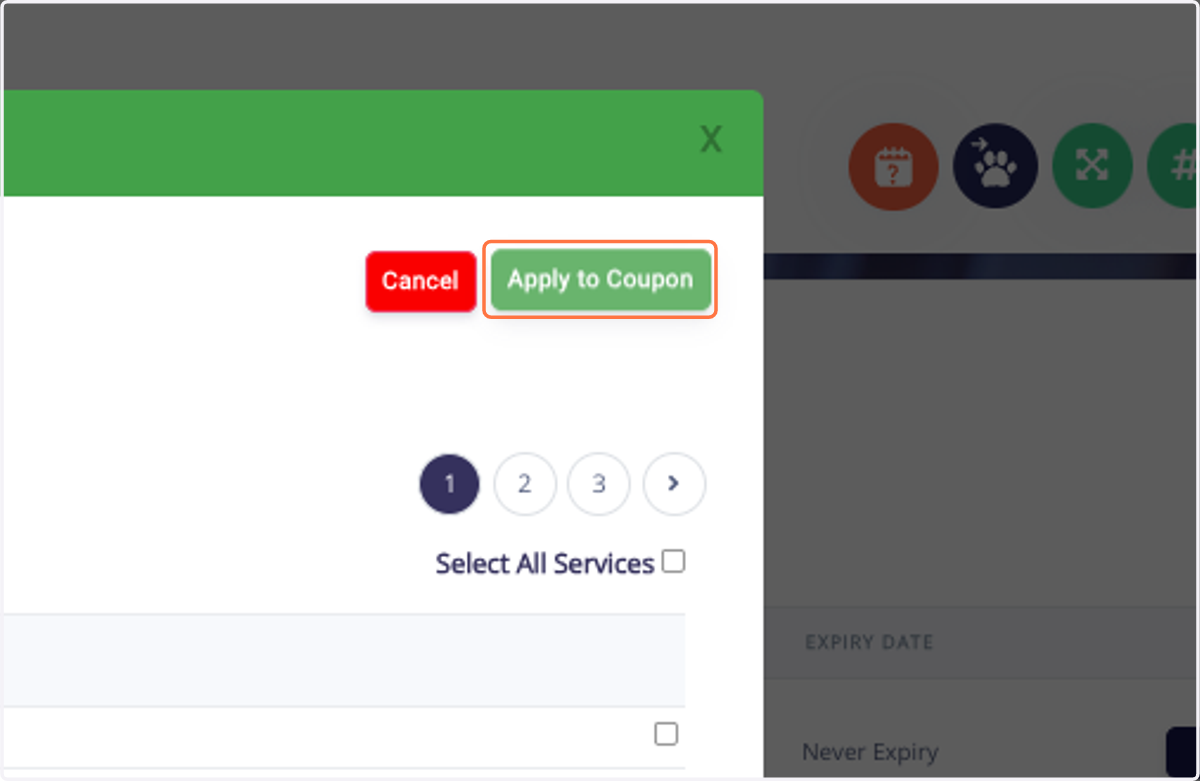
6. Click on Apply to Coupon
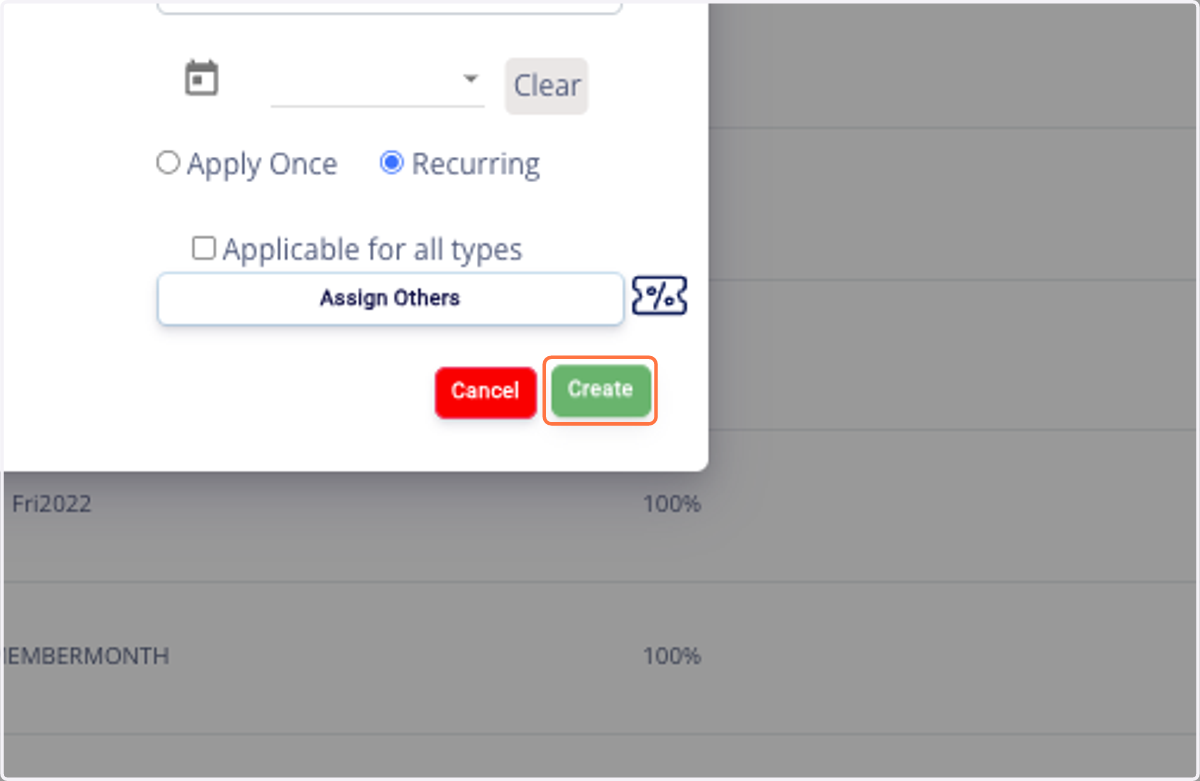
7. Click on Create
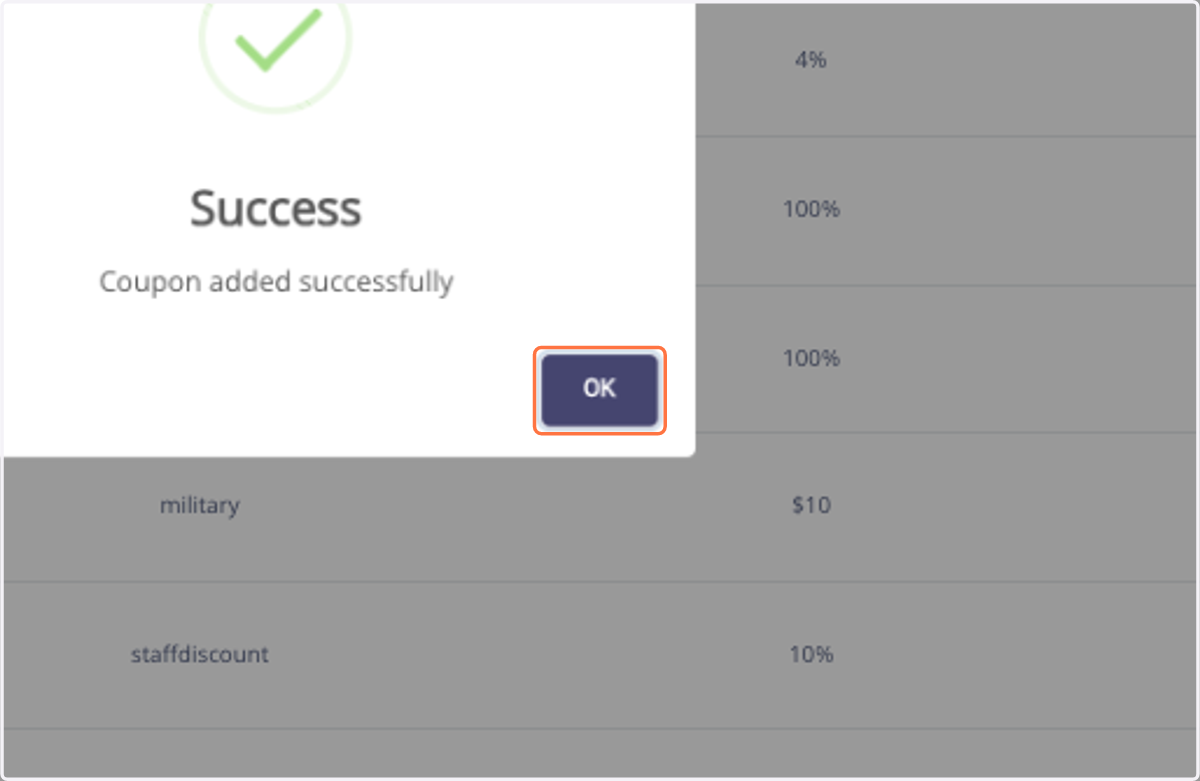
8. Click on OK
Applying to Invoice
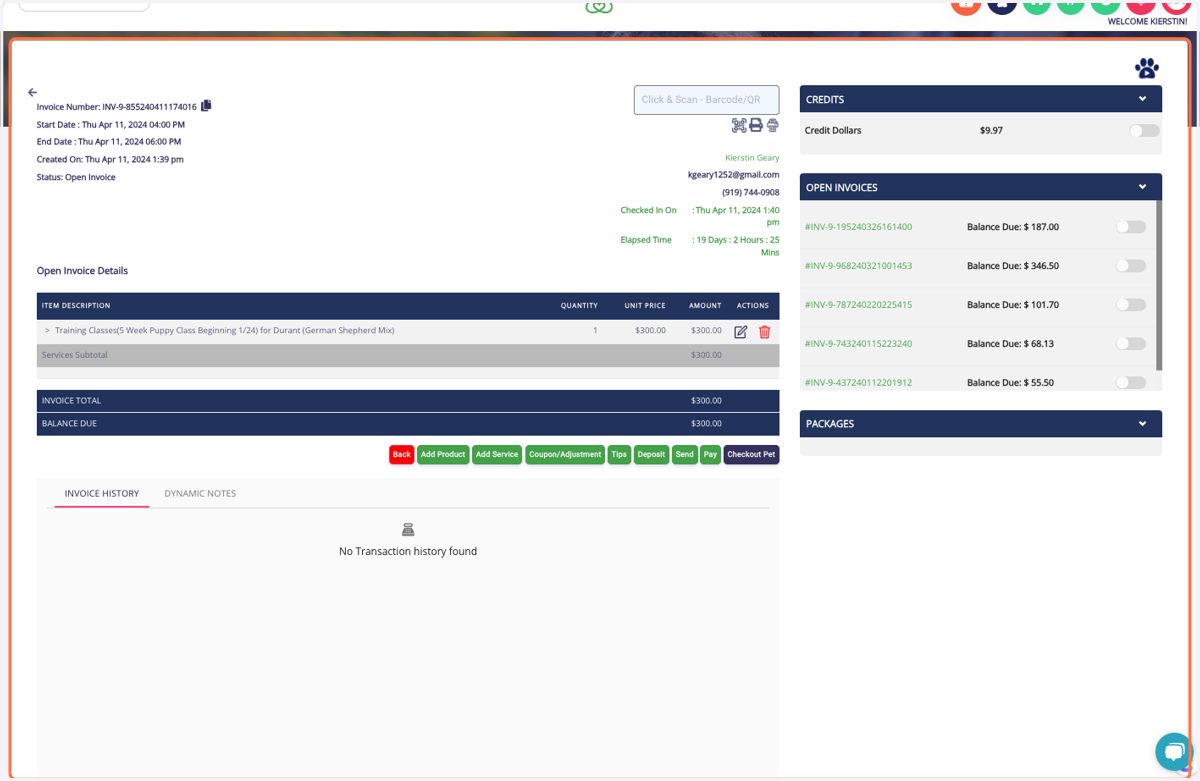
9. Click on Invoice Number: INV-9-855240411174016 …
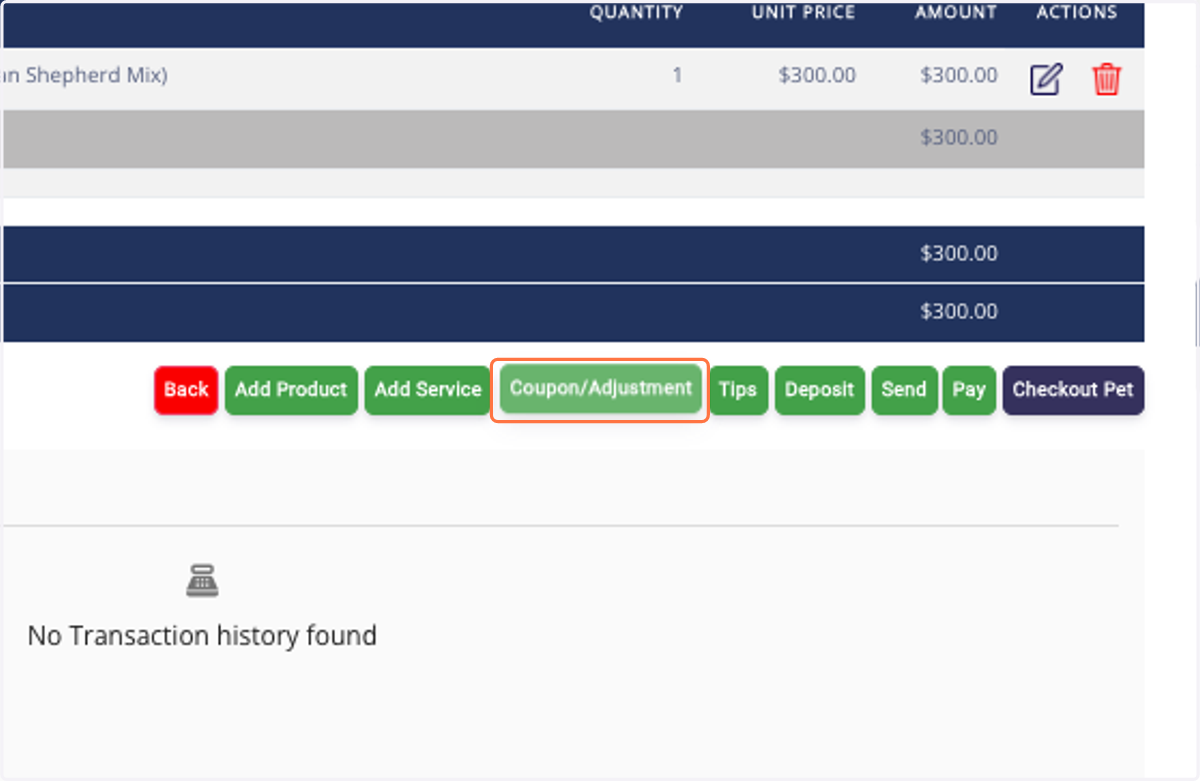
10. Click on Coupon/Adjustment
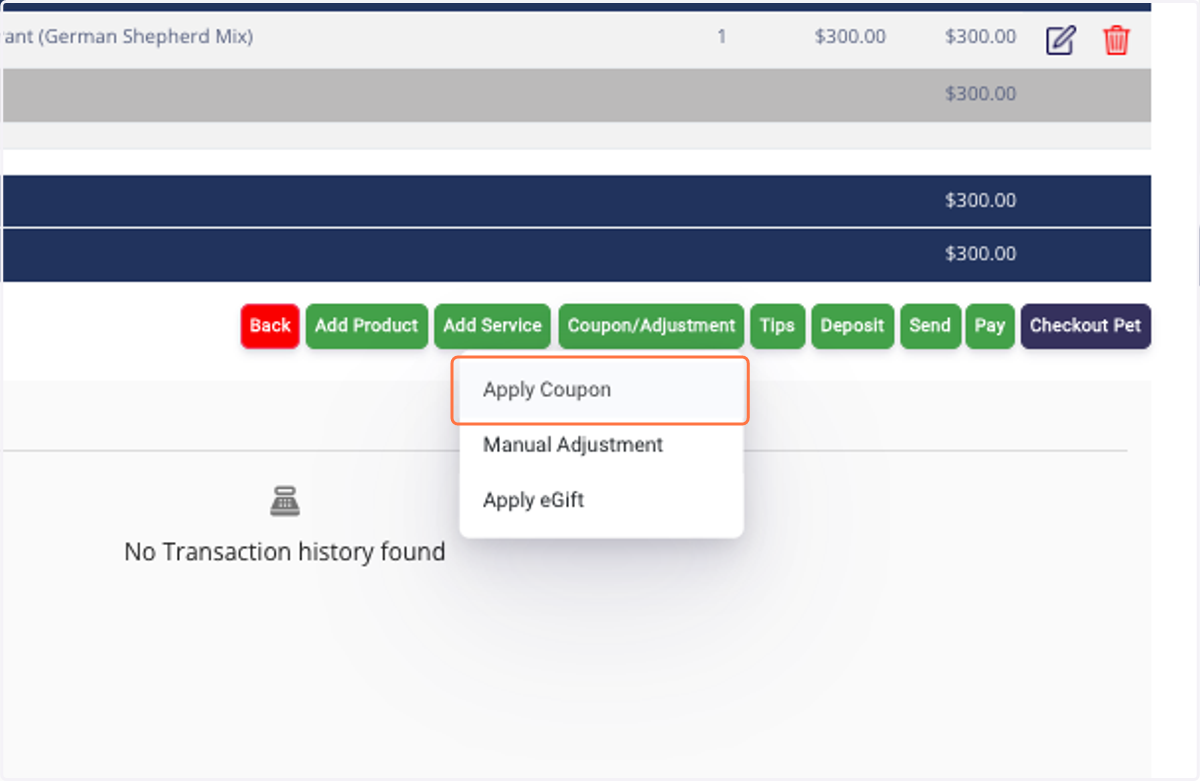
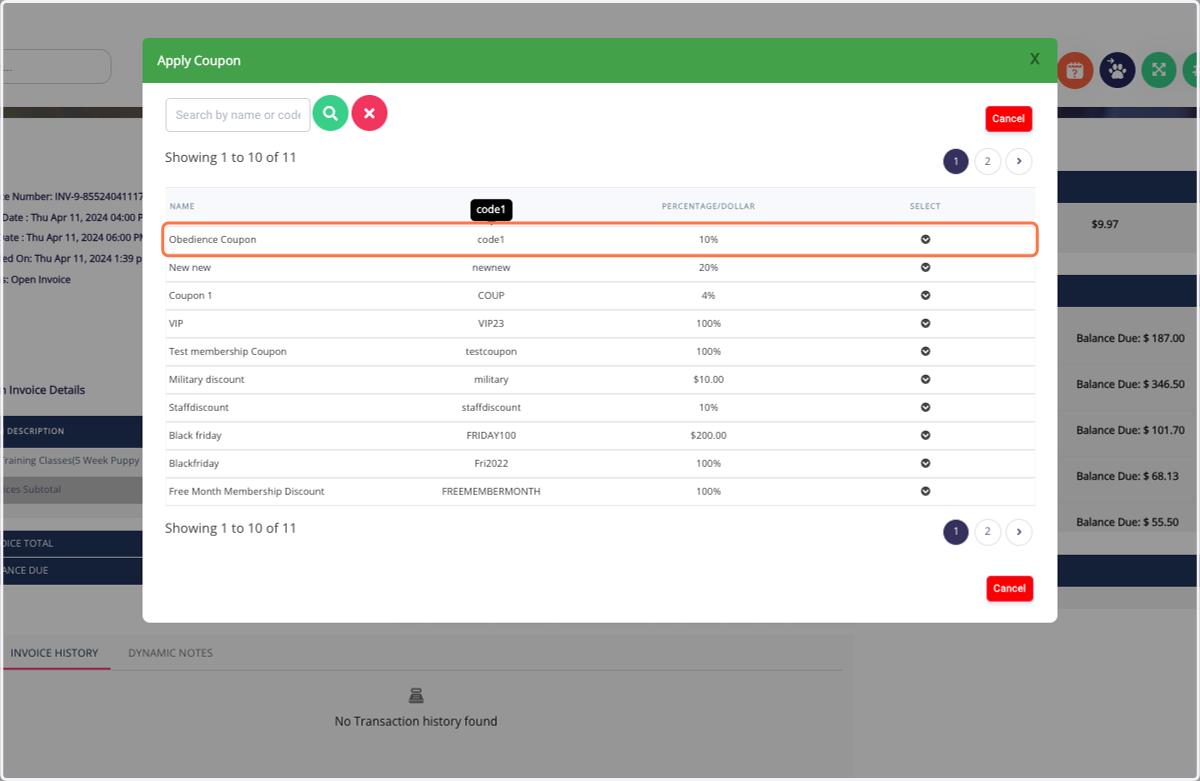
11. Click on Apply Coupon
12. Click on Obedience Coupon code1 10%
13. Click on Apply