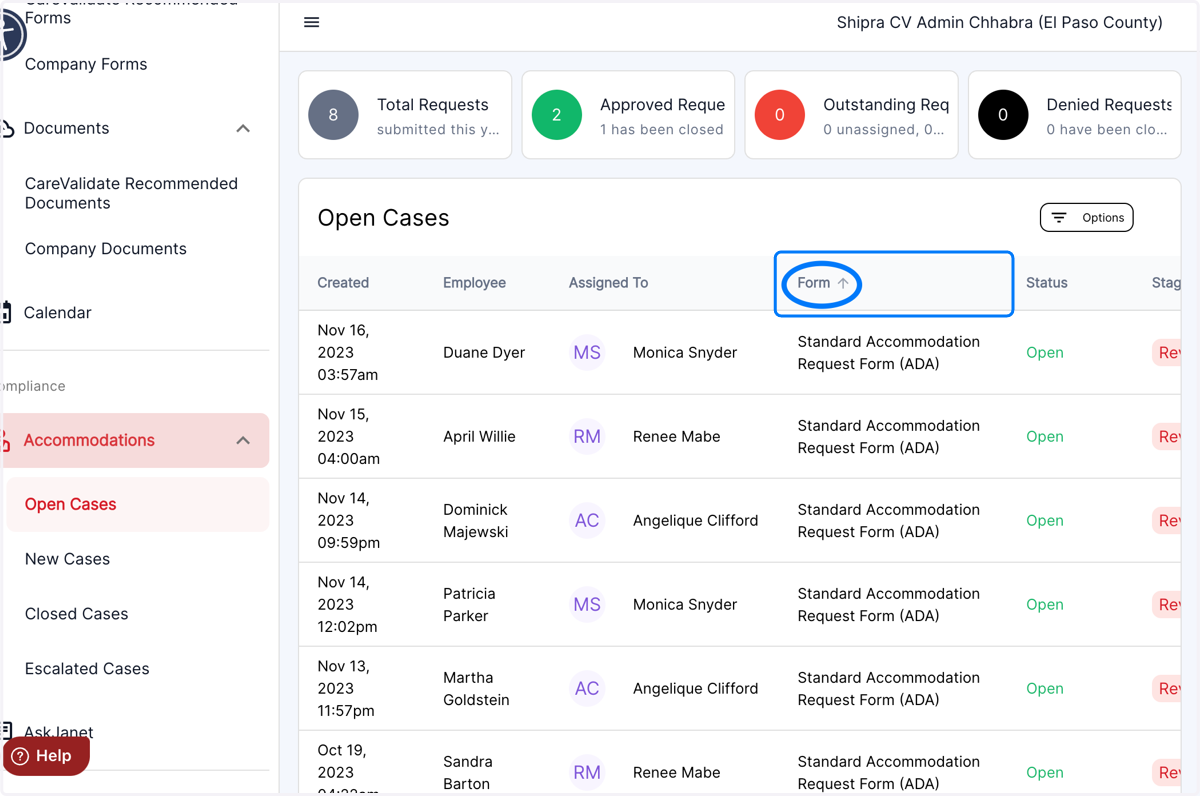
Nov 15th Release Notes - Add Form Name Column to the case list
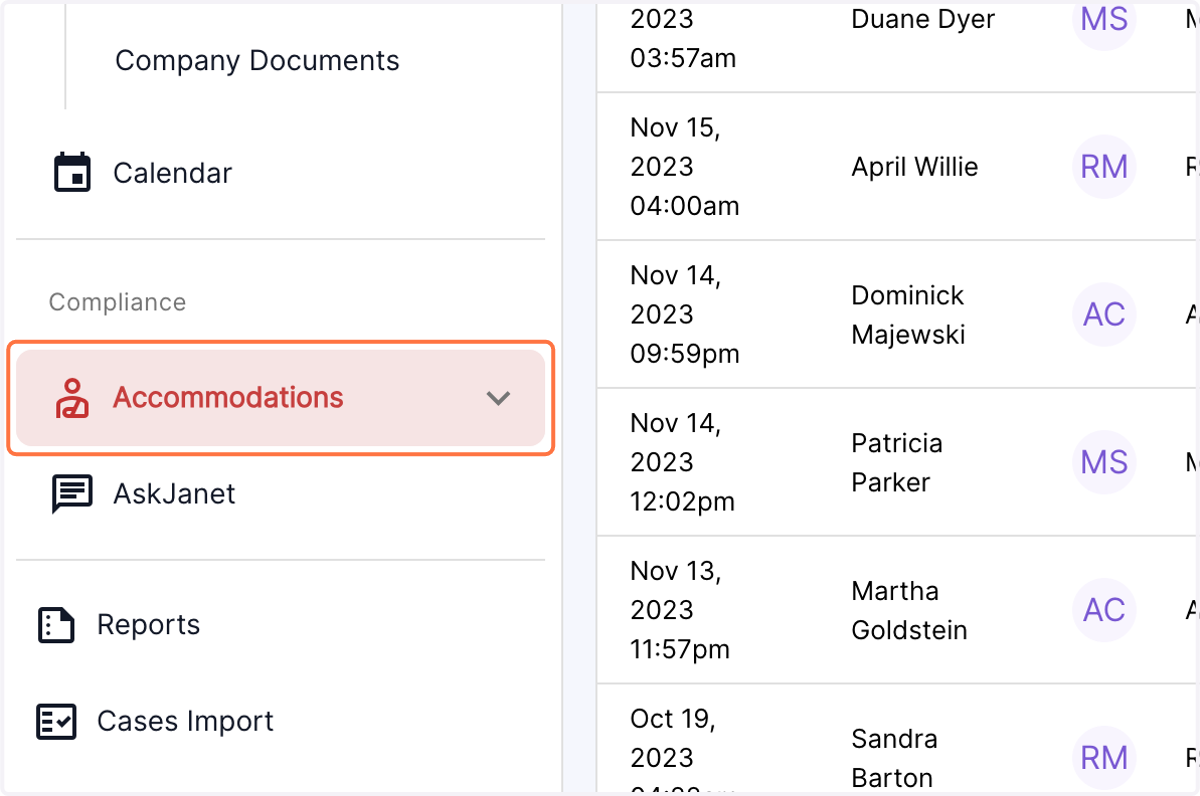
1. Click on the Accommodations tab in the left panel of the dashboard
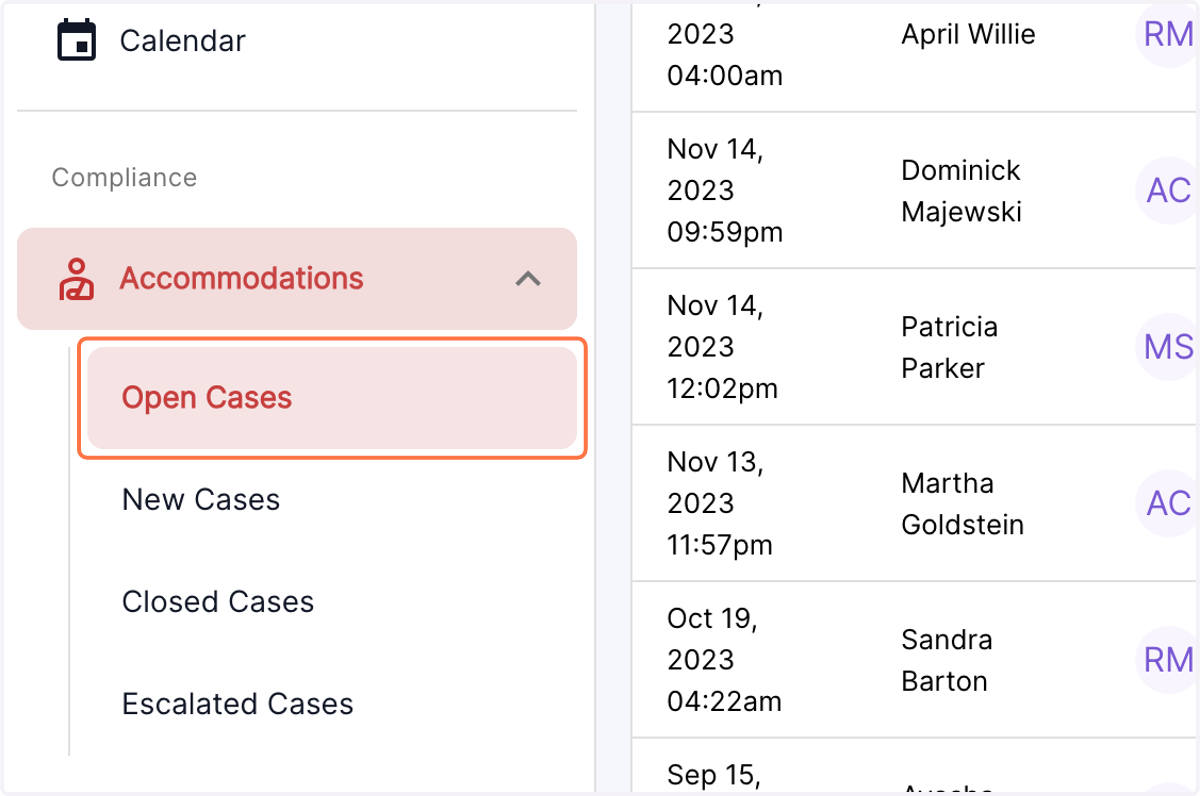
2. Click on the case directory you would like to view.
3. To enhance navigation, the form column now displays the name of the form the employee has filled out. To organize the list by form names, simply click on the up arrow next to the desired form