Adding/Updating Company Locations in Bullhorn
Bullhorn
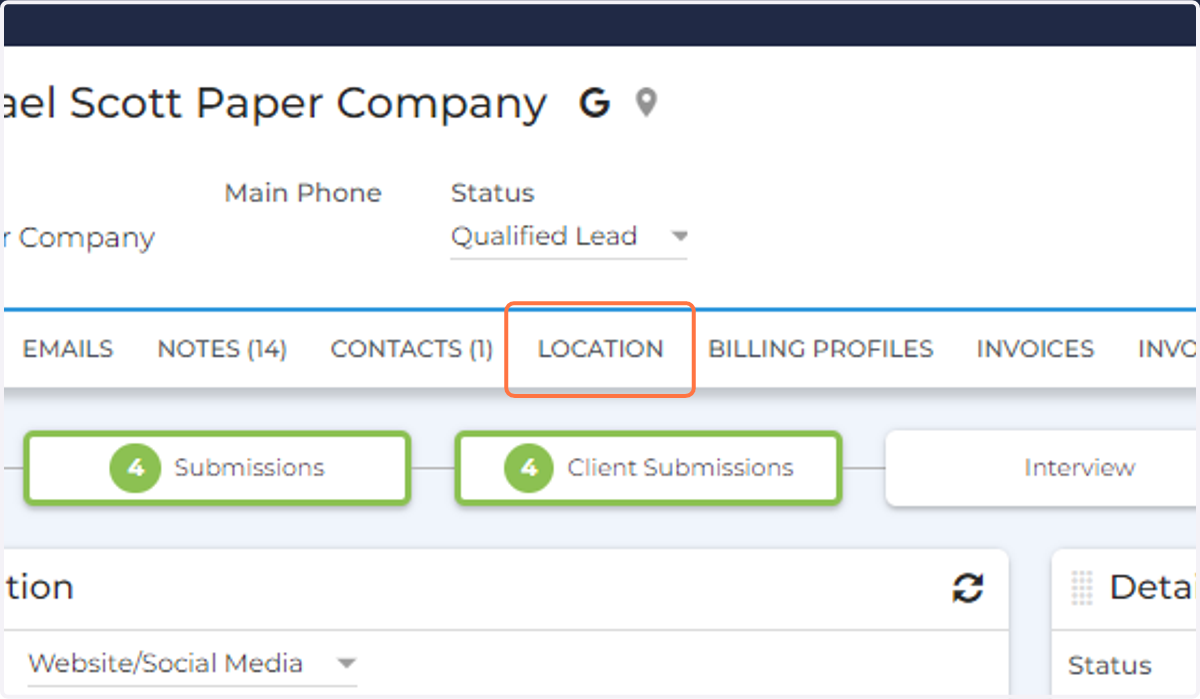
1. Click on the LOCATION tab in the Company Record
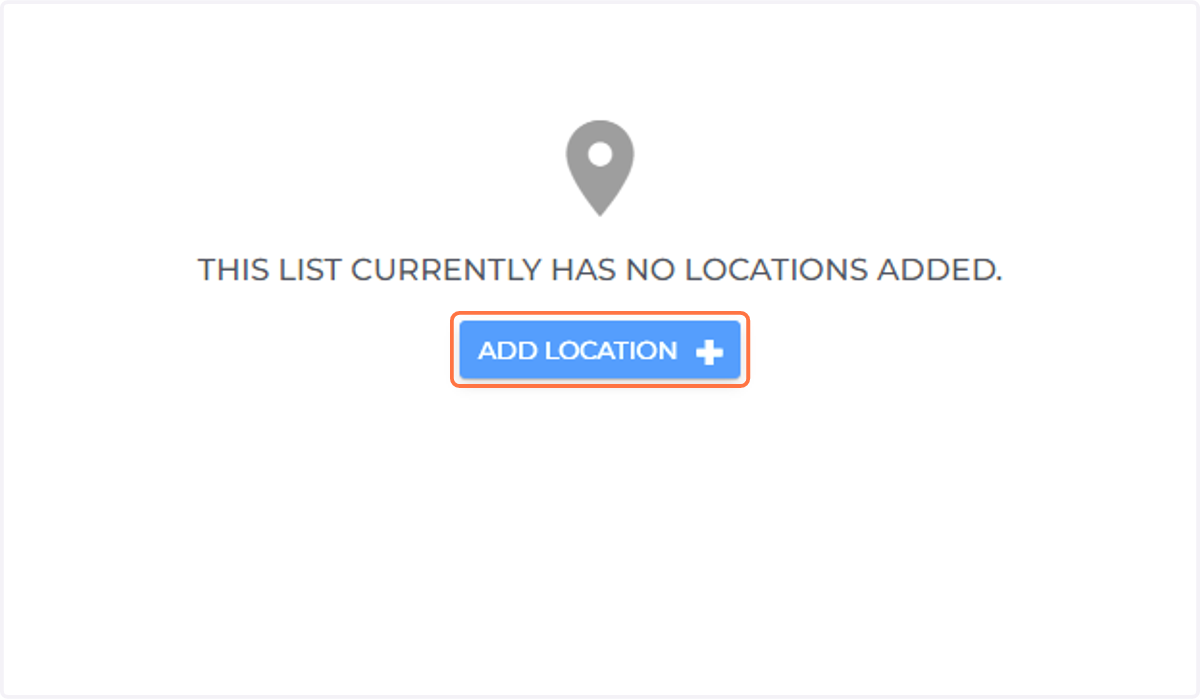
2. Click on ADD LOCATION
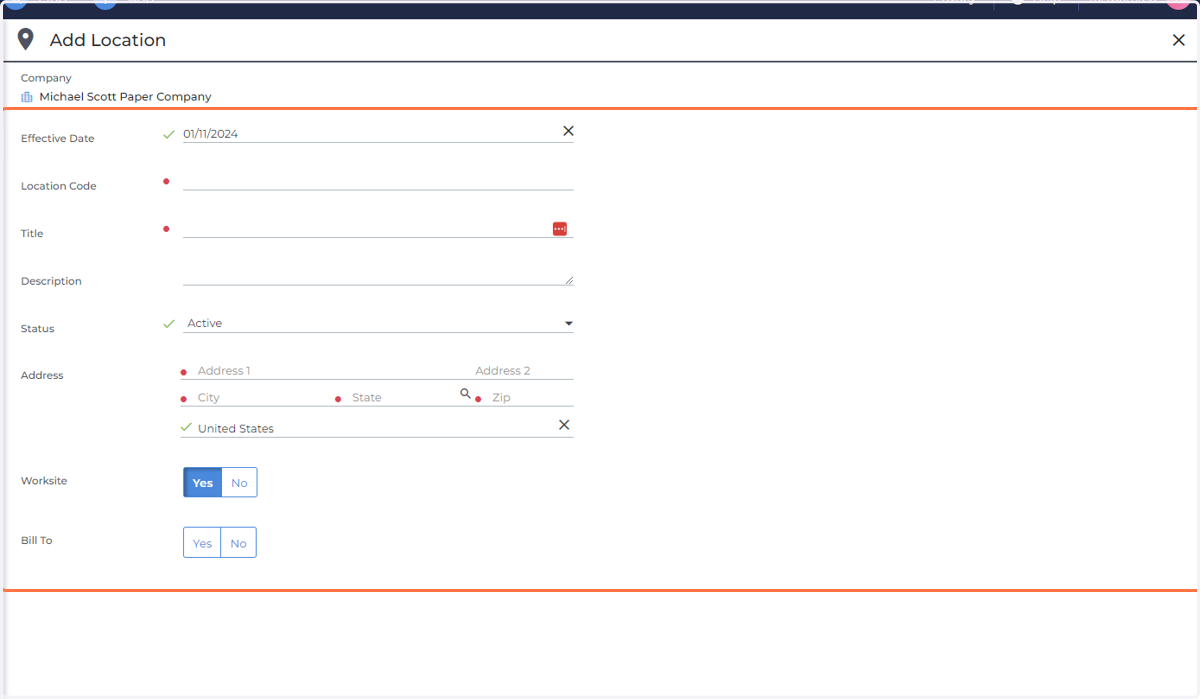
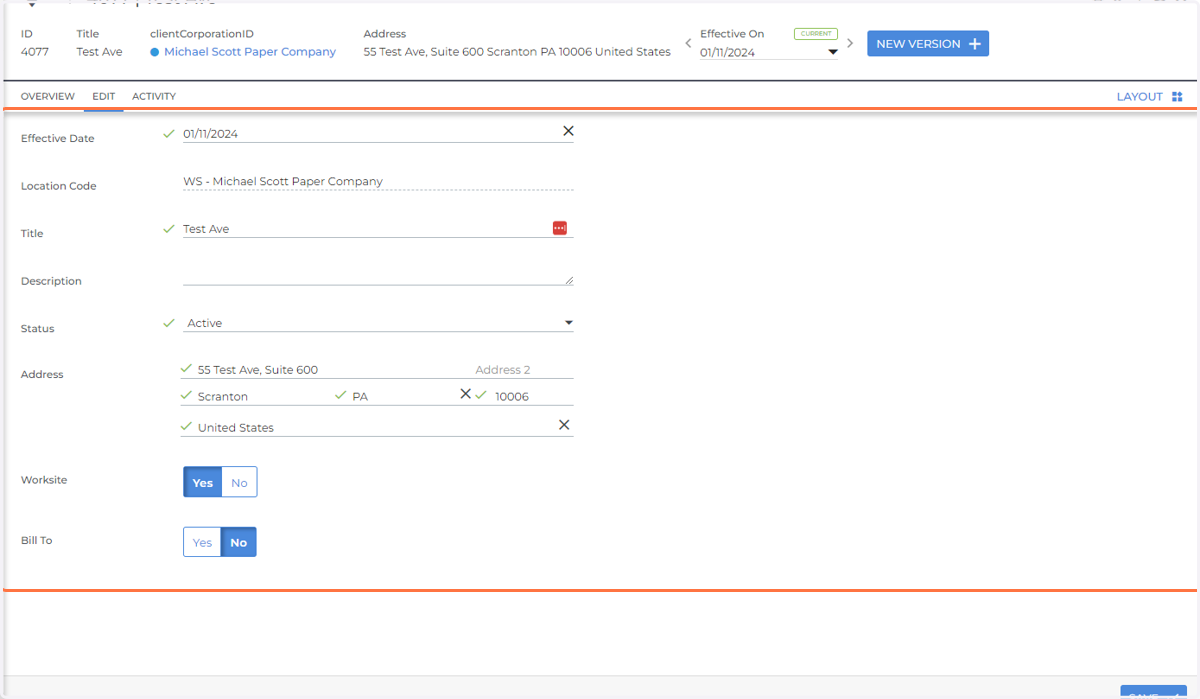
3. Add in the following information
Effective Date: The first day the Location is in effect
Location Code: The code you want to associate with the Location. Should align with the following:
WSBT - Company Name
WS - Only include if the location is a work site
BT - Only include if the location is a billing address
Title: The address of the location
Description: Any extra information regarding the location
Status: Can be active or inactive. Inactive locations cannot be assigned to Jobs and Placements and do not appear in the dropdown.
Address: The location's address. If desired, the Address field on Jobs and Placements can be automatically populated with the value from the most current version of the Location ( as long as the location is active)
Worksite: Indicates if the location if the physical location where employees work
Bill to: Indicates of the location address is also the billing address
4. Click on SAVE
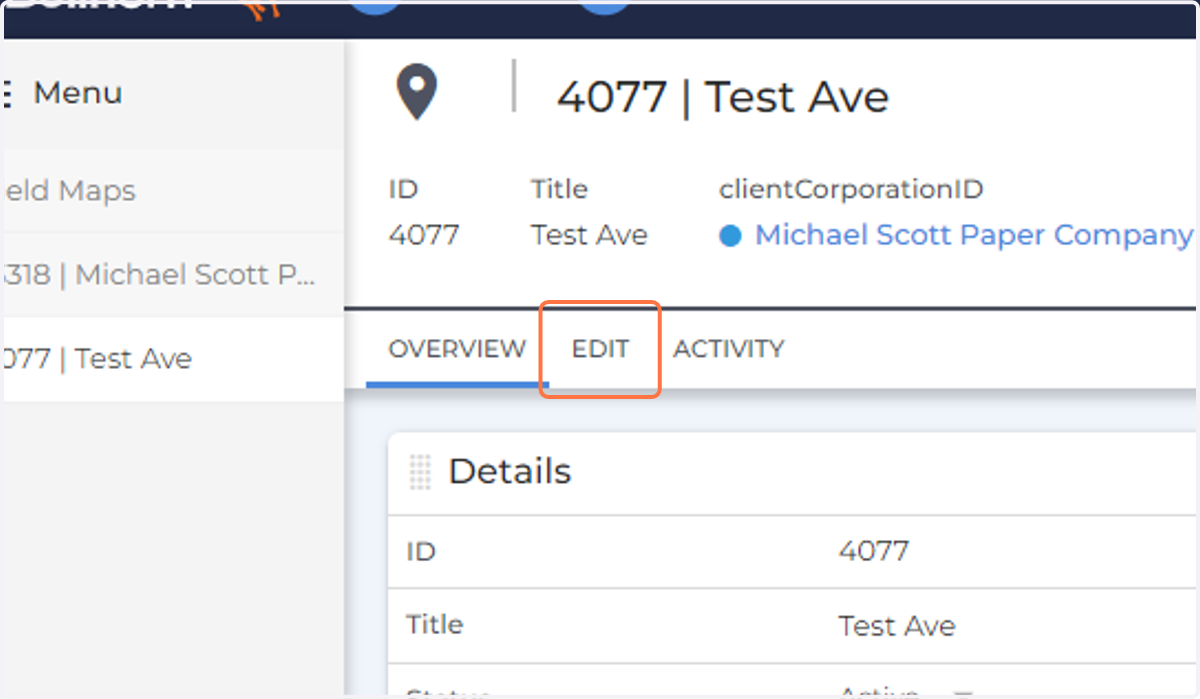
5. To Edit a pre-existing Location, Click Edit
6. Update the information
7. Click on SAVE
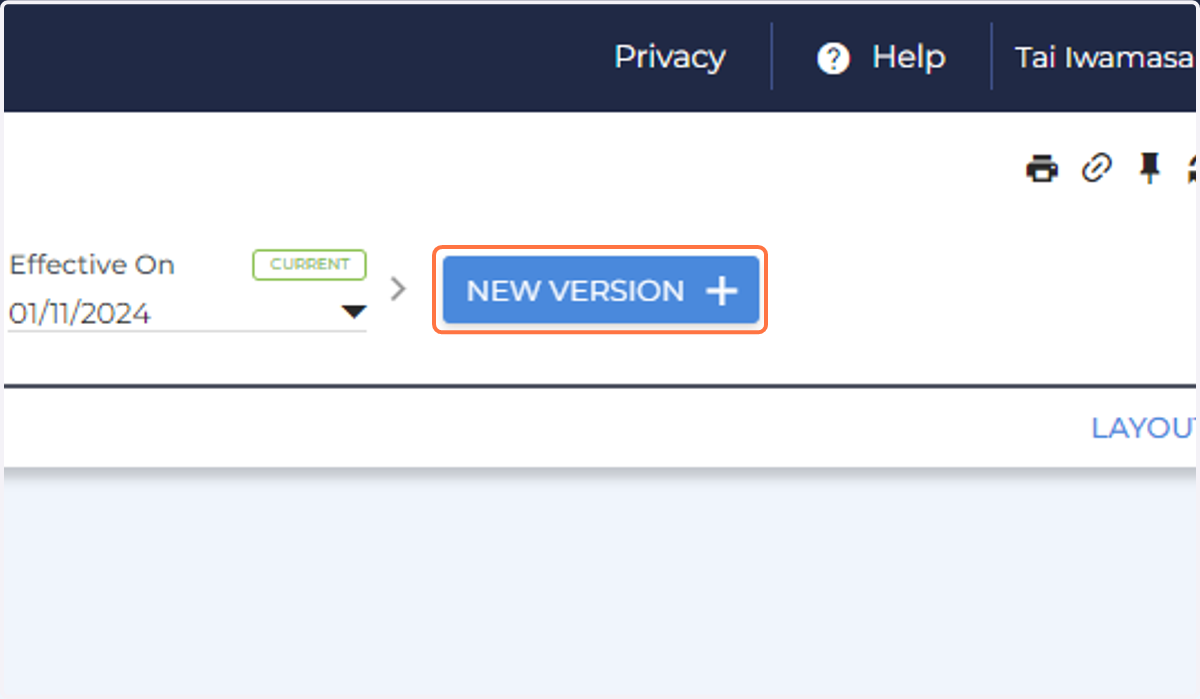
8. To create a New Version of the location, click New Version
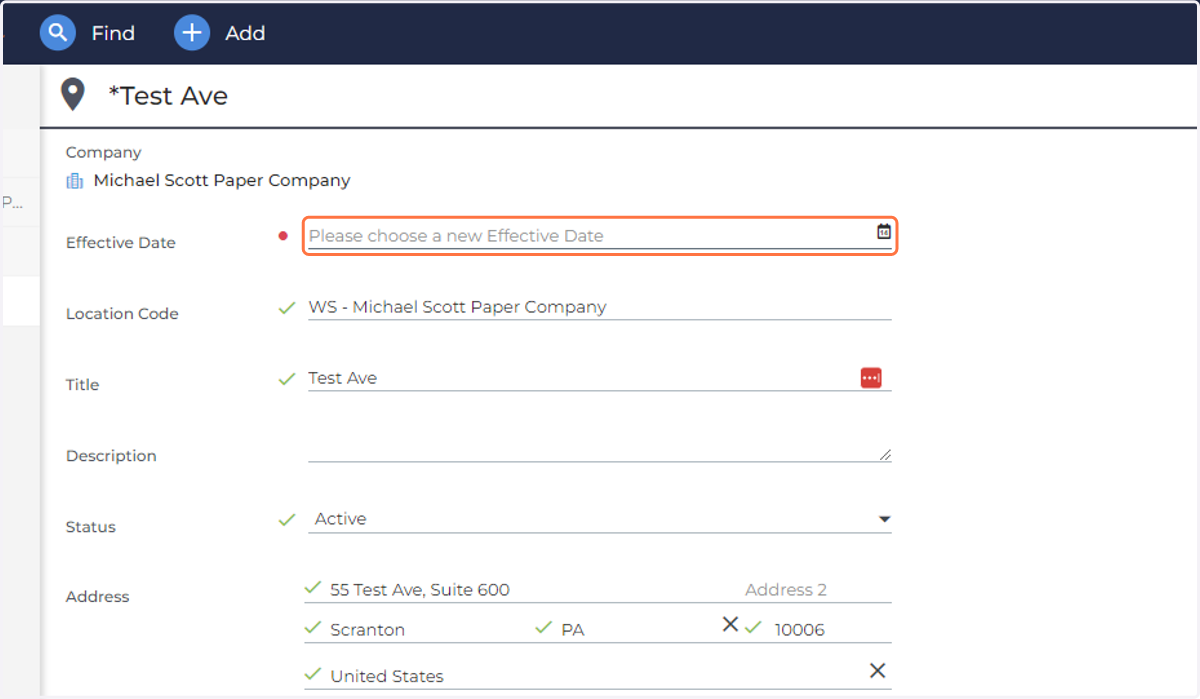
9. Choose a new Effective Date
10. Click on SAVE