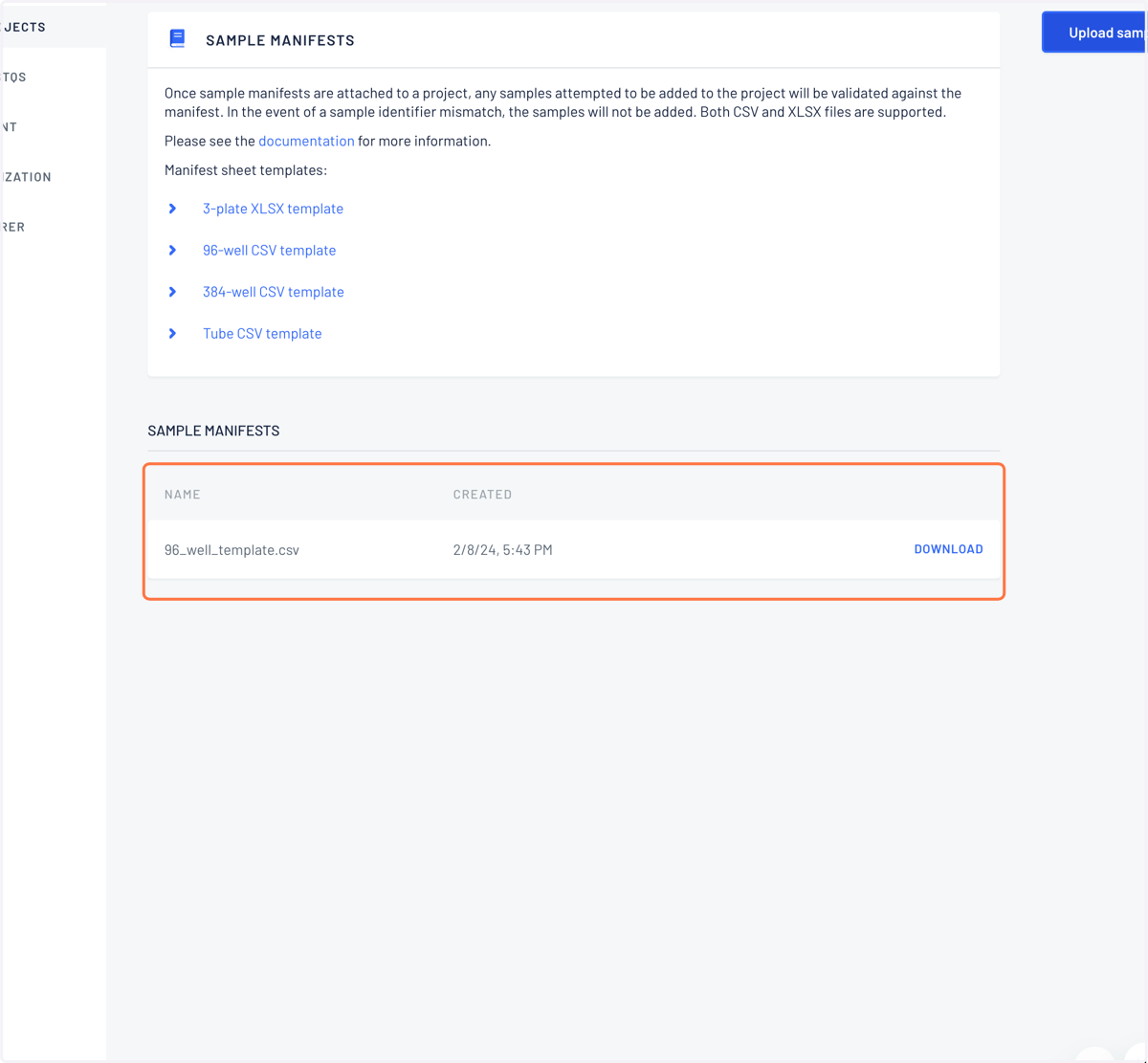
Adding a sample manifest through the web UI
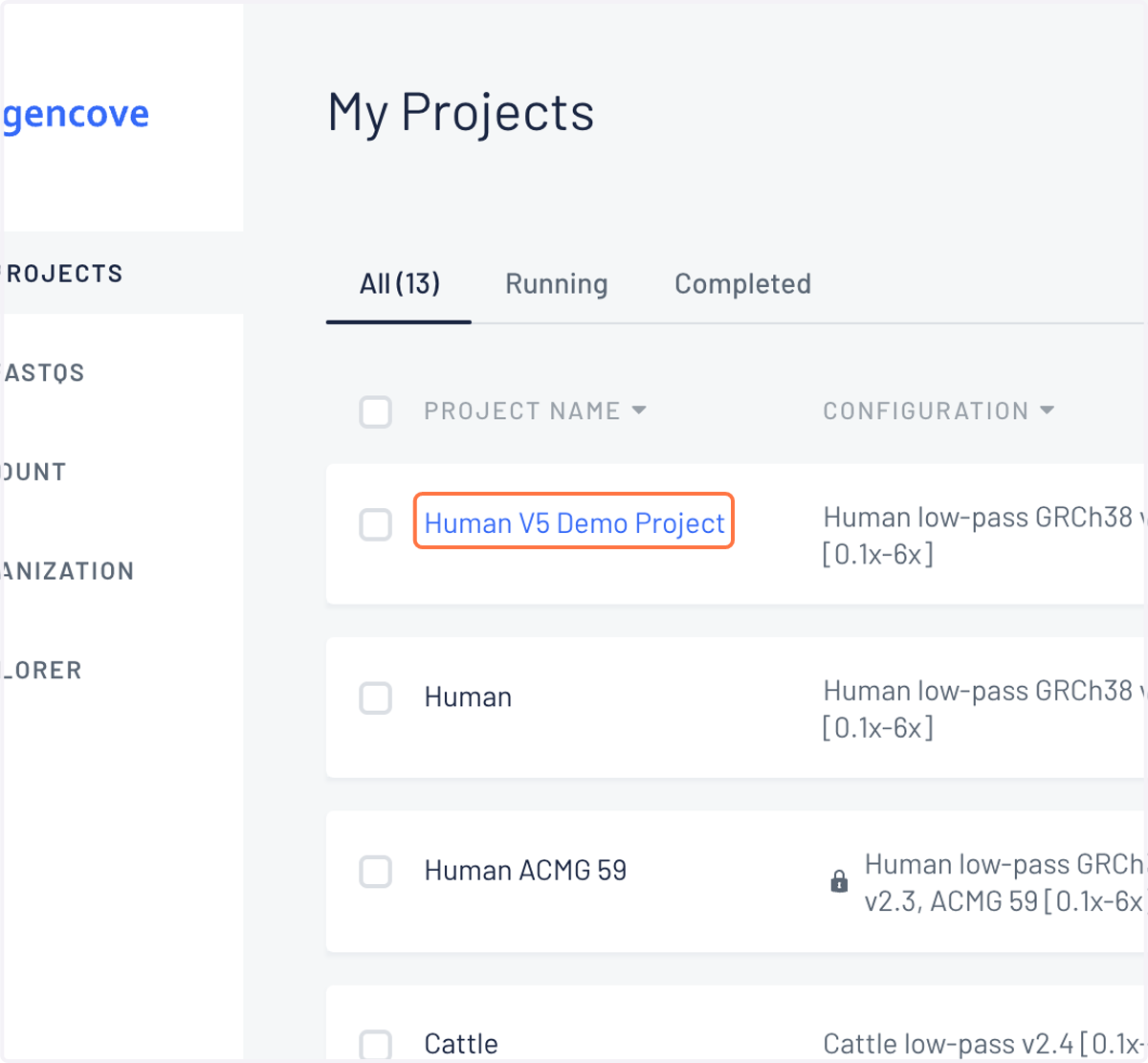
1. Log into your Gencove account and click on the project for which you are uploaded a manifest.
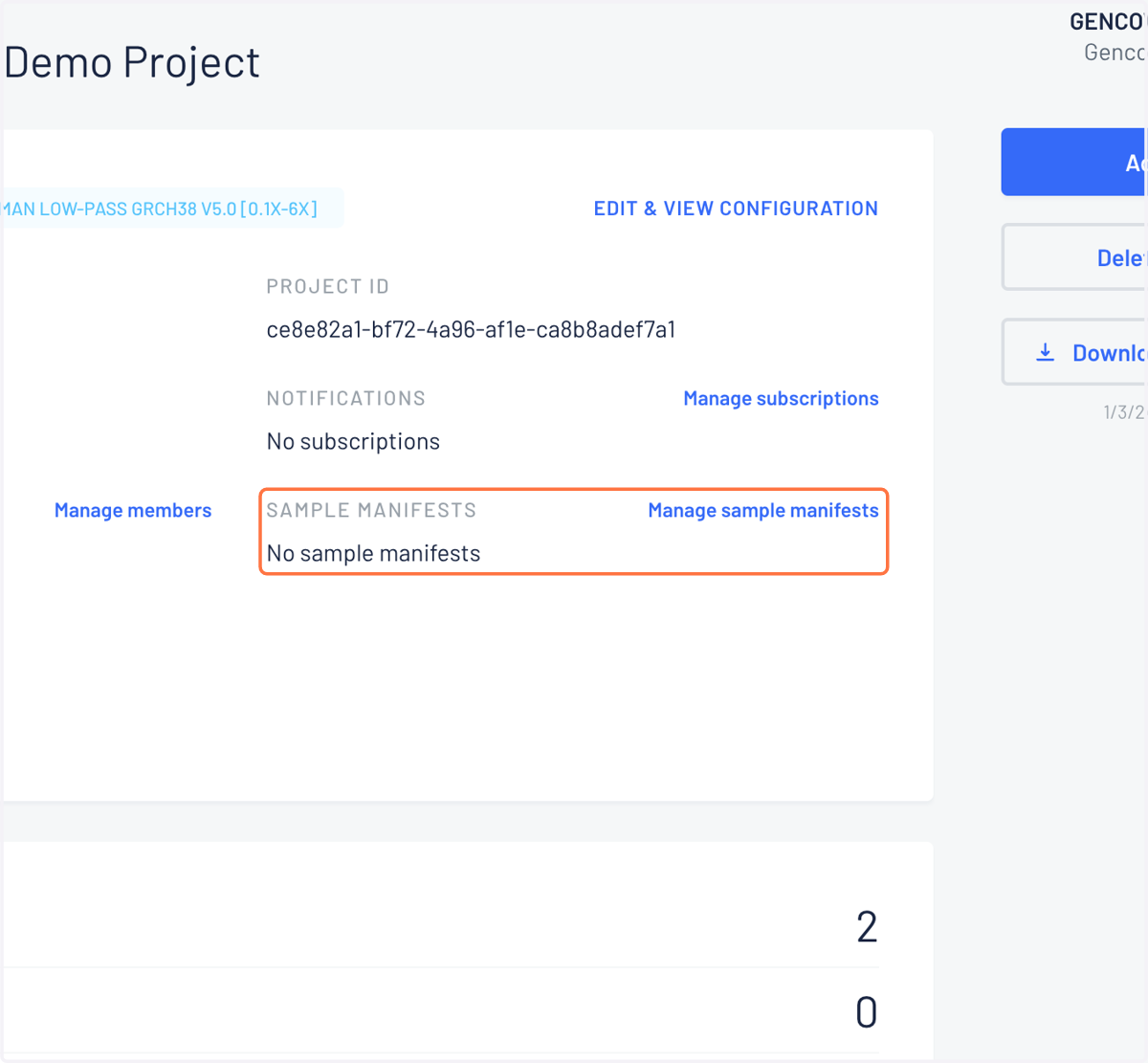
2. Under the project detail page, users can click the "Manage sample manifests" section to view the manifest management page.
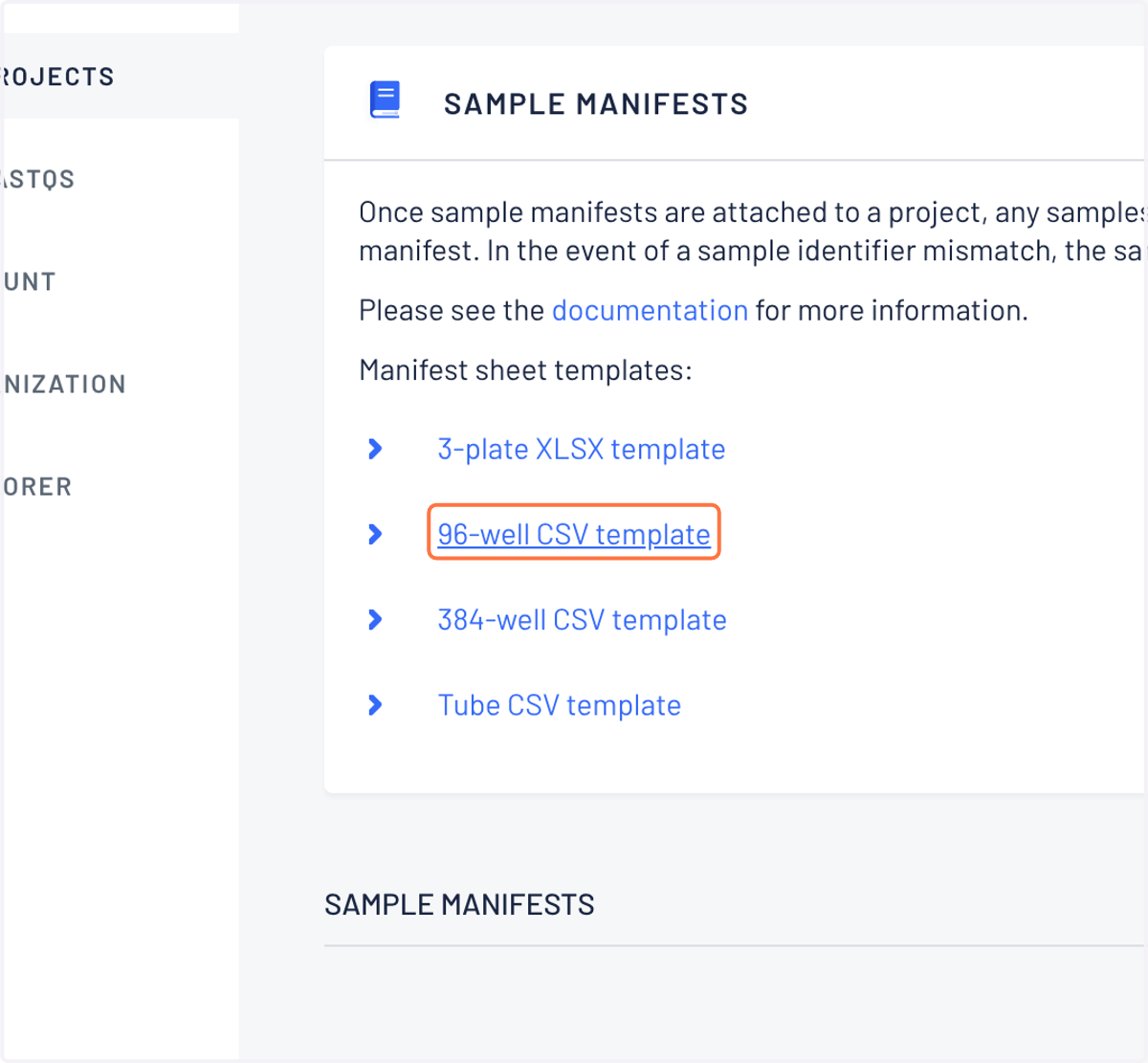
3. From this page, you can also download manifest sheet templates. These can also be downloaded from from the support hub.
4. Click on Upload sample manifest
From the manifest management page, new sample manifests can be uploaded via the "Upload sample manifest" button. This will open a dialog where the user is prompted to upload a manifest CSV or XLSX file.
5. Once a manifest has been added, it is validated before being registered in the project.
If there are any errors with the manifest, they will be listed and the upload will be prevented.
Once a sample manifests have been uploaded, they can be viewed and downloaded at any time from the sample manifests management page.