How to Reserve Seats with Season Subscription Tickets
Gloucesterstage
1. Click on "Tickets" at the top of gloucesterstage.com

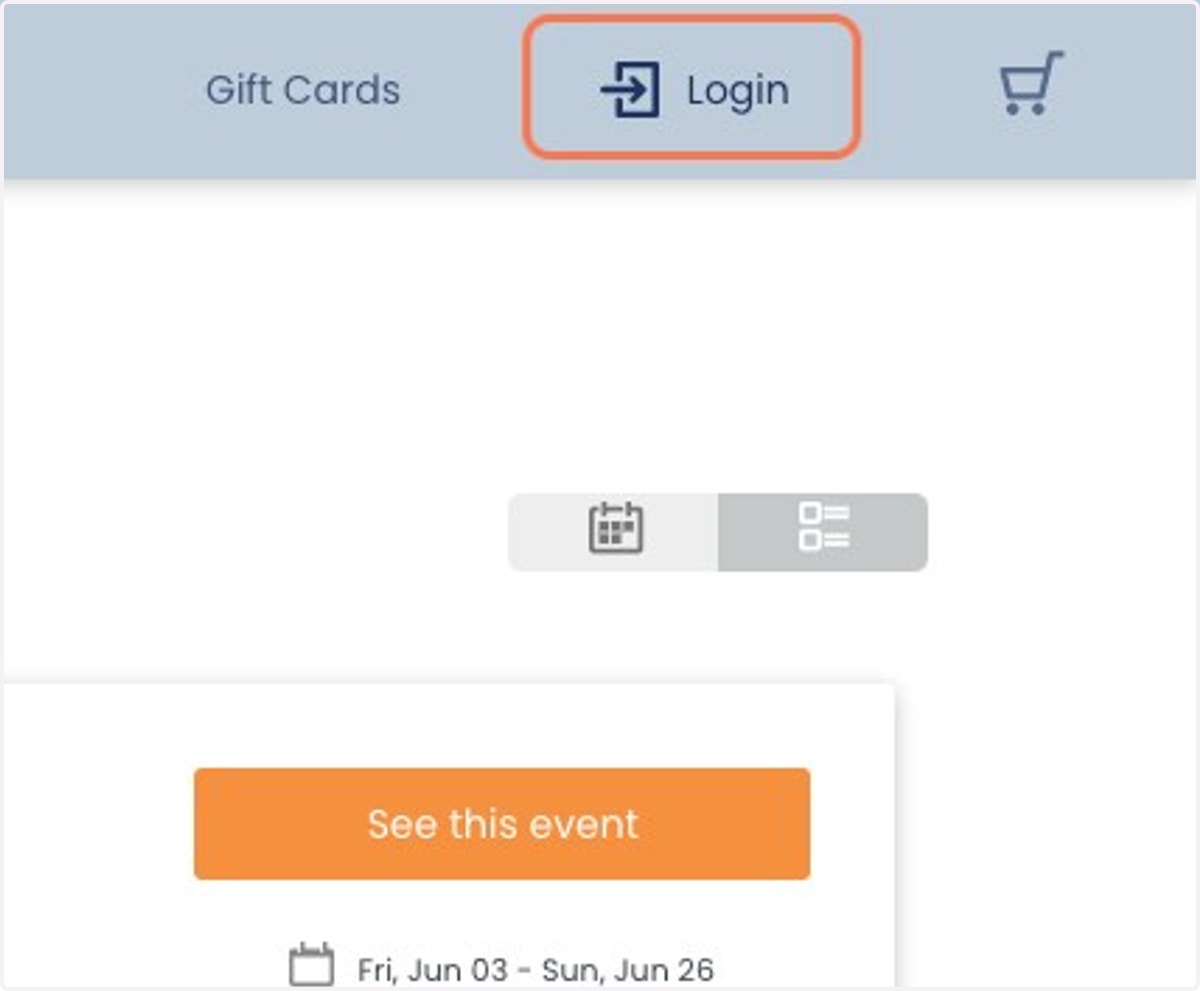
2. Click on Login
Ovationtix
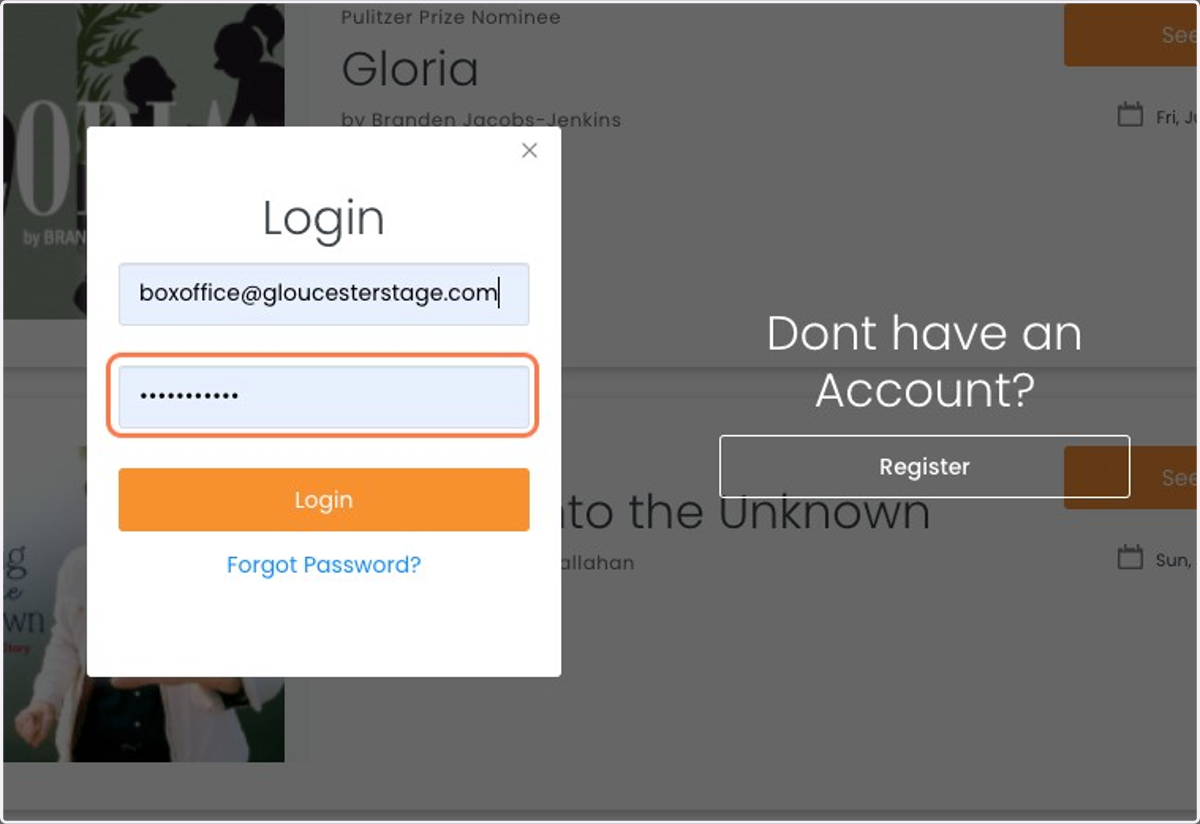
3. Login with the email you used to buy your Season Subscription
If you don't have an account, click 'Register' and use the same email
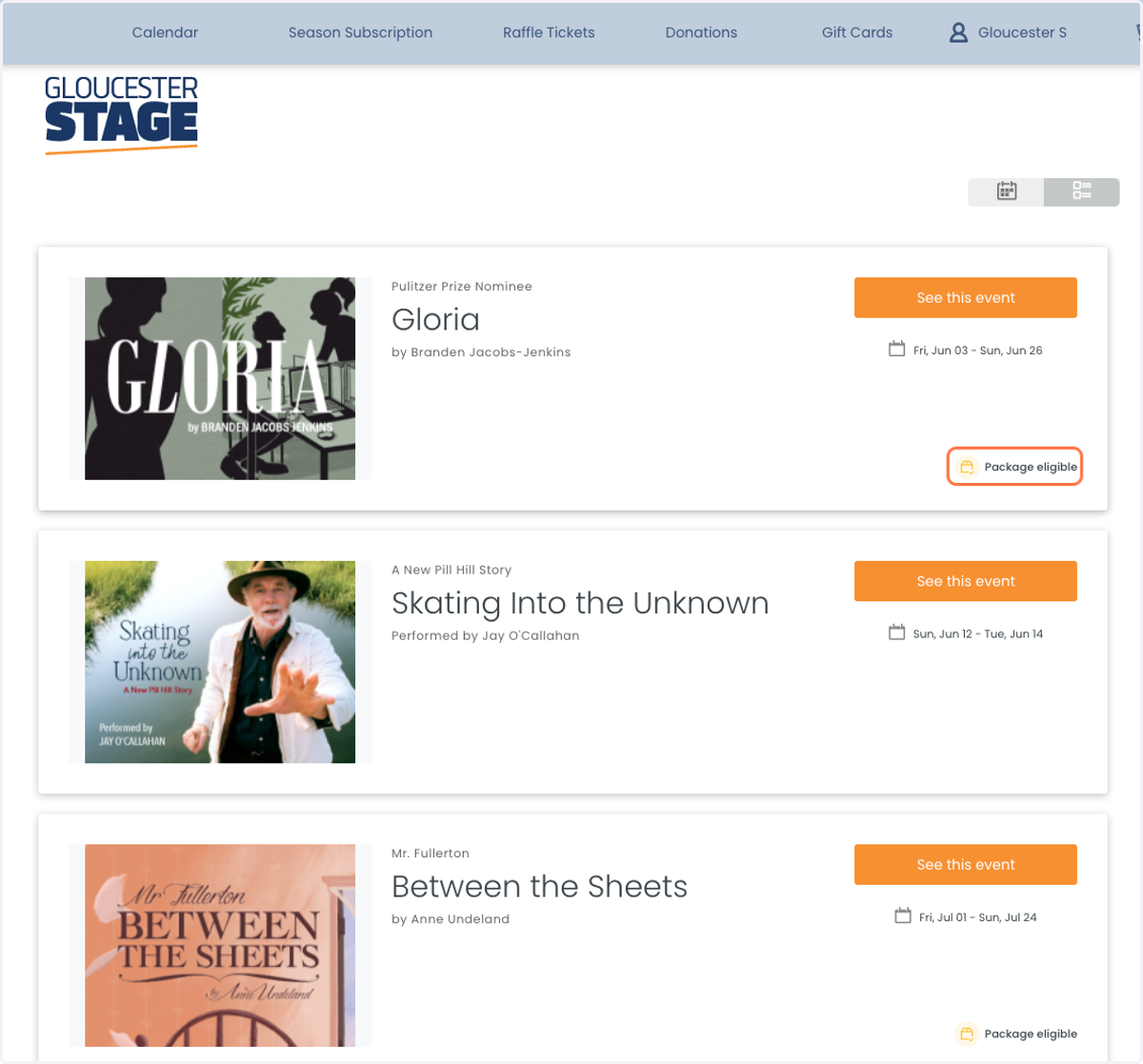
4. Select the Production - Eligible Plays will say "Package Eligible"
5. Select the date you would like to attend
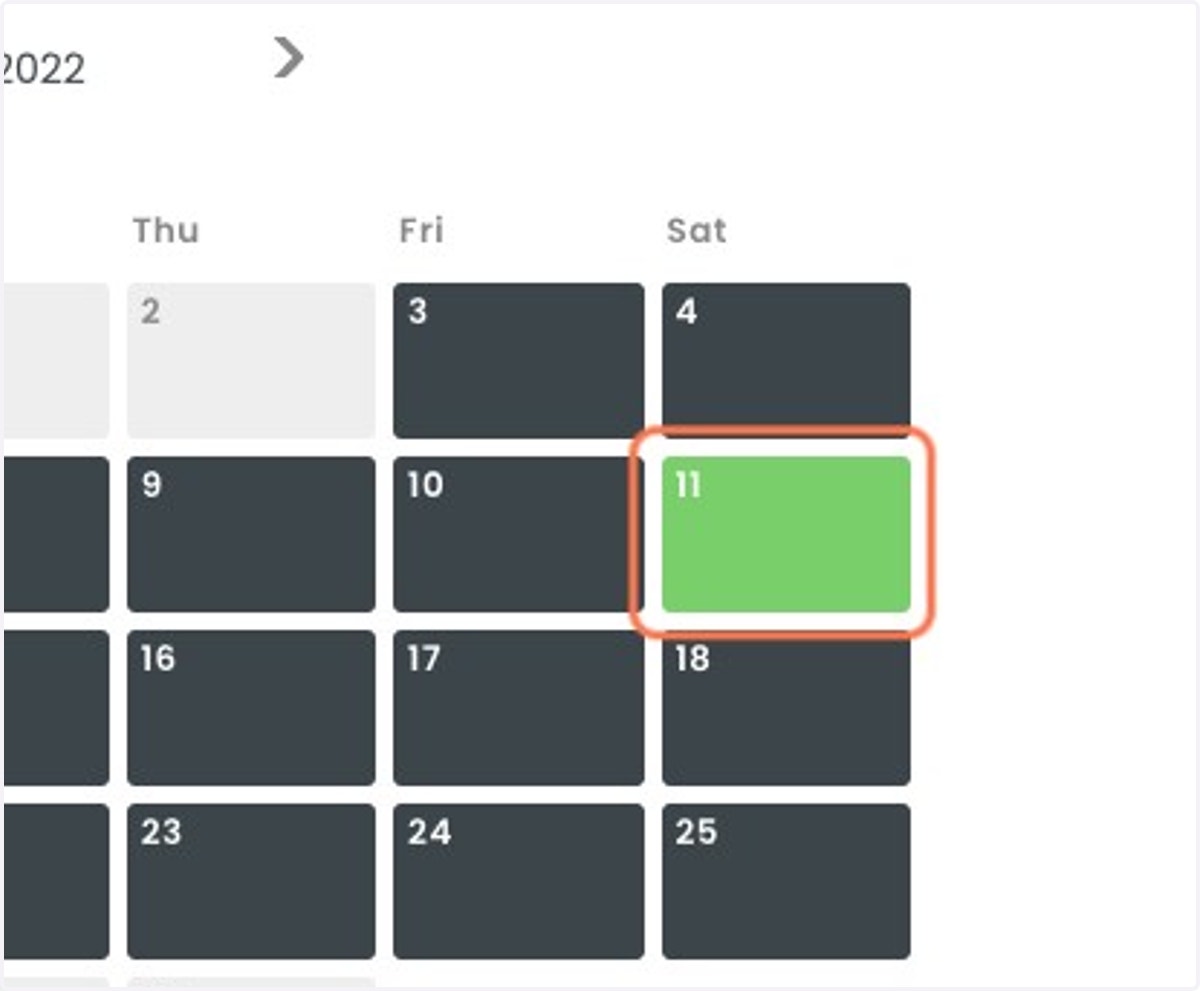
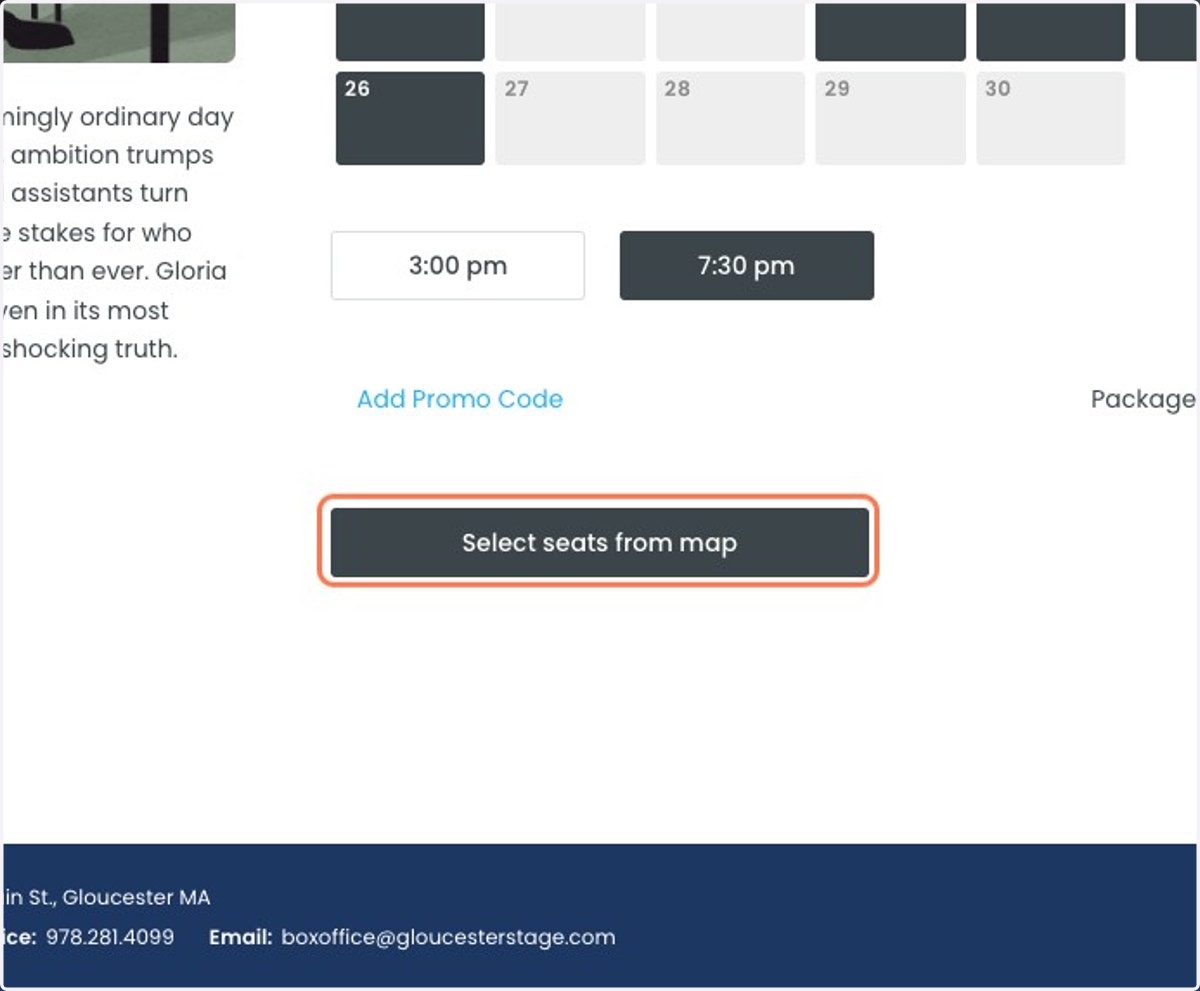
6. Select your performance time and then "Select Seats from Map"
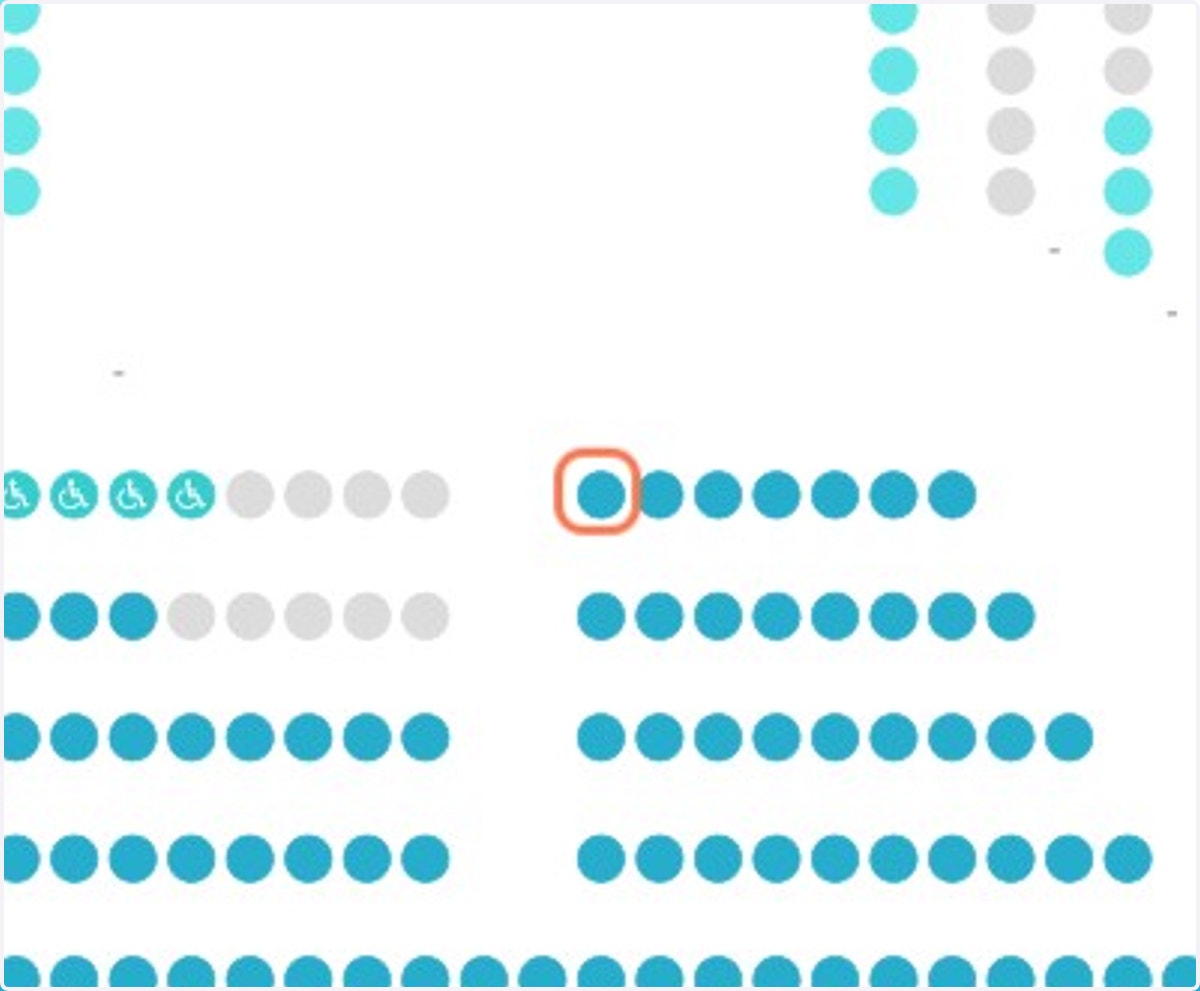
7. Your Season Tickets will be loaded - Select your prefered seats
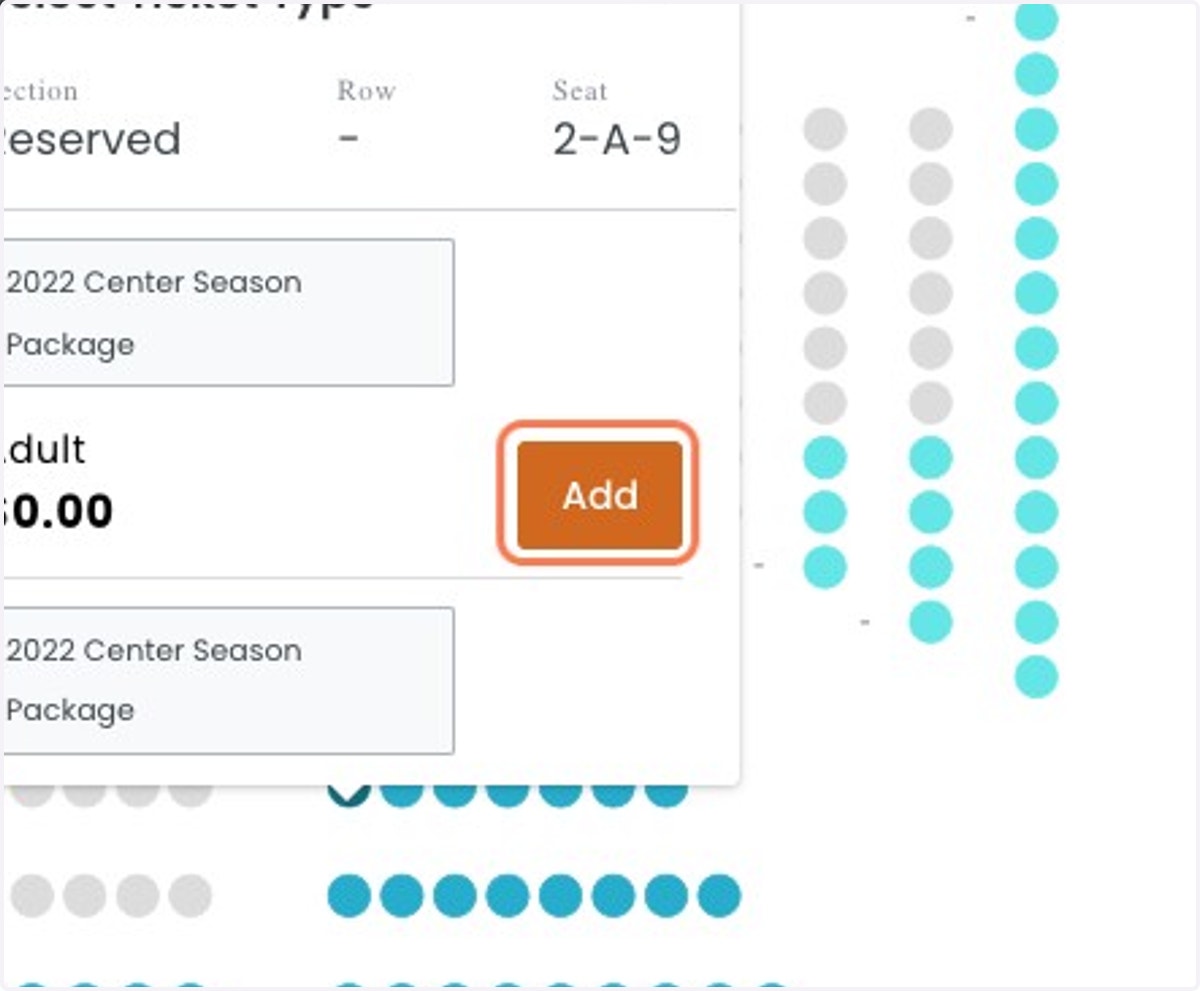
8. Click 'Add' for $0.00 Tickets
9. Click 'Add Tickets to Cart' and complete the transaction