Creating a UTM Tour
Chateau
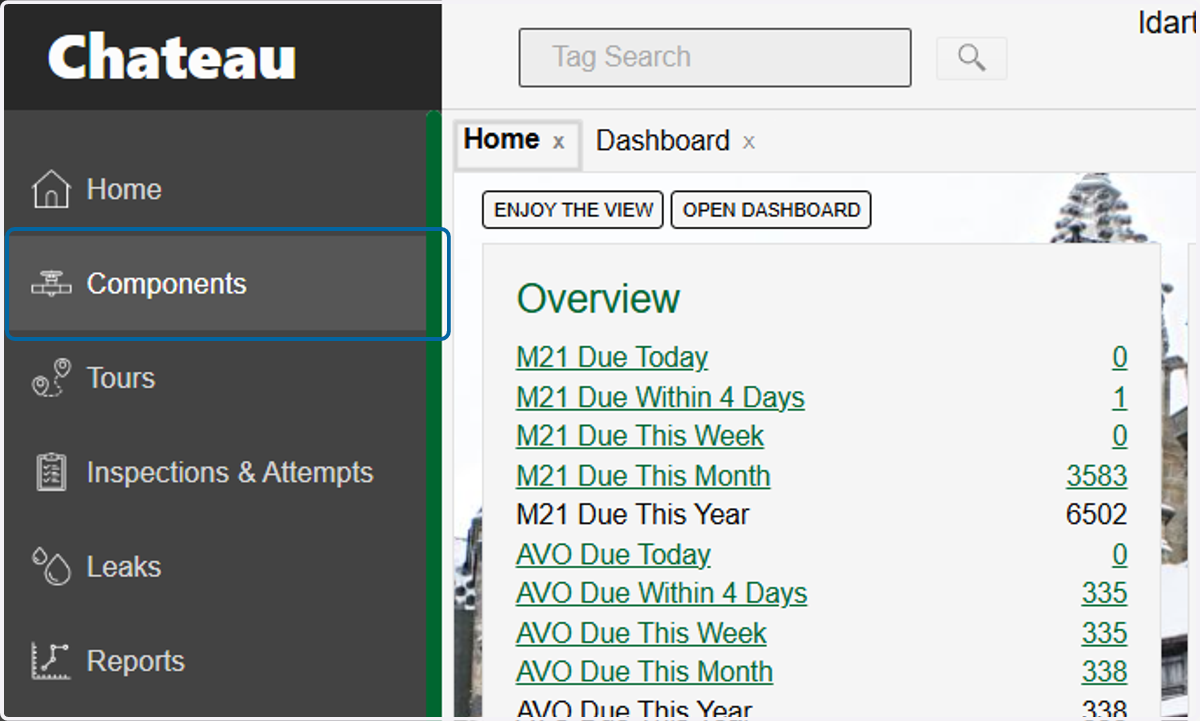
1. Click on Components
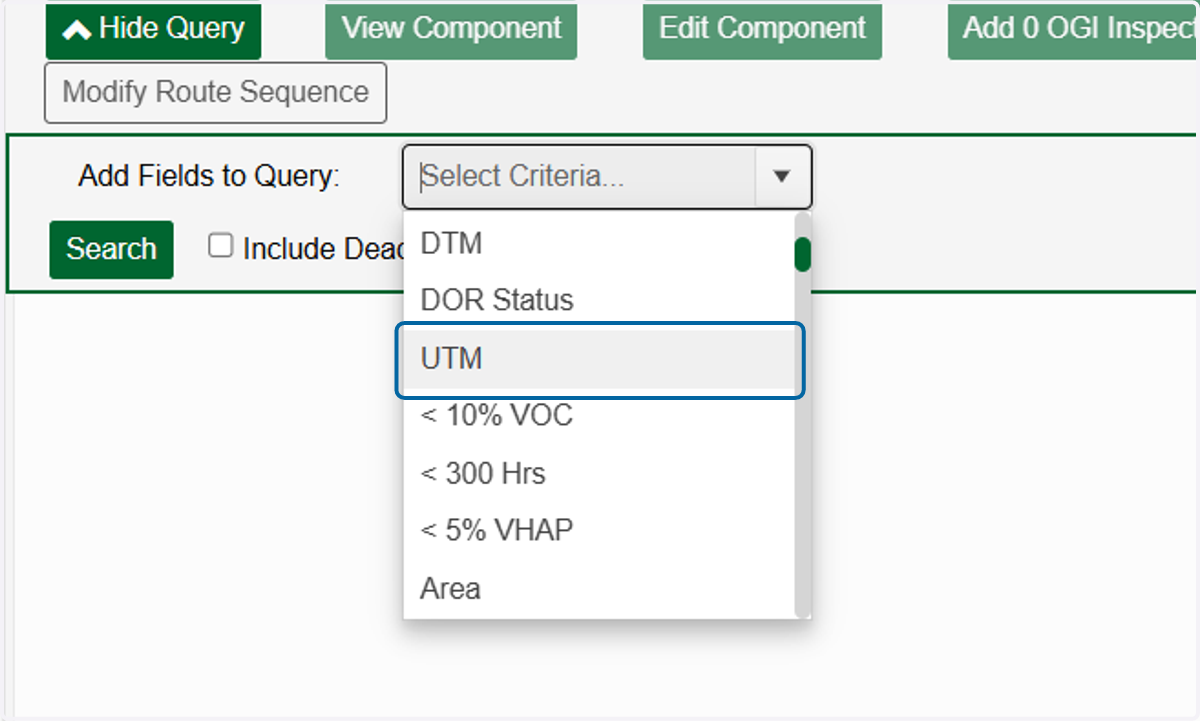
2. Click on UTM
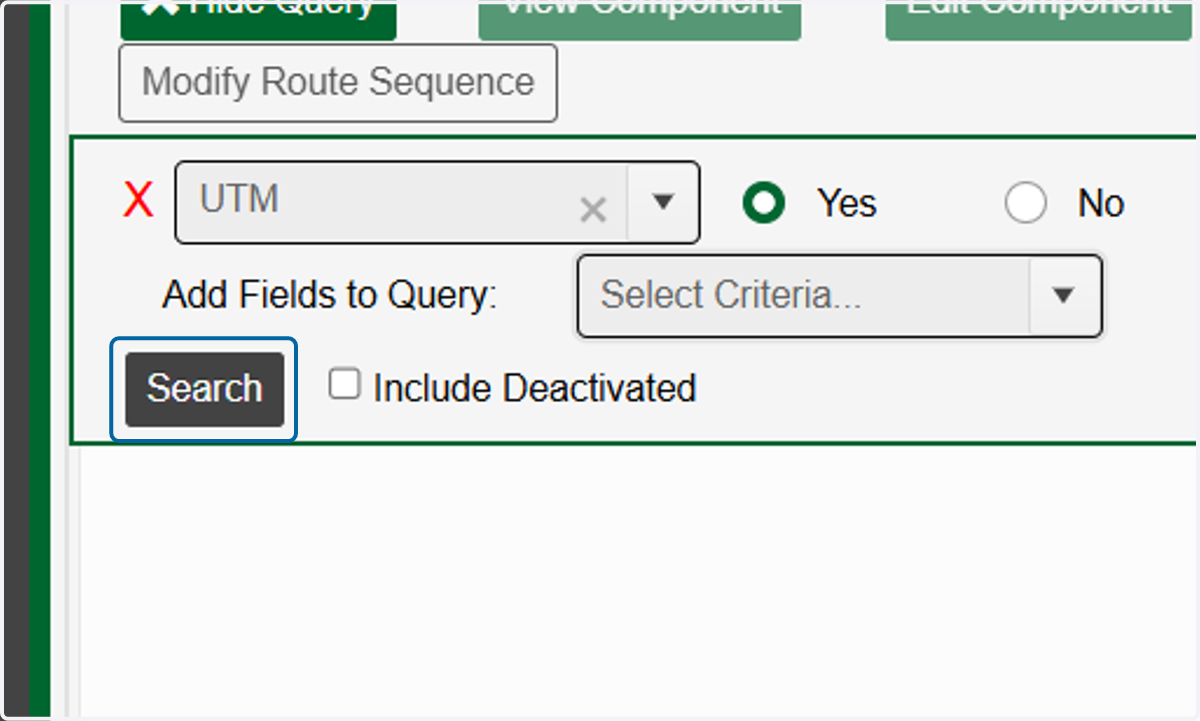
3. Add in any other parameters you need or simply click on Search
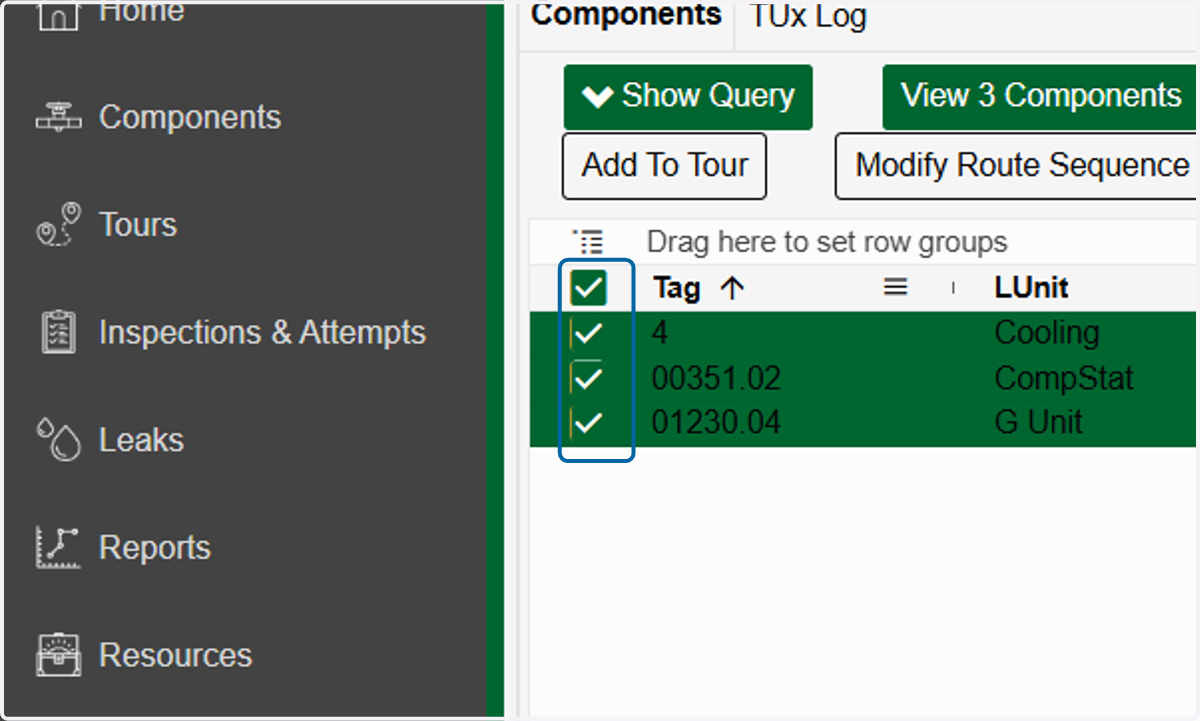
4. Select the components you want to add to the tour
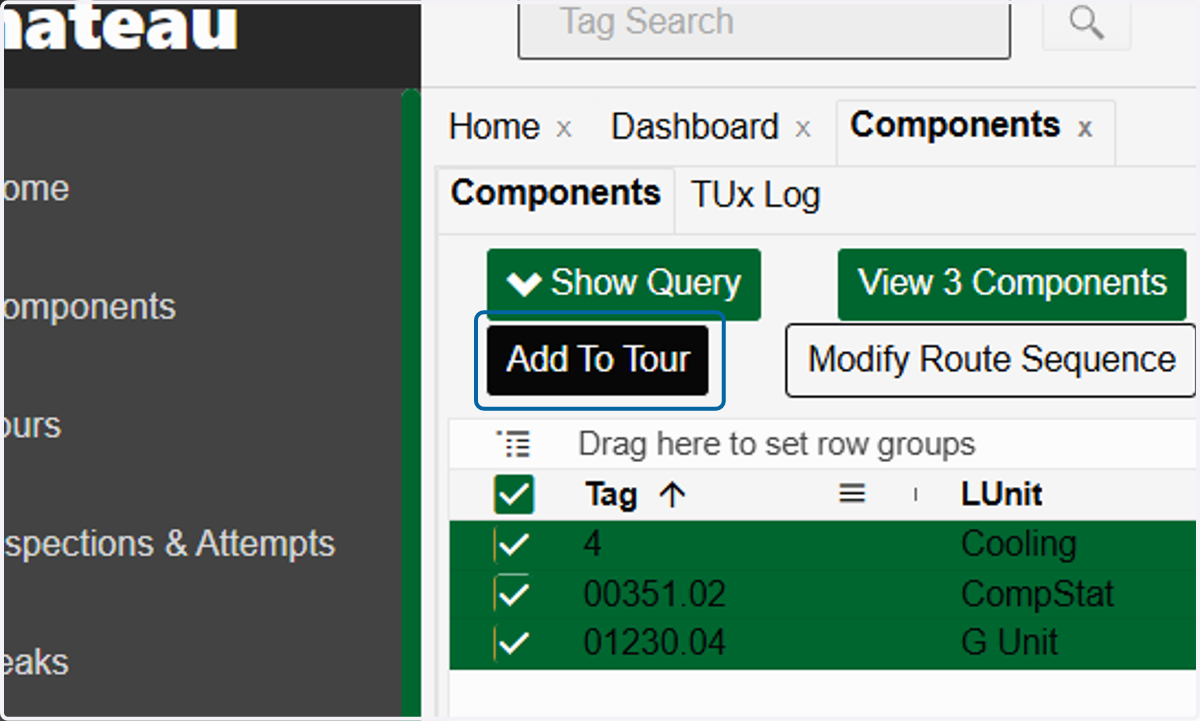
5. Click on Add To Tour
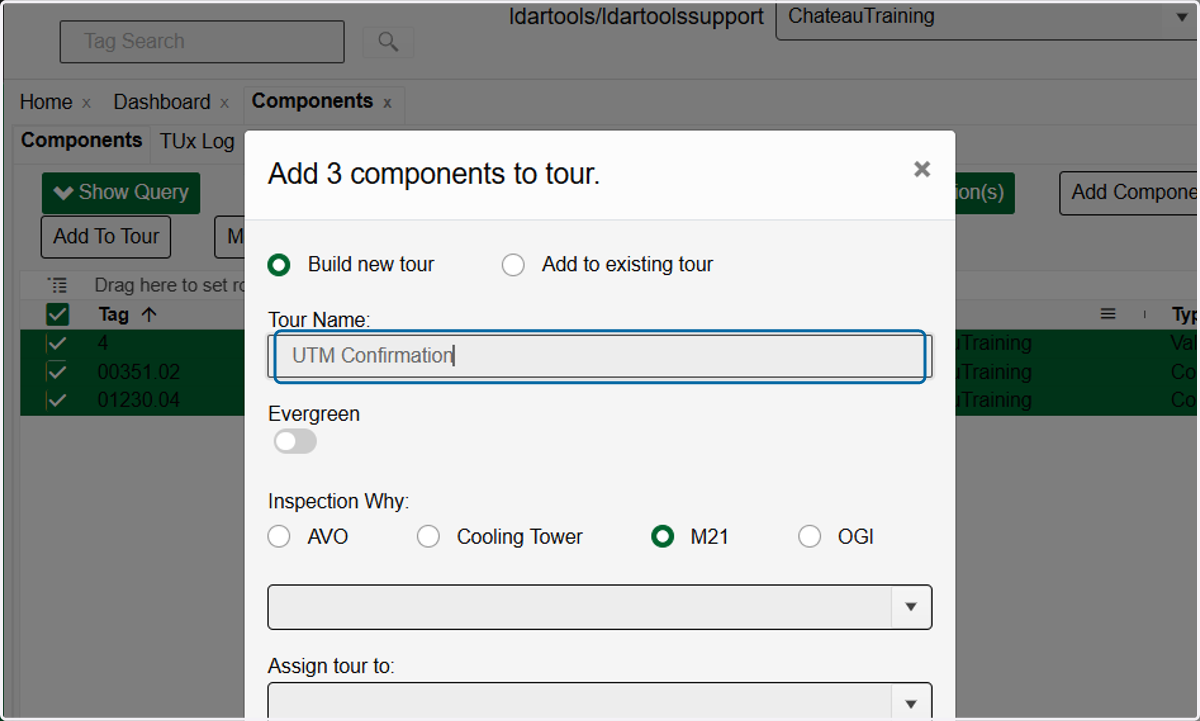
6. Type in the name of your tour
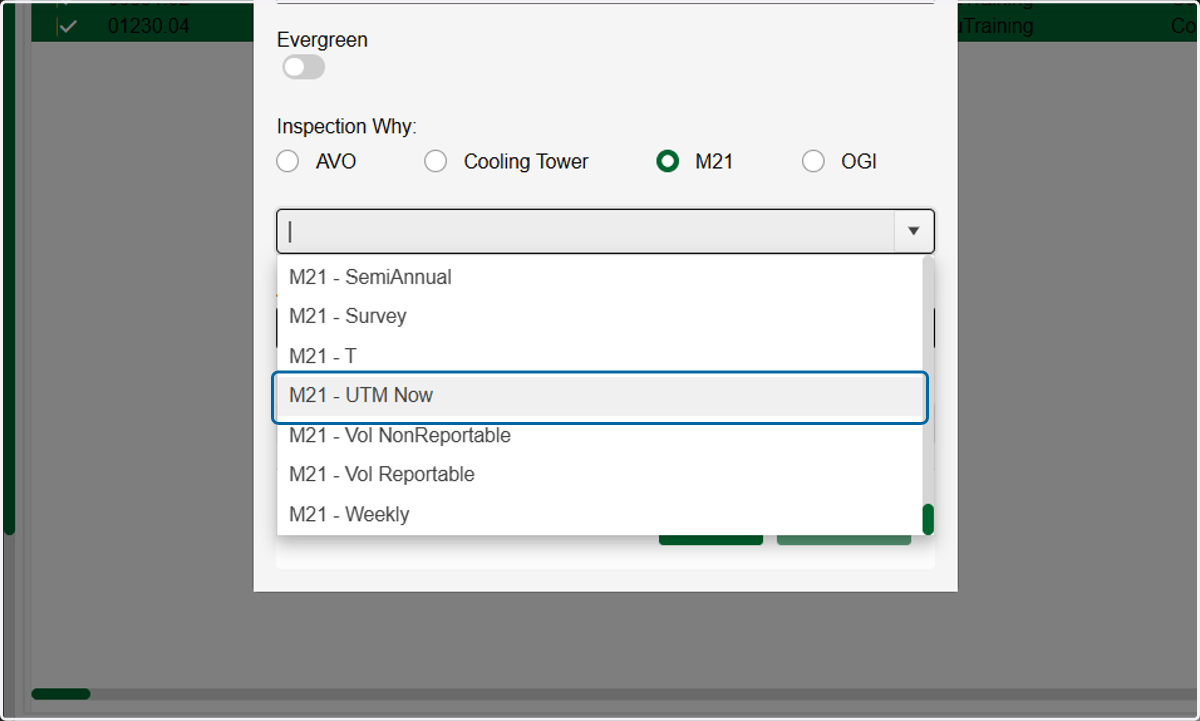
7. Choose an Inspection Why.
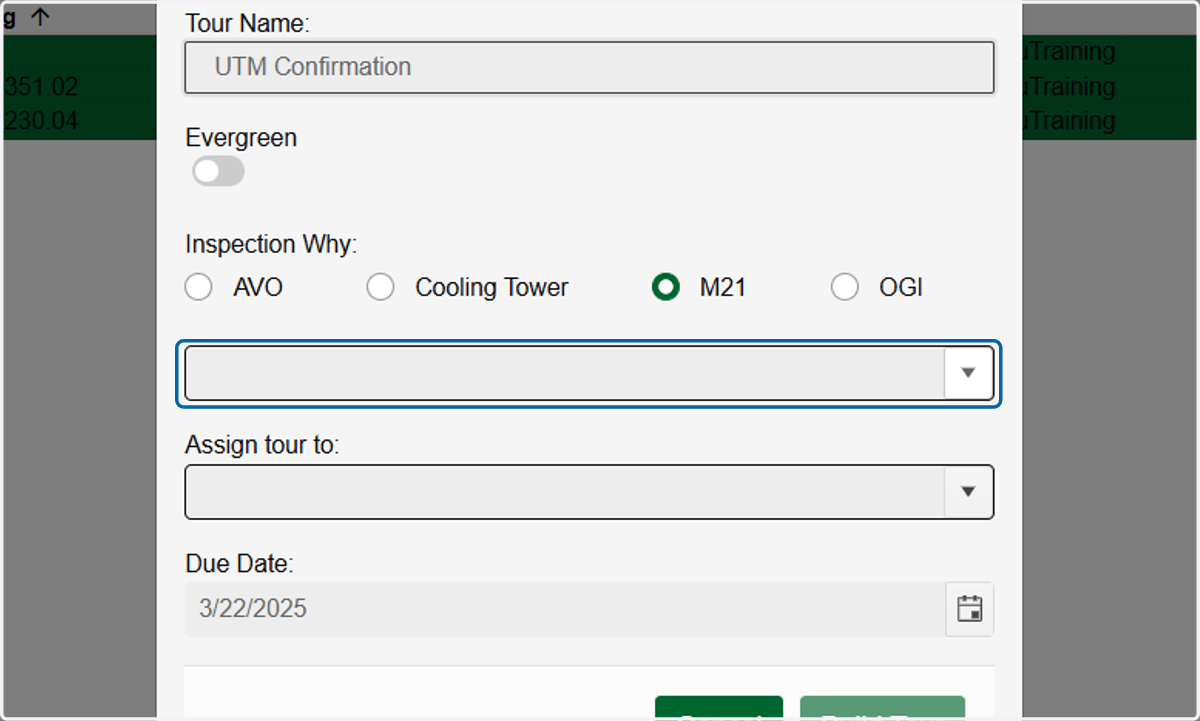
8. "UTM Now" is intended for inspections performed on UTM components safe to Monitor “now.”
9. Choose a Due Date. If not an Evergreen tour, this will be the date the tour is automatically deleted
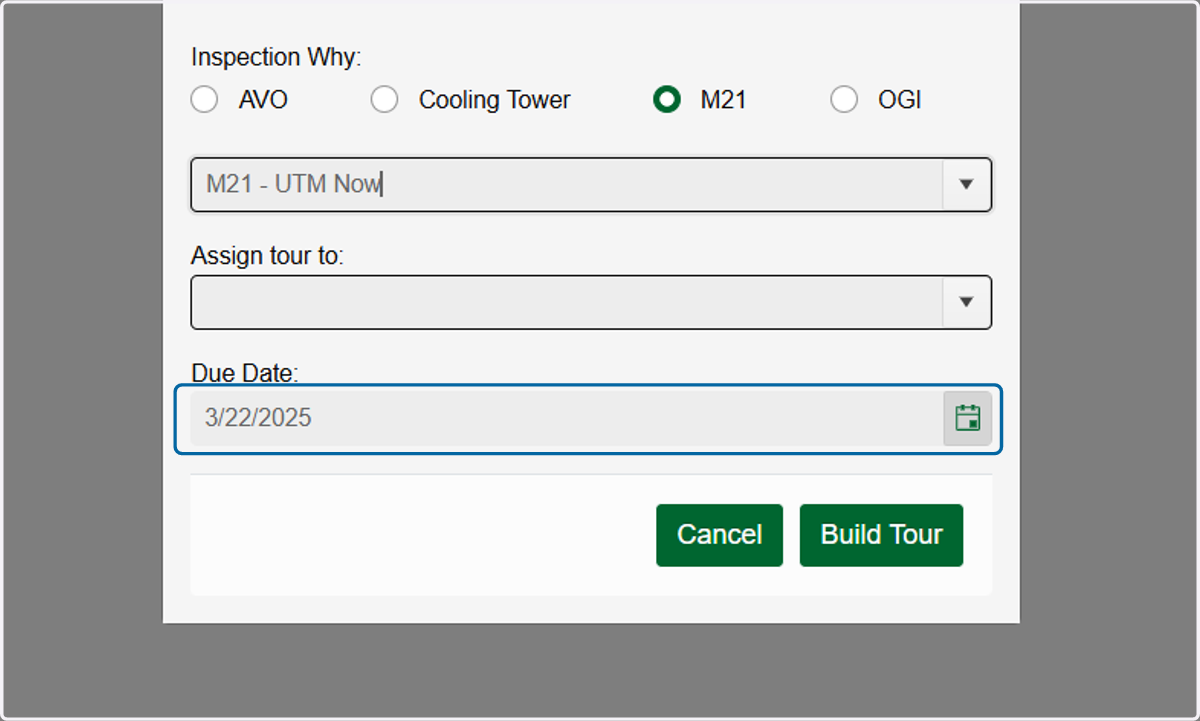
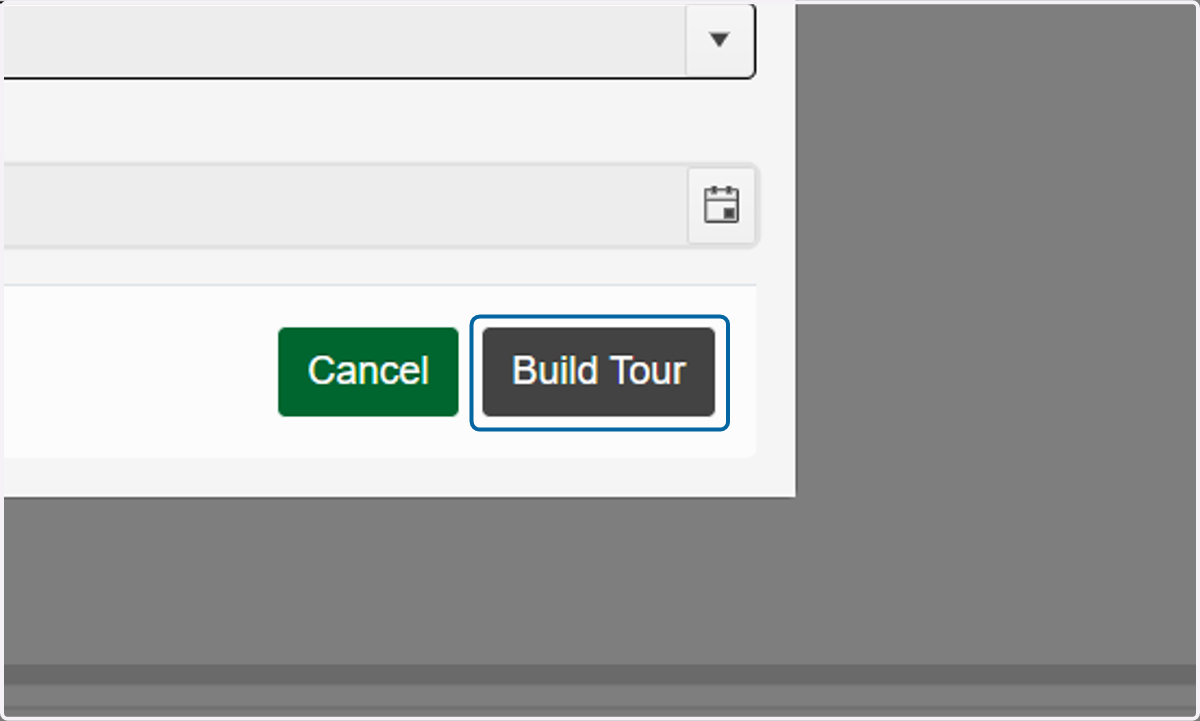
10. Click on Build Tour